


by AlibabaImage

Qwen Image 3.0
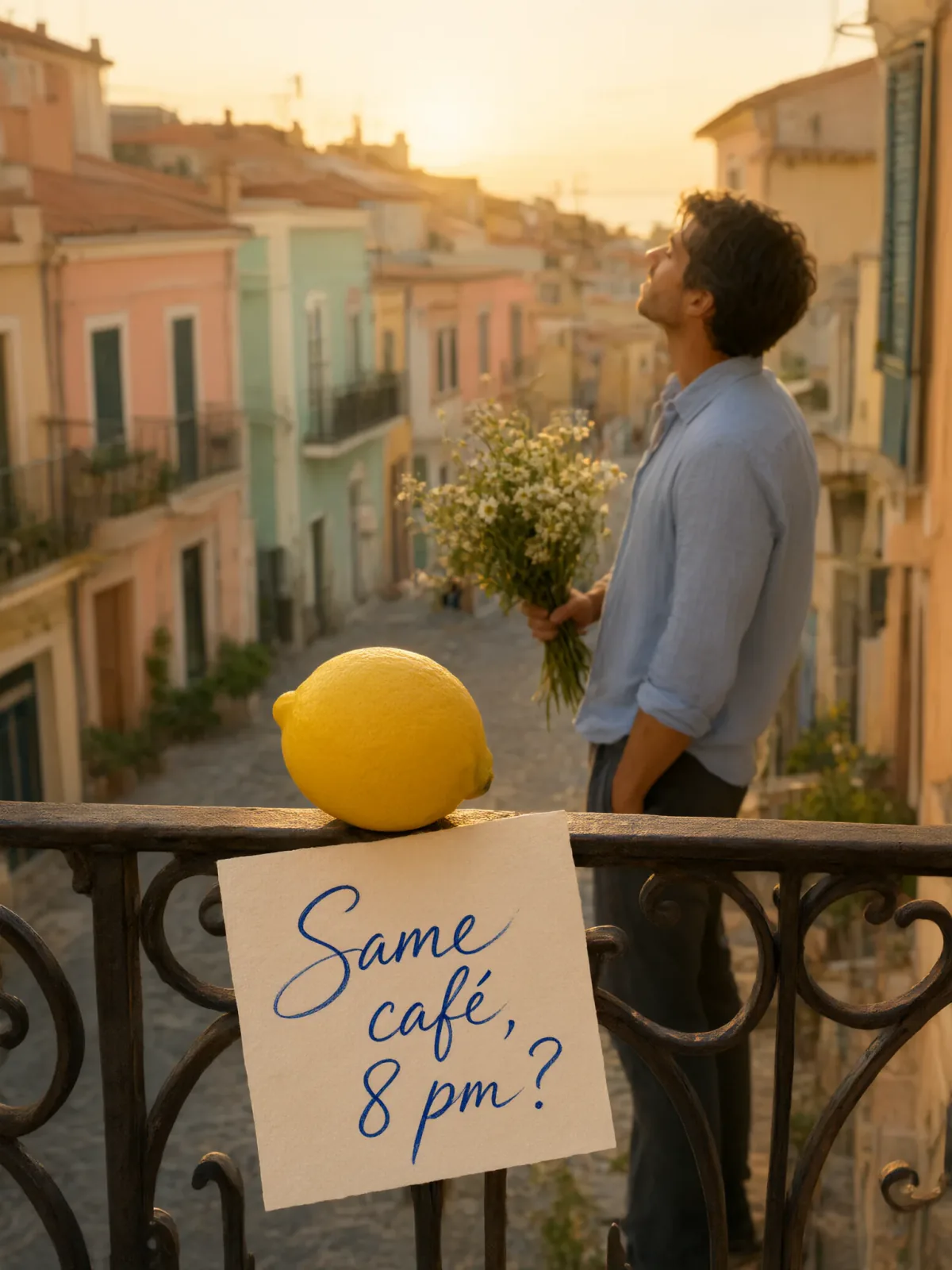
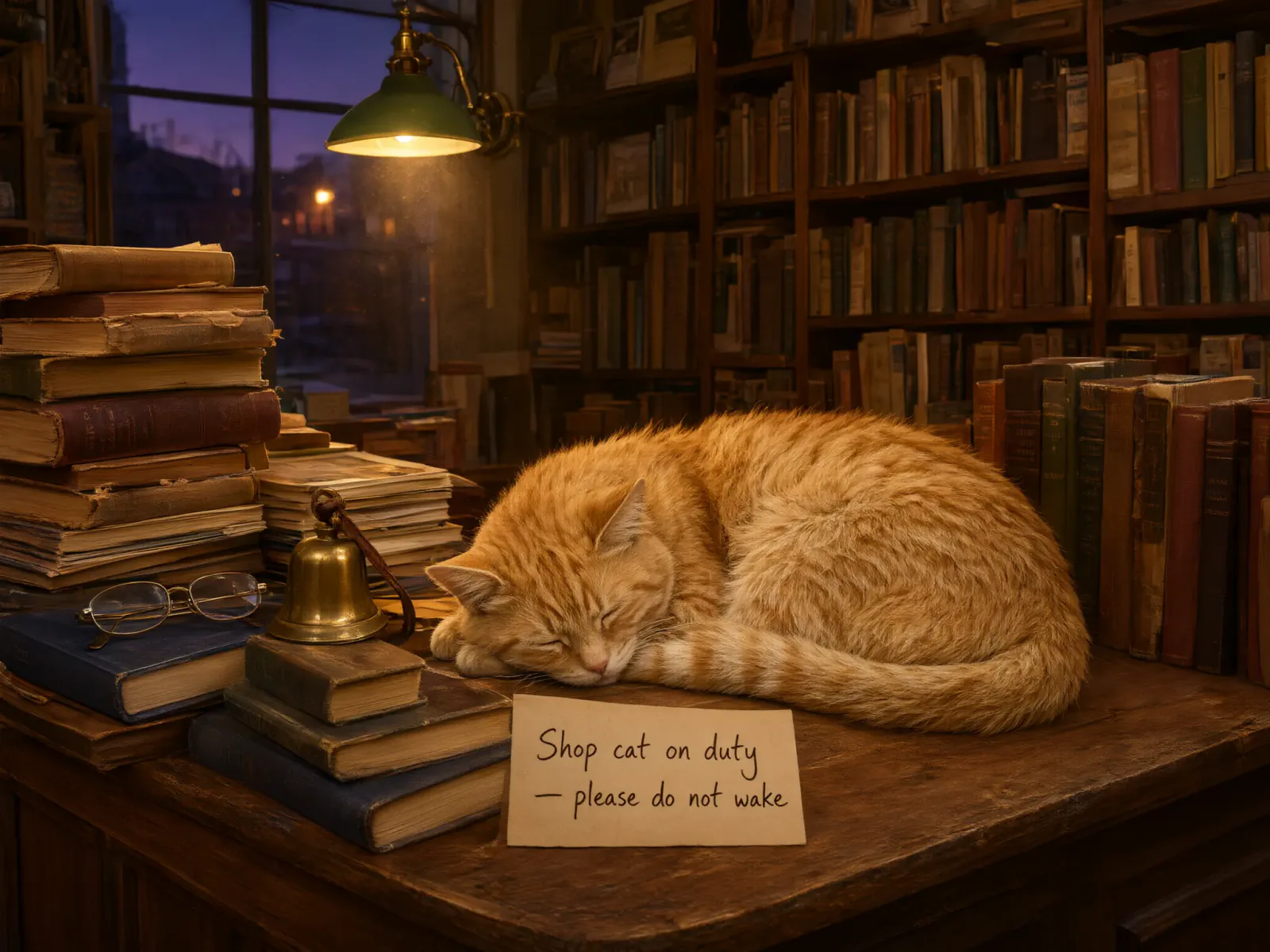
Readable signs and headlines rendered into the image
- Up to 2K
- Up to 3 reference images
- 8 aspect ratios
From 5 credits per image≈ $0.05· Create Image
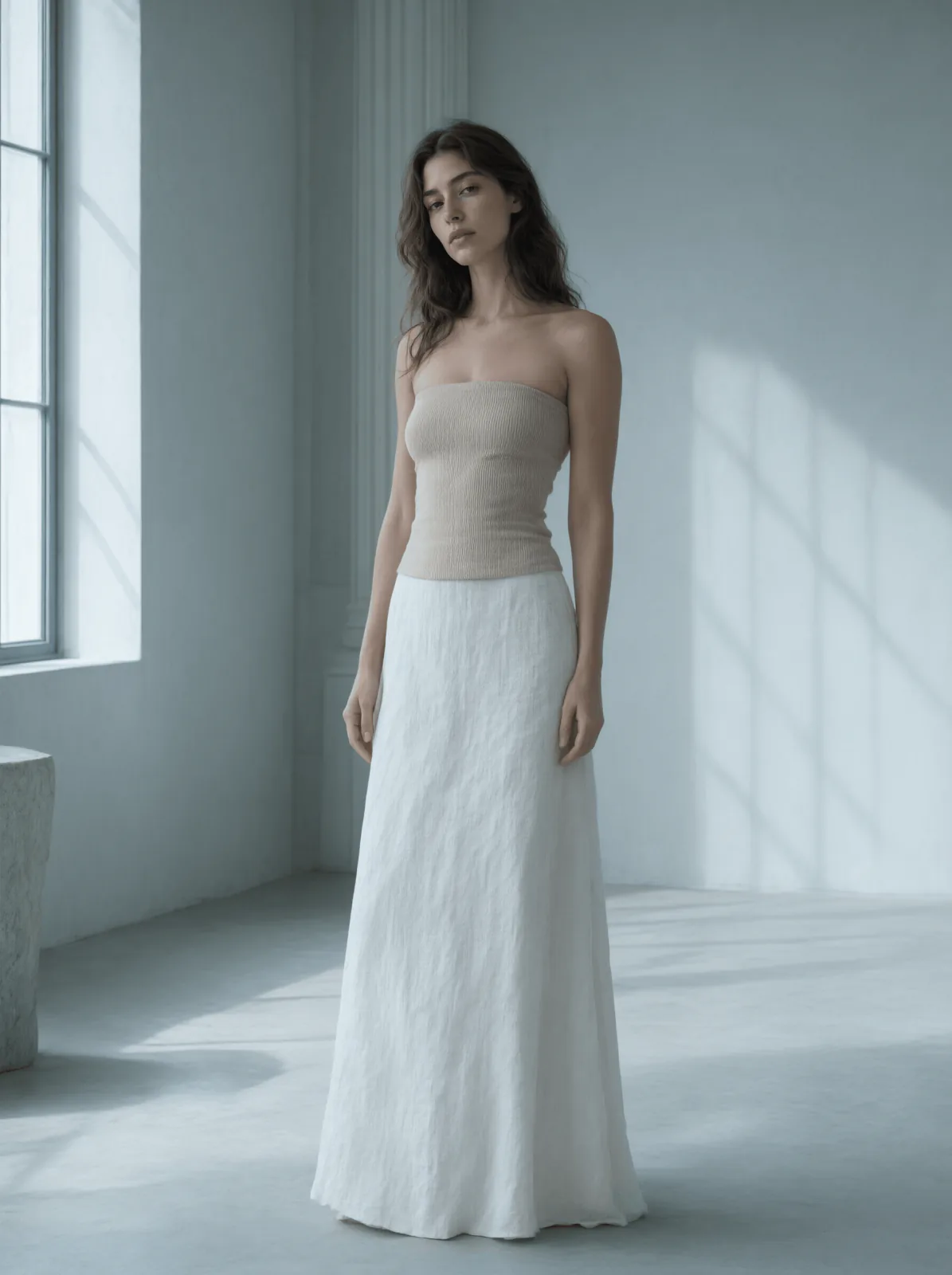
What it's like to use
Qwen Image 3.0 is Alibaba's text-rendering image model: signs, menus, labels and headlines come out readable in the scene itself. It takes prompts up to 5,000 characters plus a negative prompt, composes for eight aspect ratios, and edits with up to three reference photos.
Good for
- Hotel, bar and shop scenes where a sign has to read correctly
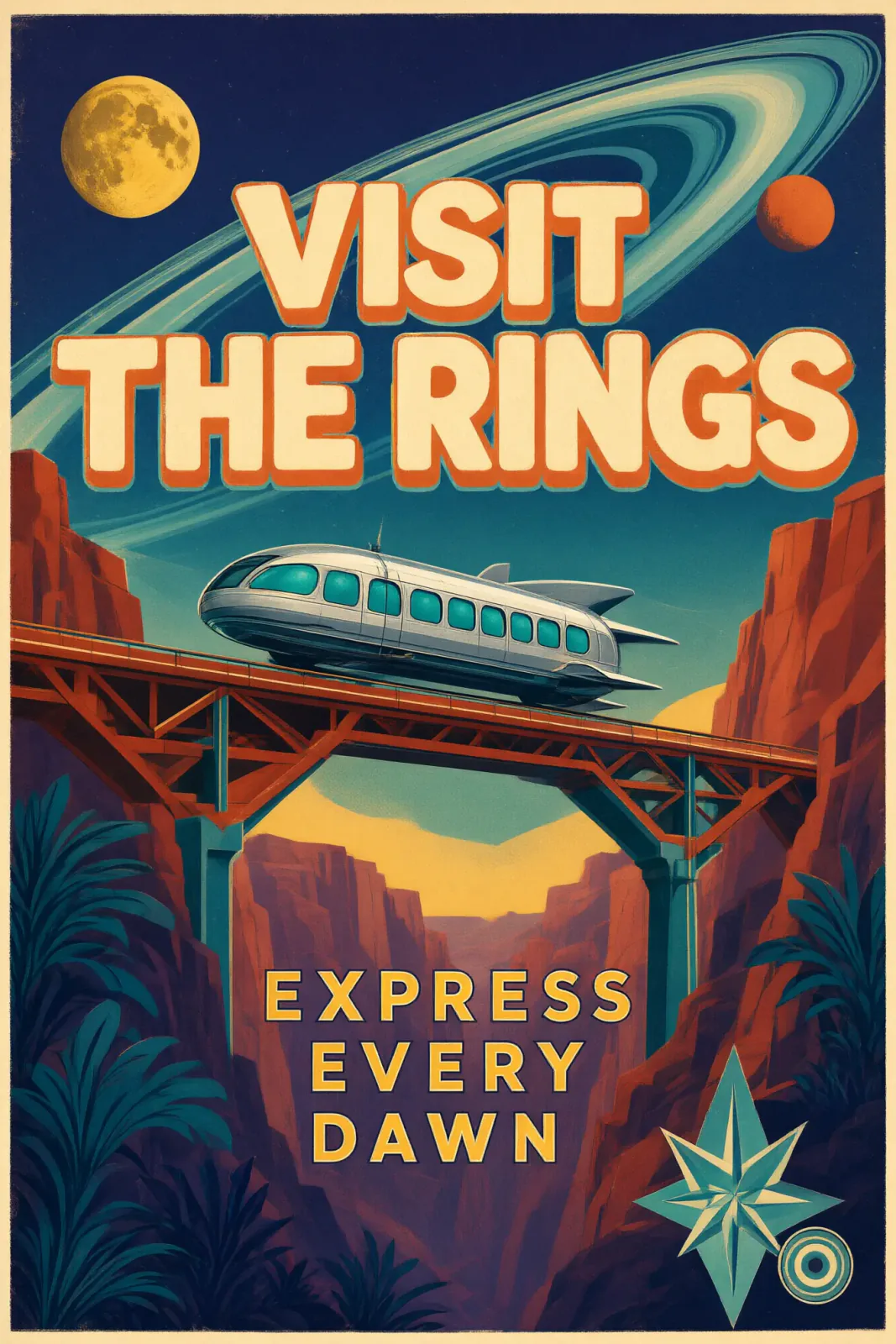
- Poster and packaging comps with a headline and a small print line
- The same image with the wording swapped for another market
Real results from Qwen Image 3.0
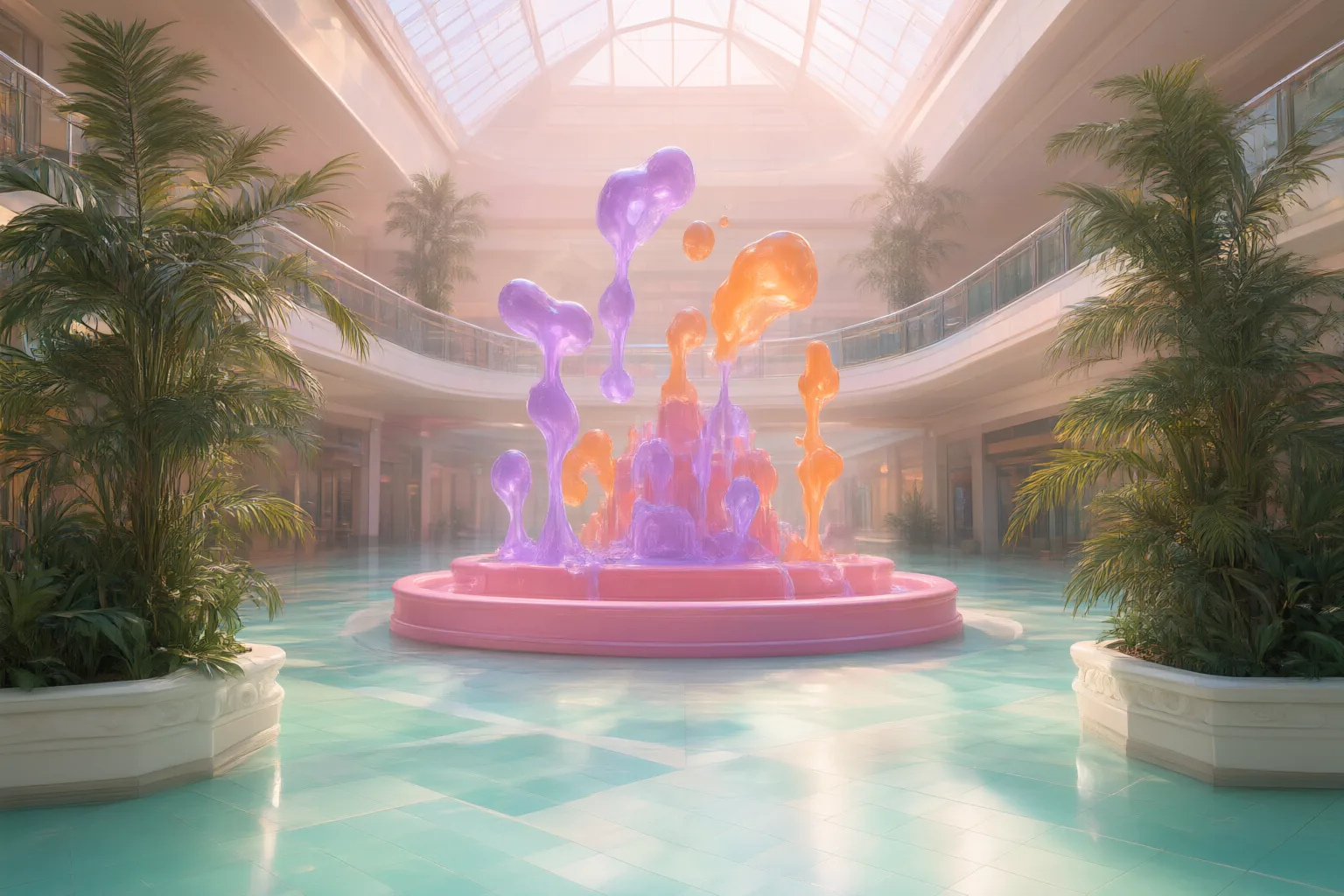
Every image and clip here was generated with Qwen Image 3.0. Hit Recreate to open it in the studio with the same prompt and settings.
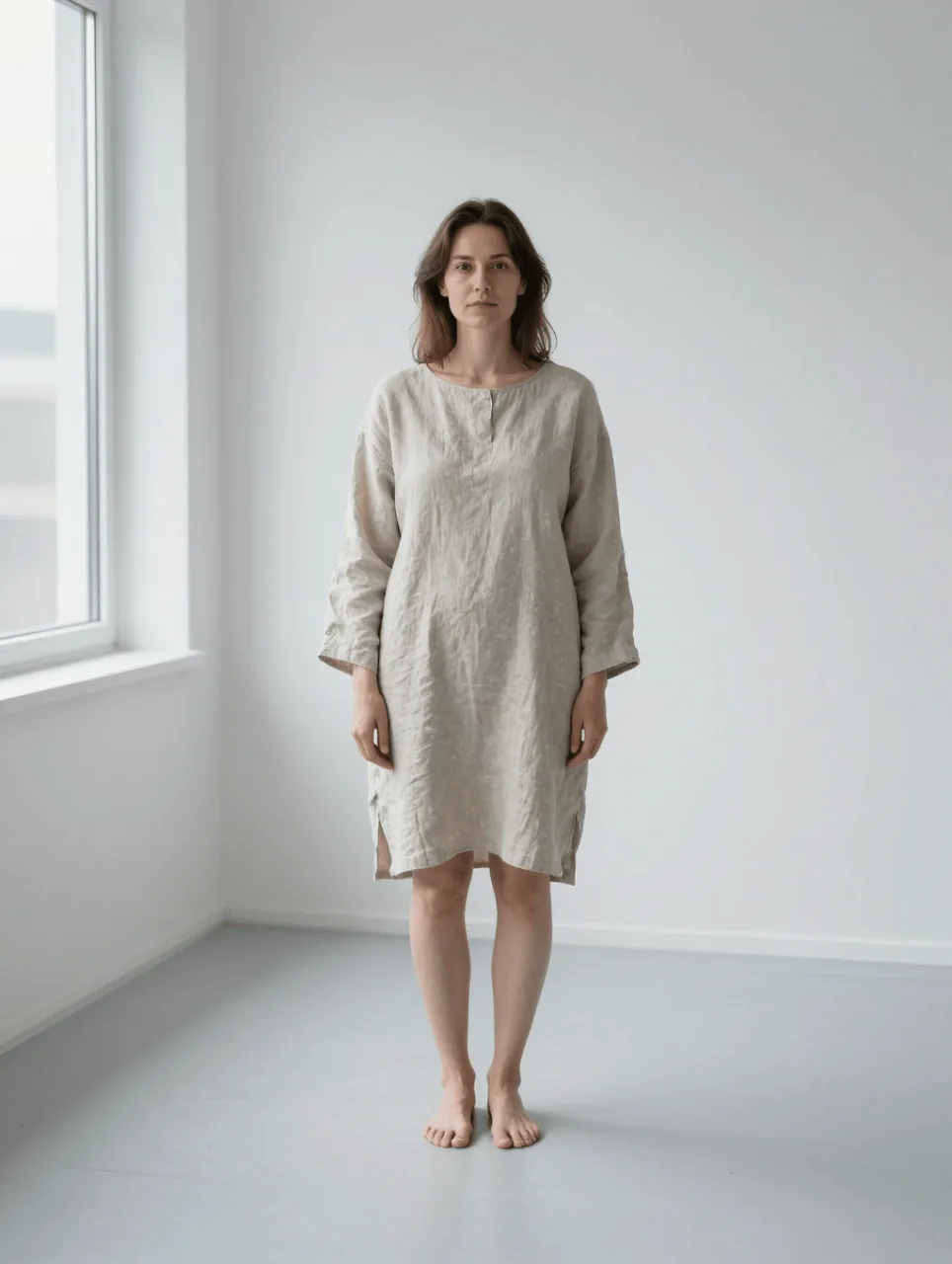 Input
InputBring your own image
What Qwen Image 3.0 can do
Each mode opens in the studio with Qwen Image 3.0 already picked. The price shows before you generate.

How to prompt Qwen Image 3.0
- Describe the scene first, then put the exact wording in quotes. Keep each text element to about eight words.
- Leave the size on 2K whenever there's text; 1K is for layout roughs.
- Pin the seed of a result you like and change one detail per run for a matching set.
Settings worth knowing
Everything else has a sensible default, so you can type a prompt and go.
resolution1K · 2K- Output size. Bigger sizes look sharper and cost more.
aspect_ratio1:1 · 16:9 · 9:16 · 4:3 +4- The shape of the frame: wide, square or tall.
num_outputs1–1- How many results to make in one go.
image_urls≤ 3- Photos to edit or combine. Say in the prompt what each one adds.
negative_prompt- Things you don't want to see.
seed0–2147483647- Reuse the same number to get a repeatable result.
enable_prompt_expansion- Lets the model add detail to a short prompt.
How it compares
Same kind of job, different strengths and prices.
Qwen Image 3.0 Pro raises the ceiling on multi-line typography and fine texture for the final frame.


Good to know
Short strings hold up; paragraphs of body copy still turn into plausible-looking nonsense.
Questions about Qwen Image 3.0
How much does Qwen Image 3.0 cost?
On PopNow, the cheapest run of Qwen Image 3.0 costs 5 credits ($0.05) per image. Larger sizes cost more: 1K 5 · 2K 5. You pay with credits (1 credit = $0.01), the exact cost shows on the Generate button before you start, and failed generations are refunded automatically.
What can Qwen Image 3.0 do?
On PopNow, Qwen Image 3.0 works in these modes: Create Image and Edit Image. Pick one in the studio and add a prompt or an upload.
What sizes can Qwen Image 3.0 make?
Qwen Image 3.0 renders up to 2K in 8 aspect ratios, and edits with up to 3 reference images.
How should I write prompts for Qwen Image 3.0?
Describe the scene first, then put the exact wording in quotes. Keep each text element to about eight words. Leave the size on 2K whenever there's text; 1K is for layout roughs. Pin the seed of a result you like and change one detail per run for a matching set.
Qwen Image 3.0 or Qwen Image 3.0 Pro?
Qwen Image 3.0 Pro raises the ceiling on multi-line typography and fine texture for the final frame.
Do I need to install anything to use Qwen Image 3.0?
No. Qwen Image 3.0 runs in your browser on PopNow: write a prompt or add a file, choose the settings and download the result. Sign up and you can generate straight away.
Make something with Qwen Image 3.0
Type an idea, pick your settings and see the price before you hit Generate.