


by Black Forest LabsImage
FLUX.2 Pro
Photoreal images with readable text and hex color control
- Up to 2K
- Up to 3 reference images
- 9 aspect ratios
From 5 credits per image≈ $0.05· Create Image
What is FLUX.2 Pro?
FLUX.2 Pro is Black Forest Labs' production model in the FLUX.2 family, aimed at photographic realism, text that reads correctly inside the picture, and colours you can pin with hex codes. It reads long prompts well and edits with up to three reference photos, in nine aspect ratios up to 2K.
Best on PopNow for: Fragrance, fashion and product posters with a headline, documentary-style portraits with natural skin and window light, and turning a daytime street into a rainy night while keeping the person.
Good for
- Fragrance, fashion and product posters with a headline
- Documentary-style portraits with natural skin and window light
- Turning a daytime street into a rainy night, keeping the person
What FLUX.2 Pro does well
Person, product and place in one ad
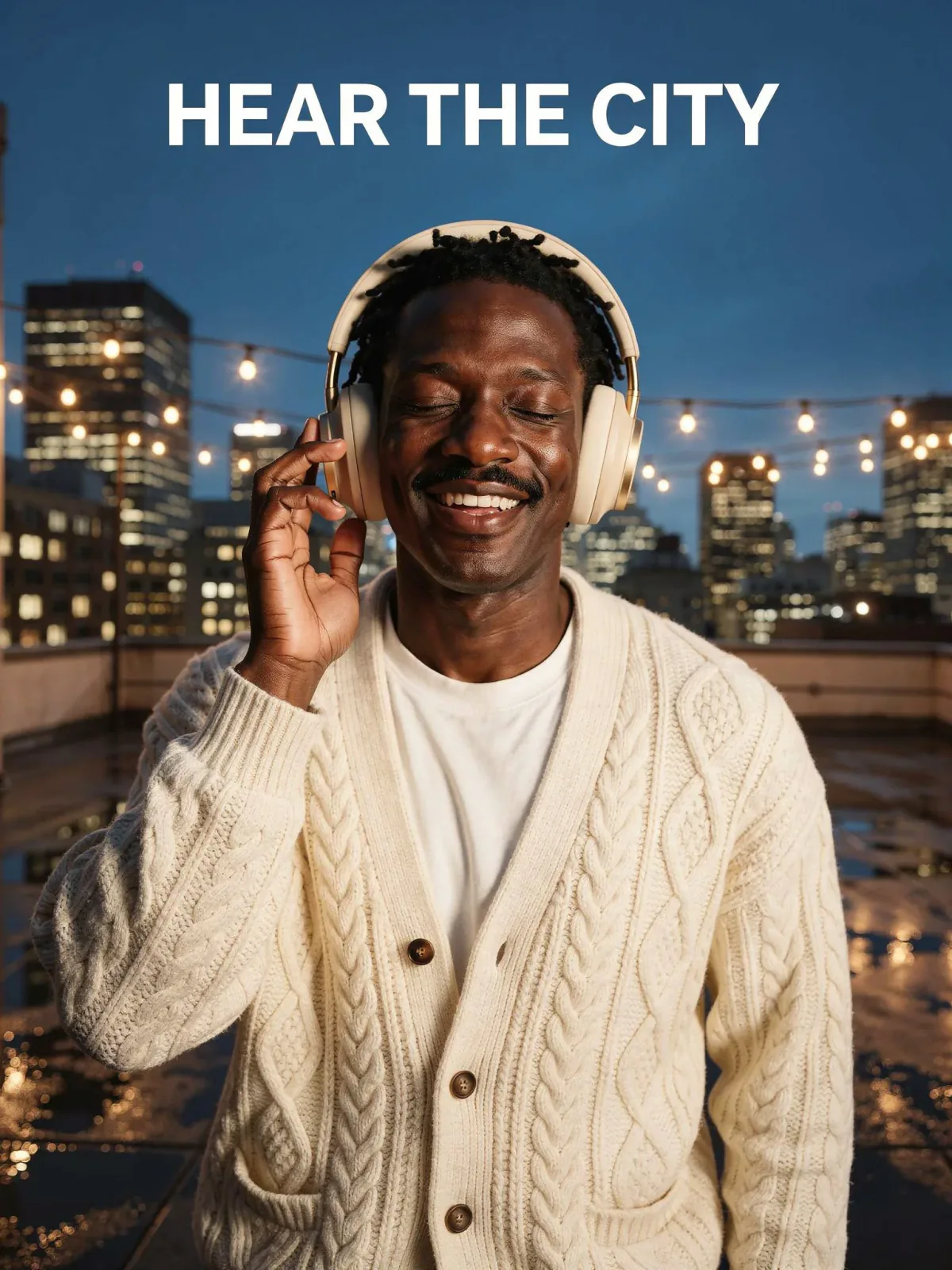
A portrait, a pair of headphones and a rooftop merged into one advertisement, with his face, hair and cardigan intact and the product worn correctly.
Noon to neon in one edit
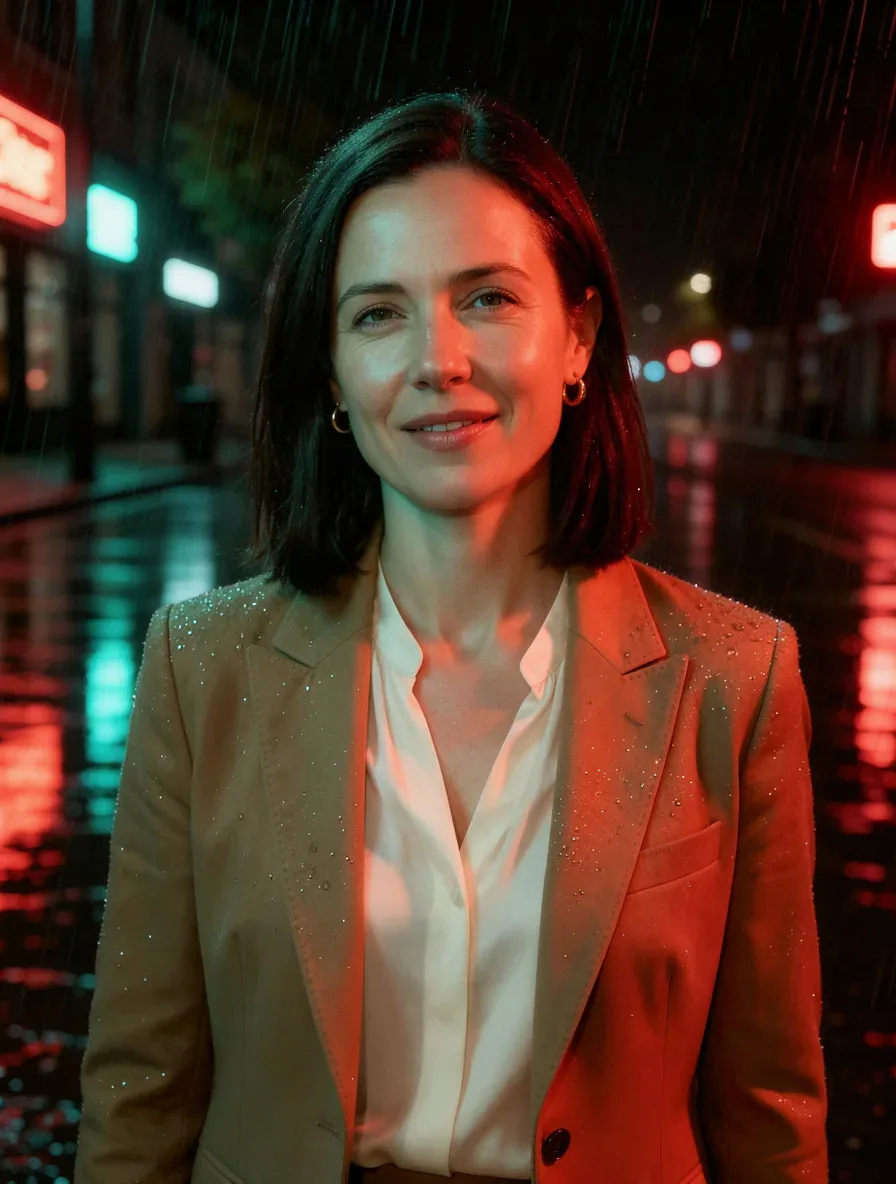
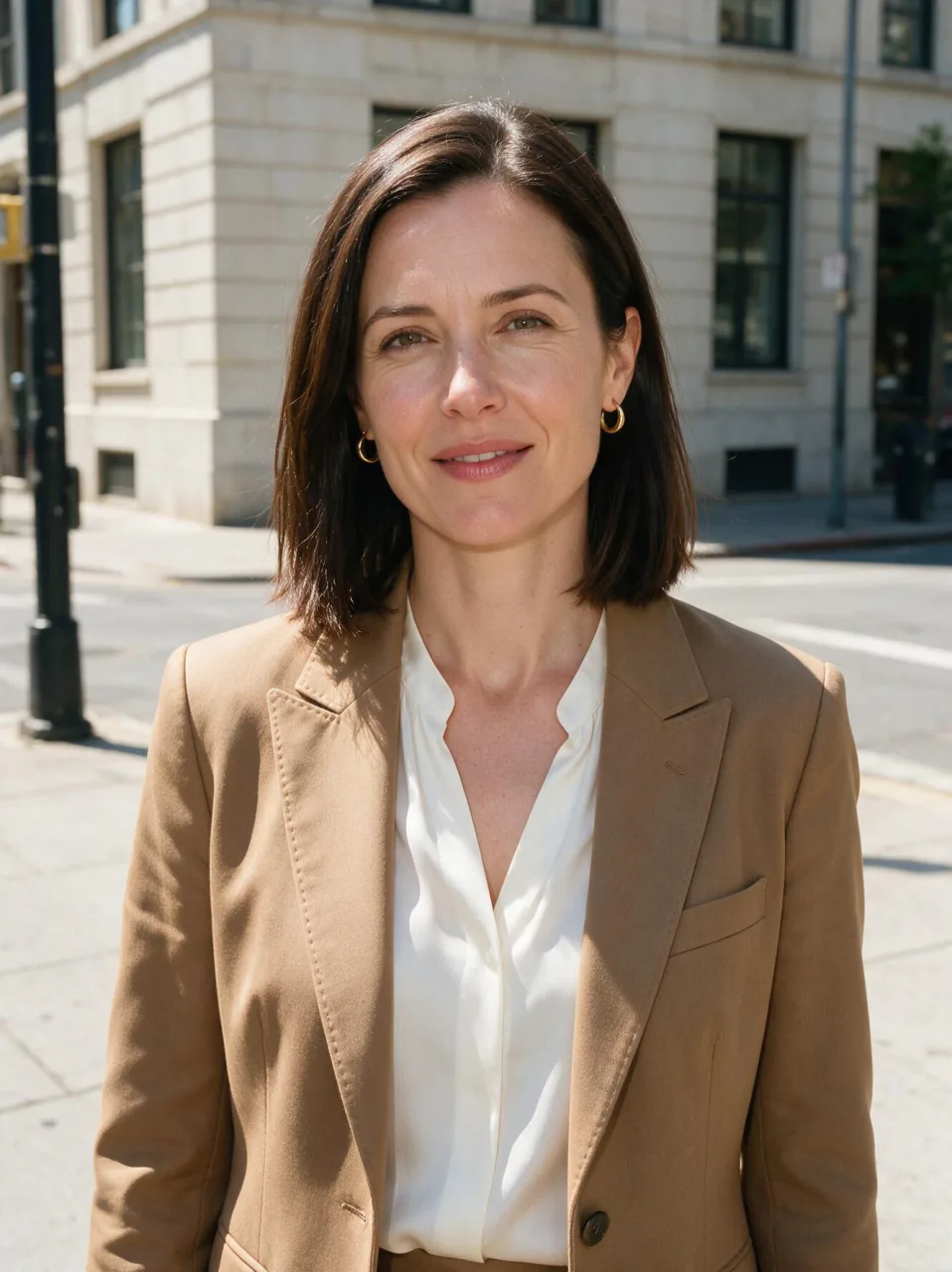
One sunny street photo became the same street on a rainy night with wet reflections, while the woman in it stayed exactly as she was.
The everyday FLUX
It costs well under half of FLUX.2 Max at 1K and still handles headlines and hex colours, which makes it the sensible default in the family.
Real results from FLUX.2 Pro
Every image and clip here was generated with FLUX.2 Pro. Hit Recreate to open it in the studio with the same prompt and settings.
 Input
InputBring your own image
 Input
InputBring your own image
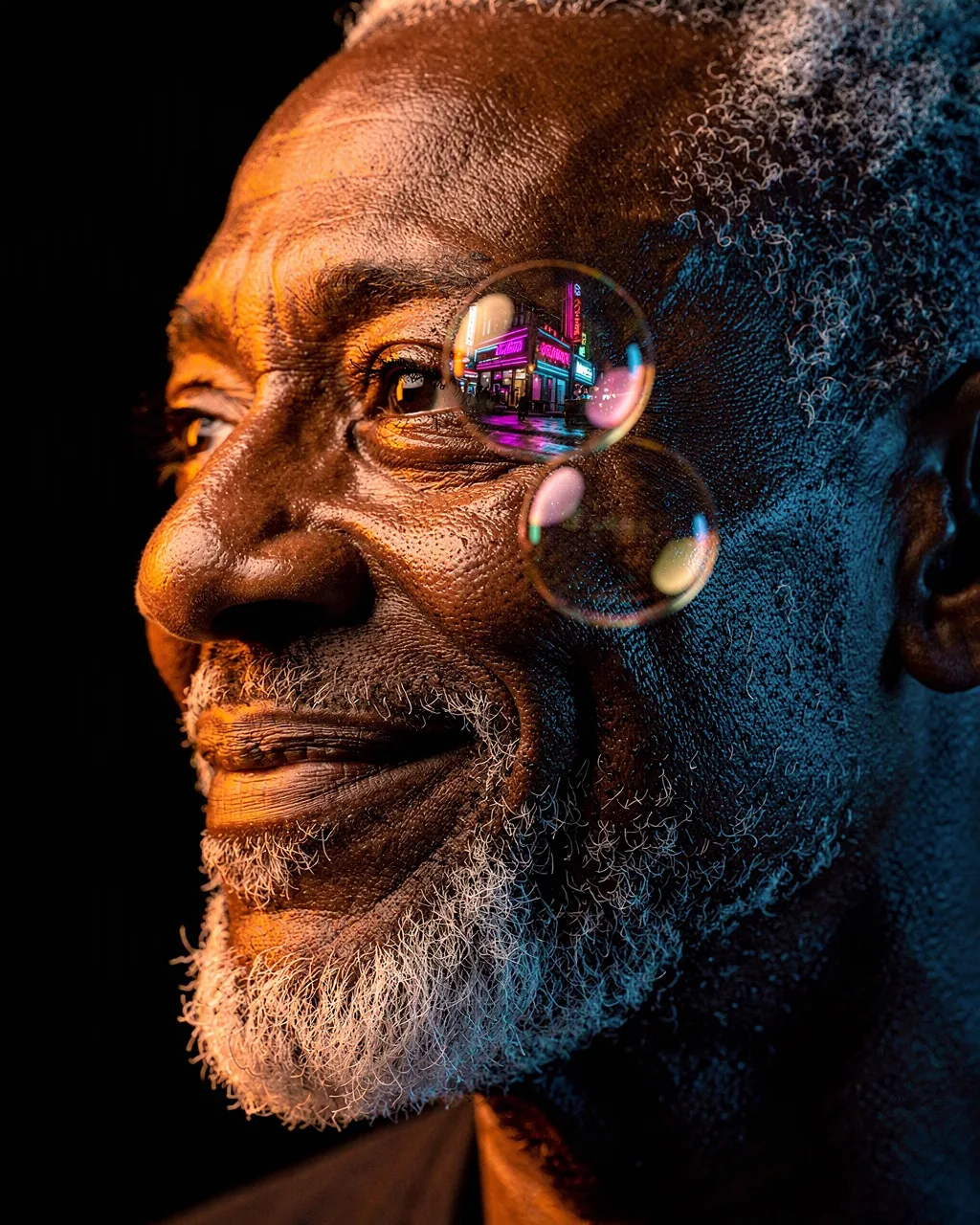
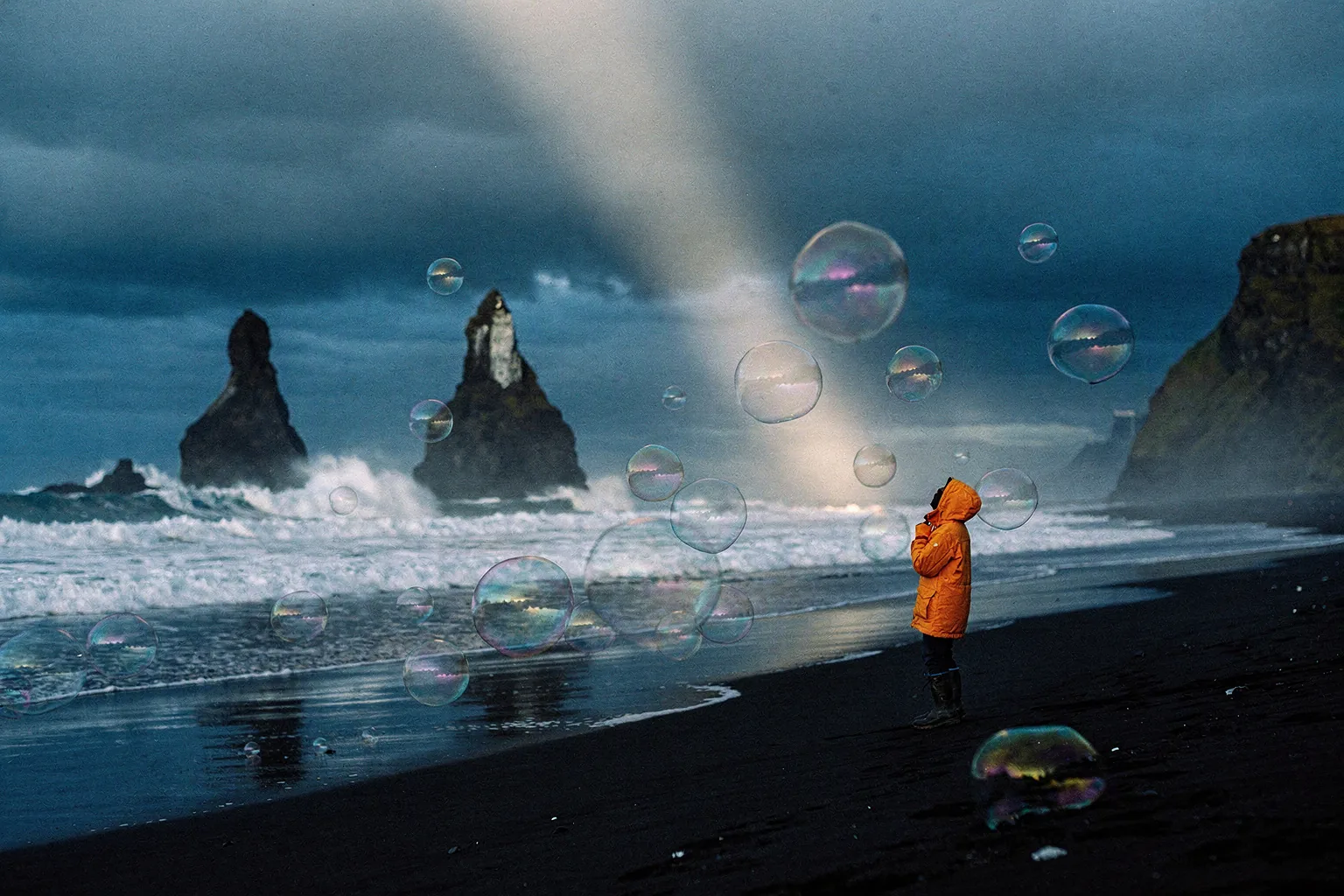
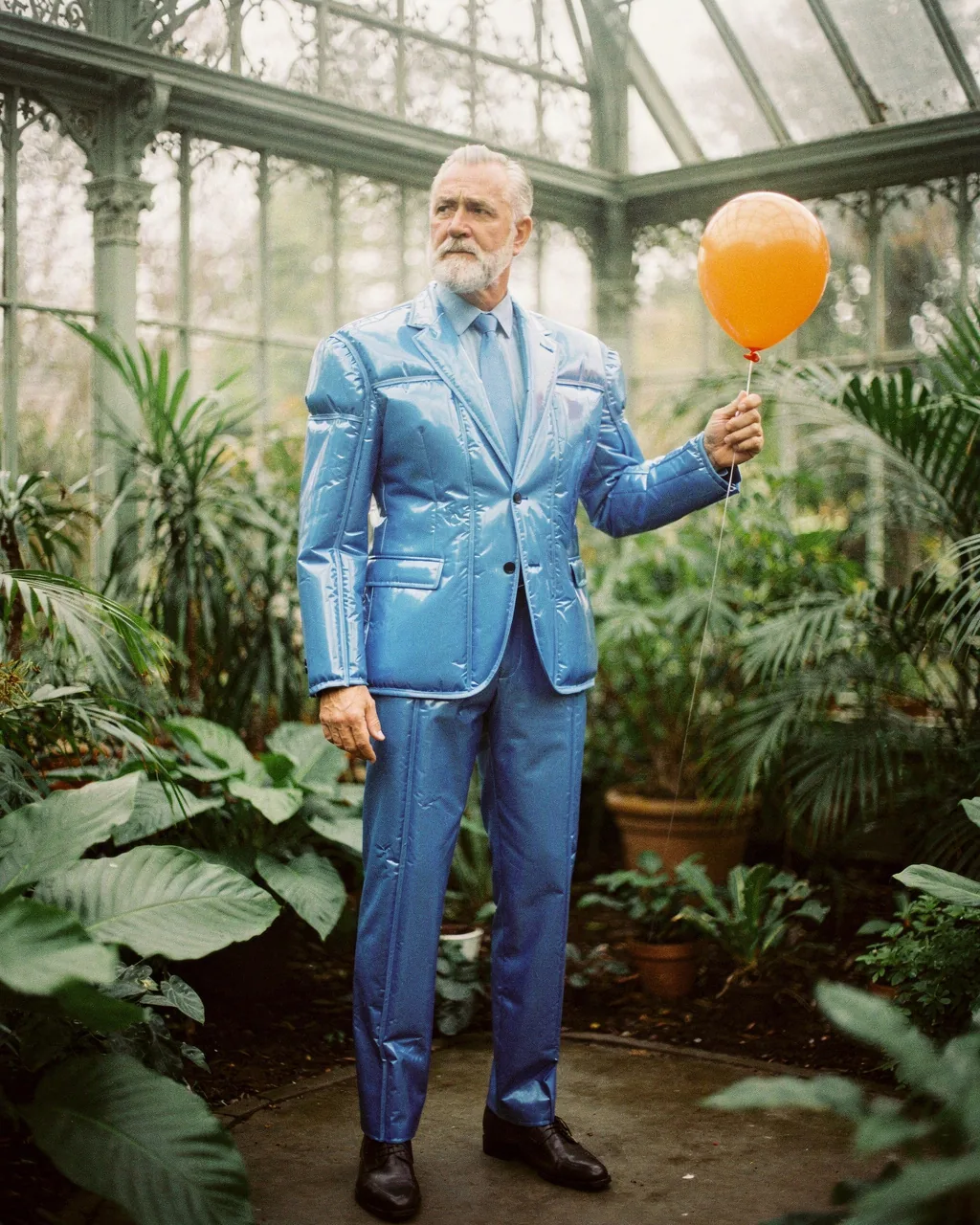
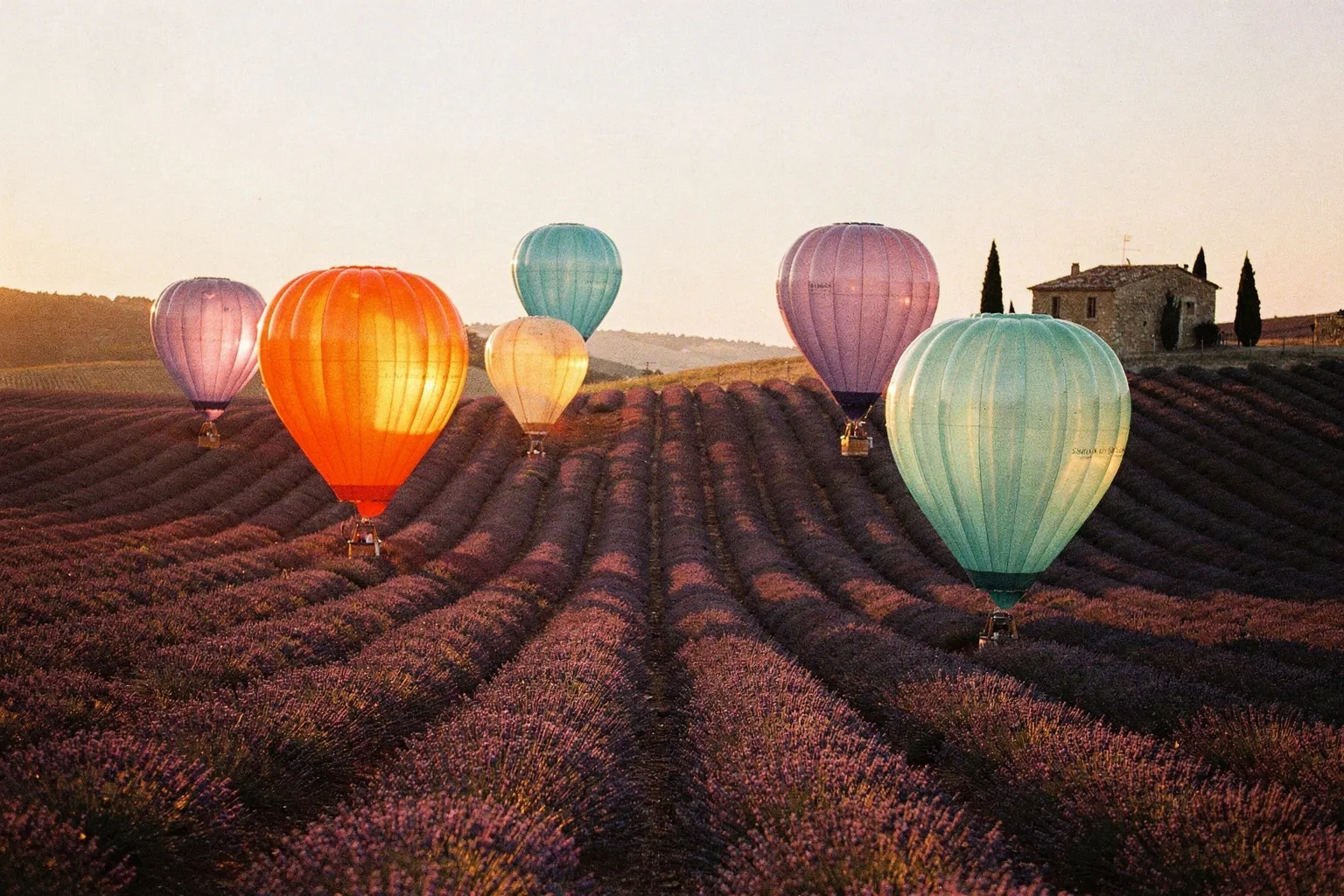
Prompts that worked on FLUX.2 Pro
Real outputs with the exact prompt we used, and why it worked. Hit Recreate to try the same settings.
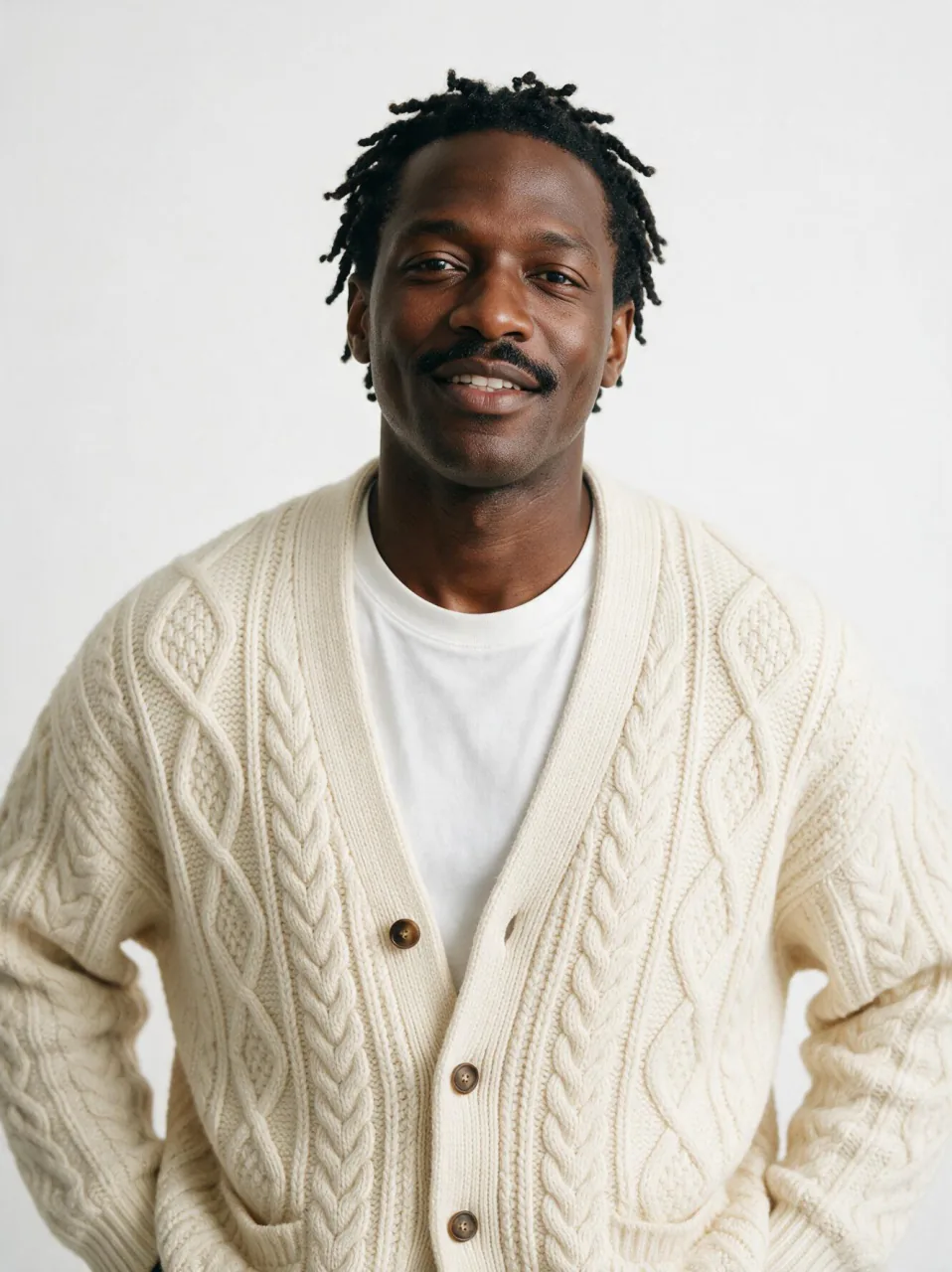
Create a headphone advertisement. The man from image 1 wears the headphones from image 2 over his ears and stands on the wet rooftop from image 3 at night, eyes closed and smiling, one hand touching an ear cup. Keep his face, hair and cream cardigan exactly as in image 1, and keep the sand-beige and gold design of the headphones exactly as in image 2. The string lights and city skyline glow behind him, reflected in the wet floor. Add a clean white sans-serif headline at the top that reads "HEAR THE CITY".
Three sources with three jobs: the man from image 1, the headphones from image 2, a rooftop setting described in words. Saying how the product is worn (over his ears) keeps it placed correctly.
RecreateTurn this sunny noon street into the same street on a rainy night: wet pavement reflecting out-of-focus red and teal neon lights, light rain falling, a dark sky. Relight the woman to match, with teal light on one side of her face and warm red light on the other, and raindrops on the shoulders of her blazer. Keep her face, hair, earrings, tan blazer, white blouse and pose exactly the same.
"The same street on a rainy night" anchors the edit to the original framing, then lists the night details. Naming the time change without moving the camera keeps the shot consistent.
RecreateWhat FLUX.2 Pro can do
Each mode opens in the studio with FLUX.2 Pro already picked. The price shows before you generate.

Best ways to use FLUX.2 Pro on PopNow
Where this model already does the work for you, from one-tap apps to the full studio.
How to prompt FLUX.2 Pro
- Write it like a photo brief: subject, clothing, setting, light and lens in plain sentences, up to 5,000 characters.
- Quote every word that must appear and add hex codes, such as #1B3A4B, for the colours that matter.
- In edits, refer to sources as image 1, image 2 and image 3 and say what must stay exactly the same.
Settings worth knowing
Everything else has a sensible default, so you can type a prompt and go.
resolution1K · 2K- Output size. Bigger sizes look sharper and cost more.
aspect_ratio1:1 · 16:9 · 9:16 · 4:3 +5- The shape of the frame: wide, square or tall.
image_urls≤ 3- Photos to edit or combine. Say in the prompt what each one adds.
seed0–2147483647- Reuse the same number to get a repeatable result.
How it compares
Same kind of job, different strengths and prices.
FLUX.2 Max is the top-quality tier for hero portraits; FLUX.2 Flex is the one for heavy lettering. Pro balances quality and speed.


Where FLUX.2 Pro falls short
- Edits are stricter than text to image, and portrait edits can be refused.
- Text to image takes 20 to 90 seconds, edits 45 to 120 seconds when busy.
- Up to three references per edit.
How to use FLUX.2 Pro in three steps
- Pick FLUX.2 Pro in the image studio and choose create or edit.
- Write a photo brief and quote any text; add hex codes for colours that matter.
- In edits, name each source and what must stay, then generate.
Questions about FLUX.2 Pro
How much does FLUX.2 Pro cost?
On PopNow, the cheapest run of FLUX.2 Pro costs 5 credits ($0.05) per image. Larger sizes cost more: 1K 5 · 2K 6. You pay with credits (1 credit = $0.01), the exact cost shows on the Generate button before you start, and failed generations are refunded automatically.
What sizes can FLUX.2 Pro make?
FLUX.2 Pro renders up to 2K in 9 aspect ratios, and edits with up to 3 reference images.
Can FLUX.2 Pro write text into images?
Yes, quoted headlines and short lines come out readable.
Does FLUX.2 Pro follow hex colour codes?
Yes, write colours like #1B3A4B and the shade follows closely.
FLUX.2 Pro, Max or Flex?
Pro balances quality and speed; Max is for hero portraits; Flex is for heavy lettering.
Does the aspect ratio change the price?
No. Only resolution and mode affect the price.
Does the seed repeat an image?
With the same seed and prompt the result is very close to the earlier one.
FLUX.2 Pro or FLUX.2 Max?
FLUX.2 Max is the top-quality tier for hero portraits; FLUX.2 Flex is the one for heavy lettering. Pro balances quality and speed.
Make something with FLUX.2 Pro
Put the product, the person and the headline in one prompt and let FLUX.2 Pro compose the ad.