


by AlibabaVideo

Wan 3.0 Pro
Wan 3.0 at 1080p, 2K or 4K, up to 30 seconds
- Up to 4K
- 2–30s clips
- Sound included
- Start and end frames
- Up to 10 reference images
- 5 aspect ratios
From 108 credits for a 5-second clip≈ $1.08· Create Video
What is Wan 3.0 Pro?
Wan 3.0 Pro delivers Alibaba's Wan 3.0 at 1080p, 2K or 4K. It has the same four modes and 2 to 30 second clips with sound as Wan 3.0, but because a native Wan 3.0 render tops out at 1080p, the 2K and 4K files are enlarged from it. Think of it as the finishing tier.
Best on PopNow for: Perfume and beauty spots finished at 4K, packshots an editor will push into and reframe, and one master file cut into a banner, a title card and a vertical.
Good for
- Perfume and beauty spots finished at 4K
- Packshots an editor will push into and reframe
- One master file cut into a banner, a title card and a vertical
What Wan 3.0 Pro does well
Master sizes for the final cut
1080p, 2K and 4K from the same prompt, so the file you deliver has room to be cropped into every format without going soft.
Packshots that loop back
Use the sharpest product photo you have as both the first and last frame and the camera move returns exactly to the hero angle.
A garment kept exact
Reference mode keeps a coat's cut, colour and stitching from a product photo, which is what fashion and e-commerce clips live or die on.
Real results from Wan 3.0 Pro
Every image and clip here was generated with Wan 3.0 Pro. Hit Recreate to open it in the studio with the same prompt and settings.
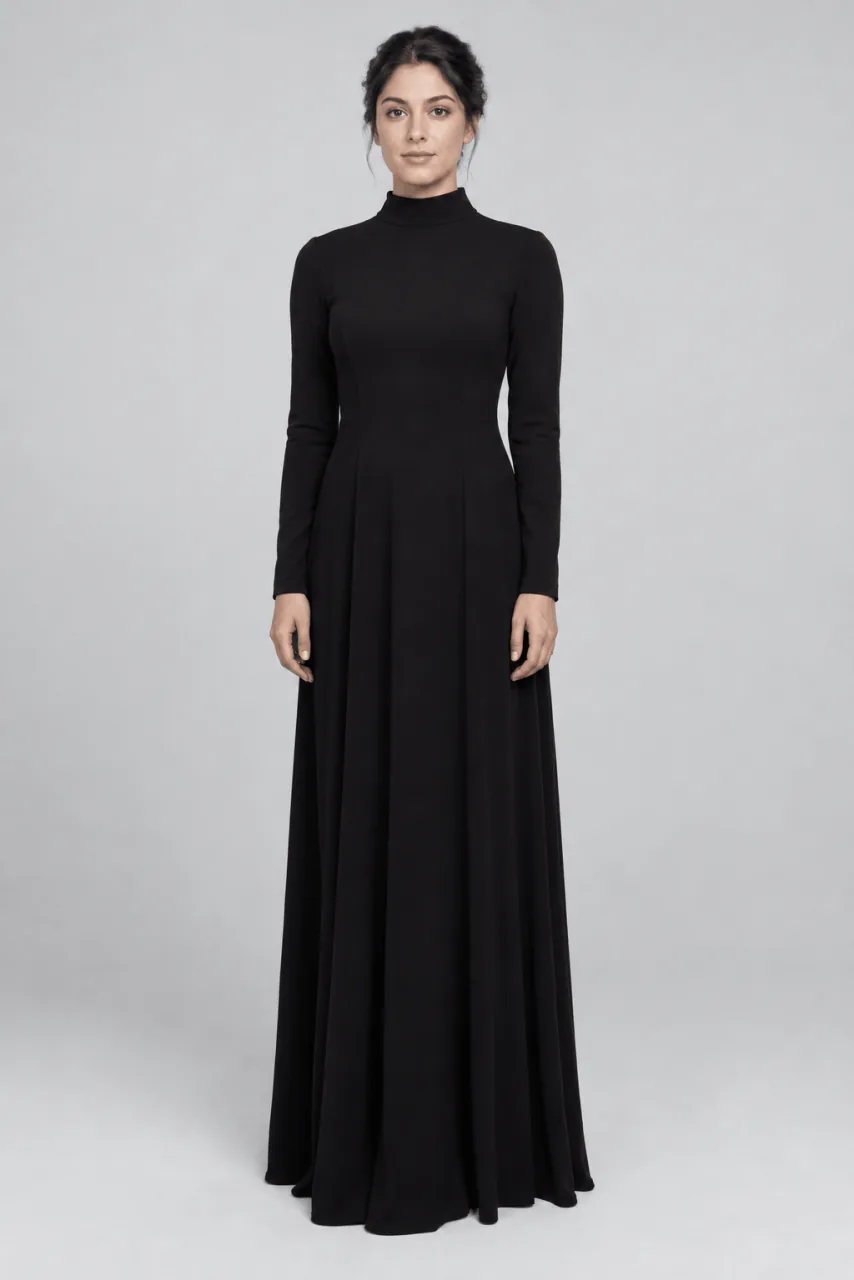 Input
InputBring your own image
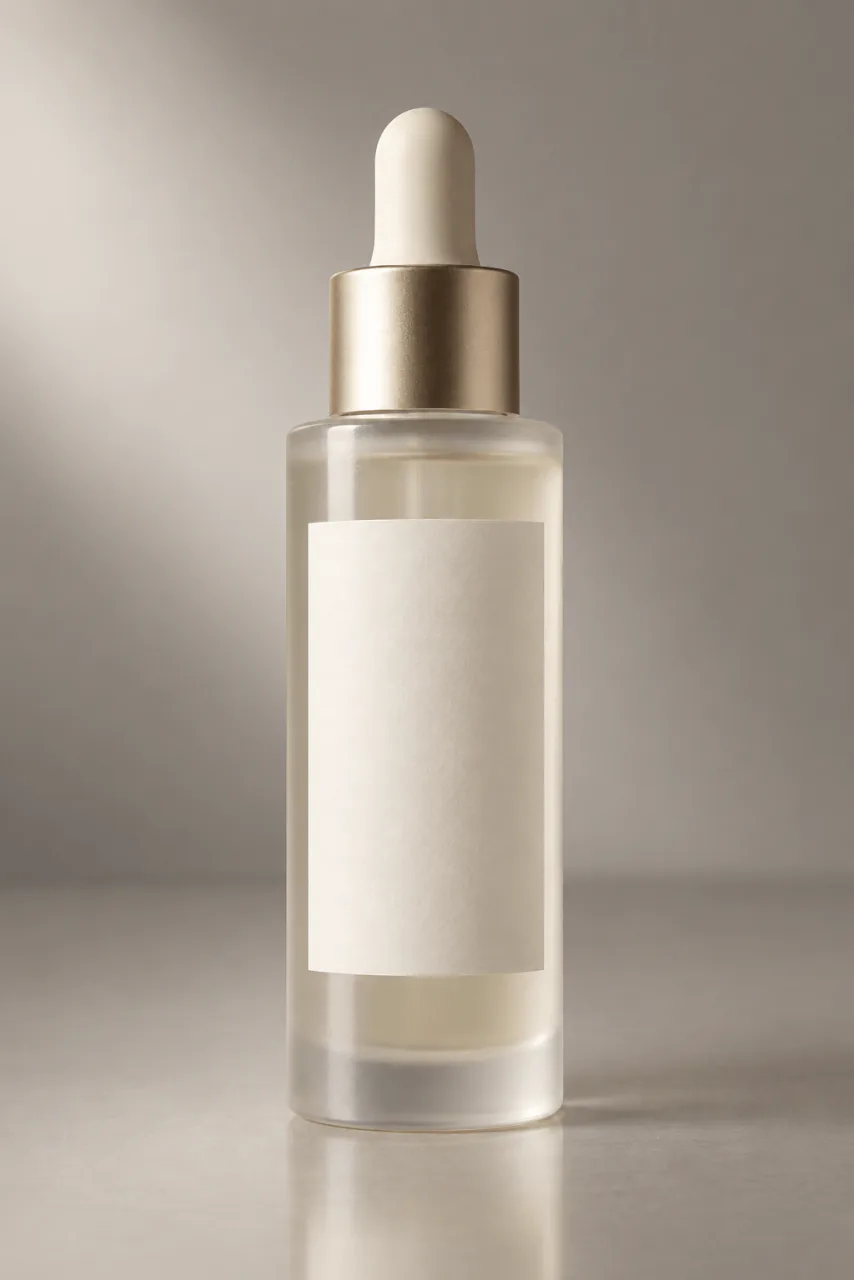 Input
InputBring your own image
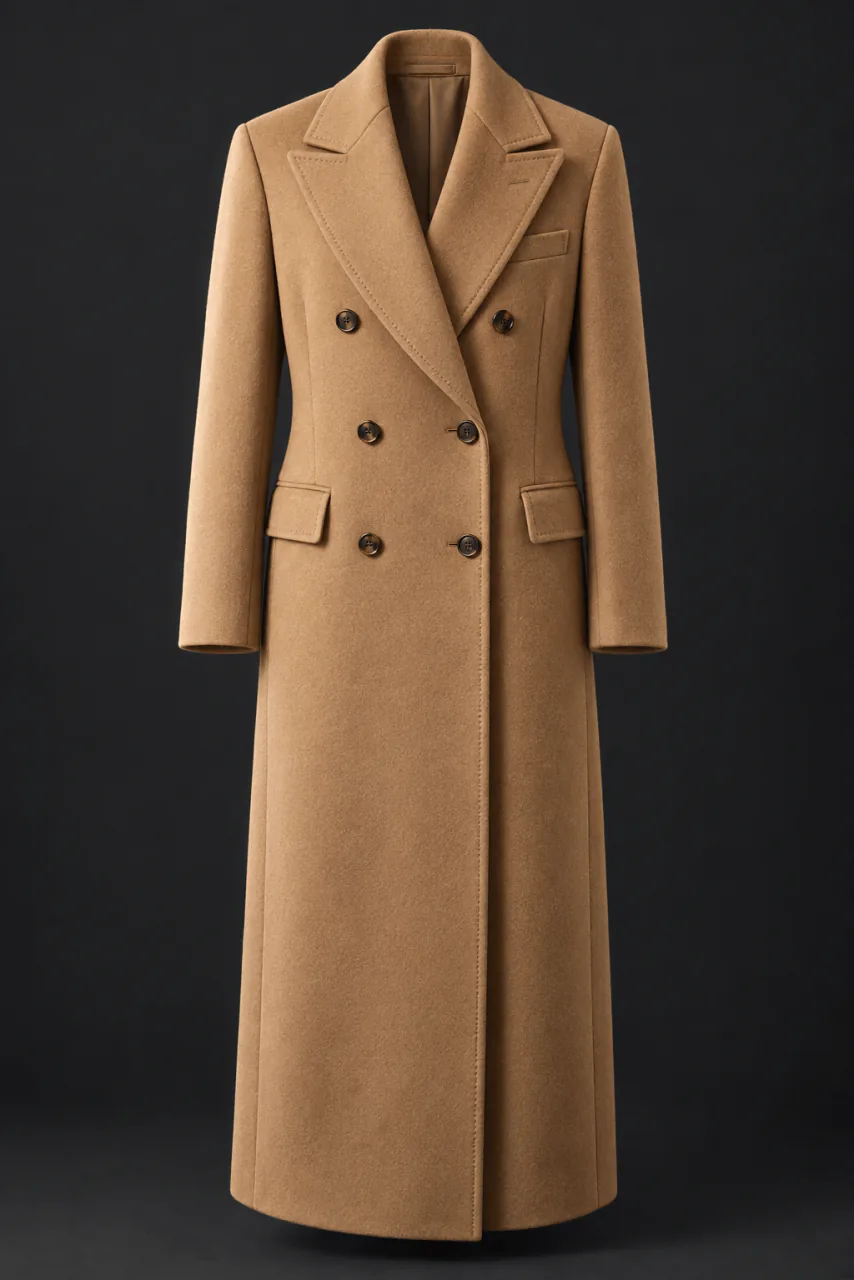 Input
InputBring your own image
Prompts that worked on Wan 3.0 Pro
Real outputs with the exact prompt we used, and why it worked. Hit Recreate to try the same settings.
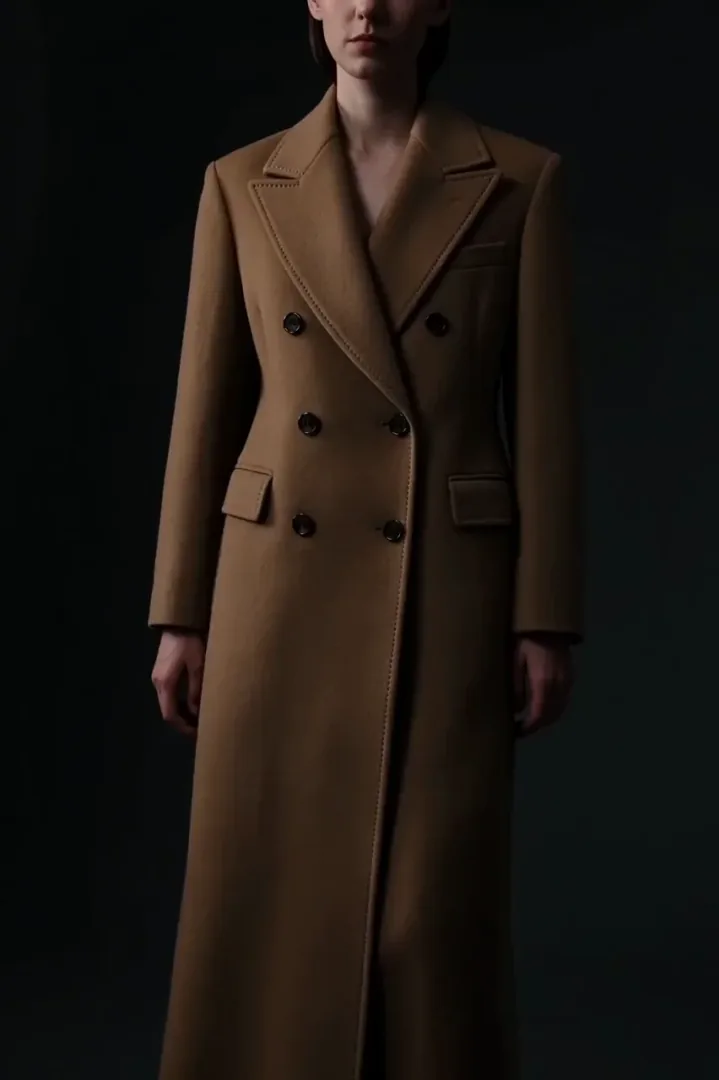
Keep the coat from the reference exactly — cut, colour and stitching. The model turns once on a dark stage and the hem lifts and settles. Slow orbit, single hard key, no music.
"Keep the coat from the reference exactly, cut, colour and stitching" lists the three things a buyer checks. Naming them made the model treat the garment as fixed while the model turned.
Recreate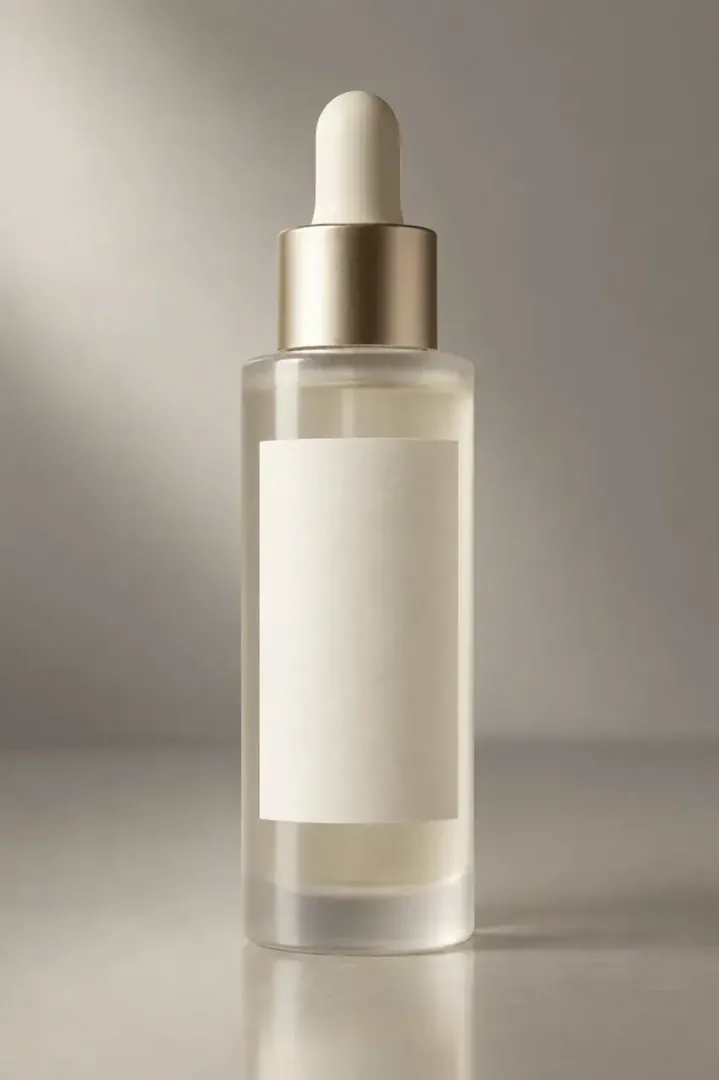
The bottle rotates a quarter turn so the highlight travels the length of the glass, then returns to its opening angle. Locked camera, single soft key, no music.
A quarter turn and back, with a locked camera: the smallest possible move, so the 4K upscale has nothing chaotic to stretch.
RecreateWhat Wan 3.0 Pro can do
Each mode opens in the studio with Wan 3.0 Pro already picked. The price shows before you generate.
 Create VideoGenerate a video clip from a text prompt.From 108 creditsfor a 5-second clip1080p 108 · 2K 120 · 4K 138
 Image to VideoBring a still image to life with motion and sound.From 108 creditsfor a 5-second clip1080p 108 · 2K 120 · 4K 138
 Reference to VideoKeep characters, outfits and places consistent from your references.From 108 creditsfor a 5-second clip1080p 108 · 2K 120 · 4K 138
 Extend VideoContinue a clip from where it ends for a longer shot.From 108 creditsfor a 5-second clip1080p 108 · 2K 120 · 4K 138
Best ways to use Wan 3.0 Pro on PopNow
Where this model already does the work for you, from one-tap apps to the full studio.
How to prompt Wan 3.0 Pro
- Find the shot at 1080p and five seconds, then rerender the winning seed at 4K.
- Turn prompt expansion off before the final render, so the wording you tuned is the wording that runs.
- For packshots, start from the sharpest photo you have and use it as the last frame too.
Settings worth knowing
Everything else has a sensible default, so you can type a prompt and go.
resolution1080p · 2K · 4K- Output size. Bigger sizes look sharper and cost more.
aspect_ratio16:9 · 4:3 · 1:1 · 3:4 · 9:16- The shape of the frame: wide, square or tall.
duration_seconds2–30s- How long the clip runs. You pay per second.
generate_audio- Adds sound made to match the picture: voices, ambience and effects.
reference_image_urls≤ 10- Pictures of the people, outfits or places the result should keep.
image_url- The picture to start from.
last_image_url- Optional final frame, so the clip ends exactly where you want.
reference_video_urls≤ 5- Clips whose motion, camera or style the result should follow.
reference_audio_urls≤ 5- Audio to match: a voice, music or a rhythm.
How it compares
Same kind of job, different strengths and prices.
Wan 3.0 renders natively at 480p, 720p or 1080p for much less. Choose Pro only when the deliverable needs 2K or 4K.


Where Wan 3.0 Pro falls short
- 2K and 4K are enlarged from a 1080p render rather than rendered natively.
- There is no 480p or 720p draft tier, so every test costs at least the 1080p rate.
- Prompt expansion is on by default and may rewrite a carefully tuned prompt.
How to use Wan 3.0 Pro in three steps
- Settle the shot on Wan 3.0 at five seconds and note the seed.
- Switch to Wan 3.0 Pro in the video studio, paste the prompt and seed, and turn prompt expansion off.
- Pick 2K or 4K and the final length, then generate.
Questions about Wan 3.0 Pro
How much does Wan 3.0 Pro cost?
On PopNow, the cheapest run of Wan 3.0 Pro costs 108 credits ($1.08) for a 5-second clip. Larger sizes cost more: 1080p 108 · 2K 120 · 4K 138. You pay with credits (1 credit = $0.01), the exact cost shows on the Generate button before you start, and failed generations are refunded automatically.
How long and how sharp are Wan 3.0 Pro videos?
Clips run 2–30s at up to 4k, with sound generated along with the picture.
Is Wan 3.0 Pro's 4K native?
No. Wan 3.0 renders natively up to 1080p; Pro enlarges that render to 2K or 4K for delivery.
Wan 3.0 or Wan 3.0 Pro?
Use Wan 3.0 for drafts and social clips at up to 1080p. Use Pro only when the deliverable has to be 2K or 4K.
Why was my prompt rewritten?
Prompt expansion is on by default on Pro. Switch it off once your wording is final.
Can I set a first and last frame?
Yes, in image to video. Using the same packshot for both makes a clean loop.
How do I keep 4K costs down?
Explore at 1080p and five seconds, then render only the winning take at 4K and full length.
Wan 3.0 Pro or Wan 3.0?
Wan 3.0 renders natively at 480p, 720p or 1080p for much less. Choose Pro only when the deliverable needs 2K or 4K.
Make something with Wan 3.0 Pro
Found the shot on Wan 3.0? Bring it to Pro and deliver it in 4K.