


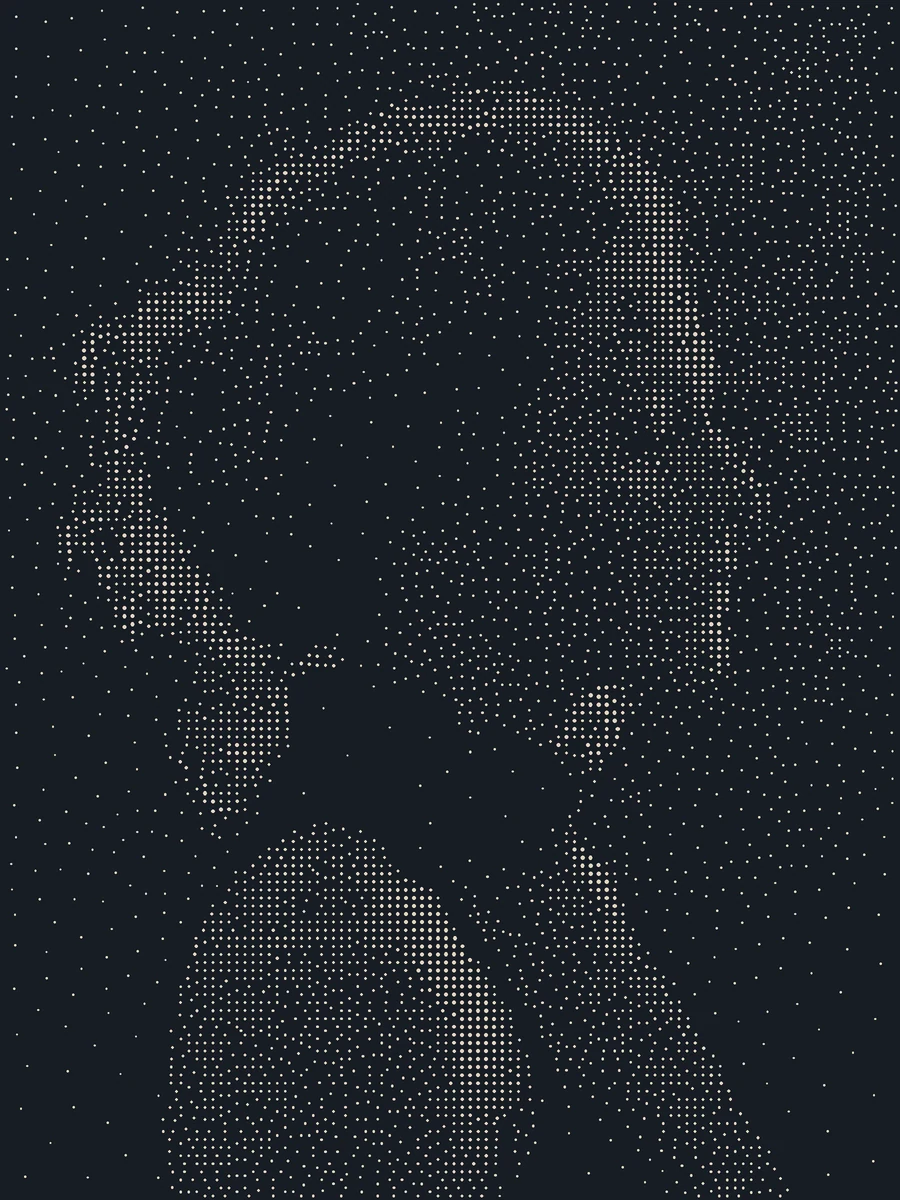
The renderer samples photographic luminance on a weighted grid and relaxes point locations toward the tone-weighted centroids of their nearest regions. It draws each point as an SVG circle; light or dark tone mode selects which source regions receive more dots. Owned portraits and all point placement run locally. If a suitable source is missing, PopNow can generate one after a quote and approval. Point count and relaxation passes drive local processing work.
- Uses PopNow for
- Images
- Needs
- Python 3
Generation is optional when you have suitable input material.
v1.0.0 · Updated Oct 25, 2026 · 5.8 MB · Use it for personal and client work; please don't resell or share the package.
What you get
Stipple portrait PNG and editable circle SVG
Close-up artwork proof and original-source proof
Point ledger, copied input and portable brief
Good for
- Dotted portrait prints and editorial illustrations
- Light-ink portraits on a dark background
Not for
- True engraved or physically plotted output certification
- Recovery of detail absent from the photograph
How it works
Includes a local renderer
Choose the input
Choose a portrait whose lighting separates the face from the background.
Render and inspect
Relax the luminance-weighted dots and inspect the full view and near-detail proof.
Adjust and export
Tune density, radius or gamma before saving the vector circles.
How the workflow runs
How Stippled ink portrait works
The renderer samples photographic luminance on a weighted grid and relaxes point locations toward the tone-weighted centroids of their nearest regions. It draws each point as an SVG circle; light or dark tone mode selects which source regions receive more dots.
What's inside the skill
What you can change
- point_count: 500–6000 circles
- relaxation_steps: 1–14 centroid passes
- dot_radius and luminance gamma
- light/dark tone, ink and background colors
What to review before delivery
- The point ledger contains exactly the requested number of circles.
- Every circle center lies inside the declared canvas and every radius is positive.
- The saved brief reproduces the PNG and SVG; unsafe replacement is rejected.
See the package files
These are selected working files from this edition, with their actual role. The complete download also contains instructions and applicable license notices.
The domain algorithm and invariant checks.
scripts/recipe.pyRunnable, editable example parameters.
examples/brief.jsonControl meanings, proof interpretation and limits.
references/design-notes.md
Why use this skill
Start with this package
The package already implements weighted placement, dot export and a readable near-detail proof. It avoids manually positioning thousands of dots or describing stippling only as a prompt style.
What PopNow adds
Use PopNow for the missing Images in this workflow. Keep adequate material you already own, then bring new assets back into the editing and assembly steps described here.
Compare the options
A prompt, your own skill, or this workflow?
Start with a prompt
Your agent can create from a plain request. The brief, visual rules, asset choices, output format and review process still need to be established for that project.
Write your own skill
You choose and maintain the reusable instructions, defaults, file structure and checks. This is useful when your process needs different rules or integrations.
A workflow created for PopNow
This workflow was built for PopNow. Its source files, included dependencies and applicable notices are part of the package; the scope described below belongs to this edition.
Guide reviewed Oct 25, 2026
What will this cost?
Owned portraits and all point placement run locally. If a suitable source is missing, PopNow can generate one after a quote and approval. Point count and relaxation passes drive local processing work.
Generation is optional when you have suitable input material. Free skill. New media is quoted before it runs.
The skill package
Free to install under your account's download allowance. The package license covers your own and client work; redistribution is excluded.
Existing assets and local work
Reusing suitable assets, editing files and running local assembly do not call a PopNow generation model. Your computer and any required runtime still do the work.
New AI images, clips or sound
Quoted for the actual model, inputs, count, duration and resolution. Extra alternatives, revisions or optional enhancement passes can add generation requests.
Your agent and hosting
Any subscription, hosted computer, deployment or other provider fee belongs to that service. Installing this skill does not include those services.
Check the cost of your version first
Your assistant can inspect the available models and quote the exact request first. You choose which optional passes to include and approve spending before generation.
Ask your assistant
Use the PopNow skill "Stippled ink portrait" for my project. List the inputs you can reuse, quote only the missing media, show the quoted total and flag any unpriced steps. Separate optional enhancements, and wait for my approval before starting anything paid.
How PopNow billing works
Connections using a PopNow API key, including API-key MCP connections, spend from the separate API balance in USD. A ChatGPT or Claude connection authorized through OAuth spends website credits. These balances are separate; the quote shown by your connection is the approval basis.
Download allowances and current account conditions apply. A free package does not mean unlimited free generation.
How to use it
You say
Use the PopNow skill "Stippled ink portrait" (stippled-ink-portrait) for this: Choose a portrait whose lighting separates the face from the background. Use the packaged example as a starting point and return the actual artwork with its editable inputs.
Then try
Rebuild a visibly different version using point_count: 6000 → 1100.
Explain the result using its actual proof files and algorithm ledger.
What to have ready
- A high-contrast portrait you may use
- Light-on-dark or dark-on-light preference
- Python 3.10+, Pillow and NumPy
Similar skills
View all →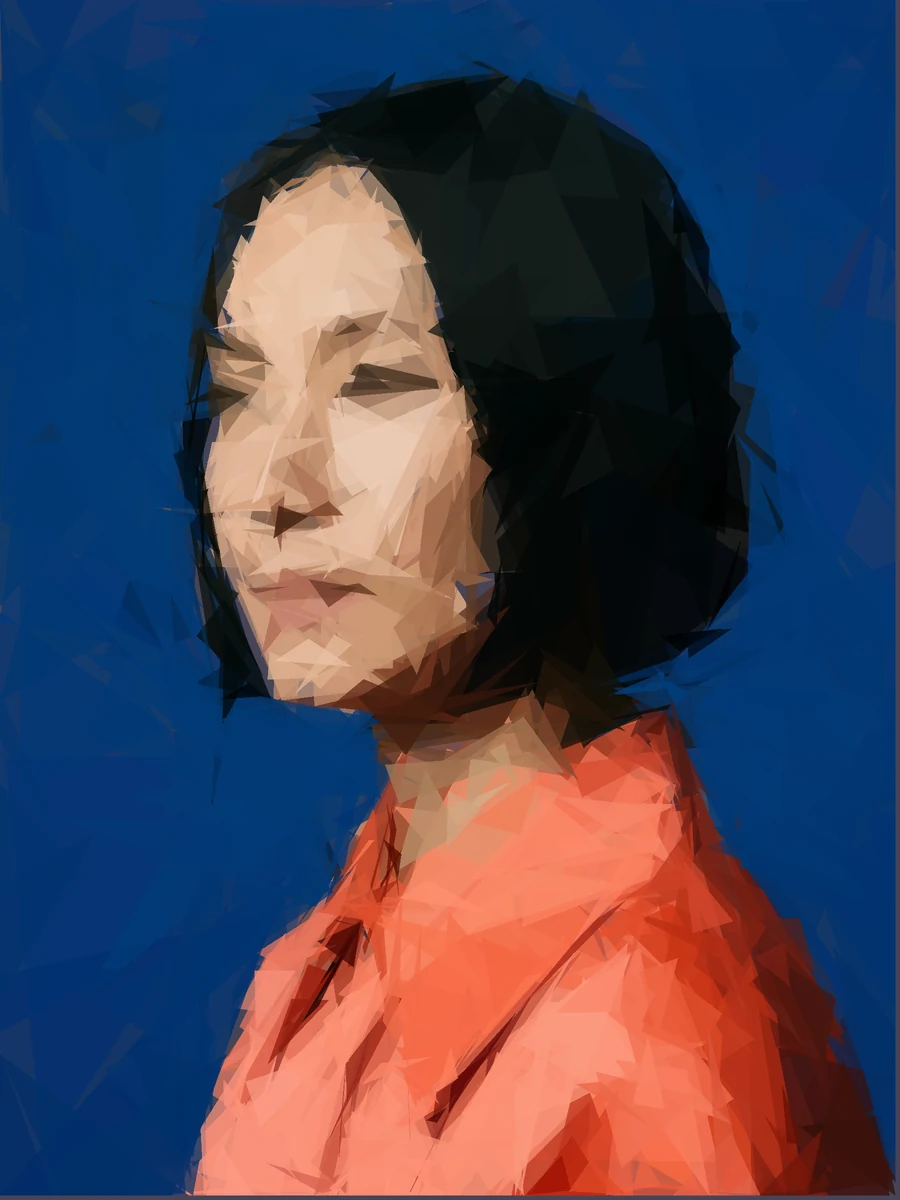 Image
ImageGeometric shape portrait
+25Rebuild a portrait from translucent triangle layers that remain individually editable in SVG.
 Image
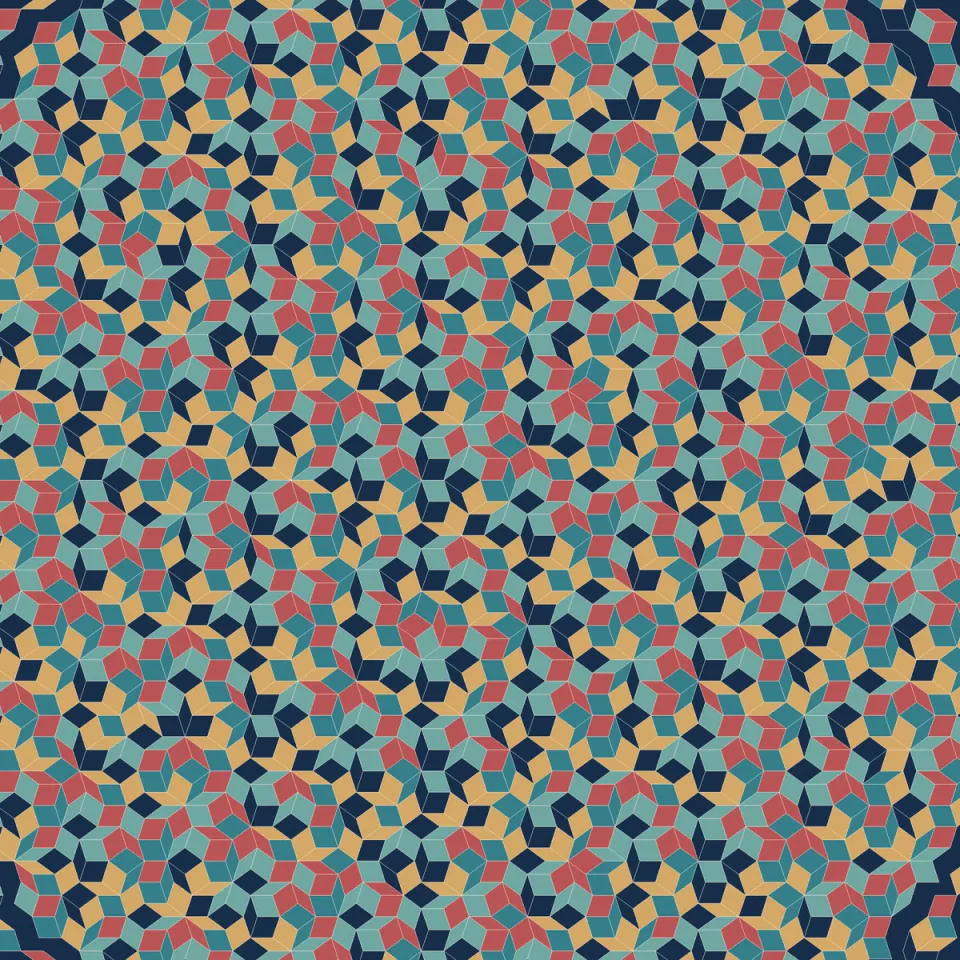
ImageAperiodic mosaic art
+25Create a colored rhombus mosaic from a five-direction grid, with no repeating wallpaper tile.
 Image
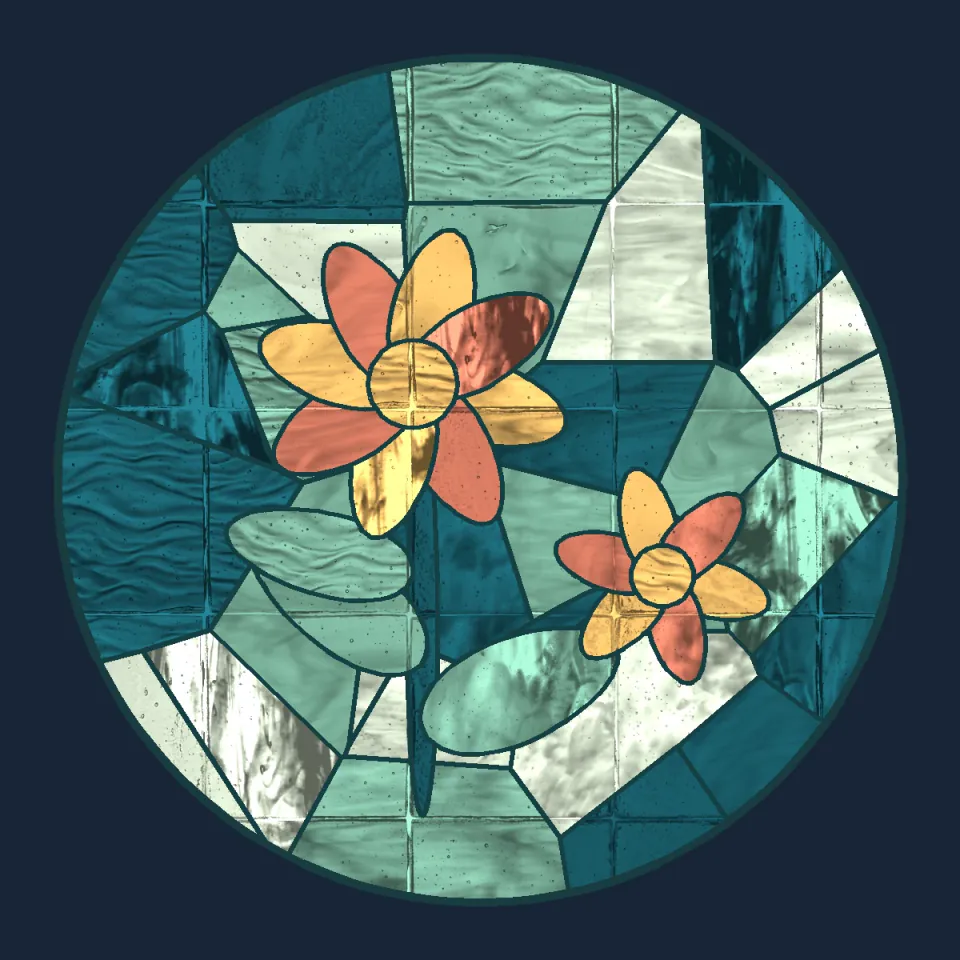
ImageStained Glass Suncatcher Design
+25Build a textured botanical glass artwork from closed flower, leaf and irregular background panes.
 Image
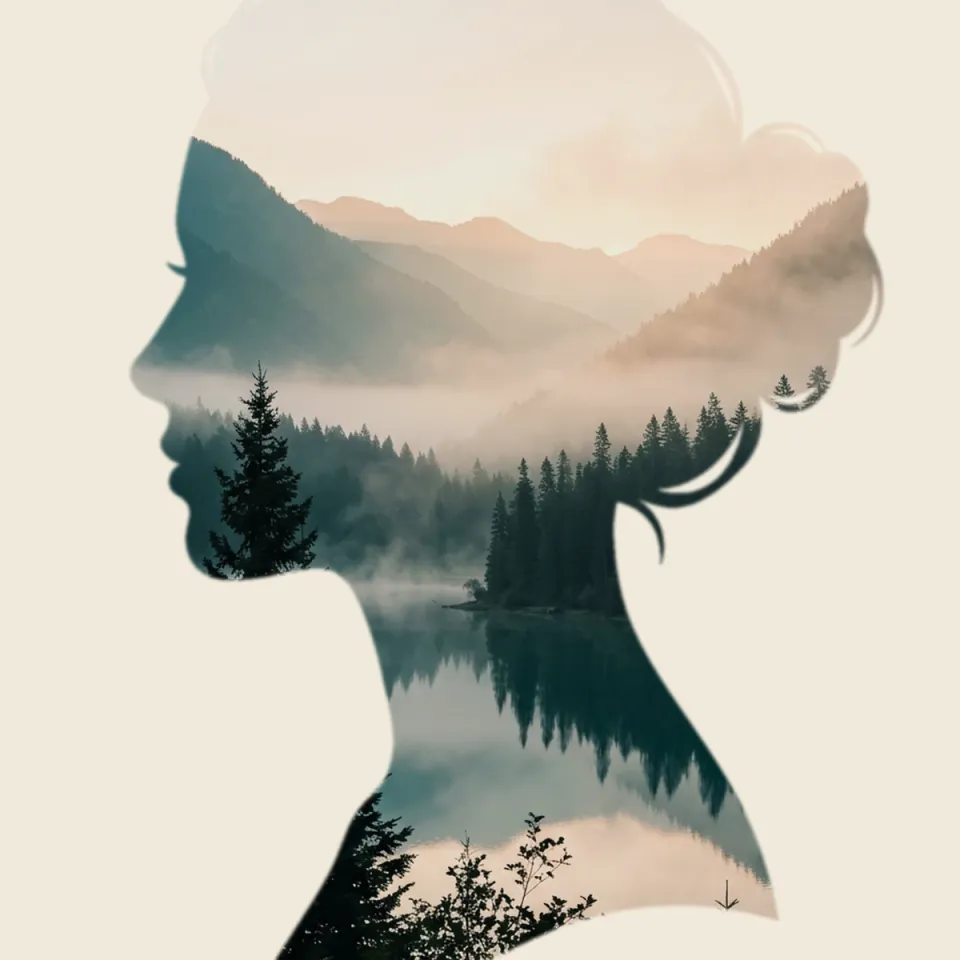
ImageDouble Exposure Silhouette
+25Blend a separate landscape through an explicit silhouette mask, keeping both layers and the mask editable.
 Image
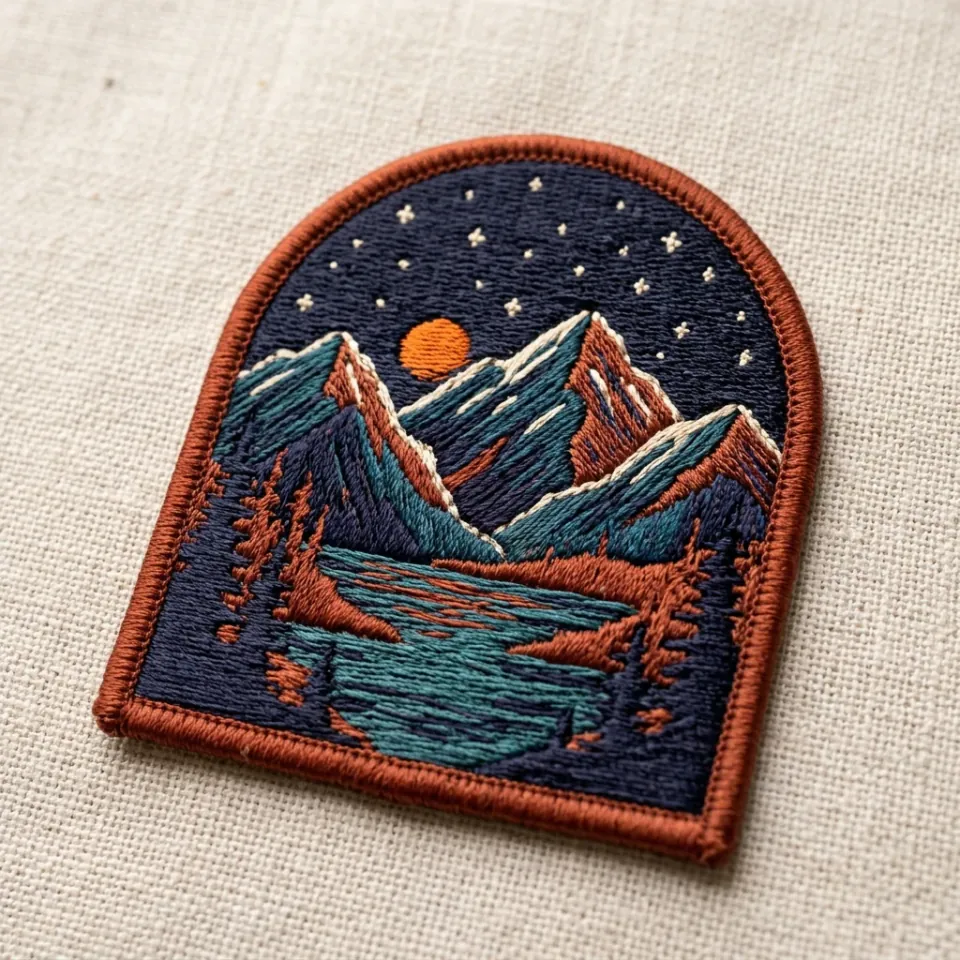
ImageEmbroidered Travel Patch
+25Create a tactile patch concept with a limited thread palette, a cut contour and a practical design handoff.
 Image
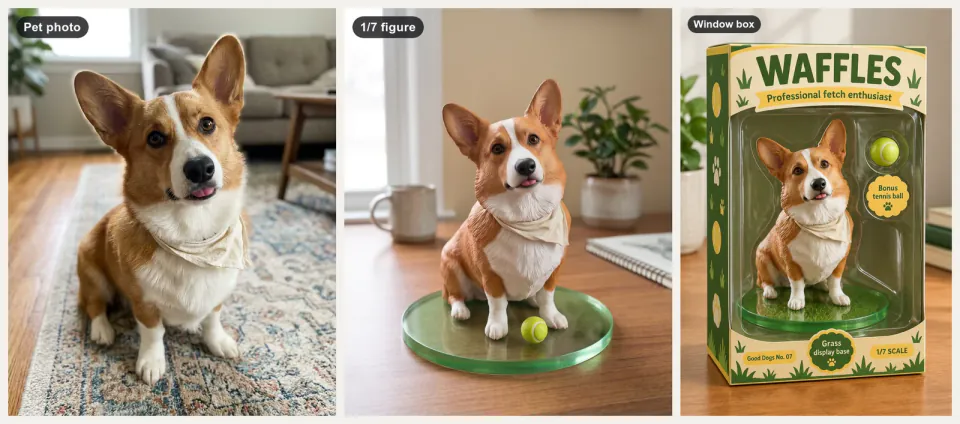
ImageCollectible Figure Mockup
+25You, your pet or your own character as a desk figure, a boxed toy, a cut-out and a turntable clip.
 Image
ImagePackaging Mockup Generator
+25Your flat packaging art on boxes, pouches and jars, in shelf and unboxing scenes, checked word for word.
 Image
ImageEmbossed letterpress poster
+25Shape real font glyphs into a shaded paper relief, with editable type outlines and lighting.
 Image
ImageGuilloche rosette maker
+25Draw fine ornamental rosettes from exact gear ratios and export the closed vector paths.
 Image
ImageContour terrain poster
+25Extract real contour paths from a synthetic terrain or your own grayscale heightmap.
 Image
ImageWireframe sculpture print
+25Render a twisted three-dimensional sculpture as editable lines with real hidden-surface removal.
 Image
ImageImage quilting studio
+25Grow a texture swatch into a larger artwork using matched patches and actual minimum-cost seams.
 Image
ImageProcedural ink landscape
+25Build a panoramic ink landscape from seeded ridges, textured strokes, trees and open water.
 Image
ImageInvented specimen etching
+25Draw an imaginary fish with organic fin contours, individual scales and layered engraving strokes.
 Image
ImageHybrid distance illusion
+25Blend two aligned images by frequency so the visible subject changes with viewing scale.
 Image
ImageStereo anaglyph shadowbox
+25Project a declared 3D scene through two cameras and combine the views into a red-cyan depth image.
 Image
ImageCalligram silhouette poster
+25Build a silhouette from real words, with collision-aware placement and editable SVG text.
 Image
ImageAI Logo Generator
+25Pick from 3-5 symbol directions, get an SVG logo kit with lockups, one-colour versions and favicons.
 Image
ImageAI Tattoo Design Studio
+25Create your own tattoo design in three styles, then a real-size stencil and a try-on on your own photo.
 Image
ImageAI Wallpaper Generator
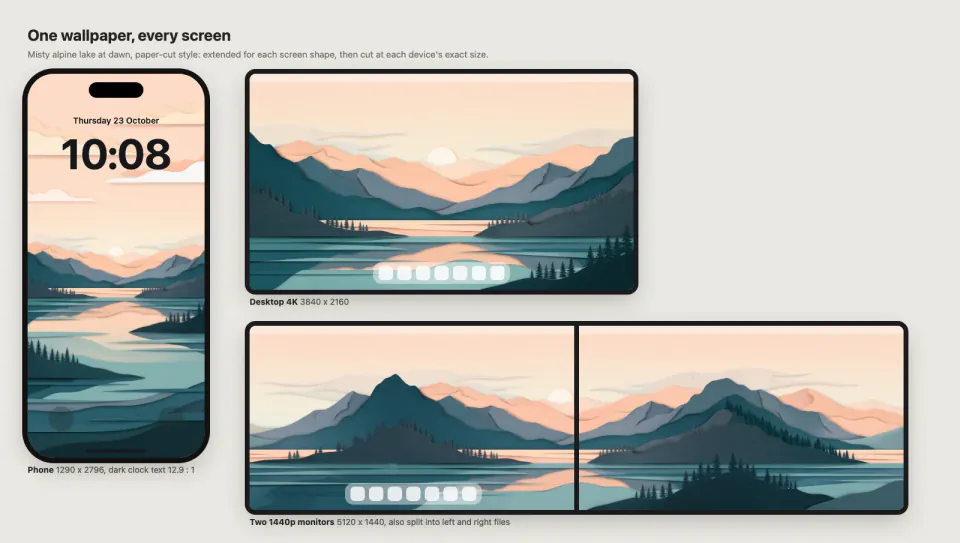
+25One original wallpaper, extended and upscaled for every screen: phones, 4K-5K, ultrawide and dual monitors.
 Image
ImageAlbum Cover Art Kit
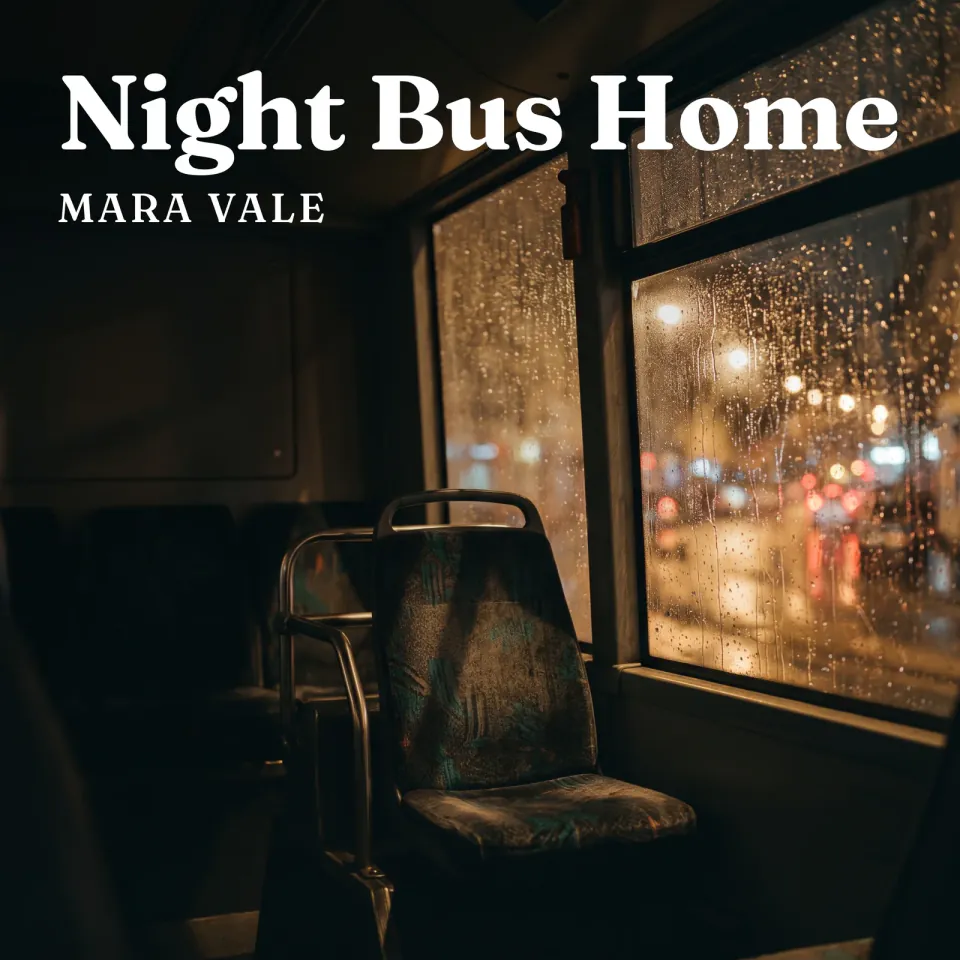
+25Song title and mood in, a 3000x3000 cover with exact type, a seamless loop and promo images out.
 Image
ImageAmazon A+ Content Builder
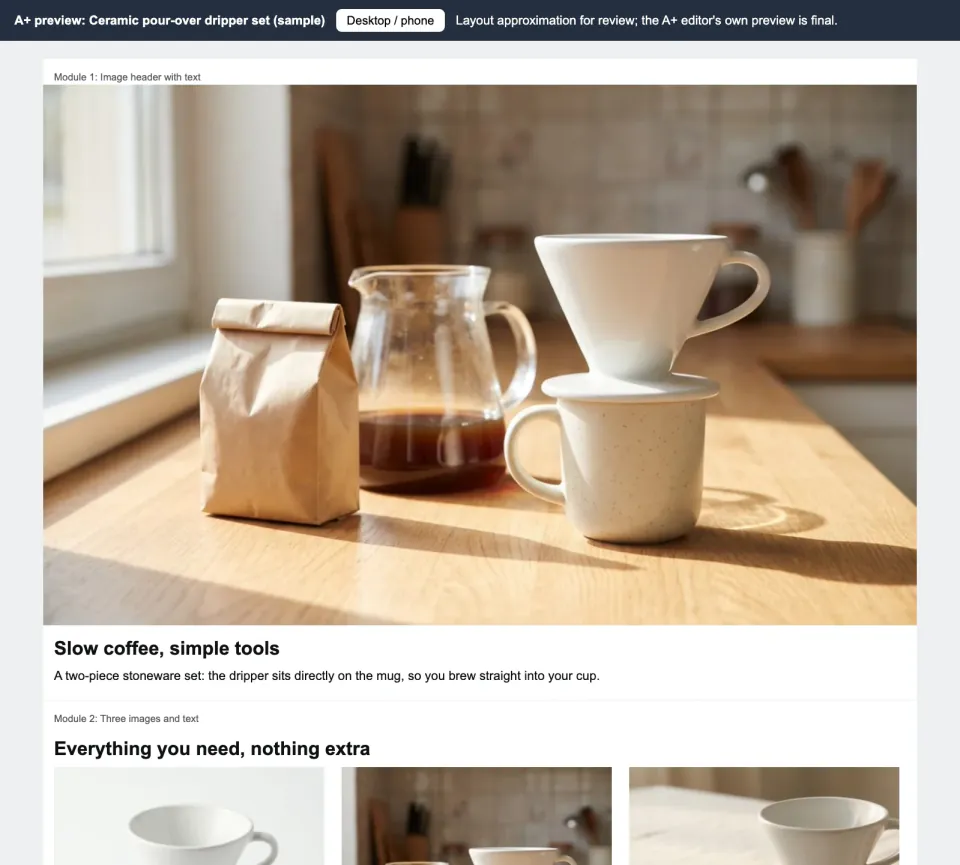
+25Product photos and facts in; exact-size A+ module images, claim-checked copy and a phone preview out.
 Image
ImageApp and UI Icon Generator
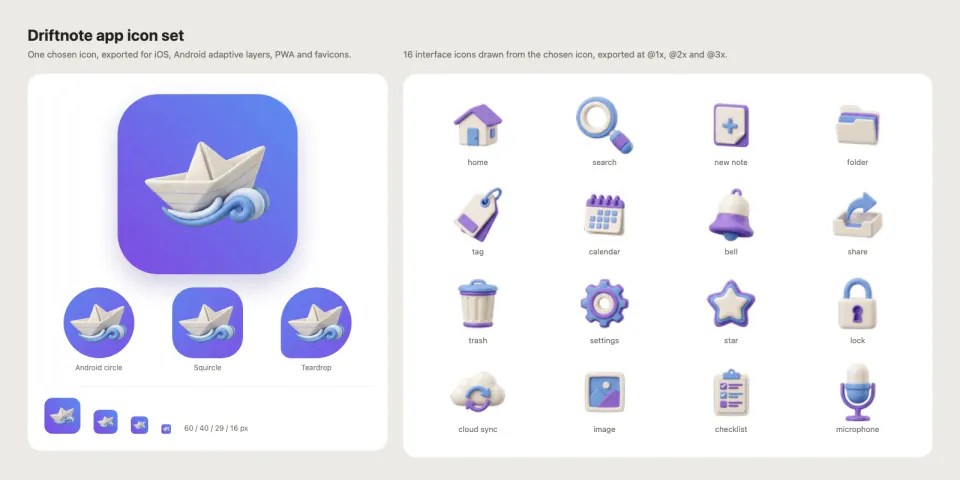
+25One app icon and 10-30 matching UI icons, exported for iOS, Android adaptive, PWA and favicons.
 Image
ImageApparel On-Model Lookbook
+25Flat-lay clothing photos in, a lookbook on one AI-generated model out, with poses, angles and walk clips.
 Image
ImageBarrier Grid Animation Card
+25Interlace painted hummingbird poses and reveal them through an actual sliding barrier grid.
 Image
ImageBiological Pathway Diagram
+25Create editable pathway maps with checked node links, explicit interaction types and evidence notes.
 Image
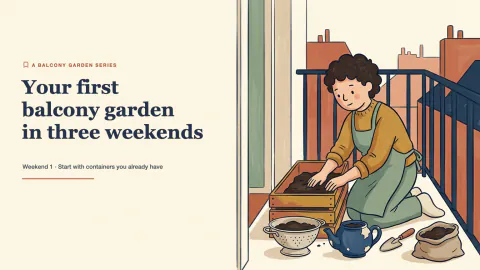
ImageBlack and White Studio Portrait
+25Turn an everyday photo into a calm black-and-white studio portrait that still looks like you.
 Image
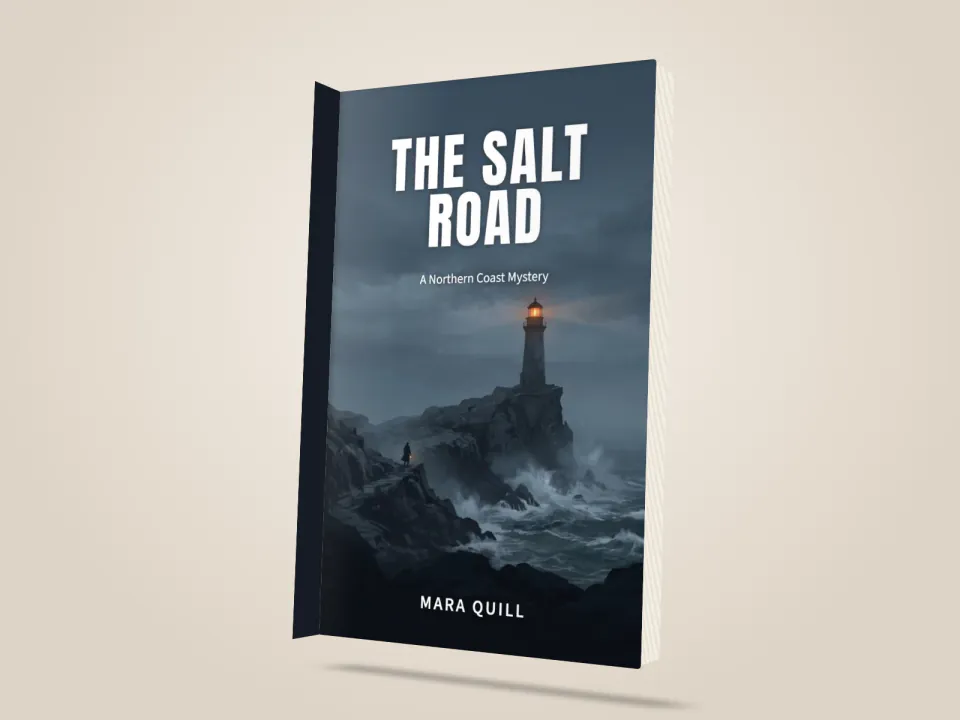
ImageBlog Post Illustration Set
+25Three matching illustrations for one article, each showing what its passage actually says.
 Image
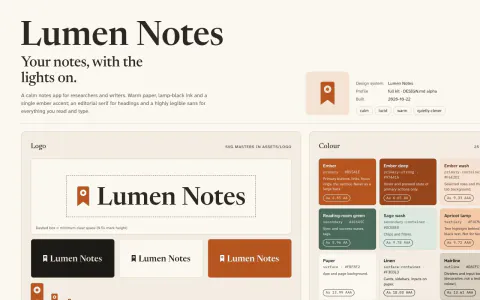
ImageBook Cover Designer
+25Title, author and genre in: three cover directions, an exact-type ebook cover and a print-ready wrap.
 Image
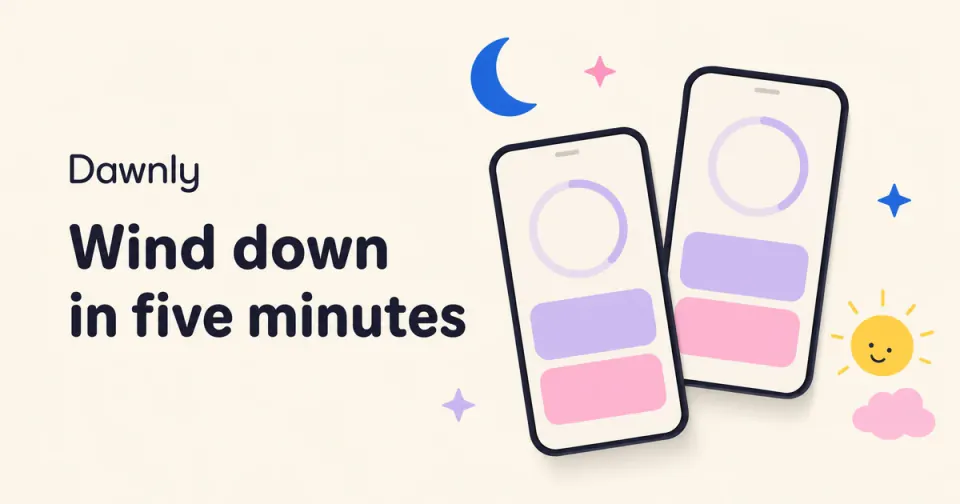
ImageBrand Kit & DESIGN.md Generator
+25A brand kit from a short brief: checked palette, open fonts, SVG logo, mockups and a DESIGN.md agents follow.
 Image
ImageCalm Illustrated OG Image Maker
+25Friendly link previews: ivory field, floating phones, soft doodles and a rounded headline, at 1200x630.
 Image
ImageCar Cutaway Anatomy Poster
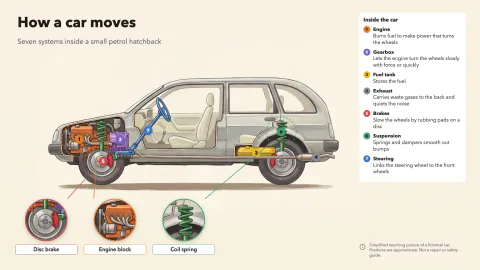
+25A side-view cutaway of a generic car: color-coded systems, numbered markers and round zoom windows.
 Image
ImageCarousel Post Maker
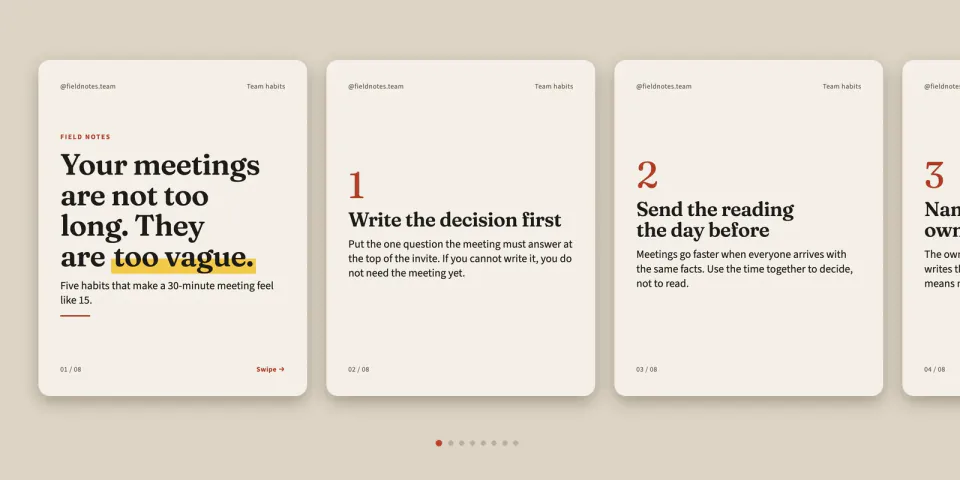
+25Article or opinion in, a 6-10 page carousel out: LinkedIn PDF, Instagram 4:5 and RedNote 3:4.
 Image
ImageCatering Menu Designer
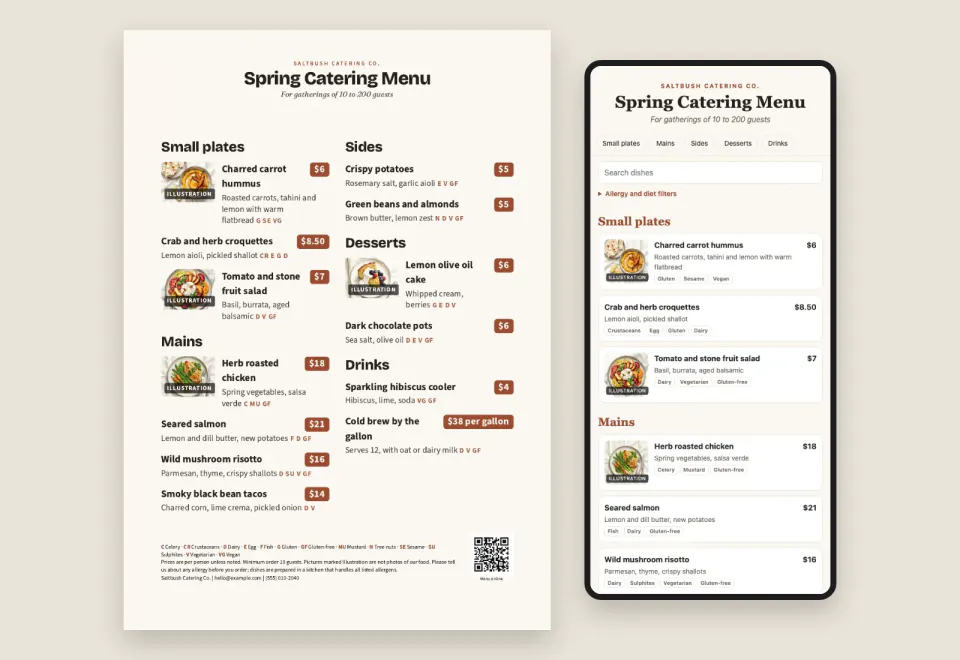
+25A menu spreadsheet in: a print menu, tri-fold, table tent and a phone menu for a QR code, prices checked.
 Image
ImageChalkboard Infographic Maker
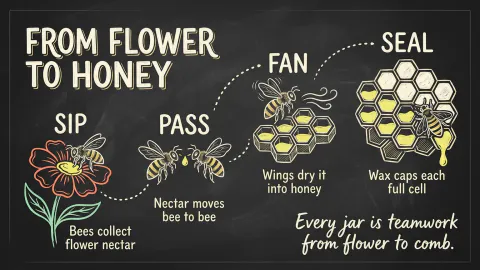
+25A 16:9 chalkboard-style infographic with exact short copy, chalk drawings and one clear reading path.
 Image
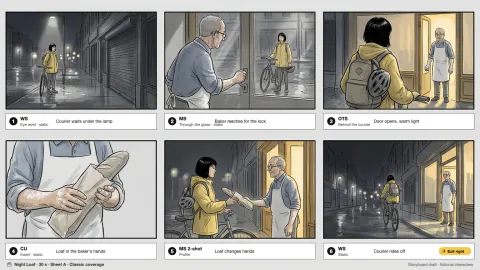
ImageCinematic Storyboard Frames
+25Three storyboard contact sheets for one scene, each a different way to shoot it, with continuity kept.
 Image
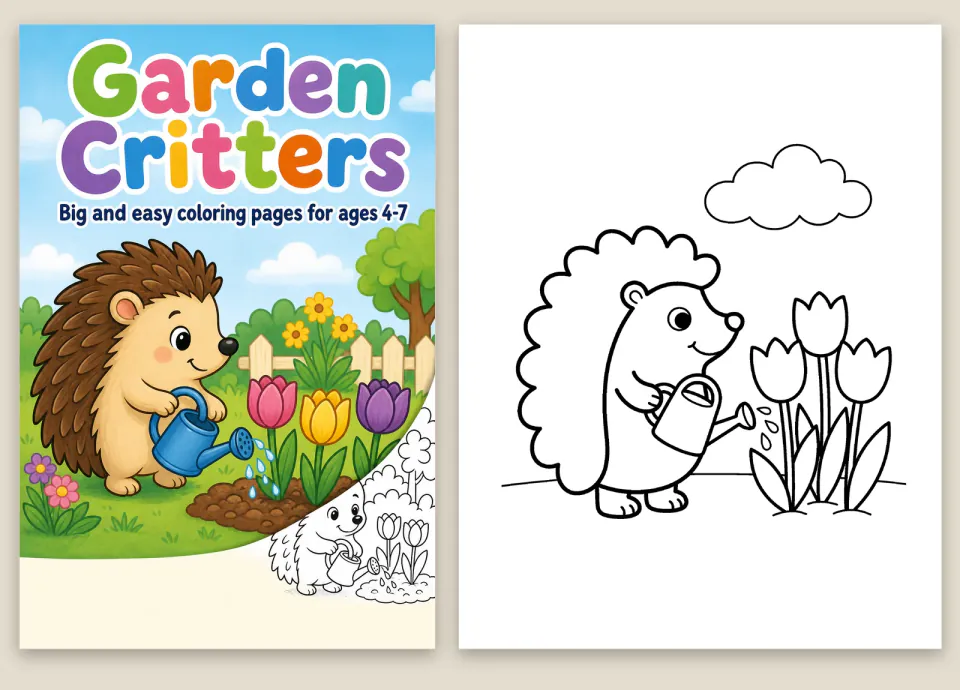
ImageColoring Book Generator
+25A theme in, a print-ready coloring book out: clean line art, 300 DPI pages and a paperback interior PDF.
 Image
ImageConcept Metaphor Illustration
+25One idea, one hand-drawn visual metaphor: flat muted color, off-white cut shapes, loose black marker lines.
 Image
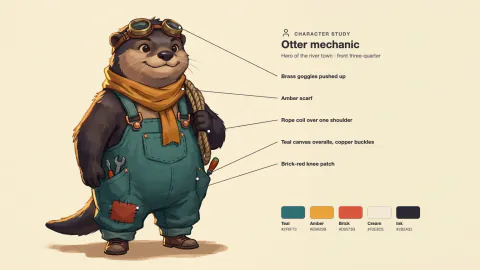
ImageConsistent Concept Art Set
+25A character, a prop and an environment that clearly belong to the same fictional world.
 Image
ImageCornell Notes Study Sheet
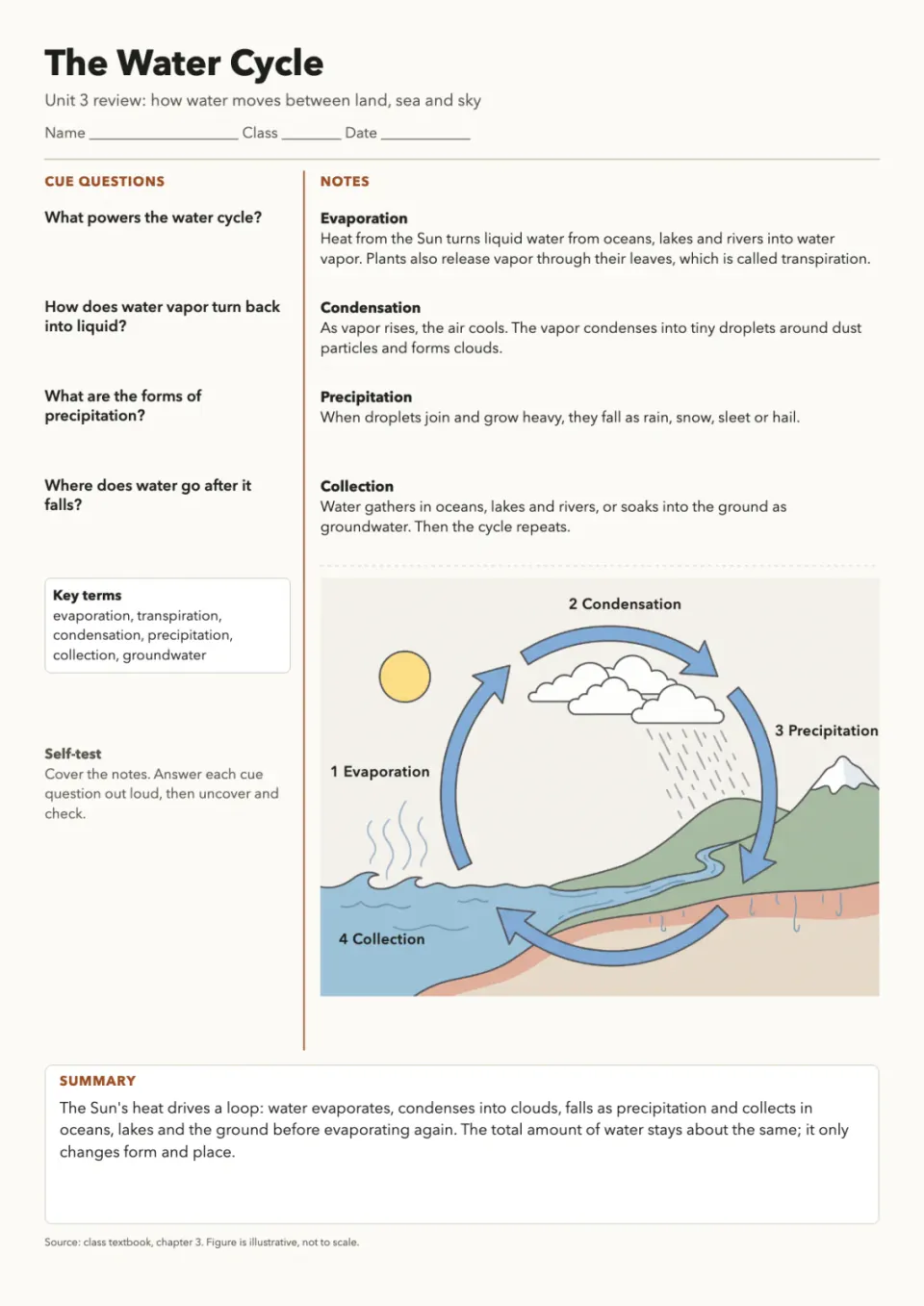
+25A printable two-column revision page with cue questions, notes, a drawn figure and a fill-in practice copy.
 Image
ImageCute Crayon Doodle Art
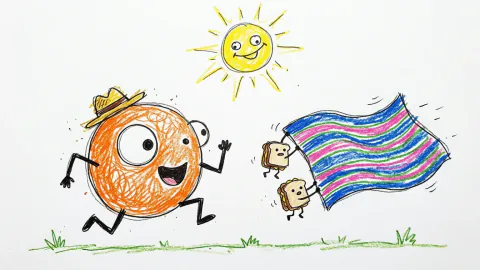
+25Lovably clumsy crayon characters on white paper: wobbly lines, scribbled fills, sharp files, sticker cut-outs.
 Image
ImageCute Mascot Avatar Maker
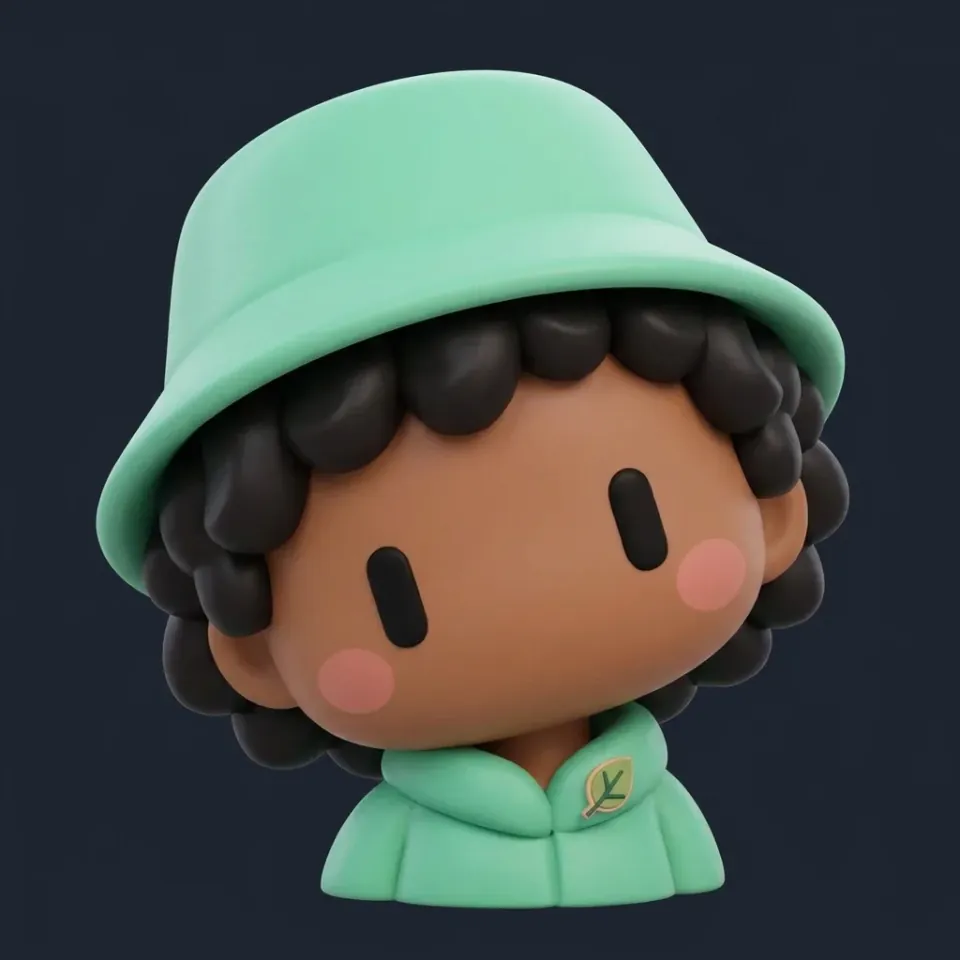
+25Round, two-eyed mascot avatars or chibi vinyl-toy characters, with a cut-out and a profile-size set.
 Image
ImageCyanotype Botanical Print
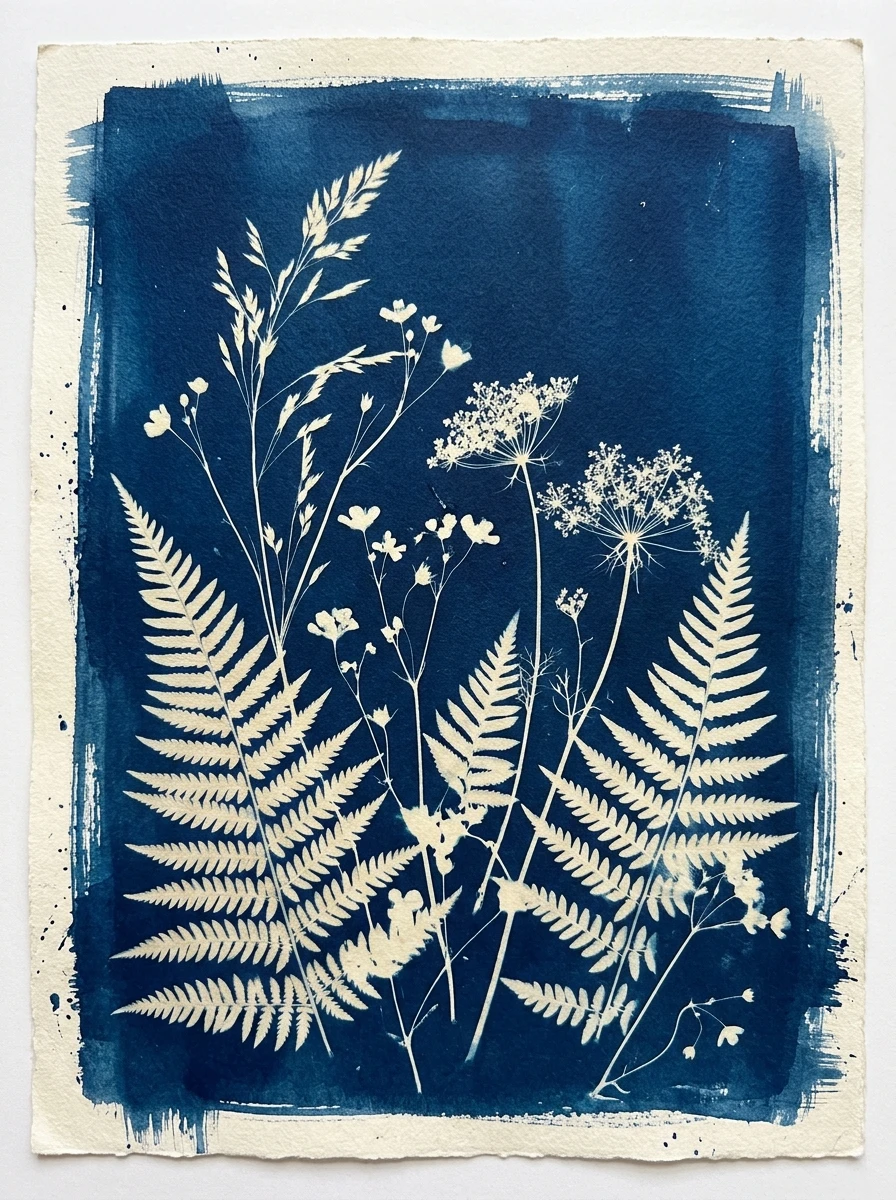
+25Compose a blue-and-white botanical contact-print artwork with paper borders and measured tonal separation.
 Image
ImageDie-Cut Sticker Sheet Maker
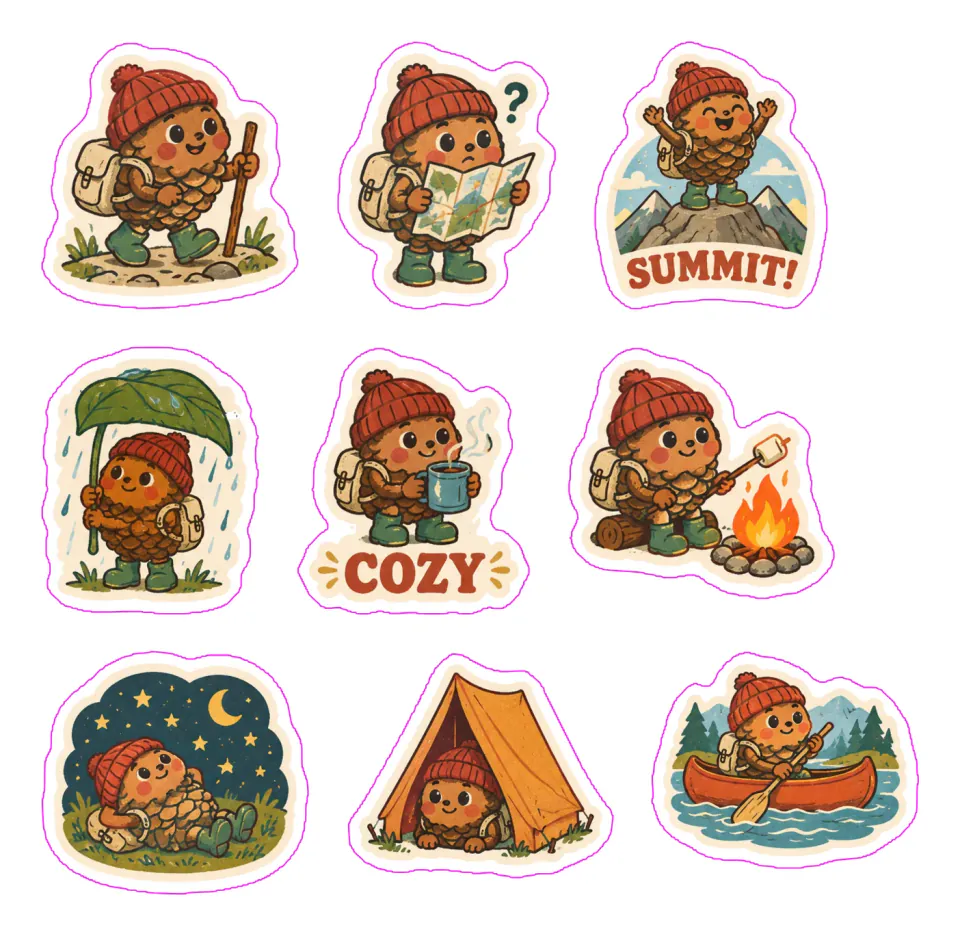
+258 to 24 matching stickers, cut out with white borders, on print-ready A4 or Letter sheets plus chat packs.
 Image
ImageEcommerce Product Photo Studio
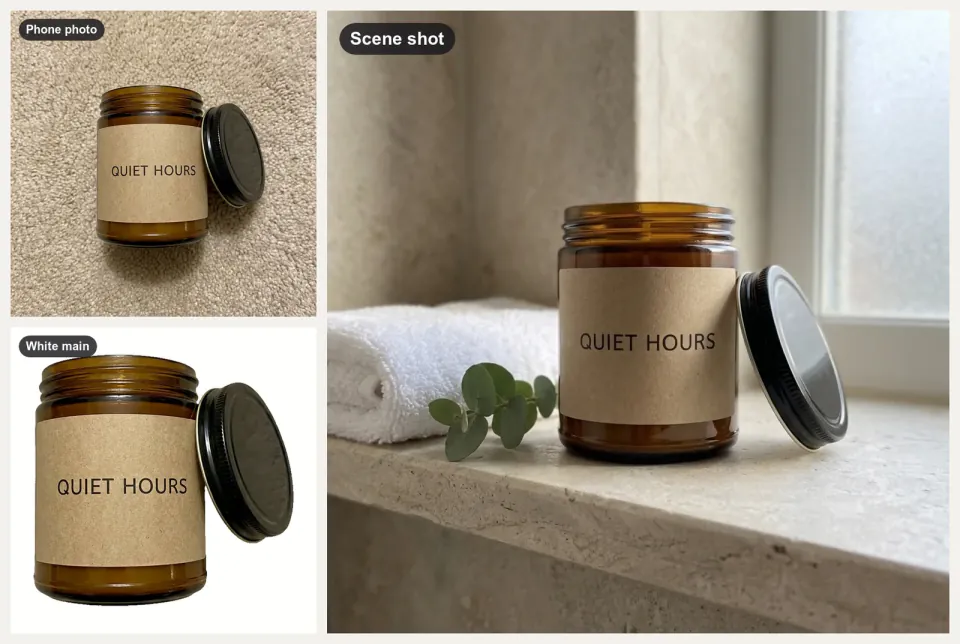
+25A folder of product snapshots in, white main images, scene shots and banners out, checked for Amazon and Etsy.
 Image
ImageEditorial Line Illustration
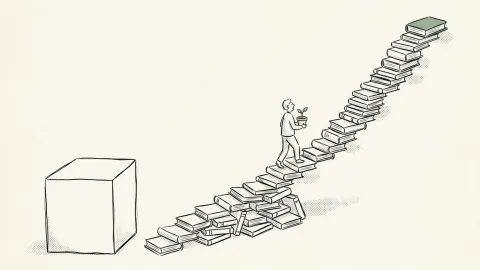
+25Airy black-ink illustrations with one accent color for blog headers, newsletters and social cards.
 Image
ImageEditorial Still Life Composition
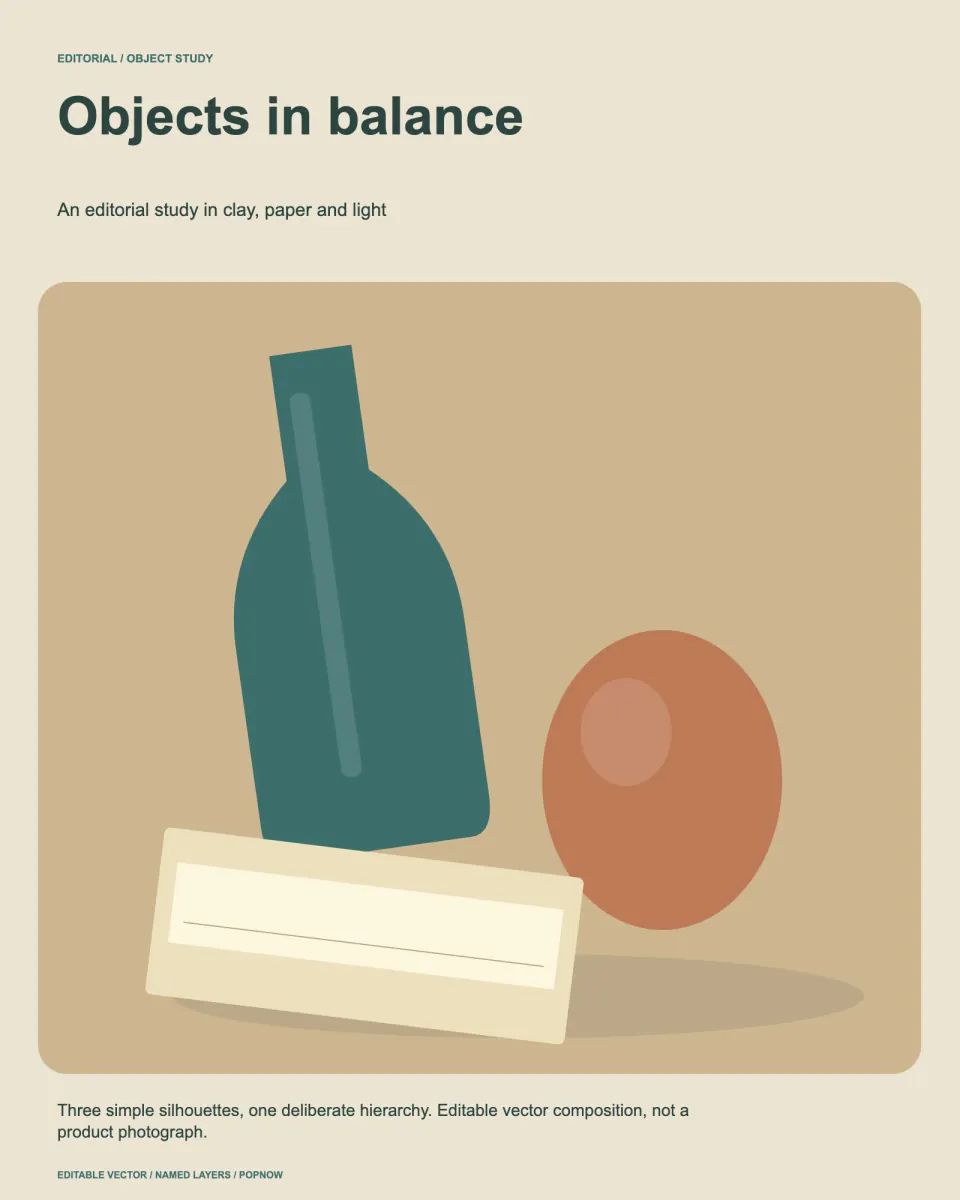
+25Compose editable object studies with rotated-boundary checks, deliberate layering and a print-ready SVG.
 Image
ImageEngraving Style Article Cover
+25One surreal black-ink engraving per essay: crosshatched, edge to edge, its big idea shown as a single scene.
 Image
ImageEV Platform Exploded View
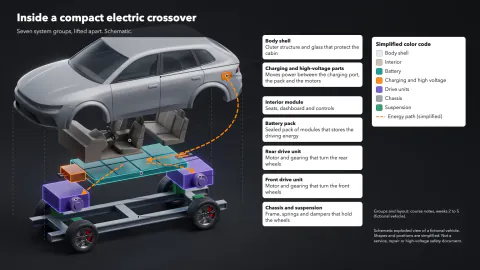
+25An electric car lifted apart layer by layer: battery, motors, cabin and body in color, with callouts.
 Image
ImageEvent Flyer Maker
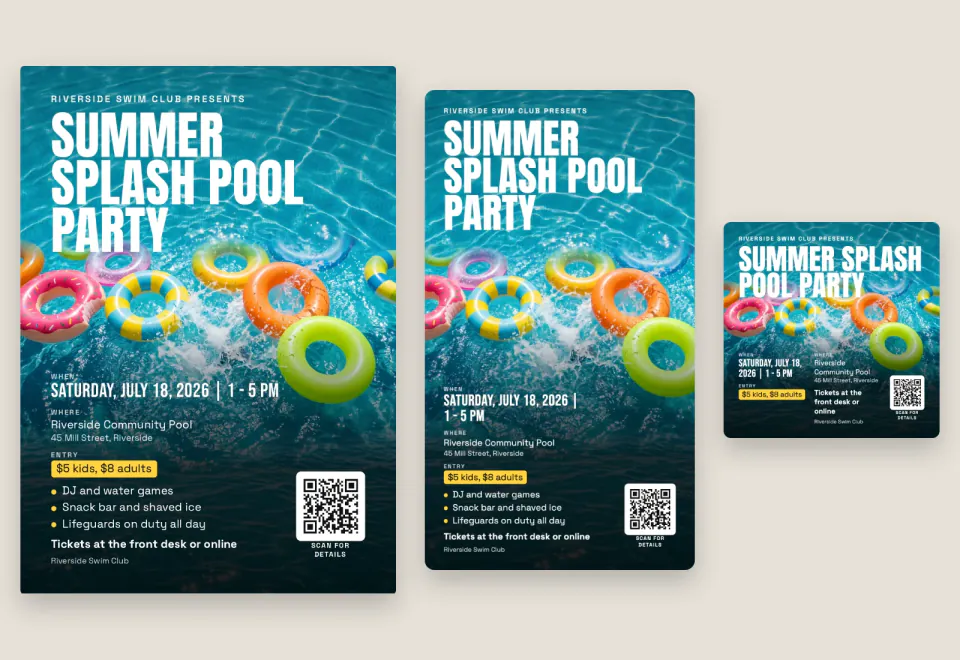
+25Event details in: a flyer for A4, Letter or A5 print plus square, portrait and story images, with a QR code.
 Image
ImageProduct Exploded View Poster
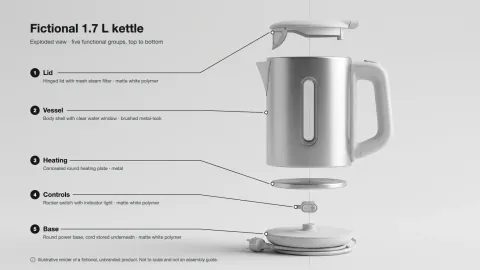
+25A clean exploded-view hero image of a product, with exact part labels from your spec table.
 Image
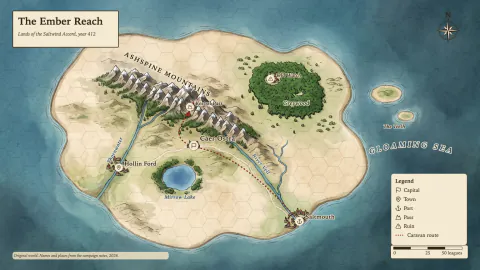
ImageFantasy Map Generator
+25Parchment, atlas or black-line maps of your own world, every name lettered right, grids that line up.
 Image
ImageFilm Poster OG Image Maker
+25Quiet, poster-like link previews: black-and-white close-up, one huge black word, film grain, exact 1200x630.
 Image
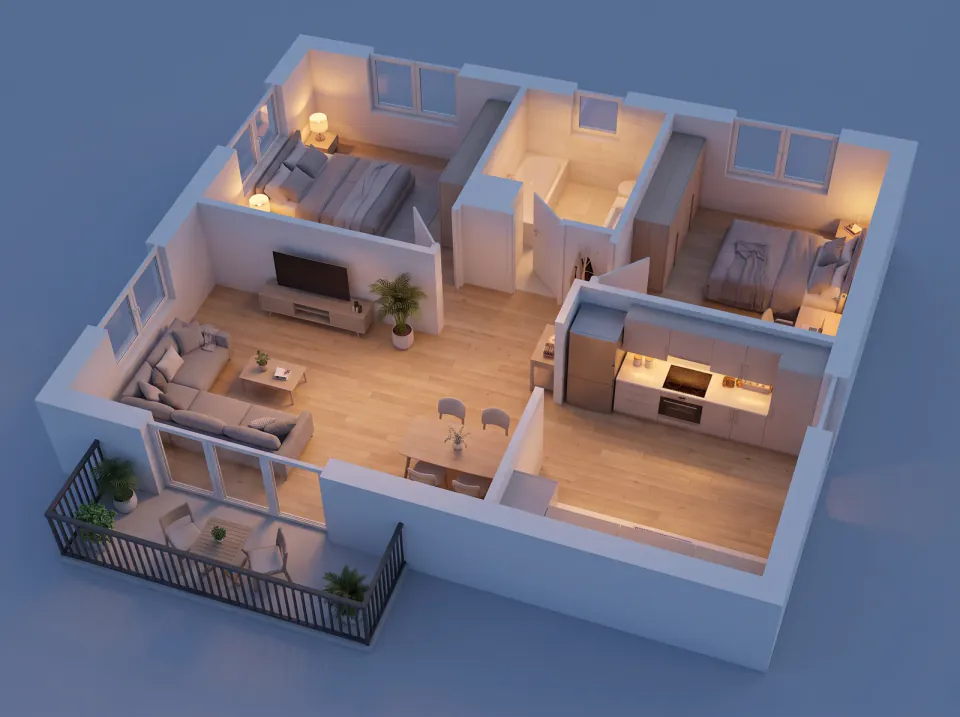
ImageFloor Plan to 3D
+25A 2D floor plan in, a furnished 3D floor plan out: bird's-eye, angle and evening views plus a showcase page.
 Image
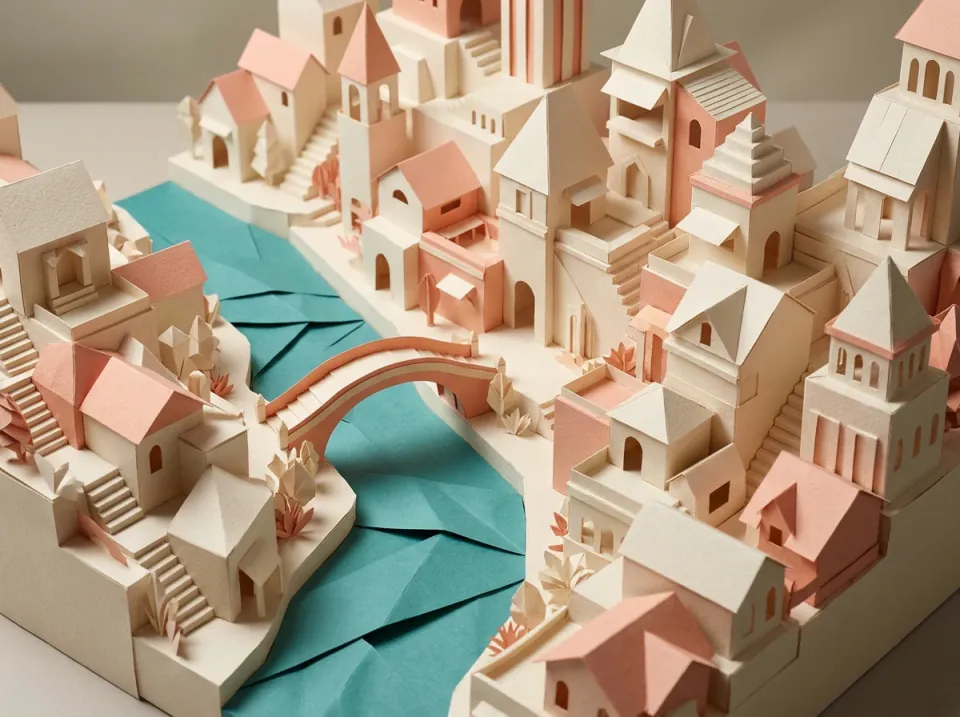
ImageFolded Paper Cityscape
+25Create a sculptural paper-city artwork with editable framing, named fold guides and a consistent light plan.
 Image
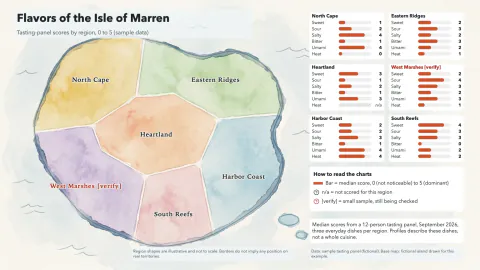
ImageRegional Food Flavor Map
+25A calm painted map of regions, each with a small taste chart on one shared scale and an honest legend.
 Image
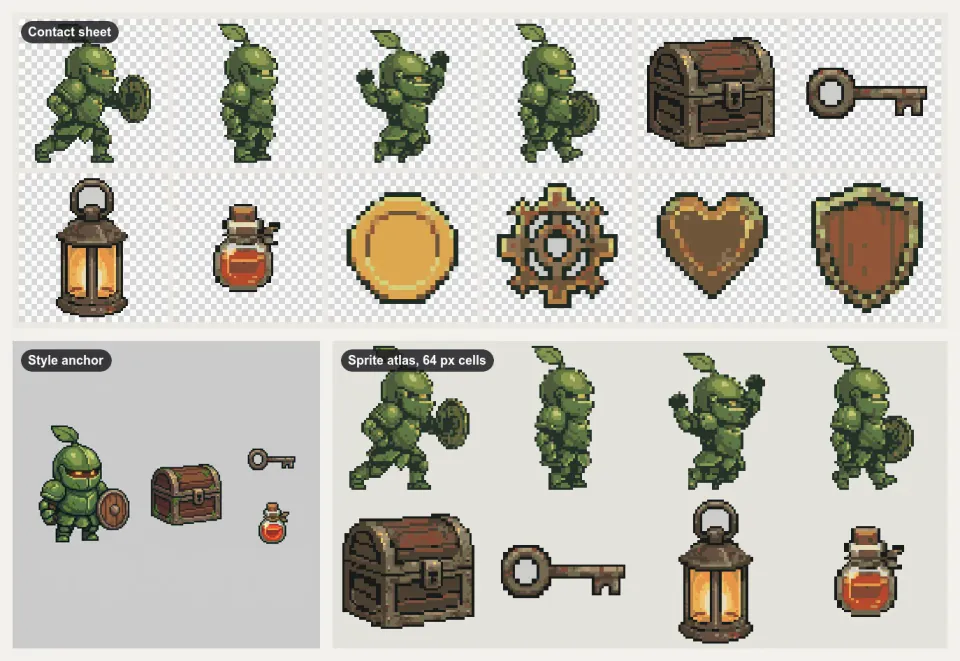
Image2D Game Asset Pack Maker
+25A matching 2D game art pack: posed character, tiles, props and icons, packed into sprite sheets with JSON.
 Image
ImageHidden Stereogram Poster
+25Hide a simple depth shape in a repeating random-dot image, with a plain depth reference always included.
 Image
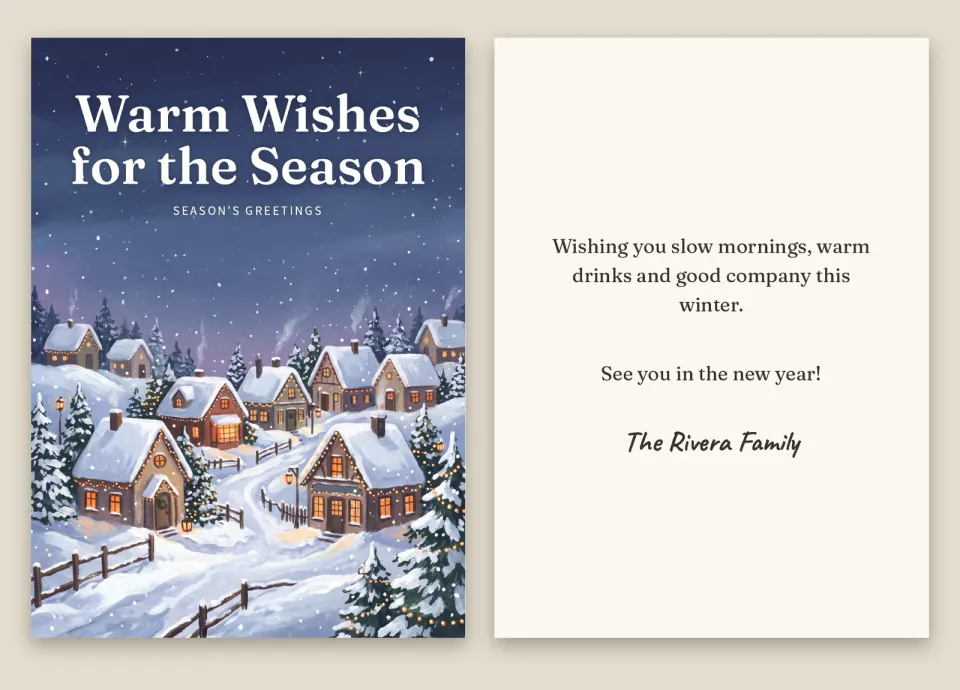
ImageHoliday Card & Invitation Maker
+25One greeting in: print-ready 5x7 cards, social and story versions, an animated e-card and an RSVP page.
 Image
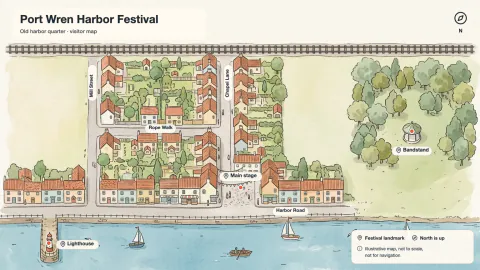
ImageIllustrated City Map Maker
+25A hand-drawn style map of a neighborhood or town, true where it matters and labeled exactly.
 Image
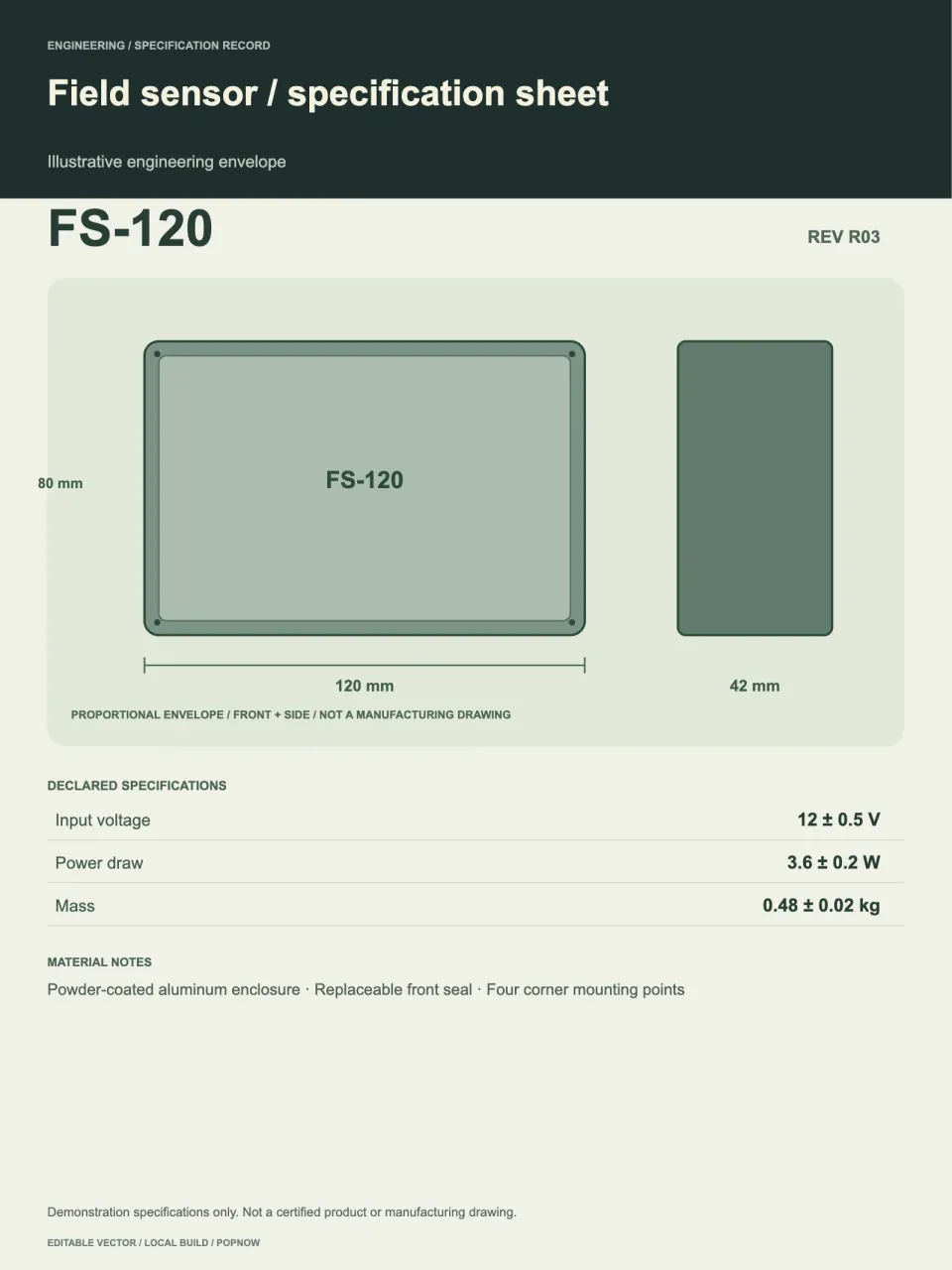
ImageIndustrial Specification Poster
+25Build editable technical posters with normalized dimensions, tolerances and traceable specification tables.
 Image
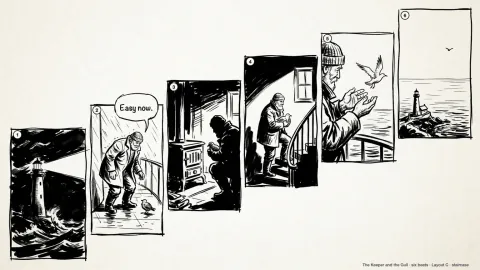
ImageInk Sketch Storyboard
+25A rough black-ink storyboard page from a short story: open lines, white space, one beat per panel.
 Image
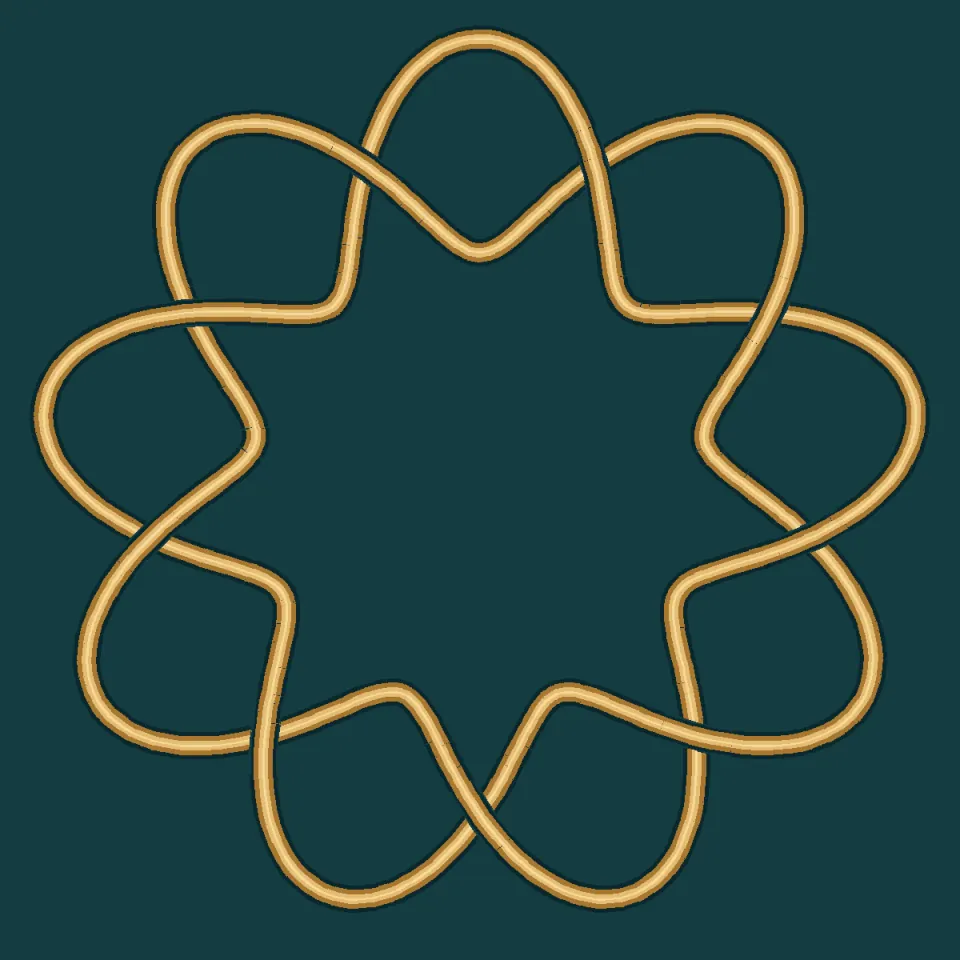
ImageInterlaced Knot Art
+25Draw a closed, lustrous woven knot with real over-and-under crossings and editable vector paths.
 Image
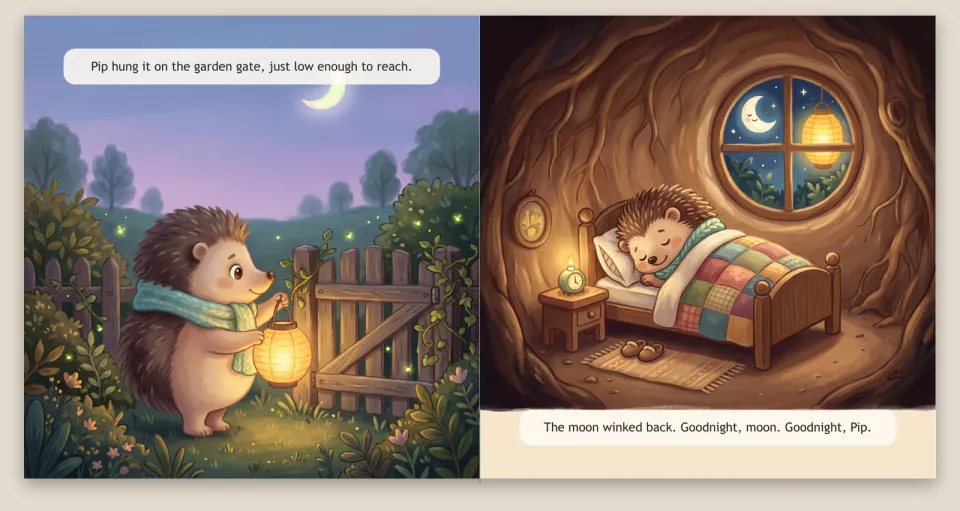
ImageKids Picture Book Maker
+25A story idea in, a printable picture book out, with one consistent hero, a web flip-book and a bedtime video.
 Image
ImageLine Art OG Image Maker
+25Calm link-preview images: off-white card, short black headline and a hand-drawn ink character.
 Image
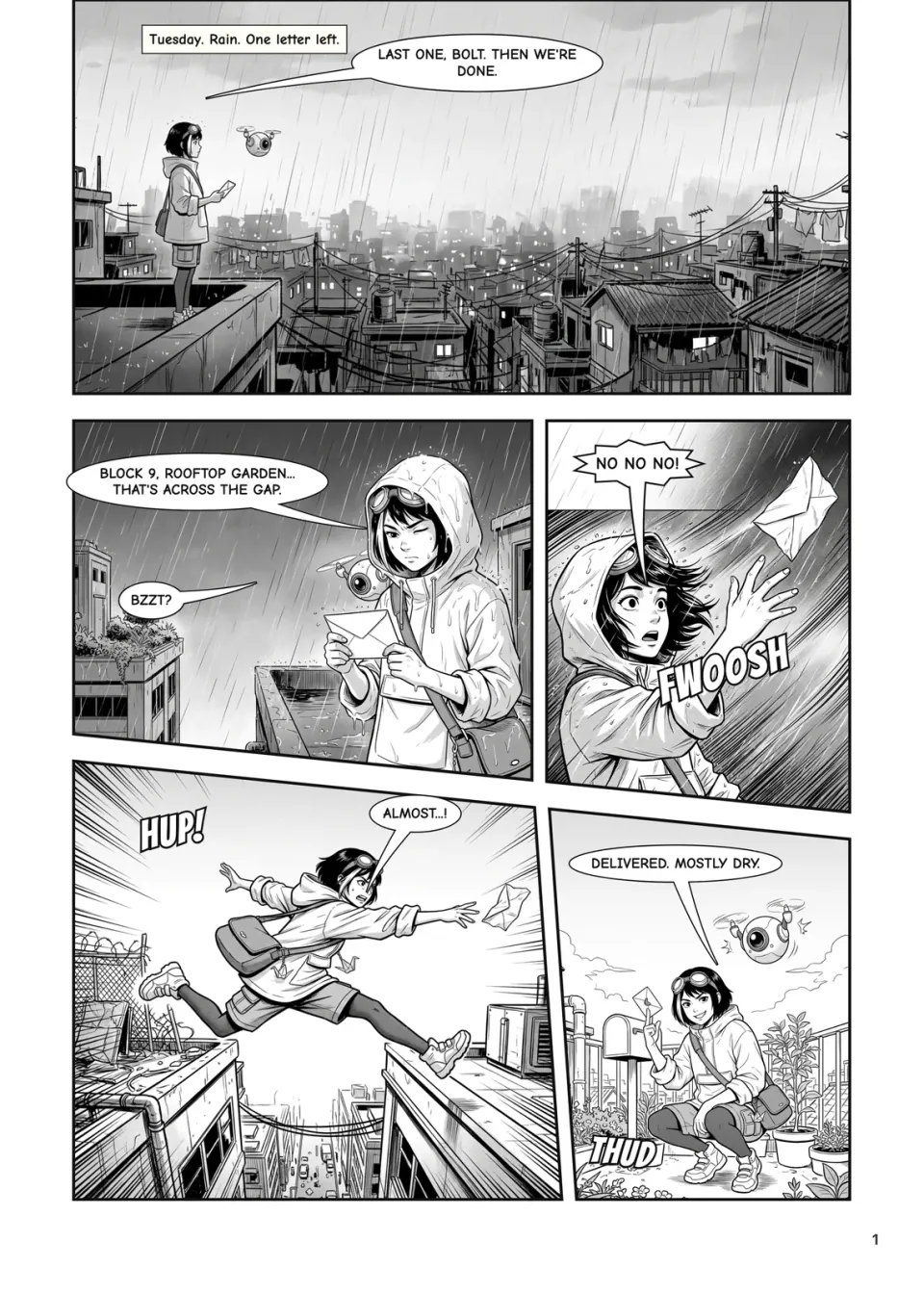
ImageManga Panel Maker
+25Original manga pages from your script: locked characters, real panel layouts and lettering in real fonts.
 Image
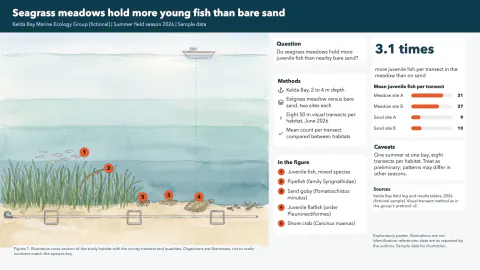
ImageMarine Biology Research Poster
+25A wide research poster around a painted habitat cross-section, with numbered species and a findings chart.
 Image
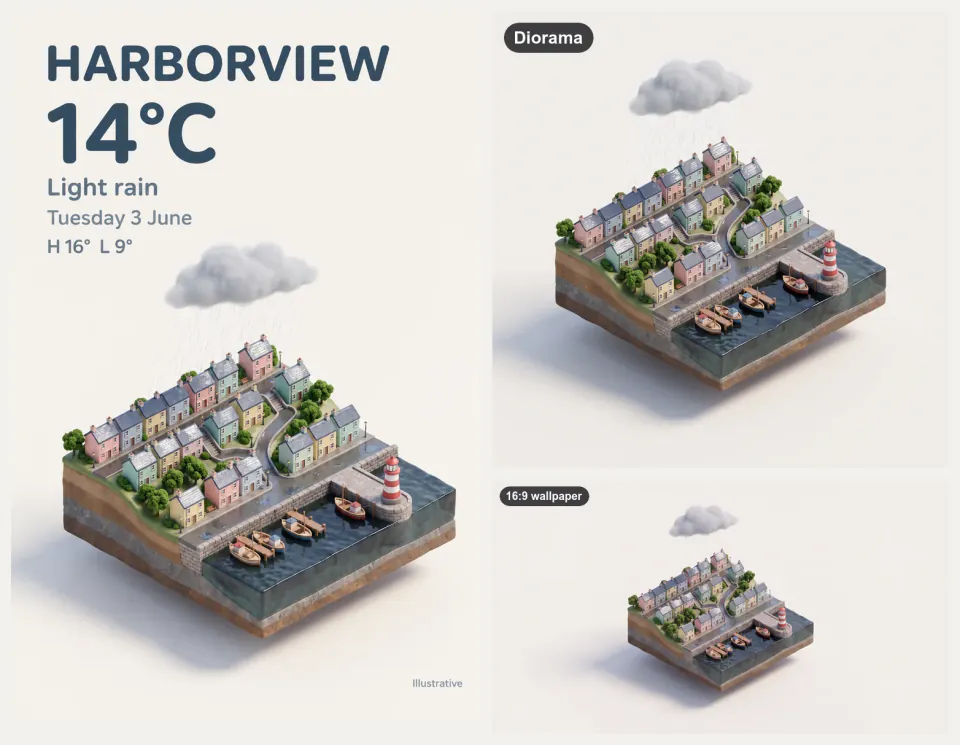
ImageMiniature Diorama & Weather Card
+25Tiny isometric cities, rooms and tilt-shift scenes, with exact-text weather cards, a loop and 4K wallpapers.
 Image
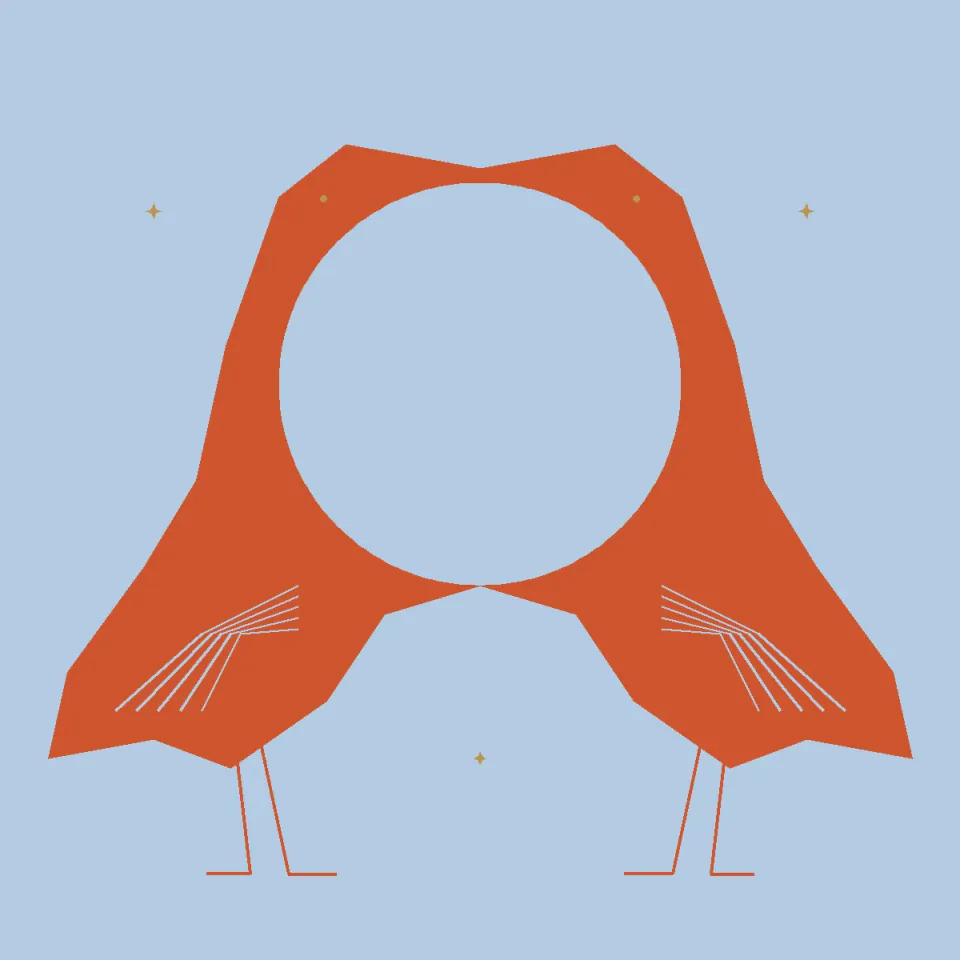
ImageNegative Space Illusion
+25Two cranes frame one full moon through an exact shared boundary; swap figure and ground to read it again.
 Image
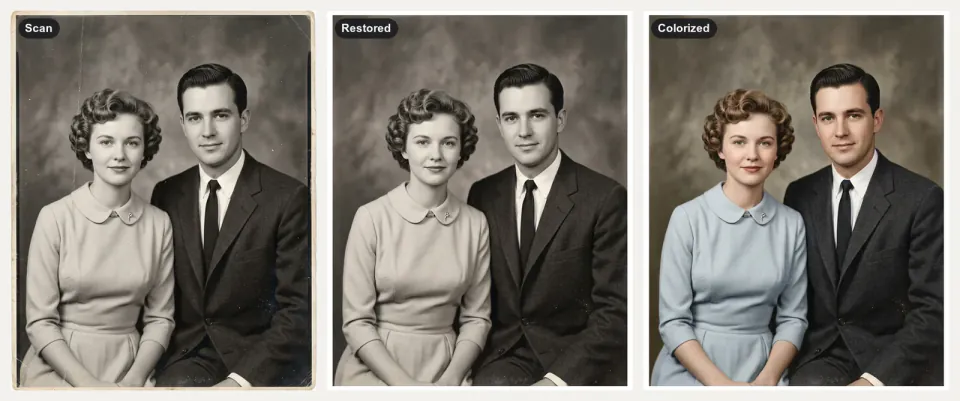
ImageOld Photo Restoration
+25Scratched, faded family photos in, faithful restorations, color estimates and gentle living photos out.
 Image
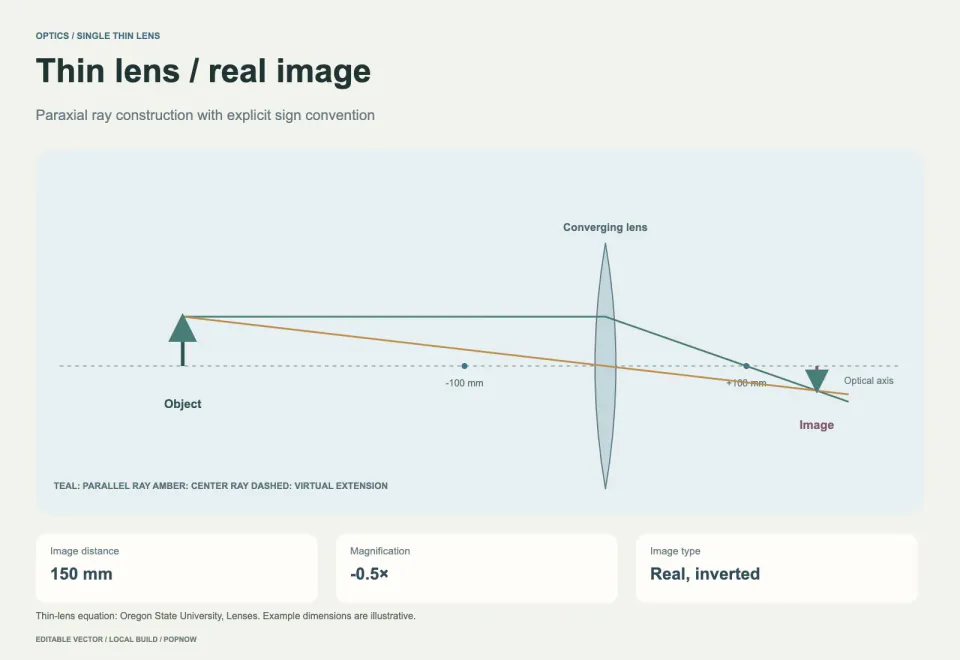
ImageOptical Experiment Diagram
+25Draw editable thin-lens ray diagrams with calculated image distance, magnification and units.
 Image
ImagePet Portrait Studio
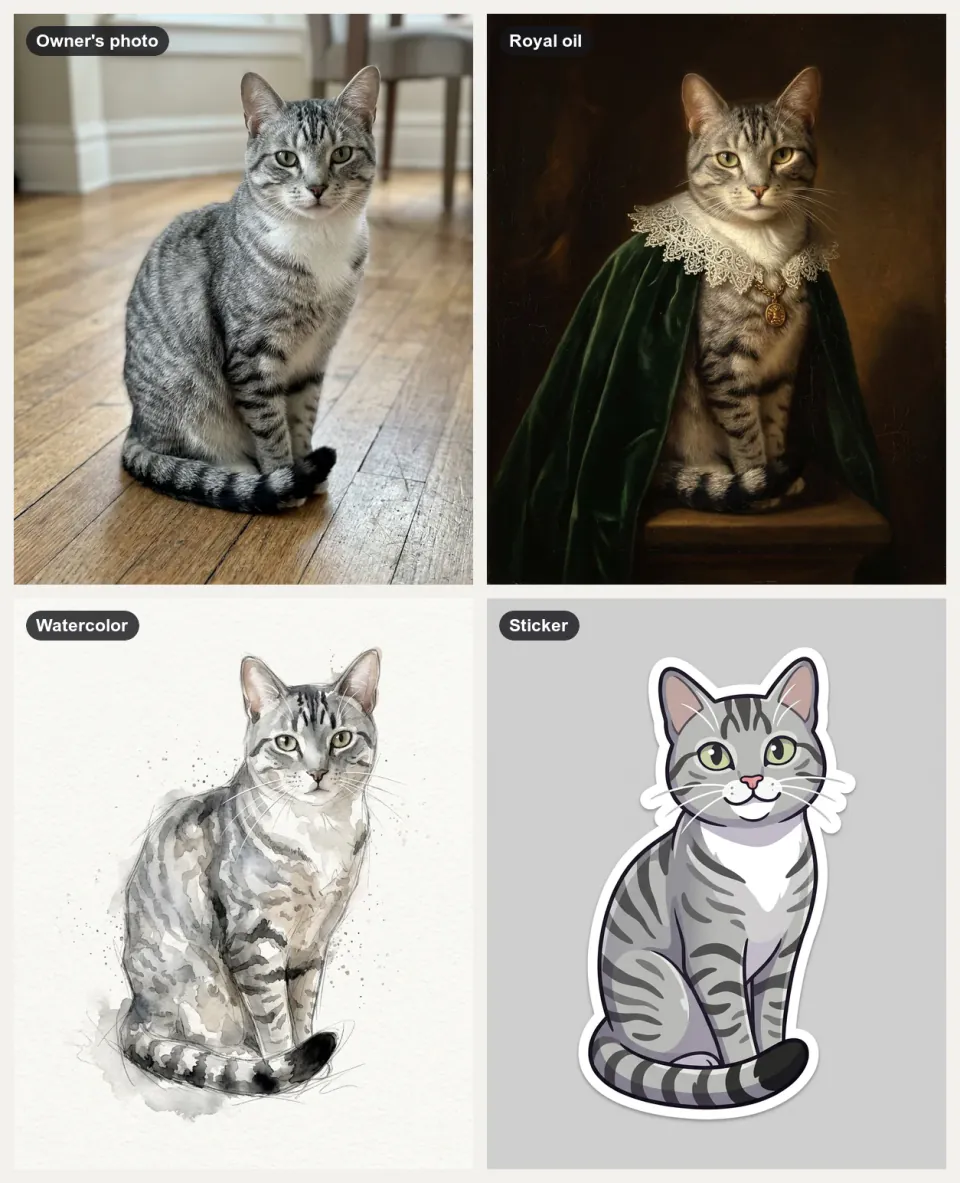
+25Your pet in the styles you pick, plus a sticker, a short clip and print files, with every marking kept.
 Image
ImagePhone Mockup Generator
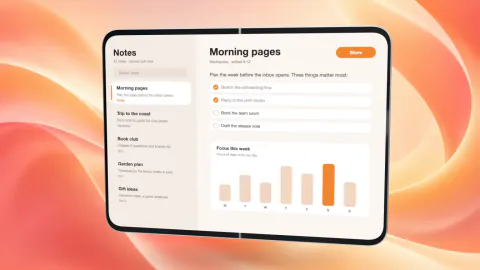
+25Your app on a 3D foldable phone that swings open on a soft backdrop, as crisp PNG stills or a fold clip.
 Image
ImagePhoto Composition Studies
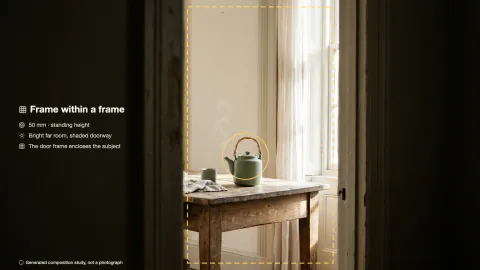
+25Three photographic takes on one subject, each built on a different composition principle.
 Image
ImagePhoto Mosaic Memory Poster
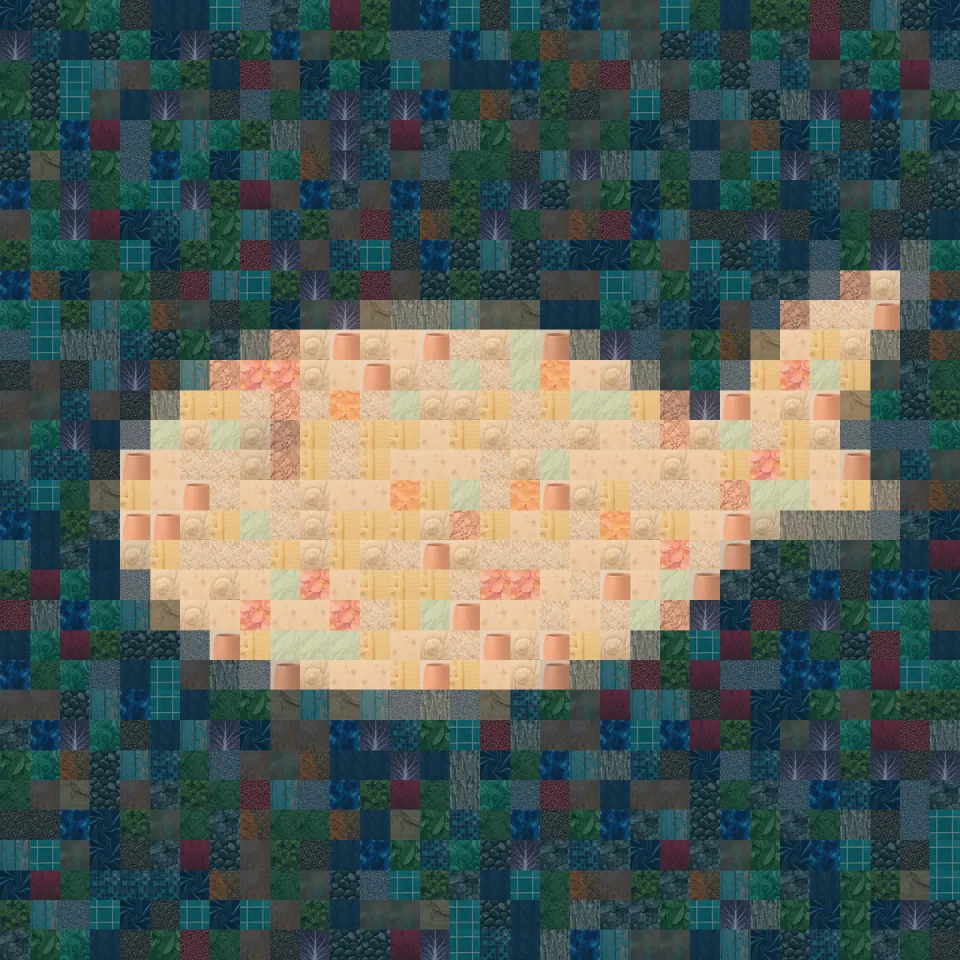
+25Build a recognizable silhouette from photo tiles, with every crop and reuse count recorded.
 Image
ImageProduct Cross-Section Diagram
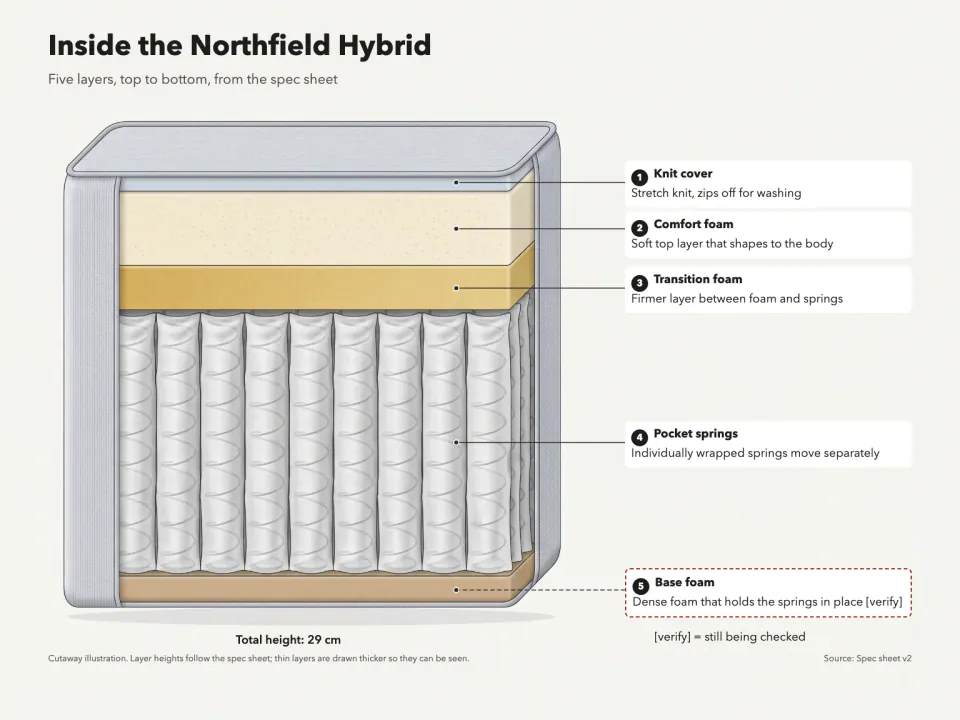
+25A cutaway of your product showing each layer in real order, with numbered callouts from your spec sheet.
 Image
ImageQuote Card Maker
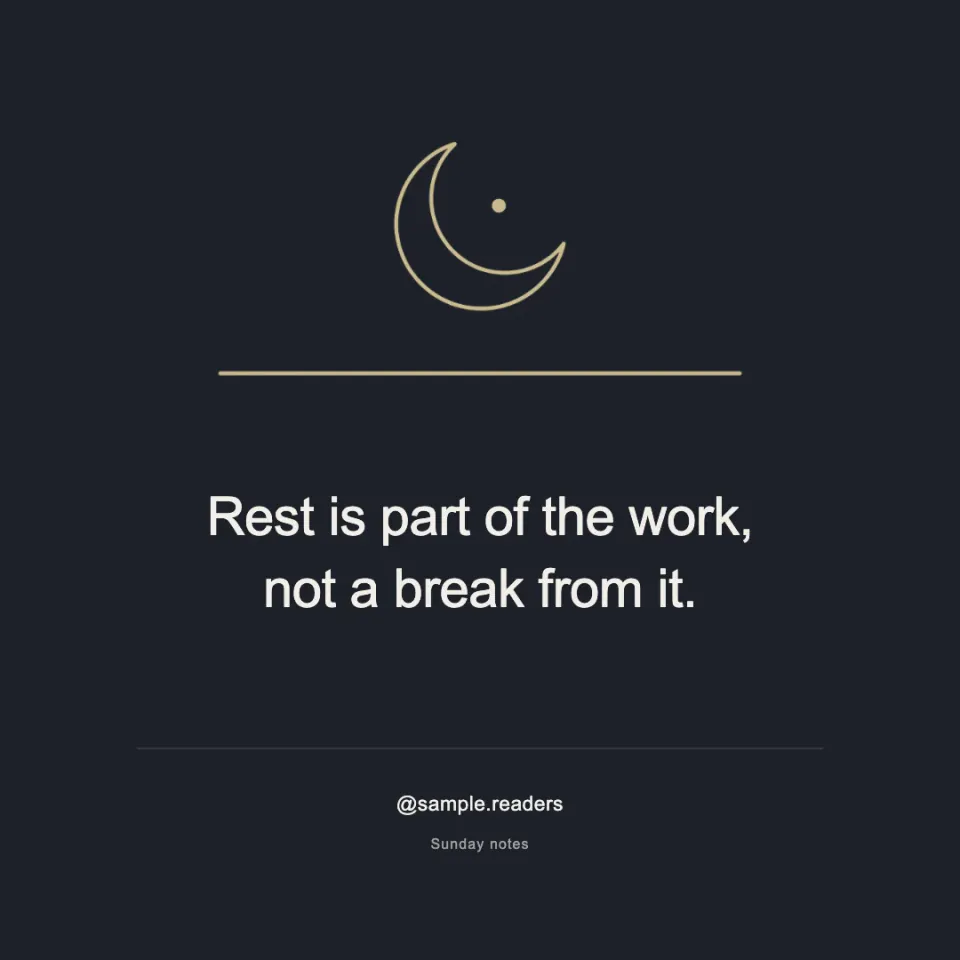
+25Square and 4:5 quote cards with exact text, a checked credit or handle, and a line drawing of the idea.
 Image
ImageReal Estate Listing Photo Kit
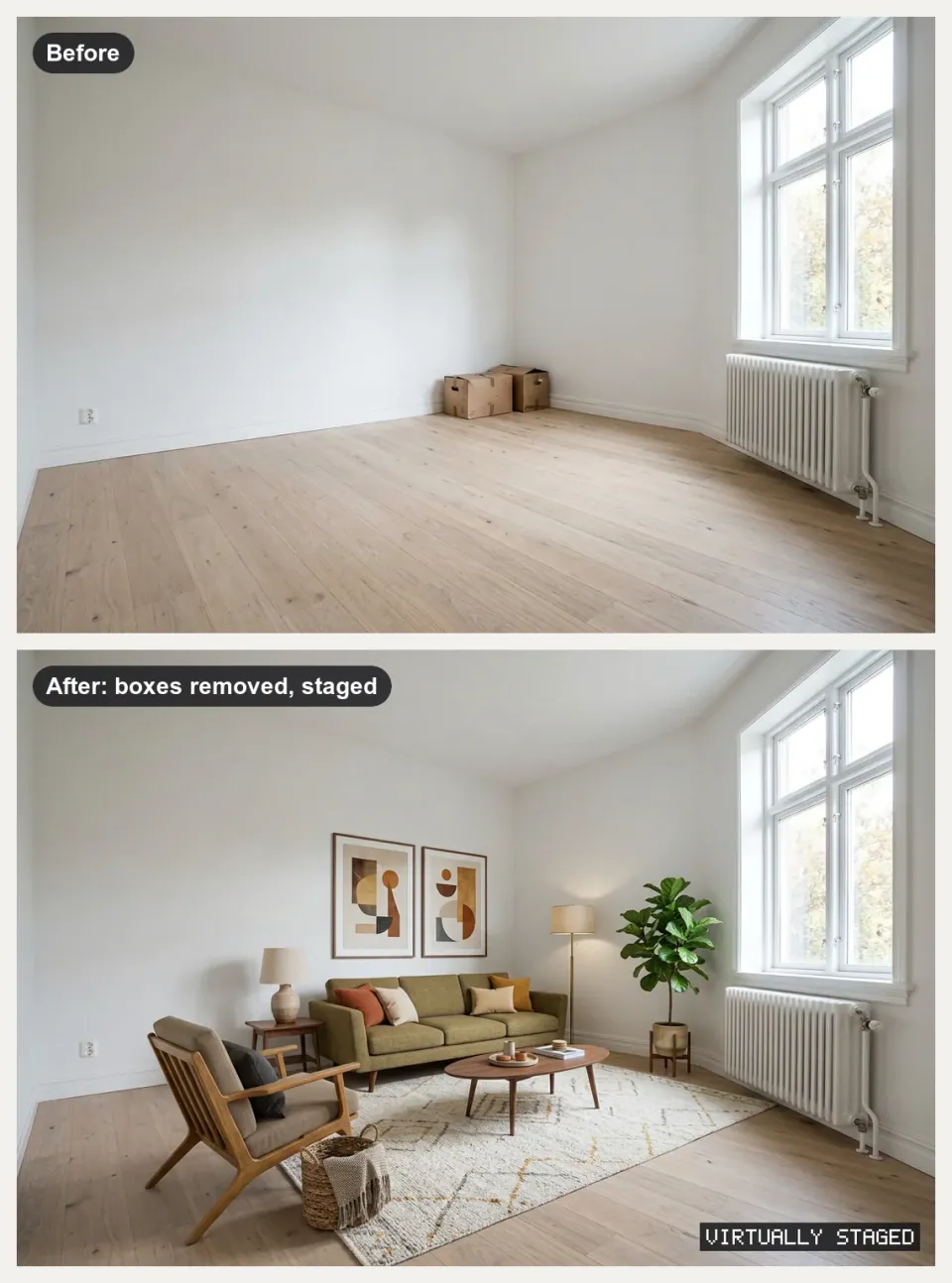
+25Property photos in, cleaned and labeled listing images, staged rooms, tour clips and a listing PDF out.
 Image
ImageResearch Graphical Abstract
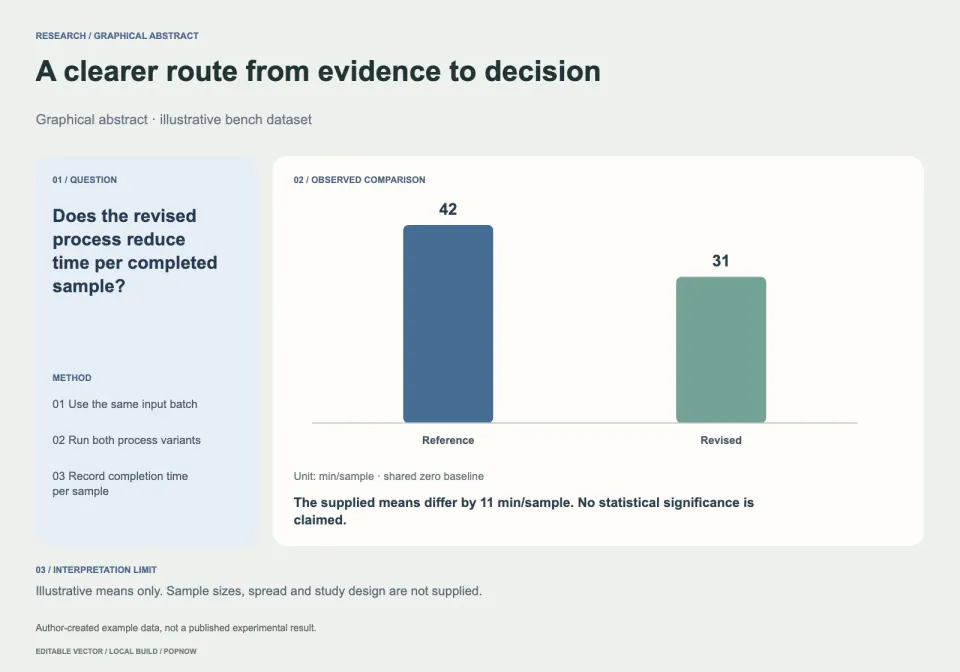
+25Turn a research brief into editable question–method–result artwork with source-linked measurements.
 Image
ImageSeamless Surface Pattern
+25Arrange detailed botanical motifs into a true repeating tile, with a full 3 by 3 seam proof.
 Image
ImageSketchnote Image Generator
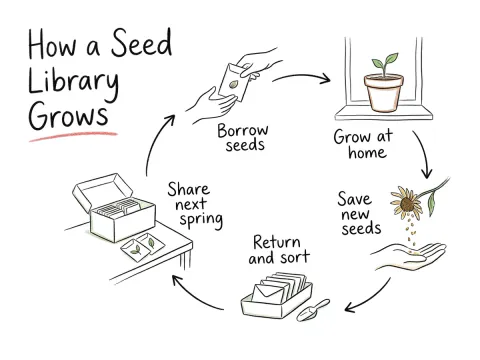
+25Turns an article or notes into one hand-drawn 4:3 sketchnote with exact, checked labels.
 Image
ImageSkincare Science Diagram
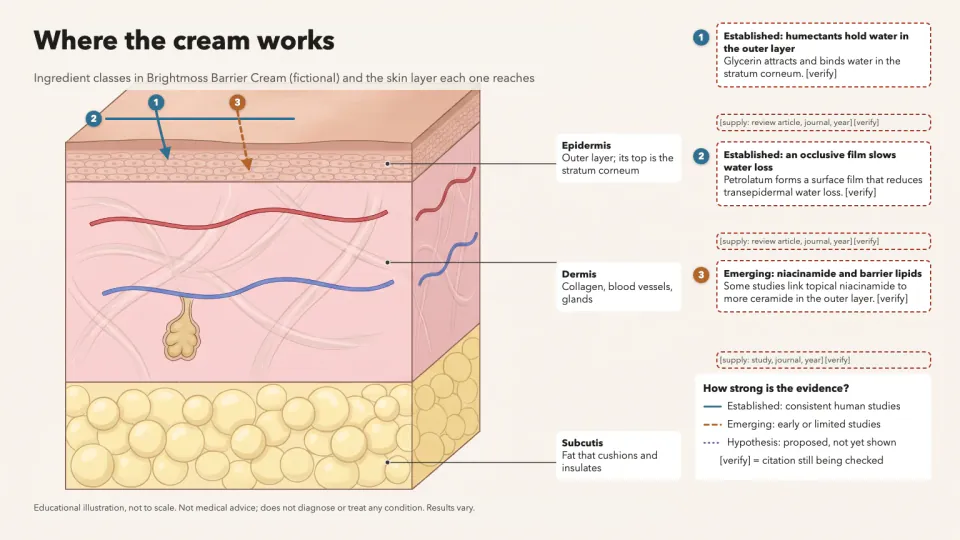
+25A skin layer diagram showing where ingredients act, with evidence-styled arrows and a source on every claim.
 Image
ImageSocial Cover & Thumbnail Generator
+25One message in, a checked set of OG images, post covers and video thumbnails out, every size exact.
 Image
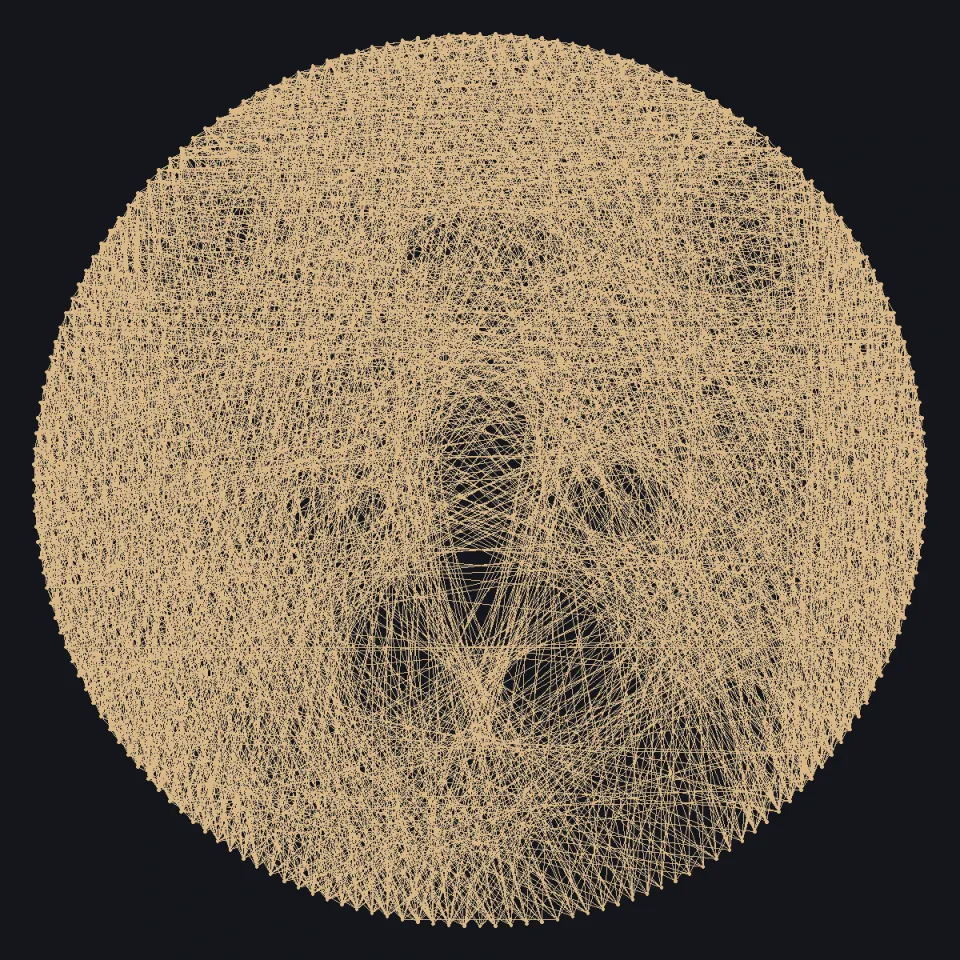
ImageString Art Portrait
+25Rebuild a portrait as one continuous nail-to-nail thread path with editable pins and numbered line order.
 Image
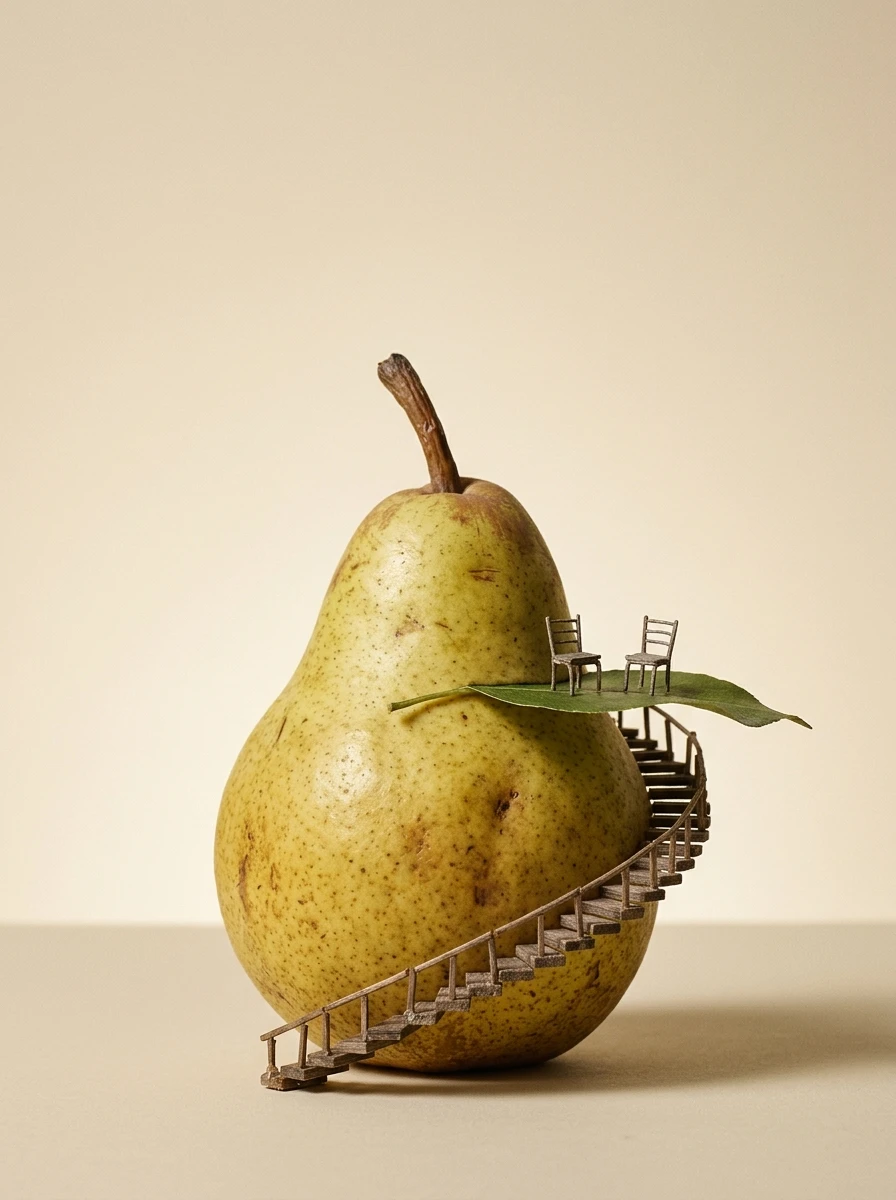
ImageSurreal Miniature Poster
+25Turn one impossible scale relationship into an editorial poster with editable type and real resolution checks.
 Image
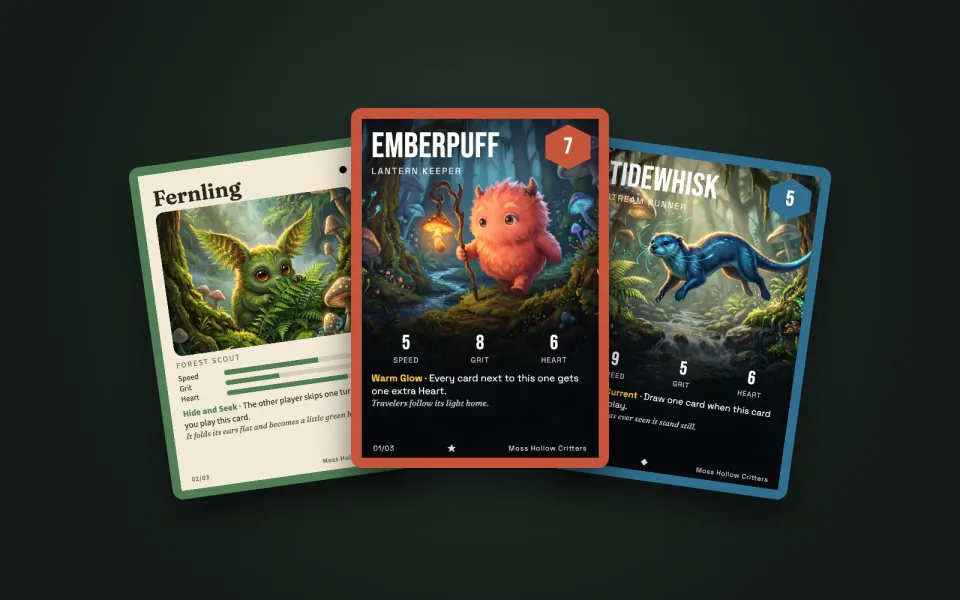
ImageTrading Card Maker
+25A spreadsheet of names and stats in: a matching set of original cards, print-ready at 63 x 88 mm.
 Image
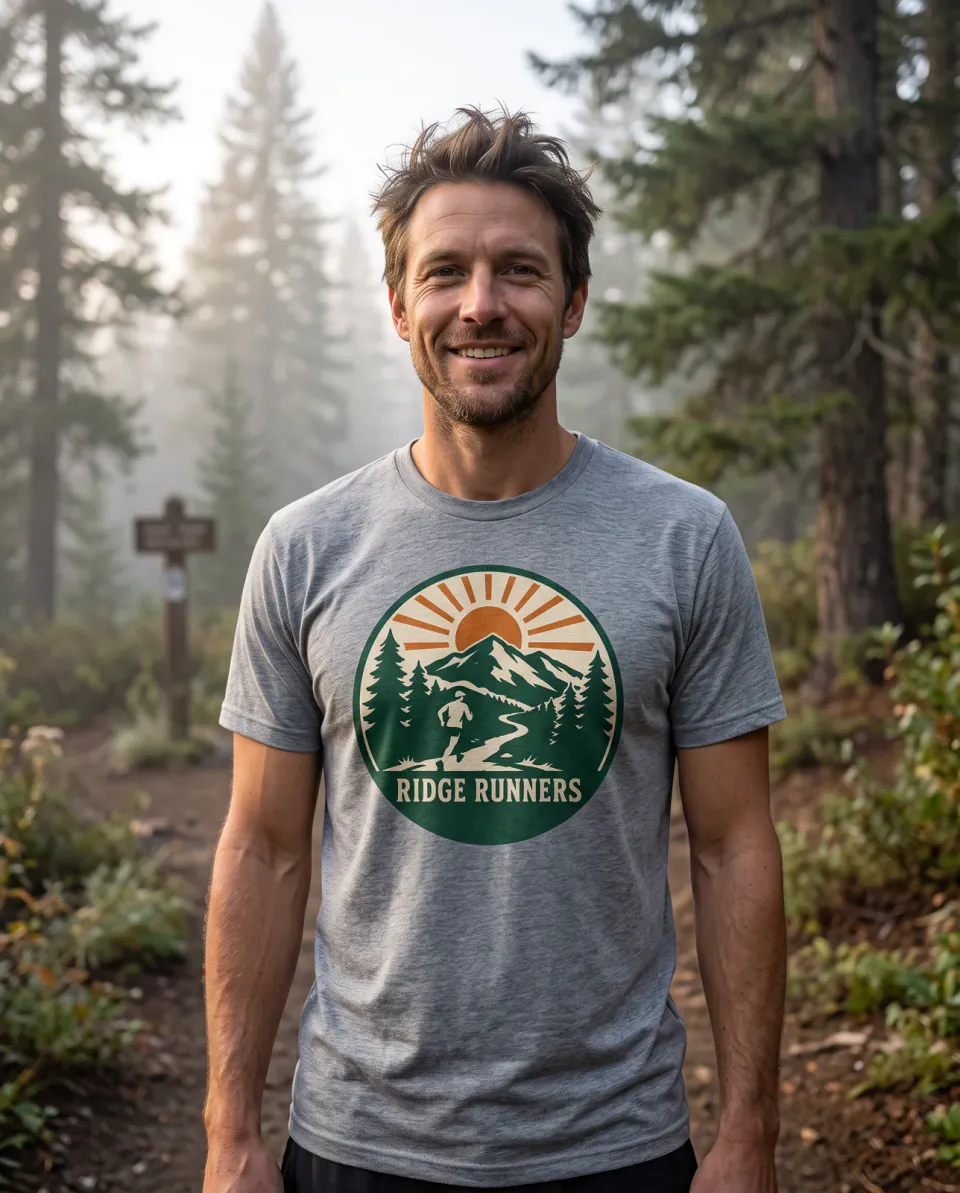
ImageT-Shirt Design Generator
+25Original shirt designs as print-ready transparent PNGs at 300 DPI, plus flat-lay and on-model mockups.
 Image
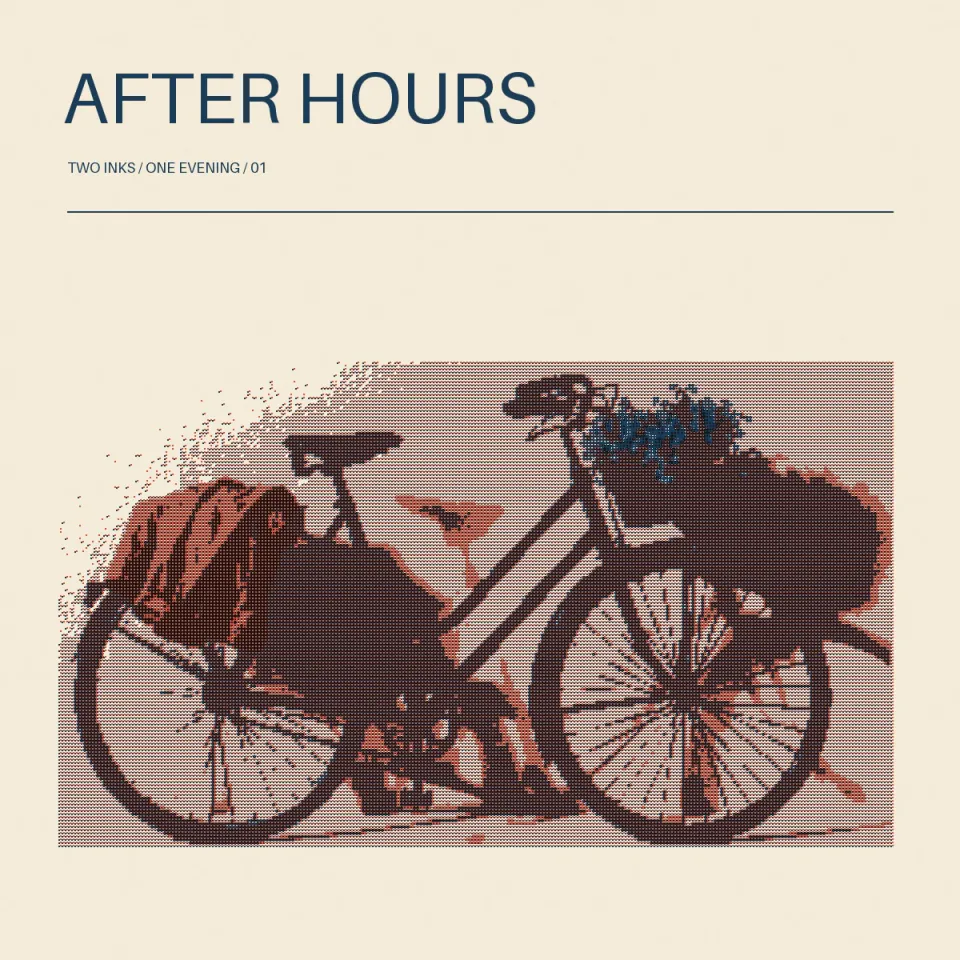
ImageTwo-Ink Risograph Print
+25Separate a photograph into fine two-ink halftones, with a composed headline and real ink plates.
 Image
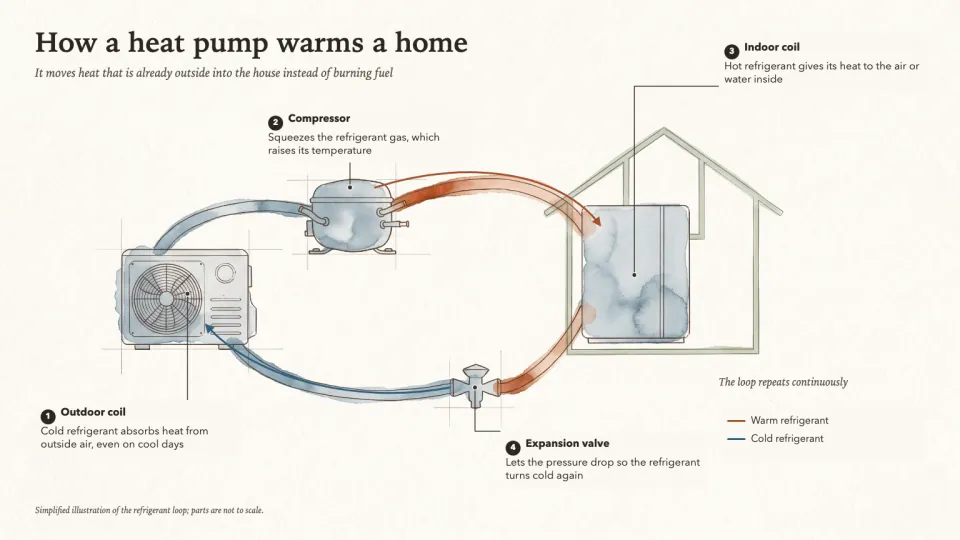
ImageWatercolor Concept Diagram
+25A watercolor illustration of how something works, with fine ink lines, clean label lanes and exact callouts.
 Image
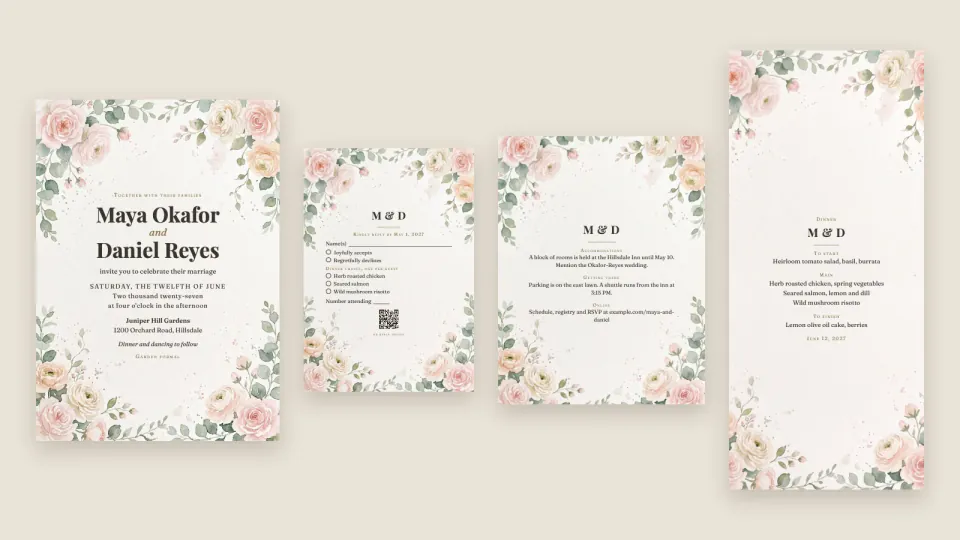
ImageWedding Invitation Suite
+25One set of wedding details in: invitation, RSVP, details, menu, place cards, sign and e-invites that match.


Questions
Is this a regular halftone screen?
No. Point locations are relaxed against image tone and have individual coordinates. The SVG contains separate circles, rather than a fixed grid of dots or an embedded photograph.
Can I change the ink and dot density?
Yes. The brief controls point count, dot radius, luminance gamma, relaxation steps, tone mode and both colors. Small dots can disappear at thumbnail or print size, so inspect the supplied near-detail proof.
What costs depend on this workflow?
Owned portraits and all point placement run locally. If a suitable source is missing, PopNow can generate one after a quote and approval. Point count and relaxation passes drive local processing work.
What is already packaged in Stippled ink portrait?
The domain algorithm and invariant checks. Runnable, editable example parameters. Control meanings, proof interpretation and limits.
Which parts of Stippled ink portrait can add a charge?
Owned portraits and all point placement run locally. If a suitable source is missing, PopNow can generate one after a quote and approval. Point count and relaxation passes drive local processing work. Connections using a PopNow API key, including API-key MCP connections, spend from the separate API balance in USD. A ChatGPT or Claude connection authorized through OAuth spends website credits. These balances are separate; the quote shown by your connection is the approval basis.
How does Stippled ink portrait differ from writing a prompt or my own skill?
The package already implements weighted placement, dot export and a readable near-detail proof. It avoids manually positioning thousands of dots or describing stippling only as a prompt style.