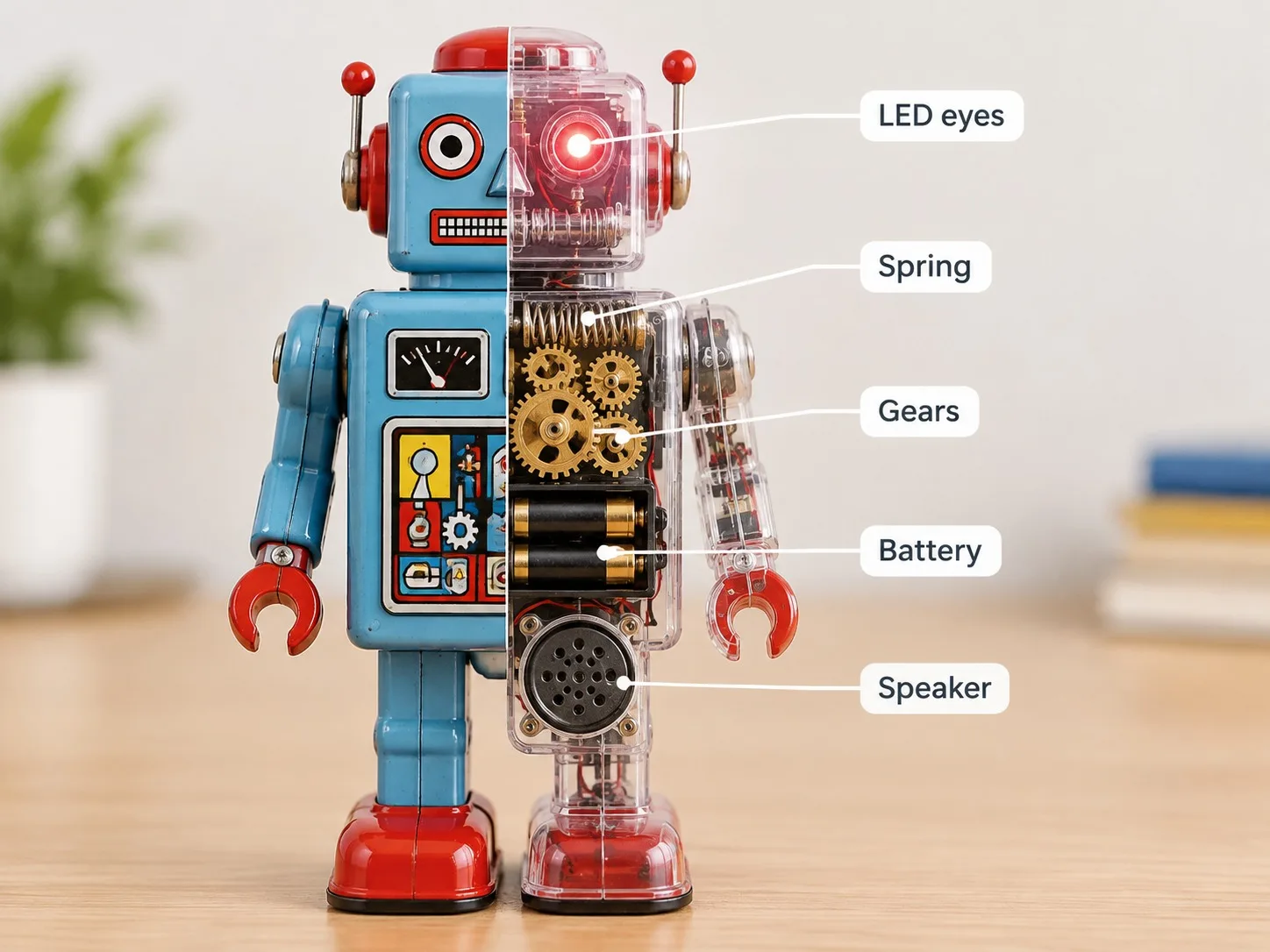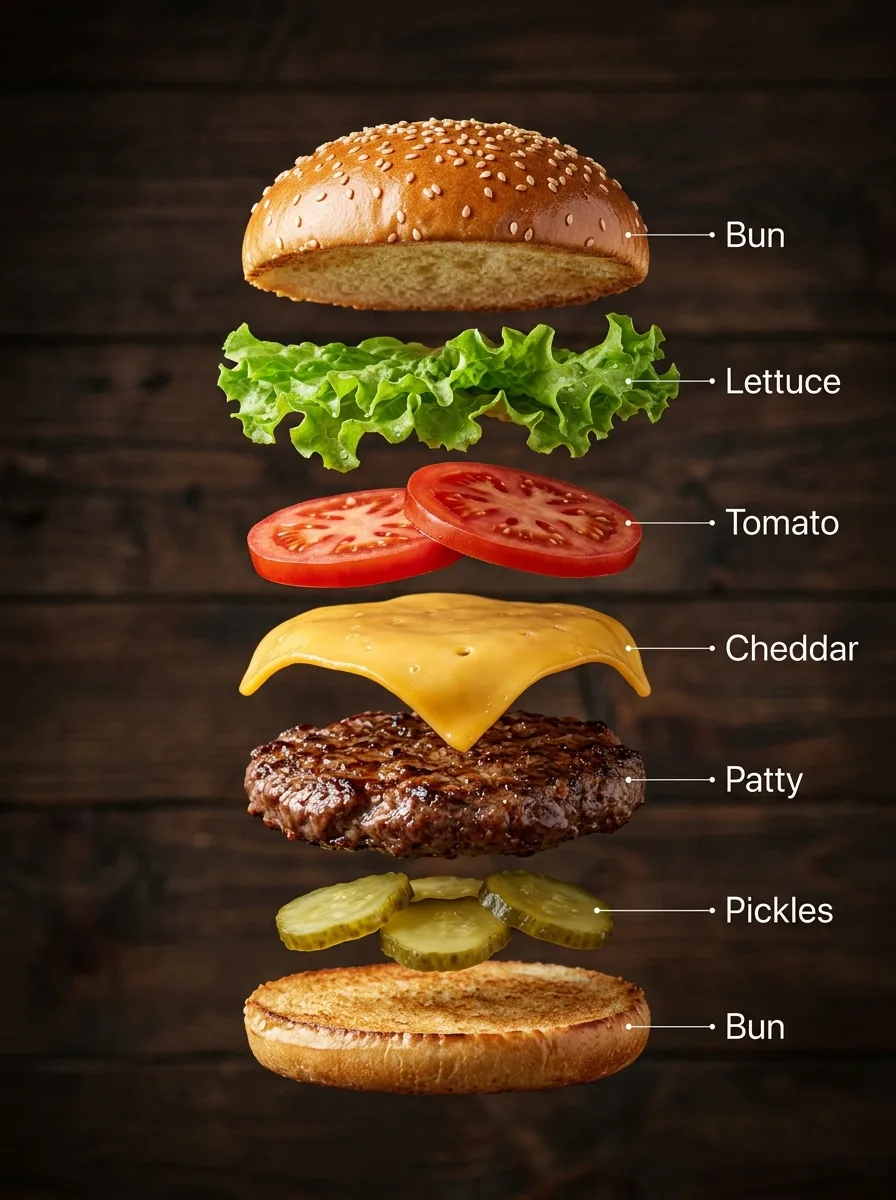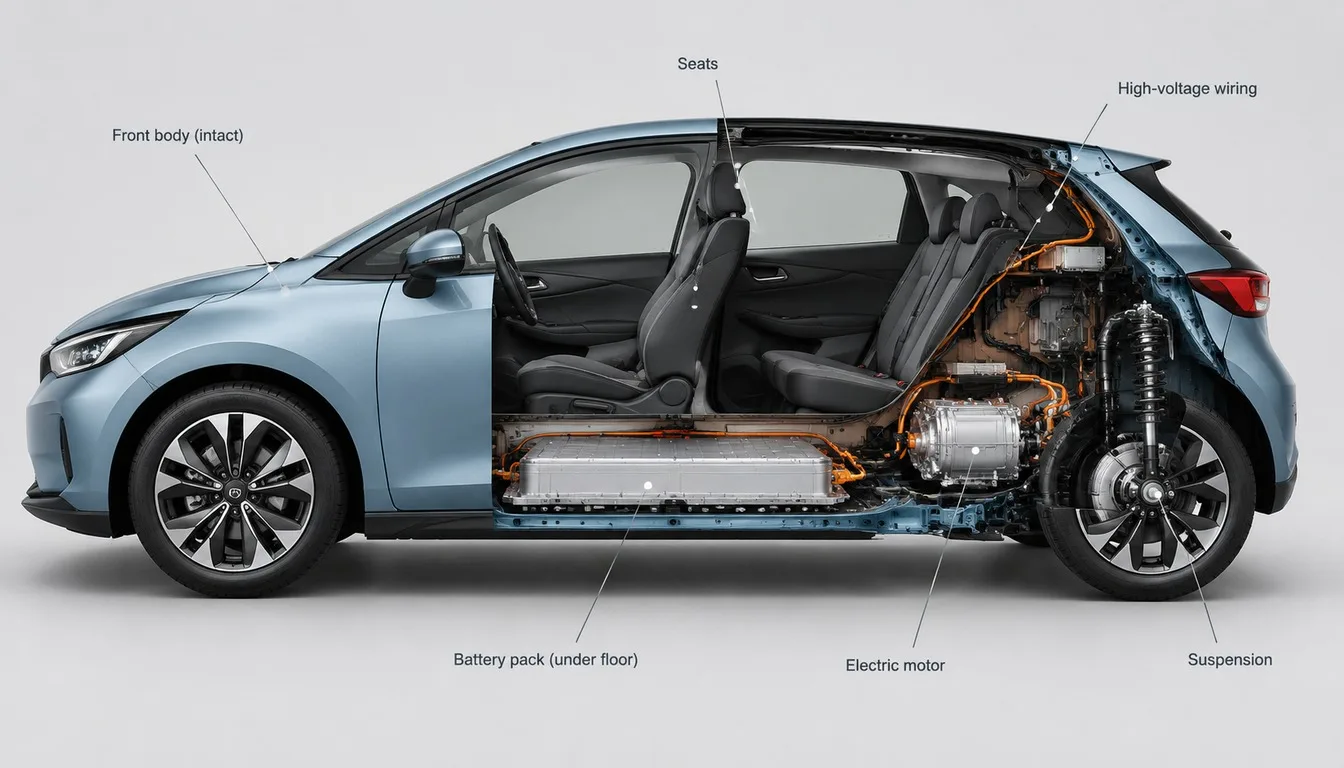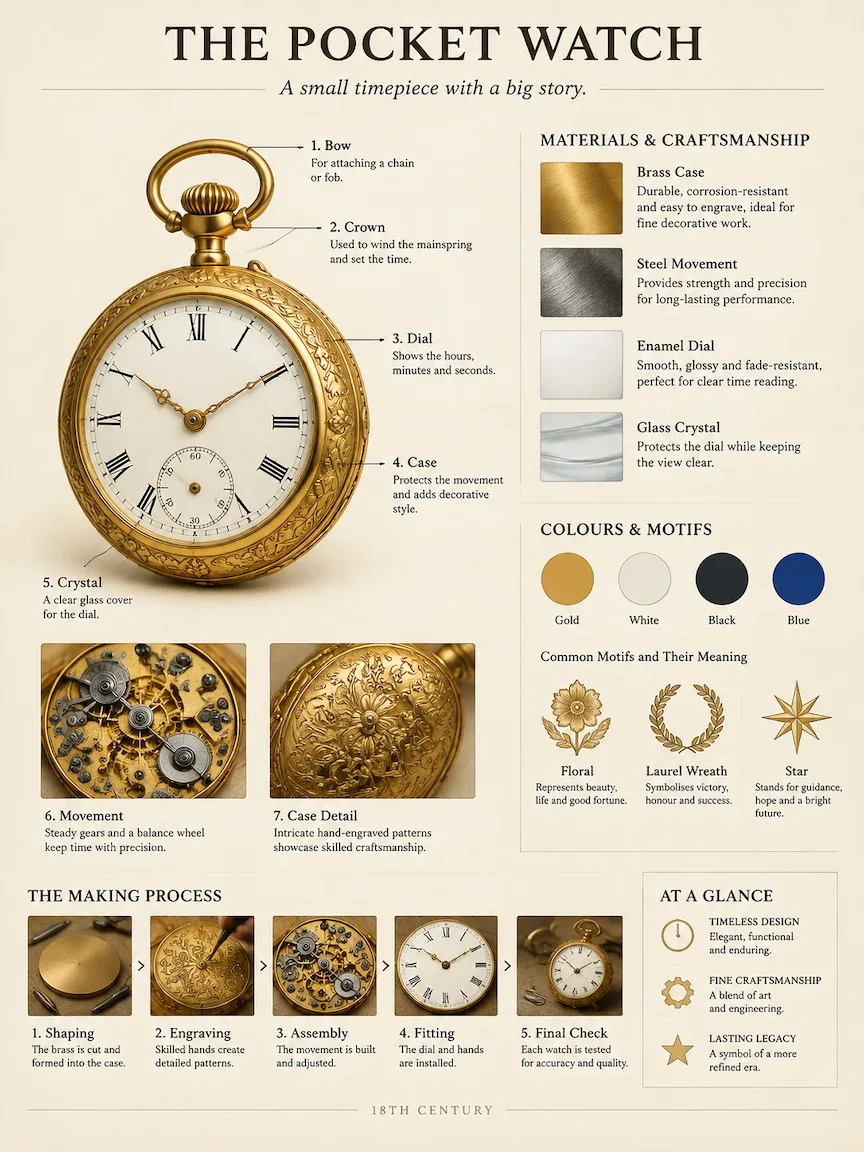
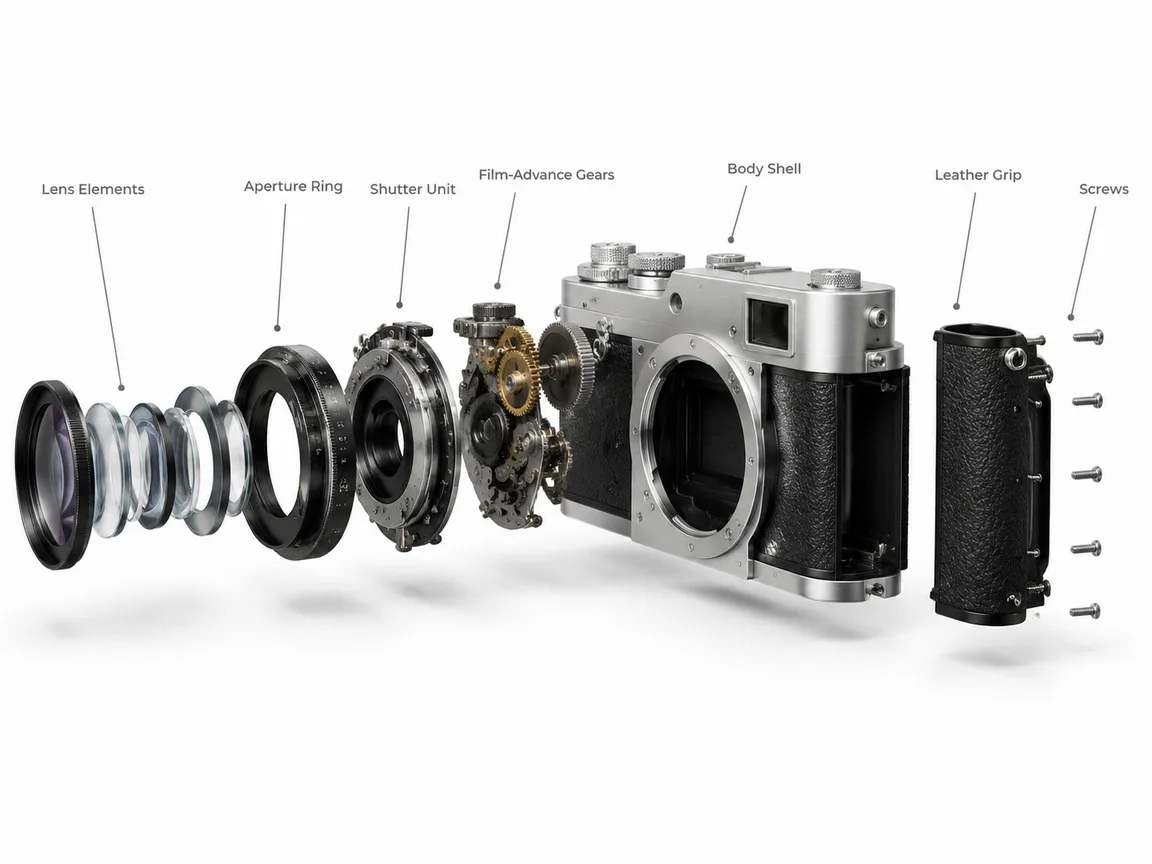
Keeping Time Inside, made with GPT Image 2.5 Sunburst
Example made with GPT Image 2.5 Sunburst

Text to imageInfographics & diagrams

GPT Image 2.5 Sunburst exploded view promptKeeping Time Inside

The exact text-to-image prompt behind this picture, made with GPT Image 2.5 Sunburst.

Prompt

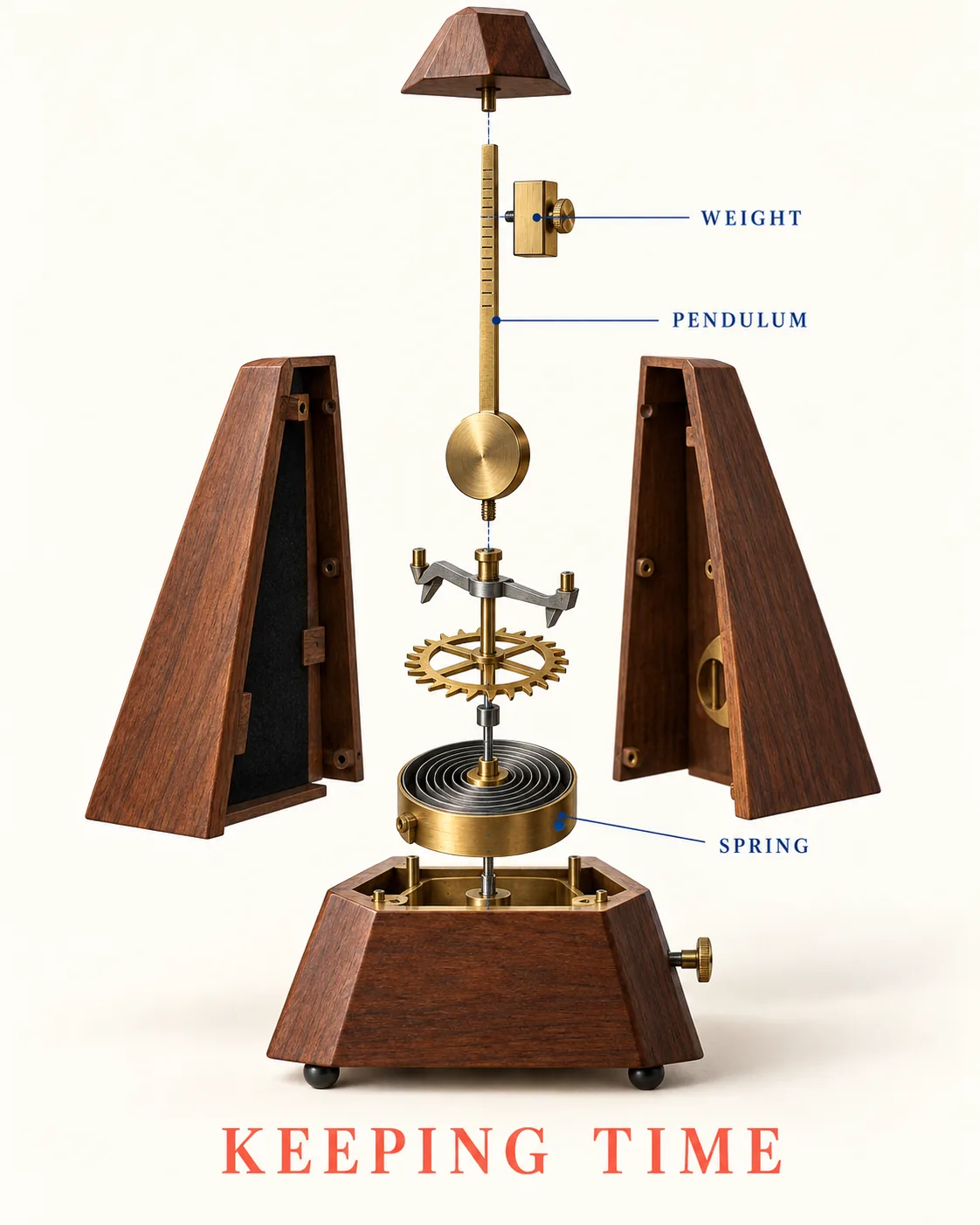
Vertical 4:5 portrait frame. An exploded technical illustration separates a mechanical metronome into its walnut shell, brass pendulum, sliding weight, escapement and wound spring, arranged along one clear vertical axis. Cream background, precise cobalt leader lines and a coral base create an orderly editorial composition. Soft studio shading makes the materials tangible. Title reads "KEEPING TIME"; labels read "WEIGHT", "PENDULUM" and "SPRING", no numerical scale, no logos, no other text.

Prompts are kept in their original English to help reproduce the example. Copy one as it is, or adapt it for your project.

Opens GPT Image 2.5 Sunburst with this prompt and the settings below filled in.

135 tested GPT Image prompts →

Settings

Mode
Text to image
Aspect ratio
4:5
Quality
high
Price
From 2 credits

The exact price shows before you generate.

Make your own version

  1. The words in quotes, "KEEPING TIME", are printed in the picture. Keep them short and change them to your own.

Style prompt guide

Style traits to keep

A mechanical metronome hovers disassembled along a strict vertical center, showing its internal works with editorial clarity. GPT Image 2.5 Sunburst blends realistic material textures like warm walnut and reflective brass with flat, vintage schematic graphic design. Strict text prompts anchor readable title and component tags while keeping unwanted measurement markers off the canvas.

This style combines tactile product rendering with clean mid-century instructional infographics.

Composition
Disassembled parts align along one central vertical axis, organizing mechanical complexity into a readable, orderly stack.
Palette
Cream, cobalt, and coral form an editorial trio that contrasts crisp graphic elements against natural brass and wood tones.
Line
Precise cobalt leader lines connect words directly to hardware, mimicking vintage patent sketches and mechanical manuals.
Texture
Soft studio shading gives real wood grain and polished metallic reflections to components while keeping background planes flat.

What defines this look

  1. framing and subject setupVertical 4:5 portrait frame. An exploded technical illustration separates a mechanical metronome into its walnut shell,

    This establishes the vertical canvas orientation and chooses an exploded technical view. Omitting this phrase risks a fully assembled metronome sitting on a desk rather than separated floating components.

  2. internal part inventorybrass pendulum, sliding weight, escapement and wound spring, arranged along one clear vertical axis.

    Naming specific mechanical parts tells the model precisely what hardware to float in mid-air. The vertical axis clause keeps the pieces stacked neatly instead of scattering across the frame.

  3. color and graphic stylingCream background, precise cobalt leader lines and a coral base create an orderly editorial composition.

    This replaces plain studio grey with an intentional three-color editorial palette. Without it, the model defaults to cold CAD blueprint blues or generic white product staging.

  4. lighting and surface finishSoft studio shading makes the materials tangible.

    This directs the model to render realistic highlights and shadows on wood and metal rather than flat vector clip art, giving the diagram tactile depth.

  5. typographic instructions and limitsTitle reads "KEEPING TIME"; labels read "WEIGHT", "PENDULUM" and "SPRING", no numerical scale, no logos, no other text.

    Quoting exact words guides clean lettering, while explicitly forbidding numerical scales and logos stops the AI from filling blank spaces with illegible diagram gibberish.

Same style, new subjects

Coffee grinder diagram

Applies the same exploded editorial schematic style to a manual kitchen brewing tool.

Prompt

Vertical 4:5 portrait frame. An exploded technical illustration separates a manual coffee grinder into its matte steel hopper, conical ceramic burr, central drive shaft and walnut catch cup, arranged along one clear vertical axis. Cream background, precise cobalt leader lines and a coral base create an orderly editorial composition. Soft studio shading makes the materials tangible. Title reads "GRIND SIZE"; labels read "BURR", "SHAFT" and "CATCH CUP", no numerical scale, no logos, no other text.

Twin-lens camera schematic

Swaps the subject to classic photography hardware while keeping the vertical stacking and color scheme.

Prompt

Vertical 4:5 portrait frame. An exploded technical illustration separates a vintage twin-lens reflex camera into its viewing hood, optical lenses, internal reflex mirror, film spool and leatherette body, arranged along one clear vertical axis. Cream background, precise cobalt leader lines and a coral base create an orderly editorial composition. Soft studio shading makes the materials tangible. Title reads "TWIN OPTICS"; labels read "VIEWFINDER", "MIRROR" and "SPOOL", no numerical scale, no logos, no other text.

Maritime compass breakdown

Uses the diagram format on navigational equipment to highlight fine brass craftsmanship.

Prompt

Vertical 4:5 portrait frame. An exploded technical illustration separates a brass maritime pocket compass into its hinged lid, sapphire jewel bearing, magnetized needle, damping spring and milled casing, arranged along one clear vertical axis. Cream background, precise cobalt leader lines and a coral base create an orderly editorial composition. Soft studio shading makes the materials tangible. Title reads "TRUE NORTH"; labels read "NEEDLE", "BEARING" and "CASING", no numerical scale, no logos, no other text.

Model and settings

Stick to the 4:5 aspect ratio because the vertical stack of separated parts requires tall headroom to avoid overlapping. The high quality setting gives GPT Image 2.5 Sunburst sufficient rendering detail to keep leader lines thin and short typographic labels legible. If you adapt this concept for an object with wide horizontal components, change the ratio to landscape before generating.

  • Nano Banana ProChoose Nano Banana Pro if you want to add more than four labeled components, because it plans complex diagram layouts and dense text before rendering.

When the style drifts

The AI generates fake dimension numbers, messy calibration ticks, or unreadable tiny paragraphs.
Strengthen the negative instruction at the end of the prompt by writing: 'pure minimal background, zero measurement rulers, zero tick marks, no extra text'.
Components scatter across the canvas horizontally instead of staying in an orderly vertical line.
Replace 'arranged along one clear vertical axis' with 'stacked strictly in a single centered column from top to bottom'.
Leader lines fade out or fail to touch the intended parts.
Update the phrase to 'straight, unbroken cobalt pointer lines drawn directly from each label word to touch its part'.

Questions about this style prompt

How do I ensure the labels remain spelled correctly?

Limit your prompt to three or four short, simple words placed inside quotation marks. Capitalize them clearly in the prompt and use the high quality setting so the model allocates enough detail to letterforms.

Can I use this style for complex machinery with dozens of parts?

Too many parts cause the model to bundle pieces into an illegible cloud. For best results, name only four to six recognizable core parts so each has enough breathing room on the vertical axis.

Why did the background turn into a realistic workshop instead of flat cream?

This happens when the word 'editorial' or 'cream background' is overpowered by object descriptions. Place 'flat solid cream paper background' earlier in the prompt to enforce an illustration plane.