


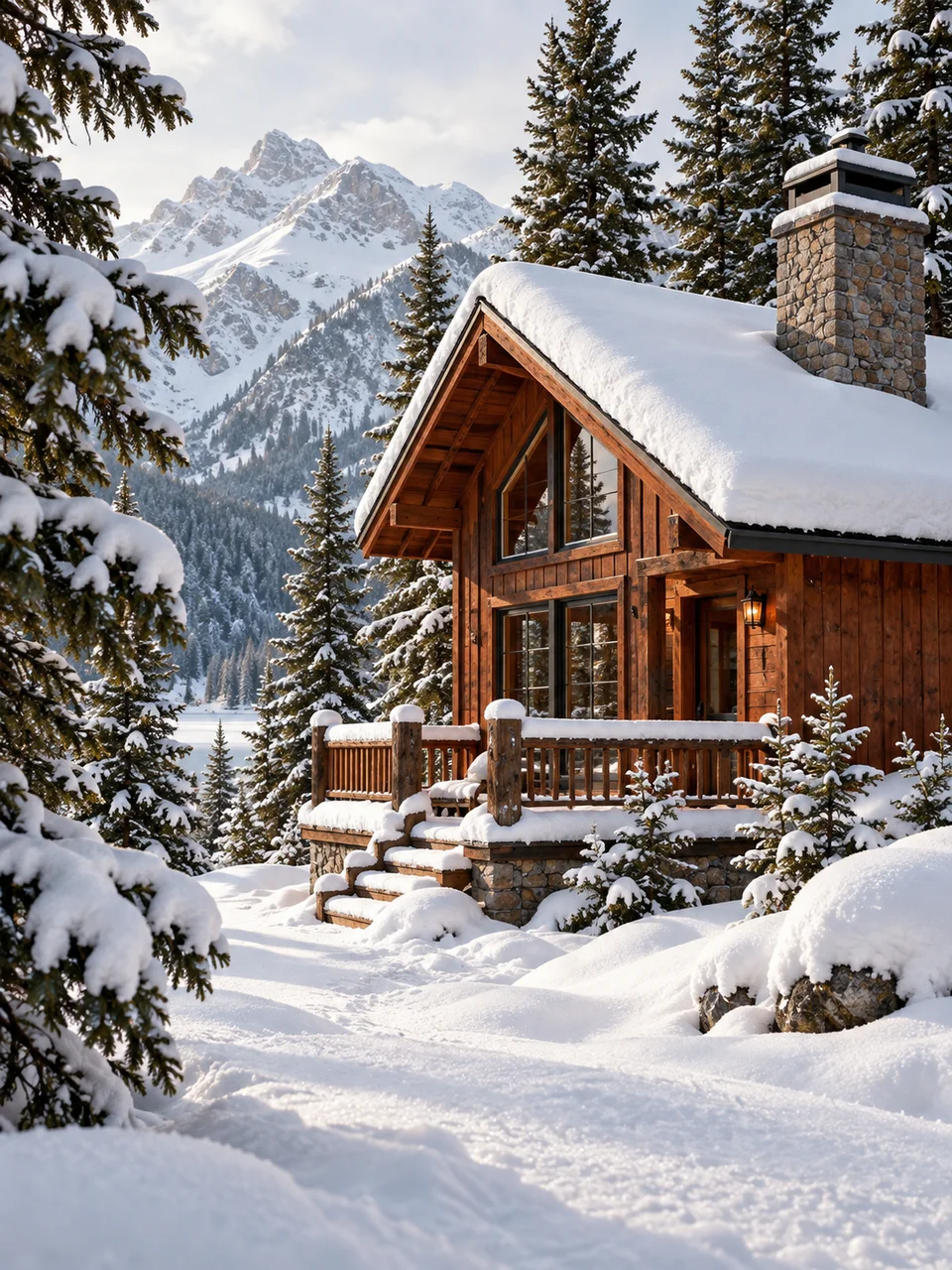
Winter Daylight AI Photo Generator: Snow Bounce
Cool reflected daylight opens every shadow.
- From a description only
- Best shape: 3:4 · 4:5 · 1:1
Works on
- Seedream 5.0 Pro
- Qwen Image 3.0
- Nano Banana 2.1
- Seedream 5.0 Flash
About Snow Bounce
Snow Bounce looks at winter through the light coming back from the ground. Fresh snow acts as a broad reflector, opening shadows beneath brows, branches and roof edges. The palette stays cool without turning every object blue, and warm materials keep some of their natural color. This is a photographic lighting look built around snowy surroundings, delicate surface texture and the low contrast of soft daylight.
A person in a wool coat near a snowbank, a timber cabin among birches, and a copper thermos on a snowy bench all suit this treatment. Pale fur against dark winter clothing provides another useful contrast. Tell the page about the material that should stay warm and the snow around it. You create these scenes from a written description, with no existing photograph needed to begin.
Useful starting lines are “a person in an ochre wool coat beside fresh snow” and “a timber cabin among birch trees under overcast winter daylight.” You could also use “a copper thermos on a snow-covered park bench.” Fresh powder makes the reflected light feel broad and clean; compacted snow introduces darker tracks and firmer shapes that give the scene more visual weight near the ground.
Tips
- Specify fresh powder when you want delicate crystals and an unbroken reflective ground surface.
- Include a warm material such as copper, cedar or rust wool to balance the cool surroundings.
- For portraits, describe the coat and face clearly; a visible snowbank explains the upward fill.
- Choose overcast daylight for gentler transitions across cheeks, branches and rooflines.
- Keep footprints deliberate: one short trail can guide the eye without covering the snow texture.
What the style adds
Your words go where it says “your subject”. Everything else is added for you.
your subject. Use soft winter daylight reflected upward by fresh snow. Shadows remain cool and open while skin or warm materials retain restrained warmth. Preserve fine crystalline snow and gentle edge contrast, avoiding blue color casts across everything or holiday decorations.
Models and price
- Seedream 5.0 Pro36 credits
- Qwen Image 3.030 credits
- Nano Banana 2.148 credits
- Seedream 5.0 Flash29 credits
One 1K image from a description. The button always shows the exact price before you spend anything.
How to use Snow Bounce
- Describe itWrite who or what should be in the picture. A small action and a clear place work best.
- Pick a shapeKeep the suggested ratio and model, or change them in the bar at the bottom.
- Paint itPress “Paint it”. The price is on the button before you spend anything.
Questions about Snow Bounce
Can I use Snow Bounce on my own photo?
Not yet. This style works from a description: write what you want to see and the style adds the look.
How much does one Snow Bounce image cost?
29 credits for one 1K image on Seedream 5.0 Flash. 2K costs more, and the button shows the exact price before you run it.
Will skin look blue in this lighting?
Skin should retain restrained warmth while nearby shadows read cooler. Naming natural skin tones and a warm coat helps establish that distinction without making the snowy environment feel artificially warm.
What separates Snow Bounce from Color Bounce?
Snow Bounce uses a large snowy ground plane to lift shadows with cool daylight. Color Bounce takes a local hue from a nearby colored surface, often creating a smaller and more visibly tinted reflection.
Can I use it without a person?
Yes. Cabins, winter gardens and still lifes on snowy outdoor tables make the lighting easy to appreciate. Give wooden or metal objects enough visible surface area for their warmer color to register.
Similar styles
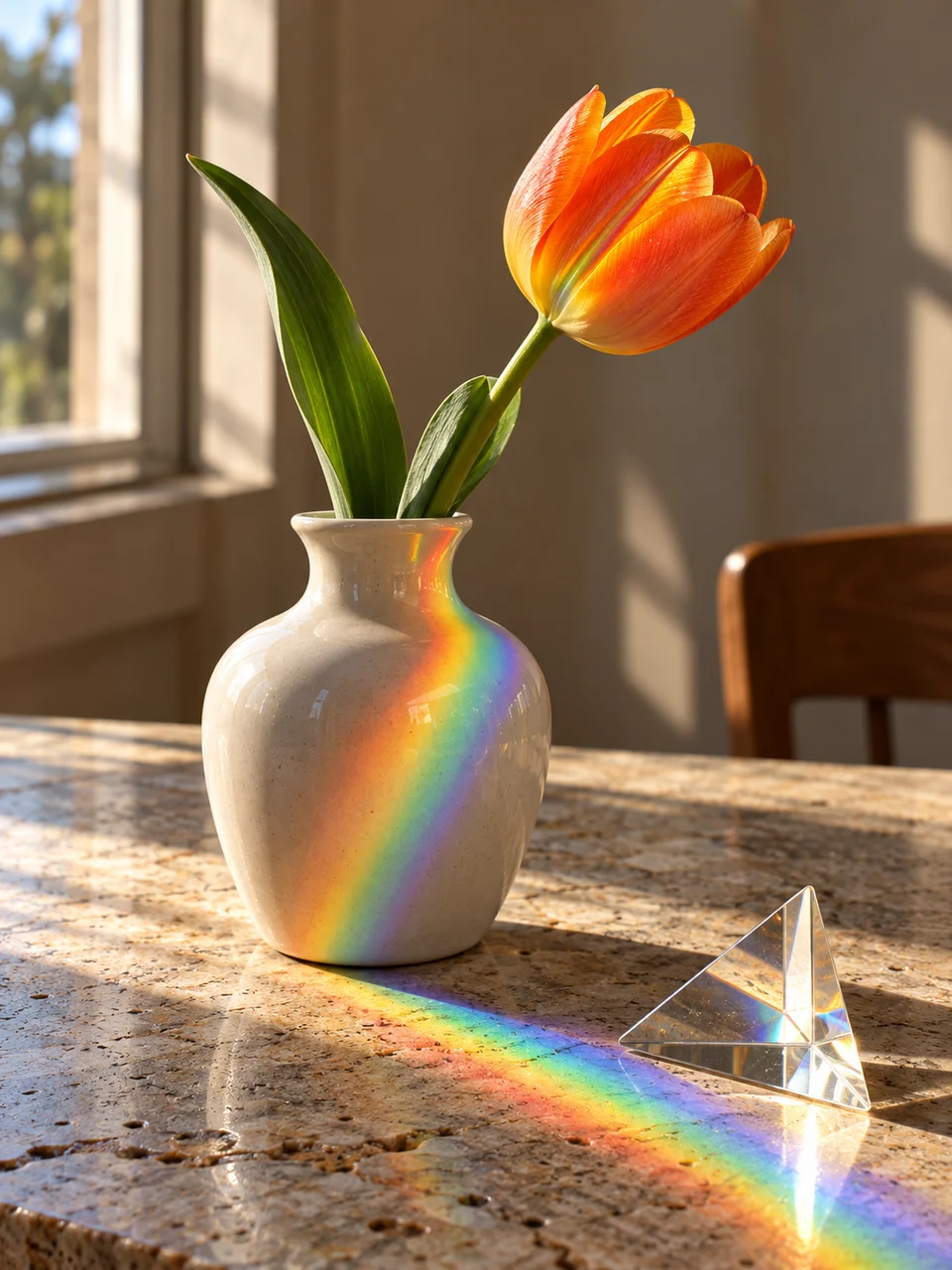 Prism Sunlight
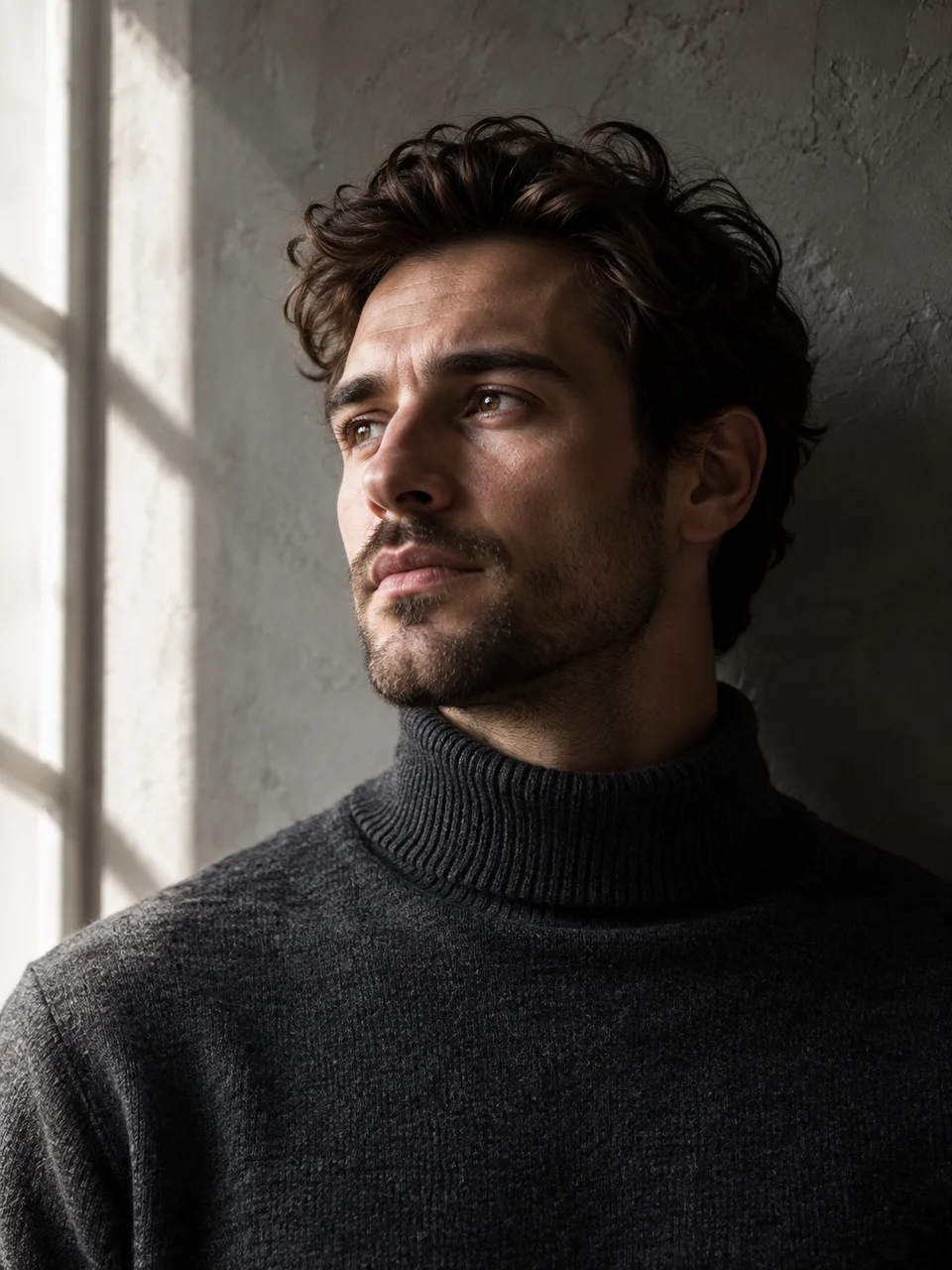 Negative Fill
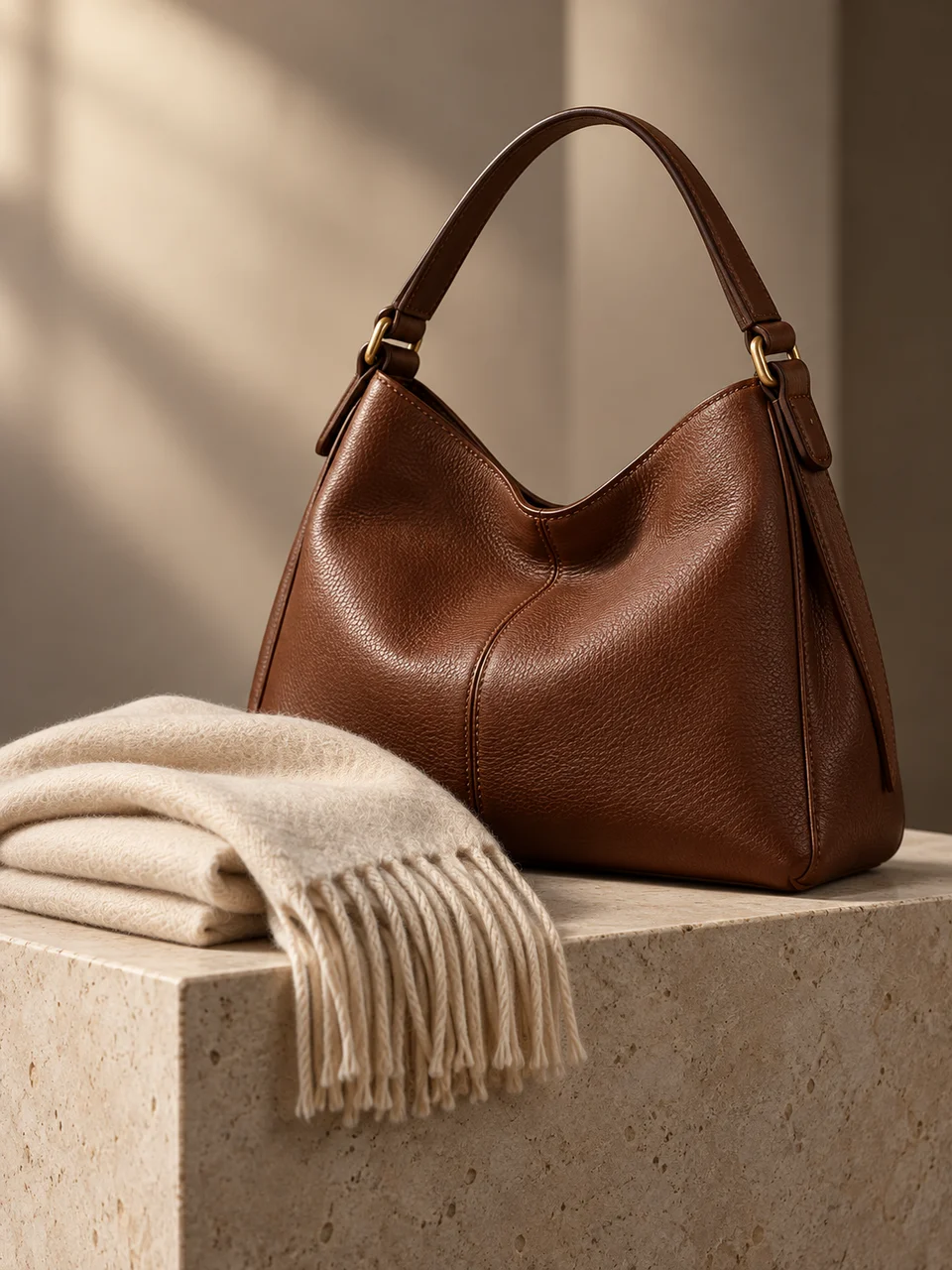 Book Light
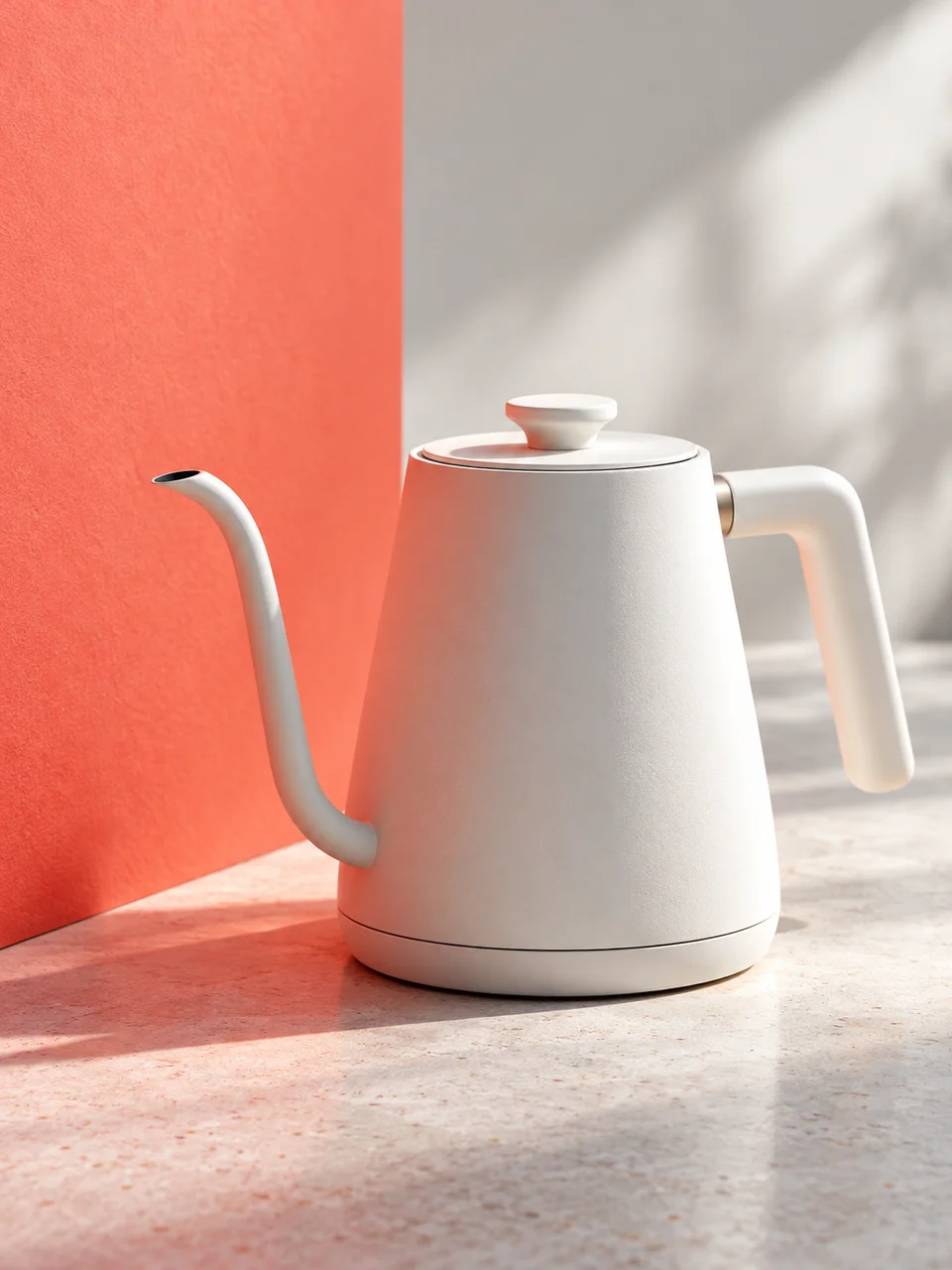 Color Bounce
Bring it to life
Effects that turn a still in this look into a short video.
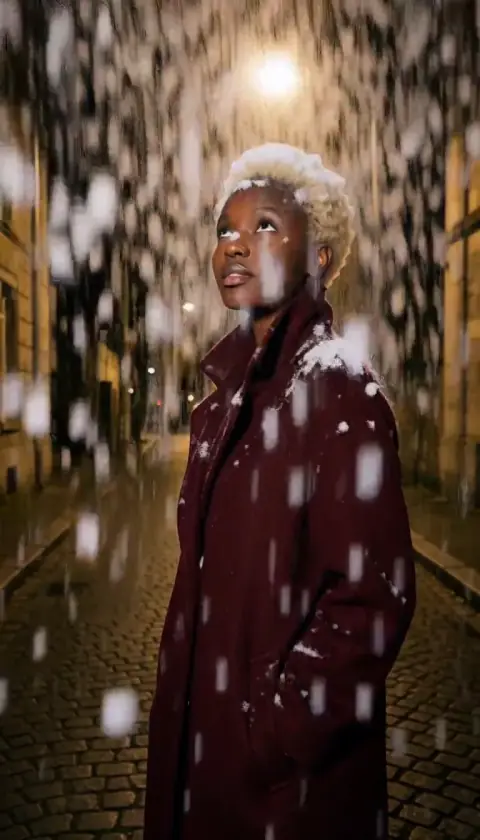 Snowfall
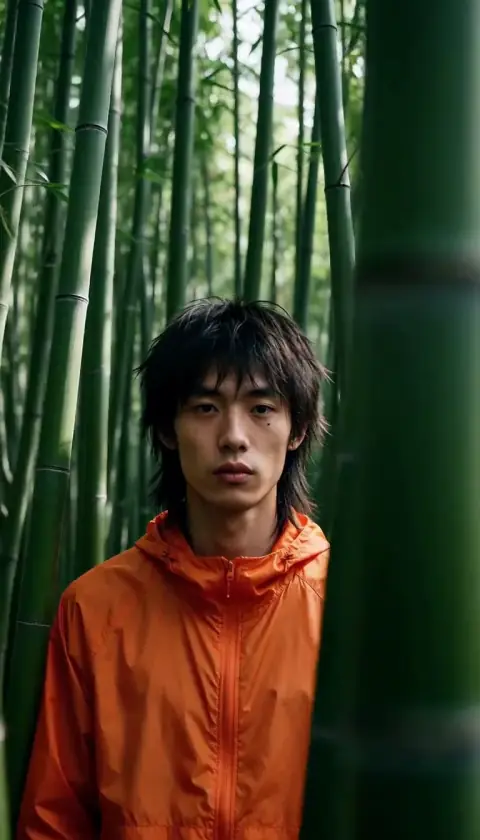 Slider Parallax