


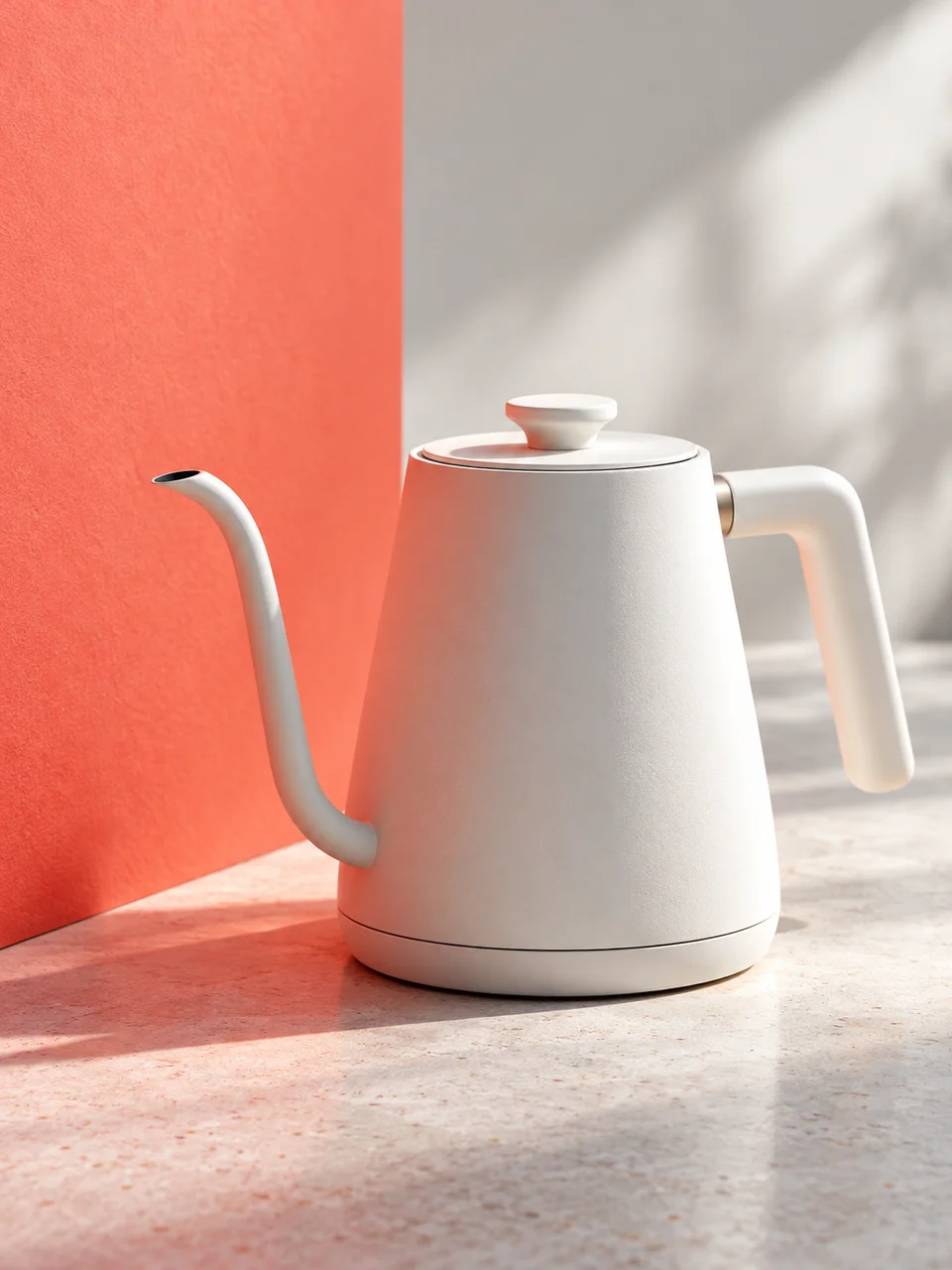
Reflected Color AI Photo Generator: Color Bounce
Reflected color stays local to the surfaces it touches.
- From a description only
- Best shape: 3:4 · 4:5 · 1:1
Works on
- Seedream 5.0 Pro
- Qwen Image 3.0
- Nano Banana 2.1
- Seedream 5.0 Flash
About Color Bounce
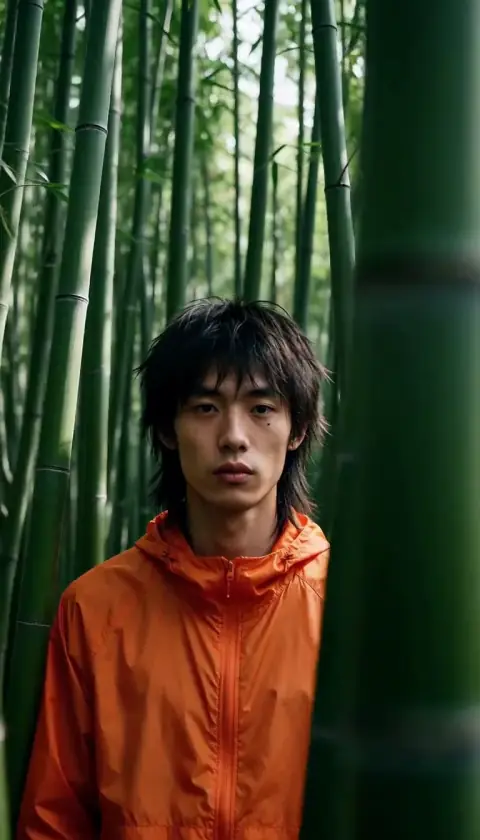
Color Bounce brings the behavior of reflected light into a clean photographic scene. A red wall, blue card or yellow tabletop lends some of its color to surfaces facing it, especially in shadow. Direct daylight stays white, so the color feels attached to the space. This comes from ordinary studio and location lighting practice, where nearby surfaces matter as much as the main light itself.
Pale ceramics, neutral clothing and light plaster make the reflected hue easiest to see. Try a white pitcher beside a coral wall, a person in a cream sweater near a blue partition, or a plaster bust above a yellow tabletop. Describe the colored surface and where it sits relative to your subject. This style uses a written description to construct those relationships within a new image.
Start with “a white ceramic jug beside a terracotta wall in daylight” or “a person in a cream shirt sitting next to a pale blue screen.” For a smaller study, try “a plaster sphere on a mustard tabletop.” Moving the colored surface closer suggests stronger reflection; choosing a rough matte material makes the tint spread gently instead of appearing as a sharp glossy reflection.
Tips
- Give the bounce surface one clear hue; several competing walls make the reflected color harder to read.
- Choose a pale subject so you can see the subtle color entering its shaded side.
- Place the colored wall beside the subject, where its reflection has a believable path to reach it.
- Use white daylight as the main source to preserve a neutral reference in the bright areas.
- Name matte plaster, cotton or unglazed clay when you want broad, soft patches of reflected color.
What the style adds
Your words go where it says “your subject”. Everything else is added for you.
your subject. Light a neutral subject with white daylight plus a nearby colored bounce surface. Let subtle reflected color affect only facing shadow planes, keeping direct highlights neutral. Preserve physical surface roughness and plausible falloff rather than applying a global two-tone gradient.
Models and price
- Seedream 5.0 Pro36 credits
- Qwen Image 3.030 credits
- Nano Banana 2.148 credits
- Seedream 5.0 Flash29 credits
One 1K image from a description. The button always shows the exact price before you spend anything.
How to use Color Bounce
- Describe itWrite who or what should be in the picture. A small action and a clear place work best.
- Pick a shapeKeep the suggested ratio and model, or change them in the bar at the bottom.
- Paint itPress “Paint it”. The price is on the button before you spend anything.
Questions about Color Bounce
Can I use Color Bounce on my own photo?
Not yet. This style works from a description: write what you want to see and the style adds the look.
How much does one Color Bounce image cost?
29 credits for one 1K image on Seedream 5.0 Flash. 2K costs more, and the button shows the exact price before you run it.
Will the whole picture take on the color I choose?
The effect is designed to stay near the colored surface and on planes facing it. A red wall should gently warm nearby shadows while white daylight keeps other areas neutral.
How does Color Bounce differ from Prism Sunlight?
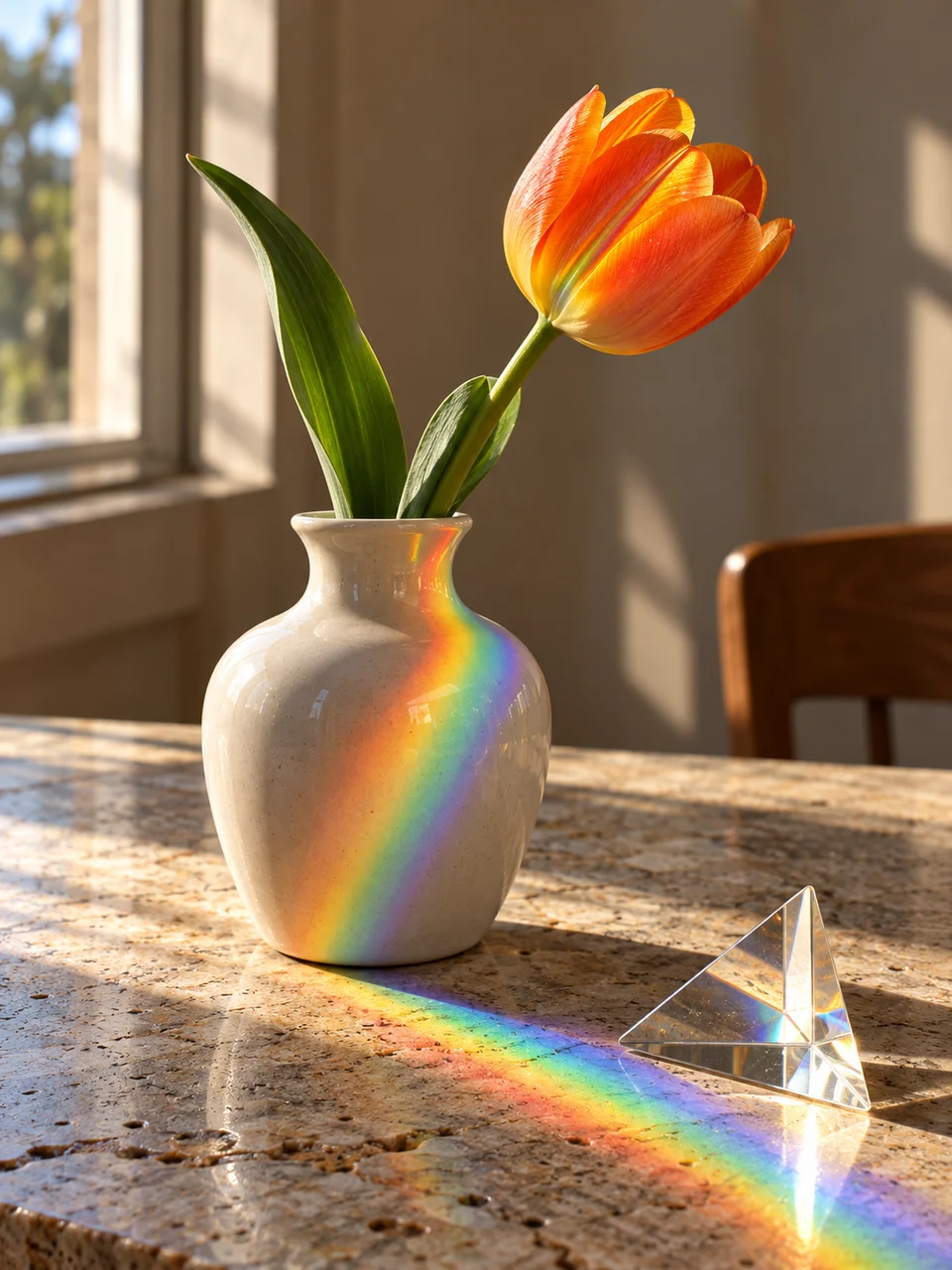
Color Bounce suggests light reflected off a colored object or wall. Prism Sunlight introduces separated spectral color. Choose this page when the color should feel rooted in furniture, architecture or another nearby surface.
Can I show two different colored reflections?
You can describe two surfaces, but a single colored reflector usually creates a clearer image. If you use two, specify their positions and leave the background neutral so their contributions remain readable.
Similar styles
 Prism Sunlight
 Negative Fill
 Snow Bounce
 Leaf Gobo
Bring it to life
Effects that turn a still in this look into a short video.
 Slider Parallax
 Slow Push-In