


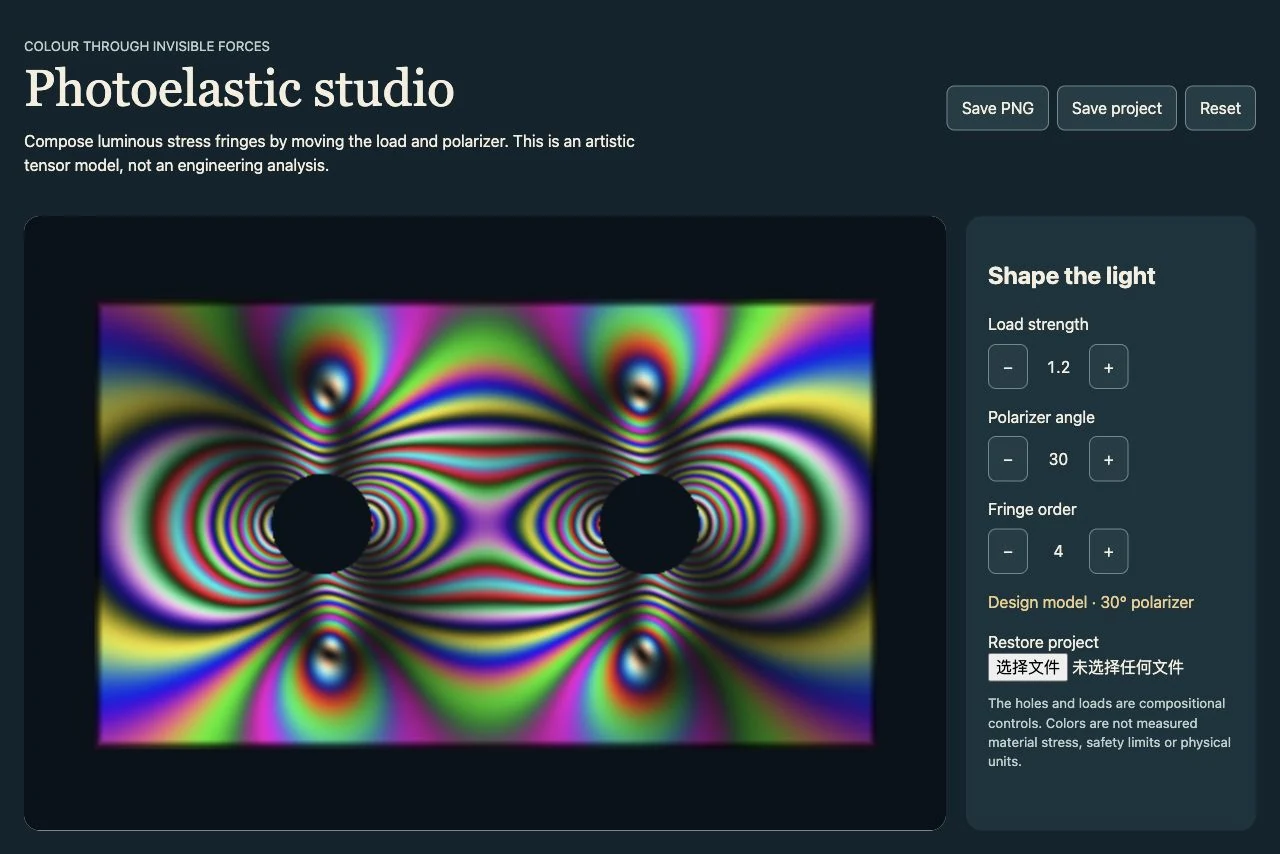
A browser canvas evaluates a synthetic two-dimensional stress tensor around two holes. Principal stress difference and polarizer angle drive three color-interference channels; the controls update the artwork and export a PNG or reproducible JSON settings.
- Needs
- Python 3 · browser
v1.0.0 · Updated Oct 25, 2026 · 31 KB · Use it for personal and client work; please don't resell or share the package.
What you get
A portable offline HTML tool with real interactive controls
Editable JSON settings and the task-specific builder
Good for
- Optical-art compositions and qualitative photoelastic-inspired exploration.
Not for
- Engineering stress analysis, certified material behavior or quantitative load-bearing decisions.
How it works
Includes a local renderer
Prepare the actual input
A current browser; the bundled example works offline.
Apply the supported controls
Set load strength, polarizer angle and fringe order. Save a PNG of the current artwork. Export and restore validated project settings.
Build and review the result
Open output/index.html in a browser. Use the actual controls and download the exported artifacts. The builder does not deploy a website.
How the workflow runs
How Photoelastic Stress Studio works
A browser canvas evaluates a synthetic two-dimensional stress tensor around two holes. Principal stress difference and polarizer angle drive three color-interference channels; the controls update the artwork and export a PNG or reproducible JSON settings.
What's inside the skill
What you can change
- Set load strength, polarizer angle and fringe order.
- Save a PNG of the current artwork.
- Export and restore validated project settings.
What to review before delivery
- The builder rejects unsupported and non-finite control values.
- Check actual control response, PNG download and JSON restoration in a browser.
See the package files
These are selected working files from this edition, with their actual role. The complete download also contains instructions and applicable license notices.
Checks artistic load/polarizer ranges and assembles the synthetic fringe tool.
scripts/project.pyRecomputes the color field for load and polarizer changes, with PNG export and settings restoration.
scripts/studio.jsLocal validation, protected output and artifact construction.
scripts/build.pyRunnable example with actual supported controls.
examples/project.jsonMechanism-specific limits and visual review criteria.
references/production.md
Why use this skill
Start with this package
A browser canvas evaluates a synthetic two-dimensional stress tensor around two holes. Principal stress difference and polarizer angle drive three color-interference channels; the controls update the artwork and export a PNG or reproducible JSON settings. The package supplies the working example, bounded inputs and export route so these do not need to be designed from a plain prompt.
Compare the options
A prompt, your own skill, or this workflow?
Start with a prompt
Your agent can create from a plain request. The brief, visual rules, asset choices, output format and review process still need to be established for that project.
Write your own skill
You choose and maintain the reusable instructions, defaults, file structure and checks. This is useful when your process needs different rules or integrations.
A workflow created for PopNow
This workflow was built for PopNow. Its source files, included dependencies and applicable notices are part of the package; the scope described below belongs to this edition.
Guide reviewed Oct 25, 2026
What will this cost?
The bundled procedural or font-based example runs locally without media generation. Computer time and the agent or external viewer you use are outside PopNow generation charges. New optional media requested later needs its own quote.
The supplied route runs locally. A new-media request is a separate choice. Free skill. New media is quoted before it runs.
The skill package
Free to install under your account's download allowance. The package license covers your own and client work; redistribution is excluded.
Existing assets and local work
Reusing suitable assets, editing files and running local assembly do not call a PopNow generation model. Your computer and any required runtime still do the work.
Your agent and hosting
Any subscription, hosted computer, deployment or other provider fee belongs to that service. Installing this skill does not include those services.
How PopNow billing works
Connections using a PopNow API key, including API-key MCP connections, spend from the separate API balance in USD. A ChatGPT or Claude connection authorized through OAuth spends website credits. These balances are separate; the quote shown by your connection is the approval basis.
Download allowances and current account conditions apply. A free package does not mean unlimited free generation.
How to use it
You say
Use the PopNow skill "Photoelastic Stress Studio" (photoelastic-stress-studio) for this: Compose luminous stress-fringe artwork with editable loads and polarizer angles in a portable offline studio. Start with the bundled project, make the requested edits and inspect the actual output.
Then try
Set load strength, polarizer angle and fringe order.
Save a PNG of the current artwork.
What to have ready
- A current browser; the bundled example works offline.
- Python only to rebuild the self-contained HTML from edited source.
Similar skills
View all →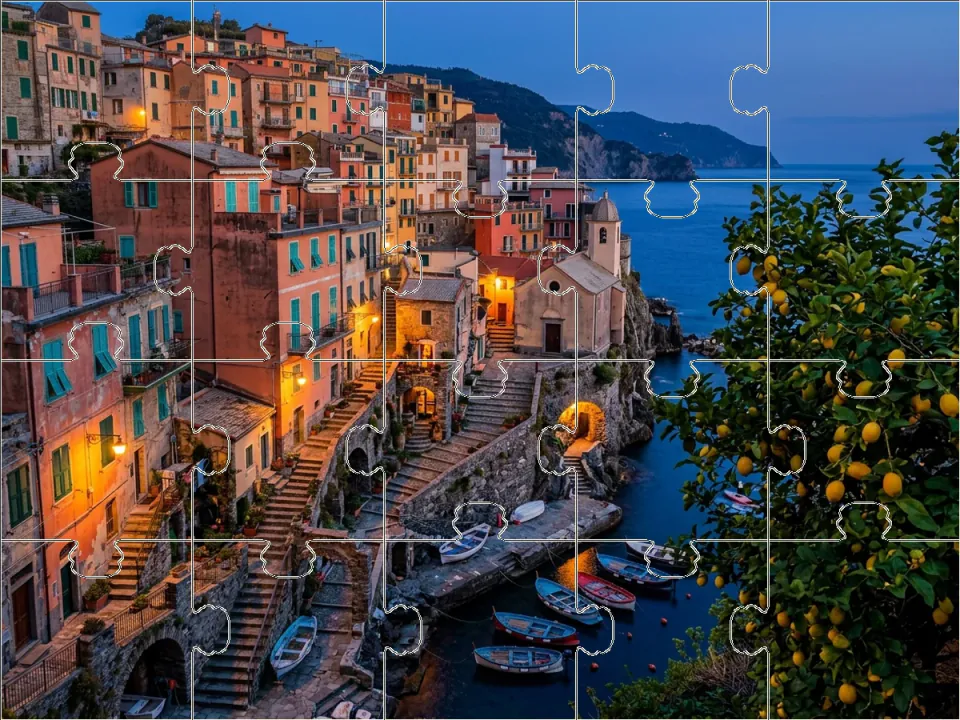 Web
WebJigsaw photo playground
+25Turn a photograph into a playable curved-piece puzzle with dragging, snapping and keyboard controls.
 Web
WebBeverage Brand Website Template
+25A sunny drinks or snack brand site with shop, case builder, stockist map and demo checkout in one file.
 Web
WebScrollable Paper World
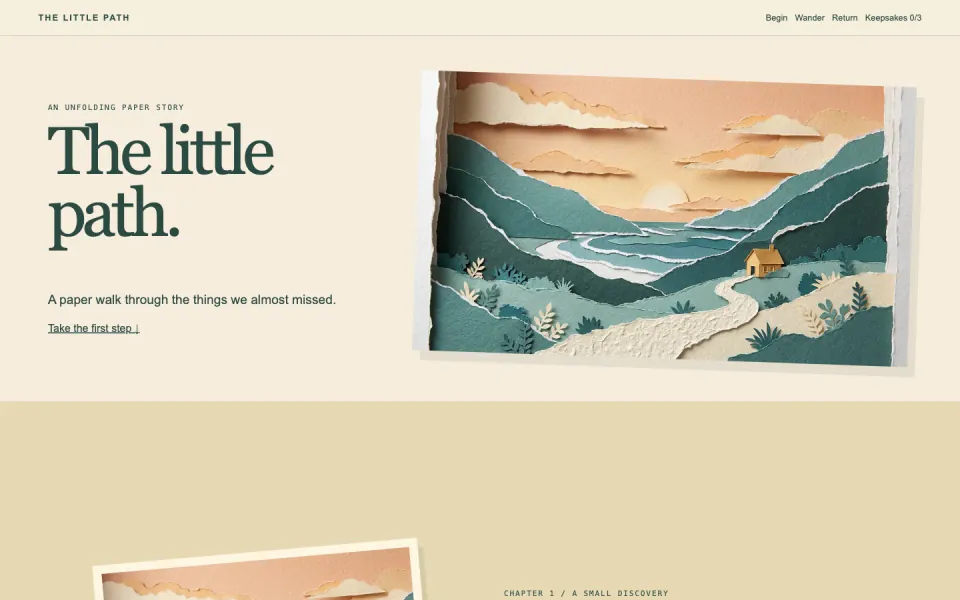
+25Walk through a layered paper landscape, discover three keepsakes and build a small pocket journal.
 Web
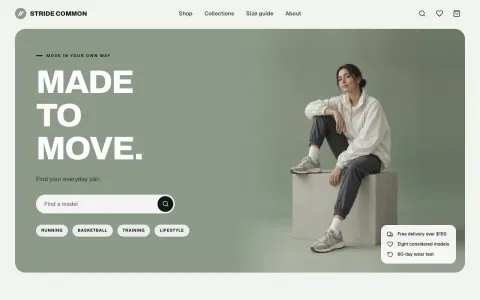
WebSneaker Store Website Template
+25A complete footwear or apparel shop with catalog, product pages, bag and demo checkout in one HTML file.
 Web
WebFractal zoom art
+25Explore a computed fractal, choose a close-up and export the exact view as artwork and a reusable brief.
 Web
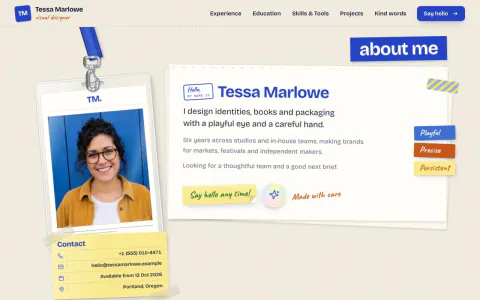
WebScrapbook Portfolio Website
+25A multi-page online CV made of paper objects, with case studies and a printable resume.
 Web
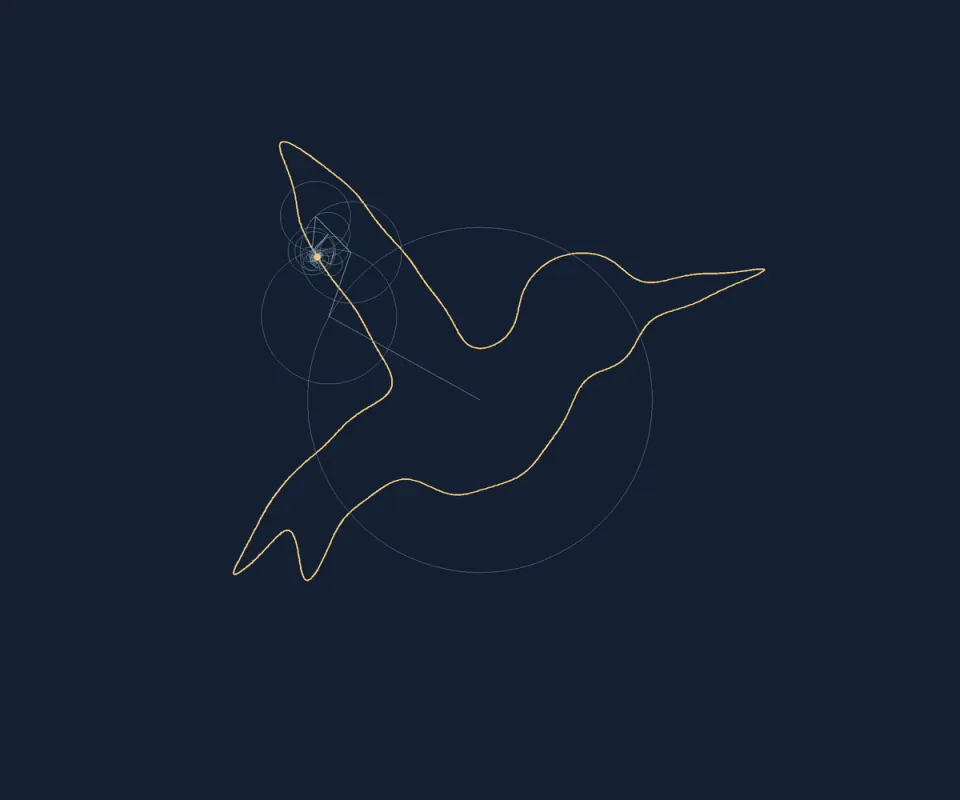
WebFourier line orbit
+25Reconstruct a closed drawing with rotating Fourier circles and export the chosen harmonic detail.
 Web
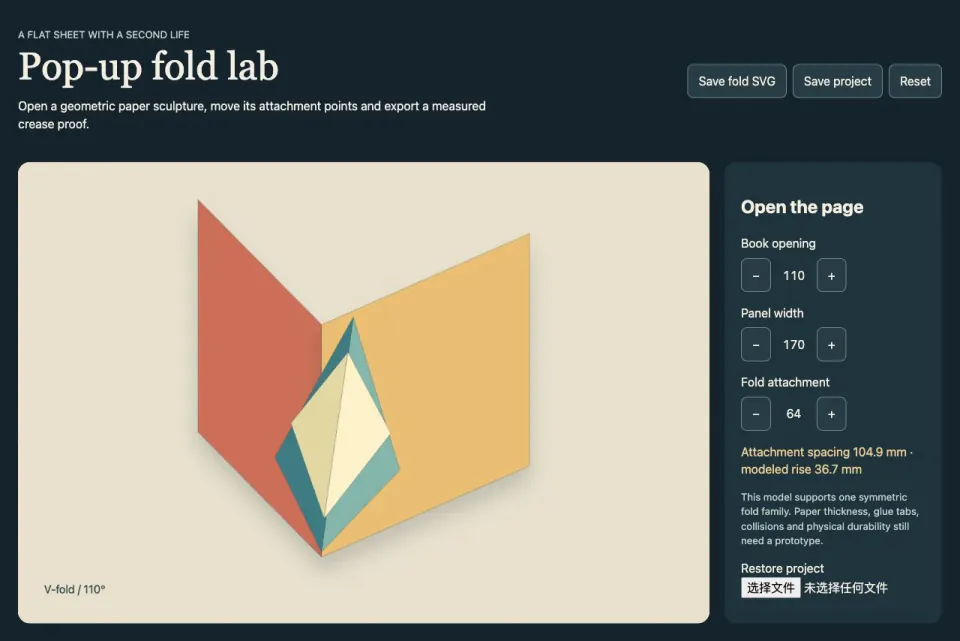
WebPop-Up Fold Design Lab
+25Open a symmetric paper linkage, adjust its attachment geometry and export a measured crease proof.
 Web
WebVinyl Record Microsite
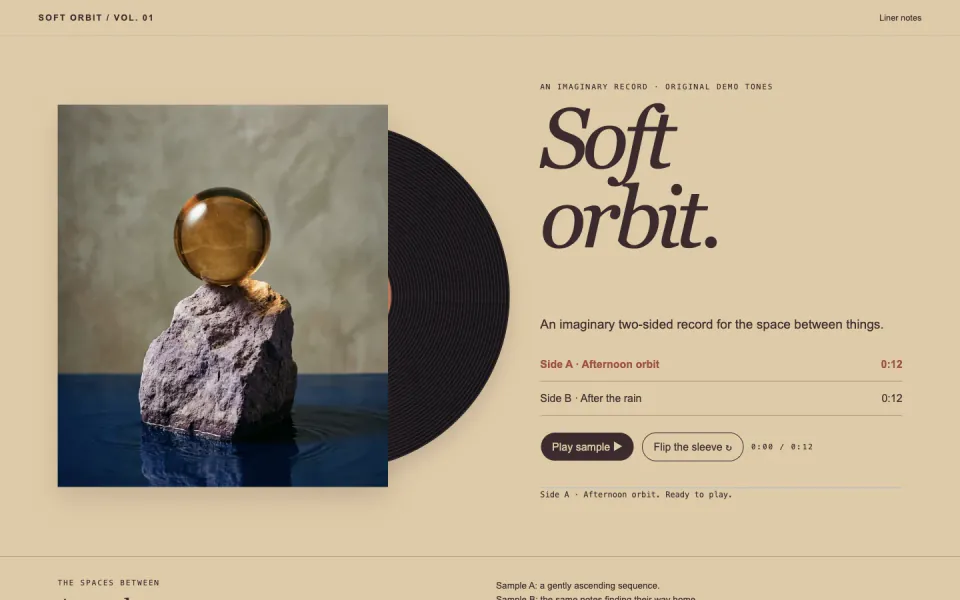
+25Turn an album into a tactile record sleeve with two playable sides, liner notes and a spinning disc.
 Web
WebHardware Product Website
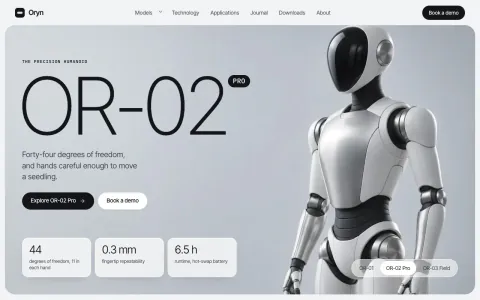
+25Huge hairline model names on silver studio shots, frosted spec cards, a to-scale lineup and a hardware bento.
 Web
WebTravel Agency Website Template
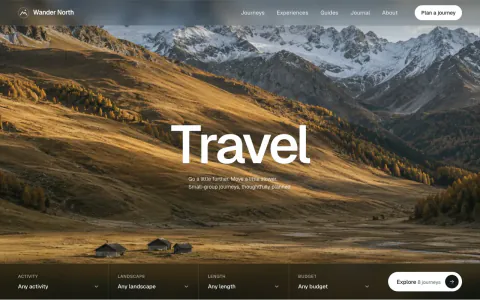
+25A photo-led site for tours, guides or lodges with trip search, booking requests and a trip-finder quiz.
 Web
WebFreelance Designer Website
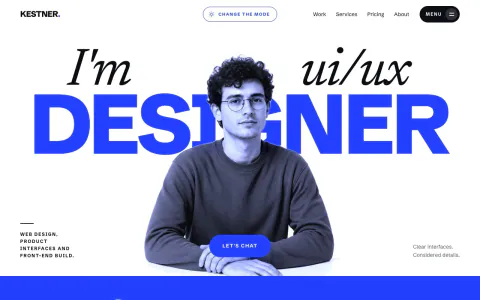
+25A bold one-person studio site that sells fixed-price packages, with plan pages, case studies and a brief form.
 Web
WebGlassmorphism Website Template
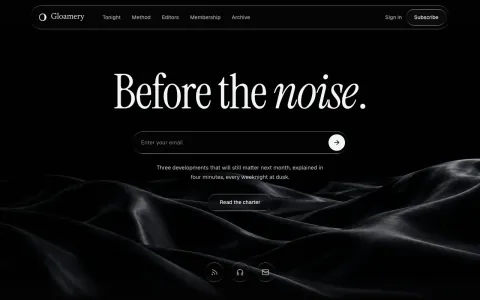
+25Frosted glass pills on a near-black film, a huge serif headline with one italic word and an email capture.
 Web
WebVariable Type Specimen Lab
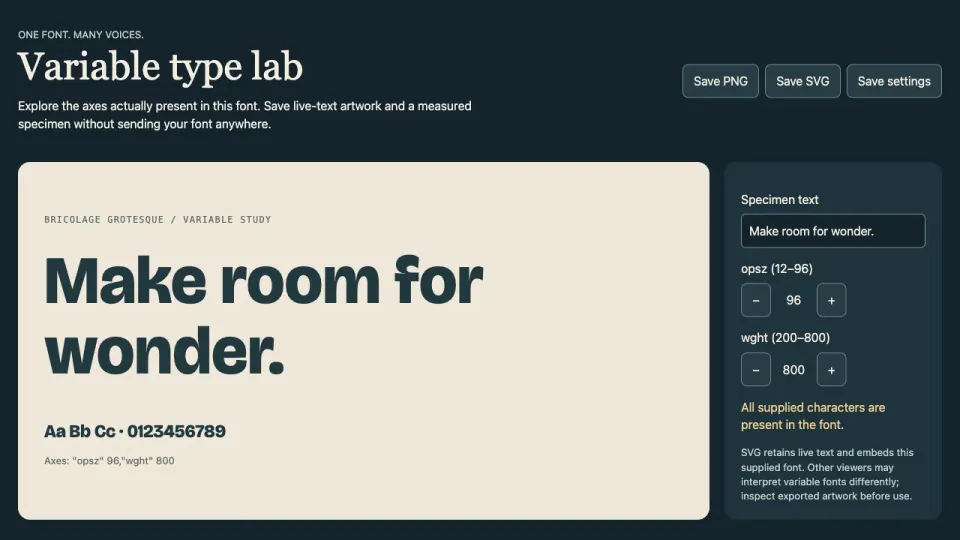
+25Inspect a real variable font, adjust its supported axes and export live-text specimens with glyph checks.
 Web
WebOrthogonal word sculpture
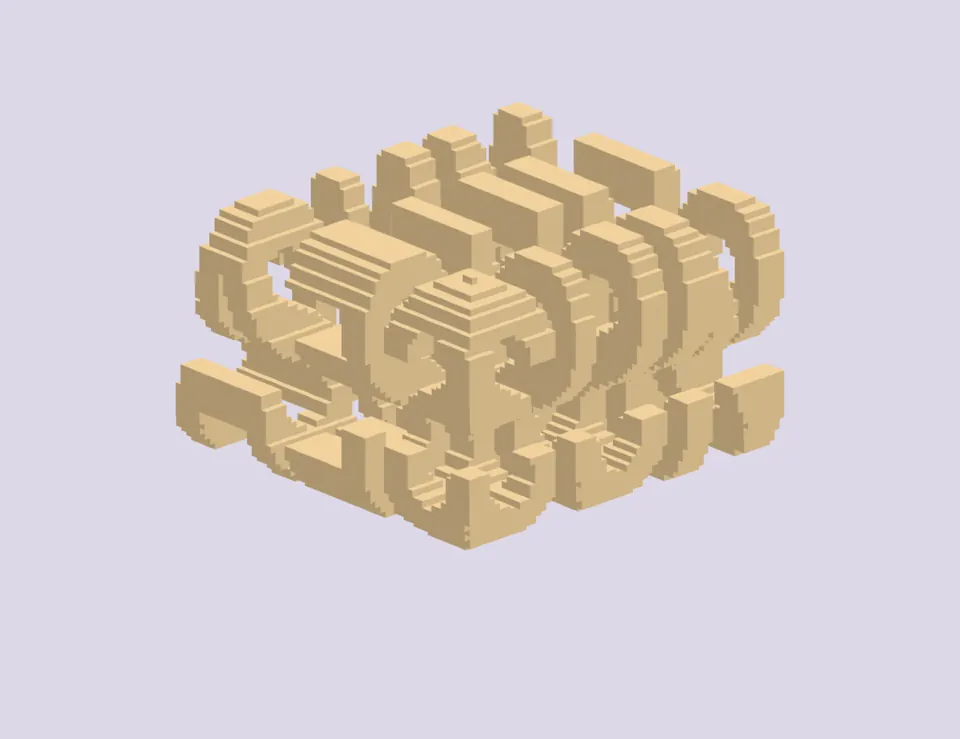
+25Intersect two extruded words into one solid that reads differently from perpendicular viewpoints.
 Web
Web3D Avatar Maker
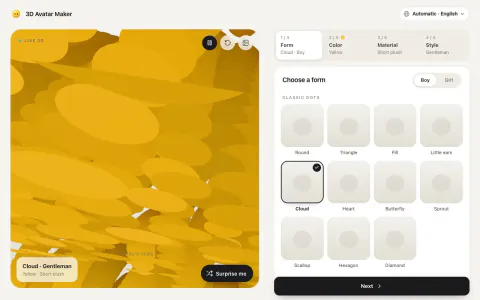
+25Build a cute soft-toy 3D character in your browser and save it as a transparent PNG or a 3D page.
 Web
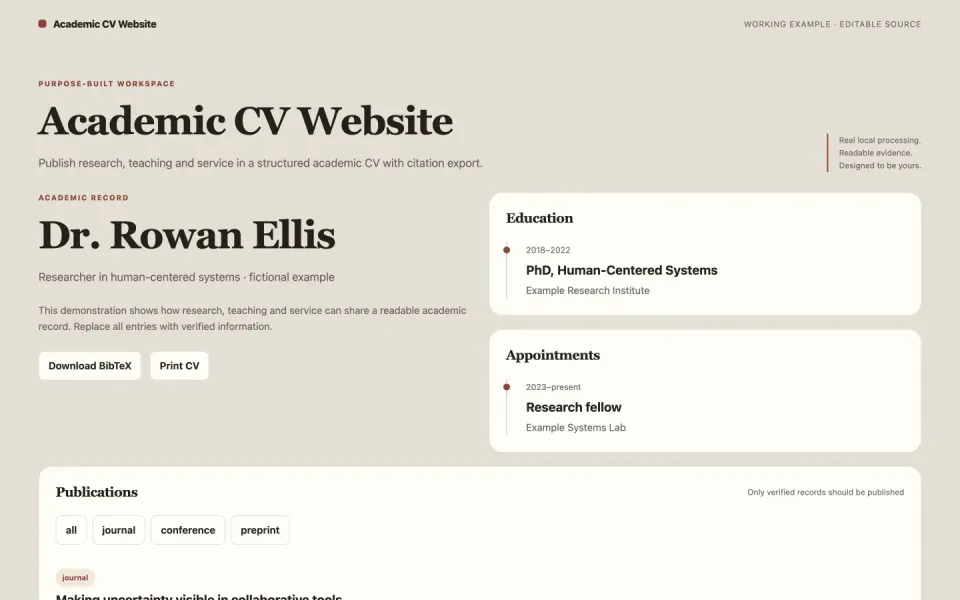
WebAcademic CV Website
+25Publish research, teaching and service in a structured academic CV with citation export.
 Web
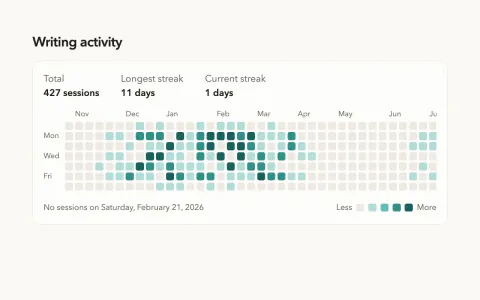
WebCalendar Heatmap
+25A year of daily activity as a shaded calendar grid, with streaks, totals and keyboard access.
 Web
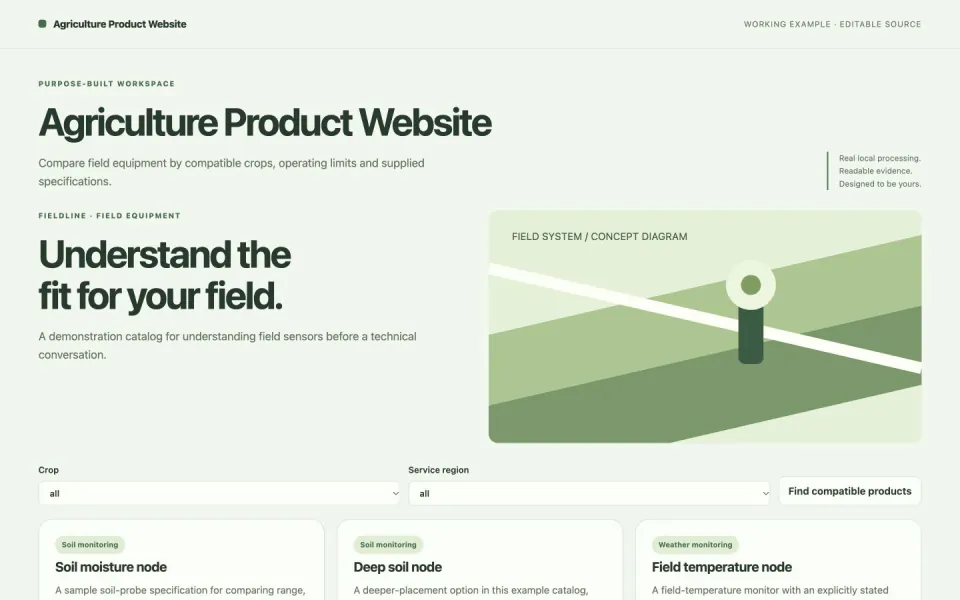
WebAgriculture Product Website
+25Compare field equipment by compatible crops, operating limits and supplied specifications.
 Web
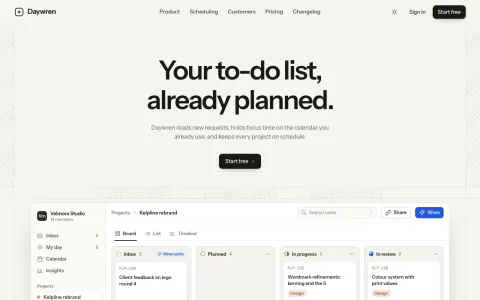
WebAI SaaS Landing Page
+25Warm sand paper, hairline rails and hatched gutters around a live kanban board where an assistant plans tasks.
 Web
WebAnimated Hero Section
+25A landing-page hero with a gently rotating headline word, two buttons and a wide image frame.
 Web
WebArcade Personal Website
+25Present creative projects as playable-looking cartridges in a tiny room with keyboard and touch navigation.
 Web
WebArchitecture Portfolio Website
+25An architecture portfolio with project filters, metric and imperial areas, detailed briefs and a printable project shortlist.
 Web
WebAudio Product Website
+25Present audio hardware with honest specifications, side-by-side comparison and a real local A/B listening test.
 Web
WebAudio Spectrum Visualizer
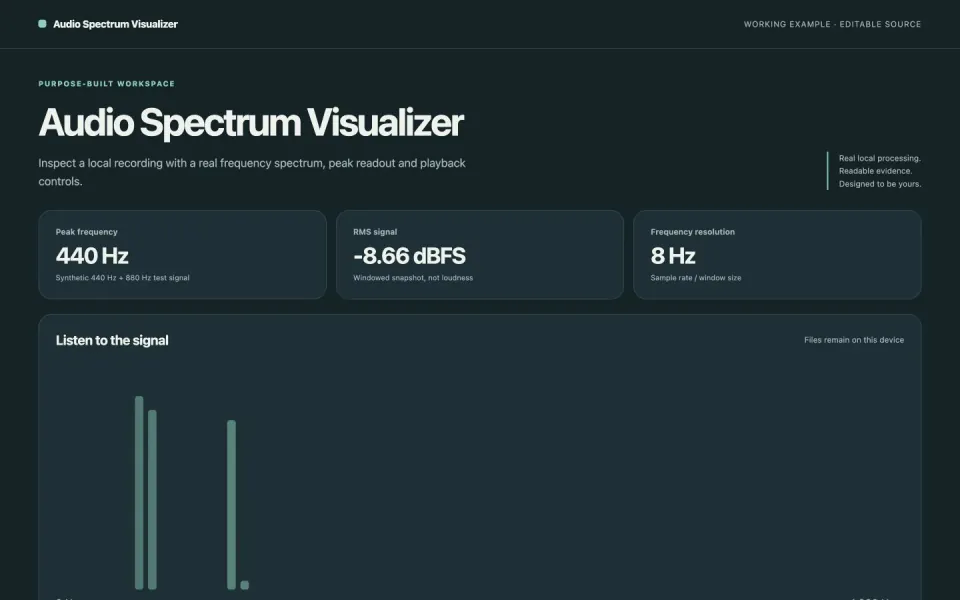
+25Inspect a local recording with a real frequency spectrum, peak readout and playback controls.
 Web
WebCase Study Website Template
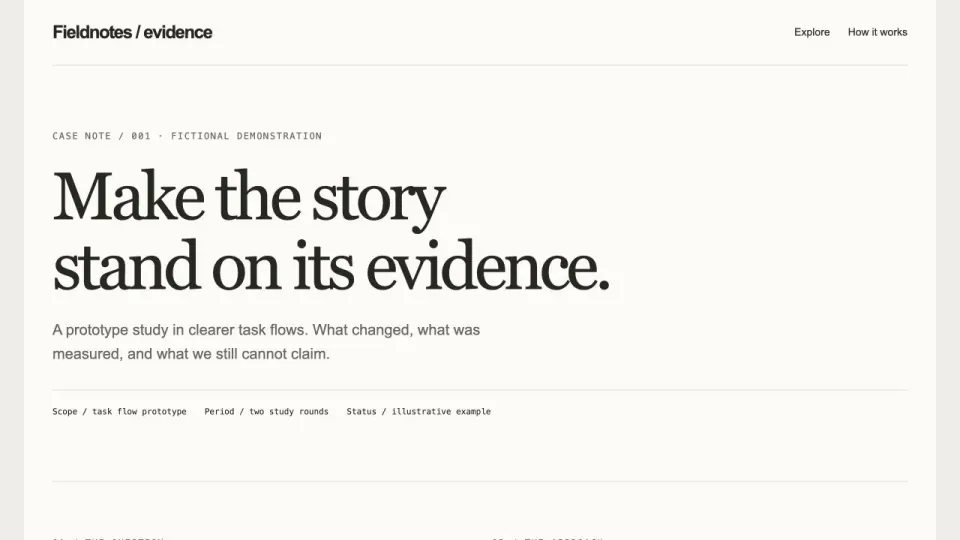
+25An evidence-led case study page with baseline and outcome comparisons, missing-source warnings and a claim audit export.
 Web
WebCashflow Dashboard
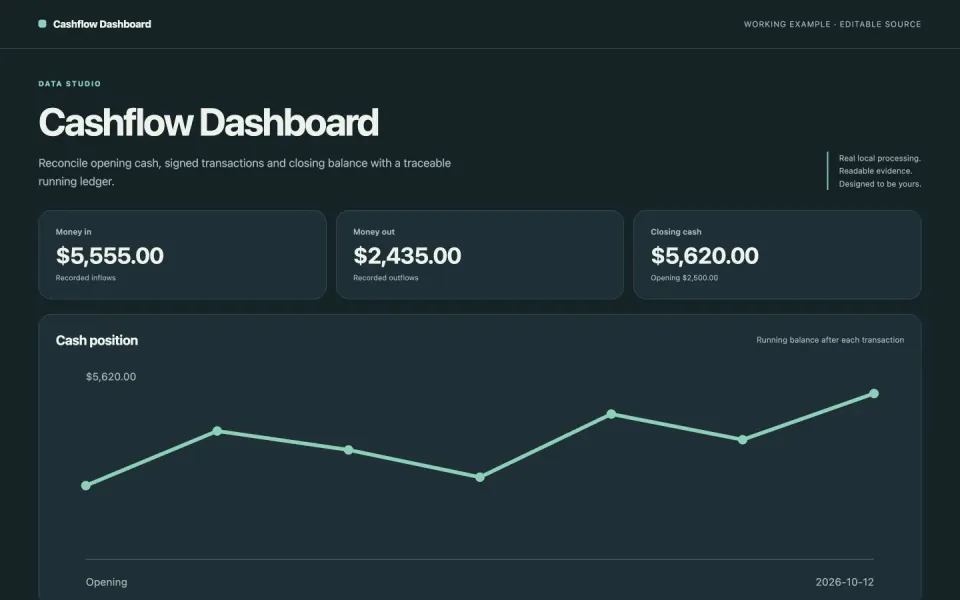
+25Reconcile opening cash, signed transactions and closing balance with a traceable running ledger.
 Web
WebCinematic Scroll Story
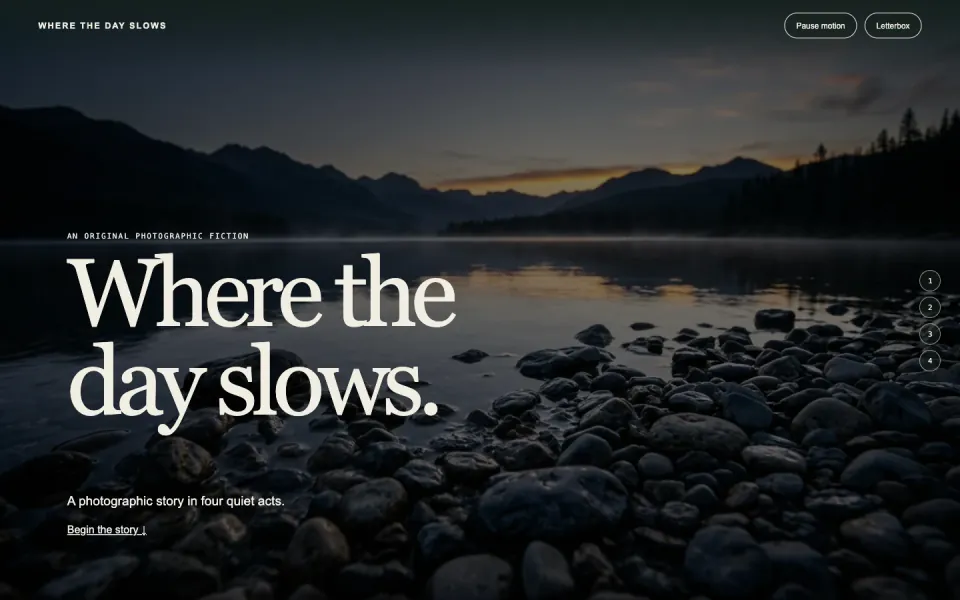
+25Tell a four-act photo story with full-frame scenes, gentle scroll motion and a letterbox view.
 Web
WebCMS Marketing Website
+25A CMS product page with an editable content schema, exact field errors, JSON preview and a valid-content export.
 Web
WebConference Speaker Page
+25A speaker page with topic and duration filters, approved host introductions, AV requirements and a downloadable event brief.
 Web
WebConstellation Memory Map
+25Connect six photo memories as stars, then explore them freely or follow a chronological tour.
 Web
WebConstruction Website Template
+25A construction company page with an editable scope estimator, integer-cent totals, a separate contingency and CSV export.
 Web
WebConsulting Website Template
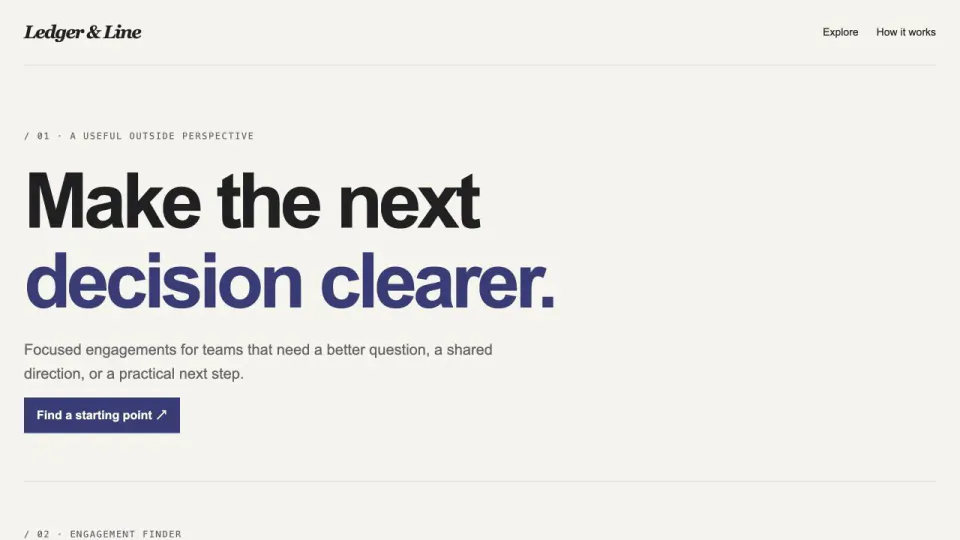
+25A consulting website with an engagement-fit finder, explicit tradeoffs and a downloadable scope brief based on stated constraints.
 Web
WebConversion Funnel Dashboard
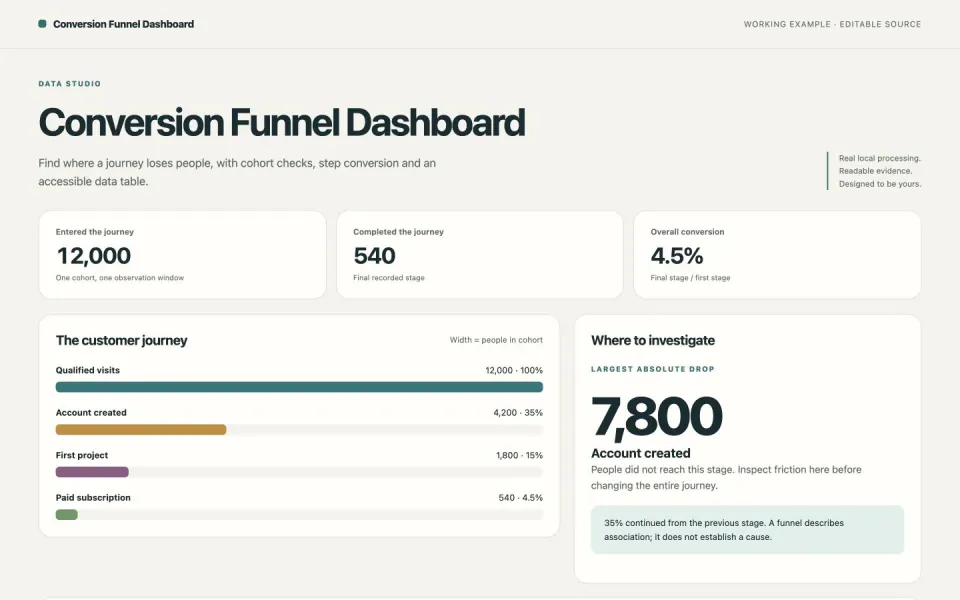
+25Find where a journey loses people, with cohort checks, step conversion and an accessible data table.
 Web
WebShader Hero Agency Website
+25A live orange-heat shader hero behind a bottom-pinned statement, pill nav and a staggered case-study grid.
 Web
WebCustomer Onboarding Portal
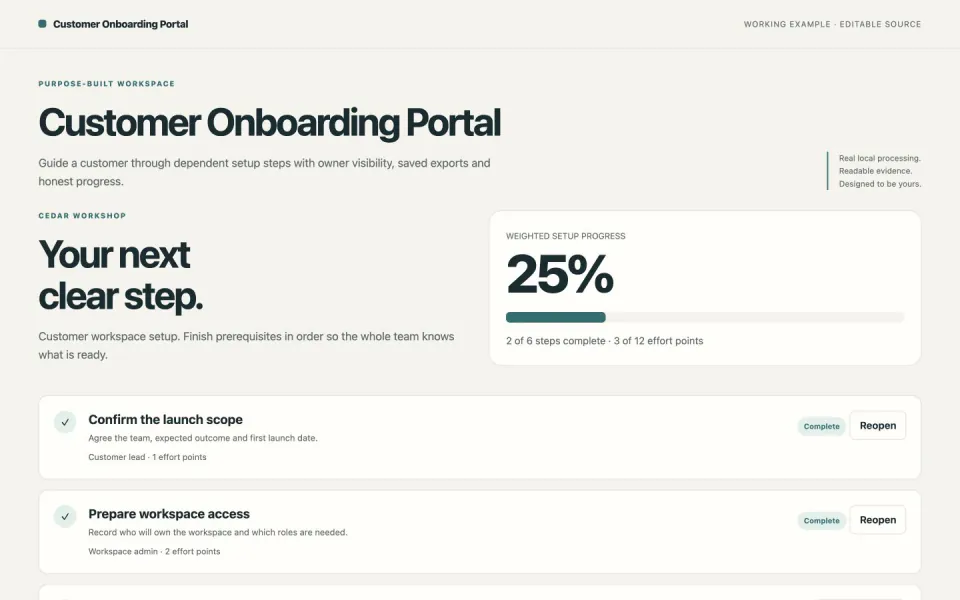
+25Guide a customer through dependent setup steps with owner visibility, saved exports and honest progress.
 Web
WebDark SaaS Landing Page
+25A dark, motion-rich marketing site for a software product, delivered as one self-contained HTML file.
 Web
WebDesign System Showcase
+25Explore editable color tokens, measure contrast and export a consistent CSS and JSON token set.
 Web
WebDesigner Portfolio Website
+25Six tilted cards hover round a fading headline on calm grey, one red portrait card, editorial case studies.
 Web
WebDeveloper Journal Site
+25Turn structured posts into a searchable technical journal with readable code and a portable RSS feed.
 Web
WebDeveloper Portfolio Website
+25A dark personal site for engineers with case studies, writing, talks, a résumé and a contact form.
 Web
WebEbook Landing Page
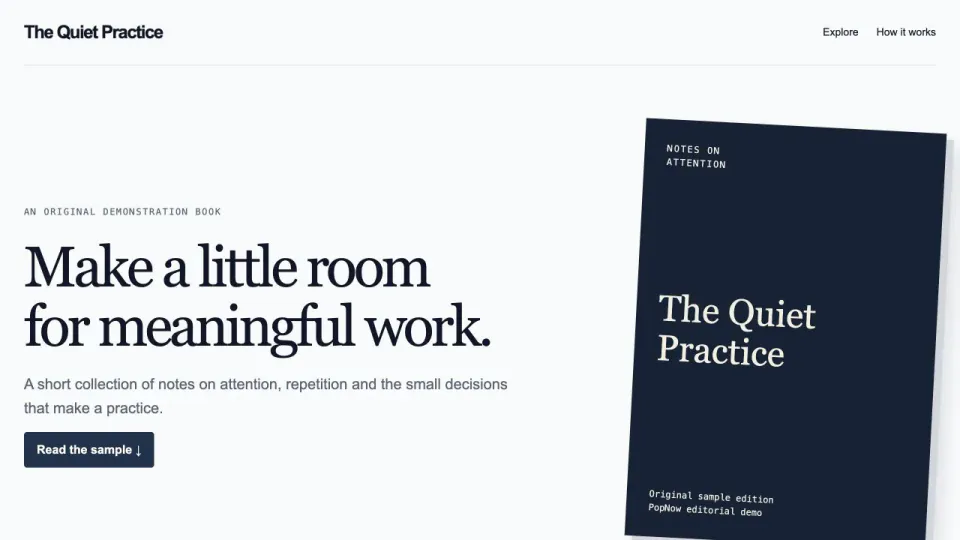
+25An ebook page with real original chapter excerpts, local reading progress, text-size controls and an accessible sample download.
 Web
WebEditable Budget Grid
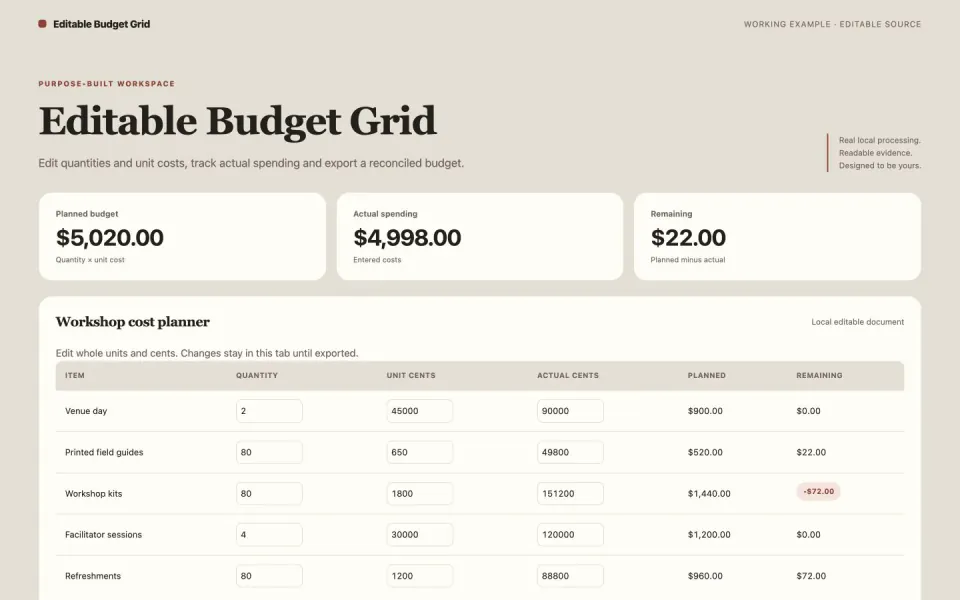
+25Edit quantities and unit costs, track actual spending and export a reconciled budget.
 Web
WebEditorial SaaS Website
+25Navy split hero, a five-line serif headline beside a documentary still, slanted bands and one cobalt accent.
 Web
WebEvent Attendance Chart
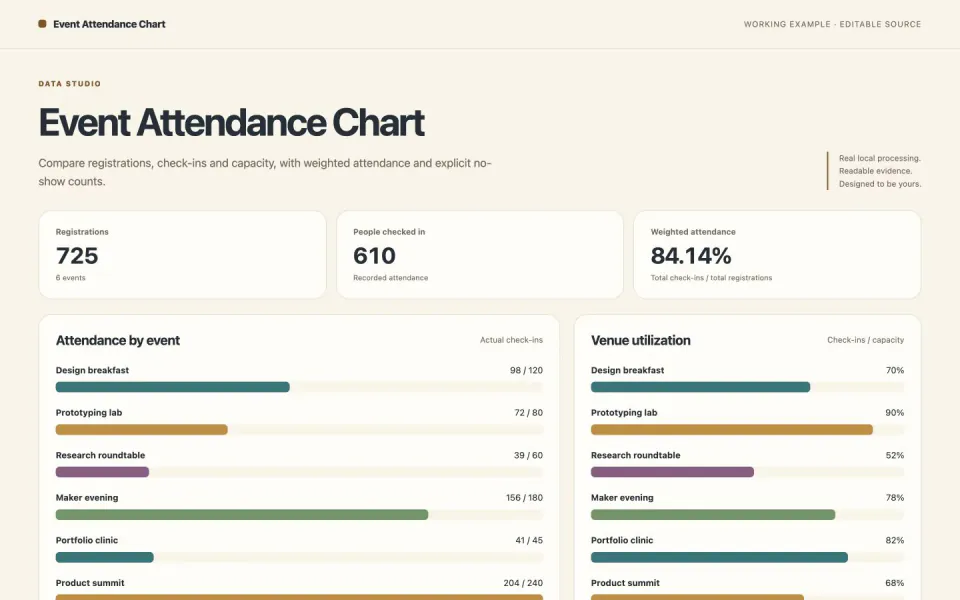
+25Compare registrations, check-ins and capacity, with weighted attendance and explicit no-show counts.
 Web
WebEvent Website Template
+25An event site with track filters, a personal agenda, overlapping-session warnings and a real UTC calendar download.
 Web
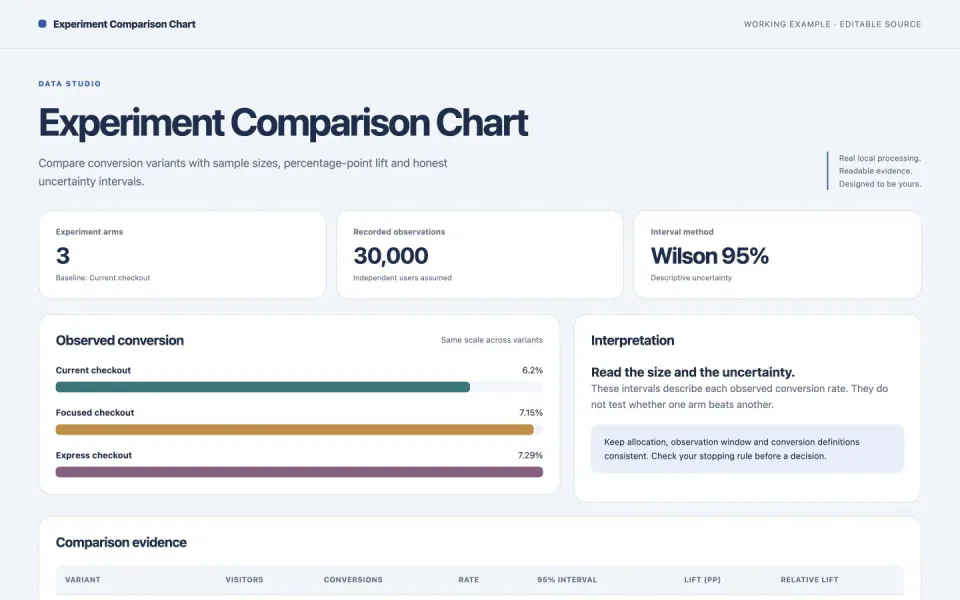
WebExperiment Comparison Chart
+25Compare conversion variants with sample sizes, percentage-point lift and honest uncertainty intervals.
 Web
WebFinancial Report Portal
+25A financial report directory with year and type filters, source-linked metric comparisons and explicit missing-data handling.
 Web
WebFlight Search Prototype
+25Search a local flight inventory by route, date and seats, then compare price, duration and stops.
 Web
WebInteractive Architecture Diagram
+25An offline, clickable system diagram built from a checked JSON model, with the evidence behind each box.
 Web
WebInteractive Museum Walk
+25Explore three small exhibition rooms, inspect the objects and collect a personal visitor ticket.
 Web
WebInterior Design Website Template
+25Turn a room’s dimensions, budget and priorities into an editable interior project brief with a clear allocation and export.
 Web
WebJewelry Store Website Template
+25A jewelry catalog with material and size choices, availability checks, a comparison tray and an honest inquiry-list export.
 Web
WebKnowledge Graph Explorer
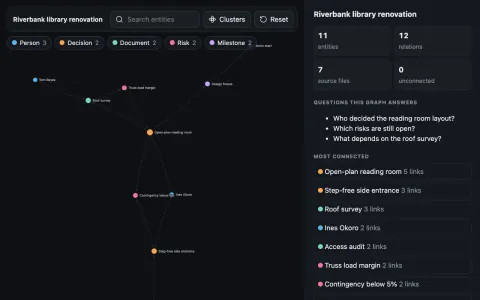
+25Turn project notes into an offline, searchable graph where every claim links back to its source line.
 Web
WebKPI Dashboard Template
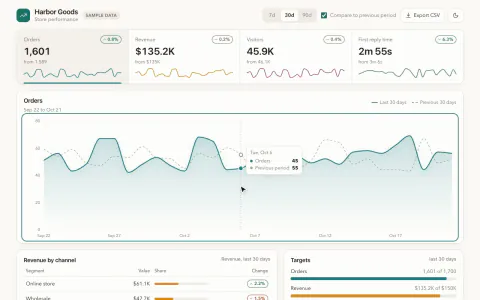
+25Four KPI tiles with change chips over a glowing line chart, a breakdown table and target bars on warm paper.
 Web
WebLanding Page from AI Mockups
+25See three full-page designs first, pick one, and your agent builds it as clean, responsive code.
 Web
WebLaunch Waitlist Referral Demo
+25A clearly labeled local waitlist simulation with stable referral codes, duplicate checks, referral counts and queue export.
 Web
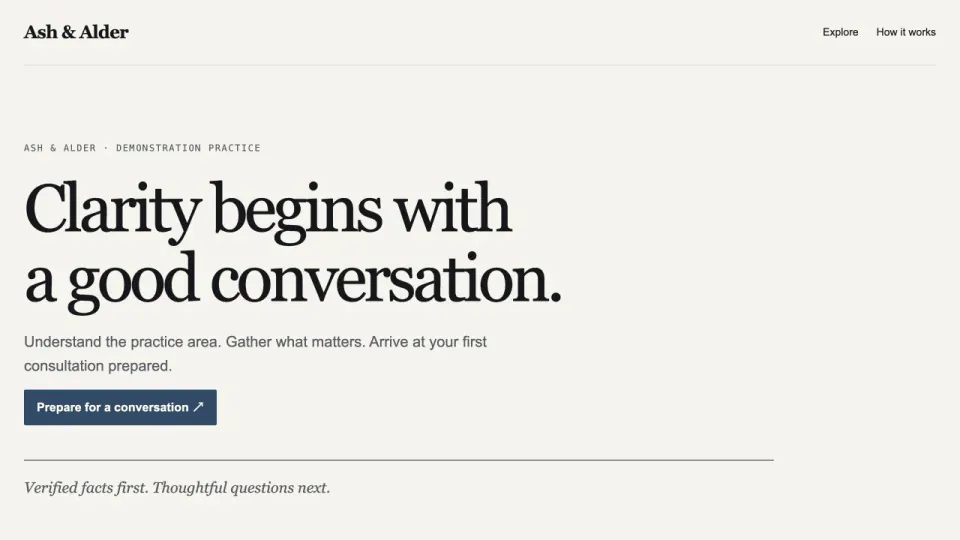
WebLaw Firm Website Template
+25A restrained law firm website with a service and jurisdiction finder plus a printable consultation preparation checklist.
 Web
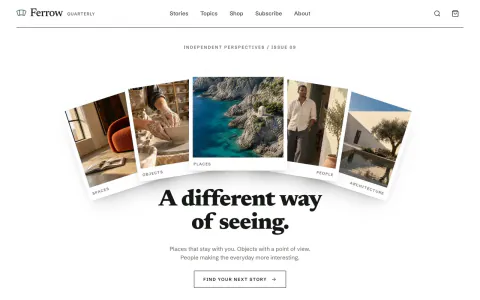
WebMagazine Website Template
+25A print-quality magazine site with articles, topics, a small shop and subscriptions, as one HTML file.
 Web
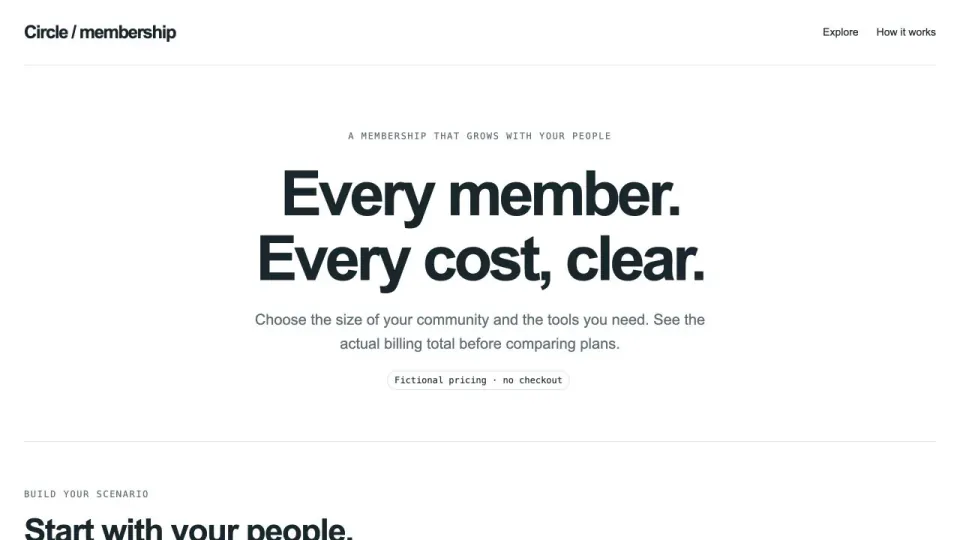
WebMembership Pricing Calculator
+25A membership pricing page with exact member, billing-period and add-on totals, transparent annual comparisons and quote export.
 Web
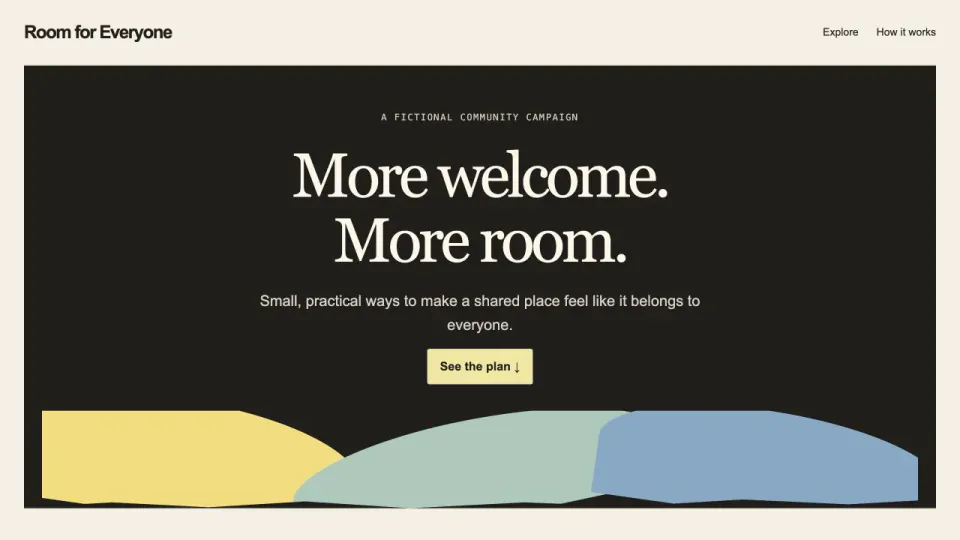
WebNonprofit Campaign Website
+25A nonprofit campaign page with transparent goal arithmetic, cost assumptions, volunteer filters and a shareable planning summary.
 Web
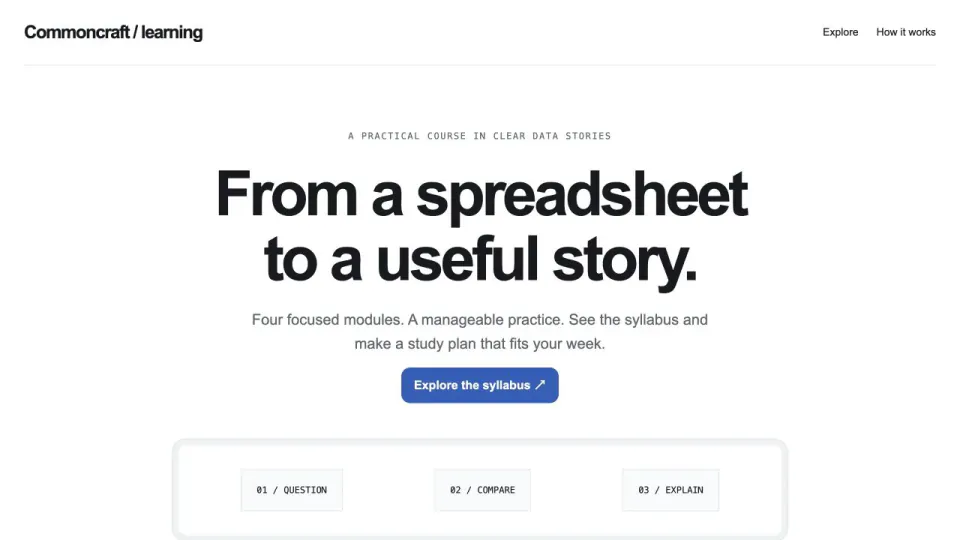
WebOnline Course Landing Page
+25A course website with prerequisite self-checks, a realistic weekly study plan, module previews and progress saved on the device.
 Web
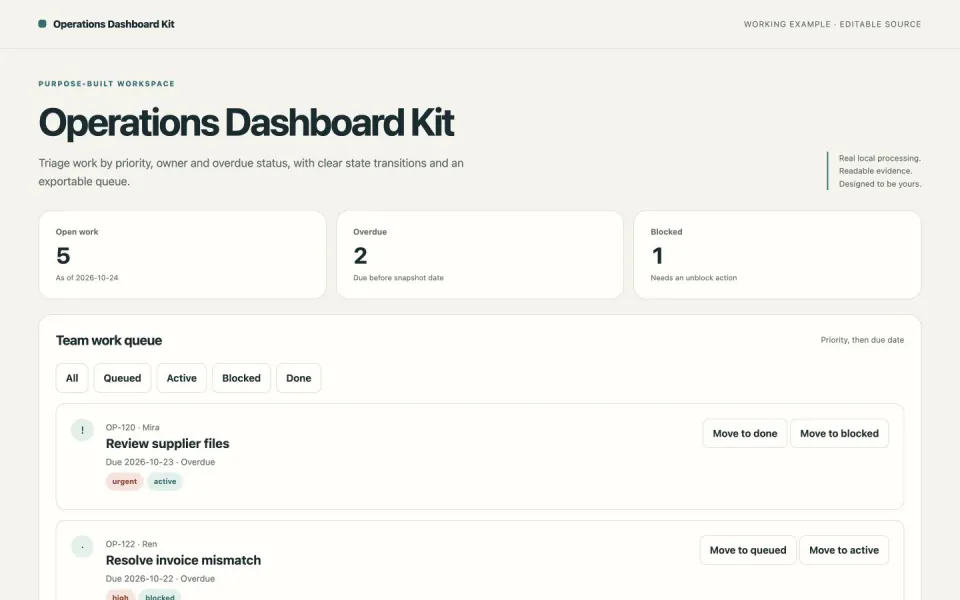
WebOperations Dashboard Kit
+25Triage work by priority, owner and overdue status, with clear state transitions and an exportable queue.
 Web
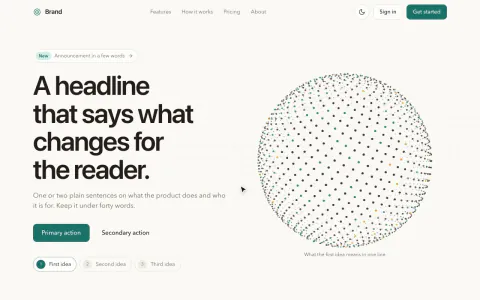
WebParticle Animation Hero
+25Copy on warm paper beside a turning sphere of ink and teal dots that reshapes per idea and scatters on scroll.
 Web
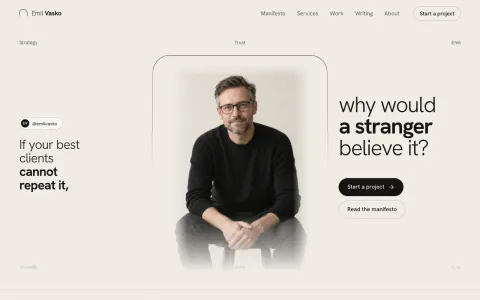
WebPersonal Brand Website
+25A portrait feathered into warm paper under a thin bracket, with light-and-bold statements on either side.
 Web
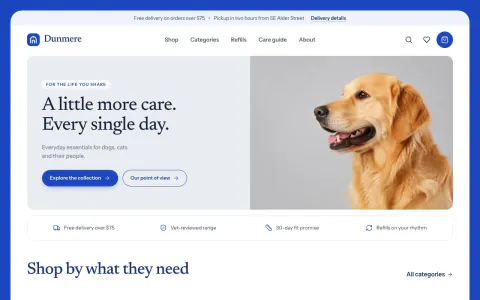
WebPet Store Website Template
+25A working pet supply shop with catalog, variants, bag, refill planner and demo checkout in one HTML file.
 Web
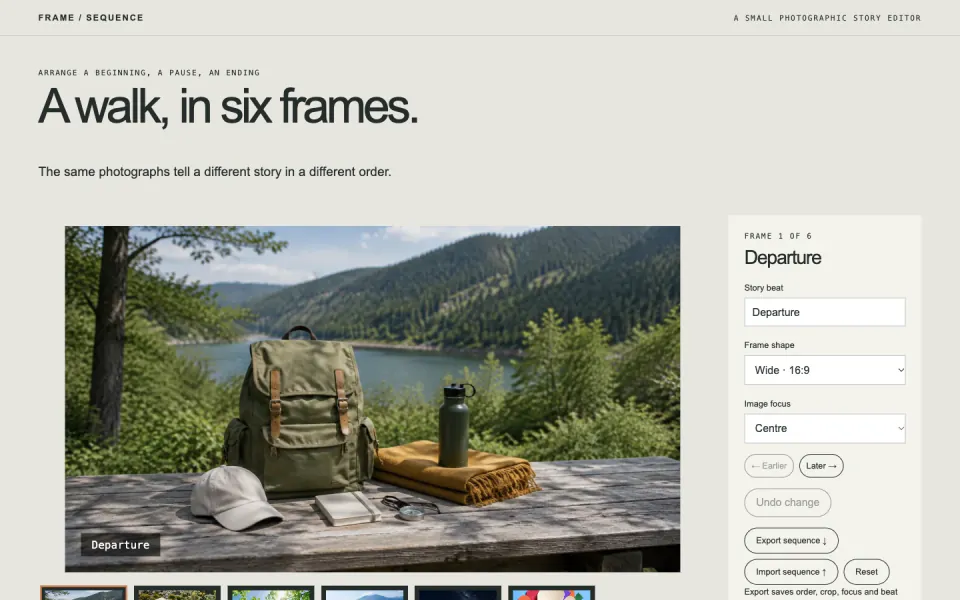
WebPhoto Sequence Editor
+25Reorder a photo story, choose crops and beat labels, then export and restore the exact sequence.
 Web
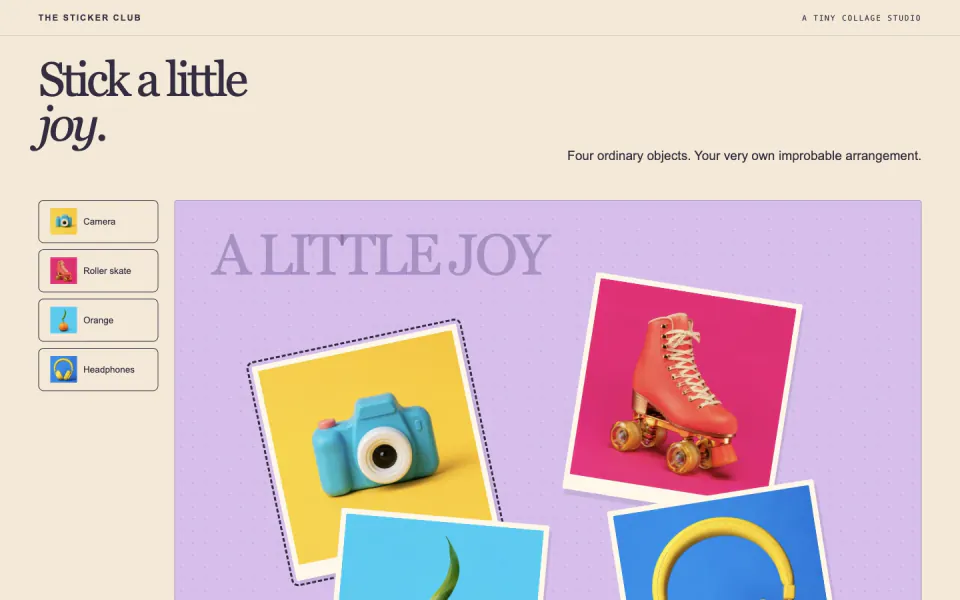
WebPhoto Sticker Playground
+25Arrange photo stickers with drag or keyboard controls, rotate them, undo changes and save a PNG collage.
 Web
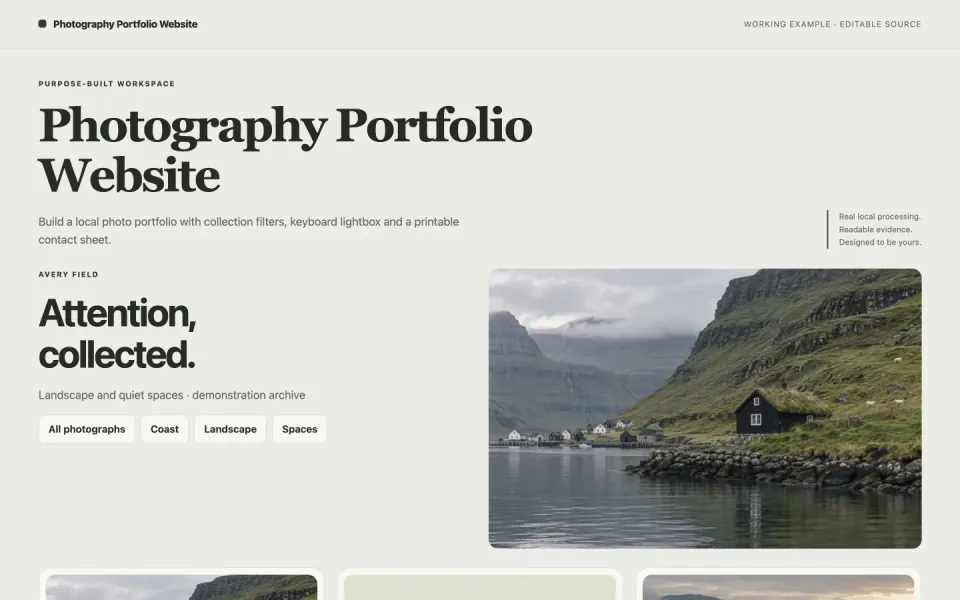
WebPhotography Portfolio Website
+25Build a local photo portfolio with collection filters, keyboard lightbox and a printable contact sheet.
 Web
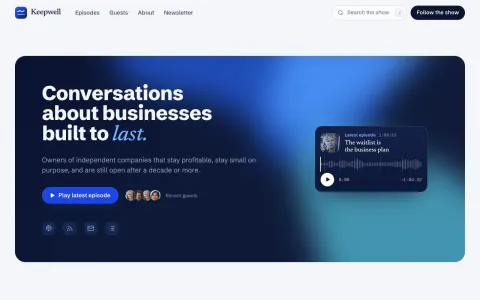
WebPodcast Website Template
+25A podcast site with a playable hero, episode archive, guest pages and a player that keeps playing.
 Web
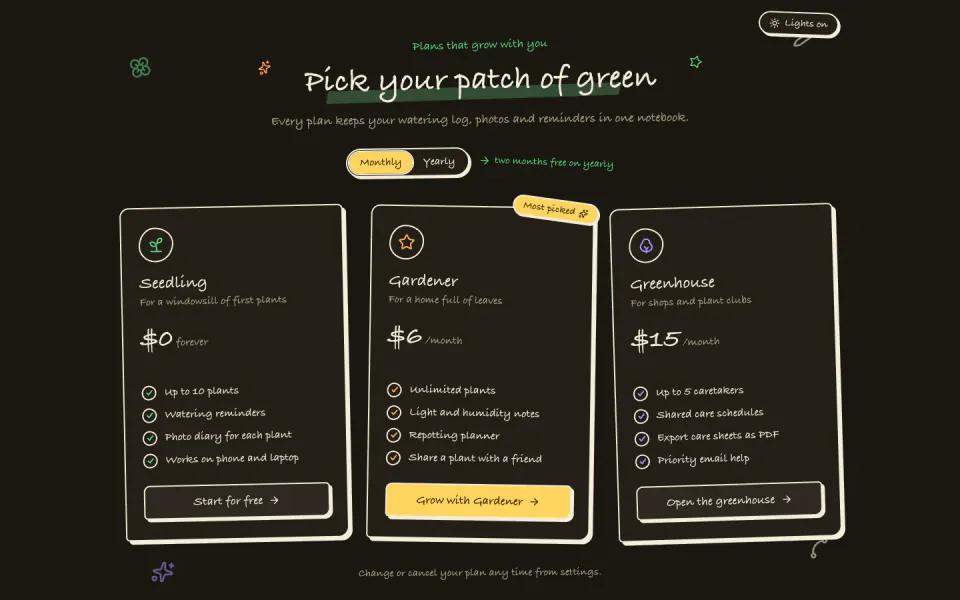
WebHand-Drawn Pricing Section
+25A notebook-style pricing table with tilted ink cards, a yearly switch and dark mode, in one offline file.
 Web
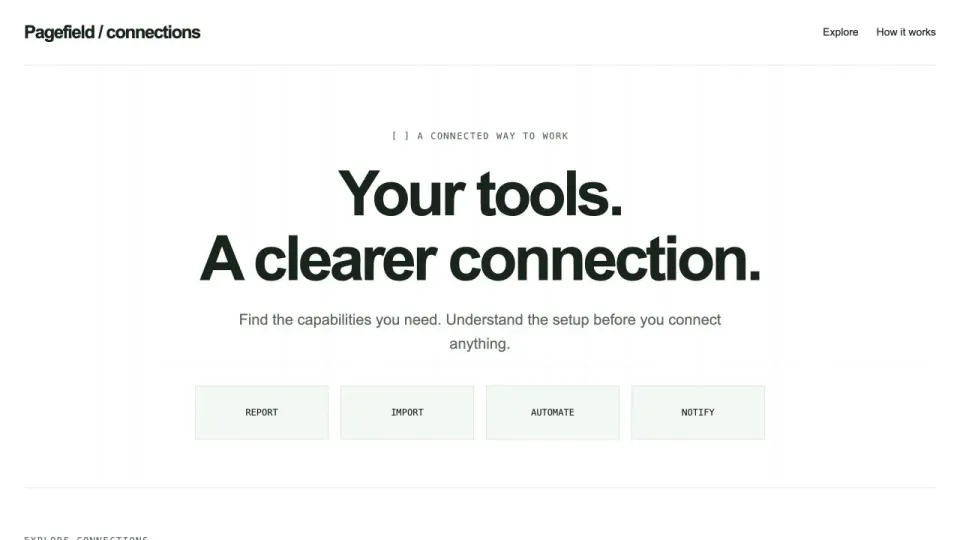
WebProduct Integration Directory
+25A searchable integration catalog with capability and authentication filters, honest setup requirements and exportable checklists.
 Web
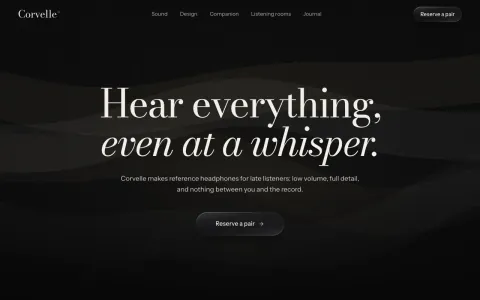
WebCinematic Product Launch Page
+25Film-lit near-black page: serif title card over drifting light, letterboxed night scene, reservation form.
 Web
WebReal Estate Website Template
+25A property website with budget and bedroom filters, side-by-side listing comparison and a printable shortlist of verified facts.
 Web
WebResearch Paper Website
+25A project page for your paper with an interactive Figure 1, results, limitations and one-click citation.
 Web
WebRevenue Mix Dashboard
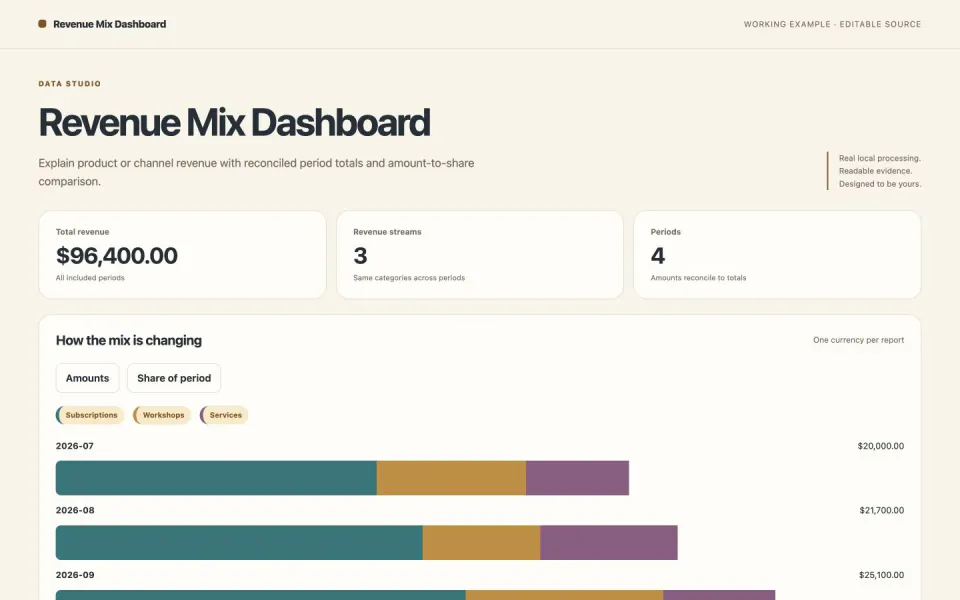
+25Explain product or channel revenue with reconciled period totals and amount-to-share comparison.
 Web
WebRevenue Trend Report
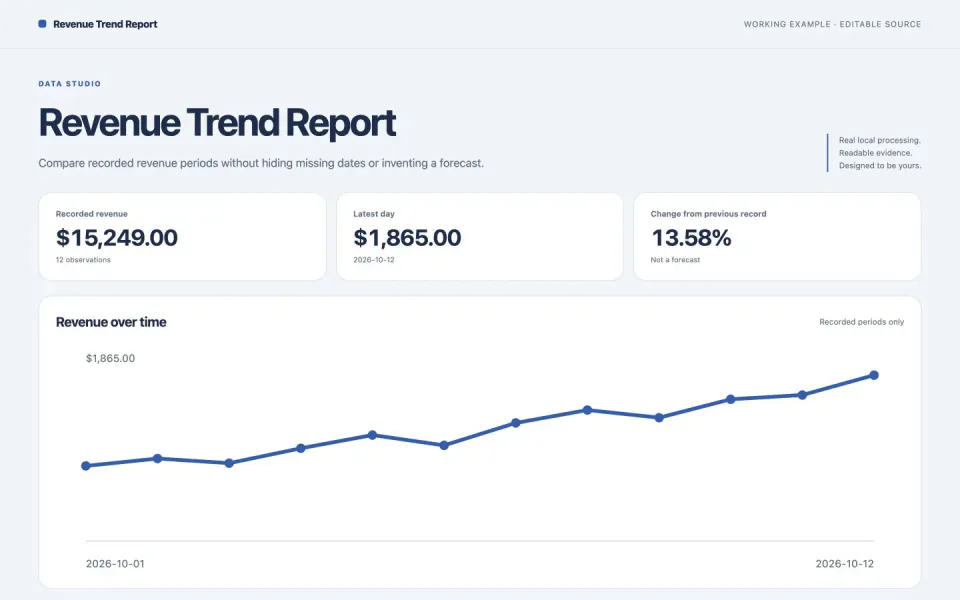
+25Compare recorded revenue periods without hiding missing dates or inventing a forecast.
 Web
WebAdmin Dashboard Template
+25A working back-office console with charts, tables, kanban and calendar, built as one offline HTML file.
 Web
WebSaaS Landing Page Template
+25A calm, light marketing site for a software product with a working product console, pricing and sign-up.
 Web
WebSearchable Records Table
+25Turn a flat CSV into a searchable, sortable table with pagination and safe filtered export.
 Web
WebService Status Dashboard
+25Publish an honest service snapshot with stale checks, component health and incident history.
 Web
WebSports Club Website Template
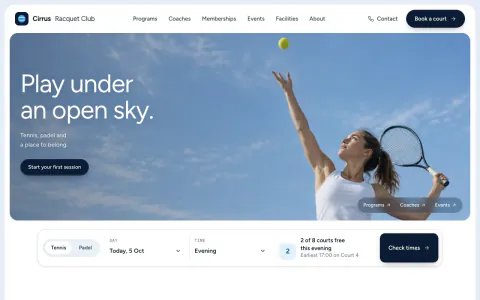
+25A club, gym or studio site with timetable, coach pages, memberships, court plan and booking in one file.
 Web
WebTestimonial Wall Section
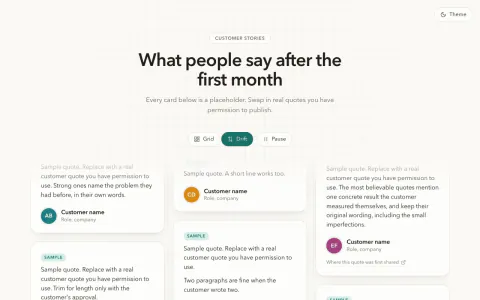
+25A masonry or slowly drifting wall of customer quotes that only ships quotes people agreed to.
 Web
WebTravel Itinerary Website
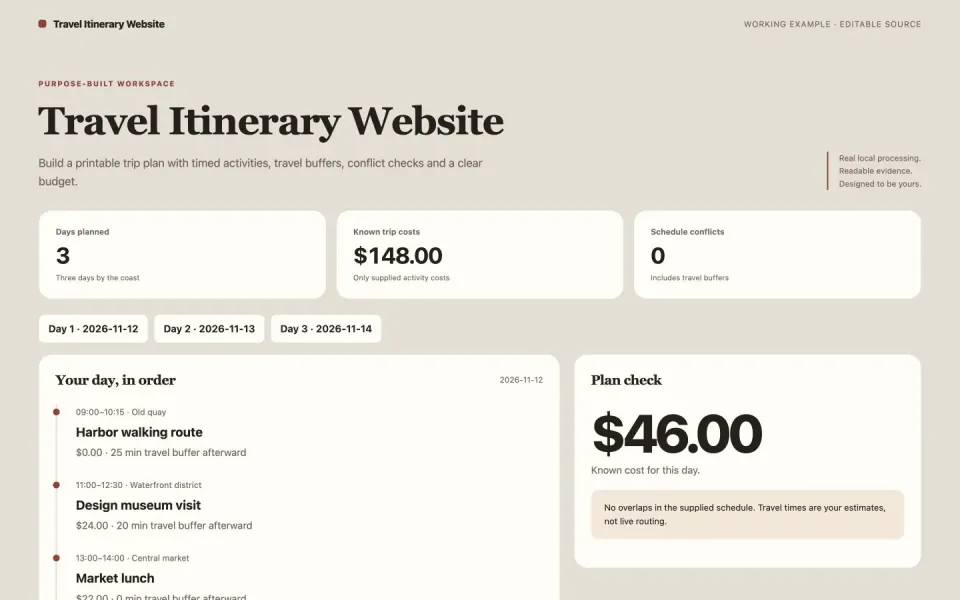
+25Build a printable trip plan with timed activities, travel buffers, conflict checks and a clear budget.
 Web
WebUX Case Study Portfolio
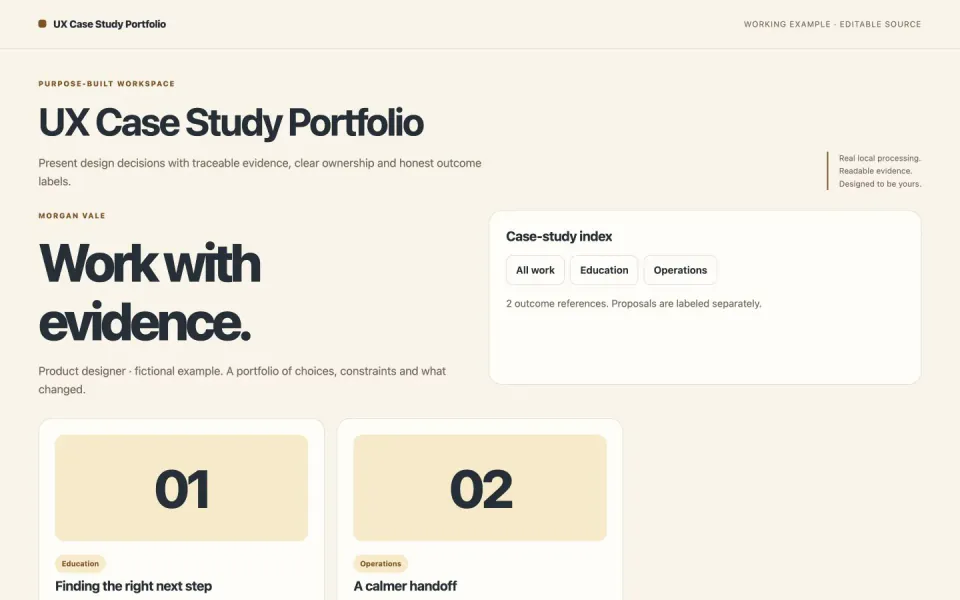
+25Present design decisions with traceable evidence, clear ownership and honest outcome labels.
 Web
WebWorkflow Automation Landing Page
+25Graphite page, small left-aligned headline, and a live node graph below that runs, retries and streams logs.
 Web
WebWriter Portfolio Website
+25Turn published work into a searchable writer portfolio with a reading queue, article previews and a downloadable media bio.
 Web
WebInteractive Grid Hero
+25A dark grid of fine strands that bends toward the cursor and rolls a glowing ring out from every click.


Questions
Can I use the colors to calculate safe load?
No. This is a synthetic design field with no calibrated units or material law. Its color changes are intended for artwork and exploration, not structural decisions.
Does the bundled example require paid generation?
No. The included assets or procedural inputs run locally. If you ask for new images, clips or sound, use PopNow with an exact quote and approval before generation; API USD and OAuth website credits are separate.
What is already packaged in Photoelastic Stress Studio?
Checks artistic load/polarizer ranges and assembles the synthetic fringe tool. Recomputes the color field for load and polarizer changes, with PNG export and settings restoration. Local validation, protected output and artifact construction. Runnable example with actual supported controls. Mechanism-specific limits and visual review criteria.
Which parts of Photoelastic Stress Studio can add a charge?
The bundled procedural or font-based example runs locally without media generation. Computer time and the agent or external viewer you use are outside PopNow generation charges. New optional media requested later needs its own quote. Connections using a PopNow API key, including API-key MCP connections, spend from the separate API balance in USD. A ChatGPT or Claude connection authorized through OAuth spends website credits. These balances are separate; the quote shown by your connection is the approval basis.
How does Photoelastic Stress Studio differ from writing a prompt or my own skill?
A browser canvas evaluates a synthetic two-dimensional stress tensor around two holes. Principal stress difference and polarizer angle drive three color-interference channels; the controls update the artwork and export a PNG or reproducible JSON settings. The package supplies the working example, bounded inputs and export route so these do not need to be designed from a plain prompt.