


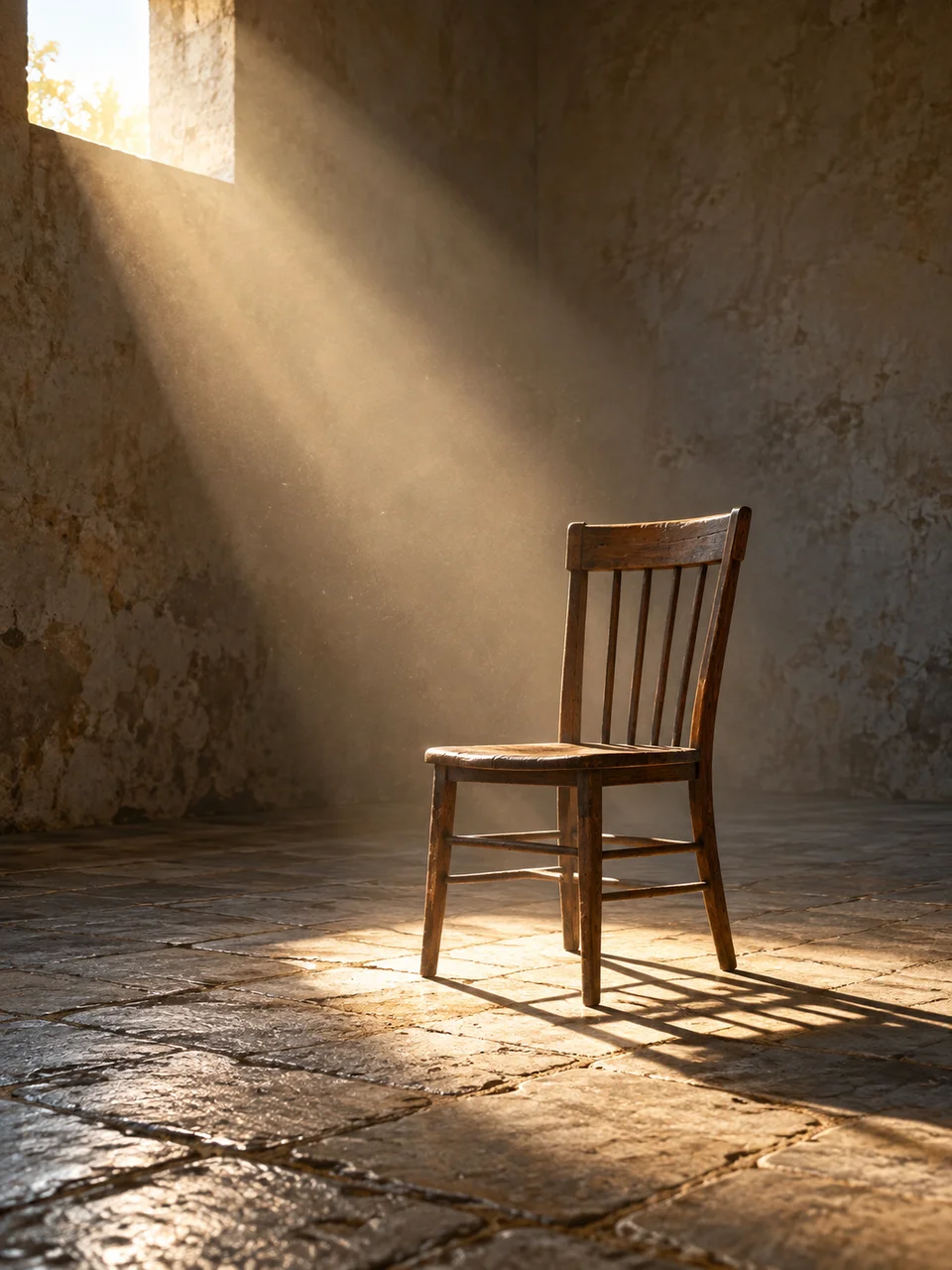
Sunbeam AI Photo Generator: Haze Cut Sun
One sunbeam reveals suspended atmosphere and depth.
- From a description only
- Best shape: 3:4 · 4:5 · 1:1
Works on
- Seedream 5.0 Pro
- Qwen Image 3.0
- Nano Banana 2.1
- Seedream 5.0 Flash
About Haze Cut Sun
Haze Cut Sun makes a single path of light visible within an enclosed space. A low sunbeam enters through a high window or opening, its edges becoming apparent in lightly dusty air. It fades with depth instead of filling the room with opaque smoke. The look draws on atmospheric interior photography, where the visible beam connects architecture, suspended particles and a carefully placed subject within one coherent lighting arrangement.
A chair in an old workshop, a ceramic jar in a barn and a person reading below a high studio window all offer clear destinations for the light. A wooden staircase can also catch the beam along its upper steps. Describe the opening and the point where sunlight lands. The image is created from a written description, allowing you to arrange the room around that one luminous diagonal.
Try “a wooden chair in a workshop beneath one high window and a slanting sunbeam” or “a ceramic jar on a barn floor in lightly dusty afternoon light.” Another line is “a person reading below a tall studio opening.” A narrower window gives a more concentrated beam; a broader opening makes the illuminated area less sharply defined and shifts attention toward the room's surfaces instead of the air.
Tips
- Give the beam a visible entry point, such as a high window or a gap beneath the roof.
- Keep dust light enough for the far wall to remain visible through the illuminated air.
- Place the focal object where the beam reaches the floor to connect atmosphere with something tangible.
- Use a diagonal light path across the frame when you want the room's depth to read clearly.
- Retain some unlit surface texture so the shaded room does not collapse into featureless black.
What the style adds
Your words go where it says “your subject”. Everything else is added for you.
your subject. Let a single low sunbeam pass through a high opening into a lightly dusty space. Keep the beam aligned with the opening, fading through plausible atmospheric depth. Preserve surrounding surface detail and a calm focal subject without excessive smoke, multiple disconnected rays or fantasy particles.
Models and price
- Seedream 5.0 Pro36 credits
- Qwen Image 3.030 credits
- Nano Banana 2.148 credits
- Seedream 5.0 Flash29 credits
One 1K image from a description. The button always shows the exact price before you spend anything.
How to use Haze Cut Sun
- Describe itWrite who or what should be in the picture. A small action and a clear place work best.
- Pick a shapeKeep the suggested ratio and model, or change them in the bar at the bottom.
- Paint itPress “Paint it”. The price is on the button before you spend anything.
Questions about Haze Cut Sun
Can I use Haze Cut Sun on my own photo?
Not yet. This style works from a description: write what you want to see and the style adds the look.
How much does one Haze Cut Sun image cost?
29 credits for one 1K image on Seedream 5.0 Flash. 2K costs more, and the button shows the exact price before you run it.
Does the room need to be smoky?
No. A light amount of suspended dust is enough to suggest the sunbeam's path. Heavy smoke would hide surface detail and change the quiet interior into a much denser atmospheric scene.
How does this compare with Book Light?
Book Light spreads illumination softly across a subject. Haze Cut Sun shows a directional shaft moving through the space itself, so the opening, air and landing point become part of the composition.
Can I place a person inside the beam?
Yes. A seated or standing figure can help explain its scale. Keep the face or hands positioned near the lit area and describe surrounding detail so the person remains connected to the room.
Similar styles
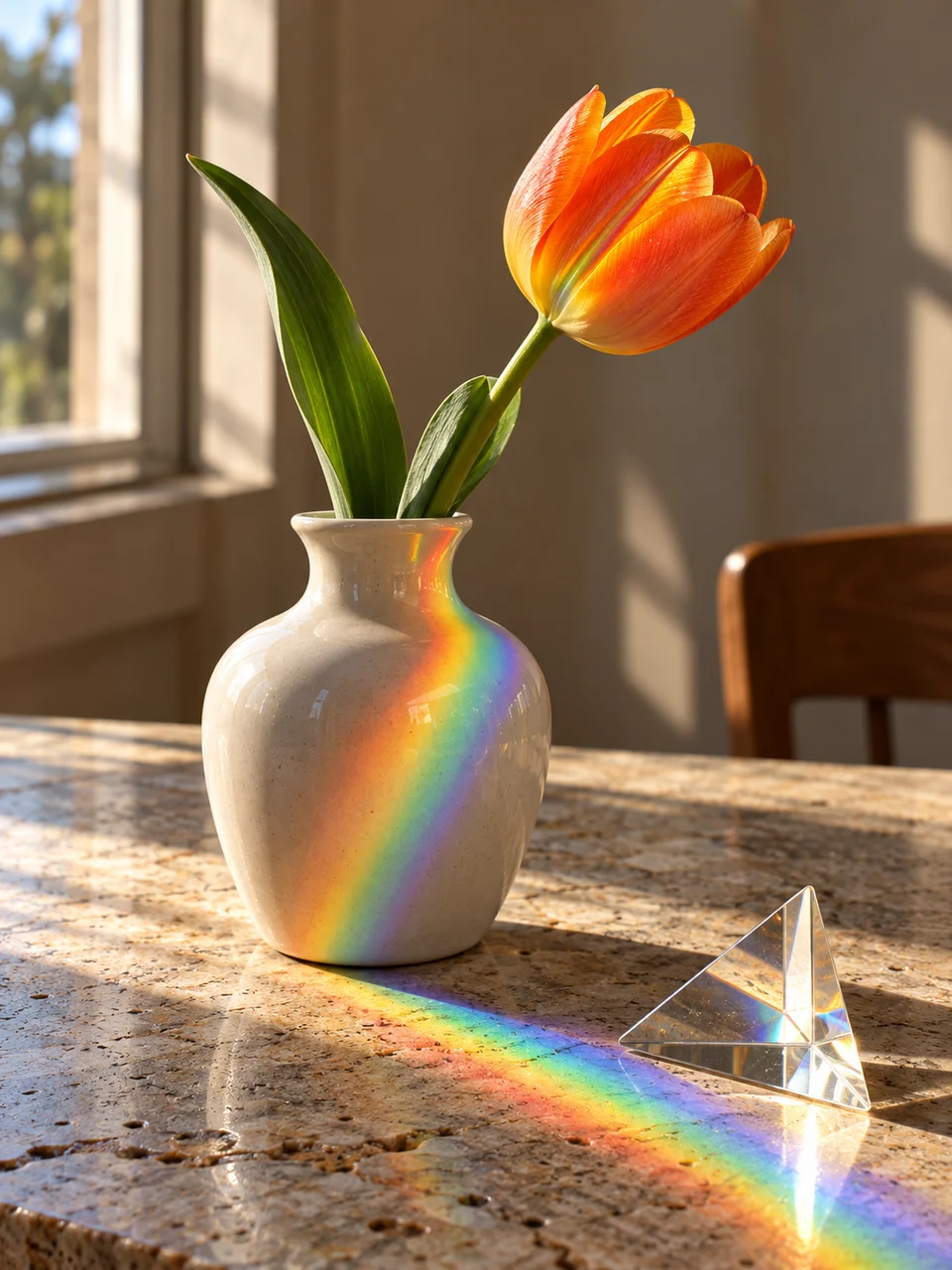 Prism Sunlight
 Negative Fill
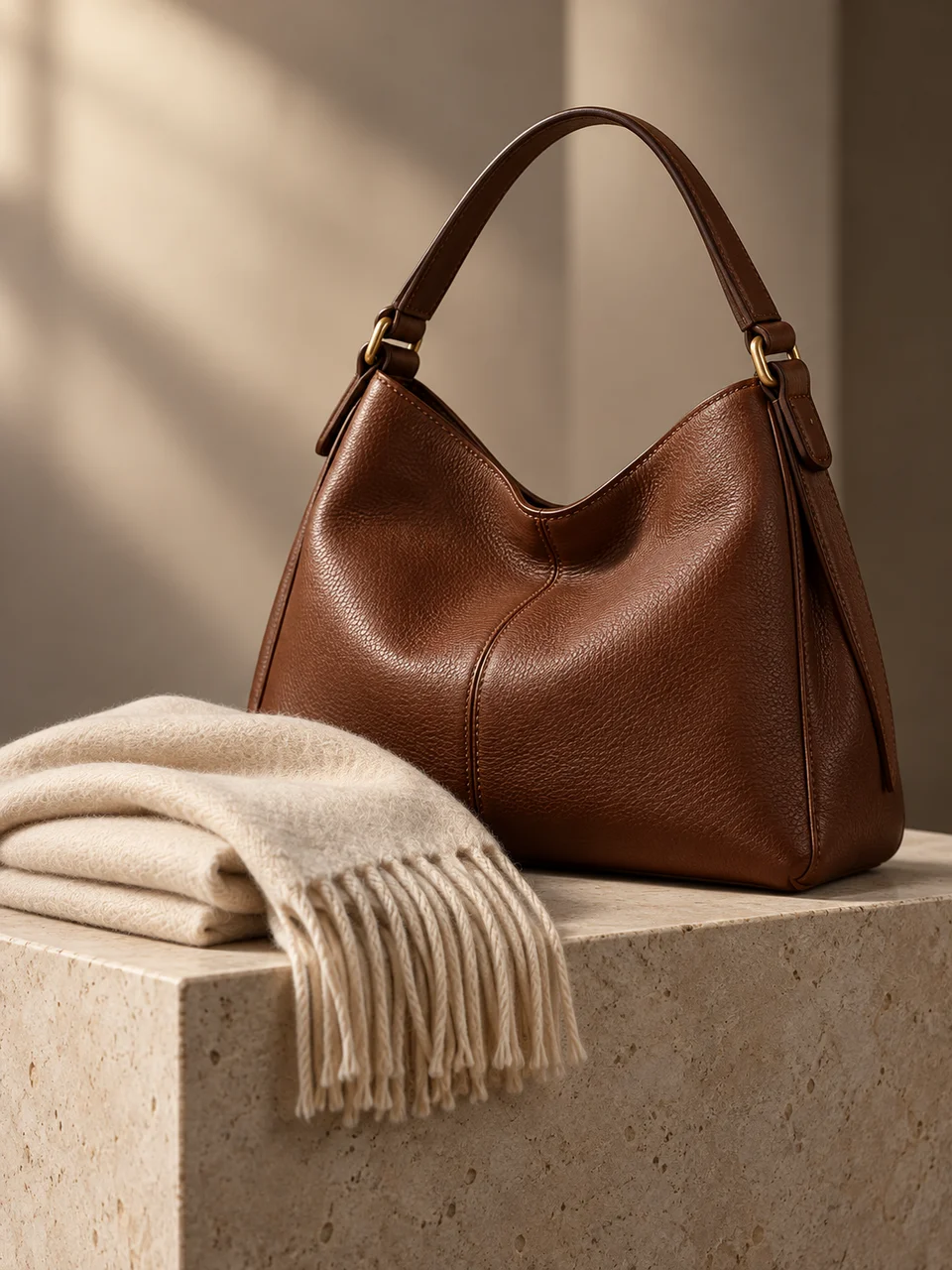 Book Light
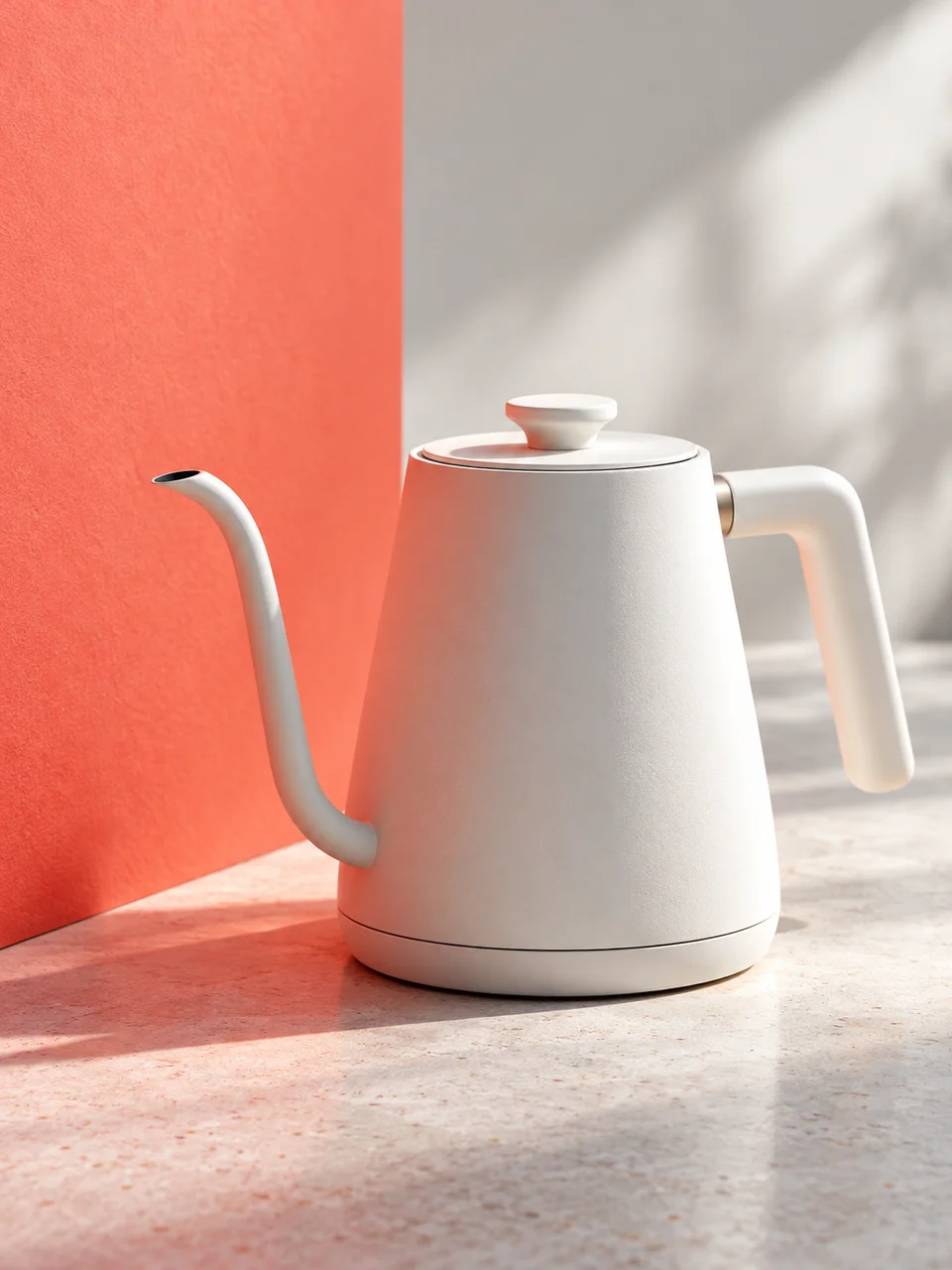 Color Bounce
Bring it to life
Effects that turn a still in this look into a short video.
 Slow Push-In
 Slider Parallax