


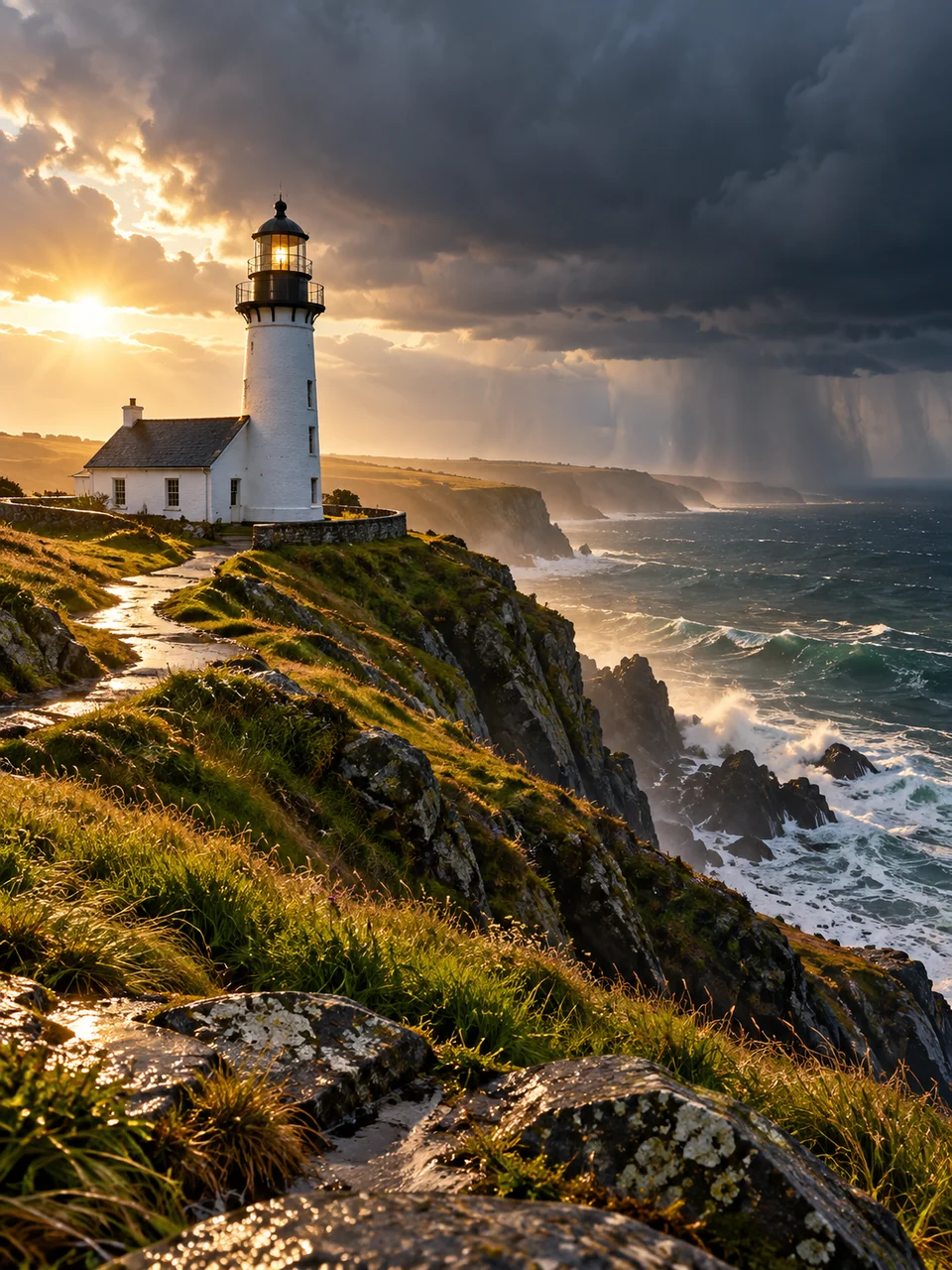
Storm Light AI Photo Generator: Edge of Storm
A narrow break in dark weather gives luminous contrast.
- From a description only
- Best shape: 3:4 · 4:5 · 1:1
Works on
- Seedream 5.0 Pro
- Qwen Image 3.0
- Nano Banana 2.1
- Seedream 5.0 Flash
About Edge of Storm
Edge of Storm captures the brief contrast between a sunlit foreground and weather still passing in the distance. Low light catches buildings, faces or hills while the cloud bank remains dark. Wet paving reflects only where its angle catches the sky or sun. The look belongs to landscape and location photography, using changing weather for drama while keeping color, scale and surface detail believable throughout.
Choose subjects with a clear outline against the cloud bank: a lone farmhouse beyond a wet field, a cyclist stopped at a roadside, or a small harbor after rain. A red fishing boat can supply a strong focal point without extra spectacle. Explain which part receives the sun and where rain remains visible. Generation begins with your written description, including the location and weather you want.
Try “a white farmhouse lit by low sun beneath retreating storm clouds” or “a cyclist beside a wet country road as sunlight breaks through.” Another option is “a red boat in a quiet harbor after rain.” Late light brings warmer highlights and longer shadows; an earlier sun break gives a cooler, more matter-of-fact scene with less emphasis on the horizon and its glow.
Tips
- Set the rain in the distance so the foreground subject keeps a crisp, legible edge.
- Mention one patch of sunlit ground to anchor the break in the cloud cover.
- Use wet stone, asphalt or leaves for small reflections instead of making every surface shine.
- Keep the sky large enough to show the weather, but reserve the brightest contrast for your subject.
- A modest building or person helps establish the enormous scale of the clouds behind them.
What the style adds
Your words go where it says “your subject”. Everything else is added for you.
your subject. Photograph at the edge of a passing storm: one low sun break illuminates the subject against dark distant clouds. Keep rain haze in the distance and wet surfaces locally reflective. Use believable weather scale, rich natural color and crisp light boundaries without lightning or exaggerated HDR.
Models and price
- Seedream 5.0 Pro36 credits
- Qwen Image 3.030 credits
- Nano Banana 2.148 credits
- Seedream 5.0 Flash29 credits
One 1K image from a description. The button always shows the exact price before you spend anything.
How to use Edge of Storm
- Describe itWrite who or what should be in the picture. A small action and a clear place work best.
- Pick a shapeKeep the suggested ratio and model, or change them in the bar at the bottom.
- Paint itPress “Paint it”. The price is on the button before you spend anything.
Questions about Edge of Storm
Can I use Edge of Storm on my own photo?
Not yet. This style works from a description: write what you want to see and the style adds the look.
How much does one Edge of Storm image cost?
29 credits for one 1K image on Seedream 5.0 Flash. 2K costs more, and the button shows the exact price before you run it.
Does this style always include lightning?
No. Its drama comes from sunlight against a dark weather front, with rain haze farther away. Describe a passing shower or clearing storm when you want that contrast without an electrical spectacle.
How is it different from Snow Bounce?
Snow Bounce fills shadows with soft reflected winter daylight. Edge of Storm uses a more directional sun break and darker distant clouds, so the separation between illuminated and shaded areas feels much stronger.
Will this work for a close portrait?
A portrait can work if a strip of landscape or sky remains visible behind the person. Include a windbreaker, damp hair or a wet railing to connect the close framing to the passing weather.
Similar styles
 Prism Sunlight
 Negative Fill
 Book Light
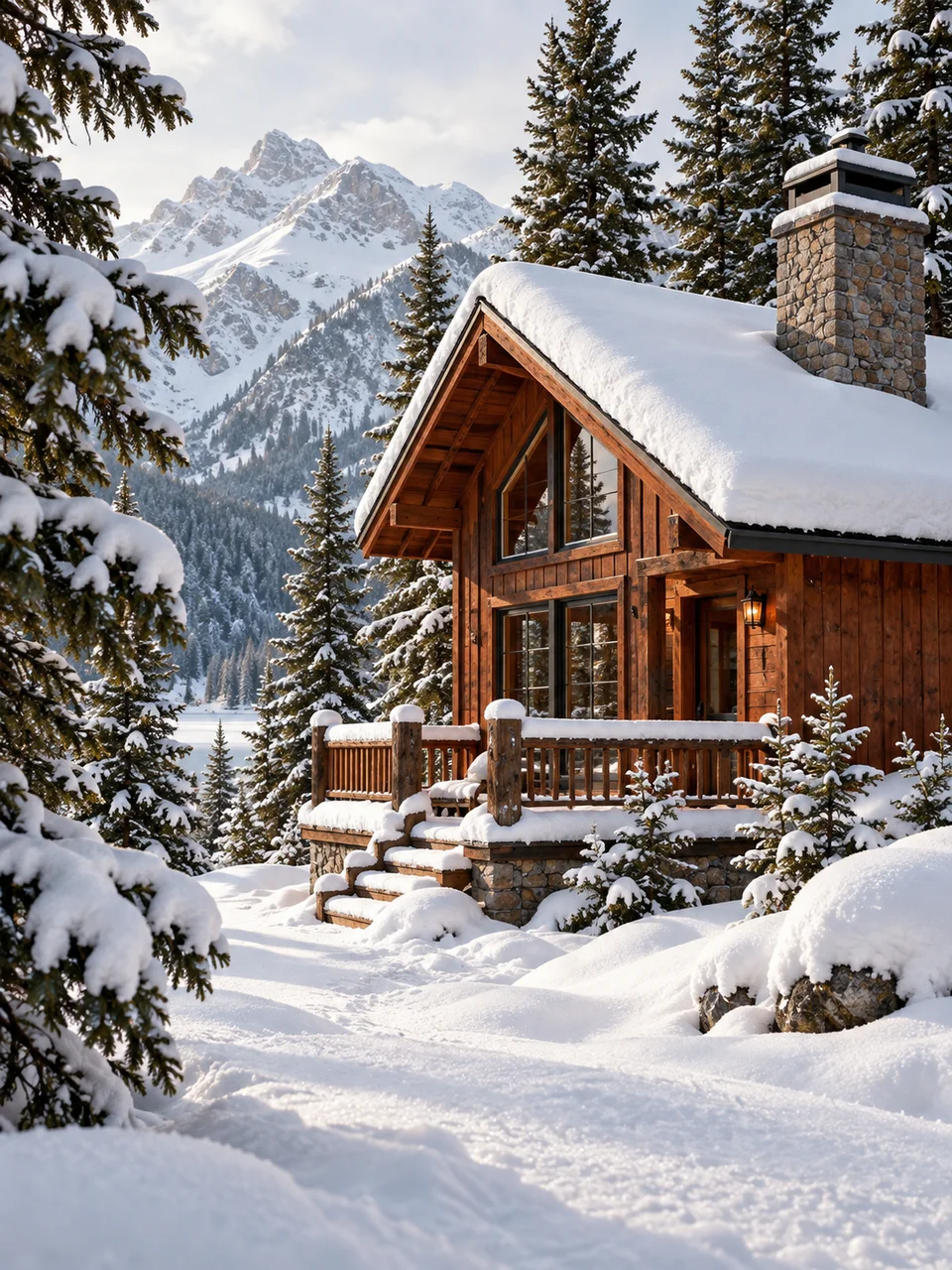 Snow Bounce
Bring it to life
Effects that turn a still in this look into a short video.
 Rain Falls
 Golden Hour