


Image style skill
AI style transfer
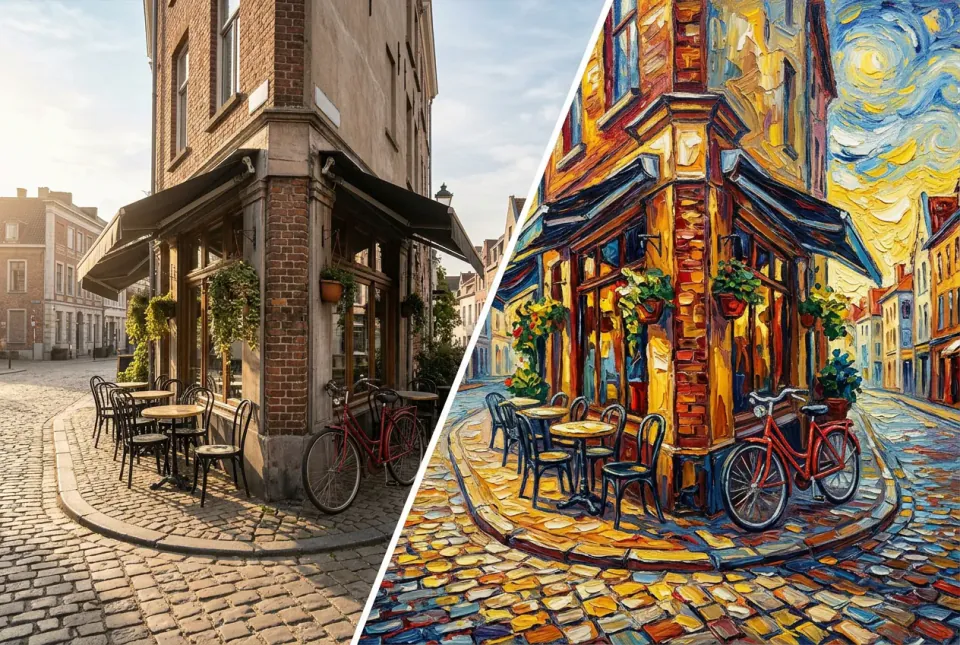
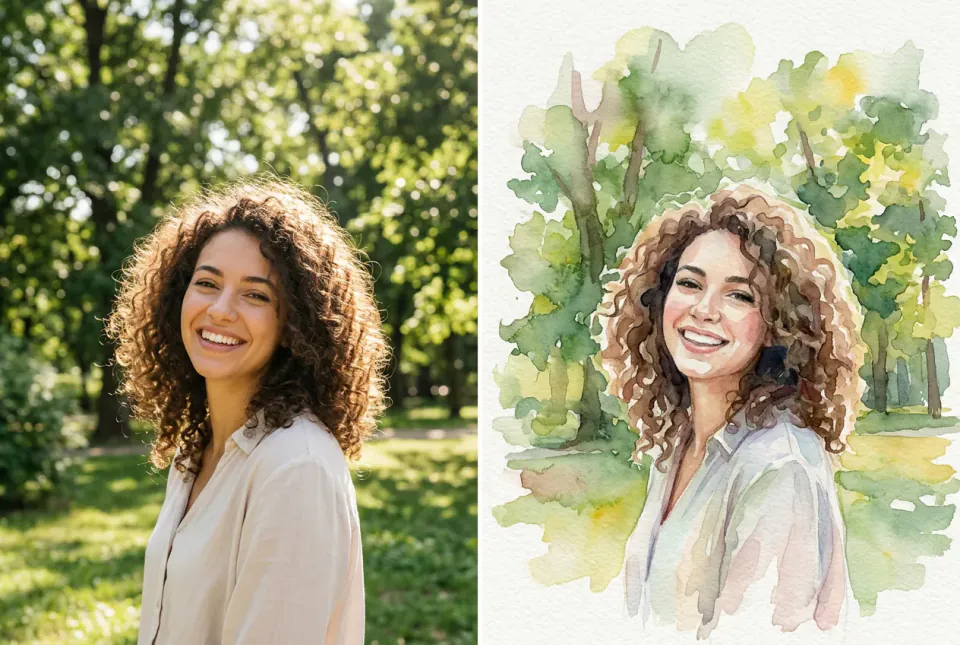
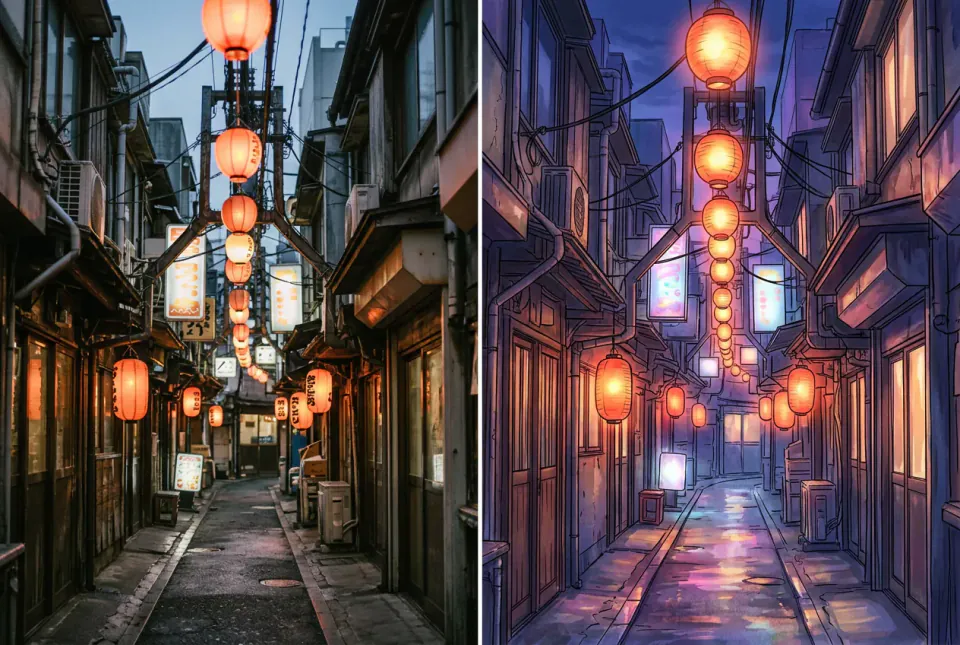
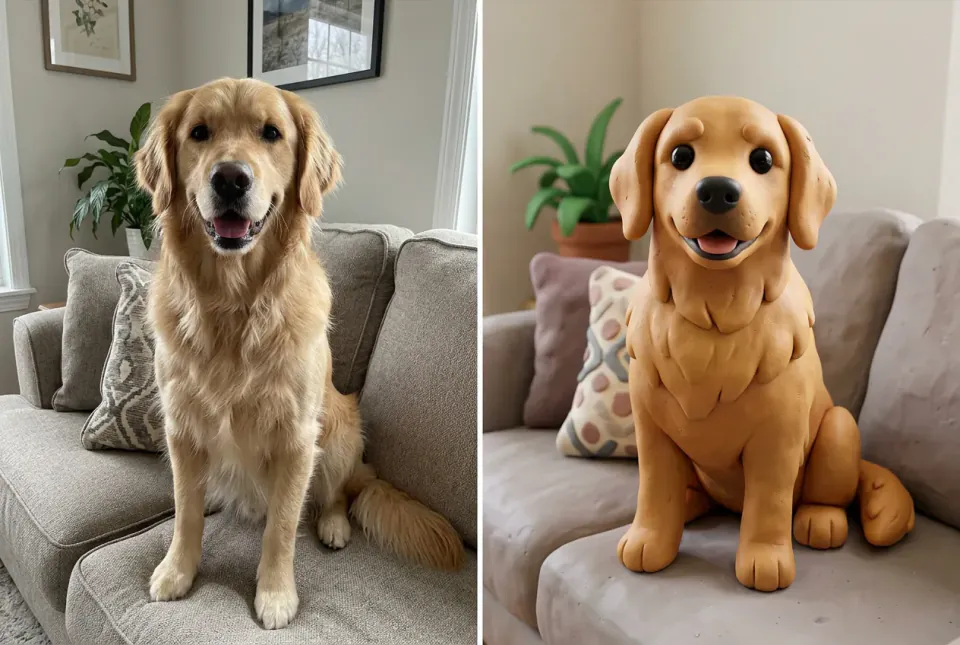
Give any image a new look, from watercolor and anime backgrounds to clay and ink, while the subject, pose and framing stay where they are. You get three strengths side by side and keep the one you like.
Opening the skill prepares a draft with Poppie. Three strengths mean three quick edits; each shows its price before you confirm, and you can ask for just one.
What you get
- The same picture in a new art style, with composition, subject and pose intact.
- Light, medium and strong versions side by side, so you choose how far to go.
- An edit prompt that spells out what to keep and what to change, reusable on more images.
- The option to apply the winning look to a whole set with Batch restyle.
What to bring
- The image you want to restyle: a photo, a render or a drawing.
- The target style in a few words, or a reference image in that style.
- How recognisable faces should stay, if there are people in the picture.
One image, a new style
Illustrations made by PopNow to show the effect. Results depend on your image and the strength you choose.
How the skill works
Describe what to protect
Poppie sums up the source in one sentence, the subject, layout and palette, so the edit knows what must not move.
Keep, then change
The prompt is written as: keep the subject, pose and framing; change the medium, line, colour and texture to your style.
Compare three strengths
Light, medium and strong versions arrive together. Keep one, or apply it to more images with Batch restyle.
How AI style transfer works, and how to get clean results
Style transfer versus a new image
Generating from text invents a new picture. Style transfer starts from your image and changes only its look: brush strokes, line quality, colour and texture. That is why the layout, the people and the objects stay where they were.
Pick a style you can name
Clear words work best: "loose watercolor with paper texture", "cel-shaded anime background", "stop-motion clay", "black ink with cross-hatching" or "16-bit pixel art". If a style is hard to describe, add one reference image in that style instead.
Strength decides how much changes
A light pass keeps details and faces almost photographic; a strong pass commits to the new medium and simplifies shapes. Comparing three strengths side by side is faster than guessing one and redoing it.
Faces and text need care
If people should stay recognisable, ask for medium strength and say so in the prompt. Small text on signs or packaging rarely survives a strong restyle; add it back afterwards with a text tool if it matters.
Restyle a whole set
For a series, a carousel or a storyboard, find the look on one image first, then apply the same prompt and strength to the rest with Batch restyle so every frame matches.
Questions about AI style transfer
What is AI style transfer?
It re-renders an existing image in a different art style, such as watercolor, anime, clay or ink, while keeping its composition, subject and pose. It edits your picture instead of making a new one from scratch.
Will people still look like themselves?
At light and medium strength, faces usually stay recognisable; strong passes simplify features more. Tell Poppie if likeness matters, and only upload photos you have permission to use.
Can I use my own style reference?
Yes. Add a reference image in the style you want, and Poppie switches to a model that reads reference images for the harder cases.
How much does it cost?
Each strength is one quick image edit, priced before you confirm. If you already know how strong you want it, ask for a single version to spend less.
Can I restyle many images at once?
Yes. Once you like one result, the same look can be applied to a whole set with the Batch restyle skill, so the series stays consistent.