


Trailer skill
AI movie trailer maker
Turn the shots you already have into a 30 to 60 second trailer or teaser. Poppie writes the beat sheet, maps your clips to each beat and only generates the few moments that are missing.
Opening the skill asks you to choose a Canvas project with your shots. Reused shots cost nothing extra; new keyframes, clips and music show their price before you confirm.
What you get
- A timed beat sheet: hook, world, conflict, escalation montage, title card and a final button.
- Your existing shots mapped to each beat, with the gaps clearly marked.
- Two or three title cards of five words or fewer that never give away the ending.
- A music cue with a rise and a hit on the title card, plus the edit order with timings.
What to bring
- A short film, a set of clips or keyframes in a Canvas project.
- A logline or the script, so the trailer teases the right conflict.
- A target length of 30, 45 or 60 seconds, and the tone if it differs from the film.
From beats to a title card
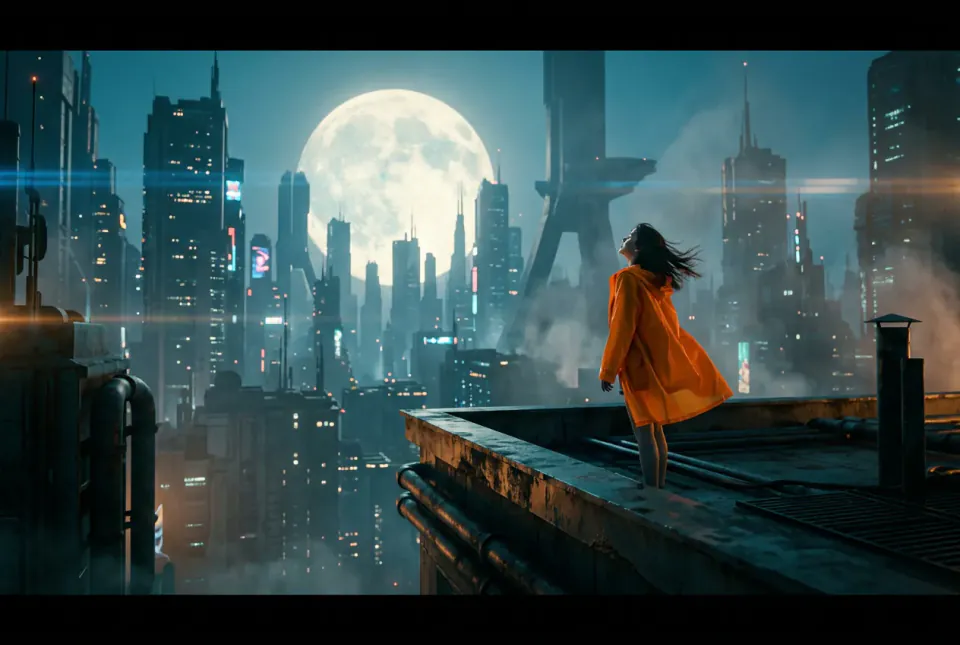
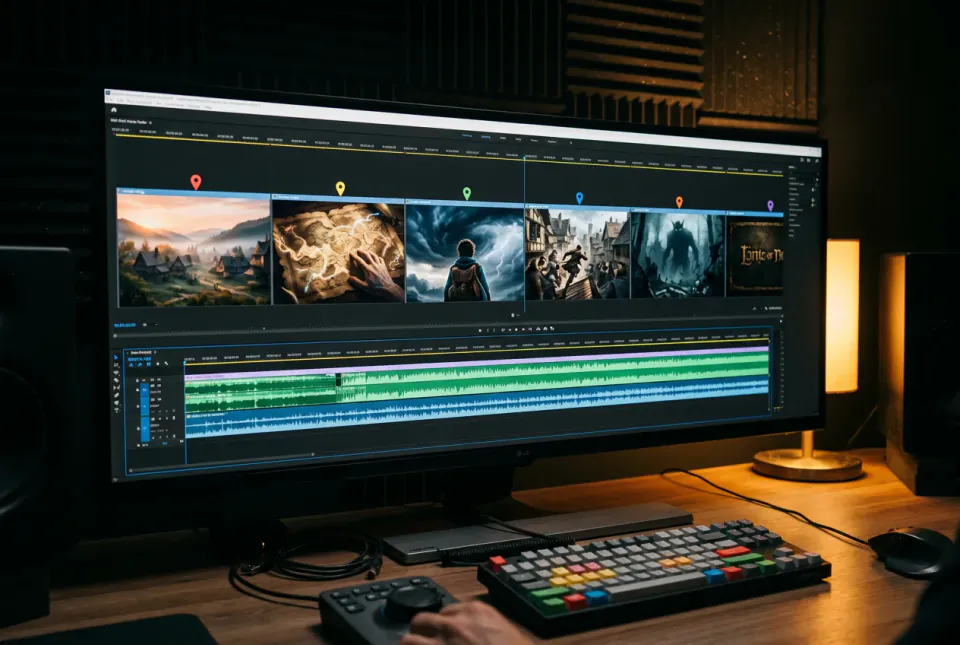
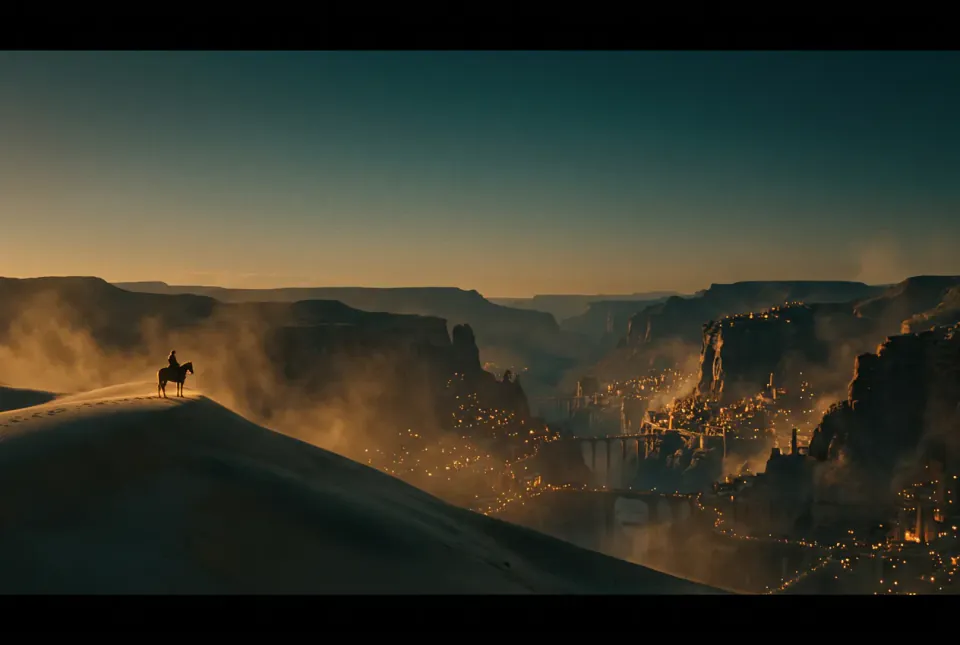
Illustrations made by PopNow to show the format. They are not recorded results of the skill.
How the skill works
Write the beat sheet
A cold-open hook in the first five seconds, then world, conflict and a faster escalation montage, a title card and a short button at the end.
Map your shots
Each existing shot is placed on a beat. Beats with no fitting shot are marked, so you see exactly what is missing before anything is generated.
Fill the gaps and assemble
Only the missing beats get new keyframes and clips, quoted first. New nodes land in a Trailer group in beat order, with the music cue and edit timings.
How to cut a movie trailer that makes people watch
Start with a hook, not the beginning
A trailer is not a summary. Open on the most intriguing image or line you have, ideally in the first three to five seconds, then step back and show the world. Viewers decide very quickly whether to keep watching.
A simple 45-second structure
Hook (0–5 s), world (5–15 s), conflict (15–25 s), escalation montage (25–38 s), title card, then a button: one last surprising line or image in the final three to five seconds. Shorter teasers drop the world beat; 60-second trailers give the conflict more room.
Cut on the music
Pick a cue that builds and lands a hit on the title card. Shots get shorter as the energy rises, which is why escalation montages often use one-second cuts. A beat of silence right before the title card makes the hit feel bigger.
Title cards: five words or fewer
Two or three short cards break the montage into chapters and carry the promise of the story. Keep them readable, stay vague about the ending, and check the spelling before you render.
Reuse before you generate
Most films already contain the shots a trailer needs. Generating only the missing beats keeps the look consistent and the cost low; one new establishing shot or title background is often enough.
Questions about AI trailers
Can AI make a trailer from my own footage?
This skill works from the shots and clips in your Canvas project. It plans the trailer around them and only generates new keyframes or clips for beats your footage does not cover.
How long should a trailer be?
Teasers usually run 15 to 30 seconds and most trailers 45 to 60. The skill defaults to 45 seconds; tell Poppie if a platform needs a different length.
Will it spoil my ending?
No. Title cards stay at five words or fewer, the beat sheet avoids revealing the ending, and the final button teases instead of resolving the story.
Do I need music?
The plan includes a suggested cue with a clear rise and a hit on the title card. You can generate an instrumental cue on PopNow or use music you have the rights to.
What does it cost?
Reused shots cost nothing extra. Only the new keyframes, clips and music for missing beats are charged, and each shows its price before you confirm.