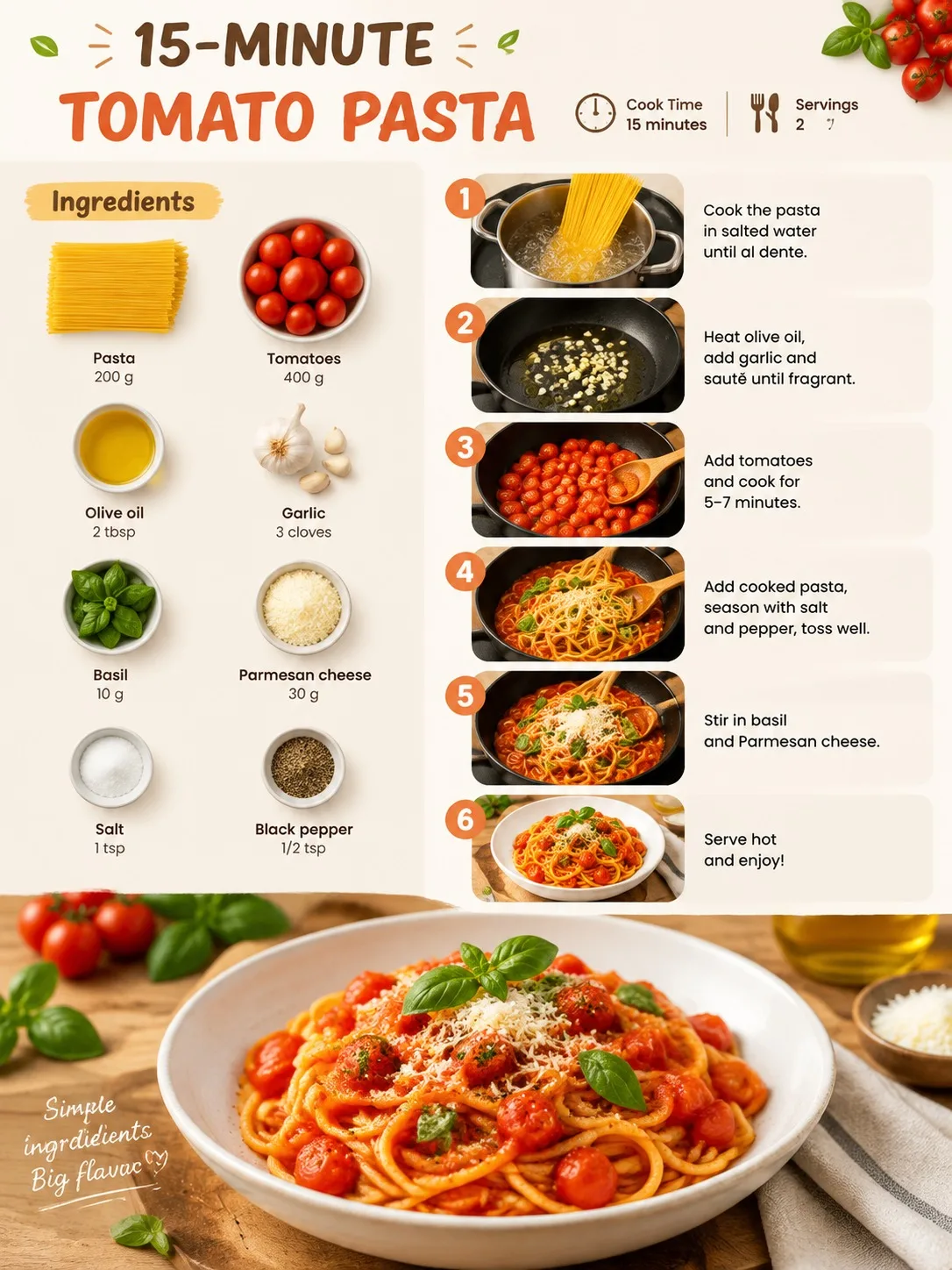
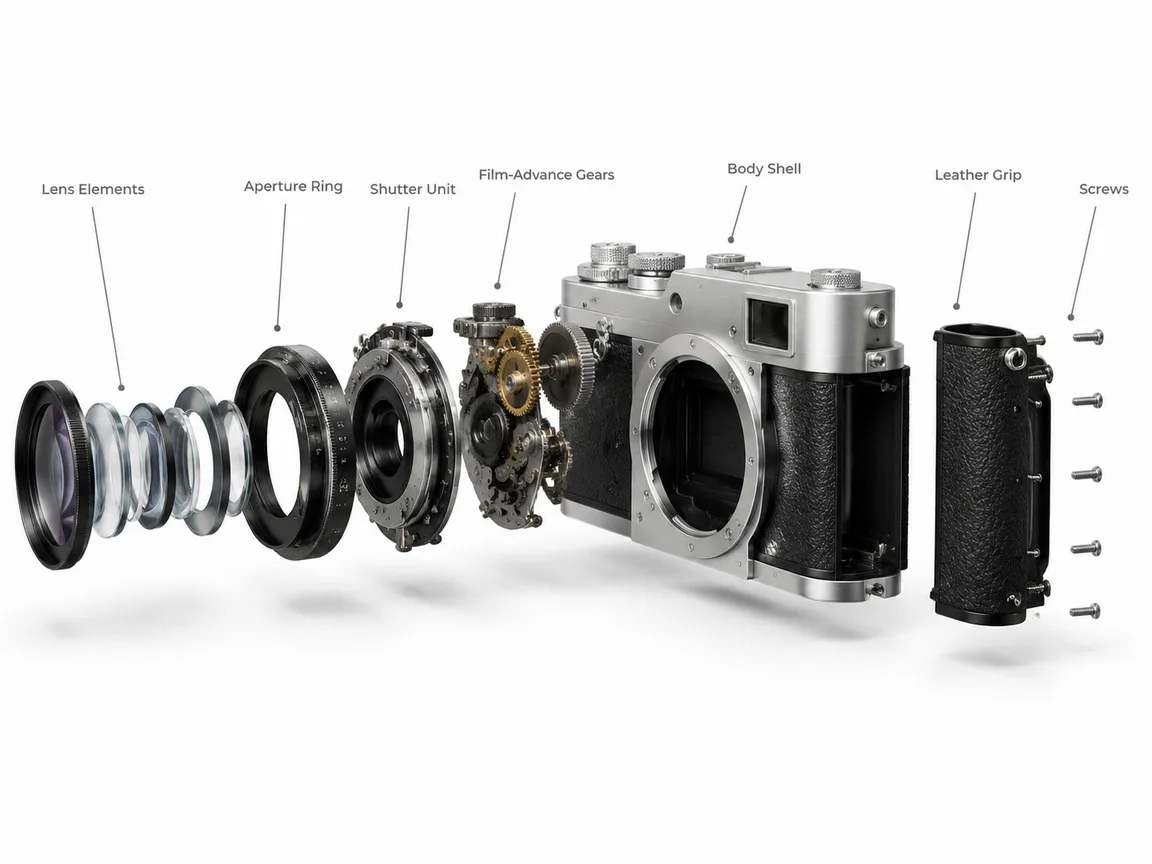
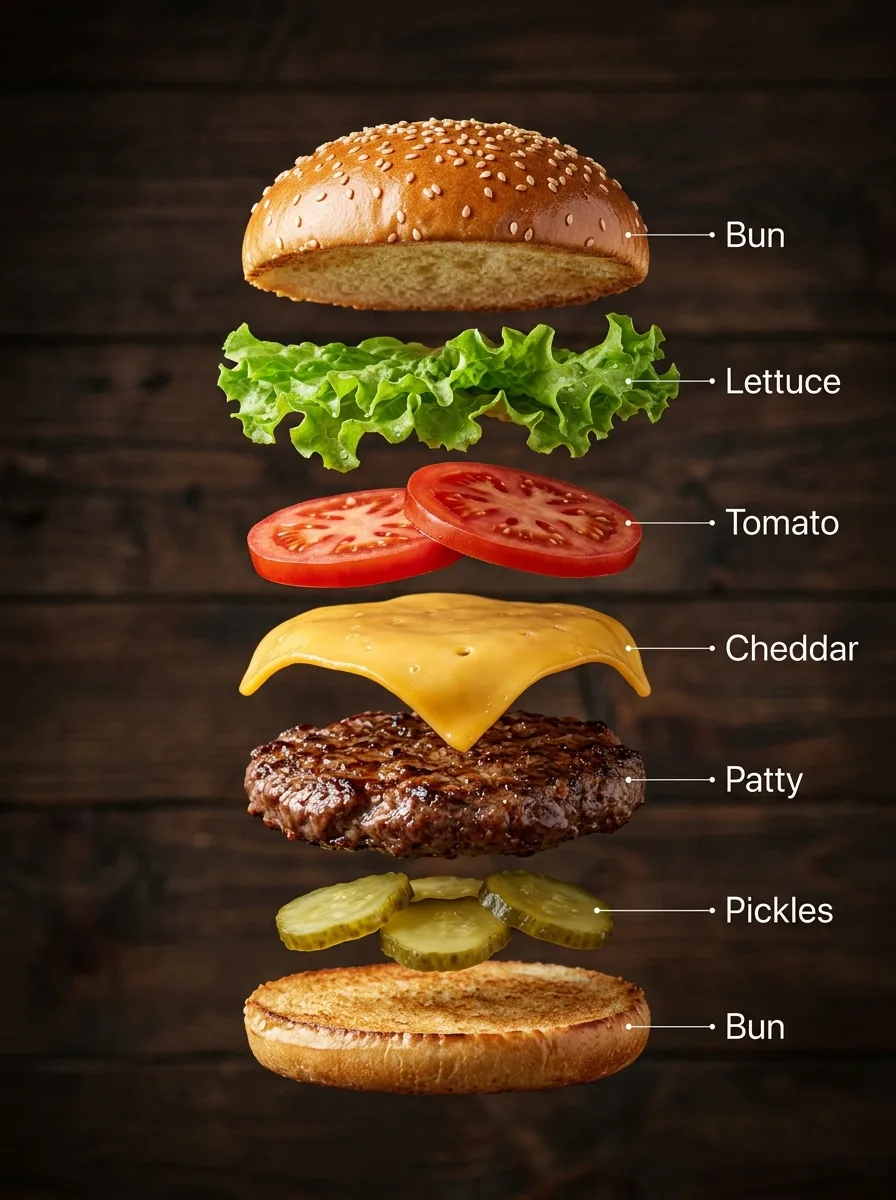
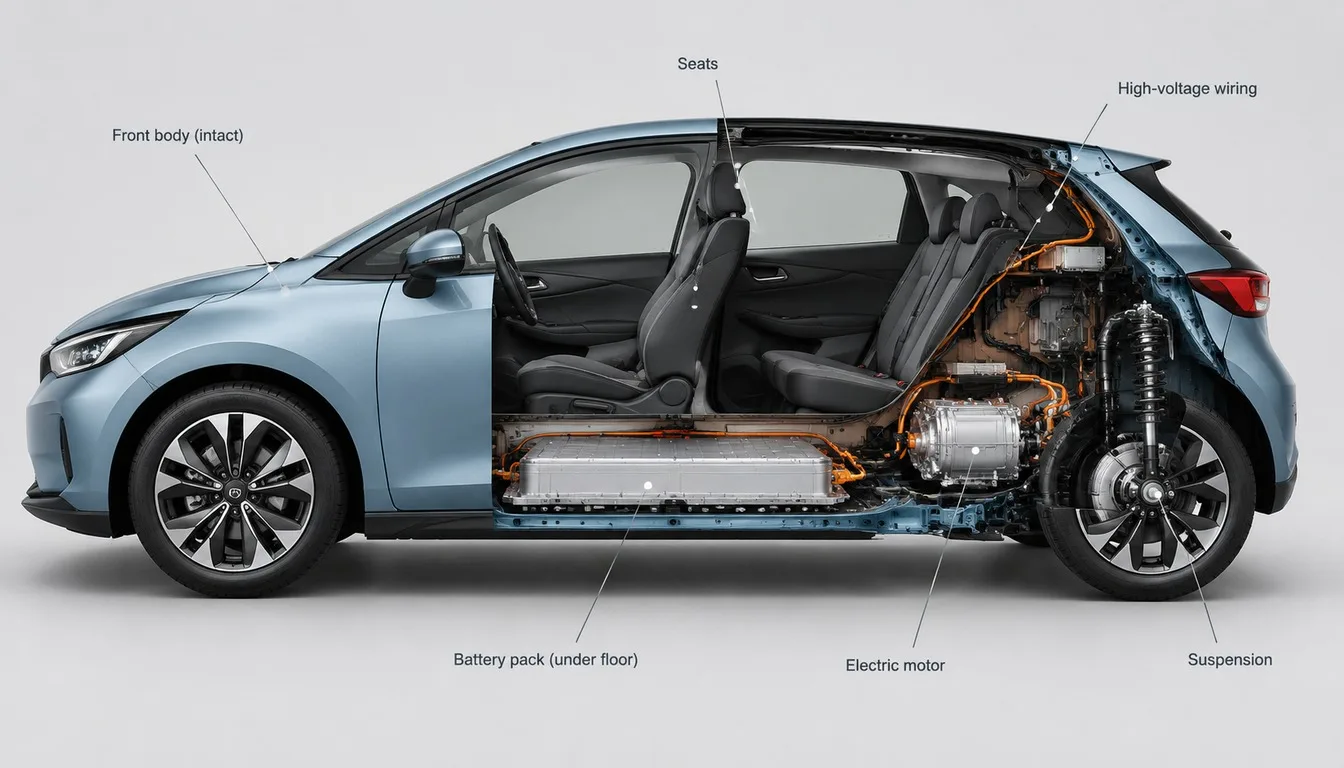
Recipe Infographic Card, made with GPT Image 2.5 Sunburst
Example made with GPT Image 2.5 Sunburst

Text to imageInfographics & diagrams

GPT Image 2.5 Sunburst infographic promptRecipe Infographic Card

The exact text-to-image prompt behind this picture, made with GPT Image 2.5 Sunburst.

Fill in the blanks

Change any box and the prompt below updates. Copy it, or make one with your version.

Prompt

A clean, appetising recipe infographic for a quick tomato pasta, vertical layout. Top: the title "15-MINUTE TOMATO PASTA" with small icons for cook time and servings. Left column: an ingredients flat-lay with each item labelled with its amount. Right column: six numbered step panels, each with a small photo-style illustration and one short line of instruction. Bottom: the finished dish as a hero shot. Warm kitchen colours, crisp readable text, plenty of white space.

Prompts stay in English, the language these models follow best. Copy it as it is, or change a few words.

Opens GPT Image 2.5 Sunburst with this prompt and the settings below filled in.

67 tested GPT Image prompts →

Settings

Mode
Text to image
Aspect ratio
3:4
Resolution
1k
Quality
high
Price
From 2 credits

The exact price shows before you generate.

Make your own version

  1. The layout is spelled out piece by piece: six numbered step panels, each with a small photo-style illustration and one short line of instruction. Keep that structure and change only the content, or the model loses track of the page.
  2. This is a fill-in template: swap the parts in braces, like {dish}, in the boxes above and keep the rest word for word.
  3. The words in quotes, "15-MINUTE TOMATO PASTA", are printed in the picture. Keep them short and change them to your own.

Where this template comes from

Adapted from a prompt by @iamaiistudio, collected in EvoLinkAI/awesome-gpt-image-2-API-and-Prompts under CC0 1.0. PopNow rewrote it as a fill-in template and made the example above.

Style prompt guide

Style traits to keep

A structured recipe infographic turns raw culinary instructions into an inviting, visual cooking poster using GPT Image 2.5 Sunburst. It combines clear typographic hierarchy, ingredient flat-lays, numbered process steps, and a finished hero shot on a balanced vertical grid. The clean editorial layout ensures that complex steps remain legible and visually appealing.

The infographic style relies on clean grid design, structured visual hierarchy, and balanced negative space to make multi-part information easy to digest.

Composition
A clear multi-zone layout divides the page into a bold header, a split two-column body, and a bottom hero section.
Palette
Warm kitchen tones like tomato red, olive green, and warm cream keep the food looking appetizing while maintaining contrast.
Line
Clean dividers and neat icon borders frame each step panel clearly without cluttering the page.
Texture
Smooth paper-like negative space contrasts with textured, high-detail food photography in the step and hero panels.

What defines this look

  1. format and subject definitionA clean, appetising recipe infographic for a quick tomato pasta, vertical layout.

    This establishes the graphic design style and overall structure. Removing this makes the model output a standard single dish photograph instead of an organized instructional sheet.

  2. header and metadataTop: the title "15-MINUTE TOMATO PASTA" with small icons for cook time and servings.

    This places the main typographic banner and essential cooking stats at the very top. If altered, the infographic loses its clear headline and magazine-style metadata.

  3. split grid layoutLeft column: an ingredients flat-lay with each item labelled with its amount. Right column: six numbered step panels, each with a small photo-style illustration and one short line of instruction.

    This directs the two-column workflow, separating raw prep items from sequential cooking steps. Removing these positions causes the items and instructions to blend chaotically across the frame.

  4. anchor visual focal pointBottom: the finished dish as a hero shot.

    This gives the viewer an enticing payoff image of the plated meal at the base. Without it, the poster lacks a strong photographic focal point.

  5. aesthetic and legibility ruleWarm kitchen colours, crisp readable text, plenty of white space.

    This controls the overall color palette and spacing, preventing cramped panels or dark, muddy backgrounds that ruin readability.

Same style, new subjects

Morning Coffee Brew Guide

Applies the exact recipe card layout to a step-by-step beverage preparation guide.

Prompt

A clean, elegant brew guide infographic for pour-over coffee, vertical layout. Top: the title "PERFECT POUR-OVER COFFEE" with small icons for brew time and water ratio. Left column: equipment and bean flat-lay with each item labelled with its measurement. Right column: four numbered step panels, each with a small photo-style illustration and one short line of instruction. Bottom: the steaming finished cup as a hero shot. Warm cafe colours, crisp readable text, plenty of white space.

Indoor Houseplant Care Sheet

Uses the infographic format for a plant care guide with supply flat-lays and routine panels.

Prompt

A clean, botanical care infographic for a monstera plant, vertical layout. Top: the title "MONSTERA DELICIOSA CARE" with small icons for light level and watering frequency. Left column: care supplies flat-lay with each item labelled with its use. Right column: four numbered step panels, each with a small photo-style illustration and one short line of instruction. Bottom: the lush potted plant in a bright room as a hero shot. Warm earthy colours, crisp readable text, plenty of white space.

Leather Shoe Polishing Guide

Translates the layout into a craft maintenance guide with clear tool callouts and step panels.

Prompt

A clean, classic care infographic for leather dress shoes, vertical layout. Top: the title "LEATHER SHOE POLISHING GUIDE" with small icons for required time and buffing levels. Left column: tools and polish flat-lay with each item labelled with its purpose. Right column: five numbered step panels, each with a small photo-style illustration and one short line of instruction. Bottom: the polished dress shoes as a hero shot. Warm workshop colours, crisp readable text, plenty of white space.

Model and settings

Keep the aspect ratio at 3:4 to allow enough vertical space for the stacked header, multi-column body, and bottom hero shot without crowding. Set resolution to 1k for fast test renders, and bump up quality to high so text elements and small ingredient labels render clearly. If you plan to print the card or display it on desktop displays, switch the aspect ratio to 2:3 or 9:16 for even more vertical breathing room.

  • Nano Banana ProPick Nano Banana Pro when you need highly complex, multi-section diagrams with dense text, as it specializes in planning intricate layouts before generating.
  • FLUX.2 ProSwitch to FLUX.2 Pro if you want strict control over specific brand colors and exceptionally realistic food photography in the hero panel.

When the style drifts

The step panels merge together into a confusing collage without clear borders.
Add distinct grid instructions such as 'separated by thin border lines and clear panel margins' to enforce strict panel separation.
The ingredient text becomes gibberish or overlaps the food illustrations.
Reduce the total number of items and add 'minimal text labels positioned clearly above each ingredient' to prevent visual crowding.
The background appears dark and cluttered, reducing contrast for the text.
Replace 'warm kitchen colours' with 'bright off-white background with subtle warm kitchen accents' to restore clear negative space.

Questions about this style prompt

Can I change the number of recipe steps in this infographic?

Yes. You can adjust 'six numbered step panels' to three or four steps for simpler recipes. Keeping the count under six ensures each panel has enough room for clear imagery and readable text.

How do I make the generated text more readable?

Keep the requested text short and use high quality mode on GPT Image 2.5 Sunburst. Specifying 'crisp readable text' and short phrases in quotes helps the model render clean letters.

Can I use a horizontal aspect ratio for this recipe card?

You can change the aspect ratio to 4:3 or 16:9, but you should update the prompt structure to describe a horizontal sequence or a three-column arrangement rather than a vertical stack.