Choose a visible object and action, build an eight-second paper-collection edit, and test whether the metaphor helps explain the topic.
Make an eight-second B-roll cut about reviewing discarded ideas. Save the cut, a plain-language brief and a three-option decision card. The source images and clips come from our production run for Poppie: a PopNow short film.
Public controls and local editing were recorded on November 7, 2026. The production examples use Seedance 2.5. English prompts below are translated from our original production prompts. The lesson host uses Gemini 3.8 Flash TTS, Puck, vocal_smile.
Lesson files
Download the lesson files · Download the recipe
The local package contains both start images, collect.mp4, full-bubble.mp4, symbol-start.png, the moving and static symbol outputs, review-ideas-8s.mp4, brief.txt, decision-card.png and the recipe. These downloads are staged locally. Verify their public links when publishing the lesson.
1. Choose an object and a visible verb
Start with the brief.
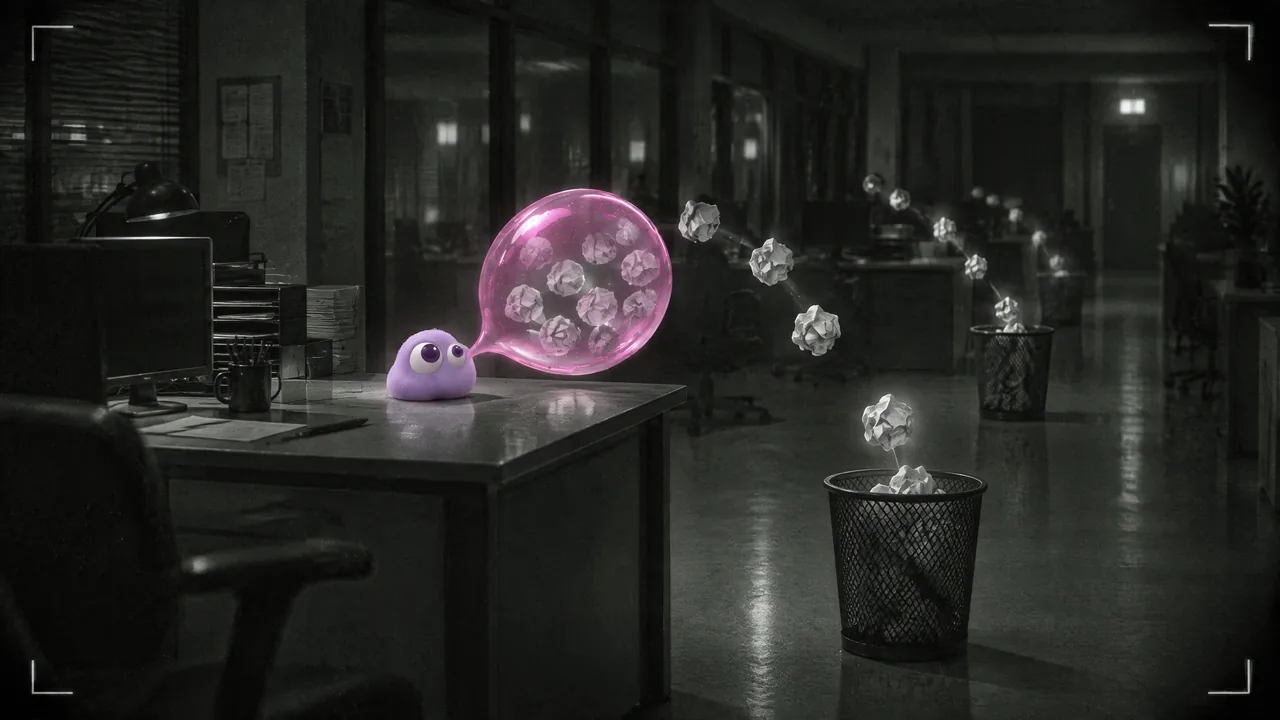
Underline discarded, then replace the abstract topic with an action you can follow. Here, crumpled paper leaves a bin and enters a transparent bubble.
| Direction | Decision |
|---|---|
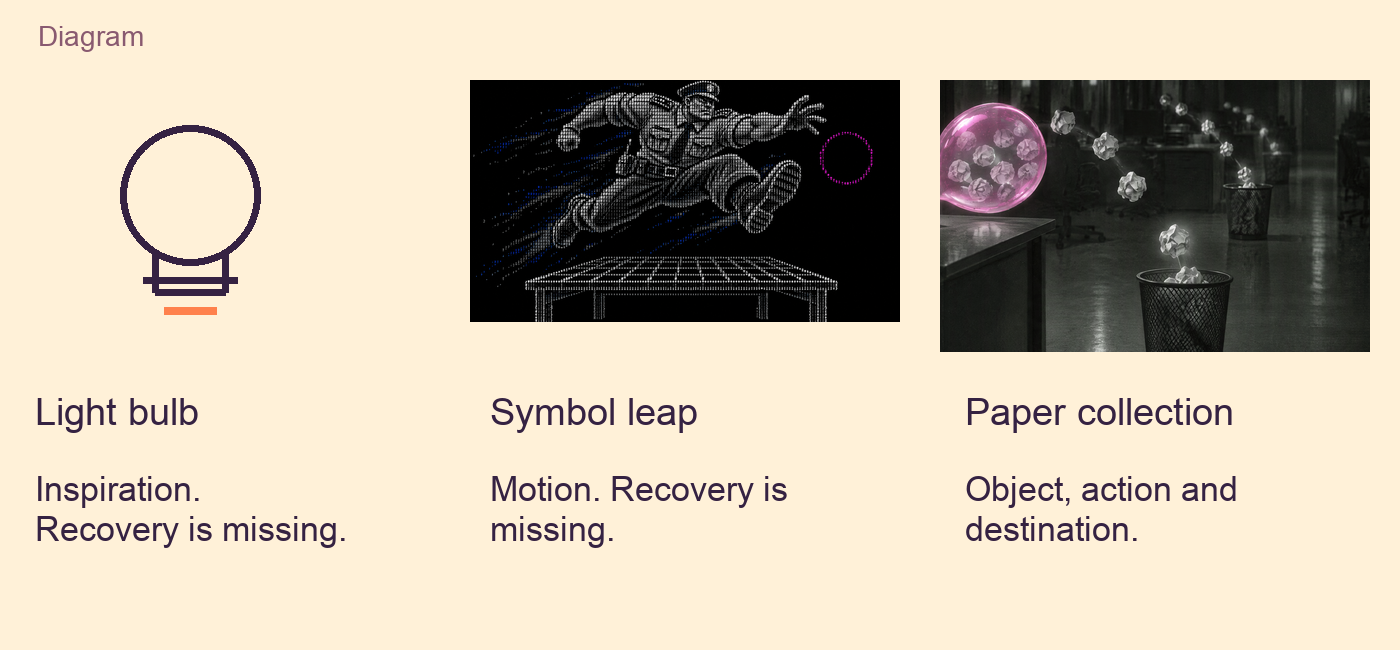
| A light bulb switches on | Reject. It suggests inspiration and leaves recovery unexplained. |
| A symbol character leaps across a desk | Reject for this brief. It shows motion and leaves recovery unexplained. |
| Discarded papers enter a transparent bubble | Choose. The discarded object, action and destination remain visible. |
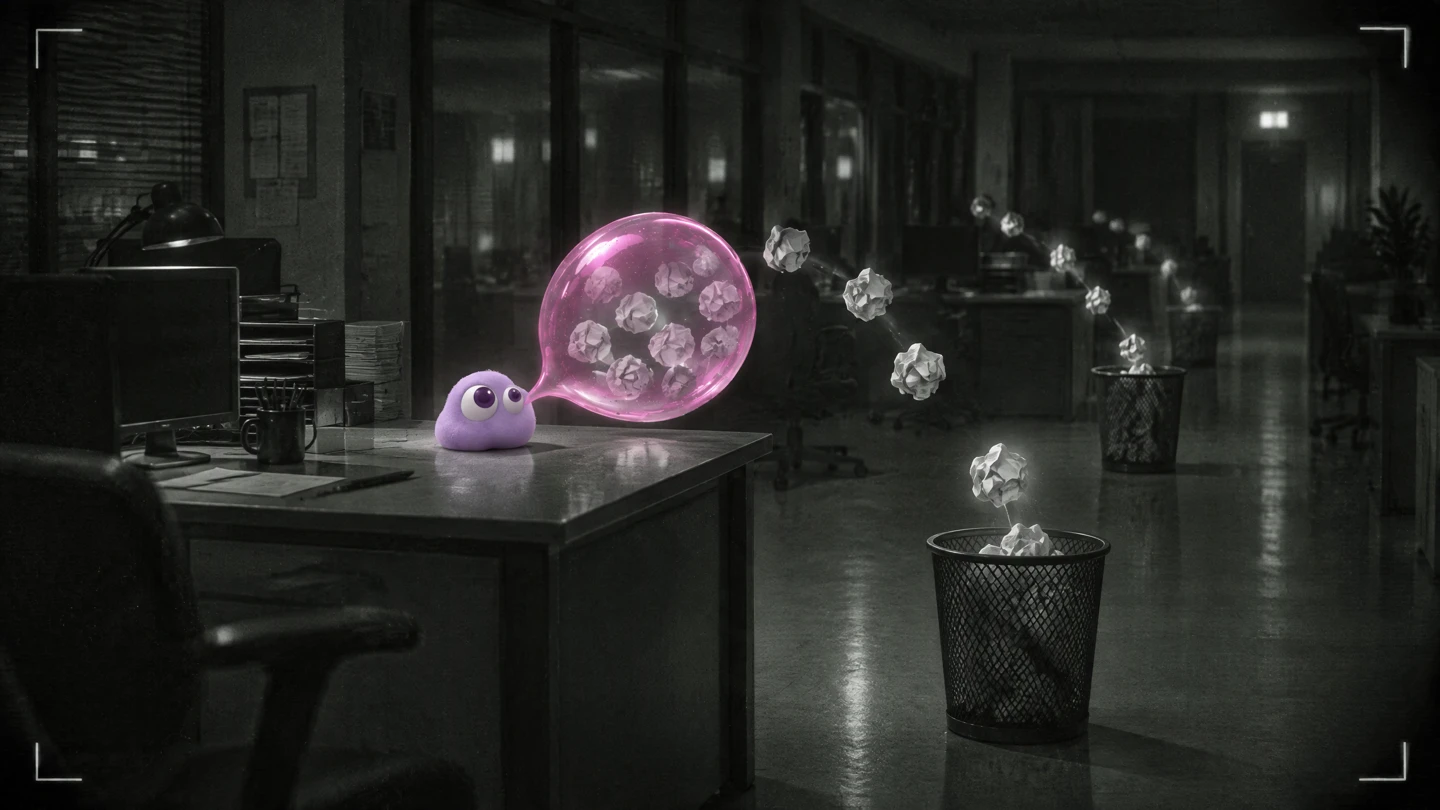
Open collect-start.png. Locate the bin on the right, the papers between it and the bubble, and the bubble on the left. Poppie is already in the image.
2. Match each prompt to its start image
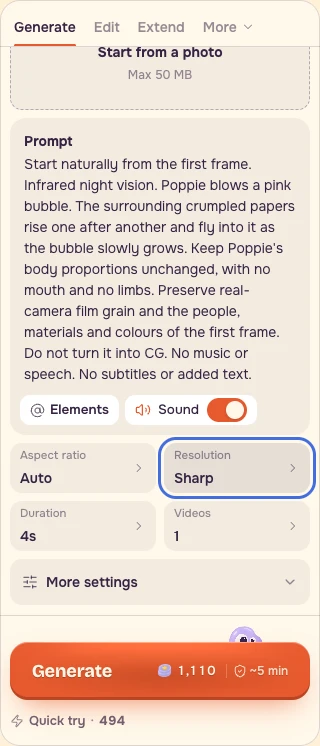
Open Video, choose Seedance 2.5 → From a photo, and use Start from a photo for the matching image. Choose 4 seconds, Sharp / 720p, Auto aspect ratio and 1 video.
The recorded public form showed 1,110 credits with Sound on, four seconds and 720p on November 7, 2026. Its photo slot was empty. Recheck the populated quote after adding your own image. The recording shows the supplied image separately and the real public form. The example clips in the package are from our production run.
Collect
Use collect-start.png with this prompt.
``text Start naturally from the first frame. Infrared night vision. Poppie blows a pink bubble. The surrounding crumpled papers rise one after another and fly into it as the bubble slowly grows. Keep Poppie's body proportions unchanged, with no mouth and no limbs. Preserve real-camera film grain and the people, materials and colours of the first frame. Do not turn it into CG. No music or speech. No subtitles or added text. ``
Full bubble
Use full-bubble-start.png with this separate prompt.
``text Start naturally from the first frame. Locked camera. Daylight slowly brightens outside the windows. The giant pink bubble sways gently above the desks, with crumpled papers slowly rotating inside. Keep Poppie's body proportions unchanged, with no mouth and no limbs. Preserve real-camera film grain and the people, materials and colours of the first frame. Do not turn it into CG. No music or speech. No subtitles or added text. ``
The first shot performs collection. The second is the after state, with papers inside and daylight increasing. Their prompts and results are separate pairs.
3. Learn from a real action-reduction failure
Open symbol-moving.mp4, then symbol-static.mp4, each at normal speed. These are two distinct saved outputs from a separate symbol-character shot. The original moving take was retained. The motion revision became the static reject.
The guard begins in a leaping pose across a desk. Asking him to keep that pose while travelling only a short distance reduced the useful motion. Check whether your constraint preserves the verb you need.
The production files named 11.mp4 and 11-flat.mp4 have identical bytes. They represent the same original output. The two downloadable symbol clips have different bytes.
<details> <summary>Translated revision prompt</summary>
``text Start naturally from the first frame. The character made of symbols keeps the first frame's leaping pose and body proportions. Do not flatten him, lay him down or change his shape. Move him only a short distance slowly to the right. The symbols refresh and flicker, leaving a trail of symbols behind him. The pink ring drifts right. Keep the background black. Strictly preserve the first frame's drawing style; do not make it photorealistic or 3D. Only quiet electronic noise, no music or speech, and no added text. ``
</details>
4. Build the eight-second cut
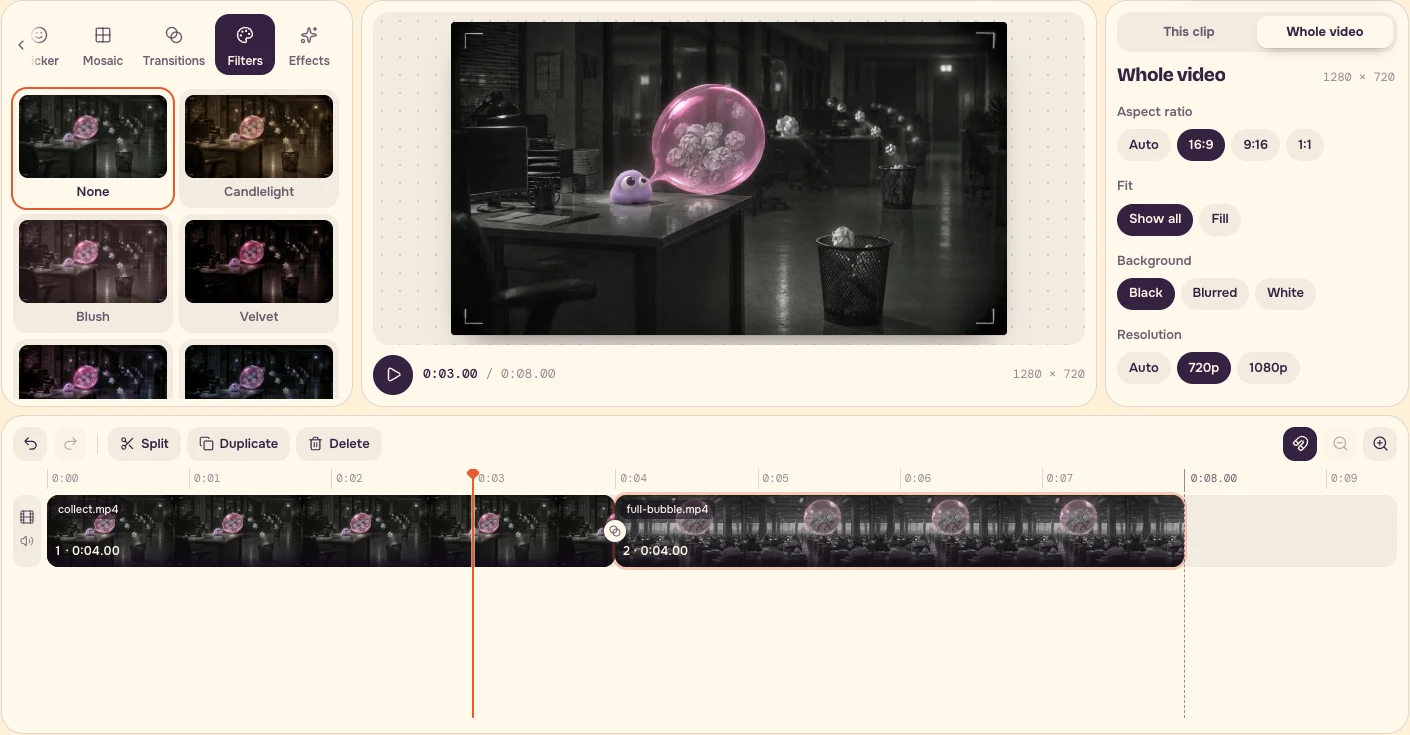
Open Video editor, choose Media, and add collect.mp4, then full-bubble.mp4. If the sample project opens, remove its clips, text and sticker first.
| Clip | Source range | Project range |
|---|---|---|
| collect.mp4 | 0–4 seconds | 0–4 seconds |
| full-bubble.mp4 | 0–4 seconds | 4–8 seconds |
Set Speed to 1×. Use Transitions → All cuts → None. Set Effects and Filters to None, then choose Whole video → 16:9 → Show all → 720p. The project clock should read 0:08.00.
5. Keep the words editable
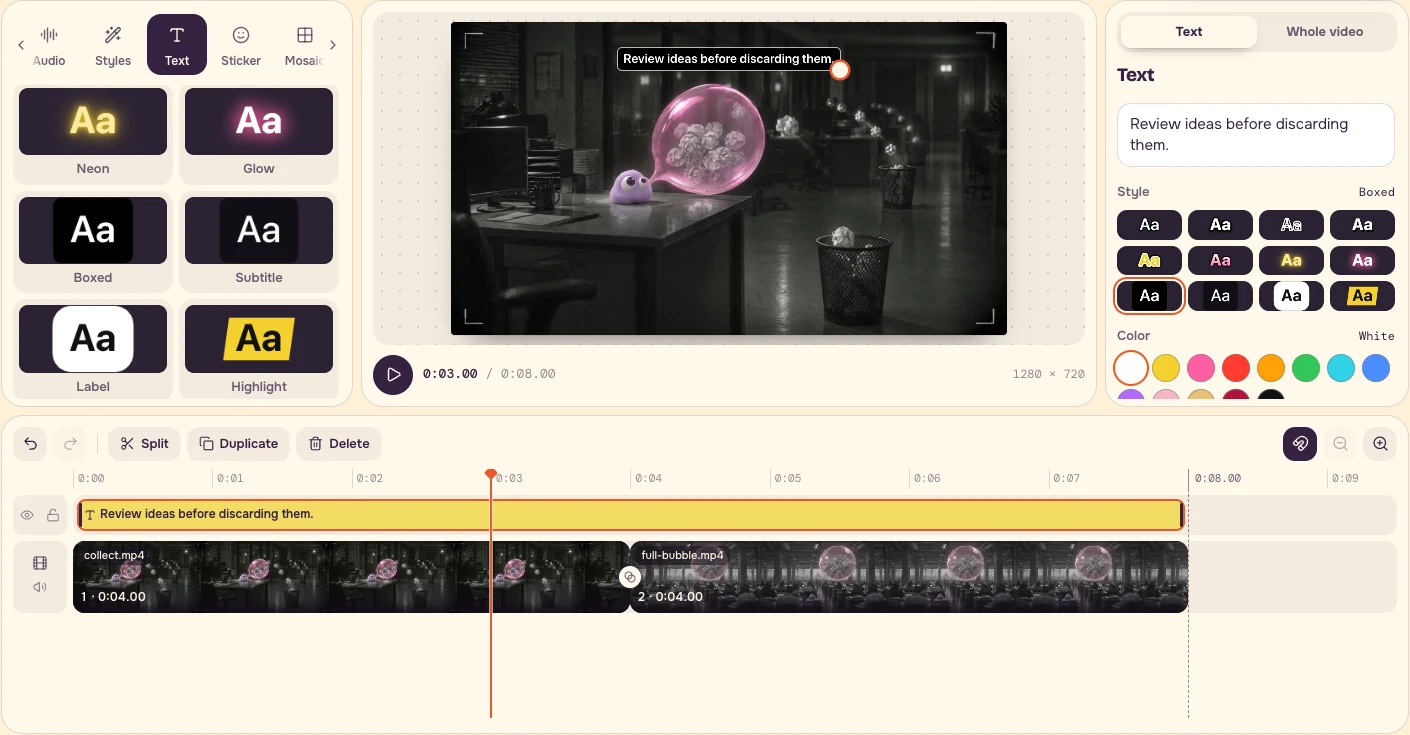
Open Text, choose Boxed, and enter the sentence below.
``text Review ideas before discarding them. ``
Choose Show → Whole video to span all eight seconds. In this edit, Size is 4% and the text sits near the top centre. Keep the bin, paper path and bubble visible. Use the preview to check contrast in both shots.
6. Export and check the meaning
Choose Export video → Start export → Download MP4. Reopen the actual file. The supplied browser export is 1280 × 720, 30fps, eight seconds.
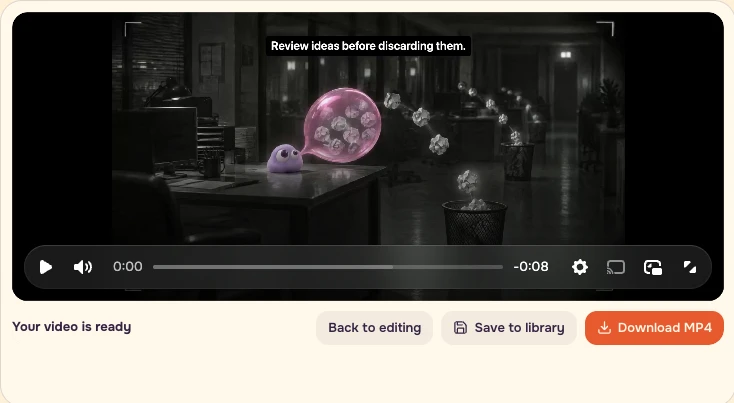
In the editable project, temporarily hide the Text track with its eye control and play the cut once. Then restore the track and read the sentence beside the image. In the recorded interface, the control keeps the accessible name Hide layer 1 in both states, so toggle the same eye control again to restore it.
- Identify what was discarded.
- Trace what moves and where it ends up.
- Check that the text leaves the action visible.
- Confirm the project contains two four-second clips at 1×.
- Keep the Text layer separate in your editable project.
- Save a plain-language brief and three candidate metaphors.
- Keep factual quantities, process steps and causation in a factual explanation or diagram.
A bubble collecting paper can make recovery visible. Use the metaphor beside the factual explanation. For your next topic, find a concrete object and a visible verb before choosing a model or adding a dramatic camera move.
FAQ
Do I need to pay to generate new clips for this exercise?
No new generation is needed to build the supplied eight-second cut. Use collect.mp4 and full-bubble.mp4 from the lesson files. If you choose to generate your own clips, check the populated quote after adding the matching start image.
What if I do not have my own images or footage?
The lesson package includes both start images, the two paper-collection clips and the moving and static symbol examples. Use those materials for the exercise; Poppie is already in the start images.
How should I judge a result that looks different from the example?
Check the relationship: can you identify what was discarded, trace what moves and see where it ends up? Keep the paper path visible and the Text layer separate. For the supplied edit, also confirm that the timeline contains two four-second clips at 1×. If the action is hard to read, simplify the metaphor before adding more visual style.