Build a 48-second twelve-shot montage with exact trims and one continuous score, compare a real earlier edit and learn why two joins work.
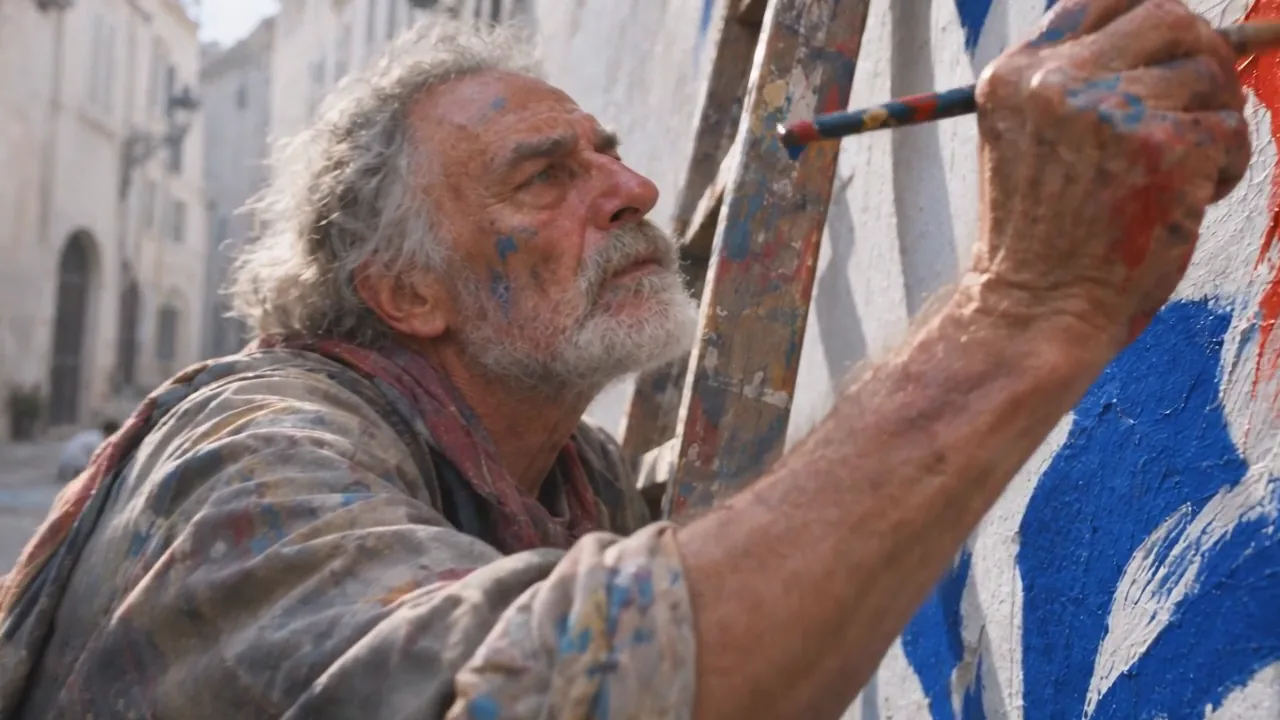
Make a 48-second associative film from twelve supplied clips. Someone looks up, impossible worlds open, and the film returns to people making things. Connect ideas, shapes and actions so each picture gives the next one a reason to exist.
The pictures and score come from our production run for Poppie: a PopNow short film. This exercise is a new assembly from raw clips. Public Video editor controls and local-file operations were recorded on November 7, 2026, without an account.
Exercise files
Download the exercise package · Download the English recipe
The package contains twelve raw clips, every-colour.mp3, twelve-clips.mp4, the real earlier-reunion.mp4 and final-reunion.mp4 excerpts, and the recipe. These files are prepared locally. Publication and public download checks are pending.
1. Import the twelve clips in order
Open Video editor. Choose Choose files from this device. Import the picture files in the table below, one at a time in table order. If a sample project appears, choose Use my own files before importing, or remove its clips, text and stickers. Check Effects, Filters and Transitions are set to None.

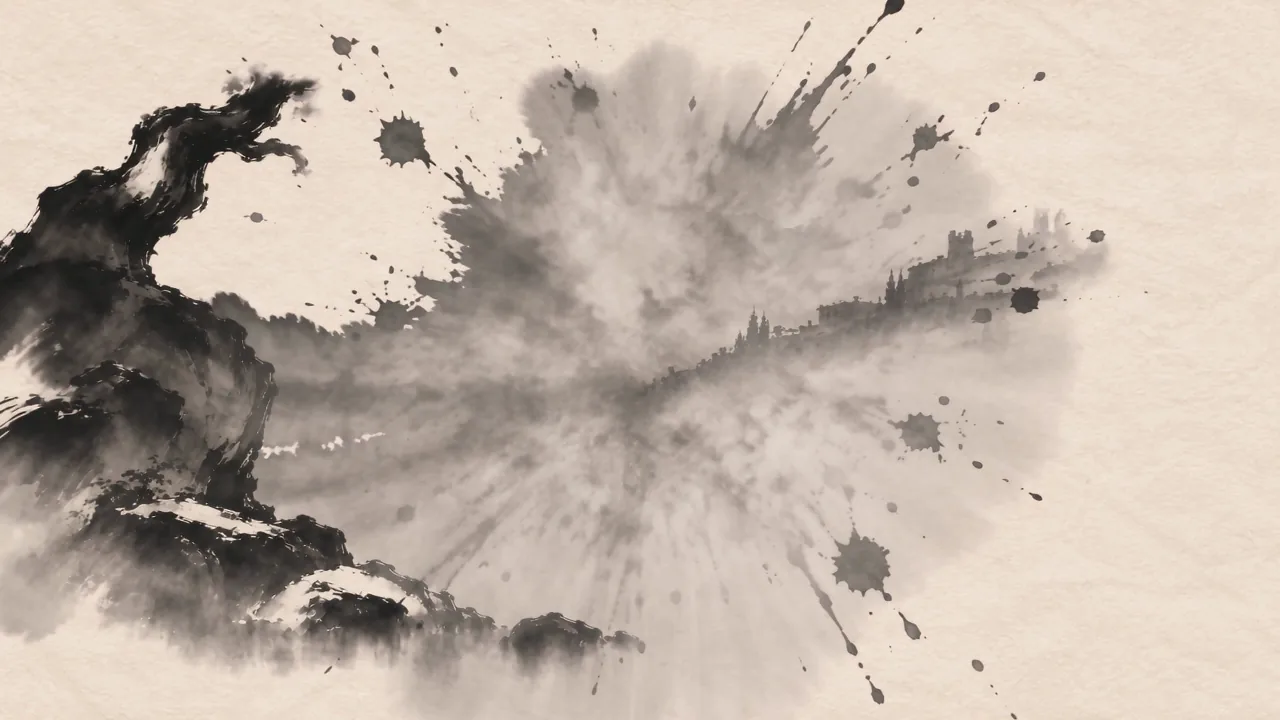
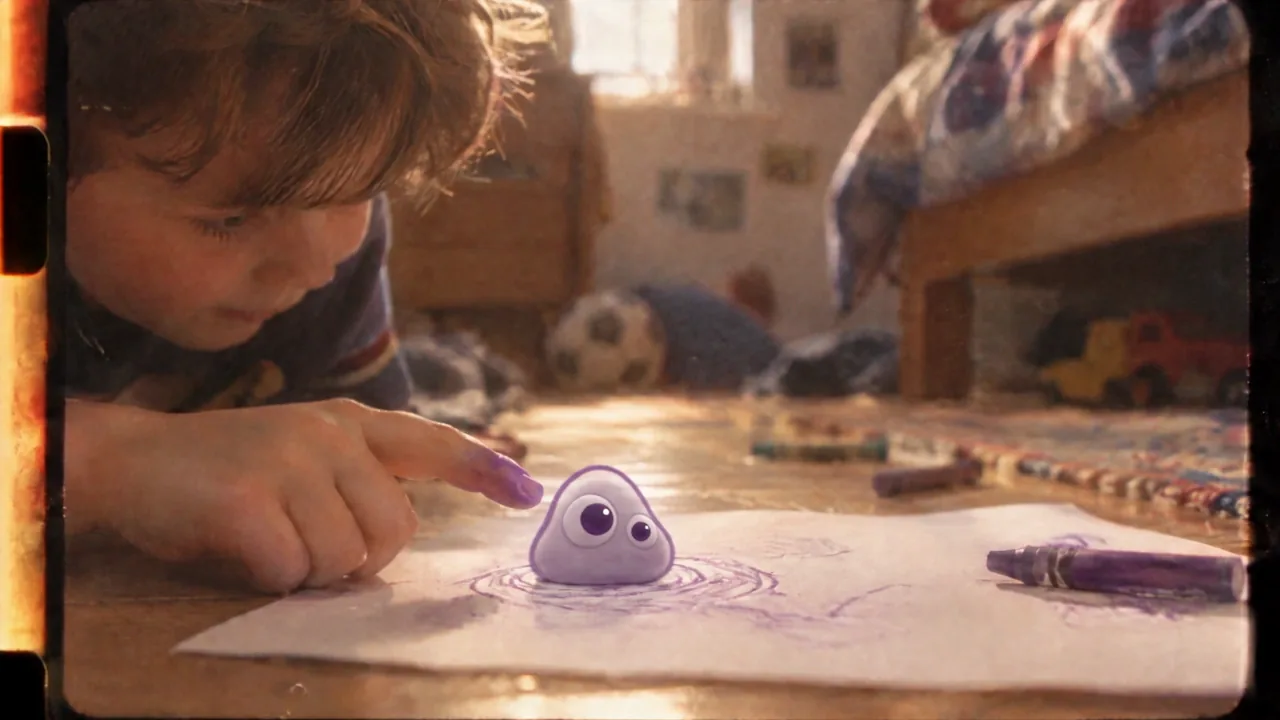
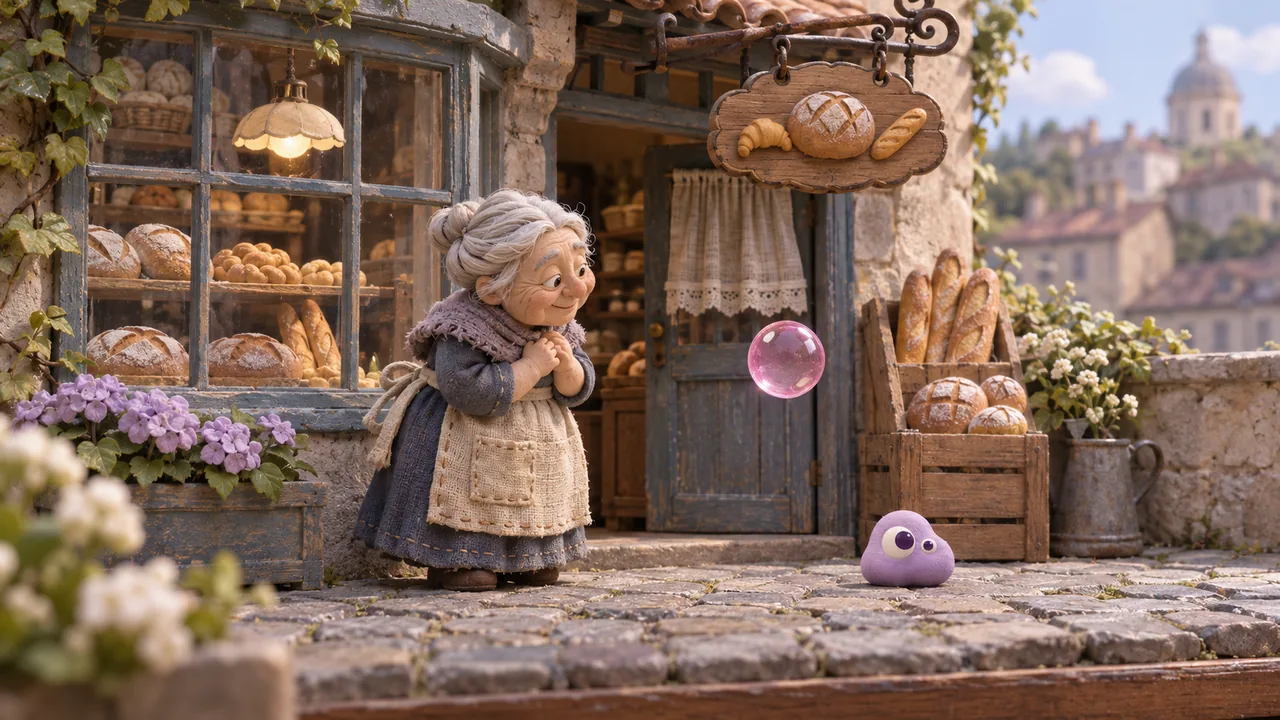
The woman asks a question. The facade and flight answer with a changed world. Whale, ice and train extend its scale. Ink turns attention toward material. The reunion makes room for a human pause before brush, clay hands and quiet ledge.
2. Give every picture a job and a duration
Select each clip. Set Trim from zero to three seconds, Speed 1×, and Volume 0%. Keep the reunion, v-kone.mp4, from zero to fifteen seconds.
| File | Source Trim | Project span |
|---|---|---|
| 18.mp4 | 0–3s | 0–3s |
| 24.mp4 | 0–3s | 3–6s |
| 25.mp4 | 0–3s | 6–9s |
| 26.mp4 | 0–3s | 9–12s |
| 35.mp4 | 0–3s | 12–15s |
| 37.mp4 | 0–3s | 15–18s |
| v-i0.mp4 | 0–3s | 18–21s |
| v-i2.mp4 | 0–3s | 21–24s |
| v-kone.mp4 | 0–15s | 24–39s |
| 38.mp4 | 0–3s | 39–42s |
| 39.mp4 | 0–3s | 42–45s |
| 40.mp4 | 0–3s | 45–48s |
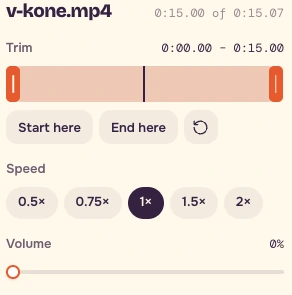
Trim uses draggable handles. Watch the clock while dragging. For finer picture placement, focus the preview or timeline outside a field, step the playhead with Left / Right, then press Start here or End here. Trim-handle arrows nudge by 0.1 seconds. Choose the nearest practical frame when a target falls between preview steps, and save the actual settings.
3. Explain two joins
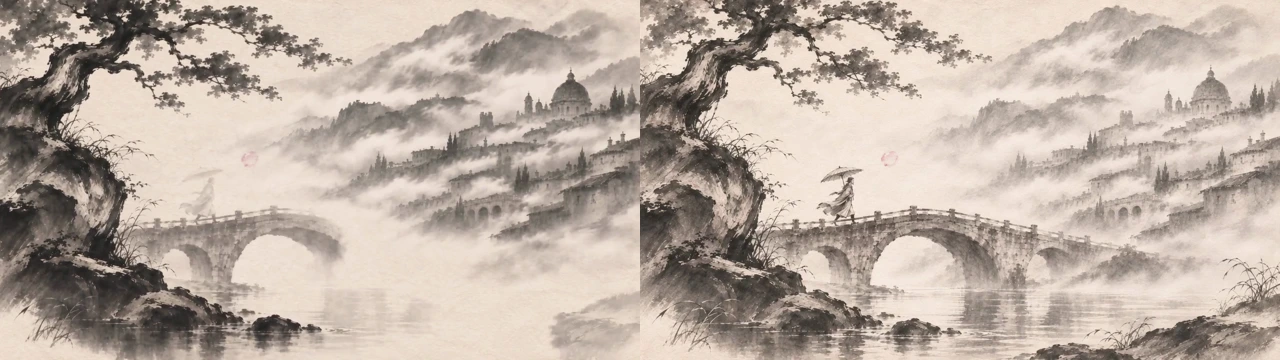
At 21 seconds, the ink picture becomes colour. The bridge and tree stay in the same places. Compare the last frame before the join with the first frame after it, then play across at normal speed. The colour develops within the incoming clip.
At 39 seconds, leave the street after the reunion's exit, then enter the painter's raised brush. The long action gives way to someone making an image. Keep it whole when cutting earlier would interrupt it.
Watch earlier-reunion.mp4, then final-reunion.mp4, once each at normal speed with their original sound. The earlier example comes from the actual V4 film edit, 158.1666667–165.5416667s. The later version comes from the caption-free V7 film, 176.25–191.25s. The earlier sequence changes views and passes through bright haze. The later continuous take sustains the path through recognition, reunion and the street exit.
4. Test Blend, then restore None
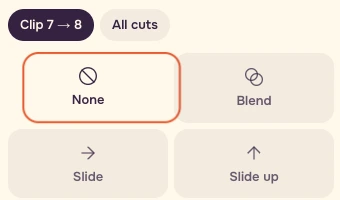
Select the transition between clips seven and eight. Choose Blend at its default duration and preview it. Restore None, then check the project ends at 48.00 seconds. The two ink clips already share composition, so judge whether softening the boundary helps the idea.
5. Give the film one continuous score
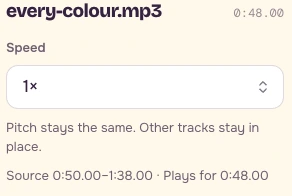
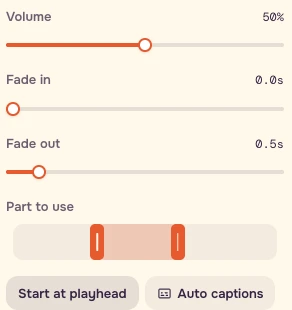
In Audio, choose Choose audio from this device and add every-colour.mp3. Set Part to use to source 50–98 seconds, Speed 1×, Volume 50%, and Fade out 0.5s. Put the playhead at 0:00.00, then press Start at playhead. Keep every picture track muted.
6. Export and judge the whole
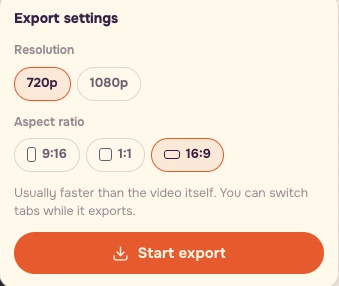
Under Whole video, choose 16:9 and 720p. Choose Export video, check the settings, then choose Start export and Download MP4. Save your timeline screenshot beside the cut table and export.
Watch all 48 seconds without stopping. Does the question lead into the worlds? Does the long reunion earn its time? Do the hands and ledge feel like an ending? Make the next change for one of those reasons.
Production prompt
This is the continuous reunion's historical video prompt, translated from our original prompt. The exercise uses the supplied take. Original settings were Seedance 2.5, first and last frame references, 16:9, 720p, 15 seconds.
```text One continuous take, with no cuts. Begin naturally from the first frame and finish on the last frame. Preserve the first frame's clay stop-motion style, cool blue rainy night and warm yellow window light throughout. Keep the colour palette stable.
Stage one. An elderly woman stands outside the bakery, looking at the floating pink soap bubble before her. The camera slowly pushes toward her. The bubble has a thin, transparent, realistic soap film.
Stage two. Her husband slowly appears inside the bubble, an elderly clay man wearing a flat cap. He smiles and waves. She slowly reaches out and gently touches the bubble.
Stage three. The bubble breaks into fine mist and her husband stands before her. Their white hair and wrinkles gradually fade as they become young again, still wearing the same clothes. They smile and take each other's hands.
Stage four. The camera follows behind them as they walk hand in hand toward the bakery door and push it open. Daylight pours in from outside. The camera follows them through the doorway and continues forward into the modern street shown in the last reference frame. They walk into the crowd.
The entire clip is silent. Add no subtitles or text. ```
Recipe and checklist
- Import exactly twelve supplied picture clips in table order.
- Keep every picture at Speed 1× and Volume 0%.
- Use eleven three-second pieces and one fifteen-second reunion.
- Set every transition to None for the final film.
- Inspect the composition at 21 seconds and completed action at 39 seconds.
- Use one music part, source 50–98 seconds, starting at project zero.
- Keep music Volume 50% and Fade out 0.5s.
- Confirm 16:9, 720p and a 48-second project.
- Watch the complete film at 1×.
- Save the timeline screenshot, cut table, actual settings and export together.
The English recipe contains every trim, join, output span and check. For your own film, give each picture one job and every join a reason. Trim repetition before ordering more shots.
FAQ
Do I need to generate twelve clips before starting?
The exercise package includes all twelve raw clips, every-colour.mp3, the finished exercise and the two reunion comparisons. Import the supplied raw clips in table order and use the supplied reunion take for this assembly.
Why does the reunion last fifteen seconds when the other clips last three?
The continuous reunion needs time for recognition, reunion and the street exit. Keep it whole so the action finishes before the painter's raised brush at project 39 seconds. Watch the earlier and final reunion excerpts at normal speed to compare how each handles that path.
Should I leave Blend on between the two ink clips?
Preview Blend once at its default duration, then restore None for the final exercise and check that the project ends at 48.00 seconds. The bridge and tree already preserve composition across the direct cut at 21 seconds. Compare the frames on either side and play across the join to judge the connection.