Build an eight-shot montage, compare two real picture timings and use a supplied score to decide where each image changes.
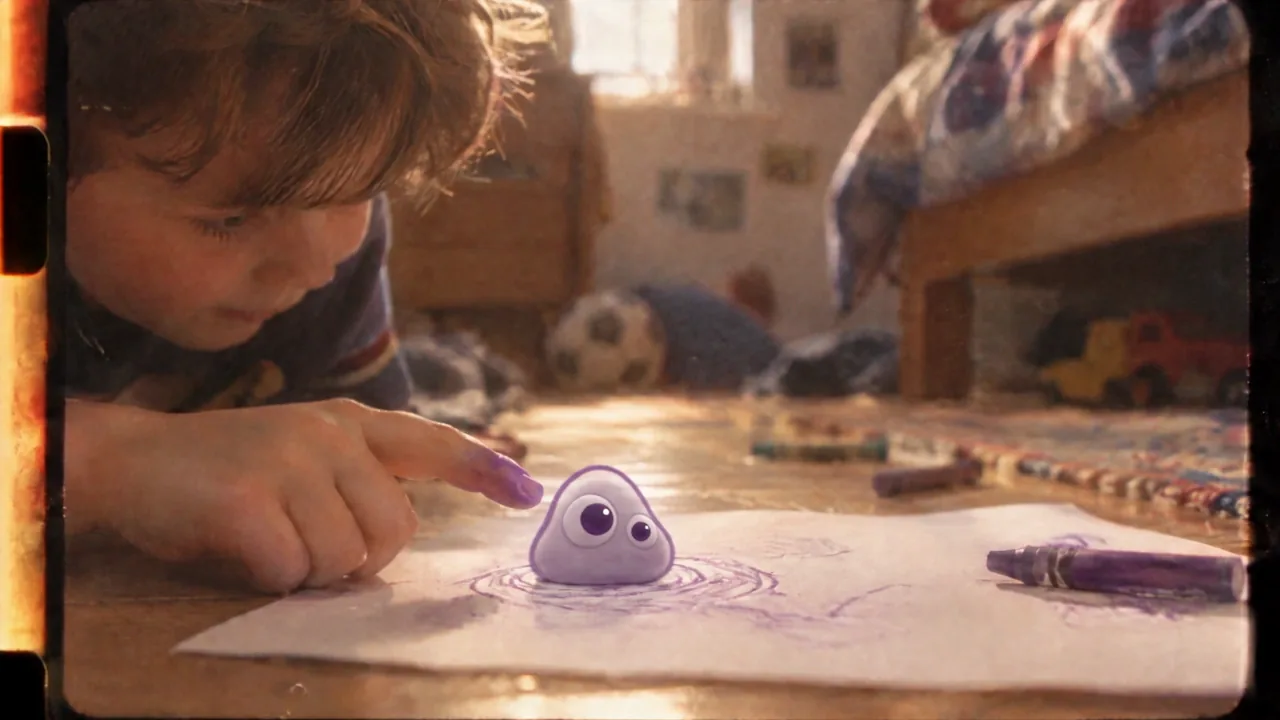
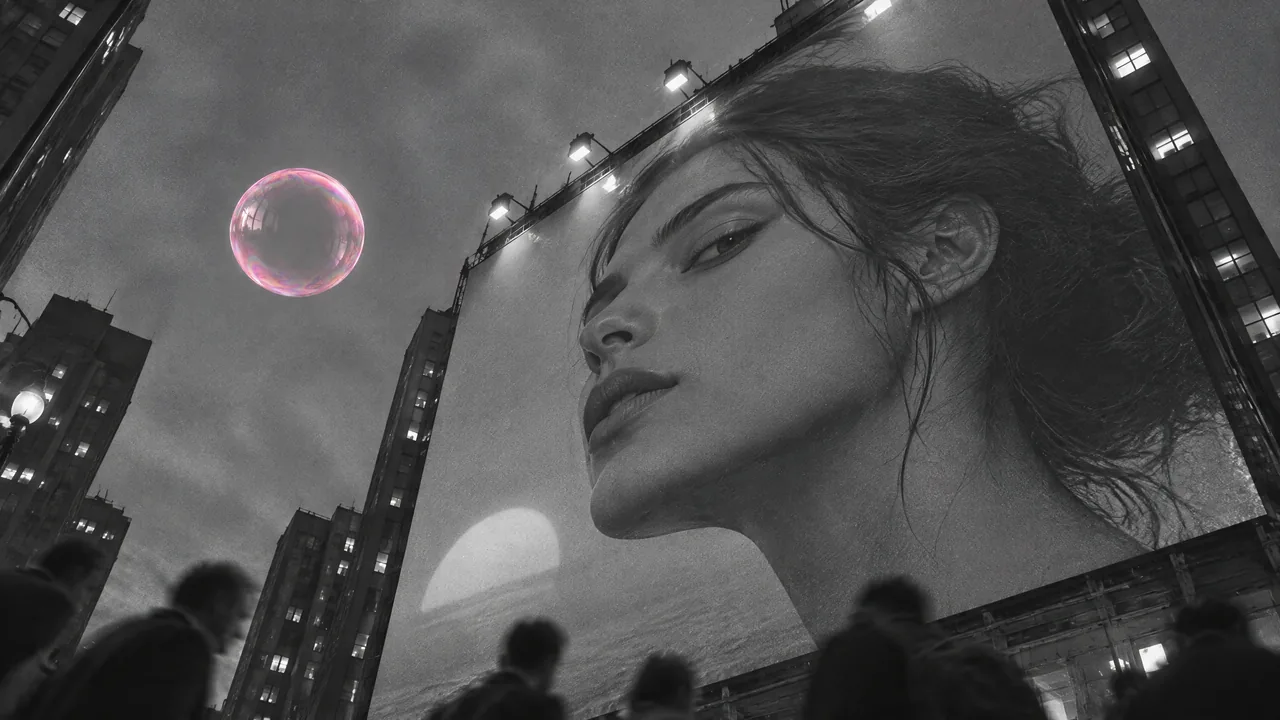
Make a thirty-second instrumental montage from eight supplied clips. Use the music to guide selected boundaries, and keep a longer action when it needs time. The pictures and score come from our production run for Poppie: a PopNow short film; the montage and accent test are new course recuts.
Public Video editor controls and local file operations were recorded on November 7, 2026, without an account. The supplied Every Colour score was made with Suno v6. The lesson host uses Gemini 3.8 Flash TTS, Puck. This exercise uses existing files and local editing; a new music or picture request is unnecessary.
Exercise files
Download the exercise package · Download the English recipe
The package contains every-colour.mp3, eight raw picture clips, accent-cut.mp4, earlier-picture-timing.mp4, accent-test.mp4, and the recipe. These assets are prepared locally. Public download checks are pending before publication.
Step 1: Give the music one continuous job
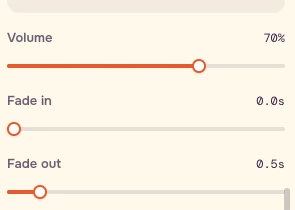
Open Video editor. In Audio, choose Choose audio from this device and add every-colour.mp3. Keep Speed 1×, set Part to use to source 0:50.00–1:20.00, and Volume 70%. Move the playhead to 0:00.00 and press Start at playhead.
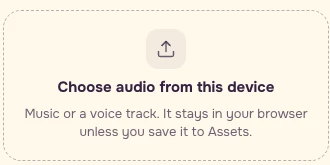
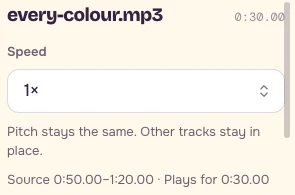
Use Part to use for music and Trim for video. These are draggable handles, not numeric time fields. Read the clock while dragging. For picture cuts, focus the preview or timeline, step with Left / Right, then choose Start here or End here. Trim-handle arrows nudge by 0.1 seconds. Choose the nearest preview frame when a target falls between frames, and save the actual setting.
Step 2: Hear a candidate before making a cut
Listen across project 3.11s, equivalent to score 53.11s. A sharp waveform rise is a candidate to audition. It does not demand a cut.
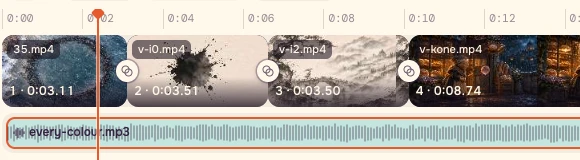
| Project time | Score time |
|---|---|
| 3.11s | 53.11s |
| 6.62s | 56.62s |
| 10.12s | 60.12s |
| 18.86s | 68.86s |
| 22.37s | 72.37s |
| 24.68s | 74.68s |
| 27.02s | 77.02s |
These are selected energy-rise candidates measured from the actual recording. They are not a BPM grid. Stronger nearby peaks also exist, including score 51.34s, 67.72s and 70.04s. Listen and watch the incoming action before accepting a boundary; a larger peak does not automatically make a better edit.
Step 3: Compare the real earlier timing
Play earlier-picture-timing.mp4, then accent-test.mp4, once each at 1×. Both use the same isolated instrumental passage, score 55.0833333–62.6666666s, at the same gain. The earlier example keeps the actual story film's picture edit; the course test rebuilds raw ice, ink and colour clips. The earlier timing served narration in the story film.
| Boundary | Earlier picture timing | Course accent test |
|---|---|---|
| Ice to ink | 2.2083333s | 1.5366667s |
| Ink to colour | 4.5833333s | 5.0366667s |
Move the first boundary approximately 0.672s earlier and the second approximately 0.453s later. In the separate test project, keep ice for 1.5366667s, ink for 3.5s, then colour for 2.5466666s, all from source zero at 1×. The cumulative targets are 1.5366667s and 5.0366667s.
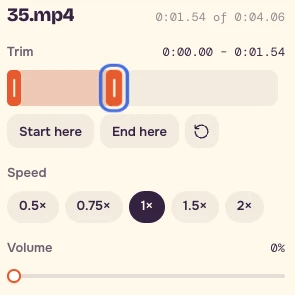
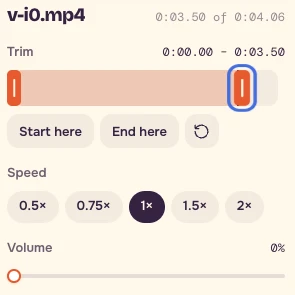
The recorded local test uses 1.54 + 3.50 + 2.55 = 7.59s in the hundredth-second UI. The downloadable A/B examples use the recipe's measured passage; their 30fps picture streams occupy 7.60s, while the shared music passage is approximately 7.583s. Frame conversion and the displayed clock have finite precision. Audition the cut instead of treating a sub-frame decimal as an exact editable frame.
Step 4: Build the thirty seconds
Import these eight raw clips individually in this order. Set every picture's Speed to 1× and Volume to 0%. Choose Transitions → All cuts → None. Keep Effects and Filters at None. Remove any sample text, stickers and clips if a sample project appears.
| Picture file | Trim from source zero | Project start |
|---|---|---|
| 35.mp4 — ice | 0–3.11s | 0s |
| v-i0.mp4 — ink | 0–3.51s | 3.11s |
| v-i2.mp4 — colour | 0–3.50s | 6.62s |
| v-kone.mp4 — clay | 0–8.74s | 10.12s |
| 26.mp4 — whale | 0–3.51s | 18.86s |
| 38.mp4 — painter | 0–2.31s | 22.37s |
| 39.mp4 — hands | 0–2.34s | 24.68s |
| 40.mp4 — ledge | 0–2.98s | 27.02s |
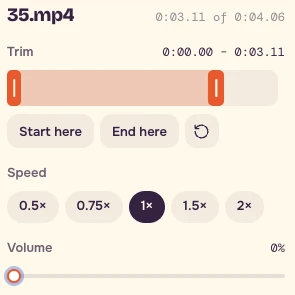

The clay passage lasts 8.74 seconds because the bubble, recognition and change of age need time. Let some musical peaks pass while the action becomes clear. Check the first visible action of the painter, hands and ledge at 22.37s, 24.68s and 27.02s. Keep the joins visible so you can judge how they answer the sound.
Step 5: Export, then watch without touching the controls
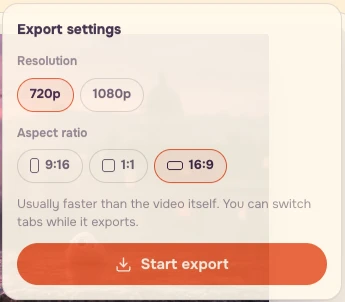
Set the music's Fade out to 0.5s. Under Whole video, choose 16:9, 720p and Standard. Choose Export video, confirm the actual export settings, and press Start export. Download the MP4, reopen it and watch the entire thirty seconds at normal speed.
Ask whether the longer passage feels intentional, and whether each short cut adds a new image. Keep the screenshot and accent table together with the export. The lesson subtitles are supplied separately; the exercise pictures have no story subtitles burned into them.
Source prompt and recipe
The original English prompt for the supplied Every Colour score is included for context. It describes the production intention; its requested tempo is not a measured property of the recording.
``text Euphoric cinematic indie orchestral instrumental, starts softly with a single piano then blooms into big drums, soaring strings, brass, handclaps, joyful and grand, varied sections, ends on a warm resolved final chord, 100 BPM ``
Original settings: Suno v6, Instrumental on, Title: Every Colour. Original negative prompt:
``text vocals, choir, singing, rap, EDM drop, stock corporate music ``
Use the supplied recording throughout this exercise. With music you own, choose a passage, listen for changes and give those changes a picture. A detailed audio editor is useful when you need more precise automation or musical analysis.
- Listen before accepting a waveform peak.
- Use raw clips for the montage.
- Mute every picture; keep one continuous music part.
- Use Trim for pictures and Part to use for music.
- Keep Transitions at None.
- Let a longer action finish when it earns its time.
- Watch all thirty seconds at 1×.
- Save the timeline, accent map, actual trim settings and export.
The English recipe includes all eight cuts, the accent map, the A/B test, source prompt and checklist.
FAQ
Do I need my own footage or a newly generated song?
The exercise package includes eight raw picture clips and the Every Colour instrumental. Use those existing files for the thirty-second montage and the supplied examples for the timing comparison. A new music or picture request is unnecessary.
Should I cut on every waveform peak?
Listen to each candidate and watch the incoming action before choosing a boundary. The accent table lists selected energy rises. The clay passage stays at 8.74 seconds so the bubble, recognition and change of age have time to become clear, allowing some peaks to pass.
What if I cannot set the exact decimal times in the A/B test?
Use the nearest practical preview frame and save the actual trim settings. The recorded controls show 1.54, 3.50 and 2.55 seconds for the three test clips. Play across the joins at 1× to judge the timing, allowing for the finite precision of the displayed clock and picture frames.