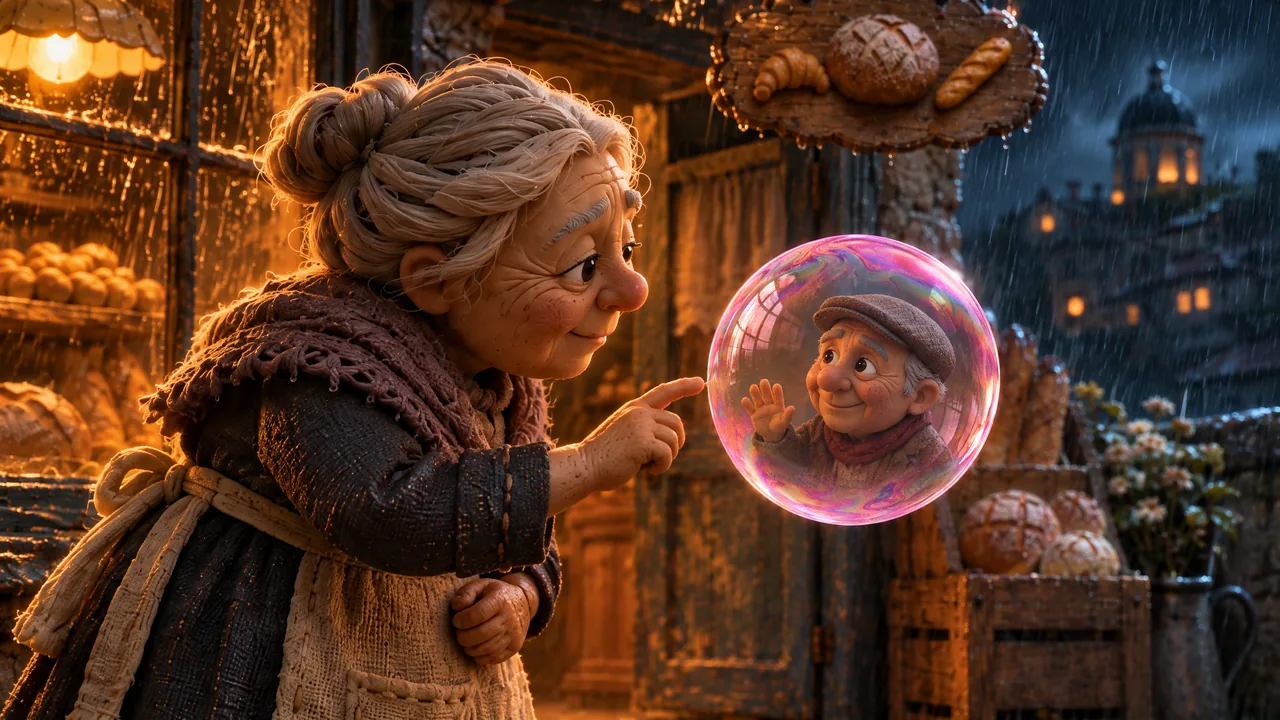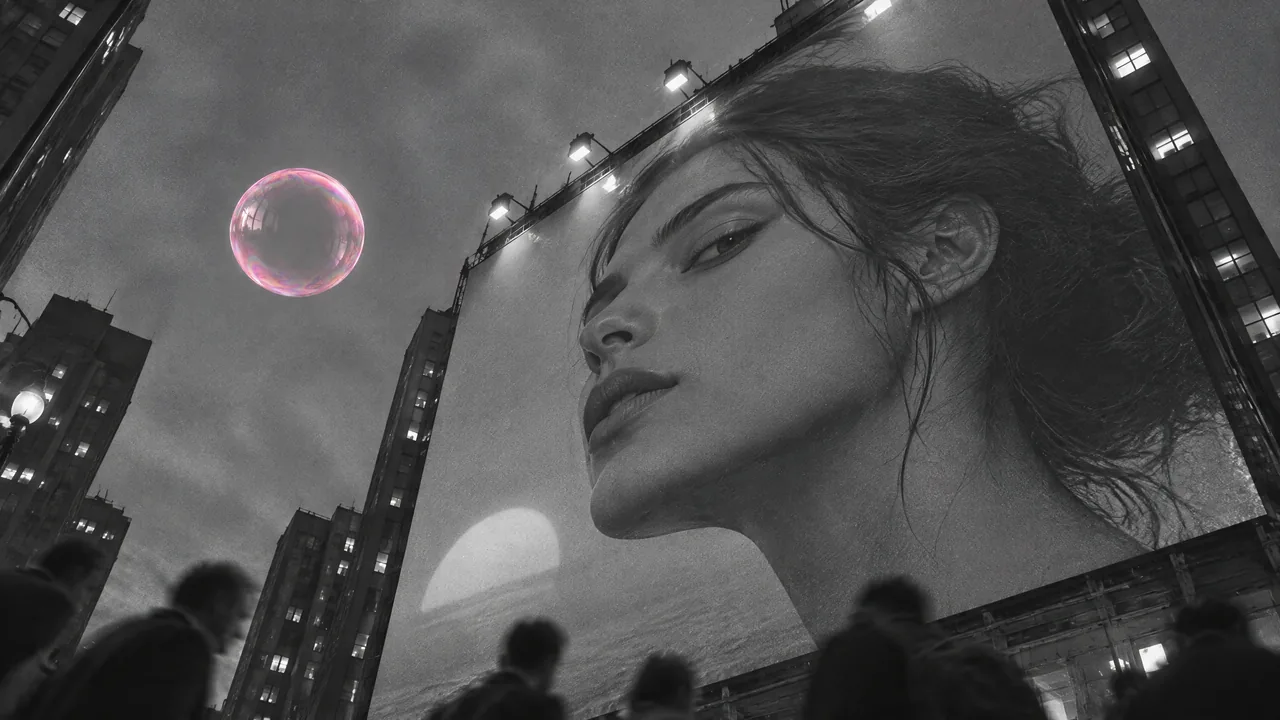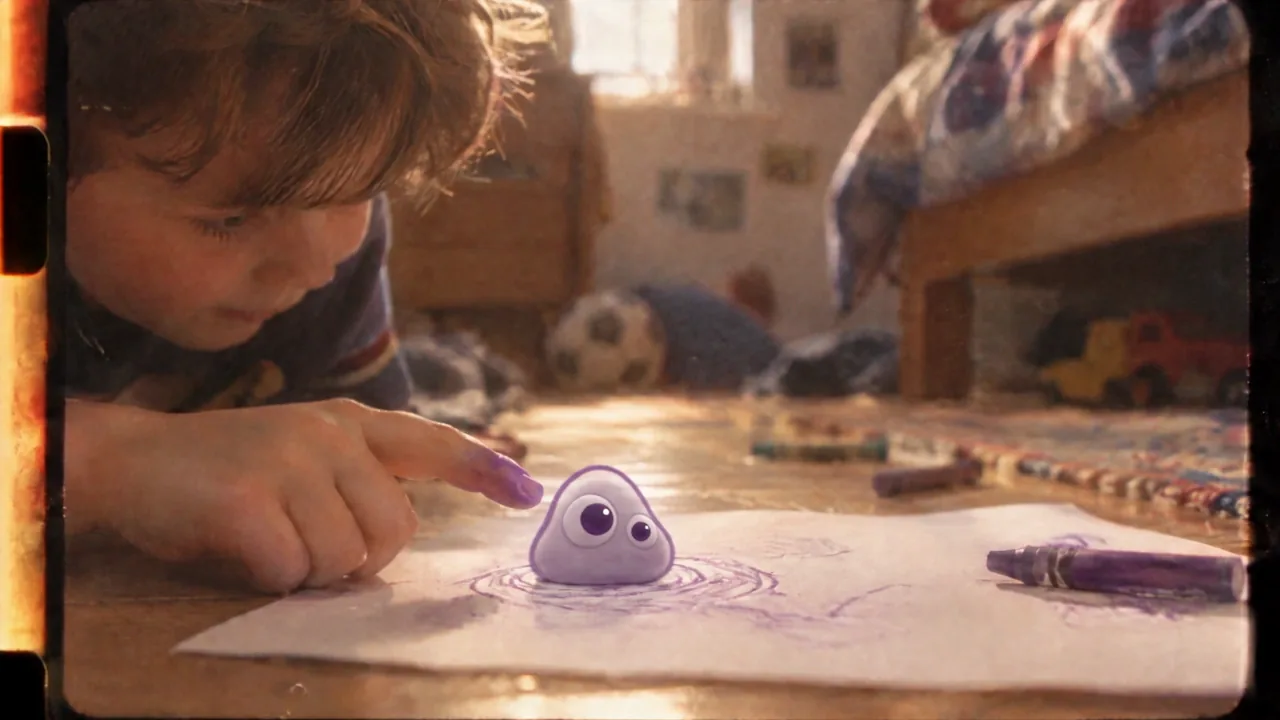
Compare two real narration rewrites at their original speed, keep delivery steady, and edit a seven-second picture exercise in PopNow.
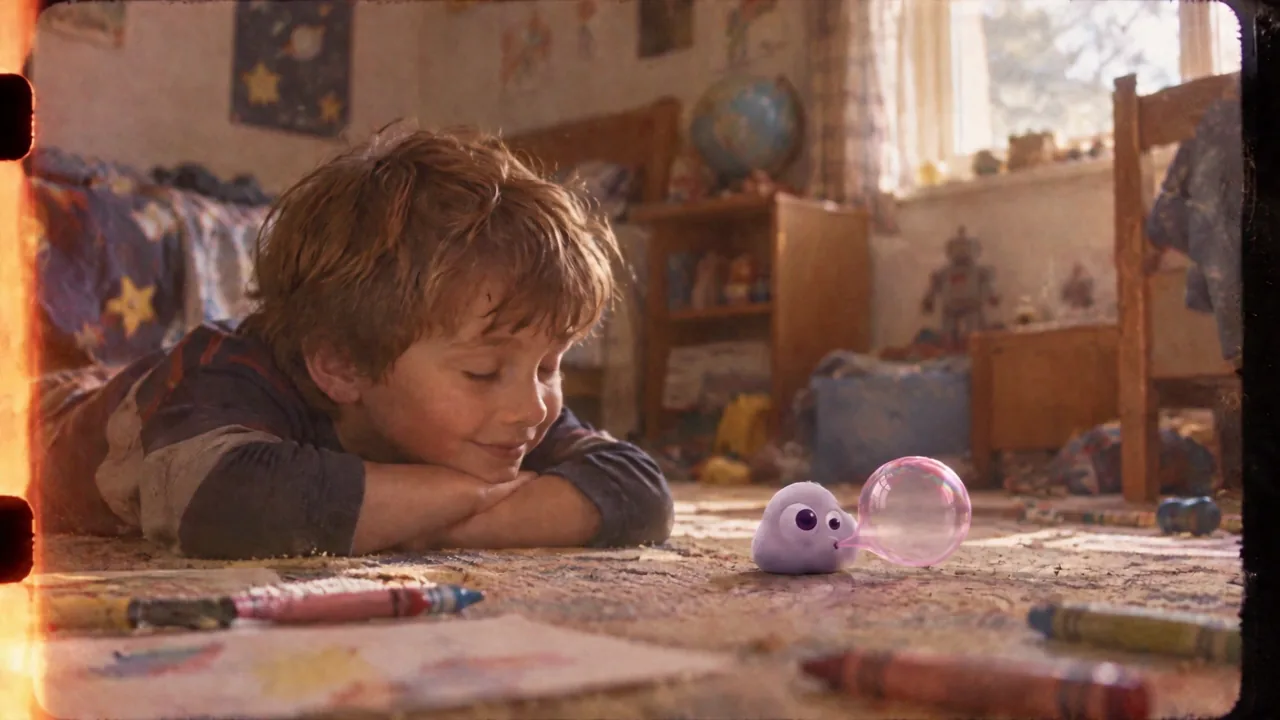
A voice can connect what the audience sees instead of describing it twice. Rewrite two narration lines from Poppie: a PopNow short film, compare the complete original recordings, and make a 7.44-second spoken picture edit.
Public controls and the local editor export were recorded on November 7, 2026, without an account. Exercise model: Gemini 3.8 Flash TTS, voice Sulafat. The supplied recordings are from our earlier production run. This lesson teaches a single storyteller’s voiceover.
Lesson files
Download the exercise files · Download the recipe
The package contains v03.wav, v04.wav, n03.wav, n04.wav, bubble.mp4, touch.mp4, rewrite.mp4 and the English recipe. The package and this page are prepared locally. The public download links must be verified before publication.
Step 1: Listen before judging length
Play v03.wav once in full, then n03.wav. Keep both at Speed 1×, with no trimming, normalization or fades.
| Original | Revision | |
|---|---|---|
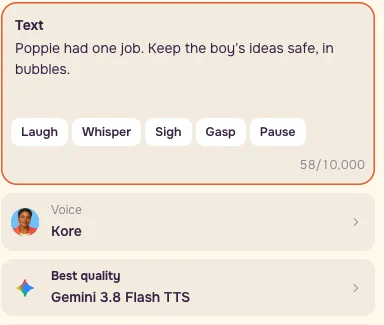
| First line | Poppie had one job. Keep the boy's ideas safe, in bubbles. | Poppie kept his ideas in bubbles. |
| Duration | 7.12s | 3.44s |
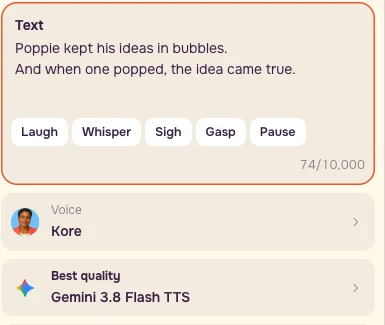
| Second line | And when a bubble popped, the idea came true. | And when one popped, the idea came true. |
| Duration | 3.96s | 4.00s |
The original first line explains a relationship the scene already shows. Kept turns that relationship into an action. The revised second line uses one because bubbles have just been named. Fewer words did not make its performance shorter: judge whether the thought lands.
Step 2: Hold delivery steady
Open Voiceover. Choose Gemini 3.8 Flash TTS, keep One voice, paste the revised text, and choose Sulafat. Open More settings → Direction. Keep performance notes separate from the spoken text.
Text:
``text Poppie kept his ideas in bubbles. And when one popped, the idea came true. ``
Direction / Scene:
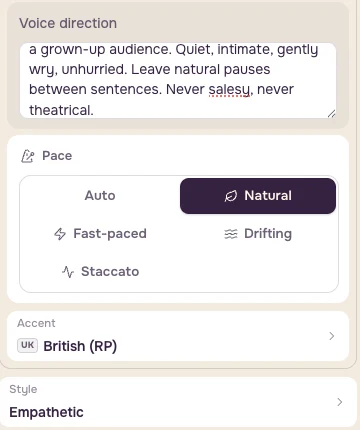
``text A warm storyteller reading a modern fable to a grown-up audience. Quiet, intimate, gently wry, unhurried. Leave natural pauses between sentences. Never salesy, never theatrical. ``
Use Empathetic, British RP, and Natural pace. Keep the same voice and delivery while testing words. Save the actual quote and date before paying for a new version. The supplied recordings let you practise this edit immediately.
Step 3: Trim and mute the picture
Open Video editor. Under Media, choose Choose files from this device and add bubble.mp4 and touch.mp4 in that order. Local files work without an account.
In This clip, set bubble.mp4 → Trim: 0:00.00–0:03.44, Speed: 1×, Volume: 0%. Set touch.mp4 → Trim: 0:00.00–0:04.00, with the same speed and volume.
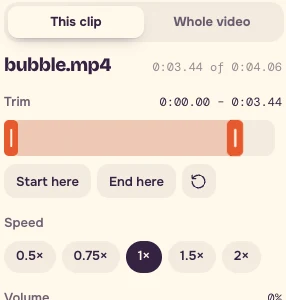
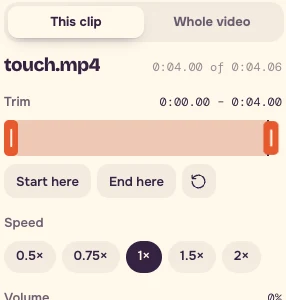
Drag the Trim handles while reading the time. For fine placement, focus the preview or timeline outside a field, use Left / Right to step the playhead, then press Start here / End here. Handle arrows nudge by 0.1s. Choose the nearest frame when a target falls between preview steps; save the actual timeline screenshot.
Step 4: Place the two revised recordings
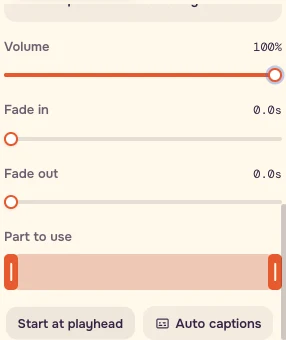
In Audio → Choose audio from this device, add n03.wav and n04.wav. Keep Part to use at their complete source lengths, Speed 1×, and both fades at 0.0s. Imported audio defaults to 60%: explicitly set Volume to 100% for both lesson recordings.
Select n03.wav, put the playhead at zero, and press Start at playhead. Select n04.wav, put the playhead at 0:03.44, and press Start at playhead again.

Listen across the join. The voice should carry the thought while the picture carries the change.
Step 5: Export and check the thought
Choose Whole video → 16:9 → 720p → Standard, then Export video → Start export. Reopen the download. Watch once with picture, then listen with your eyes closed.
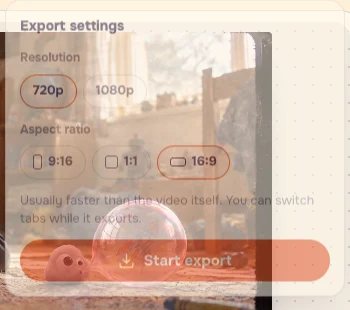
The editor target is 7.44s. The recorded browser export contains 224 picture frames; its container reports about 7.51s because audio and final-frame timestamps differ. The supplied frame-aligned exercise file keeps all 224 frames at 30fps, about 7.47s, with the original 7.44s of revised speech. Judge the audible join as well as the displayed clock.
Checklist
- One thought per breath.
- Keep delivery notes in Direction.
- Hold voice and pace constant while testing wording.
- Play the complete, unprocessed A/B once.
- Check whether the picture supplies the noun you removed.
- Keep picture volume zero and both voice tracks at 100%.
- If a sentence works only when rushed, try another sentence first.
- Use a human performer when exact interruptions or a specific dialect decide the scene.
Your recipe
Keep the before and after text, four original WAVs, the two picture files, your settings, the actual export and a timeline screenshot together. On your own introduction, remove one explanation, keep the same delivery, and compare complete recordings before deciding.
FAQ
Do I need to pay for a new voiceover to follow this lesson?
Use the supplied v03.wav, v04.wav, n03.wav and n04.wav recordings for the comparison, then edit with n03.wav and n04.wav. The picture files are also supplied, and local files work in the editor without an account. Save the actual quote and date if you choose to generate a new version.
Should the shorter rewrite always finish sooner?
The revised second line lasts 4.00 seconds, compared with 3.96 seconds for the original. Listen to each complete recording at 1× and judge whether the thought lands. Keep voice and delivery steady while testing the words.
Is my export wrong if its duration differs slightly from 7.44 seconds?
The timeline target is 7.44 seconds. The recorded browser export has 224 picture frames and a container duration of about 7.51 seconds because audio and final-frame timestamps differ. Choose the nearest preview frame, save the actual timeline screenshot and listen across the voice join as well as checking the clock.