


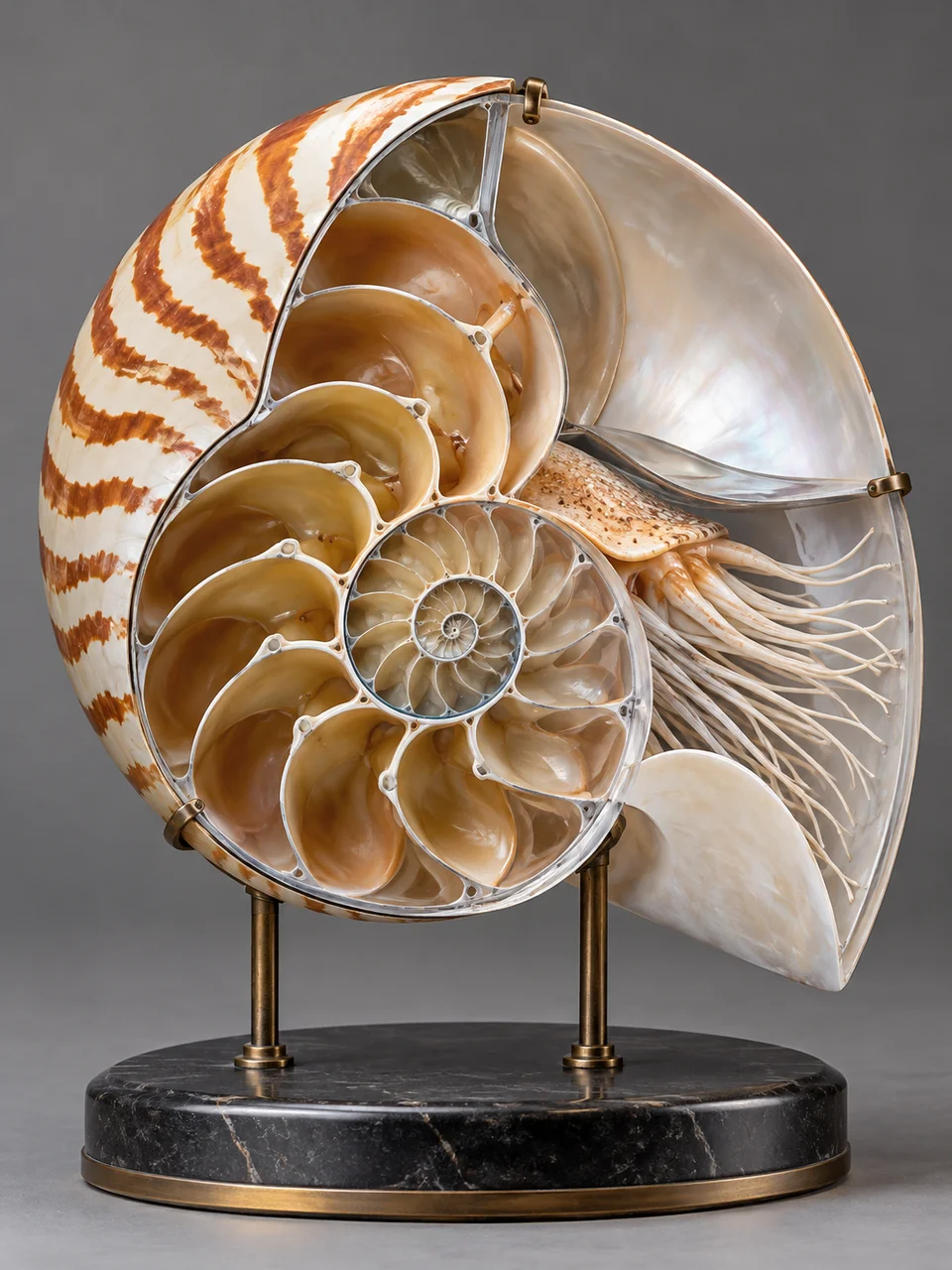
Science Model AI Image Generator: Scientific Display Model
A precise physical model with readable structure and careful assembly.
- From a description only
- Best shape: 3:4 · 4:5 · 1:1
Works on
- Seedream 5.0 Pro
- Qwen Image 3.0
- Nano Banana 2.1
- Seedream 5.0 Flash
About Scientific Display Model
Scientific Display Model gives a subject the presence of a physical exhibit prepared for close viewing. Painted resin separates important forms, fine metal supports hold selected components, and transparent sections open a view inside. Neutral light and restrained colors keep the assembly legible. Its reference is the teaching and museum display model, where selective exposure can explain structure without disassembling everything. The image remains an interpretation rather than a verified scientific diagram.
Use a written description to choose the structure you want to reveal. A flower with part of its outer shell removed, a seed pod on a slender stand, a simple pump with a clear housing, or a shell showing inner chambers can all suit this treatment. Specify the outer form, the exposed region, and how it is supported. Selective cutaways give a clearer focal point than making the entire object transparent.
You can begin with “a museum-style flower model with one side opened to reveal its central structure” or “a chambered shell display with a clear outer section and slender metal support.” A mechanical option is “a simple hand pump model with a transparent housing around the piston.” Keeping most surfaces opaque makes the reveal feel deliberate; increasing transparency shifts attention toward overlapping internal parts and their spatial relationships.
Tips
- Choose one internal region to expose so the display has a clear educational focus.
- Use restrained color differences between adjacent structures instead of making every component a bright accent.
- Mention a thin supporting rod when the specimen cannot stand naturally on its own.
- Place transparent material only where it improves visibility; several overlapping clear layers can become confusing.
- For a shell or pod, use a three-quarter view that shows both the intact exterior and the opened side.
What the style adds
Your words go where it says “your subject”. Everything else is added for you.
your subject. Build a museum-quality physical display model using painted resin, fine metal supports and transparent cutaway sections. Make internal structures coherent and selectively exposed. Use neutral studio light and a restrained palette, without labels, numerical claims or fabricated institutional marks.
Models and price
- Seedream 5.0 Pro36 credits
- Qwen Image 3.030 credits
- Nano Banana 2.148 credits
- Seedream 5.0 Flash29 credits
One 1K image from a description. The button always shows the exact price before you spend anything.
How to use Scientific Display Model
- Describe itWrite who or what should be in the picture. A small action and a clear place work best.
- Pick a shapeKeep the suggested ratio and model, or change them in the bar at the bottom.
- Paint itPress “Paint it”. The price is on the button before you spend anything.
Questions about Scientific Display Model
Can I use Scientific Display Model on my own photo?
Not yet. This style works from a description: write what you want to see and the style adds the look.
How much does one Scientific Display Model image cost?
29 credits for one 1K image on Seedream 5.0 Flash. 2K costs more, and the button shows the exact price before you run it.
Can I rely on it for scientific accuracy?
Use the result as a visual concept. Generated internal structures can contain errors, even when they look coherent. Any image intended to teach exact anatomy or explain a real mechanism needs checking against reliable reference material.
How is it different from Architectural Maquette?
Architectural Maquette depicts buildings through board, balsa, and acrylic at a small scale. Scientific Display Model focuses on a specimen or mechanism, using supports and selectively exposed structures to make its interior visible.
Will it include readable labels?
The style emphasizes the physical model without labels. Describe the parts you want to distinguish through position, color, and transparency. If exact terminology matters for a presentation, add checked labels during a later layout step.
Similar styles
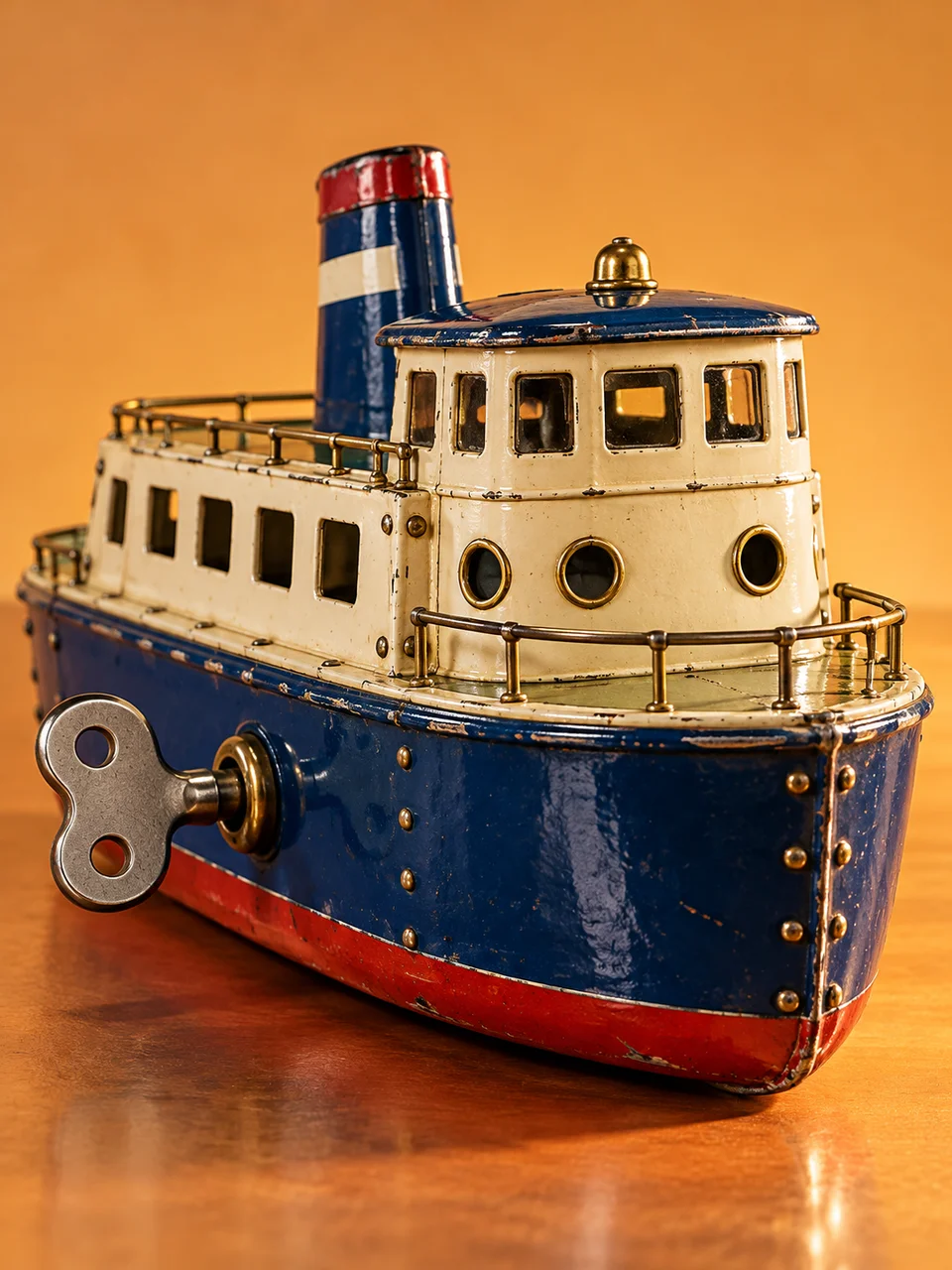 Lithographed TinFolded metal edges and printed enamel recall a designed collectible.
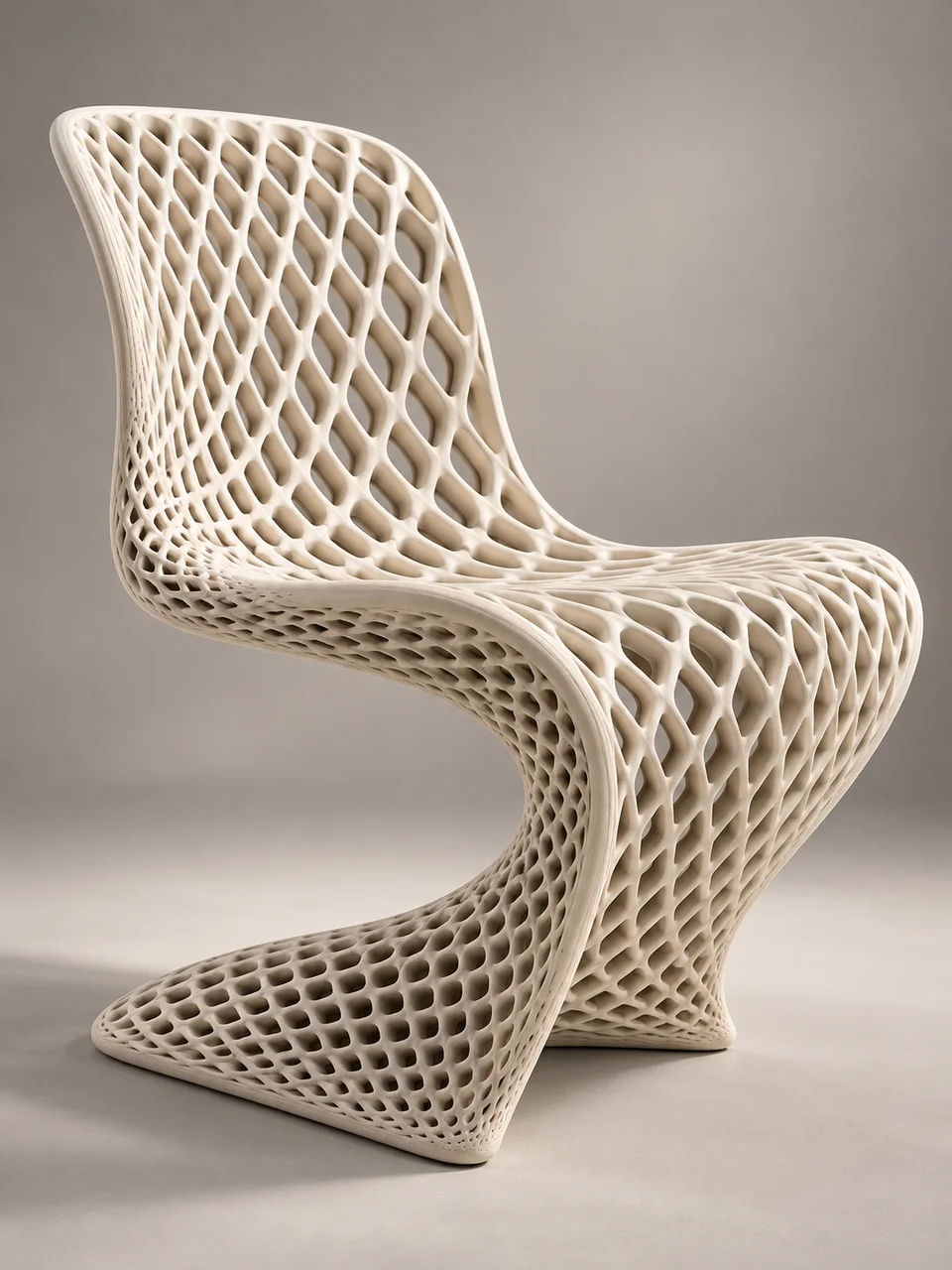 Parametric LatticeAn open cellular structure defines one continuous sculptural form.
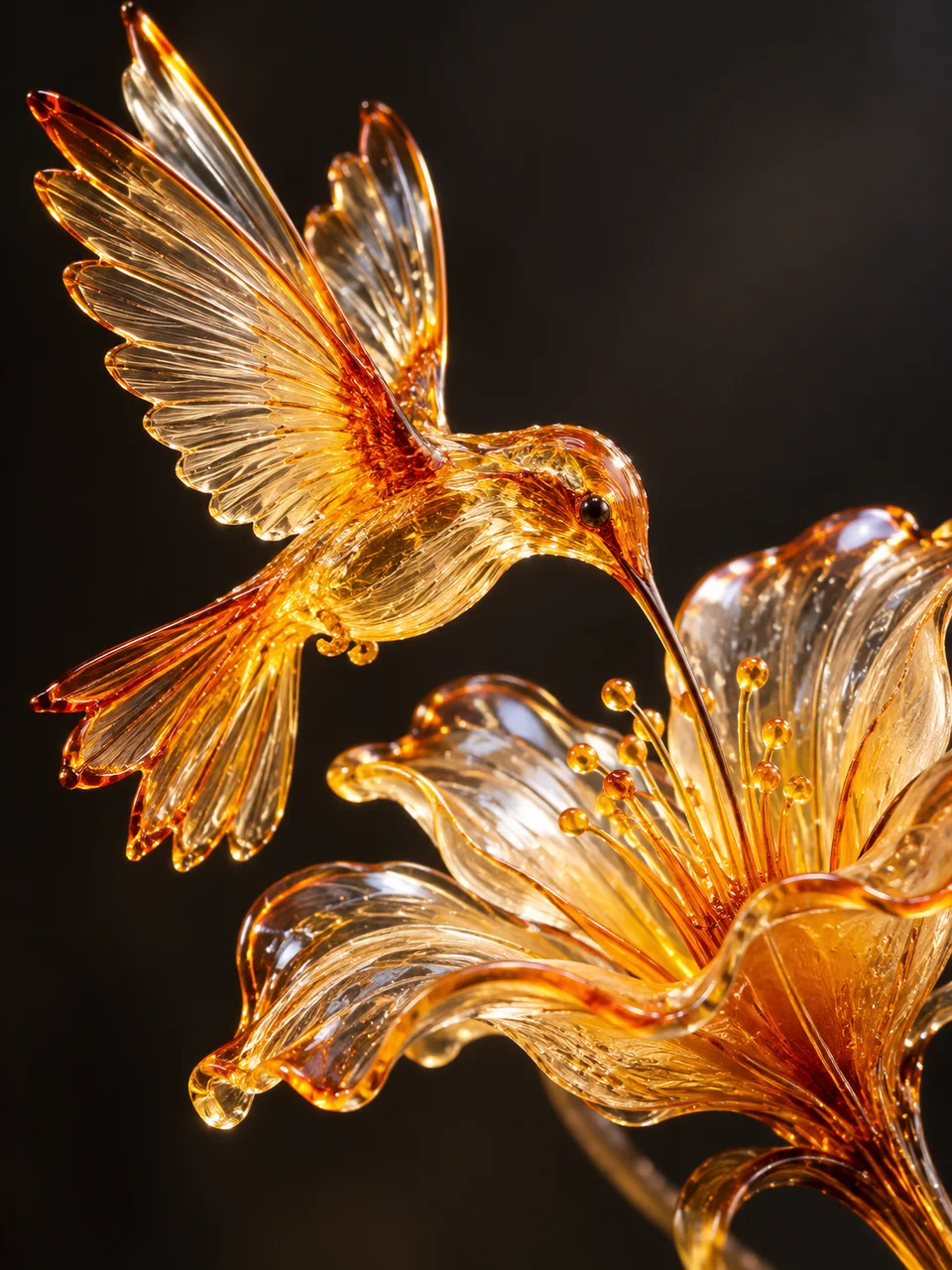 Sugar SculptureFragile blown sugar catches light along thin amber edges.
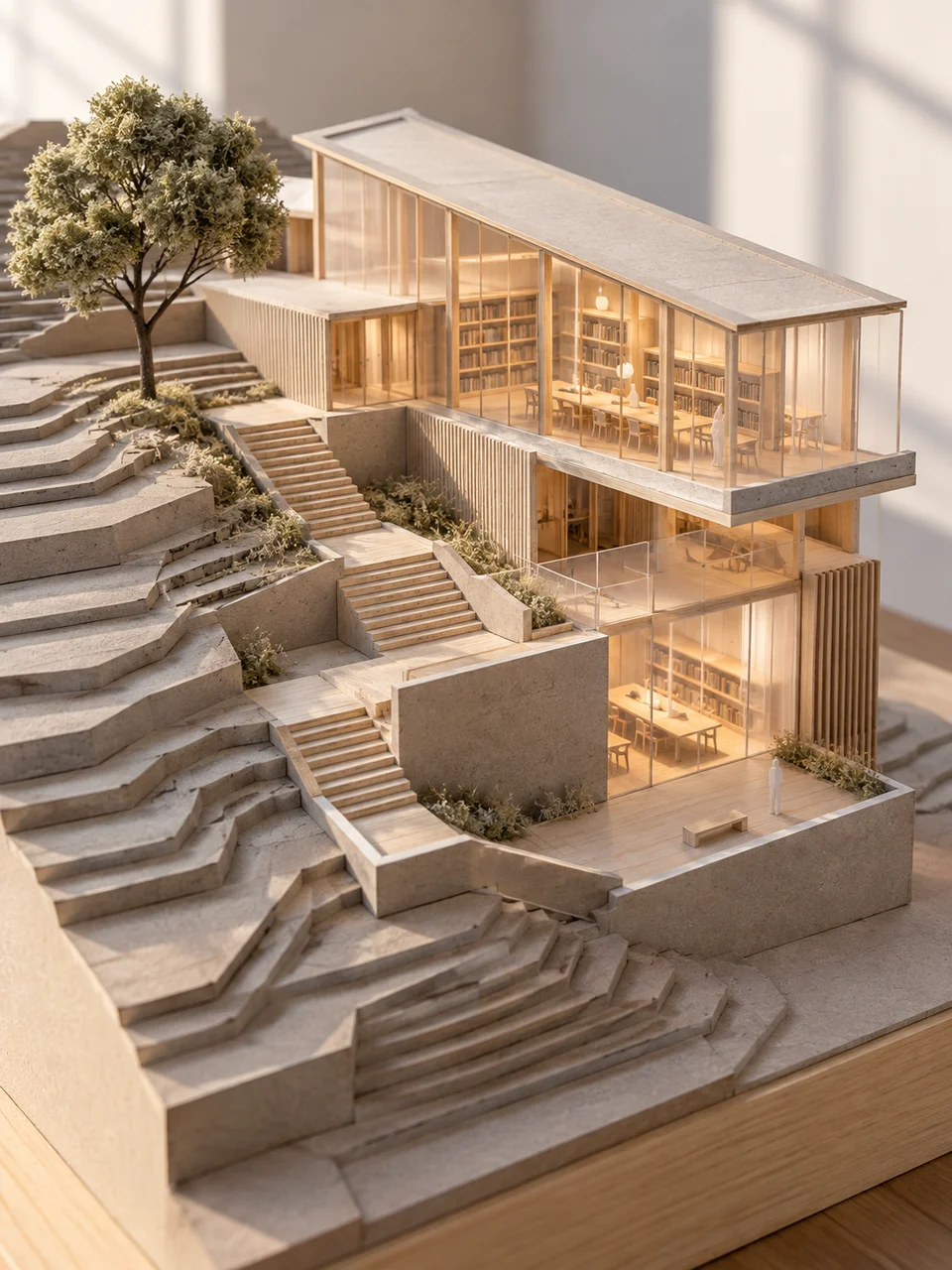 Architectural MaquetteA measured miniature with exposed model-making materials.
Bring it to life
Effects that turn a still in this look into a short video.
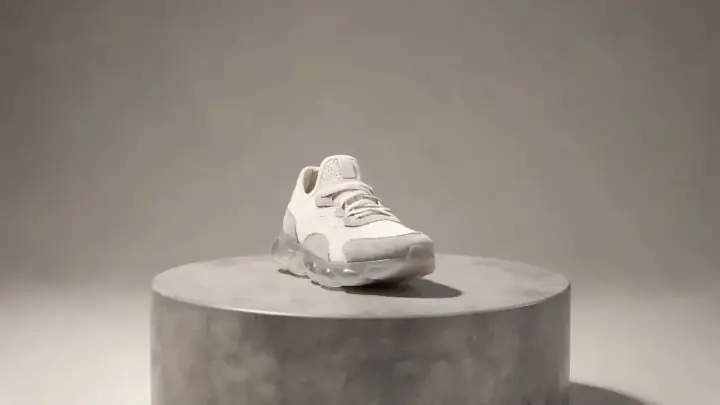 360 Turntable
 Slider Parallax