


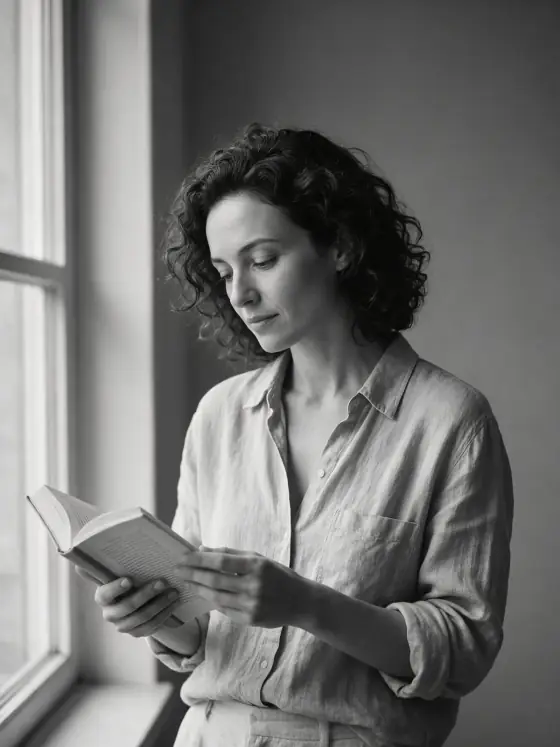

Korean Profile Photo AI Generator: Mono Studio
Clean black-and-white portraits with rich midtones.
- From a description only
- Best shape: 4:5 · 3:4
Works on
- Seedream 5.0 Pro
- Qwen Image 3.0
- Nano Banana 2.1
- Seedream 5.0 Flash
About Mono Studio
Mono Studio is the clean black-and-white portrait that Seoul photo studios made popular: one soft, broad key light, a smooth grey seamless backdrop, gentle contrast and a long scale of rich midtones. There are no props, no color and no tricks — just the subject, calm and composed, framed simply enough to use as a profile picture or a book-jacket portrait.
You write the subject; the style books the studio. A person reading by a window gets that light shaped into a quiet, even portrait, a man adjusting his collar looks like a considered headshot, a cat sits on a sill as if it booked the session itself, and a lighthouse stands against the grey like a product on a sweep. With color gone, texture and expression carry the picture: wool, linen, hair, whiskers, stone.
Subjects to paste as they are: “a man in a black turtleneck with his arms crossed”, “a woman with a short bob resting her chin on her hand”, “a ceramic vase with a single dried branch”. For hard shadows and film-noir drama, try Film Noir; for a 1940s glamour portrait, Old Hollywood; for pastel color instead of grey, Dewy Studio.
Tips
- Describe clothing texture — knit, wool, linen, leather. Without color, texture is what makes the portrait rich.
- Name a small gesture: a hand at the collar, a chin on a fist, a half smile. Studio portraits live on small gestures.
- Leave backgrounds out of your subject; the grey seamless backdrop is part of the look.
- For a team or family set, keep the same clothing words across subjects so the portraits match.
What the style adds
Your words go where it says “your subject”. Everything else is added for you.
your subject, clean black-and-white studio photograph, soft broad key light, smooth grey seamless backdrop, gentle contrast with rich midtones, calm composed presence, minimal refined framing
Models and price
- Seedream 5.0 Pro36 credits
- Qwen Image 3.030 credits
- Nano Banana 2.148 credits
- Seedream 5.0 Flash29 credits
One 1K image from a description. The button always shows the exact price before you spend anything.
How to use Mono Studio
- Describe itWrite who or what should be in the picture. A small action and a clear place work best.
- Pick a shapeKeep the suggested ratio and model, or change them in the bar at the bottom.
- Paint itPress “Paint it”. The price is on the button before you spend anything.
Questions about Mono Studio
Can I use Mono Studio on my own photo?
Not yet. This style works from a description: write what you want to see and the style adds the look.
How much does one Mono Studio image cost?
29 credits for one 1K image on Seedream 5.0 Flash. 2K costs more, and the button shows the exact price before you run it.
Will this style change how the person looks?
No. The template describes light, backdrop, tone and framing only; it does not retouch or reshape anyone. Whoever you write is who you get, just in black and white.
Why is it always black and white?
Because the look depends on it: without color, light, texture and expression do all the work. If you need color, Dewy Studio gives the same clean studio feeling in pastels.
How is it different from Film Noir?
Film Noir is hard light, deep shadows and slatted patterns on the wall. Mono Studio is soft light, a clean grey backdrop and gentle midtones — flattering and calm rather than dramatic.
Similar styles
 Dewy Studio
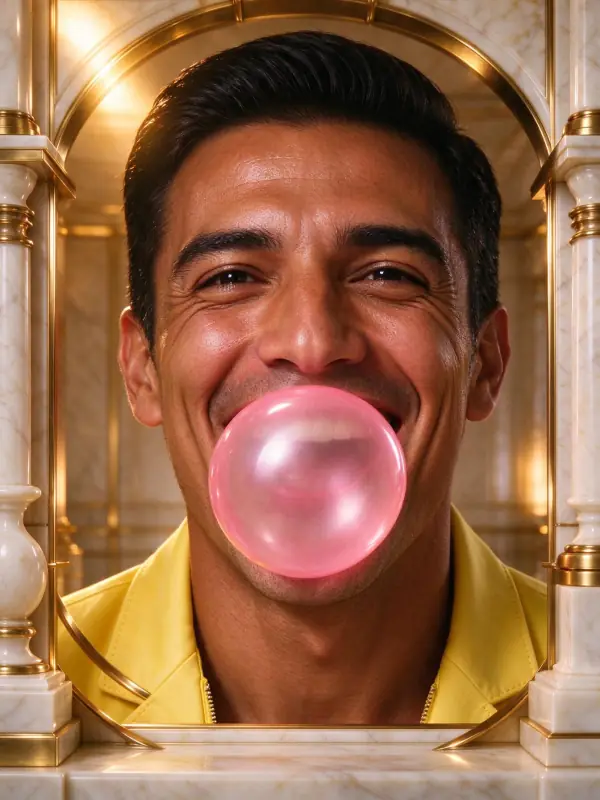 Gilded
 Old Hollywood
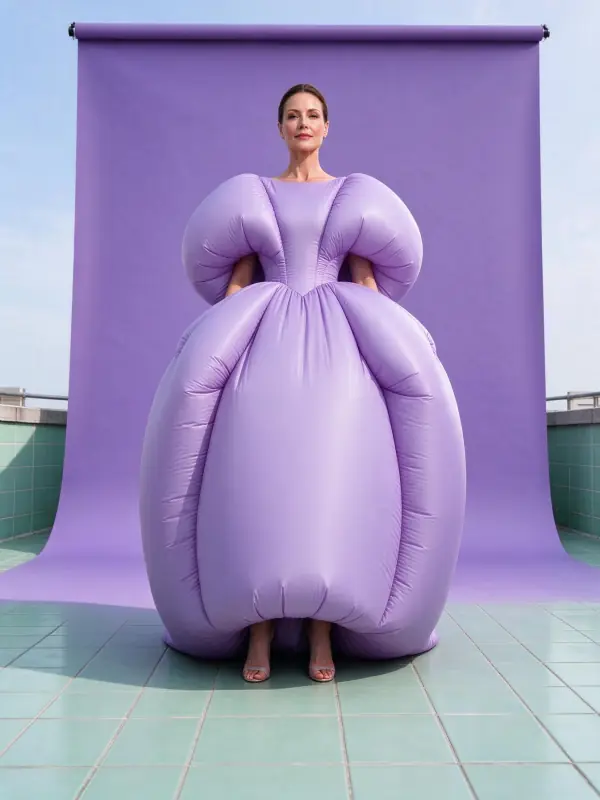 Color Block
Bring it to life
Effects that turn a still in this look into a short video.
 The Turn
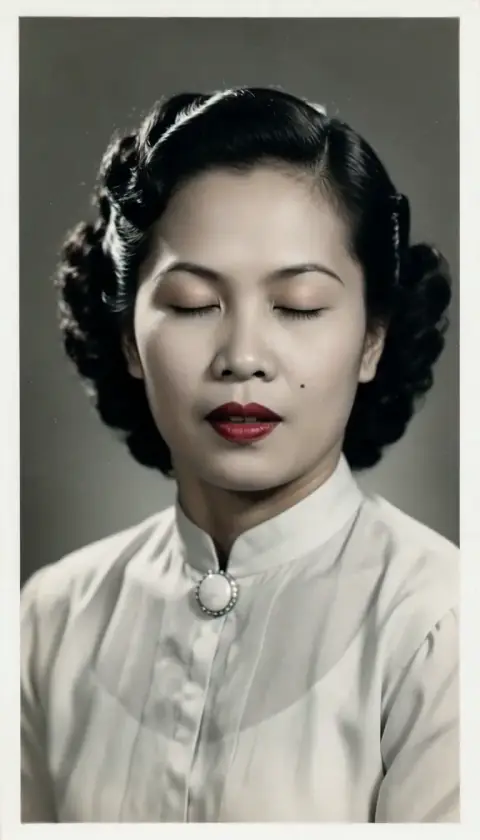 Live Portrait