


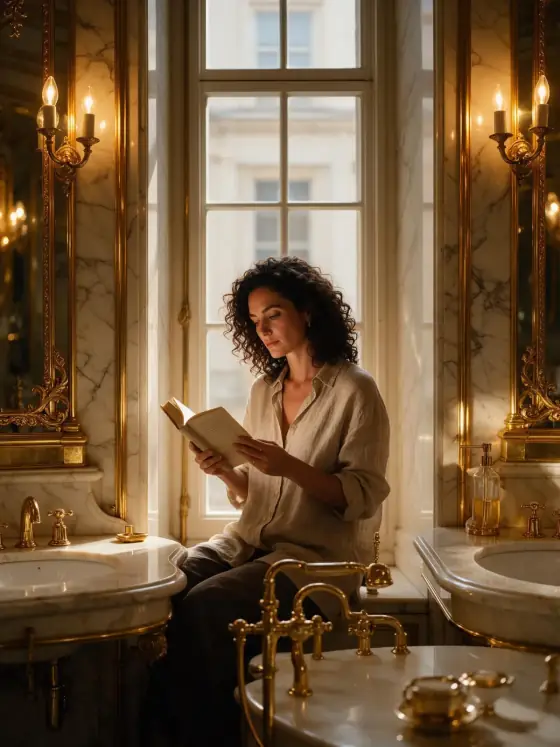

Luxury Editorial AI Photo Generator: Gilded
Gold, ivory and polished marble everywhere.
- From a description only
- Best shape: 3:4
Works on
- Seedream 5.0 Pro
- Qwen Image 3.0
- Nano Banana 2.1
- Seedream 5.0 Flash
About Gilded
Gilded is maximalist luxury: an editorial photograph drenched in gold and ivory, with polished marble underfoot, brass fittings catching the light, and a warm glowing key light that makes every surface shine. Compositions are ornate and symmetrical — doorways, mirrors and columns frame the subject like a palace hallway — and the detail is rich enough that you can almost feel the weight of the materials.
You write the subject; the style supplies the palace. It turns simple scenes into something grand: a woman reading by a tall window in a gilded salon, a man in a camel coat walking down a golden corridor, a cat curled up on a marble ledge beside a brass planter, even a lighthouse glowing like a jewel at sunset. Clothing stays as you describe it; the room around it is what gets upgraded.
Use it for jewelry, fragrance and watch campaigns, hotel and event visuals, wedding invitations, album covers and any image that should feel expensive and unapologetic about it. If you want luxury that whispers instead, Quiet Luxury is its understated sibling; for high-fashion movement, High Fashion; for the same gold as a 1920s poster, Art Deco.
Subjects to paste as they are: “a woman in an ivory silk dress reading in a gilded salon”, “a gold wristwatch resting on a marble table beside a crystal glass”, “a man in a camel overcoat walking down a mirrored hallway”. Name one material and one piece of furniture, and the style builds the room around them.
Finishes that work on top: Soft glow for a glowing, dreamlike shine, Film grain to take the edge off the polish.
Tips
- Name the material you want to shine: silk, velvet, crystal, polished gold. The warm key light makes glossy surfaces glow.
- Use symmetry: “standing in the center of a mirrored hallway”, “between two marble columns”. The style loves a centered subject.
- For products, describe the object on a surface — “on a marble table”, “on a velvet cushion” — and let the style add the room.
- If it feels like too much, add “with more empty space” or “in soft daylight” to your subject to calm it down.
- Gold warms everything. For a cooler variation, add “with silver and pale blue accents” to your subject.
What the style adds
Your words go where it says “your subject”. Everything else is added for you.
your subject, opulent editorial photograph, gold and ivory palette, polished marble and brass textures, warm glowing key light, ornate symmetrical composition, rich luxurious detail
Models and price
- Seedream 5.0 Pro36 credits
- Qwen Image 3.030 credits
- Nano Banana 2.148 credits
- Seedream 5.0 Flash29 credits
One 1K image from a description. The button always shows the exact price before you spend anything.
How to use Gilded
- Describe itWrite who or what should be in the picture. A small action and a clear place work best.
- Pick a shapeKeep the suggested ratio and model, or change them in the bar at the bottom.
- Paint itPress “Paint it”. The price is on the button before you spend anything.
Questions about Gilded
Can I use Gilded on my own photo?
Not yet. This style works from a description: write what you want to see and the style adds the look.
How much does one Gilded image cost?
29 credits for one 1K image on Seedream 5.0 Flash. 2K costs more, and the button shows the exact price before you run it.
Will this style change how the person looks?
No. The template describes palette, materials, light and composition only. Whoever you write keeps the same features and clothing; the room around them is what changes.
Why is everything gold?
That is the look: a gold and ivory palette with brass and marble. Colors you name in your subject still appear as accents. For a restrained palette, use Quiet Luxury.
How is it different from Quiet Luxury?
Quiet Luxury is understated: soft neutral tones, natural light and nothing flashy. Gilded is maximal: gold, marble, brass and ornate symmetry, meant to impress at first glance.
Similar styles
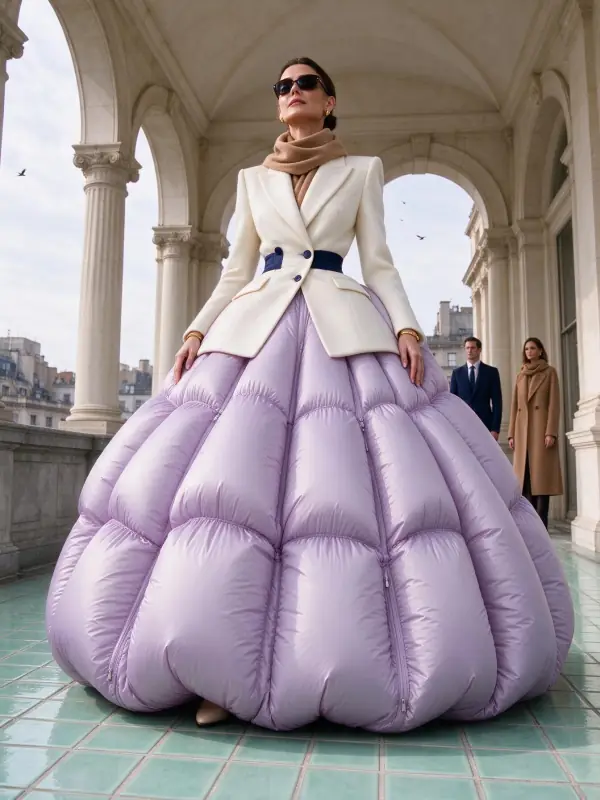 Quiet Luxury
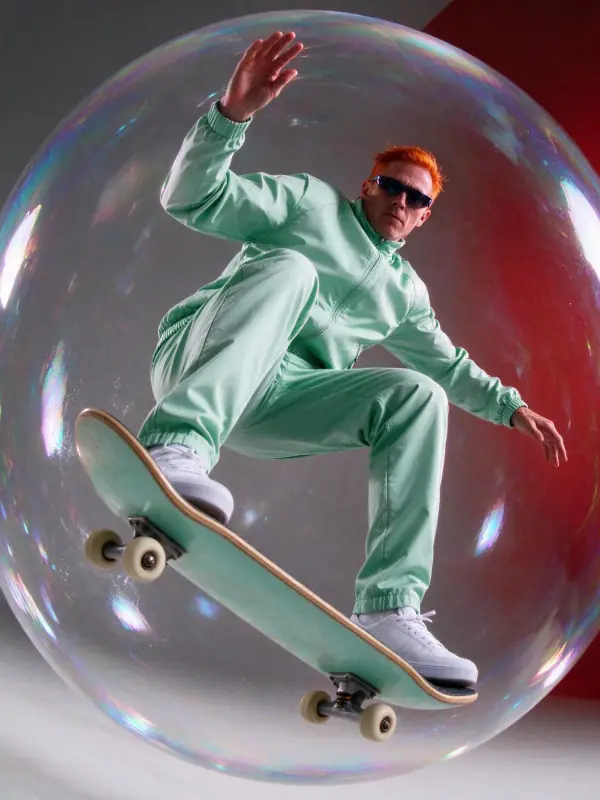 High Fashion
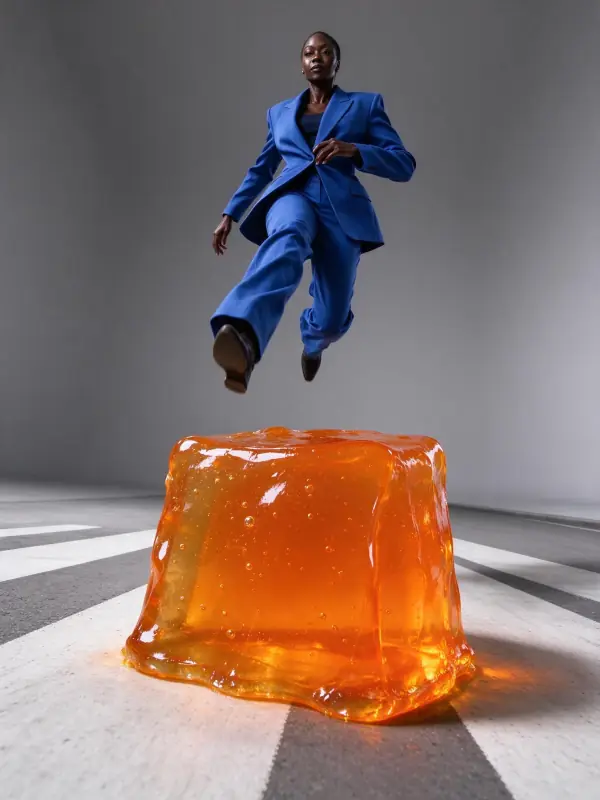 Mono Studio
 Old Hollywood
Bring it to life
Effects that turn a still in this look into a short video.
 Slow Push-In
 Big Reveal