



1940s Studio Glamour AI Photo Generator: Old Hollywood
1940s studio portraits in silvery black and white.
- From a description only
- Best shape: 3:4 · 4:5
Works on
- Seedream 5.0 Pro
- Qwen Image 3.0
- Nano Banana 2.1
- Seedream 5.0 Flash
About Old Hollywood
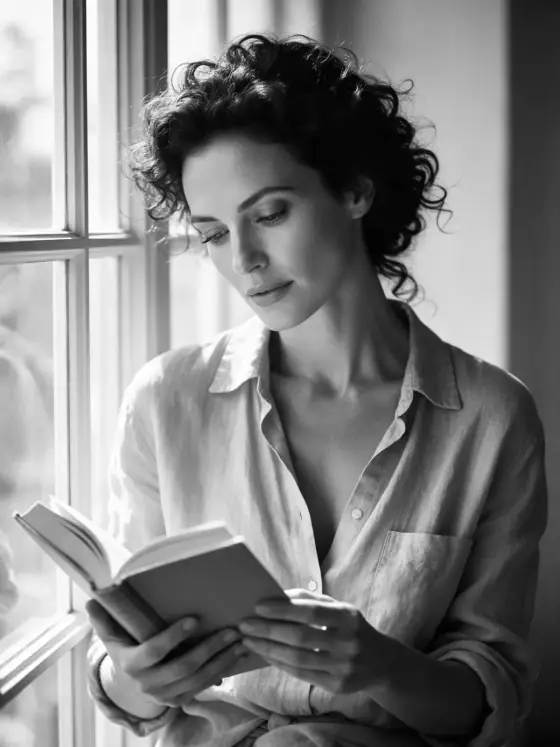
Old Hollywood photographs your subject the way the old film studios shot their stars. A single key light sits high and in front, drawing a small butterfly-shaped shadow under the nose and giving the face a sculpted, flattering glow. A touch of soft-focus diffusion makes highlights shimmer, the tones are silvery black and white with deep velvety blacks, and the backdrop is a smooth, glossy seamless. Everything feels polished, poised and timeless.
You write the subject; the style supplies the studio. It flatters faces most of all: a woman reading by a tall window becomes a publicity still, a bearded man in a wool coat turns into a leading man, and even a ginger cat on a windowsill gets star billing. It works on objects too: a lighthouse lit like a monument, a perfume bottle, a vintage microphone.
Use it for classic portraits, retro event posters, book and album covers, fashion throwbacks and anniversary or tribute posts. For hard crime-film shadows instead of flattering light, use Film Noir; for modern color glamour, High Fashion; for gold and navy poster illustration, Art Deco.
Finishes that work on top: Film grain for a slightly rougher print. Black & white and Soft glow are switched off here, because the look is already black and white and already softly diffused.
Tips
- Classic poses work best: a three-quarter turn, a hand near the chin, a look just past the camera.
- Glossy fabrics and jewelry shine in the diffusion: satin, velvet, pearls, a silk tie.
- For a more dramatic still, add “with a single hard shadow on the backdrop” to your subject.
- Keep backgrounds plain. The look is built around a seamless studio backdrop.
- Period styling helps: finger waves, a slicked side part, a fur stole, a fedora.
What the style adds
Your words go where it says “your subject”. Everything else is added for you.
your subject, 1940s studio glamour portrait, high butterfly key light, soft-focus diffusion, silvery black and white tones, glossy seamless backdrop, polished timeless elegance
Models and price
- Seedream 5.0 Pro36 credits
- Qwen Image 3.030 credits
- Nano Banana 2.148 credits
- Seedream 5.0 Flash29 credits
One 1K image from a description. The button always shows the exact price before you spend anything.
How to use Old Hollywood
- Describe itWrite who or what should be in the picture. A small action and a clear place work best.
- Pick a shapeKeep the suggested ratio and model, or change them in the bar at the bottom.
- Paint itPress “Paint it”. The price is on the button before you spend anything.
Questions about Old Hollywood
Can I use Old Hollywood on my own photo?
Not yet. This style works from a description: write what you want to see and the style adds the look.
How much does one Old Hollywood image cost?
29 credits for one 1K image on Seedream 5.0 Flash. 2K costs more, and the button shows the exact price before you run it.
Will this style change how the person looks?
No. The template describes the lighting, the diffusion, the black and white tones and the backdrop. Whoever you write keeps their features; only the light and the film look change.
Can I get it in color?
The look is built around silvery black and white. For studio glamour in color, try High Fashion or Flash Editorial instead.
How is it different from Film Noir?
Film Noir is hard, shadowy crime-film lighting. Old Hollywood is bright, flattering studio light with a soft glow: it is about the portrait, not the plot.
Similar styles
 Dewy Studio
 Mono Studio
 Gilded
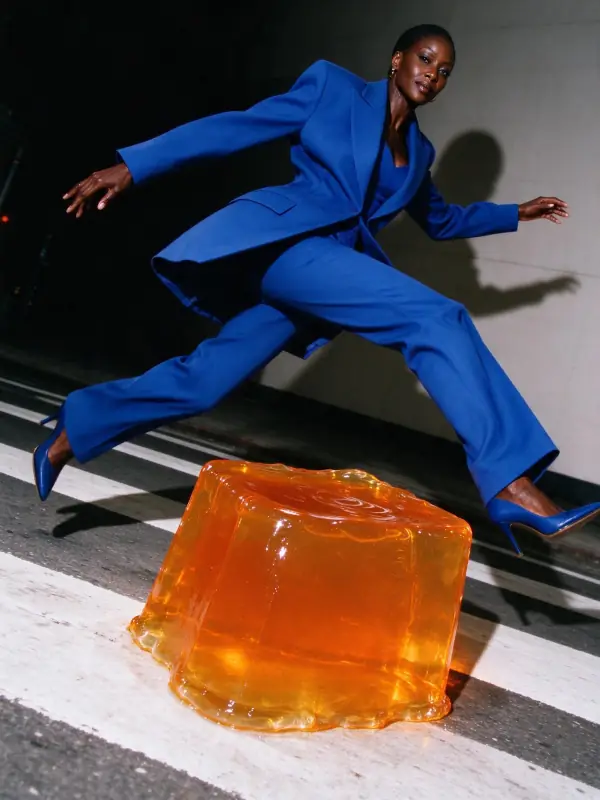 Flash Editorial
Bring it to life
Effects that turn a still in this look into a short video.
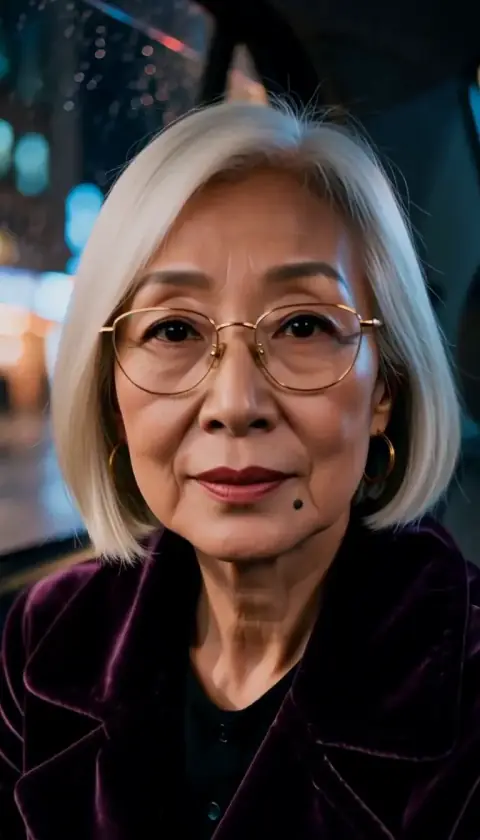 The Turn
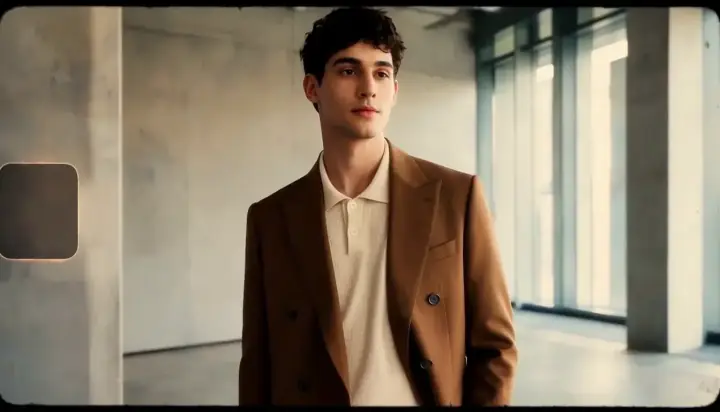 16mm Film