




Color Backdrop Studio AI Photo Generator: Color Block
Bold single-color backdrops and crisp light.
- From a description only
- Best shape: 3:4 · 4:5
Works on
- Seedream 5.0 Pro
- Qwen Image 3.0
- Nano Banana 2.1
- Seedream 5.0 Flash
About Color Block
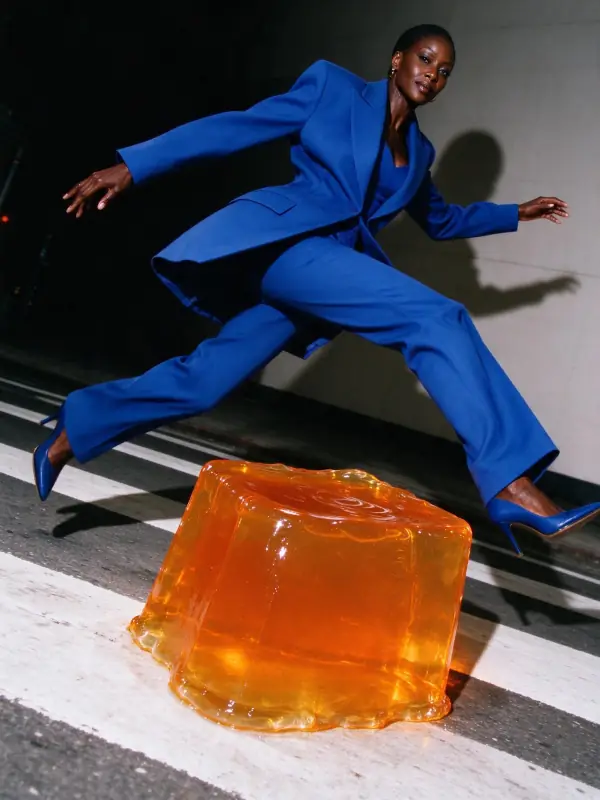
Color Block puts your subject in a seamless sweep of pure color: one bold backdrop running down into a matching tonal floor, crisp and even beauty light, saturated clean color everywhere and strong central framing. It is the confident, contemporary look of a modern fashion or product campaign — nothing in the frame but the subject and the color.
Use it for fashion and product campaigns, e-commerce and catalog shots, team and profile photos, posters, brand content and social media grids. For soft pastel high-key light, use Dewy Studio; for catwalk energy, High Fashion; for night flash and moving lights, Light Trails.
Subjects to paste as they are: “a woman in a tailored cobalt blue suit standing with hands in pockets”, “a man in a camel coat holding a coffee cup”, “a pair of white sneakers on a small plinth”. Name the backdrop color in your subject — “on a tangerine backdrop” — to set the whole palette.
Finishes that work on top: Film grain for a slightly analog campaign feel.
Tips
- Name the backdrop color. “On a tangerine backdrop”, “against a lime green wall” — it sets the whole image.
- Pair the outfit with the backdrop: tonal (blue on blue) looks chic, contrasting (red on green) looks bold.
- Simple poses read best: standing tall, seated on a stool, holding one object.
- For products, add “on a small plinth” for a clean catalog look.
- Keep props minimal. The strength of the look is the empty, colored space.
What the style adds
Your words go where it says “your subject”. Everything else is added for you.
your subject, bold solid color backdrop with a matching tonal floor, crisp even beauty light, saturated clean color, strong central framing, contemporary campaign polish
Models and price
- Seedream 5.0 Pro36 credits
- Qwen Image 3.030 credits
- Nano Banana 2.148 credits
- Seedream 5.0 Flash29 credits
One 1K image from a description. The button always shows the exact price before you spend anything.
How to use Color Block
- Describe itWrite who or what should be in the picture. A small action and a clear place work best.
- Pick a shapeKeep the suggested ratio and model, or change them in the bar at the bottom.
- Paint itPress “Paint it”. The price is on the button before you spend anything.
Questions about Color Block
Can I use Color Block on my own photo?
Not yet. This style works from a description: write what you want to see and the style adds the look.
How much does one Color Block image cost?
29 credits for one 1K image on Seedream 5.0 Flash. 2K costs more, and the button shows the exact price before you run it.
Will this style change how people look?
No. It describes the backdrop, the light and the color only. Your subject’s appearance comes from what you write.
How is it different from Dewy Studio?
Dewy Studio is soft, pale and pastel with a high-key glow. Color Block is saturated and graphic, with one strong color filling the frame.
Similar styles
 Flash Editorial
 High Fashion
 Dewy Studio
 Mono Studio
Bring it to life
Effects that turn a still in this look into a short video.
 The Turn
 Live Portrait