


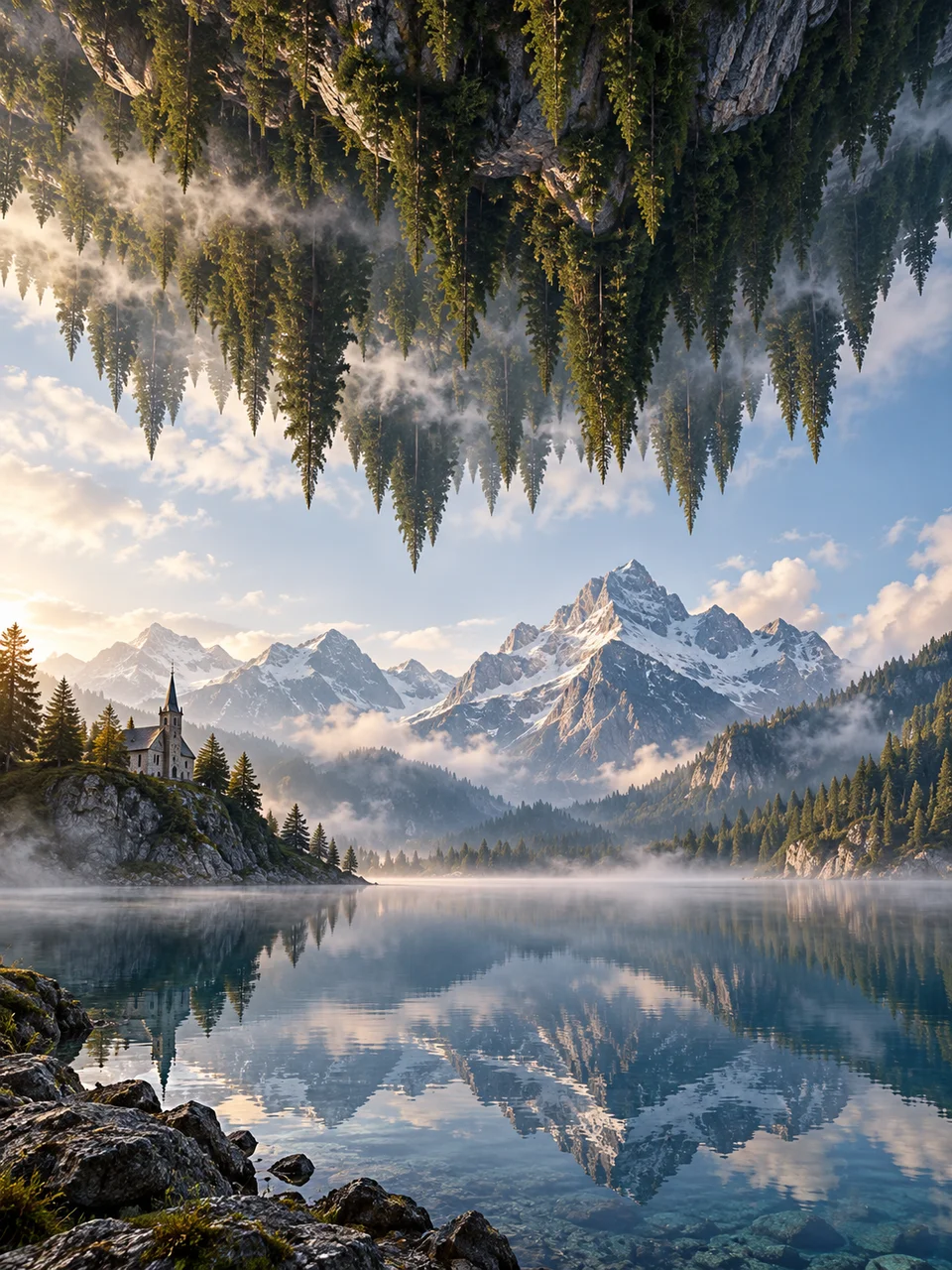
Upside Down AI Art Generator: Inverted Landscape
Two plausible terrains meet across an impossible sky.
- From a description only
- Best shape: 3:4 · 4:5 · 1:1
Works on
- Seedream 5.0 Pro
- Qwen Image 3.0
- Nano Banana 2.1
- Seedream 5.0 Flash
About Inverted Landscape
Inverted Landscape creates a second terrain overhead, turned upside down above an ordinary scene. Mountains, trees, or cliffs keep their geological character, but their orientation contradicts the land below. Surreal landscape imagery provides the reference, with photographic atmosphere making the two regions feel part of the same space. A visible air gap is essential. Quiet mist and one architectural anchor help establish distance without turning the encounter into a scene of falling debris or destruction.
Write about two terrains whose shapes can be compared clearly. An inverted pine ridge above a valley road, upside-down cliffs over a coastal village, a hanging desert mesa above a plain, or an orchard overhead beyond a small bridge can work. Describe the lower landscape first, then the suspended terrain and the gap between them. This style begins with a written description, so keep the spatial relationship simpler than the individual geological detail.
Try “an inverted pine ridge hanging above a quiet valley road with mist between them” or “upside-down coastal cliffs over an ordinary village in soft daylight.” Another option is “a suspended desert mesa above a broad plain with one small bridge below.” A wider air gap makes the overhead land feel distant and monumental. A narrower gap creates stronger enclosure, but needs careful separation so the two terrains do not merge.
Tips
- Explicitly describe the upper terrain as inverted, with its surface facing downward.
- Leave a clearly visible band of atmosphere between upper and lower landscapes.
- Match the direction of sunlight across both terrains.
- Use one bridge, house, or road as a stable orientation reference below.
- Choose broad geological forms that remain readable when turned upside down.
What the style adds
Your words go where it says “your subject”. Everything else is added for you.
your subject. Suspend one inverted landscape above an ordinary terrain with a clear atmospheric gap. Keep both geologically plausible, matched in scale and lit from the same direction. Quiet mist and one architectural anchor let the inversion dominate without apocalyptic debris.
Models and price
- Seedream 5.0 Pro36 credits
- Qwen Image 3.030 credits
- Nano Banana 2.148 credits
- Seedream 5.0 Flash29 credits
One 1K image from a description. The button always shows the exact price before you spend anything.
How to use Inverted Landscape
- Describe itWrite who or what should be in the picture. A small action and a clear place work best.
- Pick a shapeKeep the suggested ratio and model, or change them in the bar at the bottom.
- Paint itPress “Paint it”. The price is on the button before you spend anything.
Questions about Inverted Landscape
Can I use Inverted Landscape on my own photo?
Not yet. This style works from a description: write what you want to see and the style adds the look.
How much does one Inverted Landscape image cost?
29 credits for one 1K image on Seedream 5.0 Flash. 2K costs more, and the button shows the exact price before you run it.
How does it differ from Floating Horizon?
Inverted Landscape turns the upper terrain upside down above another landscape. Floating Horizon suspends one normally oriented land slice and exposes its soil and rock underside, usually with a single focal landmark on top.
Will it look like a disaster scene?
It can stay quiet and contemplative. Describe intact architecture, still air, and clean separation between the terrains; falling fragments and damage shift attention away from the simple spatial contradiction that defines the look.
Can both terrains have forests?
Yes, especially if their overall shapes remain distinct. Use atmospheric distance or a clear gap to separate the tree masses, and keep one ordinary landmark below so the viewer can establish which landscape is upright.
Similar styles
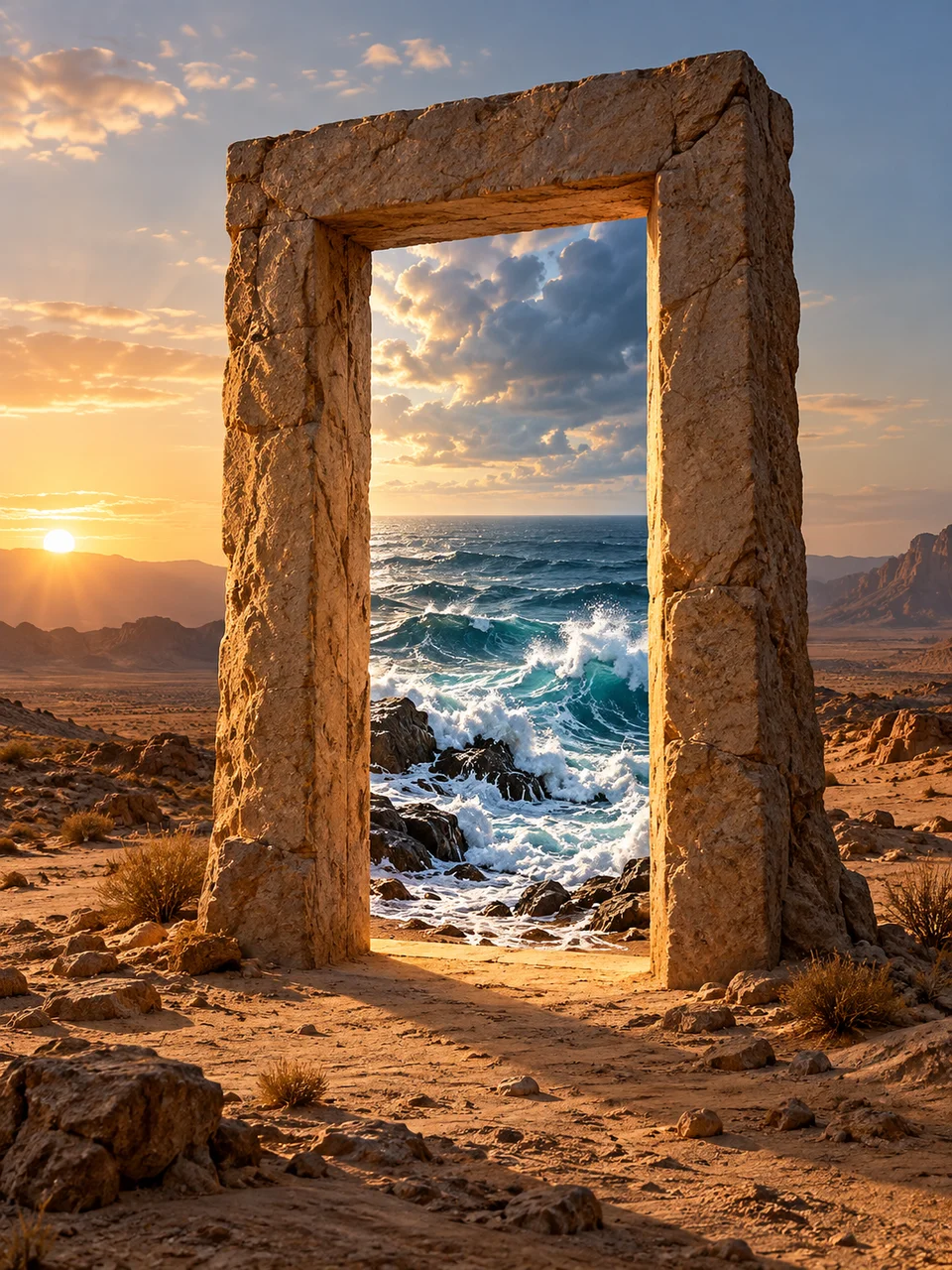 Impossible Archway
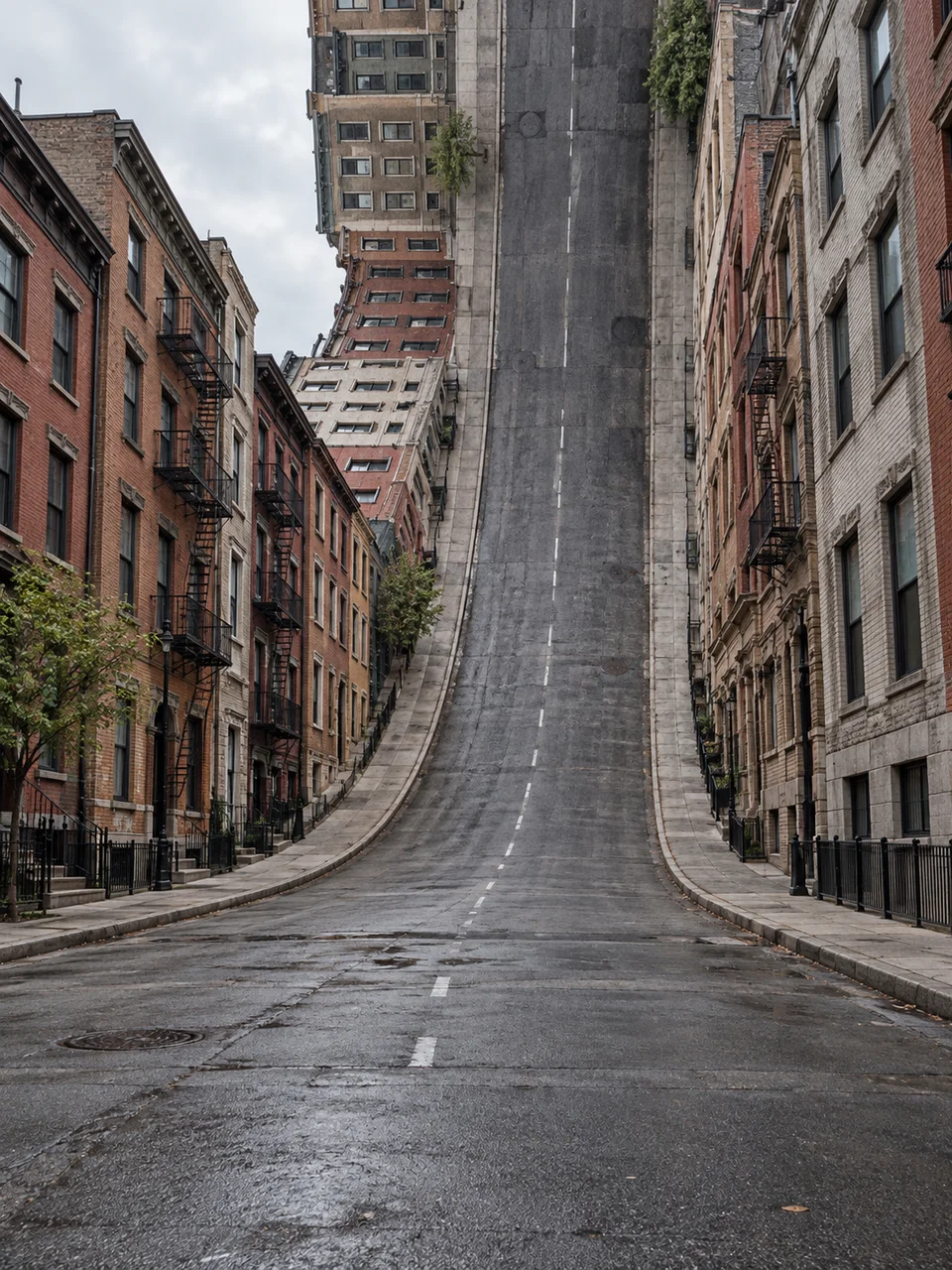 Folded City
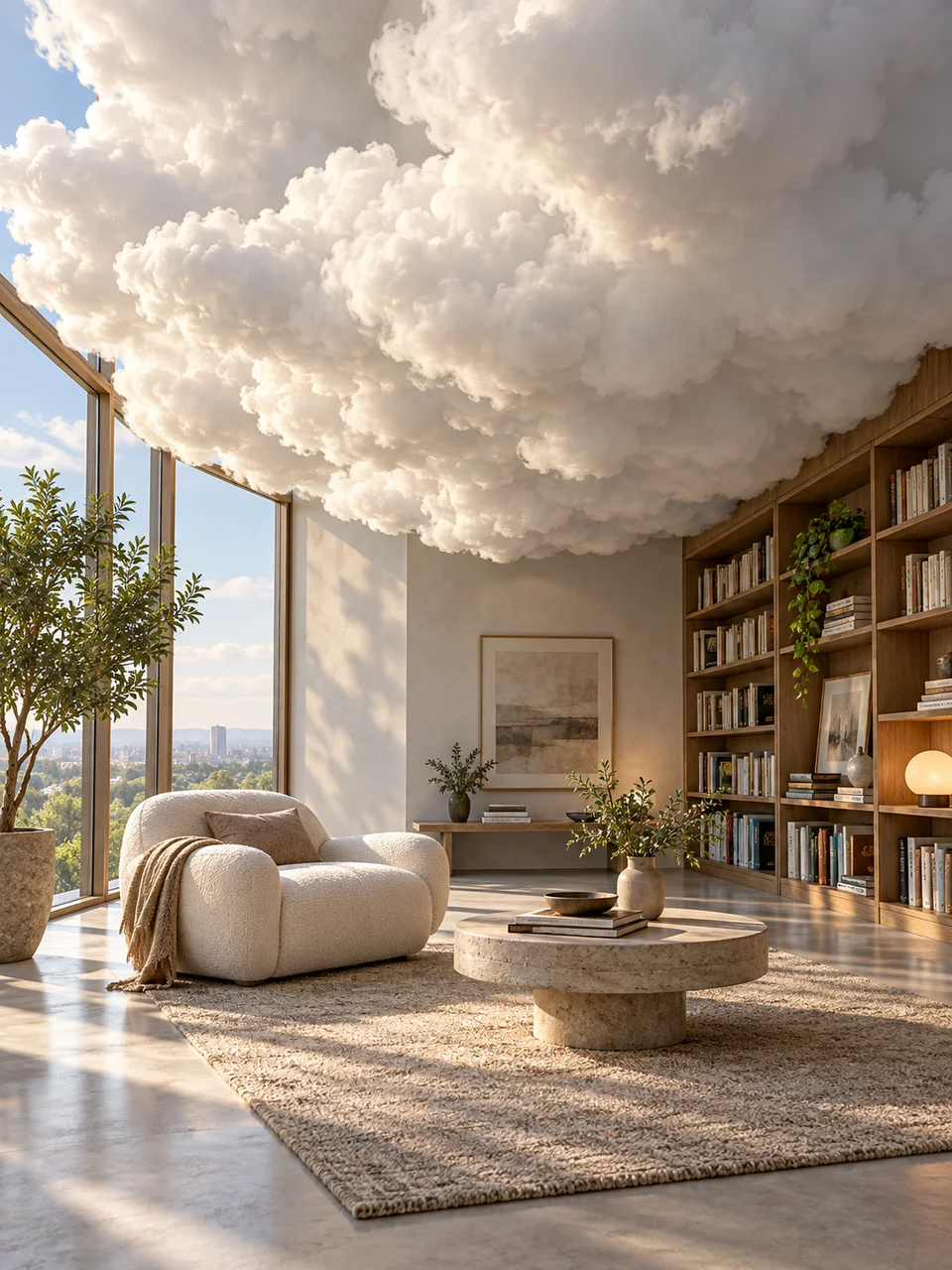 Cloud Interior
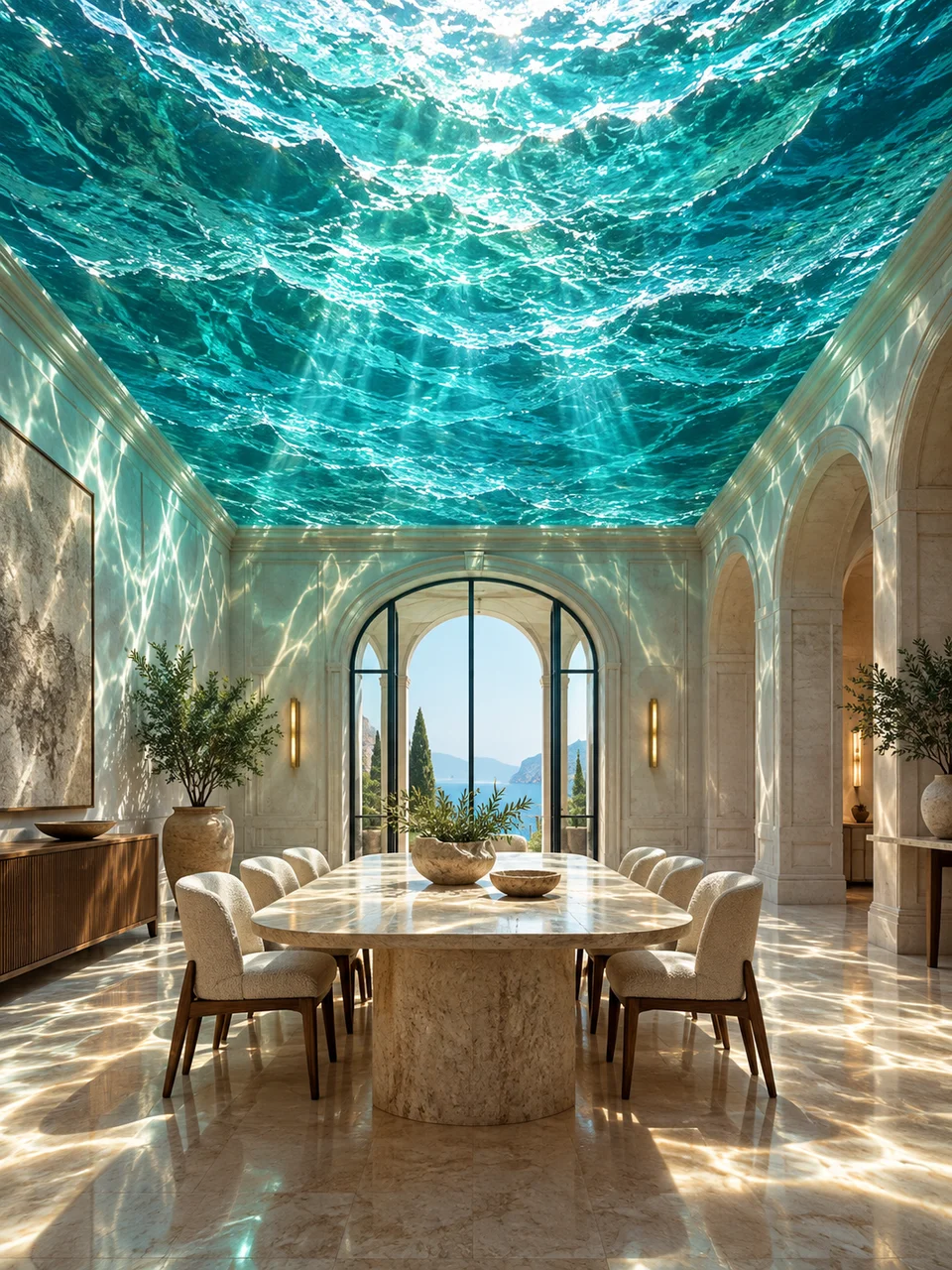 Ocean Ceiling
Bring it to life
Effects that turn a still in this look into a short video.
 Drone Rise
 Big Reveal