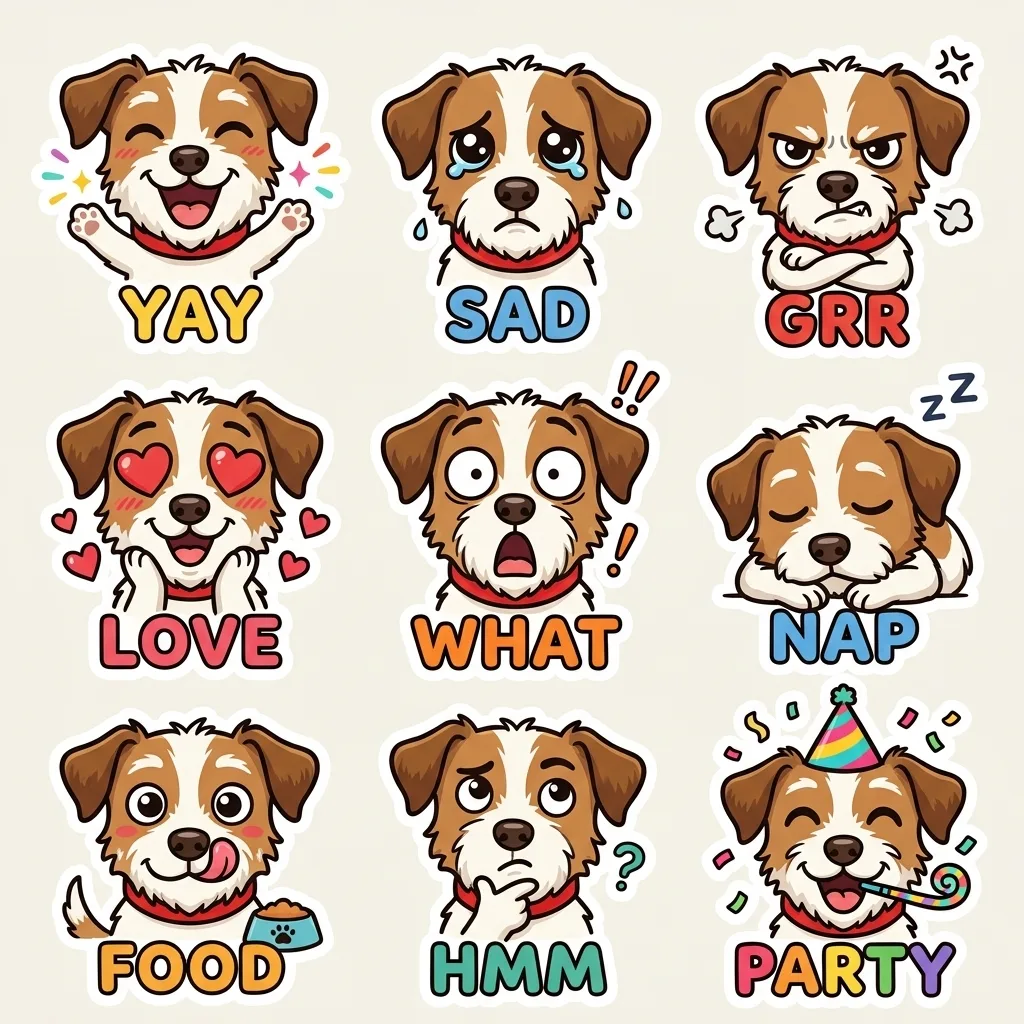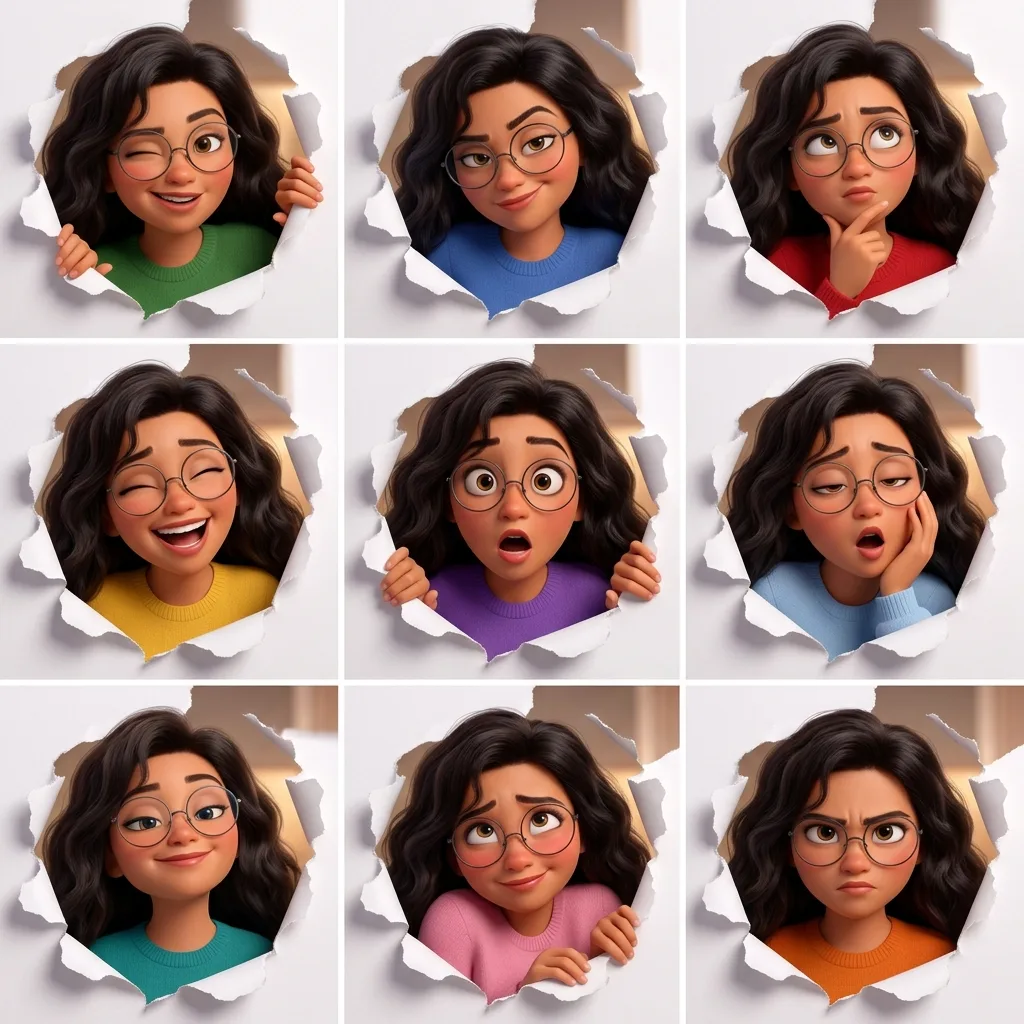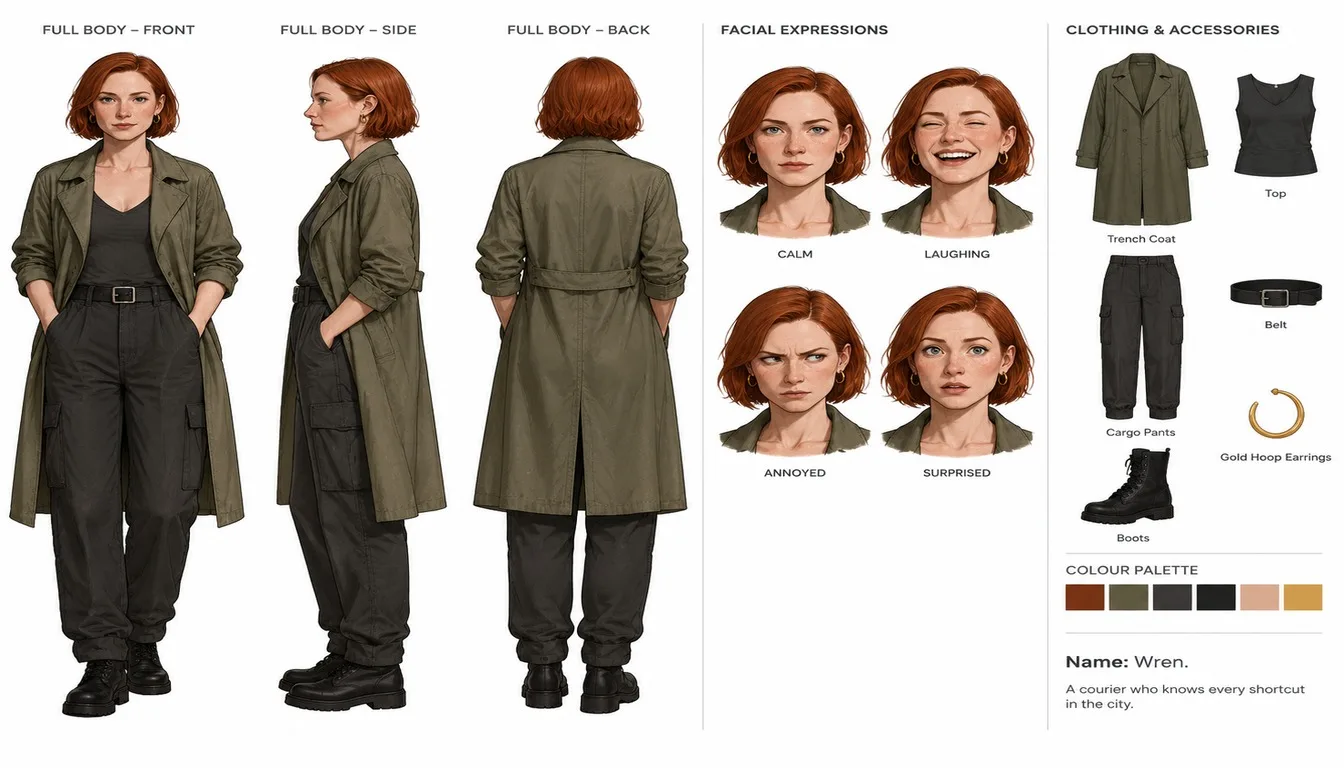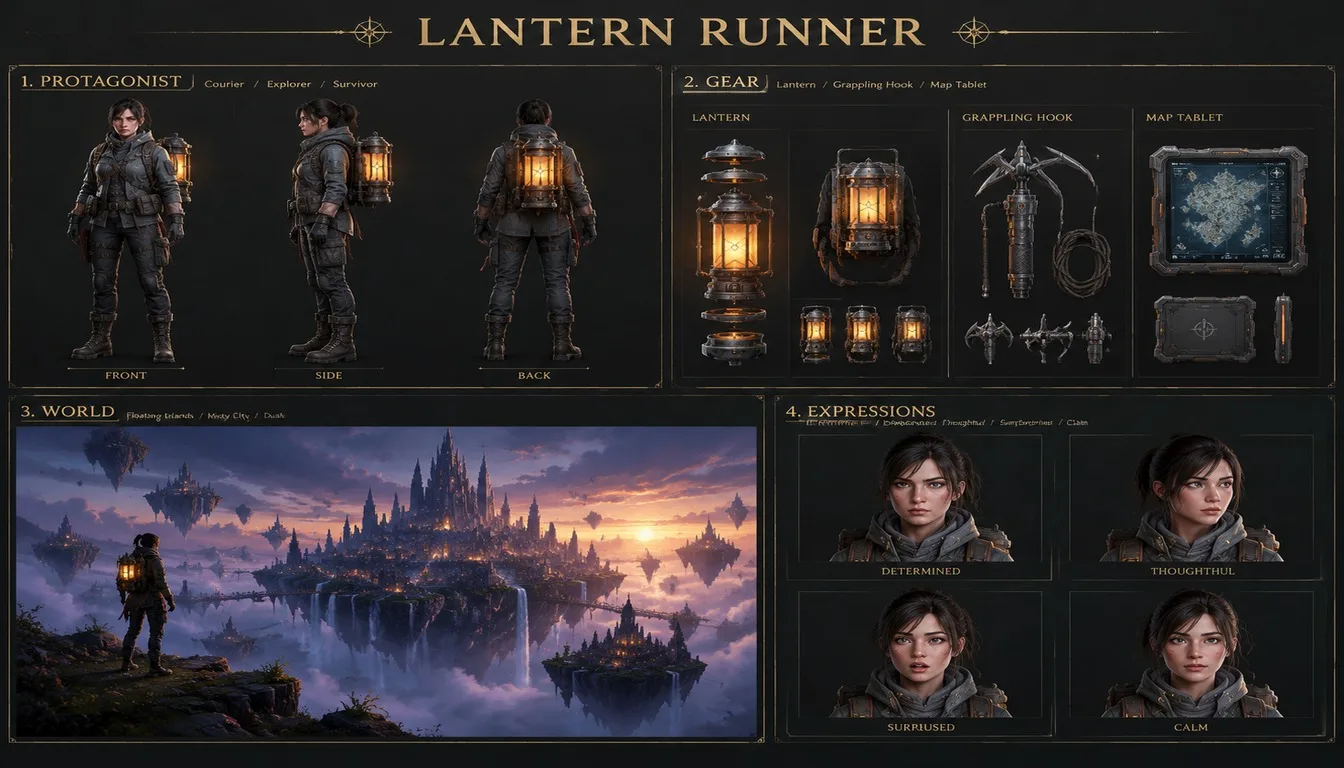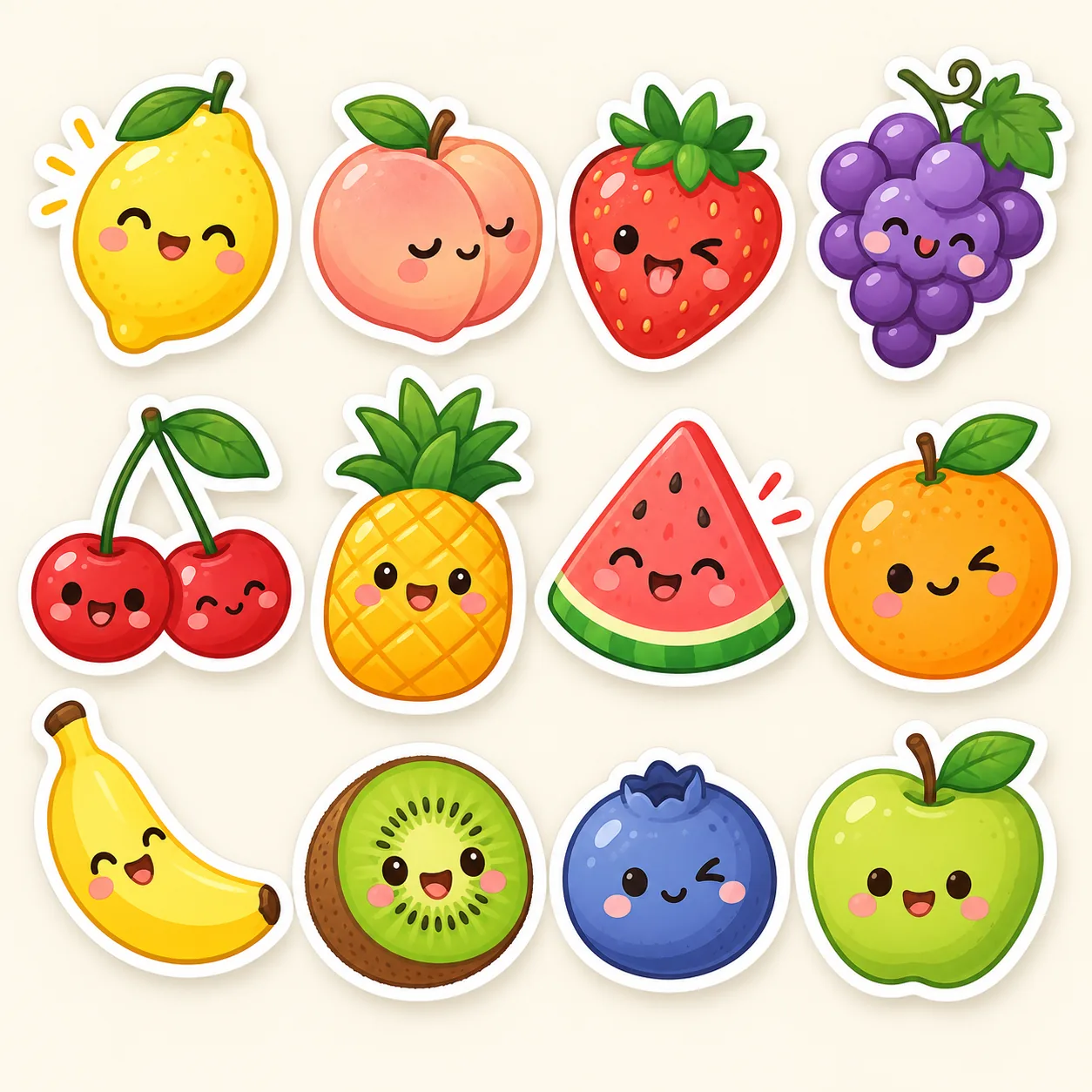
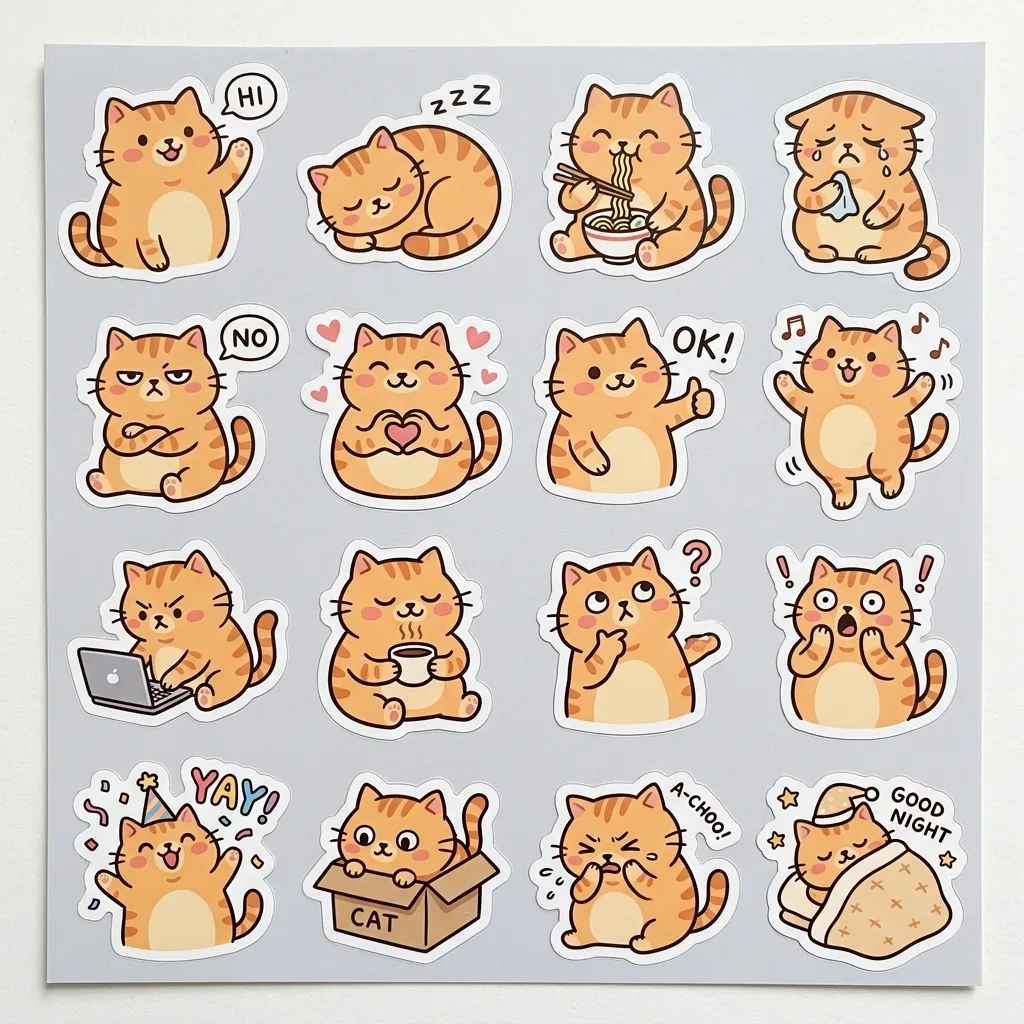
Fruit Friends Stickers, made with GPT Image 2.5 Sunburst
Example made with GPT Image 2.5 Sunburst

Text to imageComics & stickers

GPT Image 2.5 Sunburst sticker promptFruit Friends Stickers

The exact text-to-image prompt behind this picture, made with GPT Image 2.5 Sunburst.

Prompt

Square 1:1 frame. A sticker sheet of twelve cute fruit characters with tiny faces, a smiling lemon, a sleepy peach, a cheeky strawberry, a grape bunch and more, each with a thick white die-cut border and soft shadow, bright pastel colors, flat vector illustration with subtle shading, arranged neatly on a cream background, no text.

Prompts are kept in their original English to help reproduce the example. Copy one as it is, or adapt it for your project.

Opens GPT Image 2.5 Sunburst with this prompt and the settings below filled in.

135 tested GPT Image prompts →

Settings

Mode
Text to image
Aspect ratio
1:1
Quality
high
Price
From 2 credits

The exact price shows before you generate.

Make your own version

  1. For a different mood, rewrite only the light: each with a thick white die-cut border and soft shadow.
  2. flat vector illustration with subtle shading sets the whole feel of the shot. Swap it for another camera style to change the vibe.
  3. The prompt ends with no text. Leave that in, or the model may add random lettering.

Style prompt guide

Style traits to keep

Kawaii fruit characters arrange across a sticker sheet design with distinct die-cut outlines and soft drop shadows. GPT Image 2.5 Sunburst renders clean vector-like surfaces with expressive micro-faces, balancing bright pastel tones against a warm neutral canvas. It works reliably because explicit sticker mechanics like white borders and subtle shading prevent the figures from merging into a messy single illustration.

The sticker sheet style blends clean digital vector art with simulated physical stationery elements for a playful, merchandise-ready look.

Die-cut border
Crisp white outlines separate each character cleanly from the background, creating the authentic illusion of vinyl peel-off stickers.
Palette
Soft, bright pastel tones keep the mood upbeat and light, ensuring the twelve items remain cohesive without visual clash.
Line and shading
Flat vector forms use minimal, gentle gradients that add roundness to the fruit bodies while preserving simple cartoon clarity.
Composition
A structured grid arrangement against a plain cream backdrop gives every individual character its own distinct breathing room.

What defines this look

  1. composition and subject foundationSquare 1:1 frame. A sticker sheet of twelve cute fruit characters with tiny faces,

    Establishes the sticker pack structure, grid format, and miniature facial style. Omitting this causes the model to draw a single fruit scene instead of an itemized sheet of collectible designs.

  2. specific character archetypesa smiling lemon, a sleepy peach, a cheeky strawberry, a grape bunch and more,

    Gives individual emotional variety to the fruits so they do not look like repetitive clones. Removing these distinct expressions makes the faces uniform or leaves some fruit blank.

  3. sticker physical stylingeach with a thick white die-cut border and soft shadow,

    Forces the visual appearance of printed, peelable merchandise by wrapping every item in realistic cutlines and lighting. Without this, elements blend flatly into the background without separation.

  4. visual rendering stylebright pastel colors, flat vector illustration with subtle shading,

    Defines the clean graphic design aesthetic with soft gradients rather than complex photorealistic textures. Altering this can result in hyper-rendered, plastic-looking fruits or overly harsh comic linework.

  5. background and layout constraintarranged neatly on a cream background, no text.

    Maintains clear negative space between the stickers and stops random AI-generated lettering or labels from popping up. Removing it invites cluttered layouts and nonsensical decorative text.

Same style, new subjects

Cozy pets sticker sheet

Swaps fruit for domestic animals to create an adorable stationery sheet for pet lovers.

Prompt

Square 1:1 frame. A sticker sheet of twelve cute pet characters with tiny faces, a stretching cat, a yawning puppy, a fluffy bunny, a happy hamster and more, each with a thick white die-cut border and soft shadow, bright pastel colors, flat vector illustration with subtle shading, arranged neatly on a cream background, no text.

Sweet bakery treats

Replaces the fruit theme with pastry items while retaining the same pastel vector finish and die-cut borders.

Prompt

Square 1:1 frame. A sticker sheet of twelve cute bakery characters with tiny faces, a glazed donut, a smiling croissant, a frosted cupcake, a macaron stack and more, each with a thick white die-cut border and soft shadow, bright pastel colors, flat vector illustration with subtle shading, arranged neatly on a cream background, no text.

Miniature city vehicles

Applies the kawaii sticker sheet aesthetic to everyday city transportation.

Prompt

Square 1:1 frame. A sticker sheet of twelve cute urban vehicle characters with tiny faces, a cheerful bus, a sleepy taxi, a speedy scooter, a delivery van and more, each with a thick white die-cut border and soft shadow, bright pastel colors, flat vector illustration with subtle shading, arranged neatly on a cream background, no text.

Model and settings

Keep the aspect ratio at 1:1 to give the twelve items an even, balanced grid on the canvas. High quality mode is essential so GPT Image 2.5 Sunburst renders clean, sharp die-cut outlines and preserves the tiny facial details on every piece. If you want a vertical planner sticker sheet, adjust the aspect ratio to 9:16 or 3:4 while maintaining the high quality setting to avoid fuzzy borders.

  • Nano Banana ProChoose Nano Banana Pro when you need strict spatial planning and exact grid alignment across all twelve individual sticker items.

When the style drifts

Stickers blend into each other or overlap instead of staying separate
Reinforce the layout instructions by adding 'isolated items with generous spacing' and ensure 'thick white die-cut border' remains in the prompt.
Illustrations turn into complex, hyper-detailed 3D renders rather than flat vector art
Remove realistic light descriptors and ensure 'flat vector illustration with subtle shading' is emphasized at the core of the style section.
Unwanted gibberish words or labels appear under each fruit sticker
Keep 'no text' at the end of the prompt and explicitly avoid naming words like 'labels', 'captions', or 'titles'.

Questions about this style prompt

How do I make the stickers have transparent backgrounds instead of cream?

Replace 'on a cream background' with 'isolated on a pure solid white background'. This makes it much easier to select and remove the background in an editing app while keeping the white die-cut edges intact.

Why are some fruit faces missing expressions in the generated image?

When requesting twelve items at once, GPT Image 2.5 Sunburst can occasionally overlook tiny details on smaller items. Reduce the count to six or eight fruits to give the model more canvas resolution per character.

Can I customize the specific fruits shown on the sticker sheet?

Yes, replace the example list with your chosen items, keeping the pattern of pairing each fruit with an emotion or expression. Keep the list under eight explicit items so the generator balances layout space cleanly.