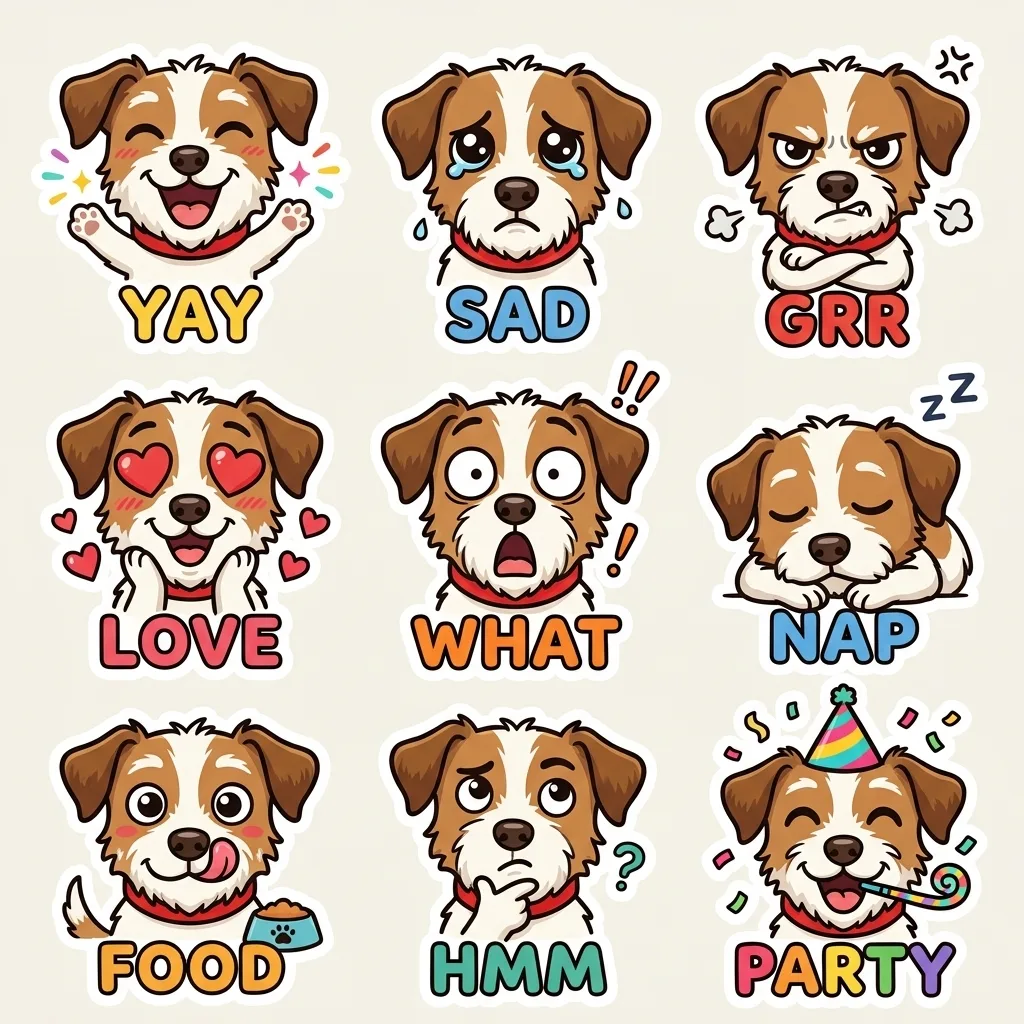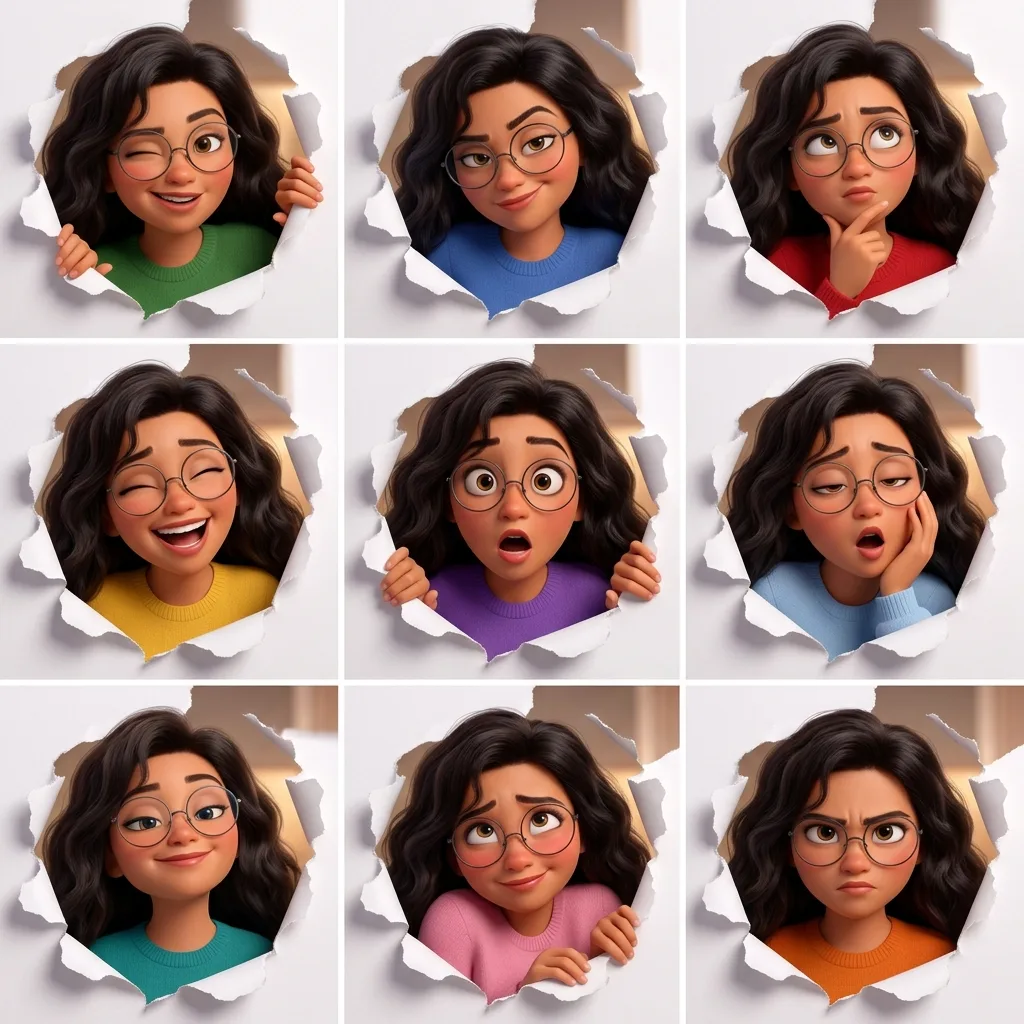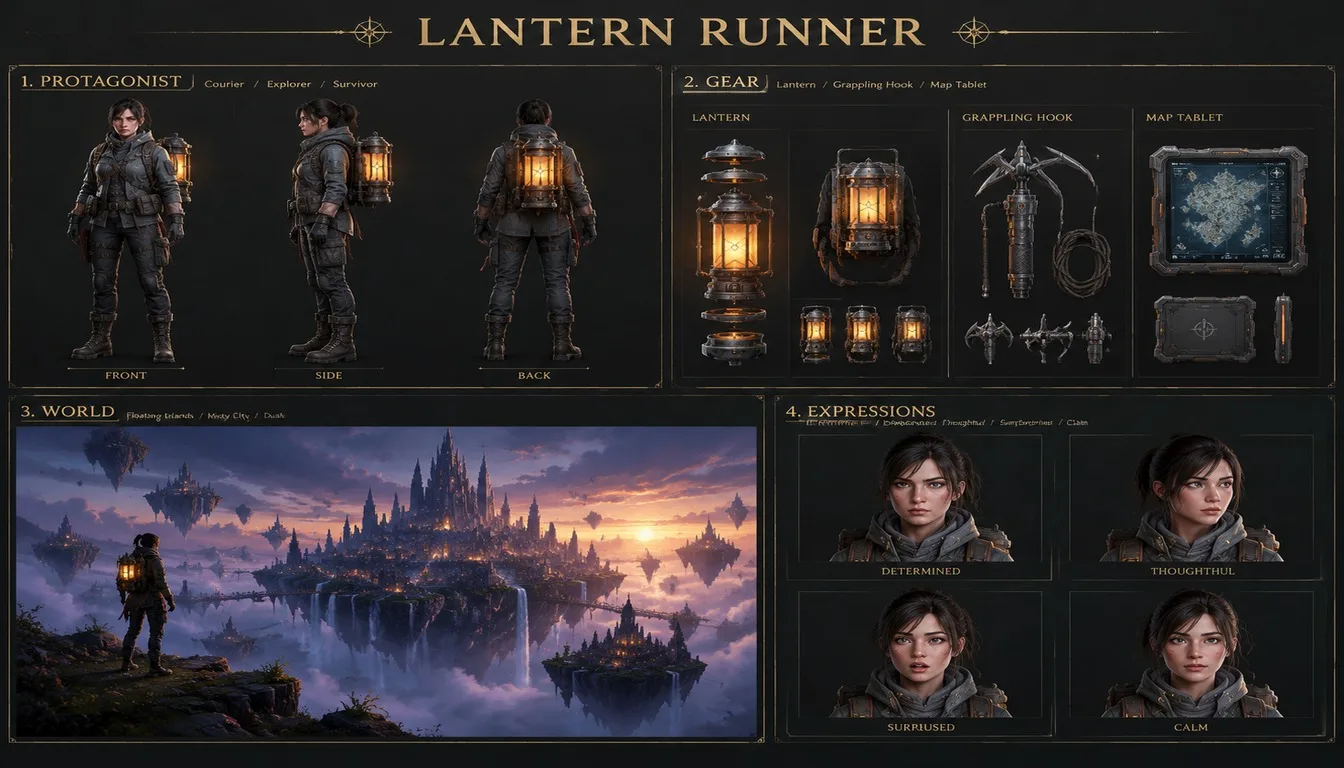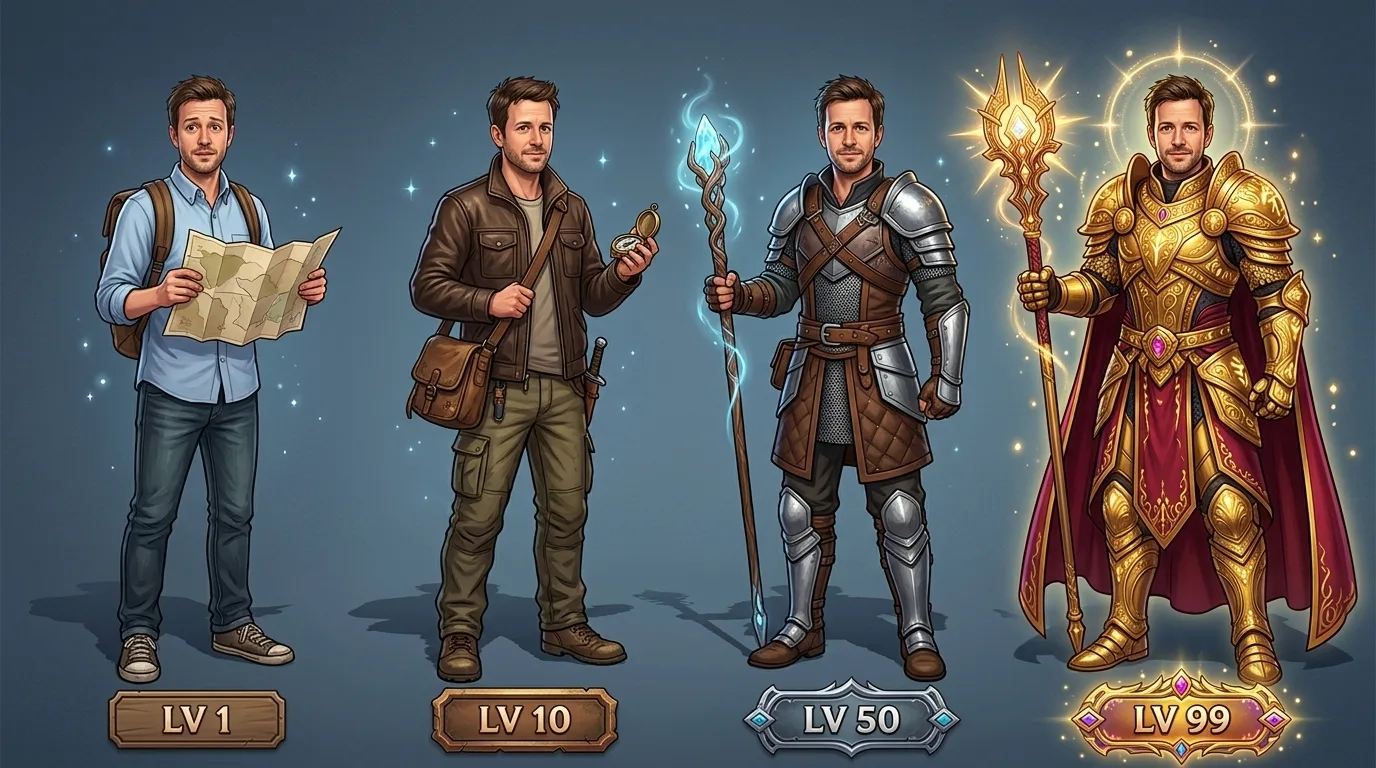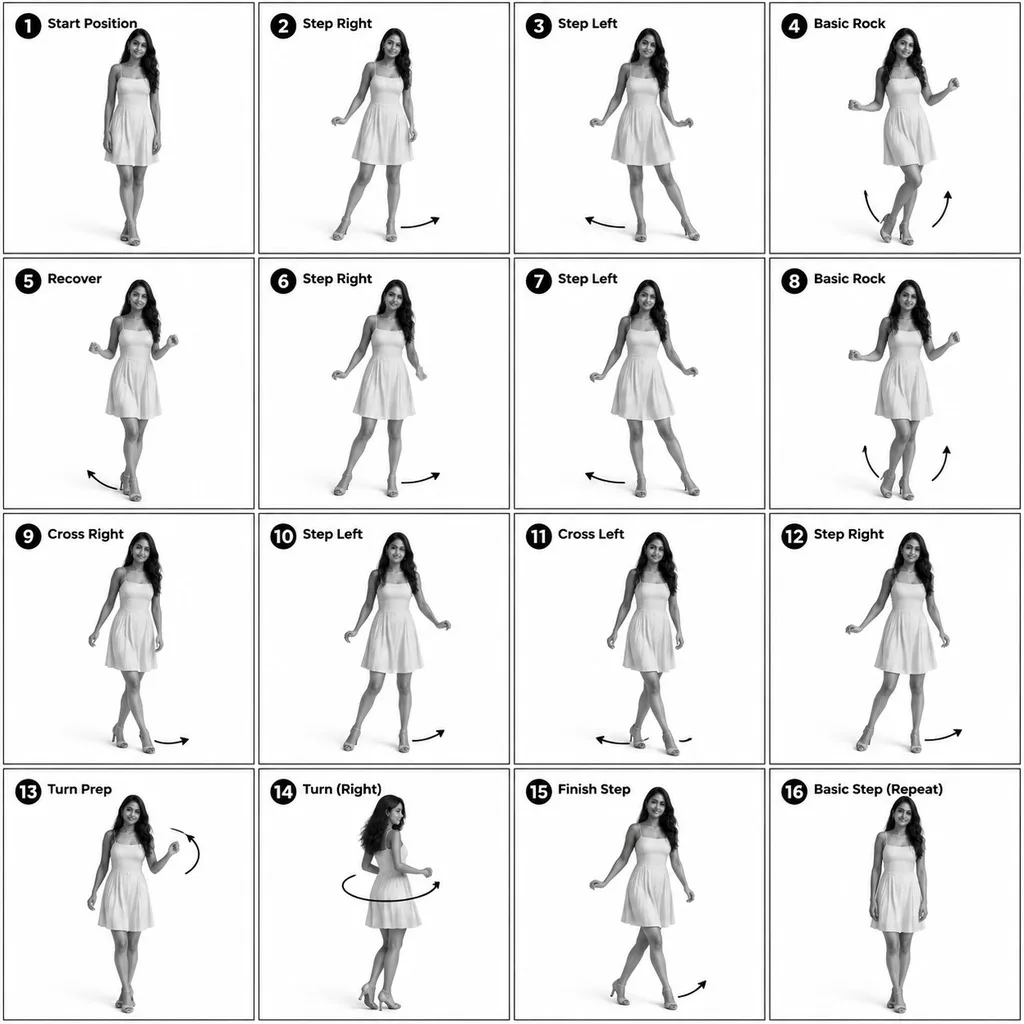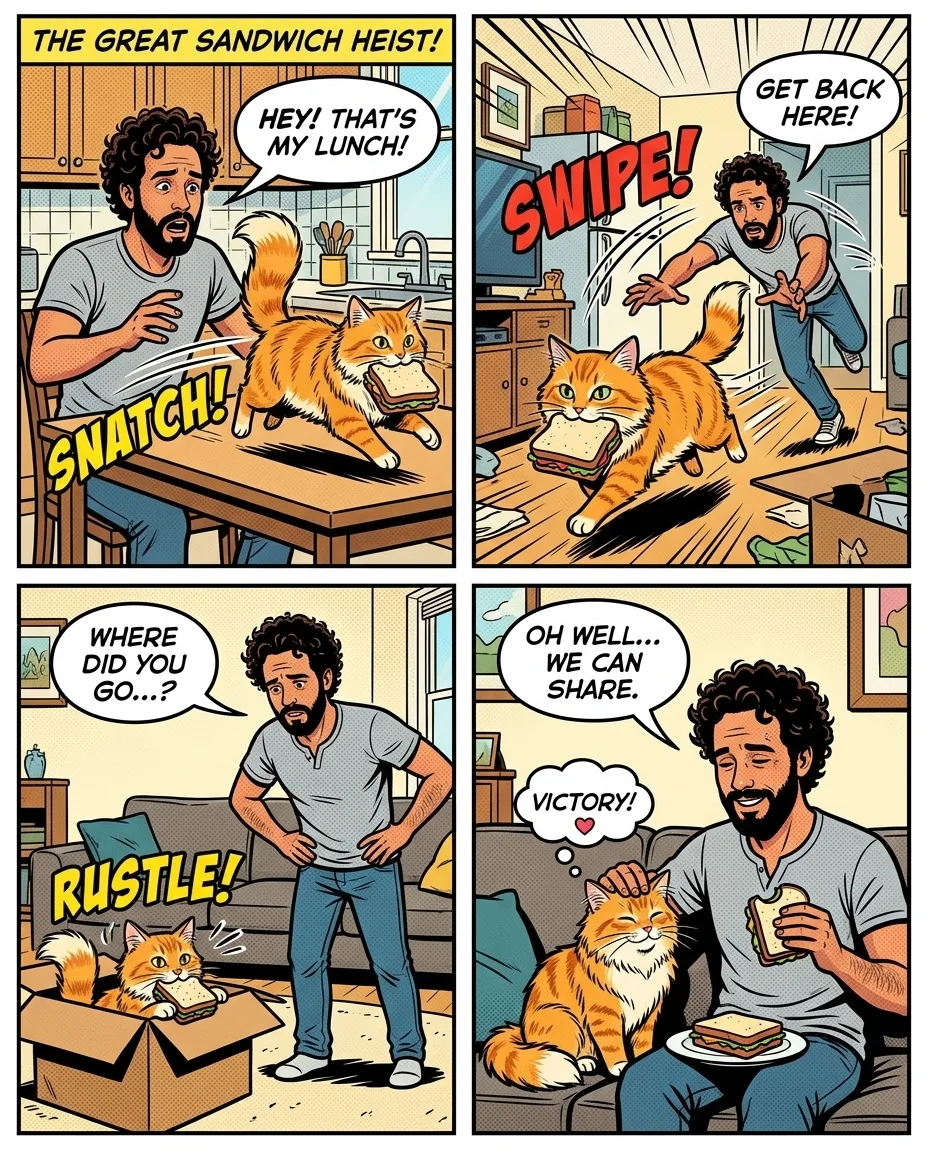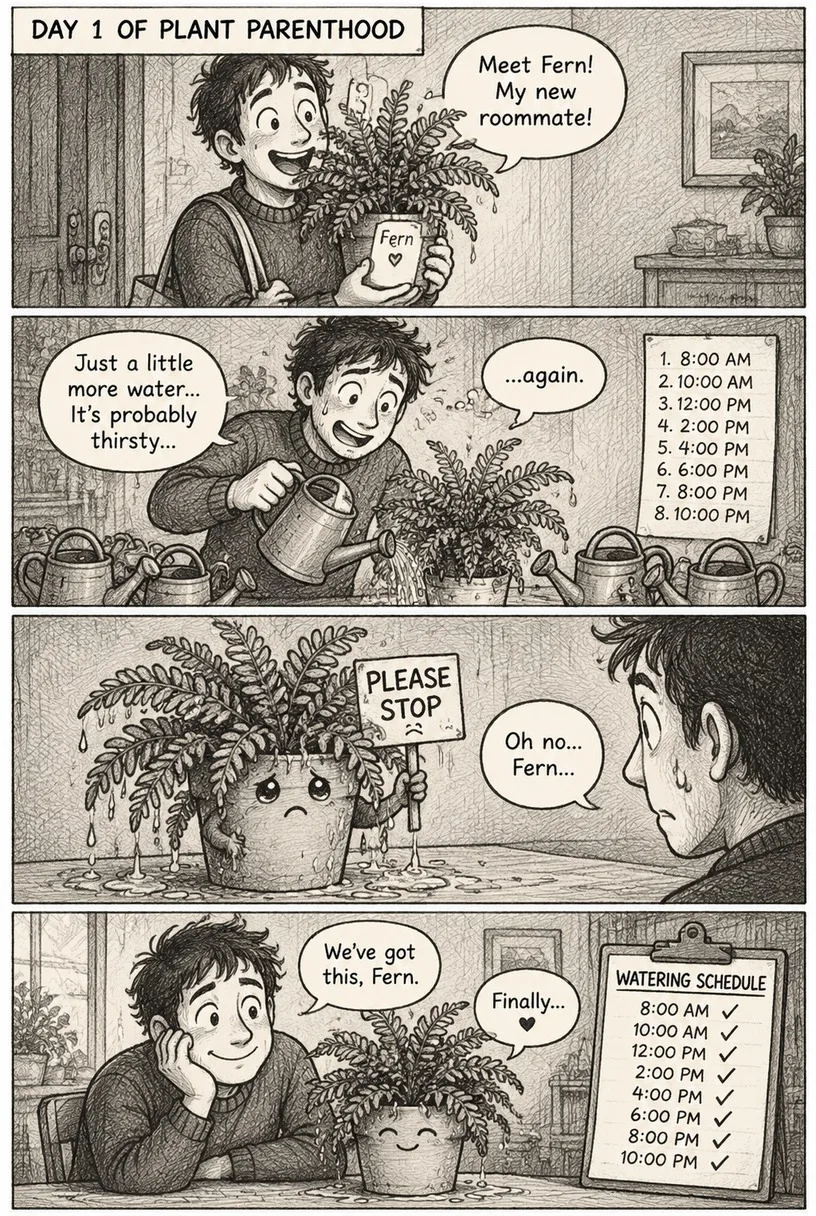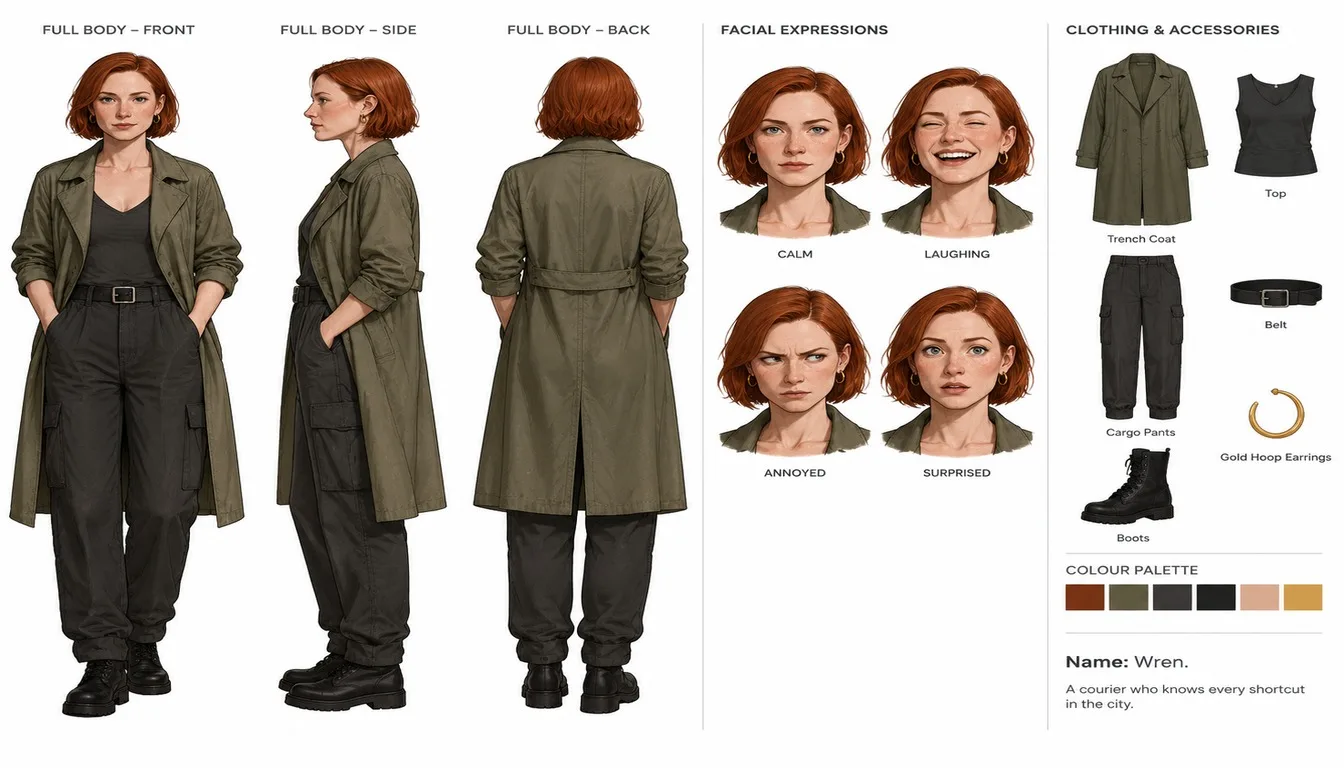
Character Reference Sheet, made with GPT Image 2.5 Sunburst
Example made with GPT Image 2.5 Sunburst

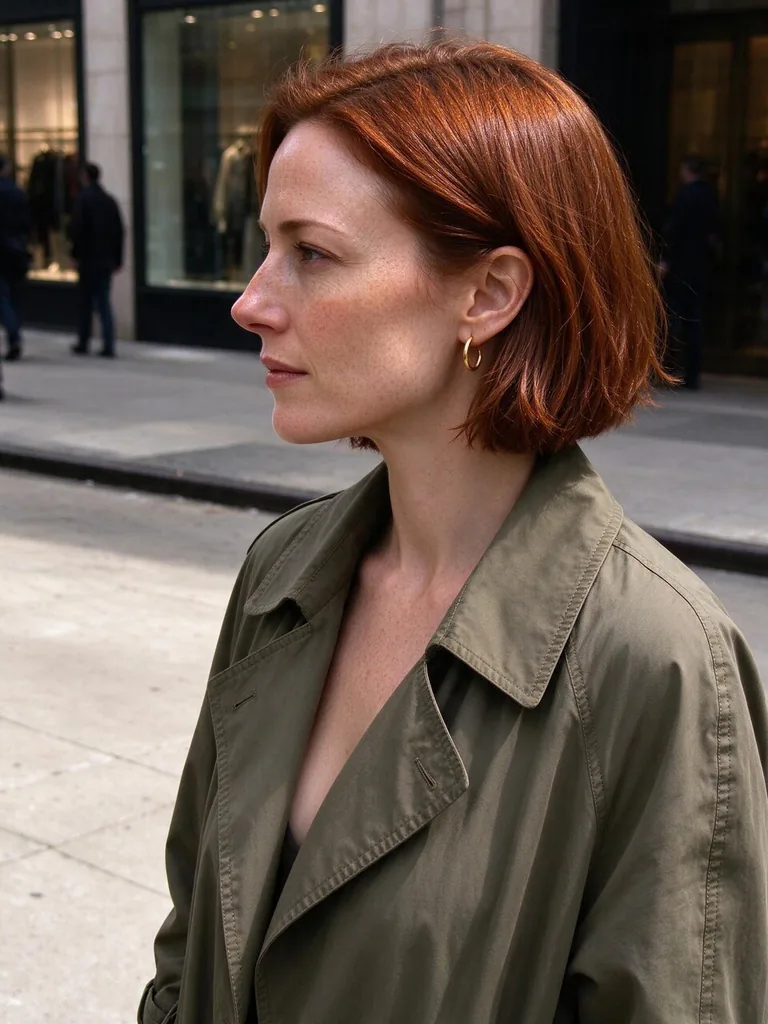
Example photo

Image editComics & stickersUses your photo

GPT Image 2.5 Sunburst character sheet promptCharacter Reference Sheet

An image-edit prompt for GPT Image 2.5 Sunburst: you upload a picture and this text says what to change.

Fill in the blanks

Change any box and the prompt below updates. Copy it, or make one with your version.

Prompt

Using the person in image 1 as the base, create an official-style character reference sheet in a clean illustration style on a white background. Keep the hair colour, hairstyle and outfit colours from image 1. Include front, side and back full-body views; four facial expressions (calm, laughing, annoyed, surprised); a breakdown of the clothing and accessories with small labels; a colour palette strip; and a two-line character note: "Name: Wren. A courier who knows every shortcut in the city.". Organised layout, one consistent design across every view.

Prompts stay in English, the language these models follow best. Copy it as it is, or change a few words.

Opens GPT Image 2.5 Sunburst with this prompt and the example photo. Swap in your own photo and you are ready.

67 tested GPT Image prompts →

Settings

Mode
Image edit
Aspect ratio
16:9
Resolution
1k
Quality
high
Input pictures
Your own pictures
Price
From 2 credits

The exact price shows before you generate.

Make your own version

  1. The layout is spelled out piece by piece: Include front, side and back full-body views. Keep that structure and change only the content, or the model loses track of the page.
  2. Keep the hair colour, hairstyle and outfit colours from image 1 is the line that keeps your photo recognisable. Leave it in, whatever else you change.
  3. This is a fill-in template: swap the parts in braces, like {note}, in the boxes above and keep the rest word for word.

Where this template comes from

Adapted from a prompt by @MANISH1027512, collected in freestylefly/awesome-gpt-image-2 under MIT. PopNow rewrote it as a fill-in template and made the example above.

Photo edit prompt guide

Which photos work for this edit

A clean illustration-style character sheet on a white background, built from the person in your photo: front, side and back full-body views, four facial expressions, a labelled clothing breakdown, a colour palette strip and a two-line note for a character named Wren. GPT Image 2.5 Sunburst works well here because the prompt lists every panel and pins the hair and outfit colours to image 1, so the result reads as one consistent character.

Edit prompts like this need one clear photo of the person you want to turn into a character sheet, because the model copies their hair, outfit and face into every view.

Works: a single person with the face clearly visible
The model needs to see the face and outfit clearly to carry them into the front, side and back views. One person also keeps the identity from splitting between figures.
Works: an outfit with distinct, simple colours
Clear colour blocks let the palette strip and the labels pick up each item accurately. Busy patterns can blur together once the model applies the clean illustration style.
Avoid: group photos or several people in the frame
The prompt says to use the person in image 1 as the base, so the model may blend faces or pick the wrong person to draw.
Avoid: hair hidden by a hat or heavy blur
Hidden hair or soft focus gives the 'keep the hair colour and hairstyle' instruction little to copy, so the look can change between views.

What each instruction does

  1. Source photo and canvasUsing the person in image 1 as the base, create an official-style character reference sheet in a clean illustration style on a white background

    It makes the model build the sheet from your uploaded photo instead of inventing a new character, and the clean style and white background set a plain canvas for the views. Without 'as the base' the face and proportions tend to drift.

  2. Identity lockKeep the hair colour, hairstyle and outfit colours from image 1

    This asks the model to keep the hair, hairstyle and outfit colours from your photo, so every view reads as the same person. If you remove it, the colours can shift between the front, side and back views.

  3. Views and expressionsInclude front, side and back full-body views; four facial expressions (calm, laughing, annoyed, surprised)

    This sets the sheet's content: three full-body angles and four faces. Cut the list and the model may give only one pose and one face, which defeats the purpose of a reference sheet for drawing or animating Wren.

  4. Labels, palette and notea breakdown of the clothing and accessories with small labels; a colour palette strip; and a two-line character note

    The labels name each clothing item and accessory, the strip fixes the exact colours, and the note gives Wren a name and a short backstory. Without them you get a character picture with no reference details.

  5. Layout and consistencyOrganised layout, one consistent design across every view.

    This asks for an organised sheet where the views sit in a clear arrangement and the design stays the same in each one. Remove it and the views may be scattered or slightly different in costume detail, making the sheet less useful.

Other edits in the same pattern

Autumn outfit

Changes the season and outfit while keeping the same structure, for a seasonal character pack.

Prompt

Using the person in image 1 as the base, create an official-style character reference sheet in a clean illustration style on a white background. Keep the hair colour and hairstyle from image 1, and dress the character in a warm autumn outfit with a knitted scarf. Include front, side and back full-body views; four facial expressions (calm, laughing, annoyed, surprised); a breakdown of the clothing and accessories with small labels; a colour palette strip; and a two-line character note. Organised layout, one consistent design across every view.

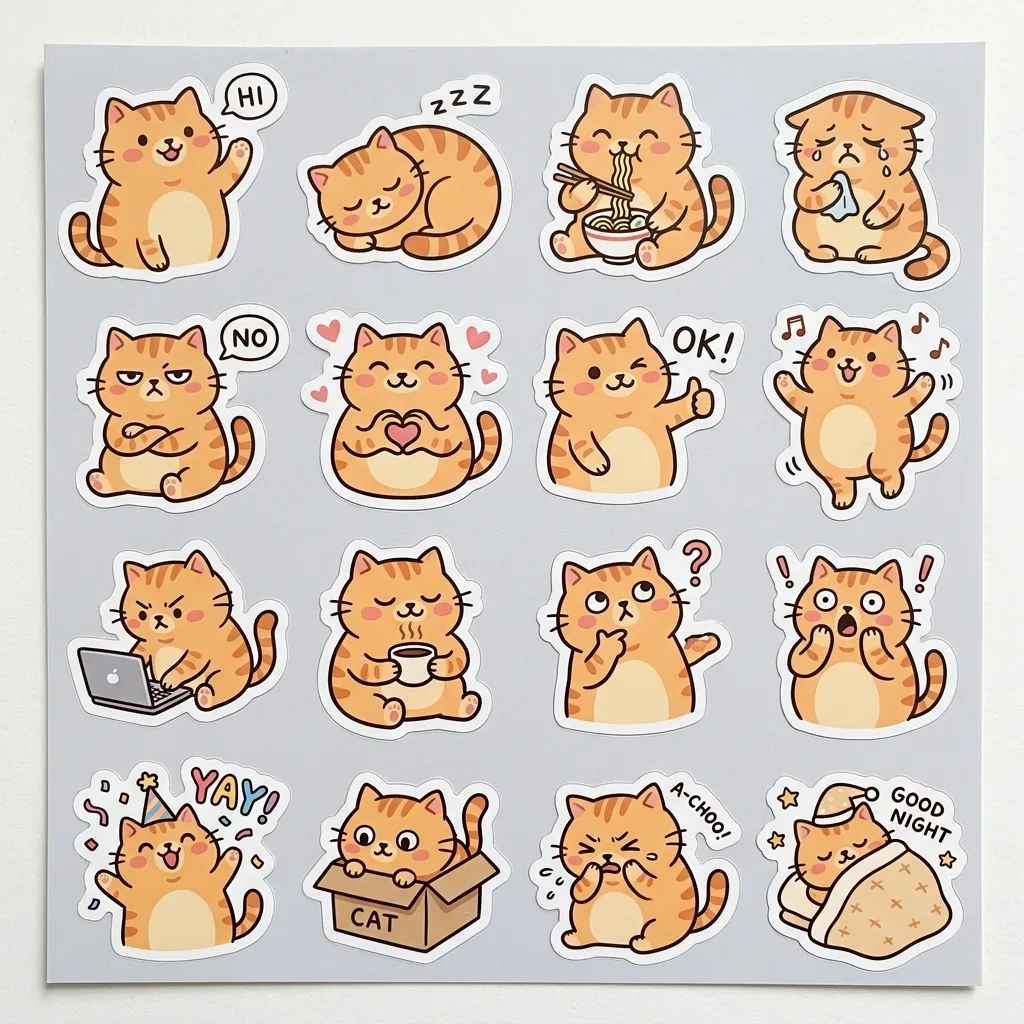
Chibi sticker style

Swaps the illustration style for chibi stickers, which suits a sticker pack or emoji-style set, while the views and labels stay the same.

Prompt

Using the person in image 1 as the base, create an official-style character reference sheet in a cute chibi sticker style on a white background. Keep the hair colour, hairstyle and outfit colours from image 1, with a slightly larger head and simplified shapes. Include front, side and back full-body views; four facial expressions (calm, laughing, annoyed, surprised); a breakdown of the clothing and accessories with small labels; a colour palette strip; and a two-line character note. Organised layout, one consistent design across every view.

Rainy-day courier

Keeps the layout but changes the paper colour and outfit, so the sheet suits a warm-toned print or a different story.

Prompt

Using the person in image 1 as the base, create an official-style character reference sheet in a clean illustration style on a plain cream background. Keep the hair colour and hairstyle from image 1, and give the character a dark green rain jacket with a yellow messenger bag. Include front, side and back full-body views; four facial expressions (calm, laughing, annoyed, surprised); a breakdown of the clothing and accessories with small labels; a colour palette strip; and a two-line character note. Organised layout, one consistent design across every view.

Model and settings

Keep the 16:9 ratio, 1k resolution and high quality for this sheet, since the wide frame fits the views side by side and the labelled breakdown stays readable at this size. Use one input picture in image-to-image mode, with a clear photo of the person as image 1. For a square sticker or social post, change the ratio, but keep high quality so the small labels and the note stay sharp. Raise the resolution only if you plan to print the sheet.

  • Nano Banana ProPick this when the labels and the two-line note matter most, since its tagline says it plans the layout first and handles dense text and diagrams, which suits a labelled clothing breakdown.
  • FLUX.2 ProPick this if you need exact colours in the palette strip, since its tagline mentions hex colour control and readable text, though you may need to push harder for the clean illustration look.

When the edit misses

The face changes between the front, side and back views
Add 'same face as image 1 in every view' after the 'Keep' sentence, and use a sharp, front-facing photo as the input.
The sheet shows one pose and one face instead of the full list
Add 'separate panel for each view and expression' right after 'Organised layout'.
Soft shadows make the views look lit differently
Add 'flat, even lighting with no cast shadows' right after 'on a white background'.
The sheet comes out tall and cramped, with views overlapping
Set the ratio to 16:9 before generating so the views sit side by side.

Questions about this edit prompt

Can GPT Image 2.5 Sunburst build front, side and back views from one photo?

Yes, this prompt asks for those views from the single input picture in image 1. The model has to infer the side and back from what it sees, so the more of the outfit visible in the photo, the more accurate those views tend to be.

Why does my character's face look different from my photo?

Hair and outfit colours are locked by the prompt's Keep sentence, but the face is not named as a lock. Add 'same face as image 1' to the instruction and keep the photo sharp and front-facing.

Why does the prompt ask for a white background?

A plain white background gives the model an empty canvas, so the views, labels and palette strip do not compete with scenery. It also makes the sheet easy to crop or cut out in an editor later.