

Plan the beats as a grid of panels, lock the character and look in one image, then turn it into video in one go or panel by panel on the canvas.
A storyboard grid is one image that holds the whole plan: every beat in order, the same character in each panel, one colour palette. Because it is a single generation, the character and the look match across panels in a way separate stills rarely do. That makes it a strong starting point for a short film.
Step 1: Generate the grid
Ask for the number of panels and the reading order, one moment per panel, the same character and outfit in every panel, and no text unless you want it. Nine panels (3×3) suit a 10 to 15 second piece; four panels suit a single moment told in a few cuts.
A 3×3 storyboard grid of nine frames with thin white gutters, read left to right and top to bottom: a courier in a red jacket cycles through a rainy street market, locks the bike, climbs a stone staircase, knocks on a blue door, the door opens, she hands over a parcel, the two of them laugh, she waves goodbye, she rides away at dusk. The same courier and outfit in every panel, one moment per panel, no text.
Step 2: Fix the weak panels
Read each panel as if it were a shot. If one breaks the story (the wrong outfit, an unclear beat, an extra hand), fix it before moving on: edit the grid with an instruction that names the panel, such as "in panel 6, she holds the parcel in both hands", or generate the grid again. A grid that reads well as a comic will read well as a film.
Step 3: Turn the grid into video
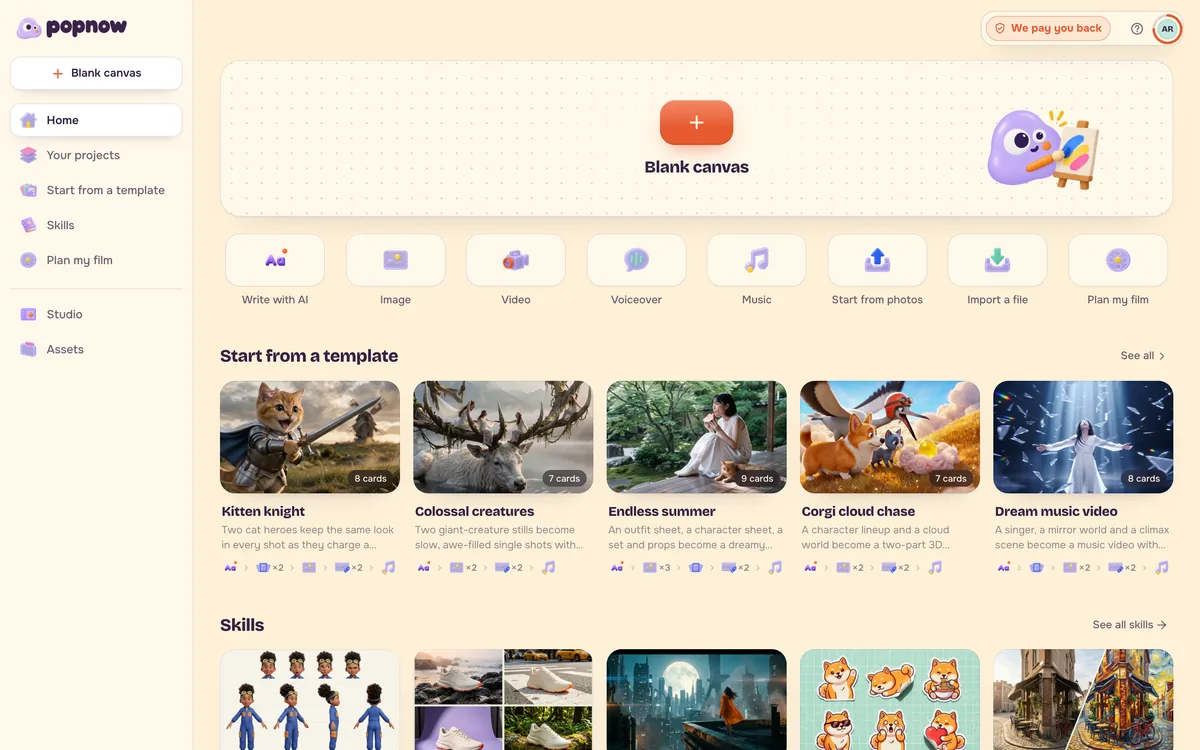
Both ways work on the Canvas:
- In one go. Connect the grid card to a video card set to reference to video, together with a photo of the character if you have one. In the prompt, say that the clip follows the panels in reading order and that the grid, borders and numbers must not appear; do not describe every panel again. This works best with Seedance 2.0 or 2.5 and nine panels or fewer.
- Panel by panel. Use Split into cards on the grid to turn each panel into its own image card, then animate each card from the image. It takes longer, but every shot can be checked and redone on its own.
Step 4: Assemble and check
Line the clips up in the order of the grid and watch them back to back. Redo only the shots that break continuity, such as a jacket that changes colour or a character on the wrong side of the frame. For longer stories with dialogue, Filmmaker plans the scenes and shots from a script for you.
FAQ
How many panels should a grid have?
Four to nine. More panels make each one smaller and less detailed, and video models follow long sequences less reliably.
Why does the grid show up in my video?
The prompt did not rule it out. Add "do not show the grid, borders or panel numbers; every frame is full screen".
Can I keep my own character in the grid?
Yes. Add a reference photo or sheet of the character when you generate the grid and say "the same person from the reference in every panel". See Keep the same character in every shot.