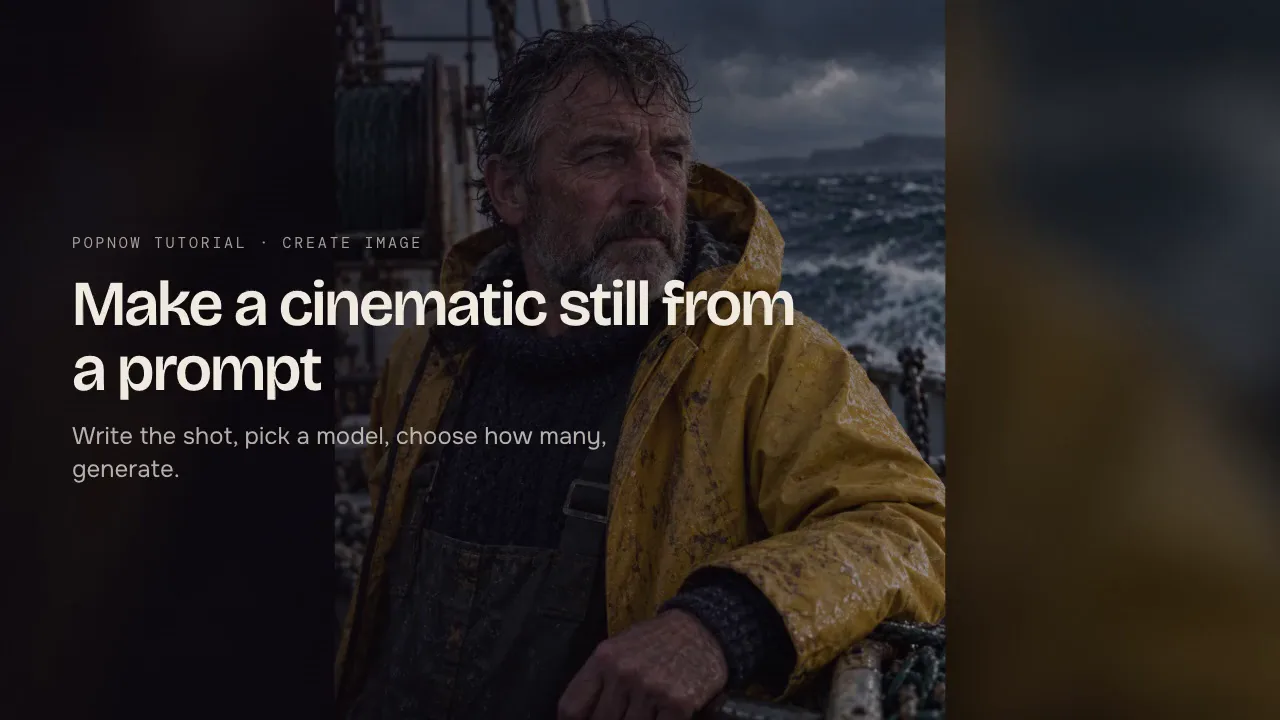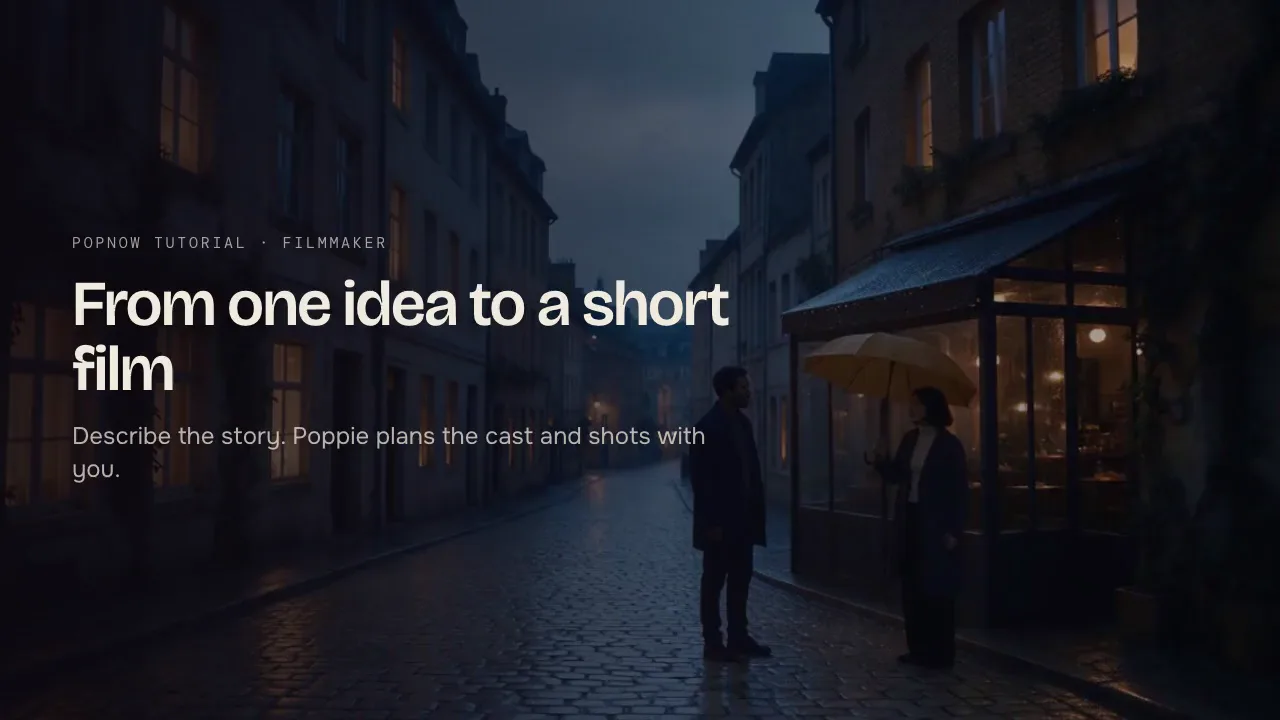

Build one character reference sheet, reuse it as a reference, and change one thing per edit. The same face, hair and outfit from stills to multi-shot video.
A character described only in words is redrawn on every run. Even with the same sentence, the jawline, the hairline and the jacket drift from one result to the next. Consistency comes from pictures, not adjectives: make one good reference, then give it to every shot.
Step 1: Make one reference sheet
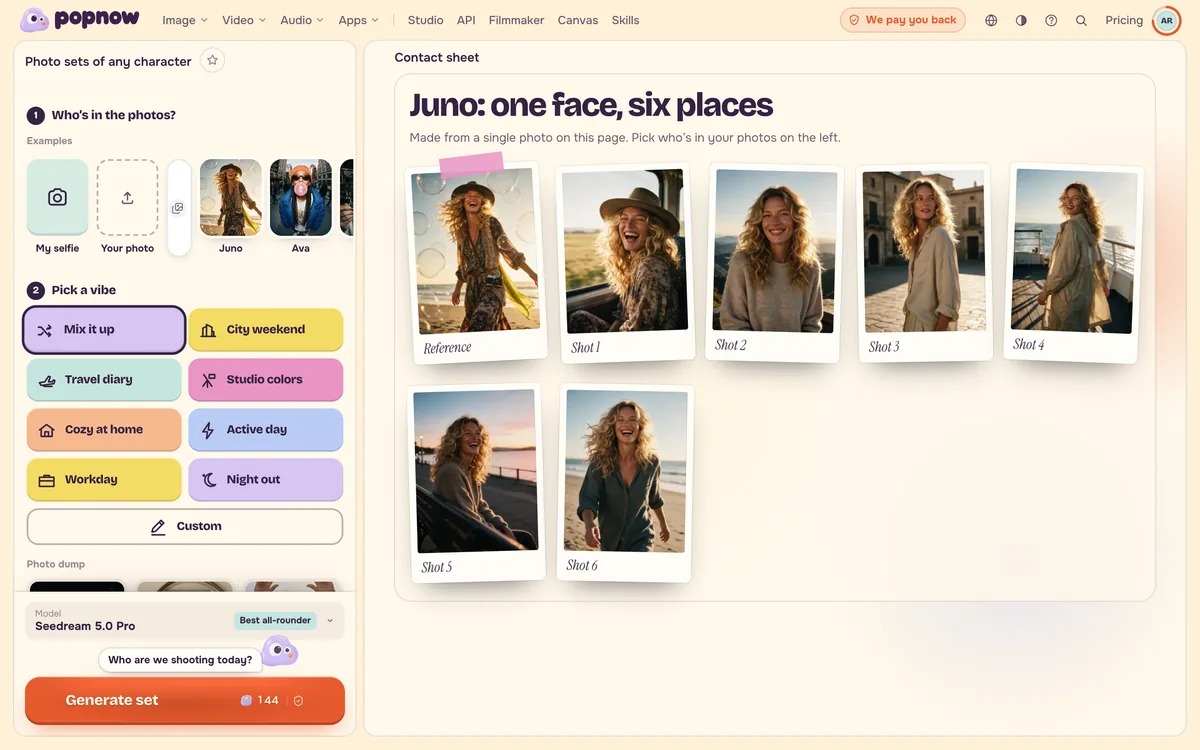
Start from a photo you have the right to use, or a still you generated and like. Turn it into a reference sheet: the same person on a plain background, a few full-length angles (front, side and back) and a couple of close-ups of the face, all in the style of the original. The character turnaround skill in Skills builds this sheet for you. Save the result in Characters so it is one click away next time.
Step 2: Use the sheet as the reference
For a new still, add the sheet as a reference image and say what to keep. Without that sentence, a model treats the reference as loose inspiration.
Place the person from the photo on a windy harbour pier at golden hour, keeping their face, hair and green raincoat exactly as they are; soft side light from the low sun.
Step 3: Change one thing per edit
Pose, place, outfit and light are four separate changes. Ask for one per edit and the face holds. Ask for all four at once and the model has to reinvent so much of the picture that the person drifts. Two quick edits usually cost less than one crowded edit you end up redoing. If you do ask for several changes in one go, Enhance (next to the prompt box) keeps all of them, puts the one you stressed first and spells out what must stay the same.
Step 4: Carry the character into video
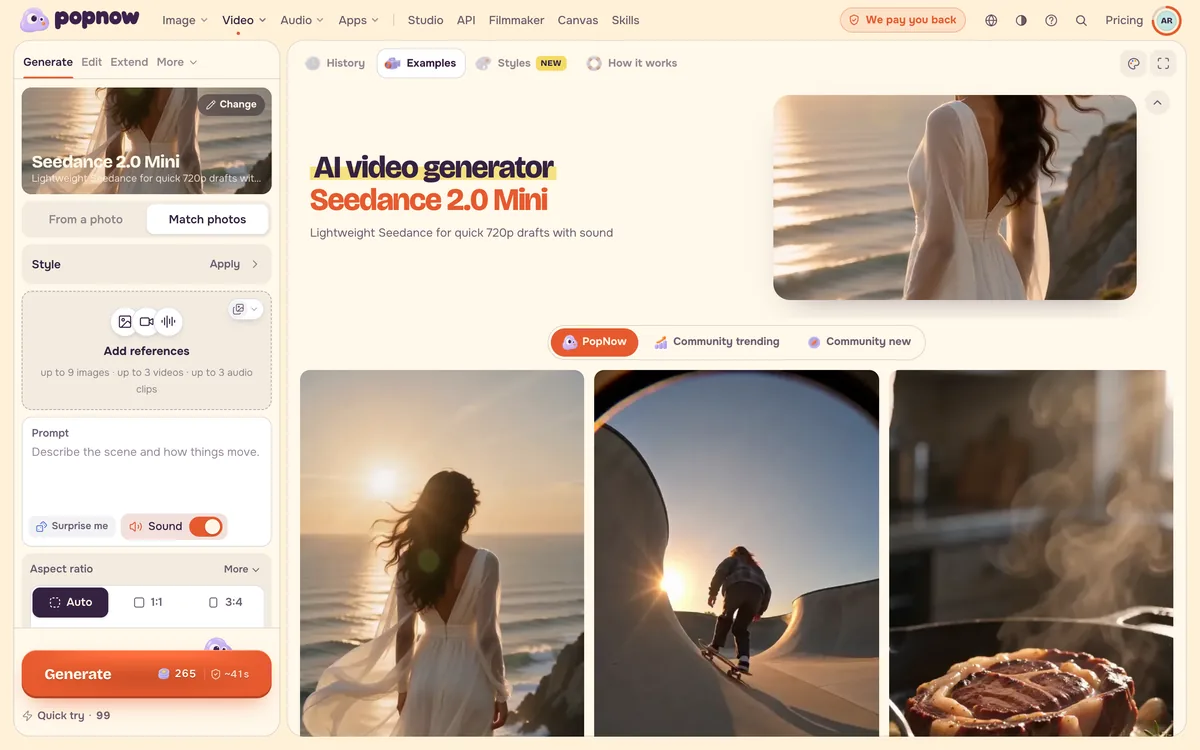
On the video page, switch to Match photos (reference to video) and add the sheet plus a photo of the place if you have one. Each reference gets a label you can use in the prompt, such as @Image1, so say which picture is which: "the woman from @Image1 walks into the café from @Image2". Limit each clip to three people at most who need to stay recognisable, and let every shot spell out which person is doing what. For several shots in one clip, see Several shots in one clip.
FAQ
Why does my character's face change between clips?
Usually the clip was made from words alone, or the reference was added without saying what to keep. Add the reference sheet, ask for "the same face, hairstyle and clothes as the reference", and avoid changing pose, place and outfit in the same run.
How many reference photos should I use?
Three or four clear photos of the same person usually work better than one. Give each picture one job (the face, the outfit, the place) and say in the prompt which is which.
Can I use photos of other people?
Use photos of yourself, or of people who have agreed to it, and never public figures. The examples on PopNow use invented characters.