
Audit real production outputs, budget retained seconds, record a dated Seedance quote and separate a service fee from the client's generation allowance.
A useful estimate connects the brief to shot rows, usable screen time and a clear limit on attempts. This example budgets a 60-second montage with thirty two-second shots, one 16:9 version, a $600 service fee and a maximum of 49,932 PopNow credits in the client's own account.
The service hours and rate are illustrative planning assumptions. The audit uses saved production outputs from Poppie: a PopNow short film, made with Seedance 2.5 at 720p. The public website settings and prices were recorded on November 7, 2026.
Open the exercise files
- Editable quote table and full scope and stopping rule.
- Thirty-row shot plan. Assign actual source ranges during your own production.
- Recipe, translated prompts and checklist.
- Symbol starting image, moving take and static revision.
- Note before revision and note after revision.
Step 1. Read the completed estimate
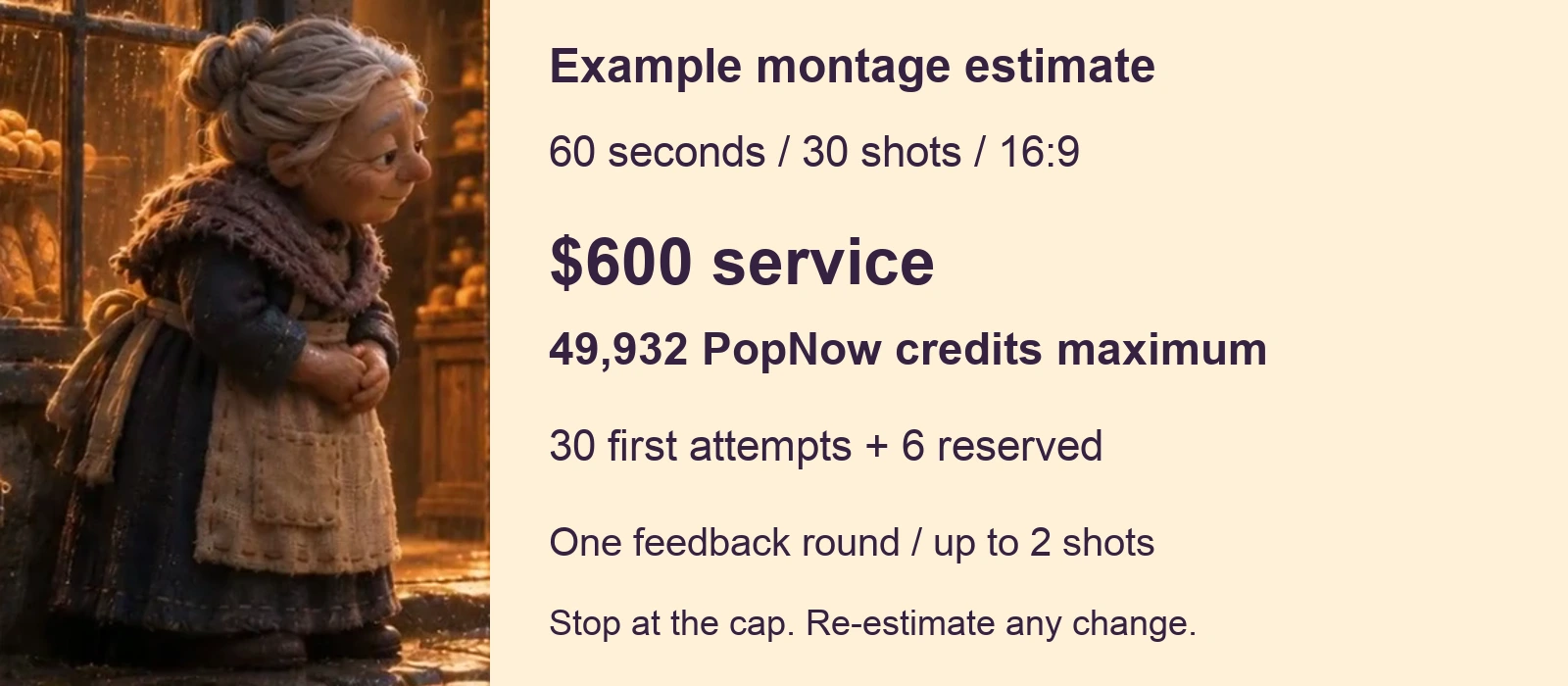
Open quote.csv in a spreadsheet and quote.json beside it. The service rows contain eight hours for planning, preparation and editing, two for sound and two for quality checks, all at $50 per hour. Replace these with the hours and rate appropriate to the actual brief.
Define the feedback allowance. This example includes one consolidated feedback round affecting at most two shot positions within the six-attempt reserve. A new script, different product or longer film requires a revised scope and estimate.
Step 2. Audit the saved outputs
The bounded audit covers four deliberately selected troubleshooting positions in an earlier edit, drawing, symbol character, painting and note. Across those positions, nine saved files contain eight distinct outputs. Four sources were selected for that edit. The local ratio of 8 / 4 = 2.0 describes this troubleshooting sample.
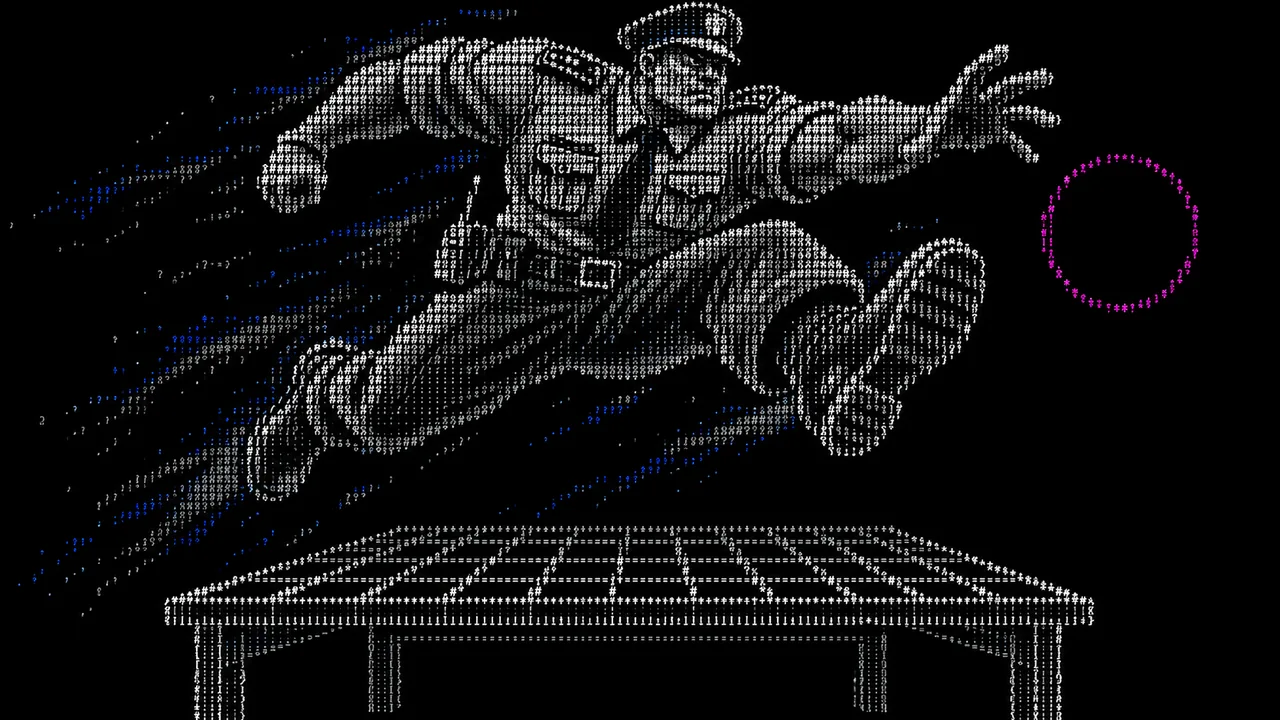
The files named 11.mp4 and 11-flat.mp4 are byte-identical. Their MD5 begins f2cb8539. The separate 11-static.mp4 begins 1690d8f7. Count two symbol outputs.
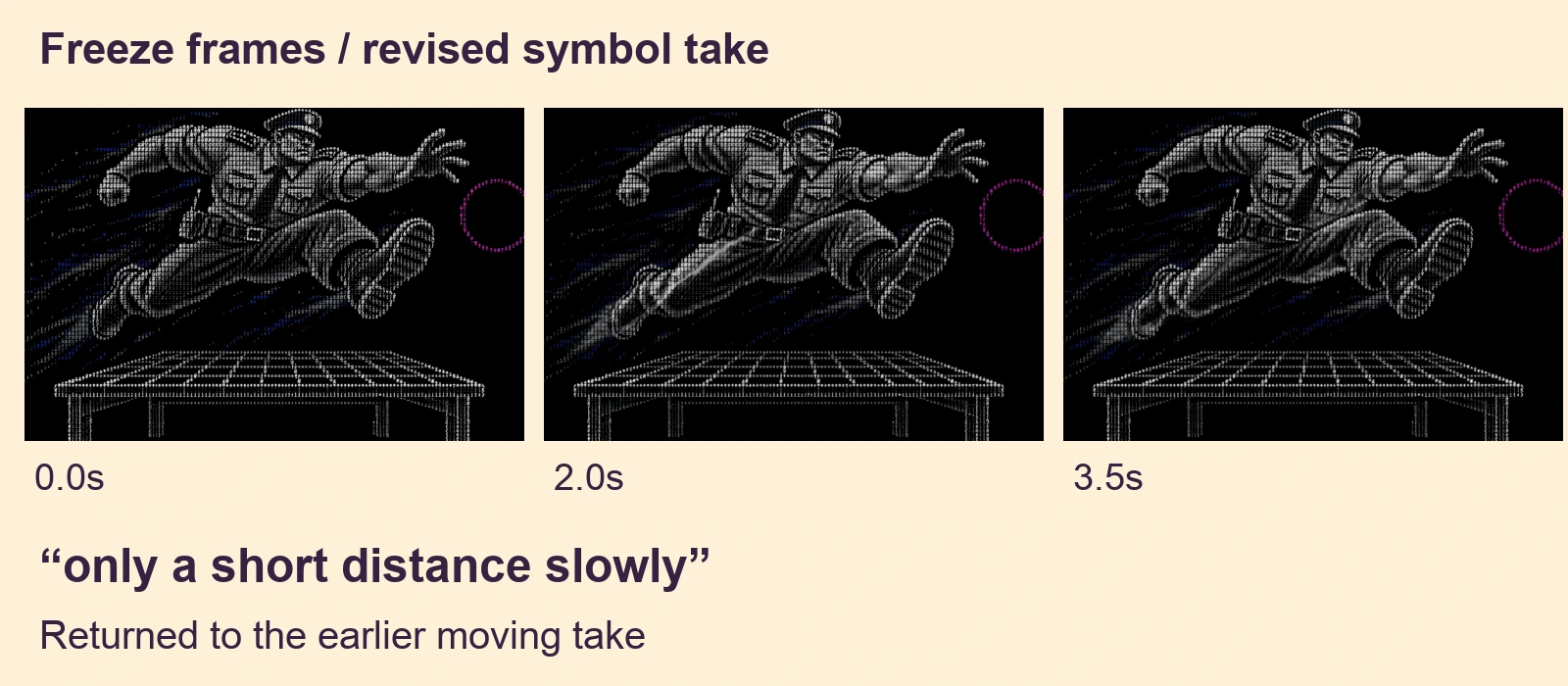
Watch both symbol takes at 1x. The revision asks for movement “only a short distance slowly,” while preserving the leap pose. Very little movement remains. A paid revision can leave the edit using the earlier take.
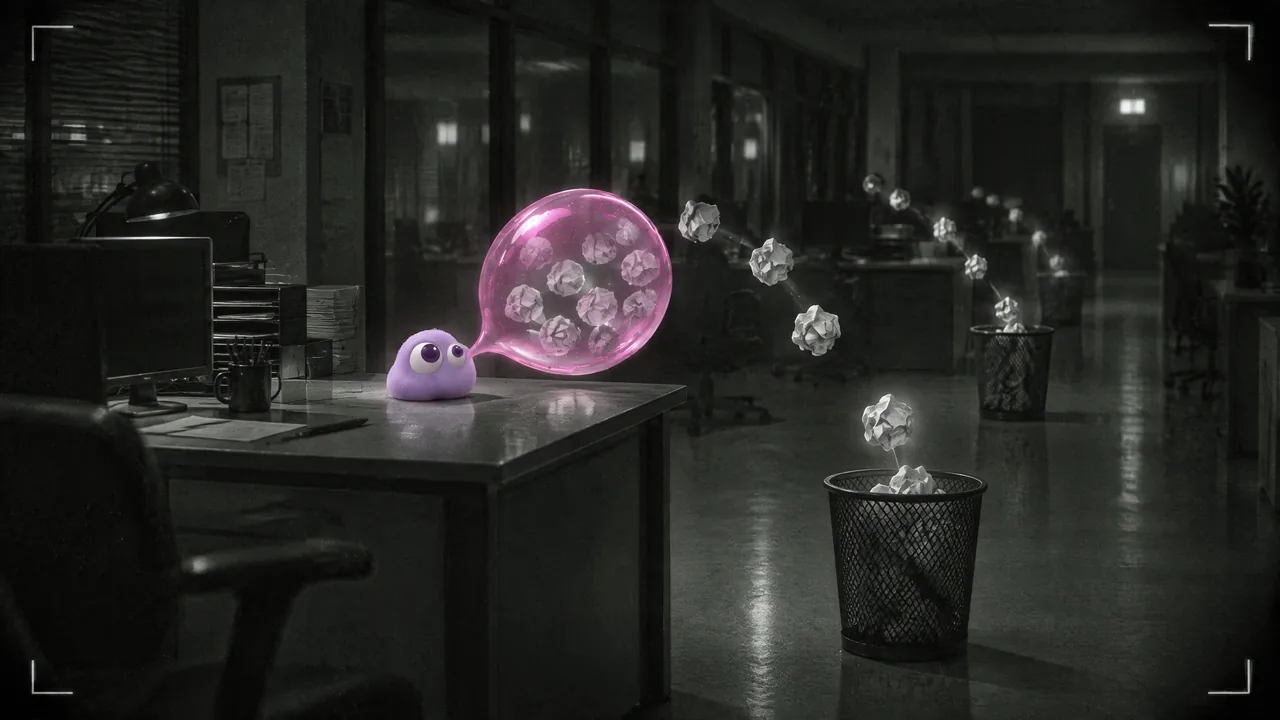
The note example shows another concrete revision. In the first take, the paper is copied into the sky. The revised instruction raises a single held sheet and excludes anything else in the sky. Review both supplied files at 1x and compare their translated prompts in the recipe.
The first production batch completed 42 clips, with a recorded charge of 3,864 production-tool credits. That record covers the first batch. Later takes, previews and duplicate exports cannot establish the final film's generation count or full cost. Production-tool credits and PopNow credits use separate units.
Step 3. Budget the seconds the edit needs
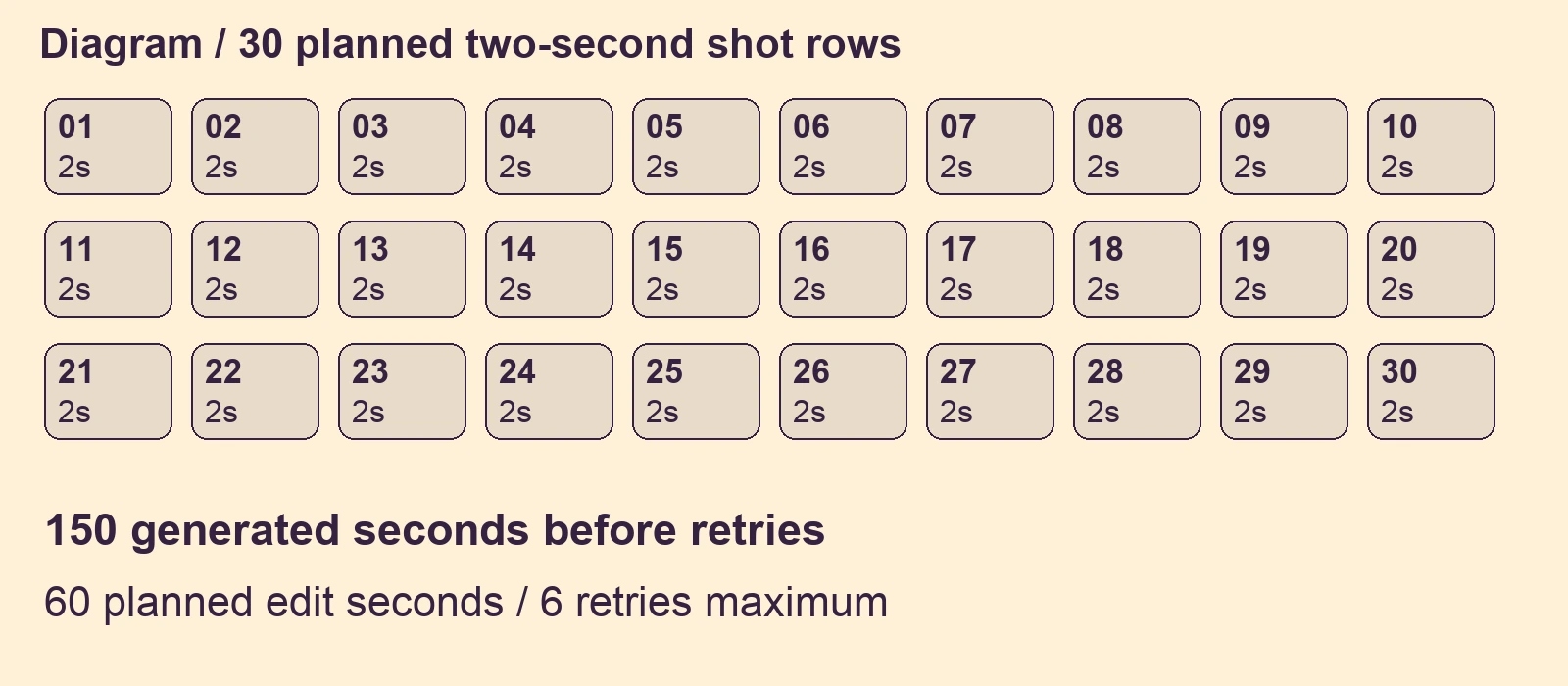
The earlier edit log retained 38 / 24 seconds of the symbol shot, 53 / 24 of the painting and 48 / 24 of the note, approximately 1.58, 2.21 and 2.00 seconds. These are retained ranges from that earlier edit log.
For the quote, thirty five-second first attempts and six reserved attempts are planned limits. Check every shot row against the required action. If a shot needs an uninterrupted five-second performance, rewrite its row and test that action separately.
Step 4. Record the real settings and price
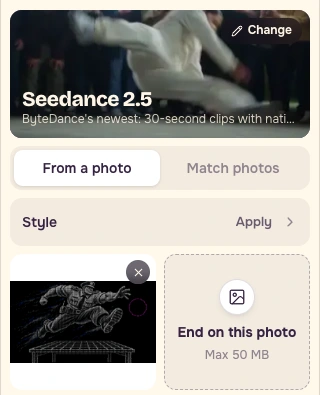
Open Video. Select Seedance 2.5 and From a photo. Add symbol-start.png as the starting image and leave the end-image slot empty.
Paste the initial motion prompt below. Translated from our original prompt.
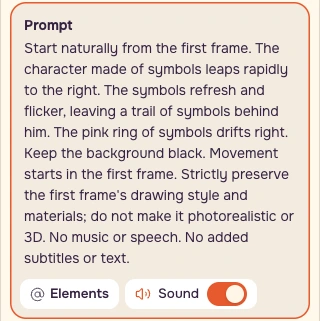
Set Duration to 5s, Resolution to Sharp / 720p, Aspect ratio to Auto and Videos to 1. Sound was on in the captured form. Save a screenshot of the populated form and its button price with the recording date.
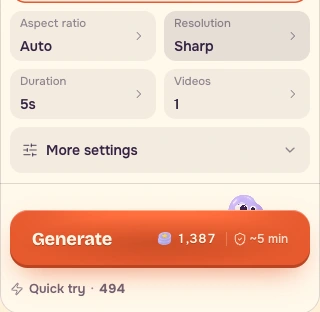
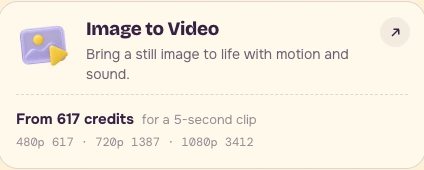
| Allowance | Calculation | PopNow credits |
|---|---|---|
| First attempts | 30 × 1,387 | 41,610 |
| Reserved attempts | 6 × 1,387 | 8,322 |
| Maximum | 36 × 1,387 | 49,932 |
Refresh the populated quote before buying attempts. Recalculate every allowance if the displayed price changes. The client supplies these credits through their own PopNow account.
Step 5. Price your work and define the stop
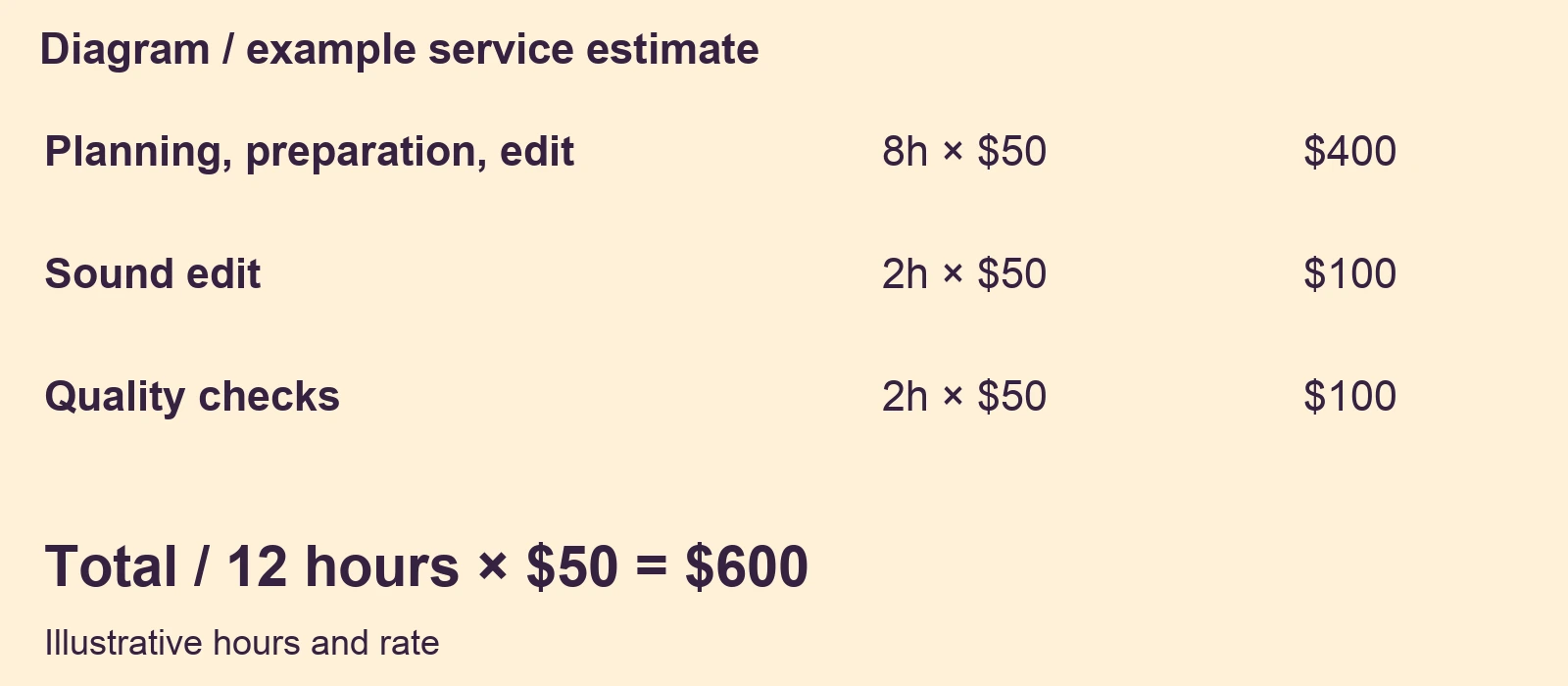
Generation waiting time does not determine the service fee. Estimate the work you will actually perform. The example excludes new still generation, voice, music licensing, upscaling and additional versions. Add scoped rows when the brief needs them.
Stop after 36 attempts, or earlier if the remaining allowance cannot complete the cut. Agree a revised estimate before further generation. Save the edited quote.csv, full scope terms, shot rows and dated settings screenshot together.
Checklist
- Deduplicate saved files before counting attempts.
- Check required retained seconds for every shot.
- Date the exact settings and populated price.
- Estimate planning, preparation, editing, sound and quality checks.
- Keep service currency and PopNow credits in separate rows.
- Define the feedback allowance and stopping rule.
- Save the source ranges, quote and screenshot with the delivery plan.
FAQ
How should I use the audit ratio?
Use it to understand the four inspected troubleshooting positions. Build a new job's allowance from its shot requirements and planned limits. Check whether each action can supply its required retained seconds.
What changes the estimate?
A new script, different product, longer film or additional delivery version changes the scope. Update the work hours, shot rows and current generation quote together before agreeing the revised limit.
What should the client provide?
Agree the brief, approved starting images, delivery format and feedback allowance. In this example the client uses their own PopNow account for generation credits, while the service fee covers the creator's planned work.