
Translate a short paragraph into visible stages, set up Seedance 2.5 with a real frame pair, and inspect the timing and continuity of one continuous scene.
A useful scene gives the audience a change to follow. Here, anticipation, reunion and departure happen inside one continuous 15-second shot. The example comes from our own production run with Seedance 2.5, using the actual bakery starting frame and street destination frame.
The public website controls were recorded on November 7, 2026, without an account. The supplied scene is an earlier production result. The lesson's practice settings use Sound off; the saved production example has native audio, and its original Sound setting was not recorded.
Get the exercise files
- Bakery start: the actual warm-window starting frame.
- Street end: the destination with the red bus.
- Continuous scene: the saved 15-second result.
- Download the English recipe and editable beat table.
Step 1: Turn the paragraph into visible actions
The first sentence provides a subject and a place. Give that person a visible target and add one small camera move:
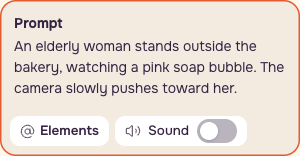
The partner appearing inside the bubble and the reunion outside it become separate stages. The final sentence supplies the door and destination. Keep the staging concrete: what changes, where the camera moves, and what must remain consistent.
Step 2: Load the actual frame pair
Open Image to Video, choose Seedance 2.5, and select From a photo. Add Bakery start first. For the full scene, Street end belongs in End on this photo.
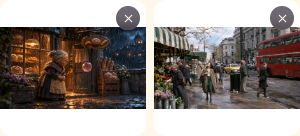
For the smaller practice test, leave End on this photo empty. This gives you a narrow question to inspect: can the appearance and contact action read?
Step 3: Start with the small contact test
New simplified practice prompt:
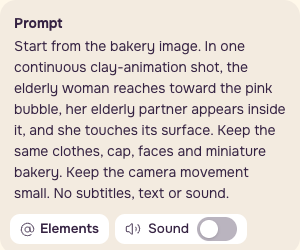
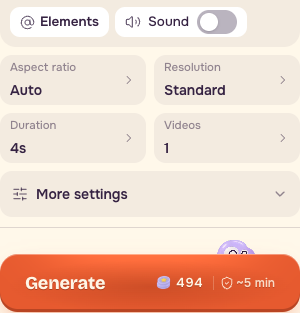
Set Duration: 4s, Resolution: Standard / 480p, Videos: 1, Aspect ratio: Auto, and Sound: off. Allow at most one revised short test. If you only want to practice the story structure, start with the supplied scene and beat table before buying another version.
Step 4: Build the complete stage prompt
After judging the contact action, add Street end to End on this photo, use the complete prompt below, set Duration: 15s, and keep Sound off. The saved full example used 720p, shown as Sharp in the interface. You can compare 480p before deciding to spend more.
Translated from our original prompt:
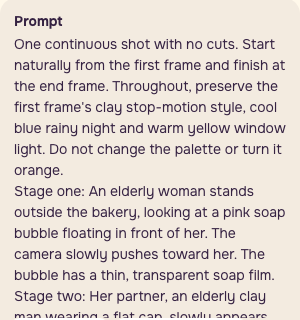
The prompt asks for cool blue rain and unchanged clothes. The result does not fully follow those instructions. Keep that difference in your review notes.
Step 5: Compare the quote before paying
| Setup | November 6 catalog estimate | November 7 recorded website quote |
|---|---|---|
| 4s, 480p | 493.6 PopNow credits | 494 PopNow credits |
| 15s, 720p | 4,159.5 PopNow credits | 4,160 PopNow credits |
| 15s, 480p | 1,851 PopNow credits | 1,851 PopNow credits |
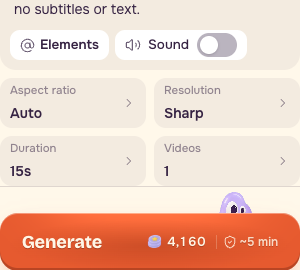
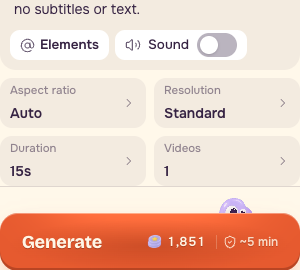
These are dated website quotes and catalog estimates, not the historical charge for the saved example. Record the displayed quote and actual charge for any run you make.
Step 6: Measure the three beats
Watch the entire scene at 1x, then move through it with the time display visible. Record what happened rather than dividing the clip into arbitrary equal sections.
| Beat | Observed range | Inspect |
|---|---|---|
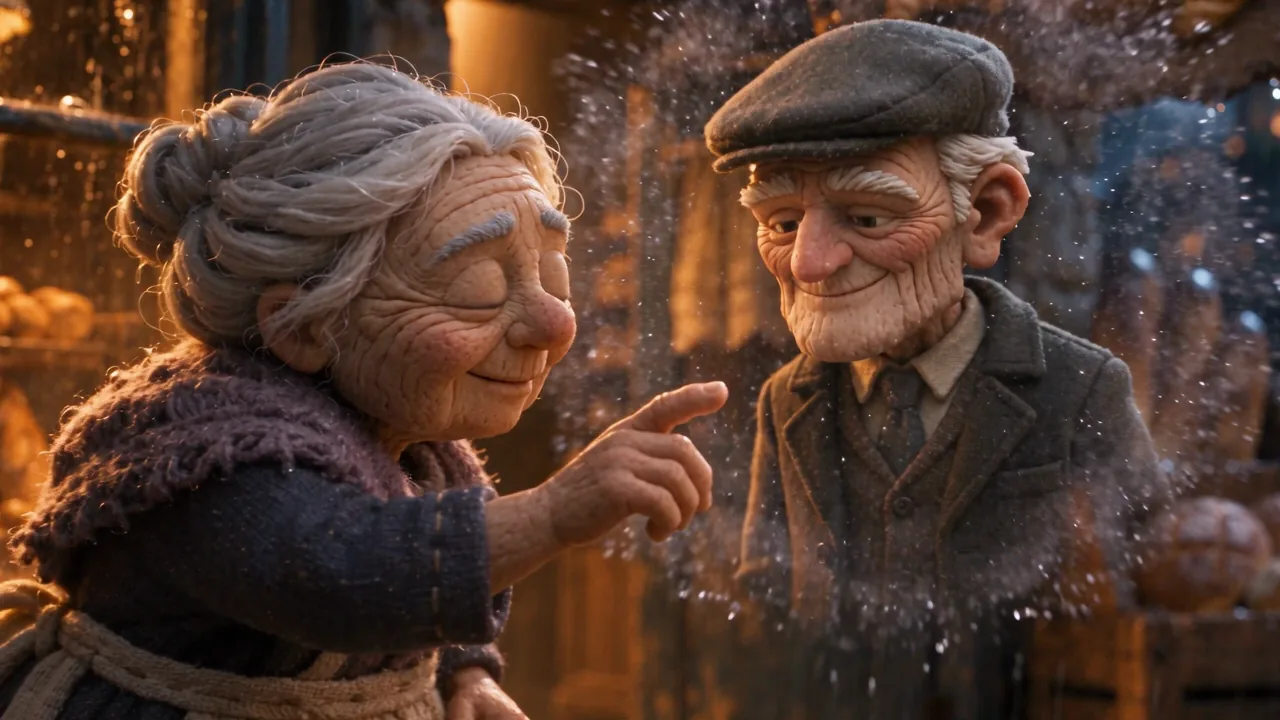
| Anticipation | 0–5.5s | The face appears inside the bubble around 1–5s; she reaches toward it. |
| Reunion | 5.5–10s | Contact around 5.5s; they become young around 8s. Compare clothes and cap. |
| Departure | 10–15s | Door around 11.5s; street around 13s. Follow the couple to the last frame. |
The ranges are approximate observations from this particular result. Use your own result's timing in the editable table.
Step 7: Catch continuity failures before another run
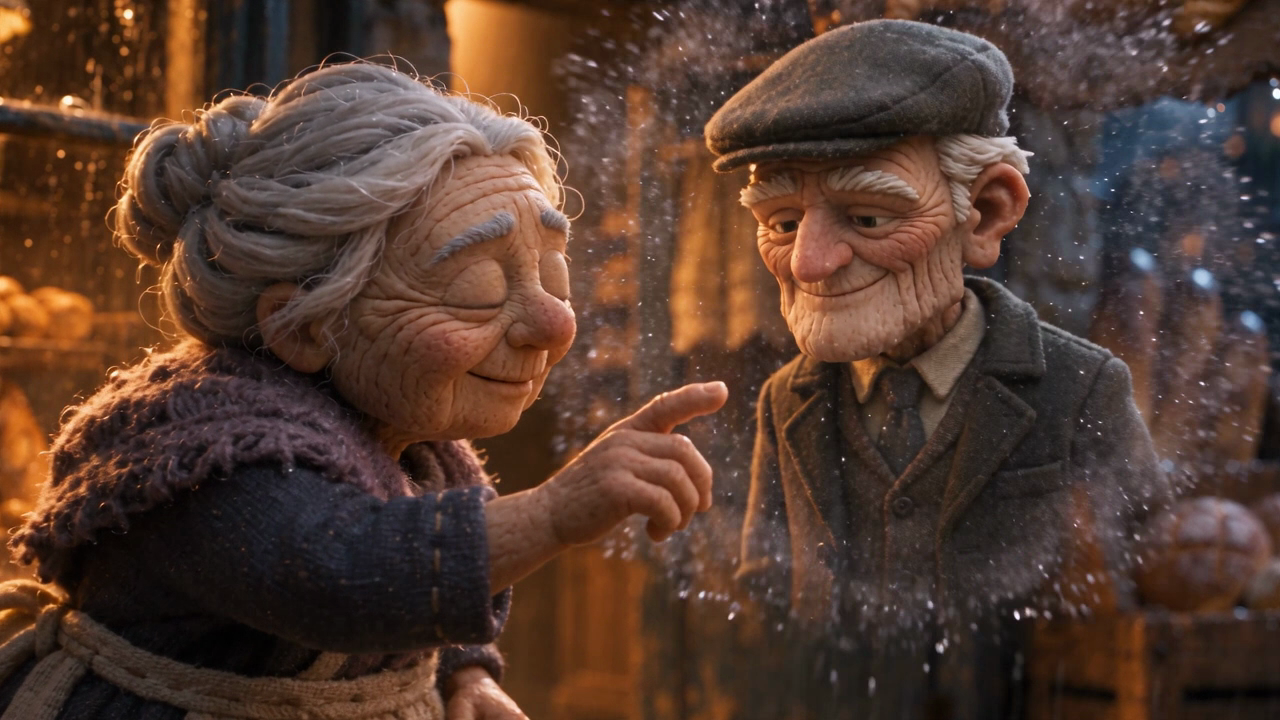
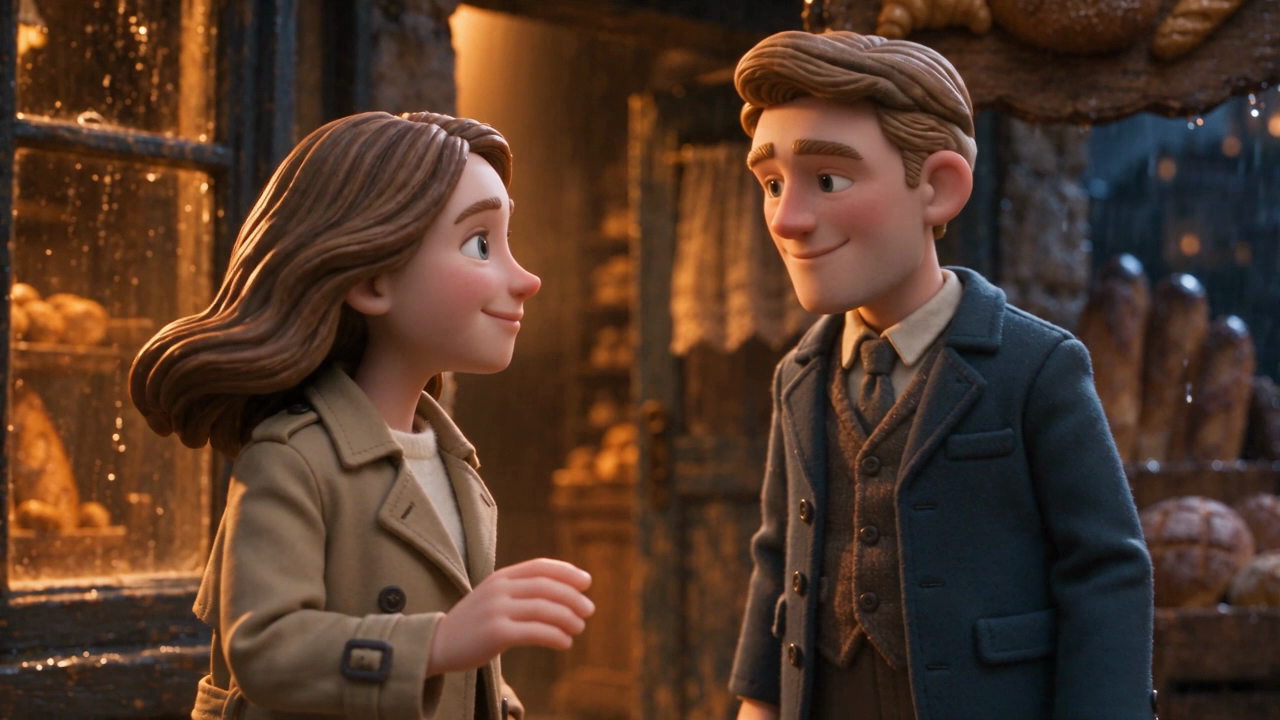
The woman's apron and shawl become a beige coat. The man's coat turns blue and his cap disappears. The bakery also remains strongly amber despite the cool-night wording.
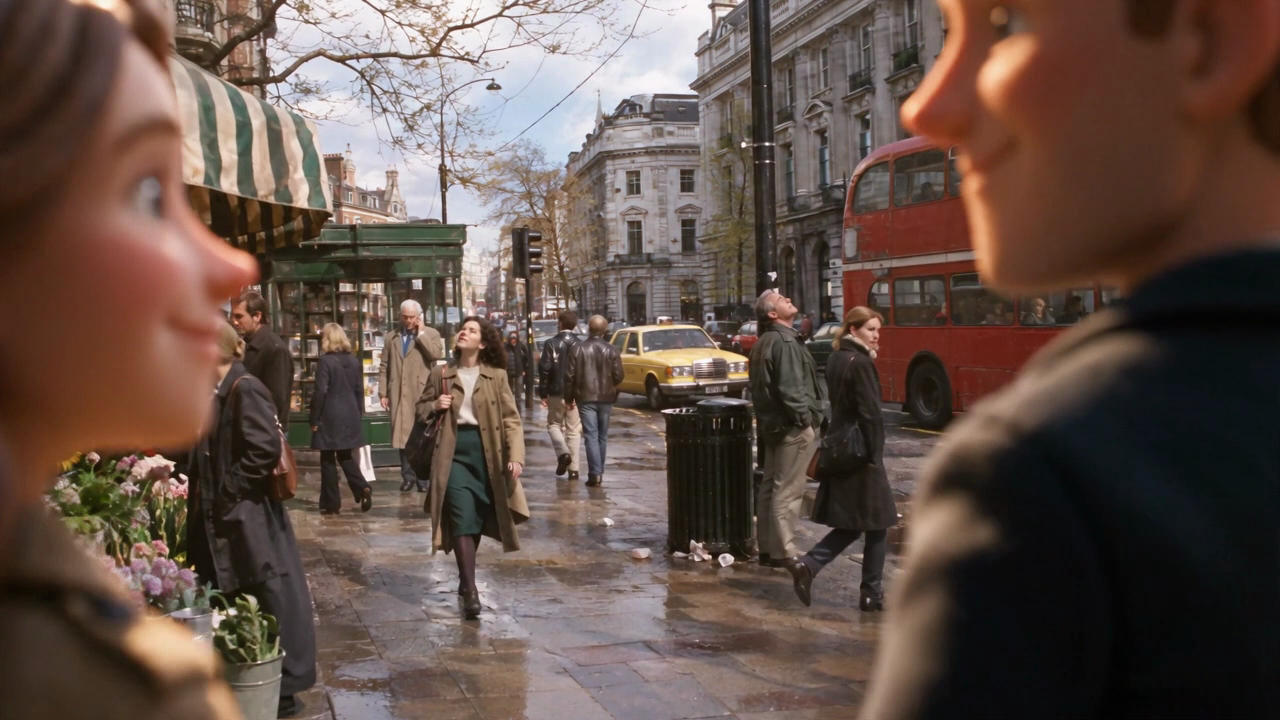
Near the end, the couple moves out of the frame while the camera continues into the street. A transformation story may allow changed clothes. A brief requiring the same outfit needs a rebuilt transition. Decide what the story requires before paying for another version.
Checklist
- Mark anticipation, reunion and departure.
- Use Bakery start, not a different color pass.
- Compare clothing and cap before and after the age change.
- Watch the doorway and the final frame at 1x.
- Decide whether the story allows the couple's exit.
- Save the paragraph, frame pair, full prompt, settings, scene and observed beat table together.
- Keep the clothing and exit notes beside the result.
When to choose recorded footage
Generated scenes can fit fictional transformations like this. For a real event, interview or someone's account of what happened, choose recorded or licensed footage and build the edit around that.
FAQ
Is this three clips edited together?
The supplied scene is one continuous take. Anticipation, reunion and departure describe changes inside it. The beat table records those changes rather than prescribing three equal cuts.
Why leave the end image empty for the short test?
The four-second practice prompt asks only for the bubble appearance and contact. The street destination belongs to the longer doorway transition. Judge the smaller action before adding that transition.
Does the full prompt guarantee unchanged clothes?
The saved result changes the clothes and removes the cap. If that breaks your brief, revise the staging or inputs and inspect the next result against the same checklist. The current prompt is the production example, with its limitations kept visible.