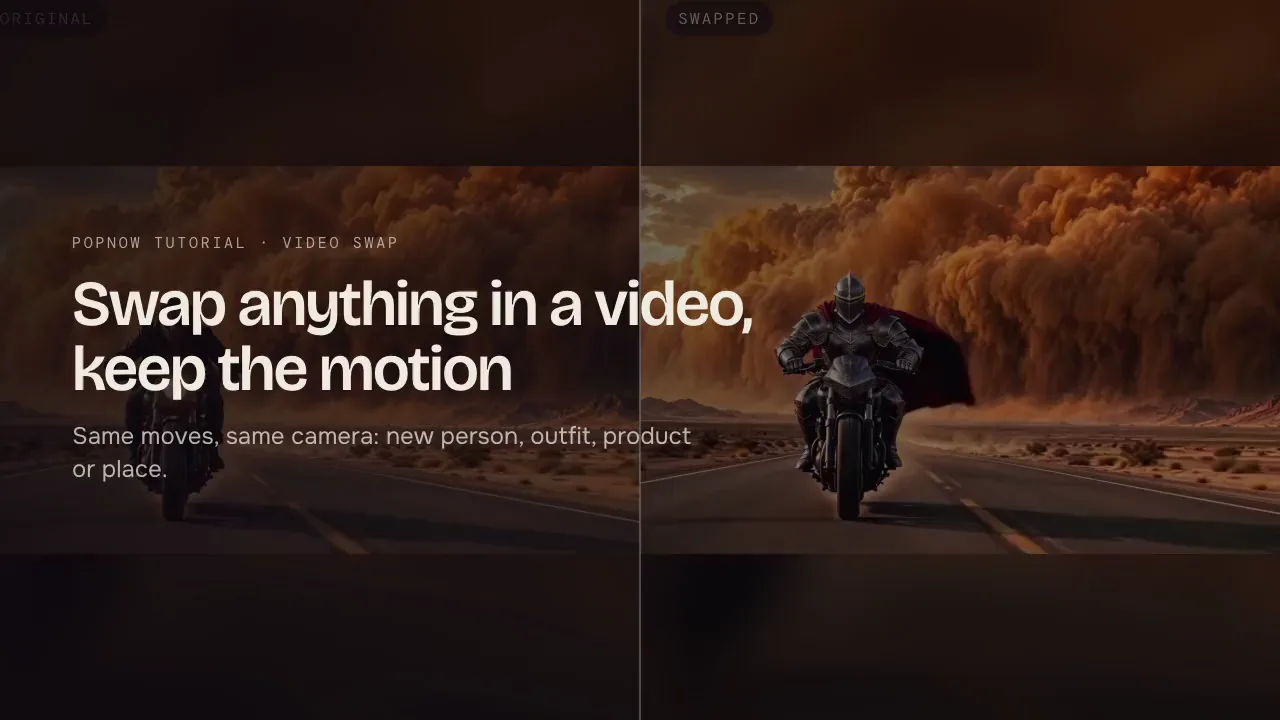
When a clip is nearly right, change one thing: swap a person or object, edit with one instruction or extend it. More predictable than starting over.
A new generation gives you a new clip: new timing, a new camera path, sometimes a new face. When you like nine tenths of a take, that is the opposite of what you want. Editing keeps what works and changes only the part that does not.
Pick the right kind of edit
| The problem | The fix | Where |
|---|---|---|
| The wrong person, outfit, product or place | Swap it and keep the motion and camera | Video Swap |
| One detail is off: a colour, a prop, the weather | One-line edit | Video → Edit |
| The take ends too soon | Extend it from the end | Video → Extend |
| The shot works and needs a next beat | Start a new clip from its last frame | Continue under the result |
Step 1: Say what stays
Start the instruction with what must not change: "Keep the woman, the street and the camera move as they are." Edits that only describe the change tend to touch more than you asked for.
Step 2: Change one thing, by name
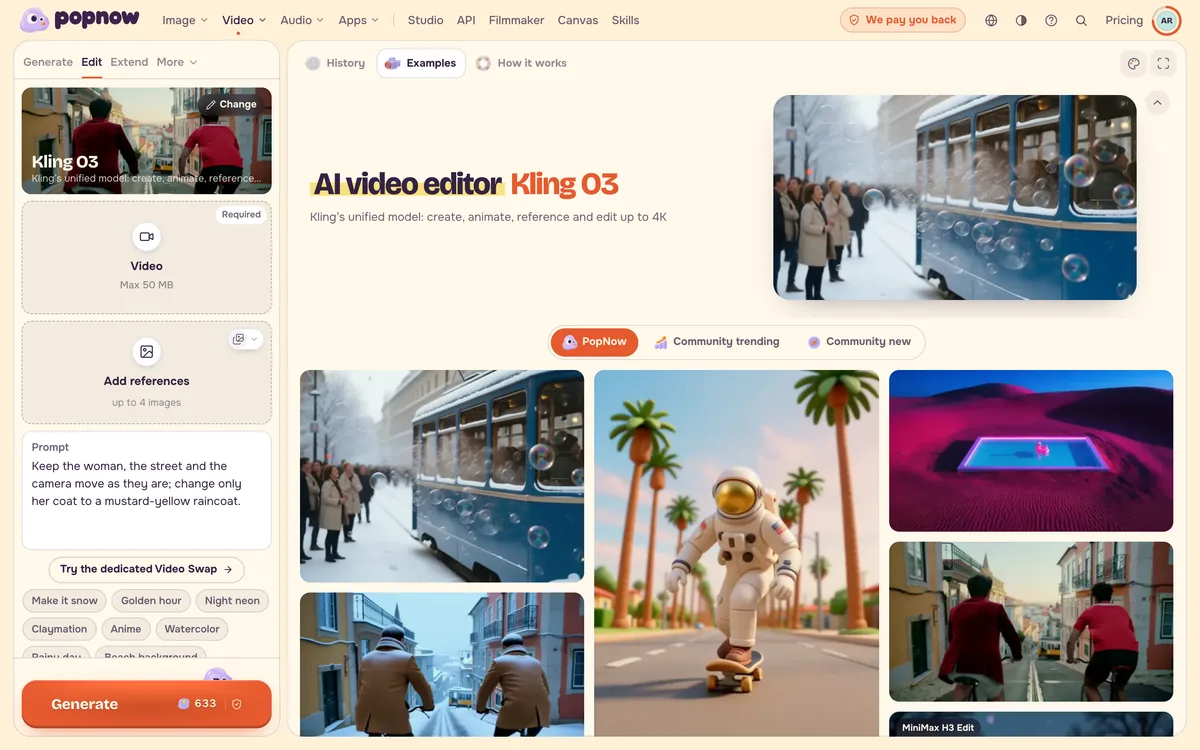
Name exactly what changes and what it becomes: "change only her coat to a mustard-yellow raincoat". One change per edit. If you need two, run two edits; each one is easier to judge and easier to undo.
Keep the woman, the street and the camera move as they are; change only her coat to a mustard-yellow raincoat.
Step 3: Extend instead of regenerating a longer take
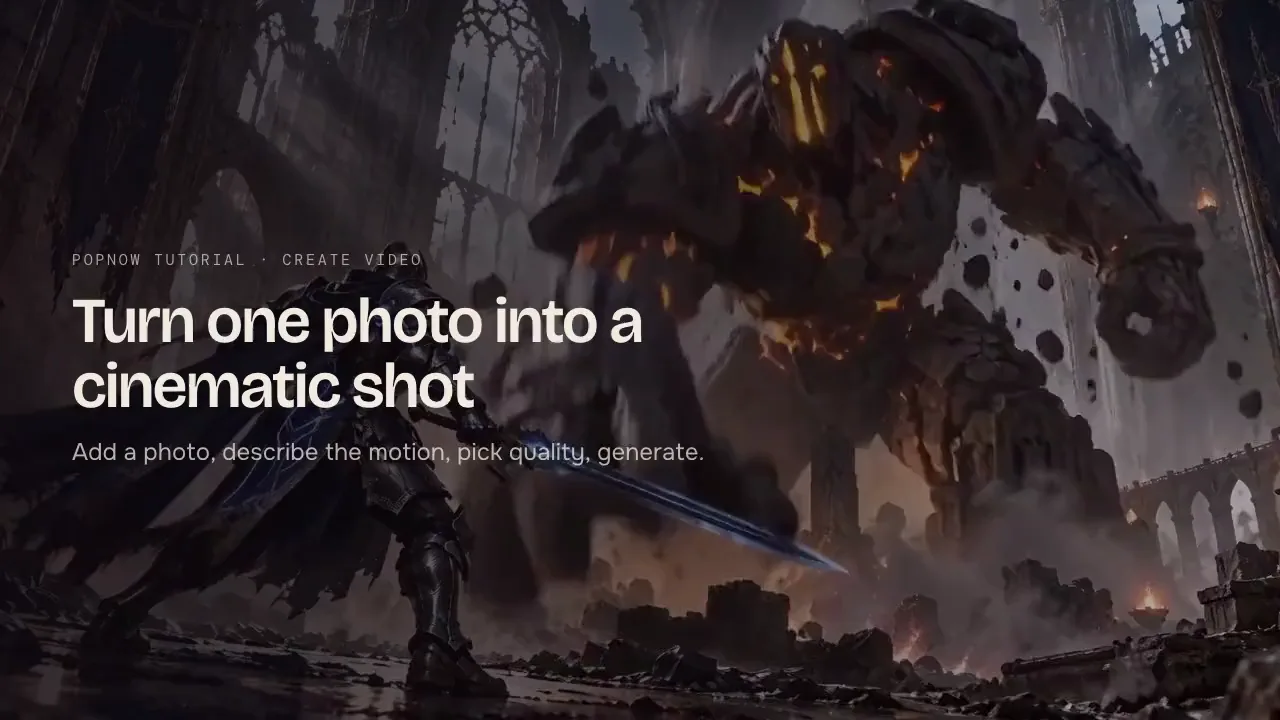
If a five-second take is right but too short, extend it and describe only the next action and the moment the shot comes to rest. A short extension that continues the take you like is a safer bet than a new, longer take that may not match.
FAQ
Will an edit change the parts I want to keep?
It can, slightly. Saying what stays reduces that. If a face or a product must not move at all, Video Swap is built for it: it keeps the motion and the camera and replaces only the person, outfit, product or place.
Is an edit cheaper than generating again?
Not always per run: some edit models charge for the length of the source clip. The saving is in the number of runs, because one targeted edit usually replaces several new attempts. The button shows the price before you start.
Can I edit a clip I made somewhere else?
Yes. Upload it into the clip slot. Use clips you made yourself or have the rights to.