


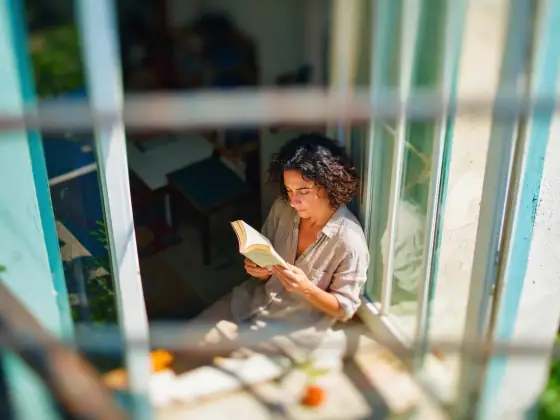

Tilt-Shift AI Photo Generator: Tiny World
Tilt-shift blur that turns scenes into toys.
- Works on your own photo
- Best shape: 4:3 · 3:2
Works on
- Seedream 5.0 Pro
- Qwen Image 3.0
- Nano Banana 2.1
- Seedream 5.0 Flash
About Tiny World
You write the subject and the style supplies the optics. It shines on places seen from above: a harbor with boats, a market square, a train crossing a bridge, a beach with umbrellas, a lighthouse on its rocks. People become small figures inside the scene, so it works best when you describe a person in a place rather than a close portrait.
Use it for travel posts, city guides, event and festival imagery, playful explainers and anything that should feel light and charming. It is not a portrait look; for faces, use Window Light or Movie Still.
Subjects to paste as they are: “a small harbor with fishing boats and a red lighthouse”, “a woman crossing a busy town square with a bicycle”, “a yellow train crossing a stone bridge over a river”. Each one describes a scene with depth, which is what the blur needs.
Finishes that work on top: Golden hour for long warm shadows, Film grain for a vintage postcard feel.
Tips
- Describe a scene seen from above: a square, a harbor, a street, a beach. The effect needs depth and a high viewpoint.
- Keep people small in the story — “a woman crossing a square” rather than “a woman’s portrait”.
- Busy, colorful places look best: markets, boats, cars, umbrellas. The toy color pops on lots of small shapes.
- Add “in bright midday sun” if you want crisper shadows and even more toy-like color.
What the style adds
Your words go where it says “your subject”. Everything else is added for you.
your subject, tilt-shift miniature photograph, narrow band of sharp focus, heavy blur above and below, bright saturated toy-like colors, crisp midday sunlight, high vantage point looking down
Models and price
- Seedream 5.0 Pro36 credits
- Qwen Image 3.030 credits
- Nano Banana 2.148 credits
- Seedream 5.0 Flash29 credits
One 1K image from a description. The button always shows the exact price before you spend anything.
How to use Tiny World
- Describe itWrite who or what should be in the picture. A small action and a clear place work best. Or switch to “My photo” and drop in a picture you have the right to use.
- Pick a shapeKeep the suggested ratio and model, or change them in the bar at the bottom.
- Paint itPress “Paint it”. The price is on the button before you spend anything.
Questions about Tiny World
Can I use Tiny World on my own photo?
Yes. Switch to “My photo” at the bottom, drop in a picture you have the right to use, and the style redraws it while keeping the composition and pose.
How much does one Tiny World image cost?
29 credits for one 1K image on Seedream 5.0 Flash. 2K costs more, and the button shows the exact price before you run it.
Why does my portrait not look like a miniature?
The effect relies on a high viewpoint and depth. A close portrait has neither. Put the person inside a wide scene seen from above and the miniature look appears.
Can I control where the sharp band is?
Name the thing you want in focus first in your subject, for example “a red tram in the middle of the street”. The style keeps the band on the main subject.
Similar styles
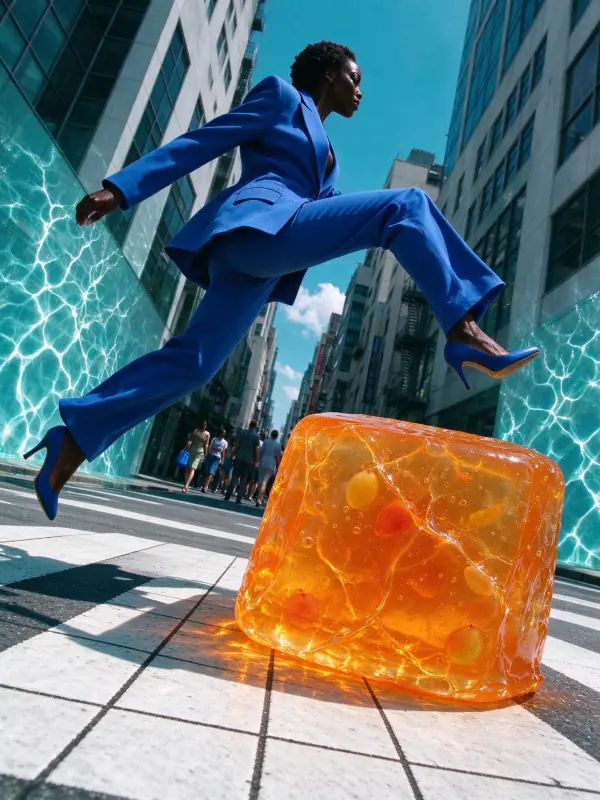 Pool Light
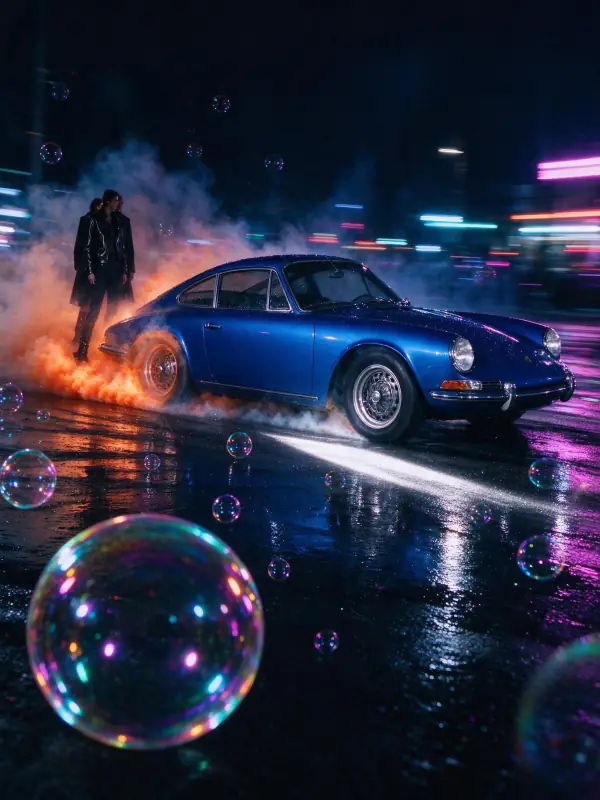 Light Trails
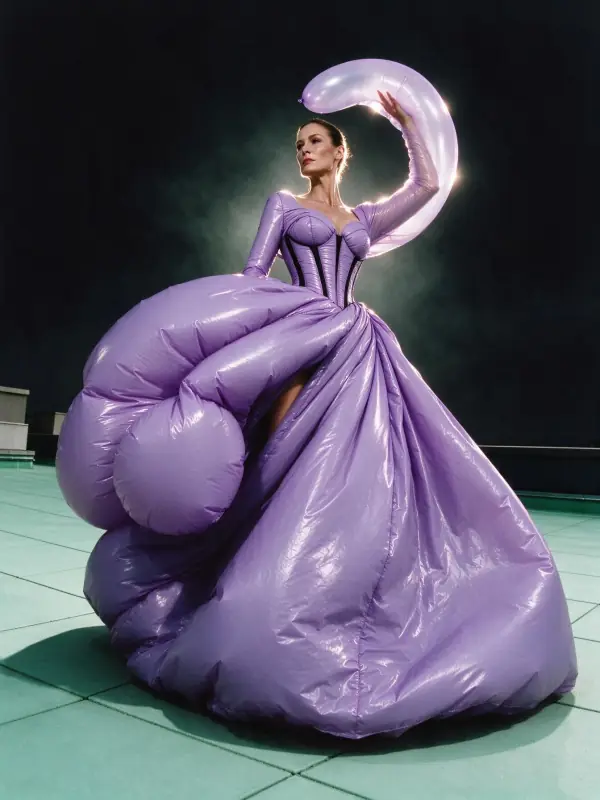 Rim Light
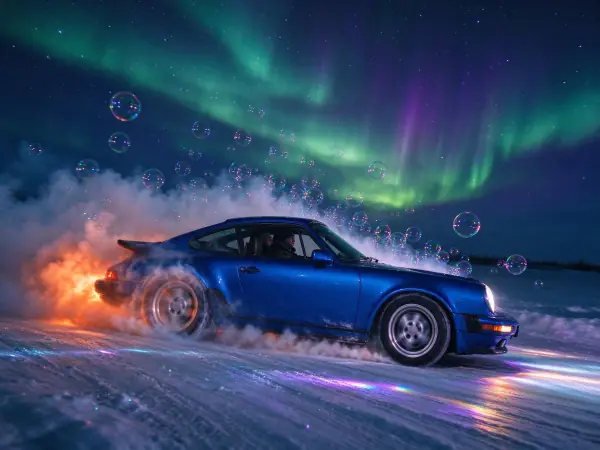 Aurora Night
Bring it to life
Effects that turn a still in this look into a short video.
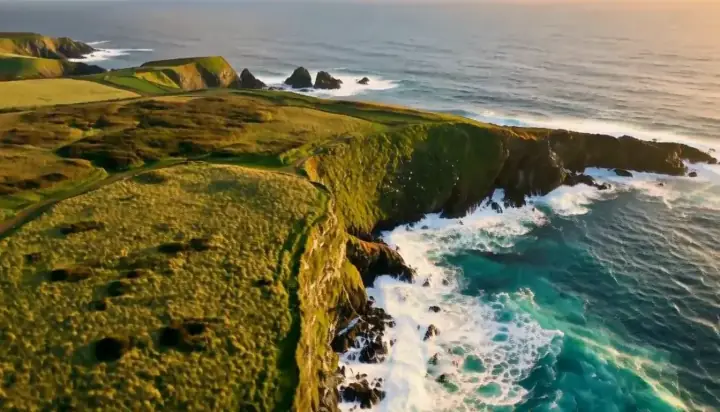 Drone Rise
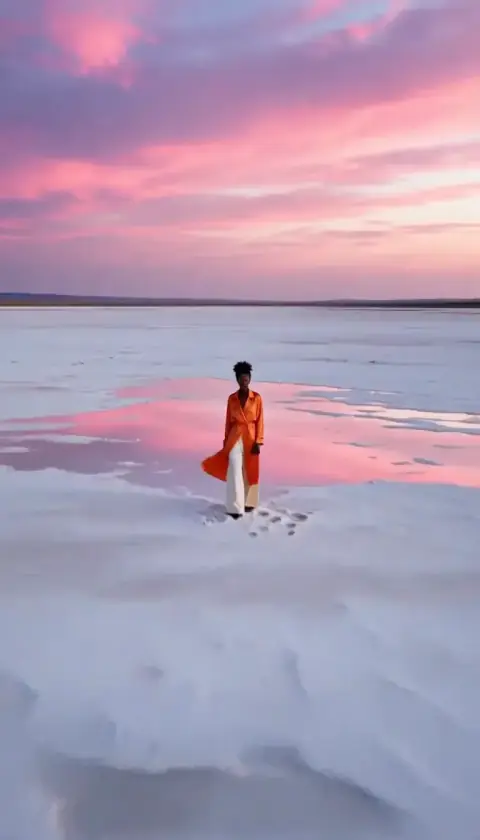 Big Reveal