




Rim Light Portrait AI Generator: Rim Light
A bright outline glowing against near black.
- From a description only
- Best shape: 3:4 · 4:5
Works on
- Seedream 5.0 Pro
- Qwen Image 3.0
- Nano Banana 2.1
- Seedream 5.0 Flash
About Rim Light
Rim Light lights your subject from behind. A single strong source sits past the subject and traces a thin, bright edge around its outline, while almost nothing reaches the front. The background falls to near-black, a faint haze catches a little of the glow, and what you are left with is a shape drawn in light.
Use it for album and podcast covers, posters, title cards and bold social images where you need a strong silhouette and space for type. It is not for bright, detailed product shots; for those, Flash Editorial or Vinyl Figure works better.
Subjects to paste as they are: “a woman in profile tying her hair back”, “a man in a long coat turning to look over his shoulder”, “a cat sitting upright on a windowsill”. Clear outlines and simple poses give the rim something to trace.
Finishes that work on top: Film grain for a grittier print, Soft glow for a wider, softer glow around the edge.
Tips
- Describe a clear outline: a profile, a raised arm, a long coat, the curve of a cat’s back. The style only shows the edges.
- Keep the subject in the middle ground with space around it, so the rim has room to glow.
- Name a color in your subject if you want a tinted rim, for example “with warm amber backlight” or “with cold blue backlight”.
- Busy scenes lose the effect. One subject against darkness reads best.
- Hair, fur, steam and loose fabric catch rim light beautifully; one of them in your subject adds instant sparkle.
What the style adds
Your words go where it says “your subject”. Everything else is added for you.
your subject, strong backlight tracing a bright rim of light around the silhouette, near-black background, subtle haze glow, minimal fill light, graphic high-contrast studio composition
Models and price
- Seedream 5.0 Pro36 credits
- Qwen Image 3.030 credits
- Nano Banana 2.148 credits
- Seedream 5.0 Flash29 credits
One 1K image from a description. The button always shows the exact price before you spend anything.
How to use Rim Light
- Describe itWrite who or what should be in the picture. A small action and a clear place work best.
- Pick a shapeKeep the suggested ratio and model, or change them in the bar at the bottom.
- Paint itPress “Paint it”. The price is on the button before you spend anything.
Questions about Rim Light
Can I use Rim Light on my own photo?
Not yet. This style works from a description: write what you want to see and the style adds the look.
How much does one Rim Light image cost?
29 credits for one 1K image on Seedream 5.0 Flash. 2K costs more, and the button shows the exact price before you run it.
Will this style change how the person looks?
No. The template only describes light, background and composition. Whoever you write is who you get, just lit mostly from behind.
Why can’t I see the face clearly?
Because almost all of the light comes from behind. That is the look. If you want some detail in front, add “with a soft fill light on the face” to your subject.
Does it work for products?
Yes, especially for objects with a strong outline: bottles, shoes, headphones, sculpture. The rim makes them read as premium and graphic.
Similar styles
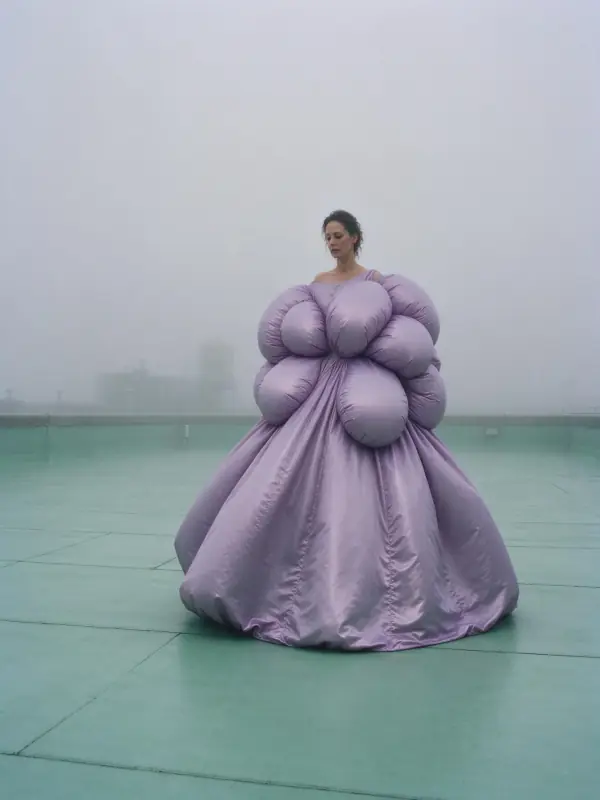 Deep Fog
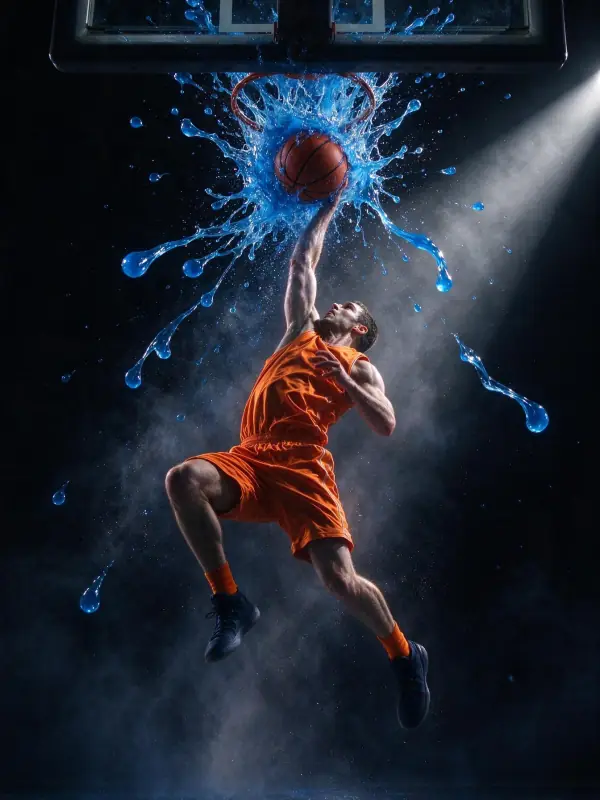 Stage Light
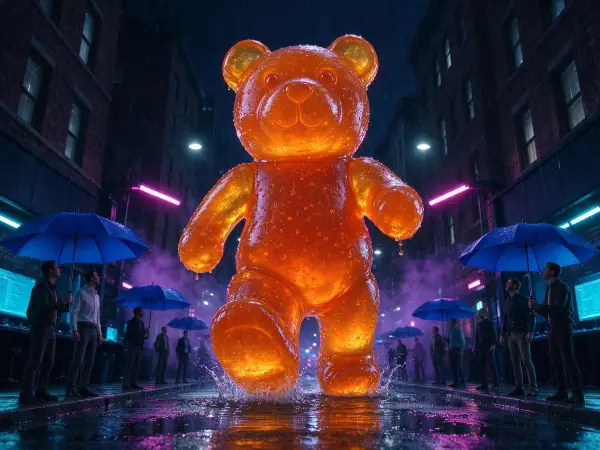 Gamer Glow
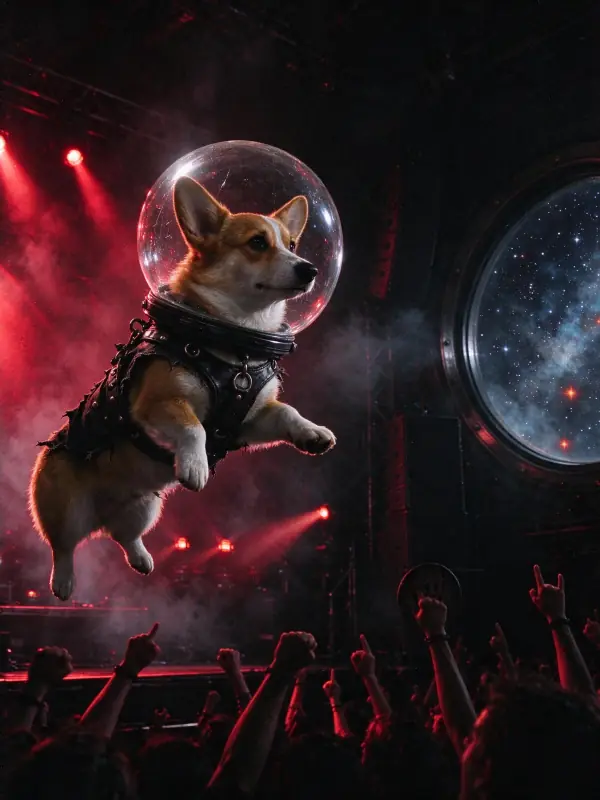 Club Strobe
Bring it to life
Effects that turn a still in this look into a short video.
 The Turn
 Slow Push-In