


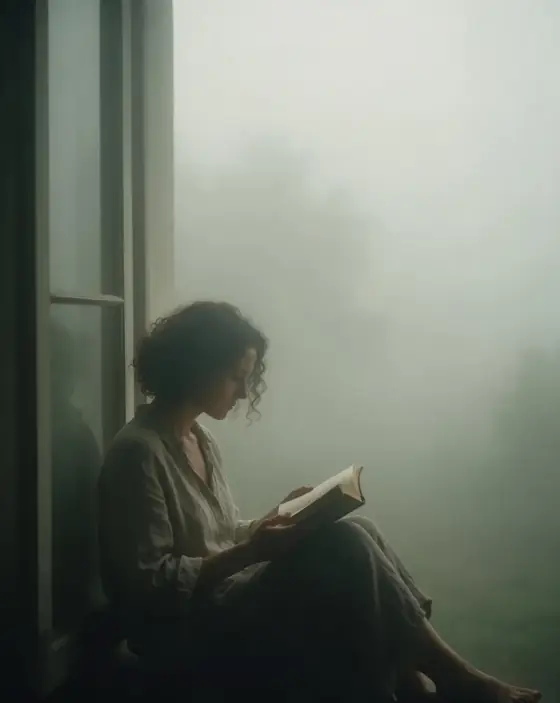

Foggy Photo AI Generator: Deep Fog
Edges melting into soft grey-green haze.
- Works on your own photo
- Best shape: 4:5 · 3:4
Works on
- Seedream 5.0 Pro
- Qwen Image 3.0
- Nano Banana 2.1
- Seedream 5.0 Flash
About Deep Fog
Deep Fog places your subject inside a thick morning fog. The light has no direction, colors drain toward grey-green, and everything past a few meters dissolves into haze. What stays sharp is only what is close, so the subject stands alone in a frame that feels hushed, cool and slightly mysterious.
You write the subject; the style supplies the weather and the restraint. It is kind to people — a woman on a pier, a man walking a dog along a lane, a cyclist crossing a bridge — and wonderful for places that usually look busy: a city street, a forest path, a harbor, a lighthouse half lost in the mist. Fog simplifies whatever it touches.
Use it for book covers, music artwork, calm brand imagery and anything that should feel introspective. It is a poor fit for bright, cheerful scenes; for those, try Airy Film. For a night version with more tension, go to Film Noir.
Subjects to paste as they are: “a woman standing at the end of a wooden pier”, “a man walking a dog along a country lane”, “a red bicycle leaning on a bridge railing”. Simple shapes read best through the haze.
Finishes that work on top: Film grain for a darker, analog print, Soft glow for an even gentler glow. Black & white turns it into a quiet silver study.
Tips
- Give the subject some distance from the background. Fog needs depth to show; a subject against a wall hides the effect.
- One strong shape reads best: a figure, a boat, a tree, a lamp post. Busy scenes turn into grey mush.
- A single color accent — a red coat, a yellow umbrella — survives the muted palette and becomes the focal point.
- Add “early morning” or “late afternoon” to your subject if you want a hint of warmth in the fog.
What the style adds
Your words go where it says “your subject”. Everything else is added for you.
your subject, photograph in dense fog, soft diffused light, edges dissolving into grey-green haze, muted desaturated palette, minimal contrast, solitary quiet composition with wide empty space
Models and price
- Seedream 5.0 Pro36 credits
- Qwen Image 3.030 credits
- Nano Banana 2.148 credits
- Seedream 5.0 Flash29 credits
One 1K image from a description. The button always shows the exact price before you spend anything.
How to use Deep Fog
- Describe itWrite who or what should be in the picture. A small action and a clear place work best. Or switch to “My photo” and drop in a picture you have the right to use.
- Pick a shapeKeep the suggested ratio and model, or change them in the bar at the bottom.
- Paint itPress “Paint it”. The price is on the button before you spend anything.
Questions about Deep Fog
Can I use Deep Fog on my own photo?
Yes. Switch to “My photo” at the bottom, drop in a picture you have the right to use, and the style redraws it while keeping the composition and pose.
How much does one Deep Fog image cost?
29 credits for one 1K image on Seedream 5.0 Flash. 2K costs more, and the button shows the exact price before you run it.
Why is the picture so low in contrast?
Fog scatters light in every direction, so there are no deep shadows. That softness is the point. If you want more punch, name a strong light in your subject, such as a car’s headlights.
Can I get a darker, moodier fog?
Yes. Add “at dusk” or “at night under a single streetlight” to your subject. The style keeps the haze and lets your light set the mood.
Similar styles
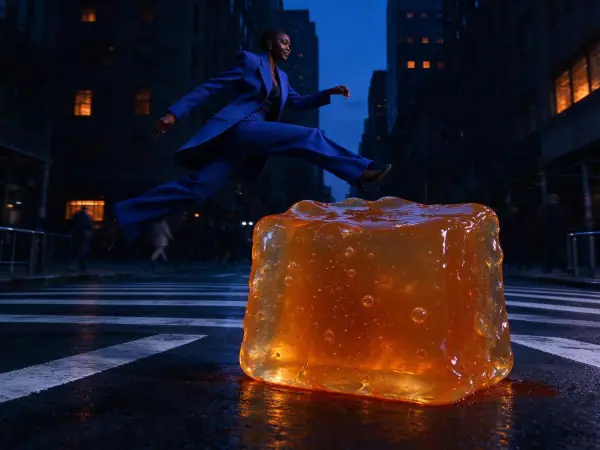 Blue Hour
 Rim Light
 Window Light
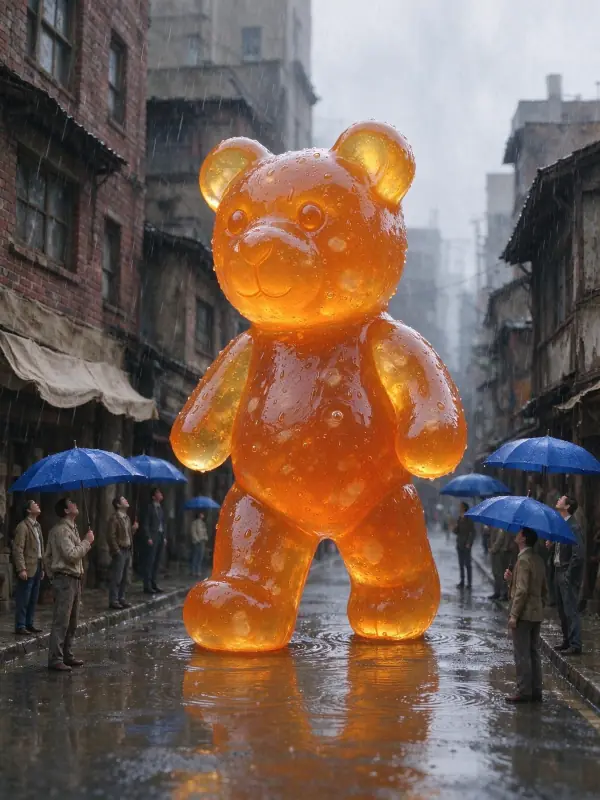 Quiet Clay
Bring it to life
Effects that turn a still in this look into a short video.
 Slow Push-In
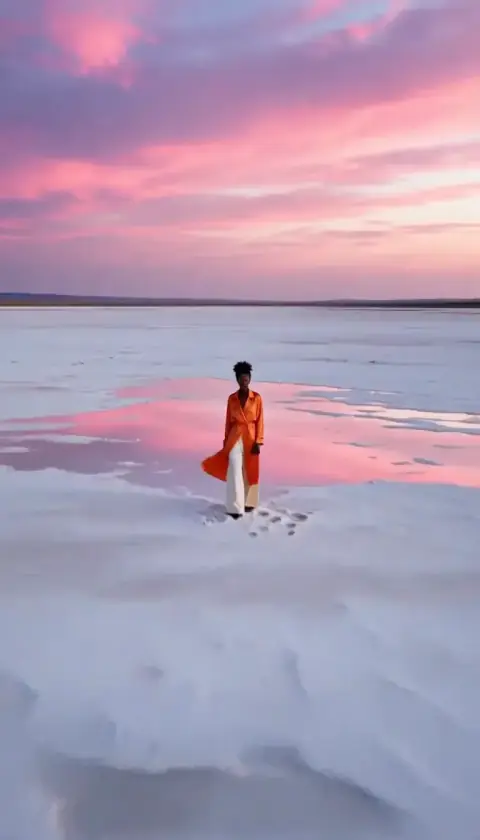 Big Reveal