




Realistic AI Portrait Generator: Window Light
Honest, true-to-life light from a big window.
- From a description only
- Best shape: 4:5 · 3:4
Works on
- Seedream 5.0 Pro
- Qwen Image 3.0
- Nano Banana 2.1
- Seedream 5.0 Flash
About Window Light
It is the style to reach for when you need an image that could pass as a real photograph: headshots for an about page, characters for a story, portraits for a presentation, pet photos, product shots that should look lived-in. Because it does not push color or contrast, it also gives the cleanest starting point if you plan to edit the image afterwards.
The style never describes the person. It describes the window, the lens and the texture; you write the age, clothing, expression and what they are doing. That makes it predictable across subjects — the same light on a man in a wool coat, a woman with a book, or a cat on a sill.
Subjects to paste as they are: “a woman in her fifties in a grey wool cardigan, smiling slightly”, “a man in a denim shirt looking out of the window with a cup of tea”, “an old golden retriever resting its head on a windowsill”. Plain clothing and a simple expression let the light and texture carry the image.
Finishes that work on top: Film grain for a classic analog portrait, Golden hour for warmer window light, Black & white for a timeless black-and-white version.
Tips
- Describe clothing and material in detail — linen, wool, denim, knit. True-to-life texture is where this style earns its name.
- Write the expression you want in simple words: “a slight smile”, “looking out of the window”, “laughing mid-sentence”.
- Keep lighting out of your subject. The window light is already set, and extra light sources muddy it.
- For headshots, frame your subject from the chest up in your description and keep 4:5.
- For a moodier portrait, add “late afternoon” or “overcast day” to your subject. The window light follows the time you describe.
What the style adds
Your words go where it says “your subject”. Everything else is added for you.
your subject, natural-light photograph beside a large window, true-to-life textures, 85mm lens look, soft falloff into a quiet background, honest unretouched feel
Models and price
- Seedream 5.0 Pro36 credits
- Qwen Image 3.030 credits
- Nano Banana 2.148 credits
- Seedream 5.0 Flash29 credits
One 1K image from a description. The button always shows the exact price before you spend anything.
How to use Window Light
- Describe itWrite who or what should be in the picture. A small action and a clear place work best.
- Pick a shapeKeep the suggested ratio and model, or change them in the bar at the bottom.
- Paint itPress “Paint it”. The price is on the button before you spend anything.
Questions about Window Light
Can I use Window Light on my own photo?
Not yet. This style works from a description: write what you want to see and the style adds the look.
How much does one Window Light image cost?
29 credits for one 1K image on Seedream 5.0 Flash. 2K costs more, and the button shows the exact price before you run it.
Will it retouch or change faces?
No. The template asks for an unretouched feel and never describes faces, features or bodies. The person comes from your words alone.
Can I use it for team headshots?
Yes, for illustrative or placeholder headshots of people you describe. Keep the same style and 4:5 ratio for every image so the set looks consistent. It will not reproduce the faces of real employees.
Similar styles
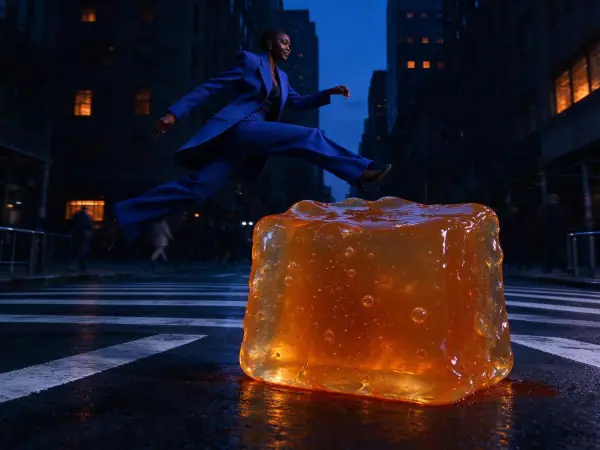 Blue Hour
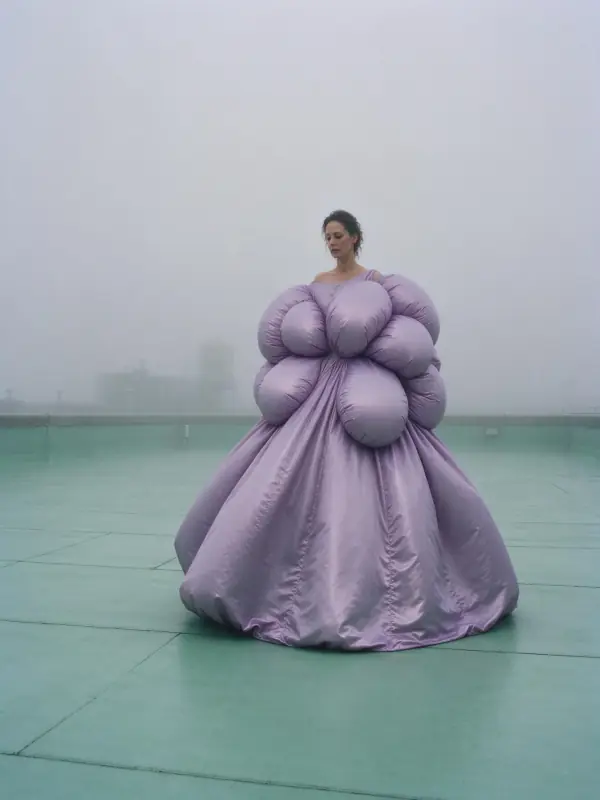 Deep Fog
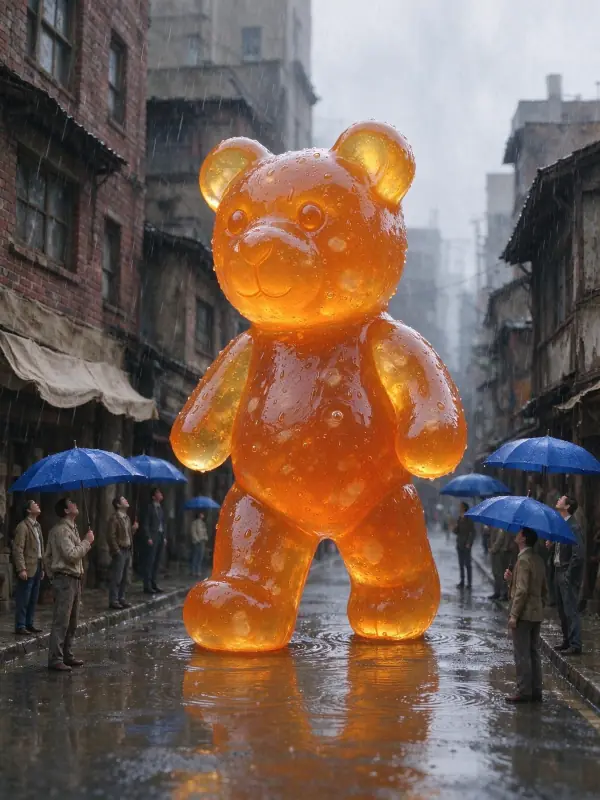 Quiet Clay
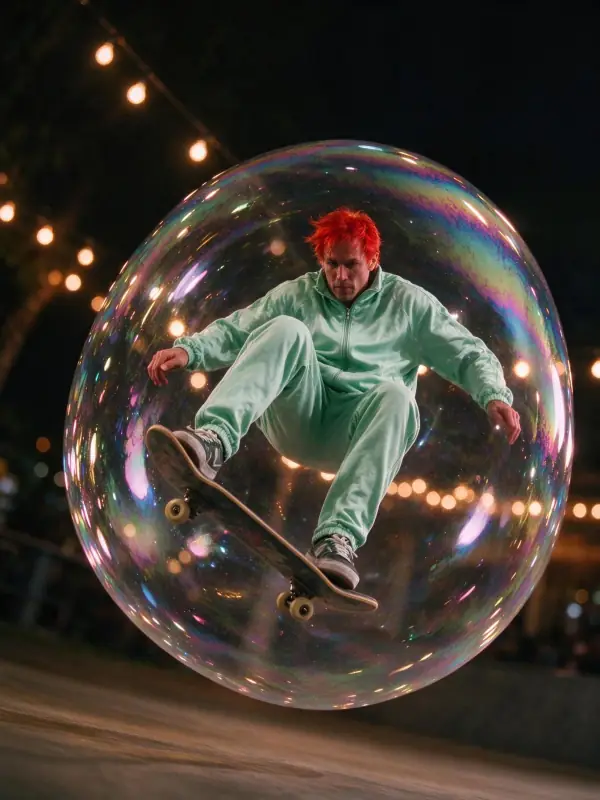 Fairy Lights
Bring it to life
Effects that turn a still in this look into a short video.
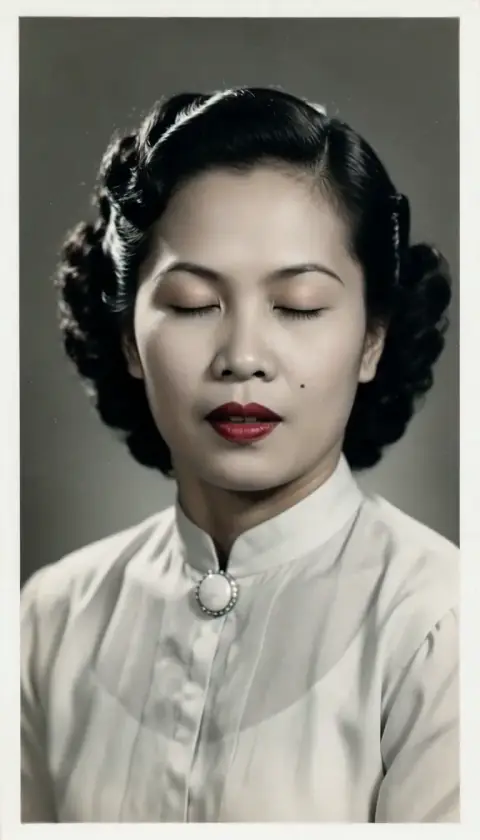 Live Portrait
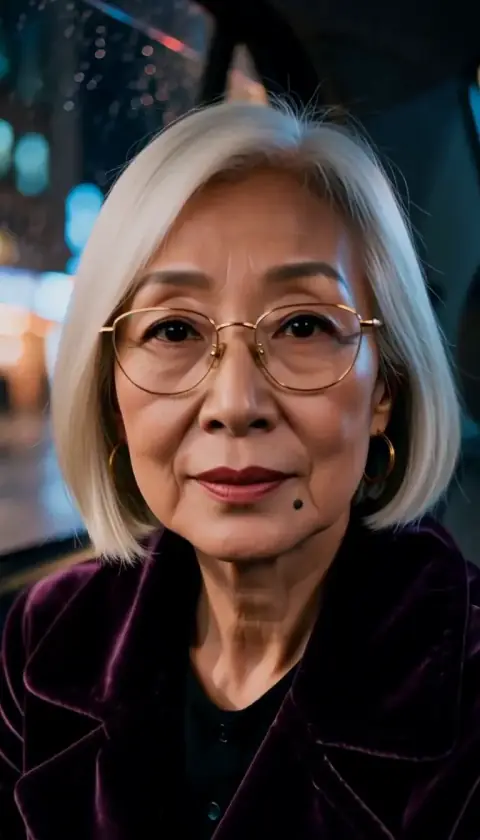 The Turn
 Slow Push-In