


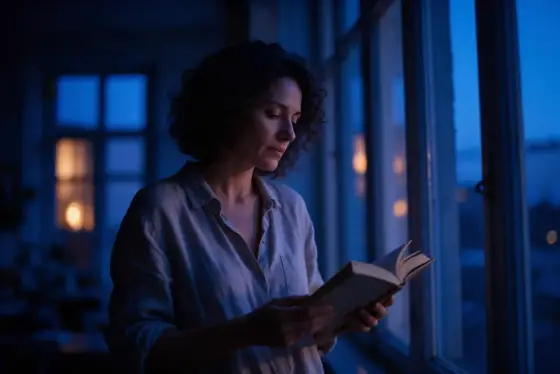

Blue Hour AI Photo Generator: Blue Hour
Deep cobalt dusk with a few warm windows.
- Works on your own photo
- Best shape: 3:2 · 4:3
Works on
- Seedream 5.0 Pro
- Qwen Image 3.0
- Nano Banana 2.1
- Seedream 5.0 Flash
About Blue Hour
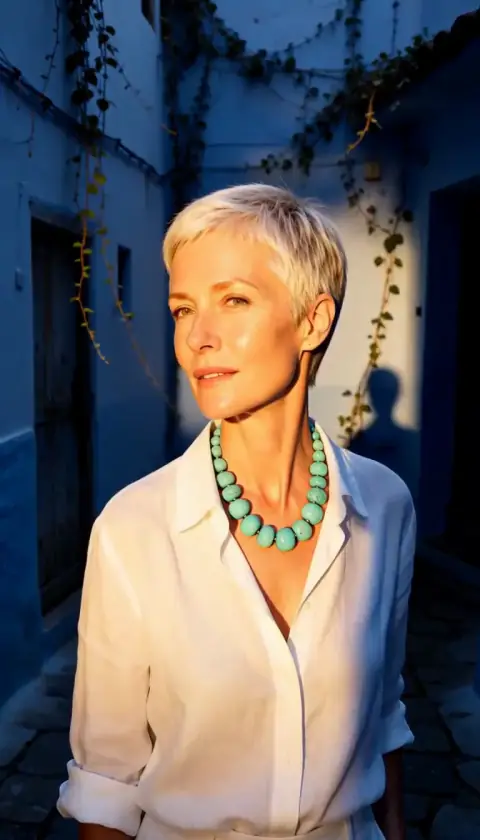
Blue Hour catches the short stretch after sunset when the sky turns deep cobalt and the first windows light up. Everything sits in one cool, even light; the only warmth comes from a lamp, a window or a streetlight, so the eye goes straight to it. Contrast stays soft, edges stay calm, and the whole frame feels as if it is holding its breath.
You write the subject and the style supplies the hour. It suits people — someone waiting at a tram stop, a man closing up a small shop, a woman on a balcony with a cup of tea — and it is even better on places: harbors, rooftops, empty streets, a lighthouse just switching on. The split between cool sky and warm light does the storytelling for you.
Use it for book and album covers, travel posts, twilight shots of homes and hotels, and any image that should feel quiet rather than dramatic. For hard shadows and tension, go to Movie Still or Film Noir instead.
Subjects to paste as they are: “a woman on a small balcony holding a cup of tea”, “a harbor with a few fishing boats and lit windows along the quay”, “a man locking the door of a corner bookshop”. Each one has a slow action and a warm light for the style to build around.
Finishes that work on top: Film grain for a slower, analog feel, Soft glow for gentle halos around the lights. Skip Golden hour; the two times of day fight each other.
Tips
- Put one warm light source in your subject — a lit window, a lamp, a streetlight. The style is built around that single warm accent.
- Places carry this look well. A street, a harbor or a rooftop gives the cobalt sky somewhere to settle.
- Keep the action slow: waiting, closing up, looking out. Fast action breaks the quiet mood.
- If the result is too dark, add “with the sky still bright near the horizon” to your subject.
What the style adds
Your words go where it says “your subject”. Everything else is added for you.
your subject, blue hour twilight photograph, deep cobalt ambient light with a few warm window glows, soft low contrast, calm long-exposure stillness, cool blue and amber palette, reflective quiet mood
Models and price
- Seedream 5.0 Pro36 credits
- Qwen Image 3.030 credits
- Nano Banana 2.148 credits
- Seedream 5.0 Flash29 credits
One 1K image from a description. The button always shows the exact price before you spend anything.
How to use Blue Hour
- Describe itWrite who or what should be in the picture. A small action and a clear place work best. Or switch to “My photo” and drop in a picture you have the right to use.
- Pick a shapeKeep the suggested ratio and model, or change them in the bar at the bottom.
- Paint itPress “Paint it”. The price is on the button before you spend anything.
Questions about Blue Hour
Can I use Blue Hour on my own photo?
Yes. Switch to “My photo” at the bottom, drop in a picture you have the right to use, and the style redraws it while keeping the composition and pose.
How much does one Blue Hour image cost?
29 credits for one 1K image on Seedream 5.0 Flash. 2K costs more, and the button shows the exact price before you run it.
Why is only part of the image warm?
That is the look. Blue hour is a cool light with a few warm sources in it. If you want the whole frame warm, pick a style that works with the Golden hour finish.
How is it different from Movie Still?
Movie Still is a widescreen movie frame with a teal-and-amber grade and more contrast. Blue Hour is softer and bluer, built around one hour of the day rather than a film look.
Similar styles
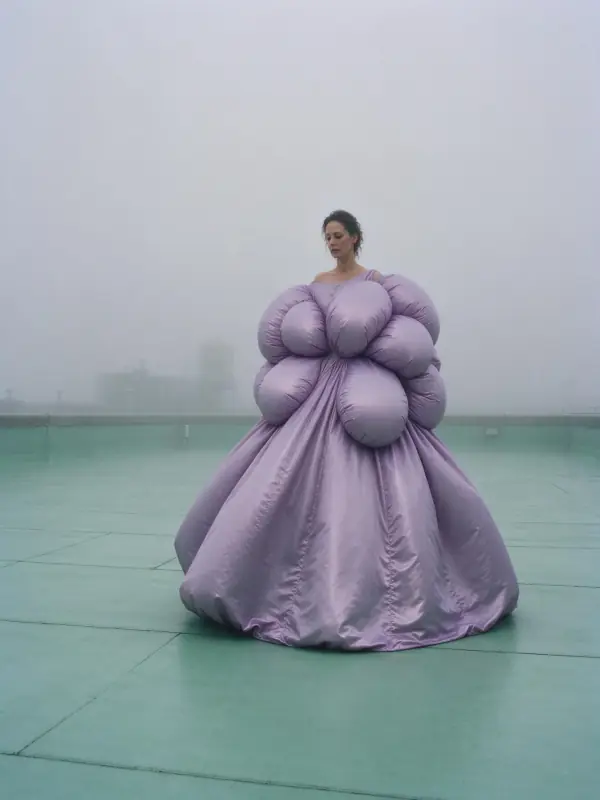 Deep Fog
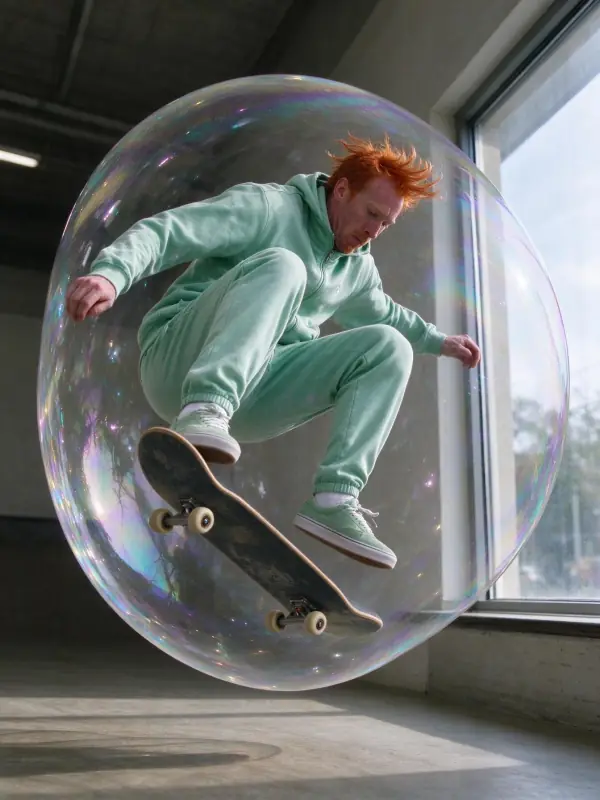 Window Light
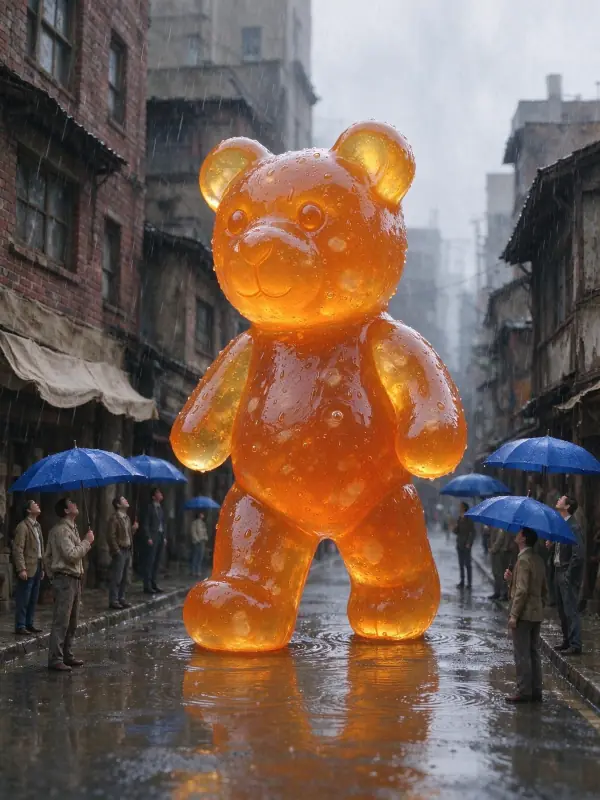 Quiet Clay
 Sunny Café
Bring it to life
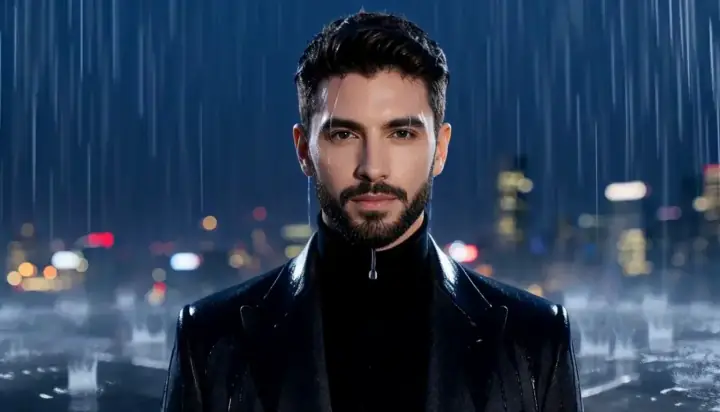
Effects that turn a still in this look into a short video.
 Golden Hour
 Slow Push-In
 Rain Falls