




RGB Gaming Room AI Photo Generator: Gamer Glow
Magenta and cyan LEDs in a late-night setup.
- From a description only
- Best shape: 4:3 · 16:9
Works on
- Seedream 5.0 Pro
- Qwen Image 3.0
- Nano Banana 2.1
- Seedream 5.0 Flash
About Gamer Glow
Gamer Glow lights the subject the way a late-night gaming room does. The room is dark, and the only light comes from magenta and cyan LED bars along the walls and the cool glow of a monitor. Faces pick up one color on each side, glossy surfaces throw back neon streaks, and a soft purple haze hangs in the air. It feels like 2 a.m. with the stream still running: focused, cozy and a little electric.
Use it for streamer banners and overlays, gaming and tech content, esports promos, music and podcast covers, and moody social posts. For mirror-polished sci-fi chrome, use Chrome Future; for 1980s pastel city nights, City Pop; for a starry anime night sky, Anime Night.
Finishes that work on top: Film grain for a grittier late-night photo, Soft glow for dreamier neon, Black & white for a stark black-and-white version. Golden hour is switched off here, because warm sunlight would wash out the LED colors.
Tips
- Put the subject near a screen or desk. The monitor glow is the key light; the LED bars are the color.
- Ask for a side angle, such as “seen from the side”, to get magenta on one cheek and cyan on the other.
- Glossy things multiply the neon: headphones, desk surfaces, glasses, a glass of iced drink.
- Want a different palette? Add “with red and blue LED light” or “with green and purple LED light” to your subject.
- For a calmer frame, add “the room quiet, the stream just ended”.
What the style adds
Your words go where it says “your subject”. Everything else is added for you.
your subject, dark room lit by magenta and cyan LED light bars and monitor glow, glossy reflections, soft purple haze, late-night gaming-room atmosphere
Models and price
- Seedream 5.0 Pro36 credits
- Qwen Image 3.030 credits
- Nano Banana 2.148 credits
- Seedream 5.0 Flash29 credits
One 1K image from a description. The button always shows the exact price before you spend anything.
How to use Gamer Glow
- Describe itWrite who or what should be in the picture. A small action and a clear place work best.
- Pick a shapeKeep the suggested ratio and model, or change them in the bar at the bottom.
- Paint itPress “Paint it”. The price is on the button before you spend anything.
Questions about Gamer Glow
Can I use Gamer Glow on my own photo?
Not yet. This style works from a description: write what you want to see and the style adds the look.
How much does one Gamer Glow image cost?
29 credits for one 1K image on Seedream 5.0 Flash. 2K costs more, and the button shows the exact price before you run it.
Will this style change how the person looks?
No. The template describes the room and the light: LED bars, monitor glow, reflections and haze. Whoever you write keeps the same features; only the lighting and setting change.
Does it add a real brand of gear?
No. The template only asks for LED light bars and a monitor, so the equipment stays generic. Avoid naming brands in your subject, and the scene stays that way.
How is it different from Chrome Future?
Chrome Future is a sci-fi world of mirror-polished silver and cool reflections. Gamer Glow is a real, lived-in room: a desk, a screen, colored LED bars and the haze of a long night.
Similar styles
 Firework Glow
 Aurora Night
 Fairy Lights
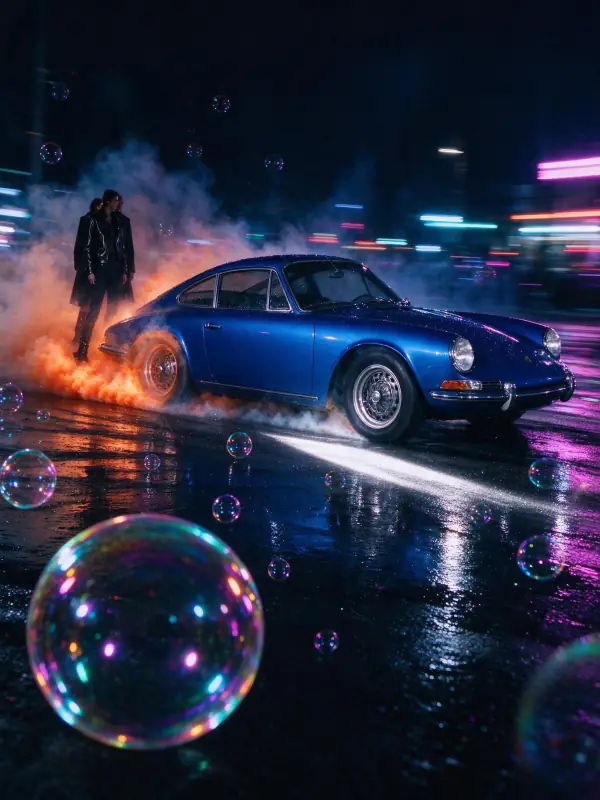 Light Trails
Bring it to life
Effects that turn a still in this look into a short video.
 Slow Push-In
 Orbit Rush