



Fireworks Night AI Photo Generator: Firework Glow
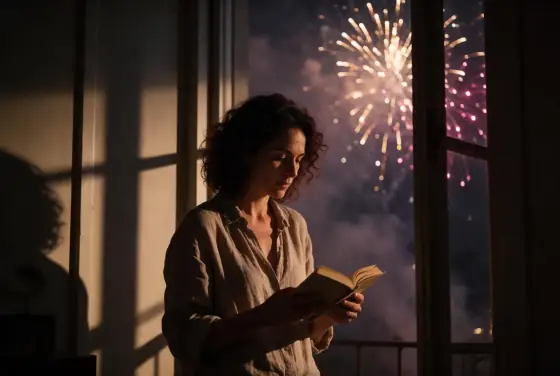
Gold and magenta bursts lighting up the night.
- From a description only
- Best shape: 3:2 · 4:3
Works on
- Seedream 5.0 Pro
- Qwen Image 3.0
- Nano Banana 2.1
- Seedream 5.0 Flash
About Firework Glow
Firework Glow lights your scene with a sky full of fireworks. Gold and magenta bursts open in the distance, their light flickers across faces, windows and water, and a thin drift of smoke hangs in the dark sky between the explosions. Shadows stretch long and soft, colors come in waves of warm gold and pink, and the whole frame feels like the last minute of a festival, when everyone stops to look up.
You write the subject; the style supplies the sky. It suits anyone watching the show: a woman reading by an open window as the sky lights up, a man in a coat on a quiet street, a cat on a sill staring at the bursts. Landscapes are spectacular too: a lighthouse on dark rocks with fireworks blooming above it makes an instant postcard.
Use it for New Year and festival posts, event recaps, celebration cards, city and travel content and nostalgic summer nights. For warm string lights up close, use Fairy Lights; for 1980s neon city illustration, City Pop; for calm cobalt dusk, Blue Hour.
Finishes that work on top: Film grain for a nostalgic festival snapshot, Soft glow for glowing halos around the bursts, Black & white for a silvery black-and-white version. Golden hour is switched off here, because the show only starts after dark.
Tips
- Keep open sky in the frame. The fireworks need room to bloom behind or above the subject.
- Faces turned upward or to the side catch the colored light best.
- Choose the colors if you like: “with green and silver fireworks” or “with red and gold fireworks”.
- Water doubles the show: add “over a river” or “over the harbor” to your subject.
- For a quieter mood, add “with the last fireworks fading” and the smoke takes over.
What the style adds
Your words go where it says “your subject”. Everything else is added for you.
your subject, lit by distant fireworks, flickering gold and magenta bursts, smoky night sky, long soft shadows, celebratory night atmosphere
Models and price
- Seedream 5.0 Pro36 credits
- Qwen Image 3.030 credits
- Nano Banana 2.148 credits
- Seedream 5.0 Flash29 credits
One 1K image from a description. The button always shows the exact price before you spend anything.
How to use Firework Glow
- Describe itWrite who or what should be in the picture. A small action and a clear place work best.
- Pick a shapeKeep the suggested ratio and model, or change them in the bar at the bottom.
- Paint itPress “Paint it”. The price is on the button before you spend anything.
Questions about Firework Glow
Can I use Firework Glow on my own photo?
Not yet. This style works from a description: write what you want to see and the style adds the look.
How much does one Firework Glow image cost?
29 credits for one 1K image on Seedream 5.0 Flash. 2K costs more, and the button shows the exact price before you run it.
Will this style change how the person looks?
No. The template describes the firework light, the smoky sky and the shadows. Whoever you write keeps the same features; only the light and the setting change.
Can I choose the colors of the fireworks?
Yes. Add them to your subject, for example “with green and silver fireworks”, and the light on your subject changes with them.
How is it different from Fairy Lights?
Fairy Lights is close and cozy: warm bulbs melting into bokeh right behind the subject. Firework Glow is big and open: bursts of color in the sky and flickering light across the whole scene.
Similar styles
 Aurora Night
 Gamer Glow
 Blue Hour
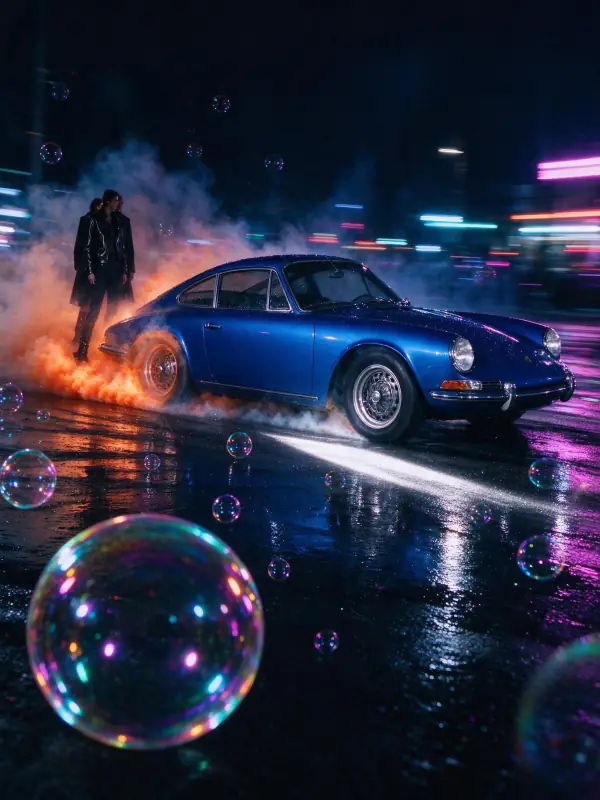 Light Trails
Bring it to life
Effects that turn a still in this look into a short video.
 Slow Push-In
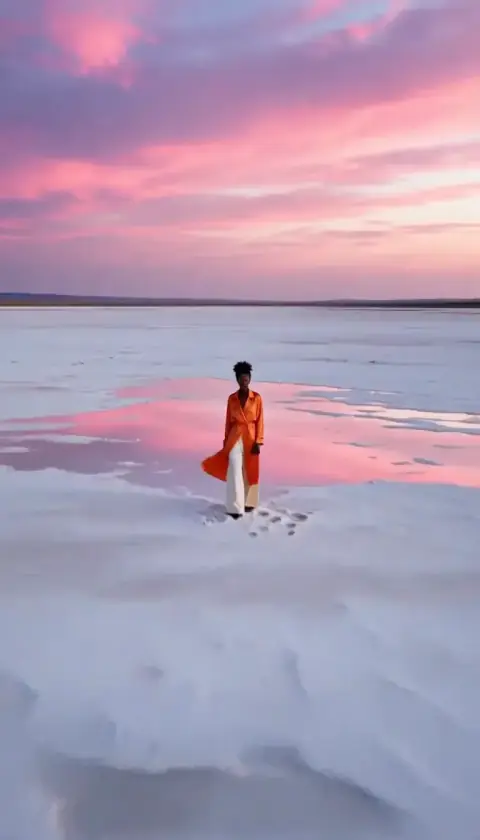 Big Reveal