


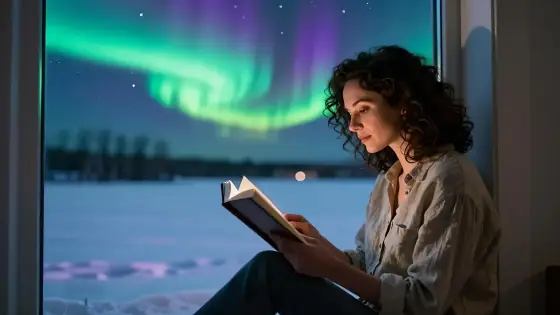

Northern Lights AI Photo Generator: Aurora Night
Green and violet lights over glowing snow.
- From a description only
- Best shape: 16:9 · 3:4
Works on
- Seedream 5.0 Pro
- Qwen Image 3.0
- Nano Banana 2.1
- Seedream 5.0 Flash
About Aurora Night
Aurora Night sets your subject under the northern lights: ribbons of green and violet aurora shimmering across the sky, snowy ground catching their glow, stars scattered overhead and the long-exposure clarity of a night photograph taken on a tripod. The air feels cold and still, and everything is quiet except the sky.
You write the subject; the style supplies the night. Places are its natural home — a small lighthouse on the coast, a red cabin among pines, a frozen lake — and it makes people part of the scene rather than the whole of it: someone standing in a parka looking up, a couple of friends by a campfire, a man in a wool coat on a snowy road. The style keeps the outfit and details you wrote and wraps the aurora around them.
Use it for travel content and trip planning, wallpapers and prints, book and album covers, winter campaigns and dreamy social posts. For the quiet blue minutes after sunset, use Blue Hour; for mist and soft light, Deep Fog; for bursts of color overhead, Firework Glow.
Subjects to paste as they are: “a small red cabin among snowy pine trees”, “a woman in a white parka standing on a frozen lake looking up”, “a lighthouse on a rocky coast with the sea below”. Open views of the sky give the aurora room to dance.
Finishes that work on top: Film grain for a vintage night photo, Soft glow for a softer glow. Skip Golden hour — the aurora is a night-time look.
Tips
- Leave room for the sky. Wide shots and low horizons show the aurora at its best.
- Add a warm light for contrast: a glowing cabin window, a campfire, a lantern.
- People look best small in the frame or seen from behind, gazing up at the sky.
- Want a different palette? Add “with pink and green aurora” to your subject.
- Reflections double the magic: try “by a still lake” or “on a frozen fjord”.
What the style adds
Your words go where it says “your subject”. Everything else is added for you.
your subject, under a sky of shimmering green and violet aurora, snowy ground reflecting the glow, stars overhead, long-exposure clarity, cold crisp night air
Models and price
- Seedream 5.0 Pro36 credits
- Qwen Image 3.030 credits
- Nano Banana 2.148 credits
- Seedream 5.0 Flash29 credits
One 1K image from a description. The button always shows the exact price before you spend anything.
How to use Aurora Night
- Describe itWrite who or what should be in the picture. A small action and a clear place work best.
- Pick a shapeKeep the suggested ratio and model, or change them in the bar at the bottom.
- Paint itPress “Paint it”. The price is on the button before you spend anything.
Questions about Aurora Night
Can I use Aurora Night on my own photo?
Not yet. This style works from a description: write what you want to see and the style adds the look.
How much does one Aurora Night image cost?
29 credits for one 1K image on Seedream 5.0 Flash. 2K costs more, and the button shows the exact price before you run it.
Will this style change how people look?
No. It describes the sky, the snow and the night light only. Your subject’s appearance comes from what you write.
Why is the ground always snowy?
Snow reflects the aurora and makes the whole scene glow. If you want a different setting, describe it — “on a rocky beach”, “in a mountain meadow” — and the style follows.
Is it realistic?
It aims for the look of a real long-exposure photo. Real auroras are often fainter to the eye; cameras and this style show them at their most vivid.
Similar styles
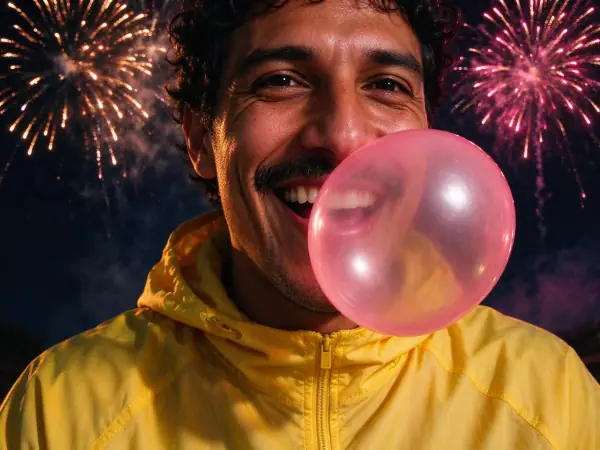 Firework Glow
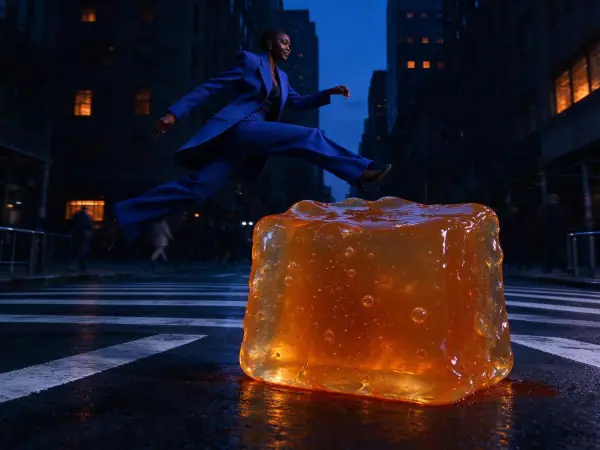 Blue Hour
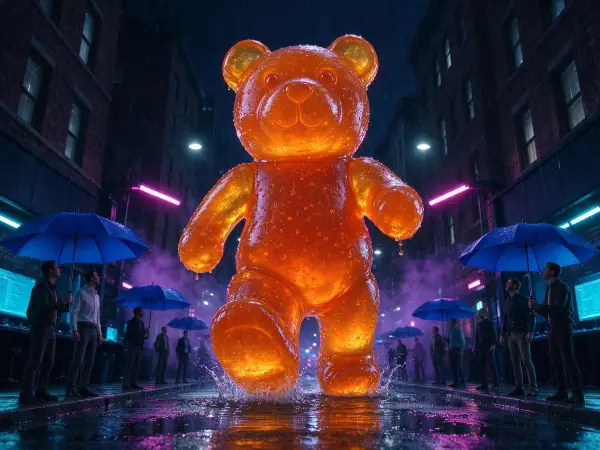 Gamer Glow
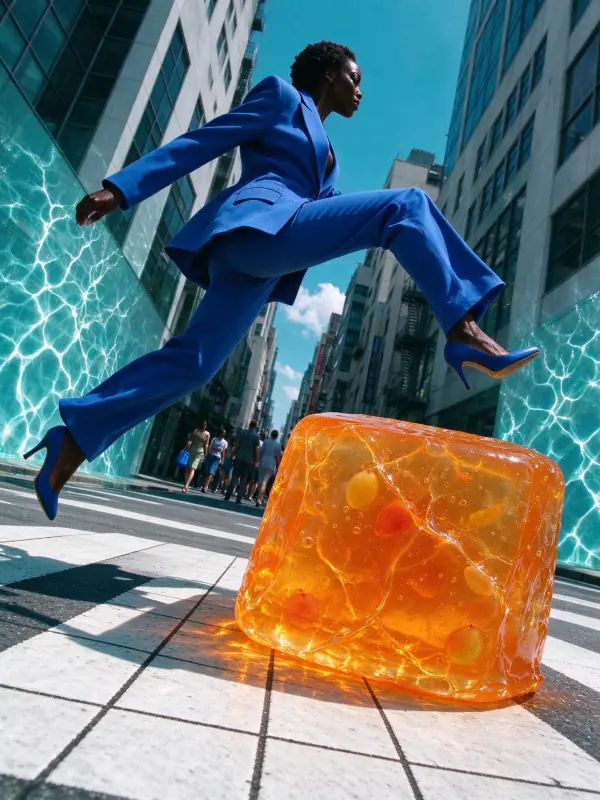 Pool Light
Bring it to life
Effects that turn a still in this look into a short video.
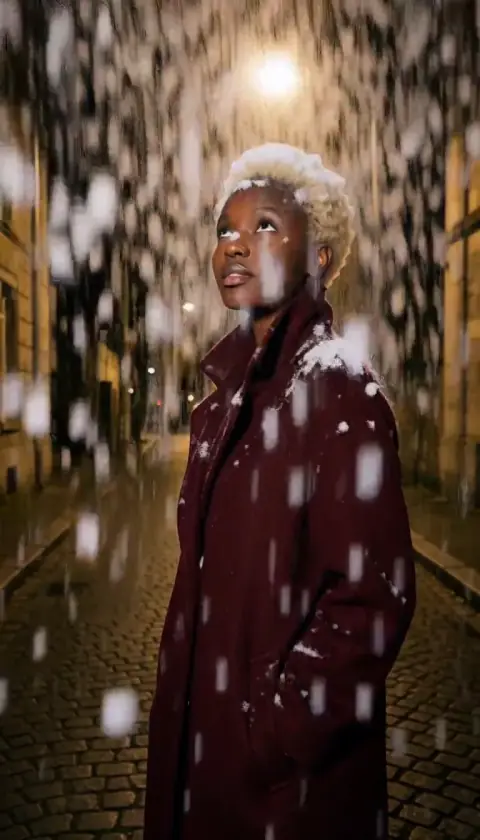 Snowfall
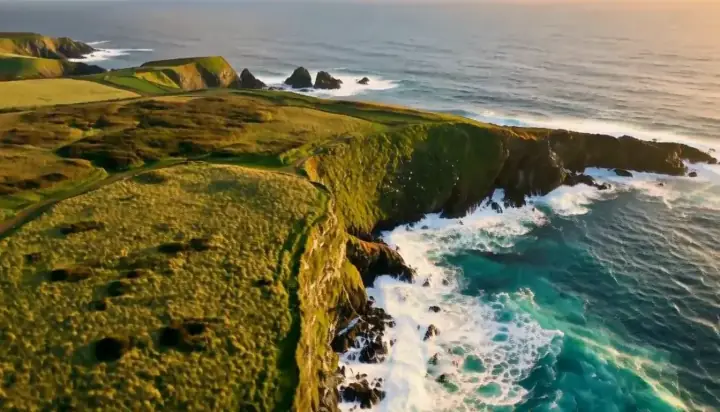 Drone Rise