


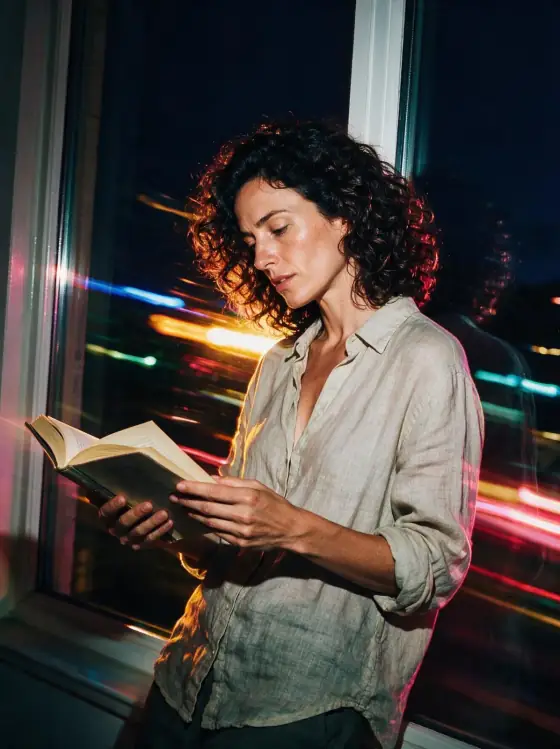

Slow Shutter Flash AI Photo Generator: Light Trails
Flash-frozen subject with streaking color behind.
- From a description only
- Best shape: 3:4 · 4:5
Works on
- Seedream 5.0 Pro
- Qwen Image 3.0
- Nano Banana 2.1
- Seedream 5.0 Flash
About Light Trails
Light Trails is the night editorial trick photographers love: a burst of flash freezes your subject crisp and sharp, while the shutter stays open long enough for the colored lights behind to smear into bright streaks. The palette is saturated night — magenta, electric blue, amber — with glossy highlights on hair, fabric and chrome, and the whole frame hums with movement.
You write the subject; the style supplies the flash and the motion. It is made for people with attitude and places with lights: a woman in a silver jacket on a busy street, a man in a leather coat at a crosswalk, a dancer spinning under neon signs, a courier on a bike. It works on objects too: a pair of sneakers on a taxi hood, a cocktail on a bar. The style keeps the features and outfit you wrote; only the background moves.
Use it for fashion and streetwear campaigns, nightlife and event posters, music artwork, sports and dance content, and anything that needs energy. For flash without the motion, use Flash Editorial; for concert light, Club Strobe; for clean, bright studio color, Color Block.
Subjects to paste as they are: “a woman in a silver bomber jacket crossing a busy street at night”, “a man in a long leather coat standing by a taxi rank”, “a dancer spinning in a red dress under neon signs”. Streets and venues with lots of lights give the best streaks.
Finishes that work on top: Film grain for a grittier night.
Tips
- Put lights behind the subject: traffic, neon signs, a fairground, a club. They become the streaks.
- Describe motion: “mid-stride”, “turning”, “spinning”. The frozen subject against moving light is the whole point.
- Glossy materials — leather, satin, sequins, chrome — catch the flash beautifully.
- If a streak crosses a face, run it again; the style asks for a sharp, clean subject.
- For product shots, add “on a car hood at night” or “on a bar counter” to get background lights.
What the style adds
Your words go where it says “your subject”. Everything else is added for you.
your subject, fashion editorial with flash and slow shutter, subject frozen sharp while colored background lights streak behind, saturated night palette, glossy highlights, kinetic energy
Models and price
- Seedream 5.0 Pro36 credits
- Qwen Image 3.030 credits
- Nano Banana 2.148 credits
- Seedream 5.0 Flash29 credits
One 1K image from a description. The button always shows the exact price before you spend anything.
How to use Light Trails
- Describe itWrite who or what should be in the picture. A small action and a clear place work best.
- Pick a shapeKeep the suggested ratio and model, or change them in the bar at the bottom.
- Paint itPress “Paint it”. The price is on the button before you spend anything.
Questions about Light Trails
Can I use Light Trails on my own photo?
Not yet. This style works from a description: write what you want to see and the style adds the look.
How much does one Light Trails image cost?
29 credits for one 1K image on Seedream 5.0 Flash. 2K costs more, and the button shows the exact price before you run it.
Will this style change how people look?
No. It describes the flash, the light streaks and the color only. Your subject’s appearance comes from what you write.
What is drag shutter?
It is a photography technique: a flash freezes the subject while a slow shutter lets moving or ambient light blur into trails. The result is sharp and moving at the same time.
How is it different from Flash Editorial?
Flash Editorial is a single hard flash against a plain wall: still and graphic. Light Trails adds long streaks of colored light behind the subject: moving and electric.
Similar styles
 Gamer Glow
 Tiny World
 Aurora Night
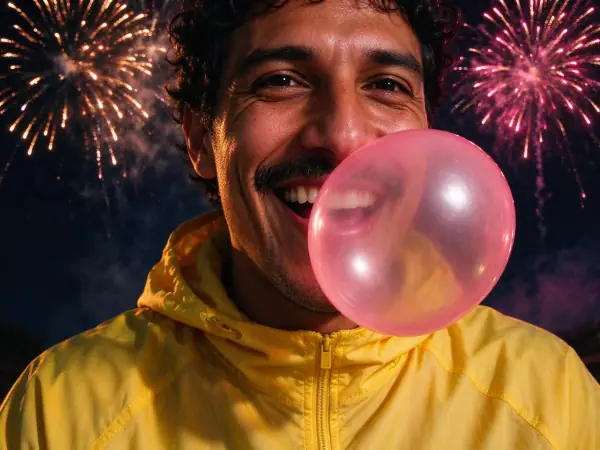 Firework Glow
Bring it to life
Effects that turn a still in this look into a short video.
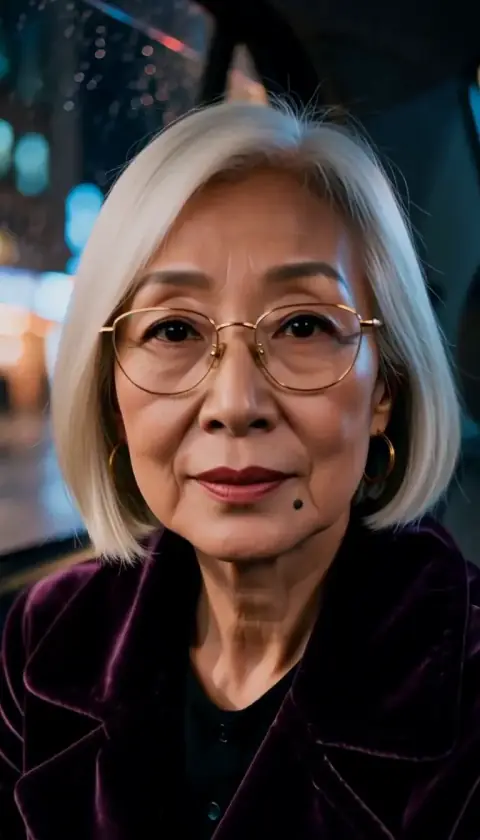 The Turn
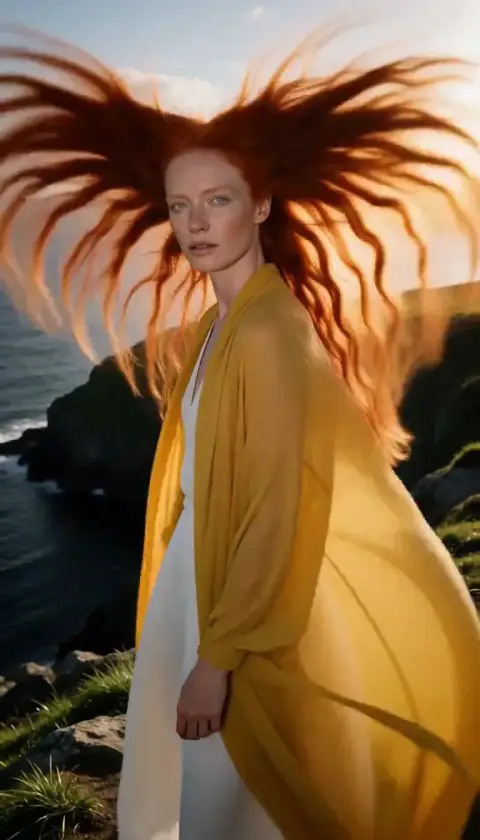 Hair in the Wind