


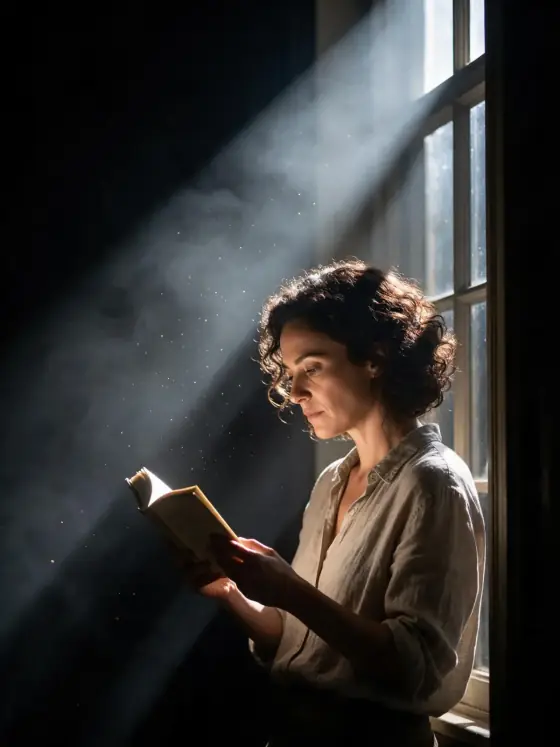

Theatrical Spotlight AI Photo Generator: Stage Light
One hard beam cutting through stage haze.
- From a description only
- Best shape: 3:4 · 4:5
Works on
- Seedream 5.0 Pro
- Qwen Image 3.0
- Nano Banana 2.1
- Seedream 5.0 Flash
About Stage Light
Stage Light puts the subject alone in the beam of one follow-spot on a dark stage. The light falls hard from above and to the front, carving a bright cone through the haze, and everything outside it drops into black. Dust glitters in the beam like tiny stars. The subject stands in a clean circle of light with sharp shadows, and the whole frame holds its breath, like the moment before an actor speaks or a dancer moves.
Use it for theater and dance posters, fashion and portrait campaigns, album covers, speaker and event promos, and dramatic social posts. For a dark figure outlined only by edge light, use Rim Light; for catwalk fashion under show lights, High Fashion; for a loud, smoky club stage, Club Strobe.
Finishes that work on top: Film grain for an old theater photograph, Soft glow for a softer, glowing beam, Black & white for a classic black-and-white stage portrait. Golden hour is switched off here, because sunset light would fight the single spotlight.
Tips
- Keep it to one subject in the light. The drama comes from everything else being dark.
- A clear gesture reads best: a raised chin, an outstretched hand, a turned shoulder, a pause mid-step.
- Long coats, gowns and flowing fabric catch the beam and throw beautiful shadows.
- Want a colored beam? Add “in a deep blue spotlight” or “in a warm amber spotlight” to your subject.
- For a wider stage, add “seen from the back of the theater” and the beam becomes a small bright island.
What the style adds
Your words go where it says “your subject”. Everything else is added for you.
your subject, a single hard follow-spot cutting through stage haze, black surround, dust glittering in the beam, dramatic theatrical stillness
Models and price
- Seedream 5.0 Pro36 credits
- Qwen Image 3.030 credits
- Nano Banana 2.148 credits
- Seedream 5.0 Flash29 credits
One 1K image from a description. The button always shows the exact price before you spend anything.
How to use Stage Light
- Describe itWrite who or what should be in the picture. A small action and a clear place work best.
- Pick a shapeKeep the suggested ratio and model, or change them in the bar at the bottom.
- Paint itPress “Paint it”. The price is on the button before you spend anything.
Questions about Stage Light
Can I use Stage Light on my own photo?
Not yet. This style works from a description: write what you want to see and the style adds the look.
How much does one Stage Light image cost?
29 credits for one 1K image on Seedream 5.0 Flash. 2K costs more, and the button shows the exact price before you run it.
Will this style change how the person looks?
No. The template describes the stage and the light: one follow-spot, haze, a black surround and dust in the beam. Whoever you write keeps the same features; only the lighting and setting change.
Why is the background completely black?
That is how a single follow-spot works: it lights only its circle. The black surround is what makes the subject feel isolated and important.
How is it different from Club Strobe?
Club Strobe is a loud club gig: red strobe, rolling smoke, speaker stacks and heavy grain. Stage Light is quiet theater: one clean beam, glittering dust and total stillness.
Similar styles
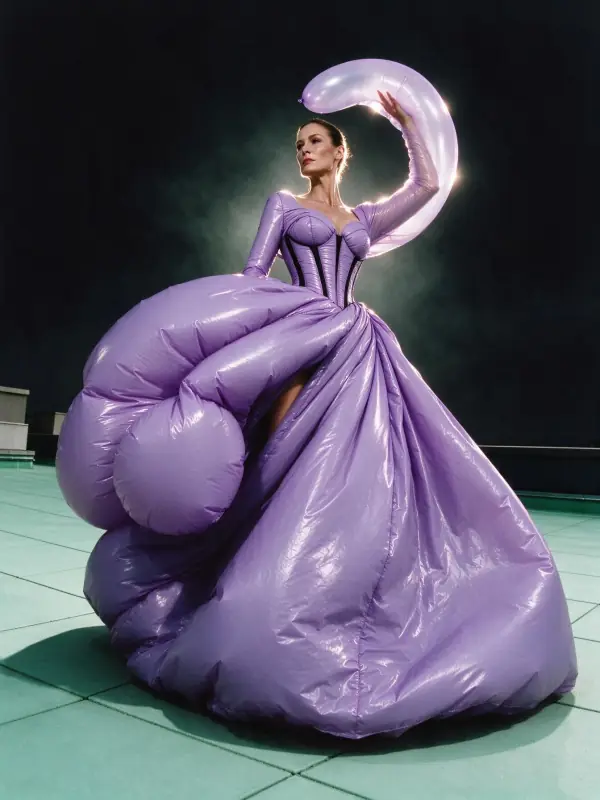 Rim Light
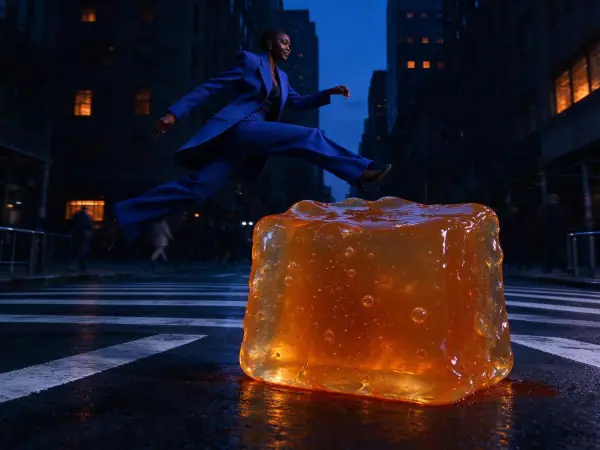 Blue Hour
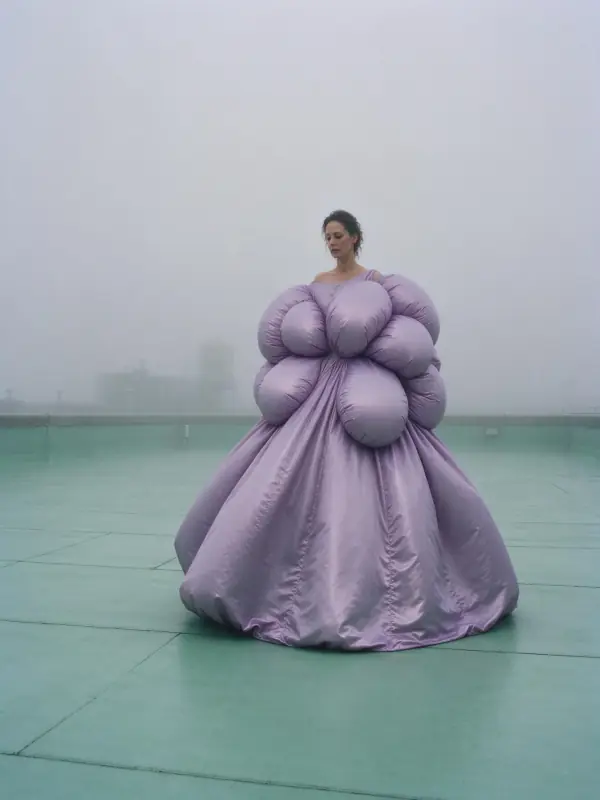 Deep Fog
 Gamer Glow
Bring it to life
Effects that turn a still in this look into a short video.
 Slow Push-In
 The Turn