



Overhead Product AI Image Generator: Technical Flatlay
A precise overhead arrangement makes useful details beautiful.
- From a description only
- Best shape: 3:4 · 4:5 · 1:1
Works on
- Seedream 5.0 Pro
- Qwen Image 3.0
- Nano Banana 2.1
- Seedream 5.0 Flash
About Technical Flatlay
Technical Flatlay studies objects from directly above, letting spacing and orientation make their relationships clear. Functional details remain visible, material grain stays intact, and soft shadows add depth without making the layout feel cluttered. A limited neutral palette uses one accent to establish hierarchy. The approach draws on equipment photography and organized product still life. Unlike a decorative tabletop arrangement, the composition gives each object an understandable role within a small, coherent set.
Write about a kit with a specific purpose. A bicycle repair set, a bookbinder’s tools, a compact coffee setup, or a small drafting collection all offer shapes that can be organized overhead. Name the key items and how they relate in size. Keep pieces separated enough to show their outlines, and avoid surrounding the useful set with filler objects that do not belong to the activity.
Begin with “a bicycle repair kit arranged overhead with tire levers, a small pump, and one red patch tin” or “bookbinding tools laid out on a neutral work surface with a single blue thread spool.” Another option is “a compact coffee setup with a metal dripper, cup, and folded linen.” Wider spacing makes individual functions easier to inspect; tighter grouping emphasizes the kit as a single practical collection.
Tips
- List a small set of tools that belong to the same task so the layout has a practical logic.
- Keep all objects on the same surface to preserve consistent apparent scale.
- Align long handles or shafts deliberately instead of scattering them at unrelated angles.
- Use one accent item to establish the first place the eye should land.
- Allow soft side shadows to show depth while retaining the directly overhead camera position.
What the style adds
Your words go where it says “your subject”. Everything else is added for you.
your subject. Photograph a disciplined overhead flatlay with consistent object scale, purposeful spacing and a clear visual hierarchy. Retain functional details, material grain and soft directional shadows. Use a limited neutral palette with one accent, avoiding labels, rulers with fake markings or unrelated decorative accessories.
Models and price
- Seedream 5.0 Pro36 credits
- Qwen Image 3.030 credits
- Nano Banana 2.148 credits
- Seedream 5.0 Flash29 credits
One 1K image from a description. The button always shows the exact price before you spend anything.
How to use Technical Flatlay
- Describe itWrite who or what should be in the picture. A small action and a clear place work best.
- Pick a shapeKeep the suggested ratio and model, or change them in the bar at the bottom.
- Paint itPress “Paint it”. The price is on the button before you spend anything.
Questions about Technical Flatlay
Can I use Technical Flatlay on my own photo?
Not yet. This style works from a description: write what you want to see and the style adds the look.
How much does one Technical Flatlay image cost?
29 credits for one 1K image on Seedream 5.0 Flash. 2K costs more, and the button shows the exact price before you run it.
Is this suitable for arranging a tool kit?
Yes. Describe the activity, name the essential tools, and give one item visual priority. Keeping the collection specific helps the overhead arrangement feel useful and organized instead of becoming a decorative assortment.
How does it compare with Exploded Assembly?
Exploded Assembly separates components that fit together into one product. Technical Flatlay organizes complete objects that belong to a kit or activity, usually on a shared surface and viewed directly from above.
Can I include measuring tools?
You can include their overall forms, but generated markings may not be reliable. If exact measurements need to be communicated, keep them out of the image and add checked information separately in your final layout.
Similar styles
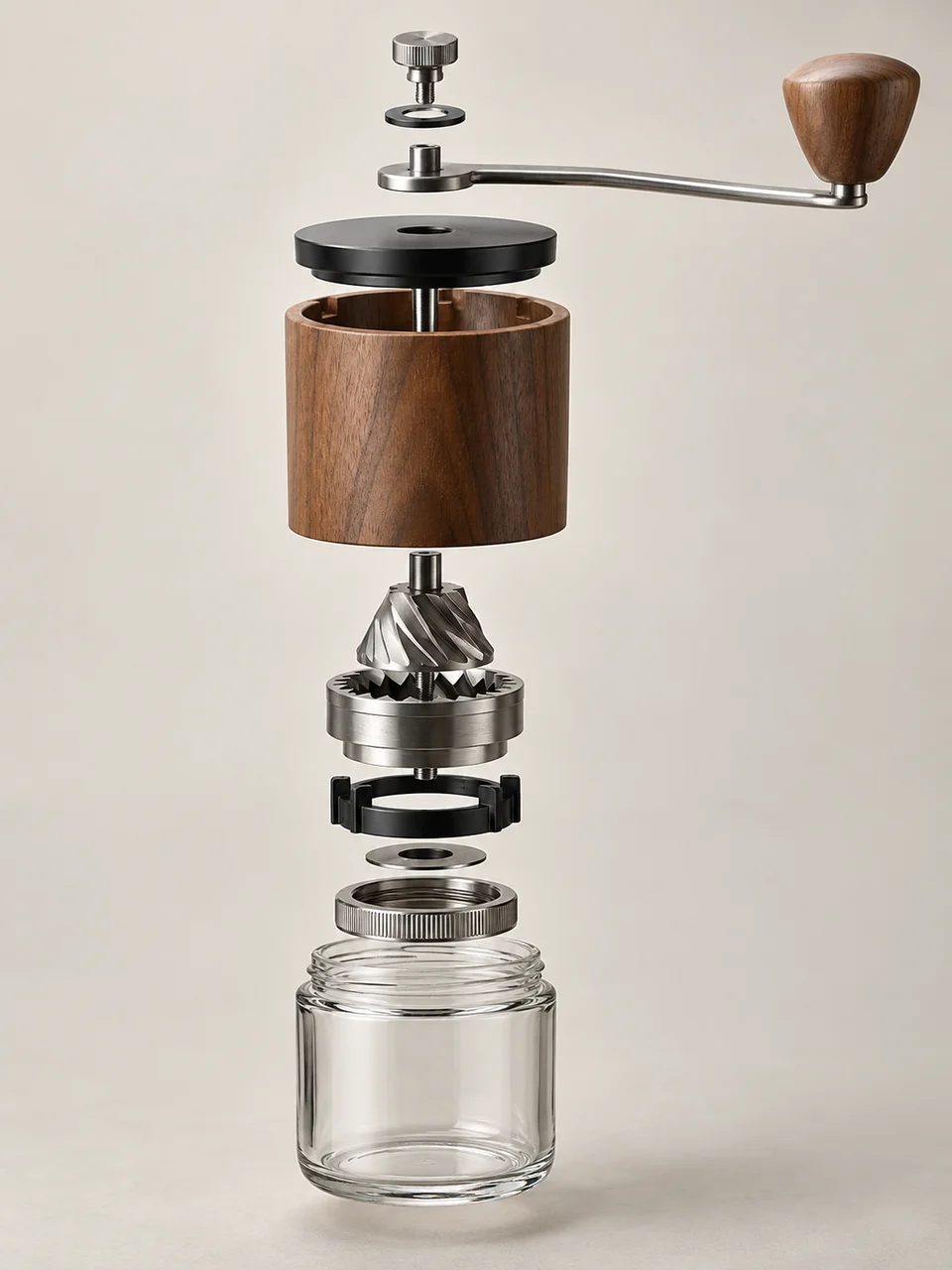 Exploded Assembly
 Sculptural Product
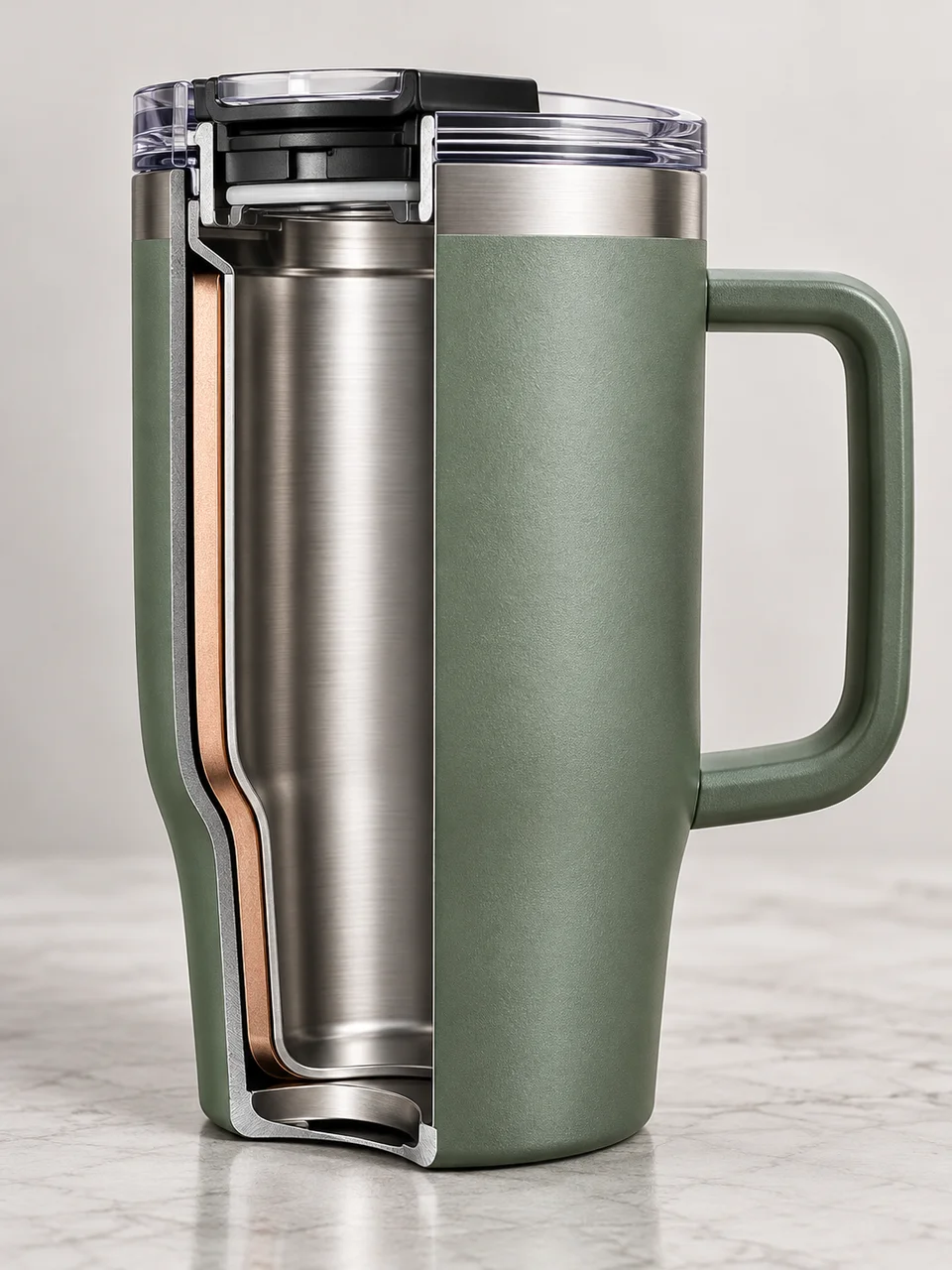 Sectioned Object
 Refractive Product
Bring it to life
Effects that turn a still in this look into a short video.
 Slider Parallax
 Big Reveal