


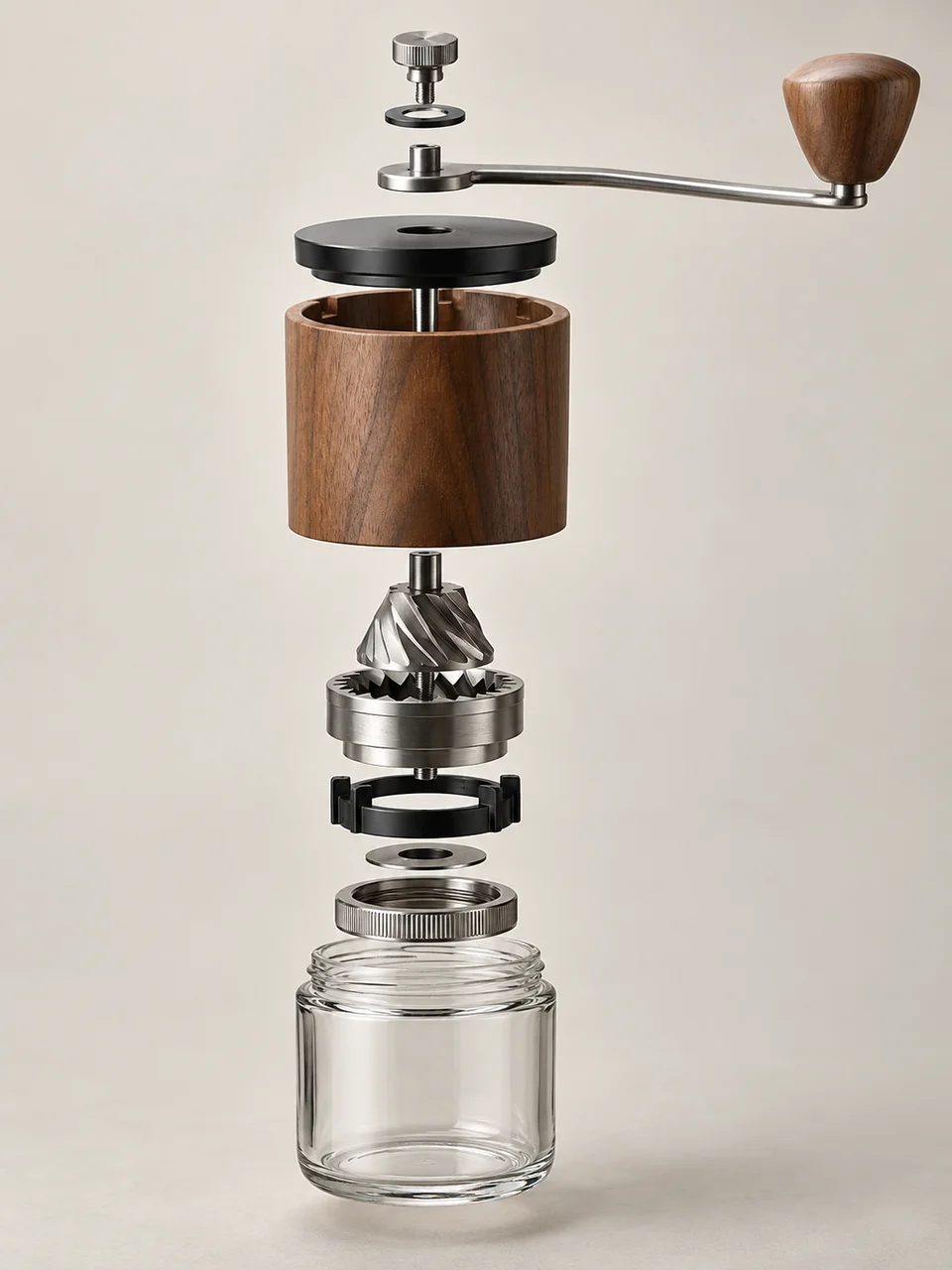
Assembly AI Image Generator: Exploded Assembly
Aligned components reveal how a designed object fits together.
- From a description only
- Best shape: 3:4 · 4:5 · 1:1
Works on
- Seedream 5.0 Pro
- Qwen Image 3.0
- Nano Banana 2.1
- Seedream 5.0 Flash
About Exploded Assembly
Exploded Assembly opens an object without abandoning its original organization. Parts separate along an assembly direction, keeping their relative scale and orientation so matching joins remain visible. A consistent camera and shared studio lighting make the pieces feel like components of one product. The approach comes from technical illustration and industrial design presentation, where spacing can explain assembly. A simple background leaves the viewer free to follow the sequence from one component to the next.
Work from a written description of a product with a small, understandable parts list. A hand grinder, a compact lamp, a travel mug, or a simple speaker gives you a clear stack or axis to show. Name the outer shell and several major internal components, then specify how they align. Fewer well-chosen pieces communicate construction more effectively than a cloud of screws and fragments at unrelated angles.
Paste “a hand grinder with its lid, crank, shaft, and body separated along one vertical axis” or “a travel mug with the lid, gasket, liner, and outer shell aligned above one another.” Another option is “a compact lamp with its shade, socket housing, stem, and base separated in order.” Wider spacing improves the visibility of joins, while tighter spacing keeps the complete product shape easier to imagine.
Tips
- State one assembly axis so the separated parts retain a shared direction.
- Name major components in order, from lid to base or front cover to back shell.
- Keep small fasteners close to their matching holes instead of spreading them across the background.
- Use enough separation to reveal joins while preserving the product’s overall outline.
- Choose a neutral studio surface so shadows help connect the parts without adding visual clutter.
What the style adds
Your words go where it says “your subject”. Everything else is added for you.
your subject. Show a physically coherent exploded assembly with parts separated along their real assembly axis. Preserve exact relative scale, alignment and matching joins; keep one consistent camera and studio light. Use a plain background without labels, arrows, numbers or decorative fragments.
Models and price
- Seedream 5.0 Pro36 credits
- Qwen Image 3.030 credits
- Nano Banana 2.148 credits
- Seedream 5.0 Flash29 credits
One 1K image from a description. The button always shows the exact price before you spend anything.
How to use Exploded Assembly
- Describe itWrite who or what should be in the picture. A small action and a clear place work best.
- Pick a shapeKeep the suggested ratio and model, or change them in the bar at the bottom.
- Paint itPress “Paint it”. The price is on the button before you spend anything.
Questions about Exploded Assembly
Can I use Exploded Assembly on my own photo?
Not yet. This style works from a description: write what you want to see and the style adds the look.
How much does one Exploded Assembly image cost?
29 credits for one 1K image on Seedream 5.0 Flash. 2K costs more, and the button shows the exact price before you run it.
Will every internal part be technically correct?
The image can communicate a plausible assembly, but it cannot verify an engineering design. Specify important parts and their order, then review the result for missing joins or impossible relationships before using it as a technical reference.
How does it differ from Sectioned Object?
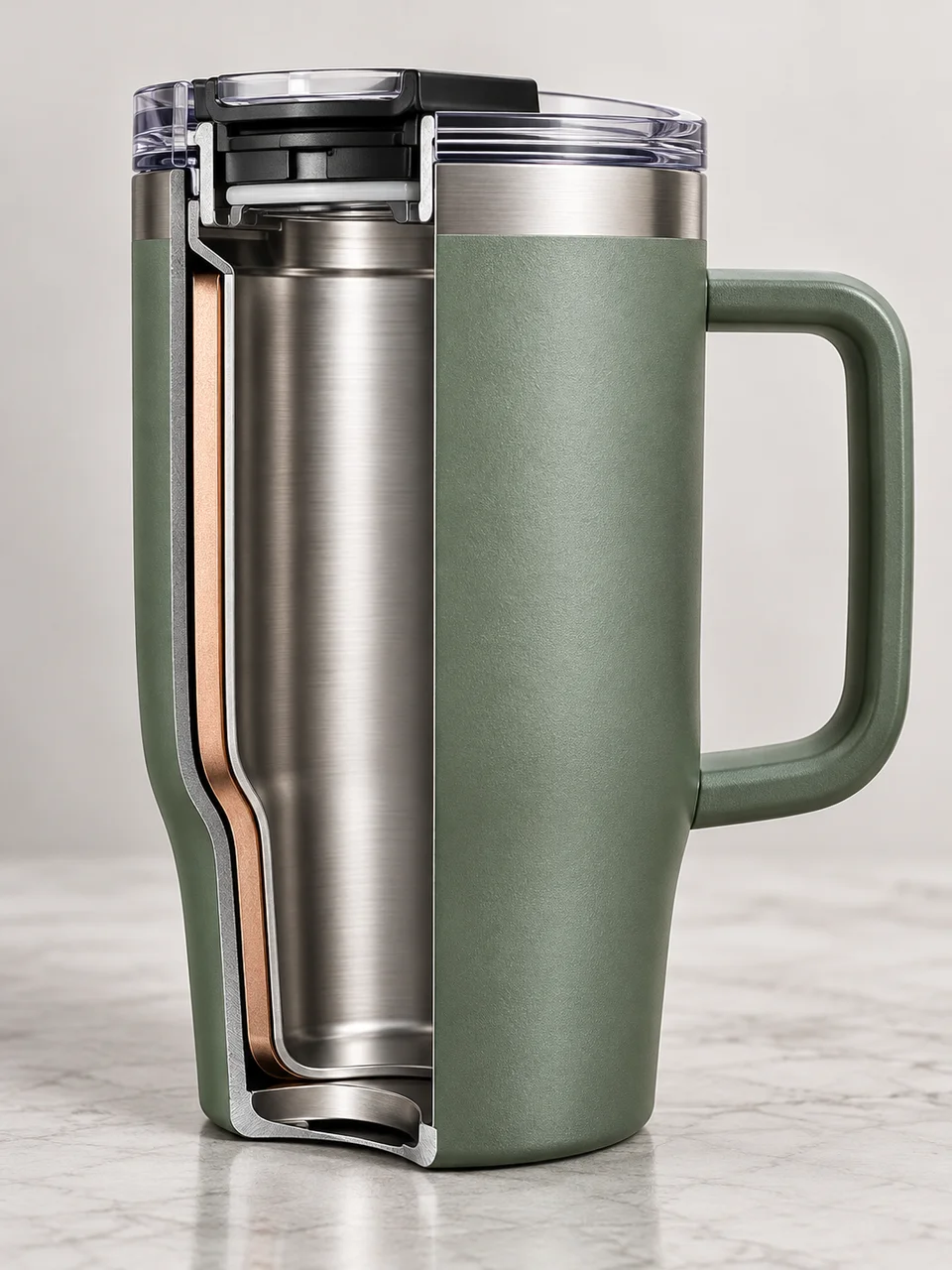
Sectioned Object removes a portion through one cut plane while the remaining product stays assembled. Exploded Assembly separates complete components so their sequence, alignment, and matching connections become the main way of explaining construction.
Which objects are hardest to show clearly?
Products with hundreds of tiny components or several unrelated assembly directions can become confusing. Start with a lamp, grinder, or vessel whose main pieces share an obvious axis, and focus on a small set of recognizable parts.
Similar styles
 Sculptural Product
 Sectioned Object
 Refractive Product
 Suspended Droplet
Bring it to life
Effects that turn a still in this look into a short video.
 Slider Parallax
 360 Turntable