


Redscale AI Photo Generator: Redscale Memory
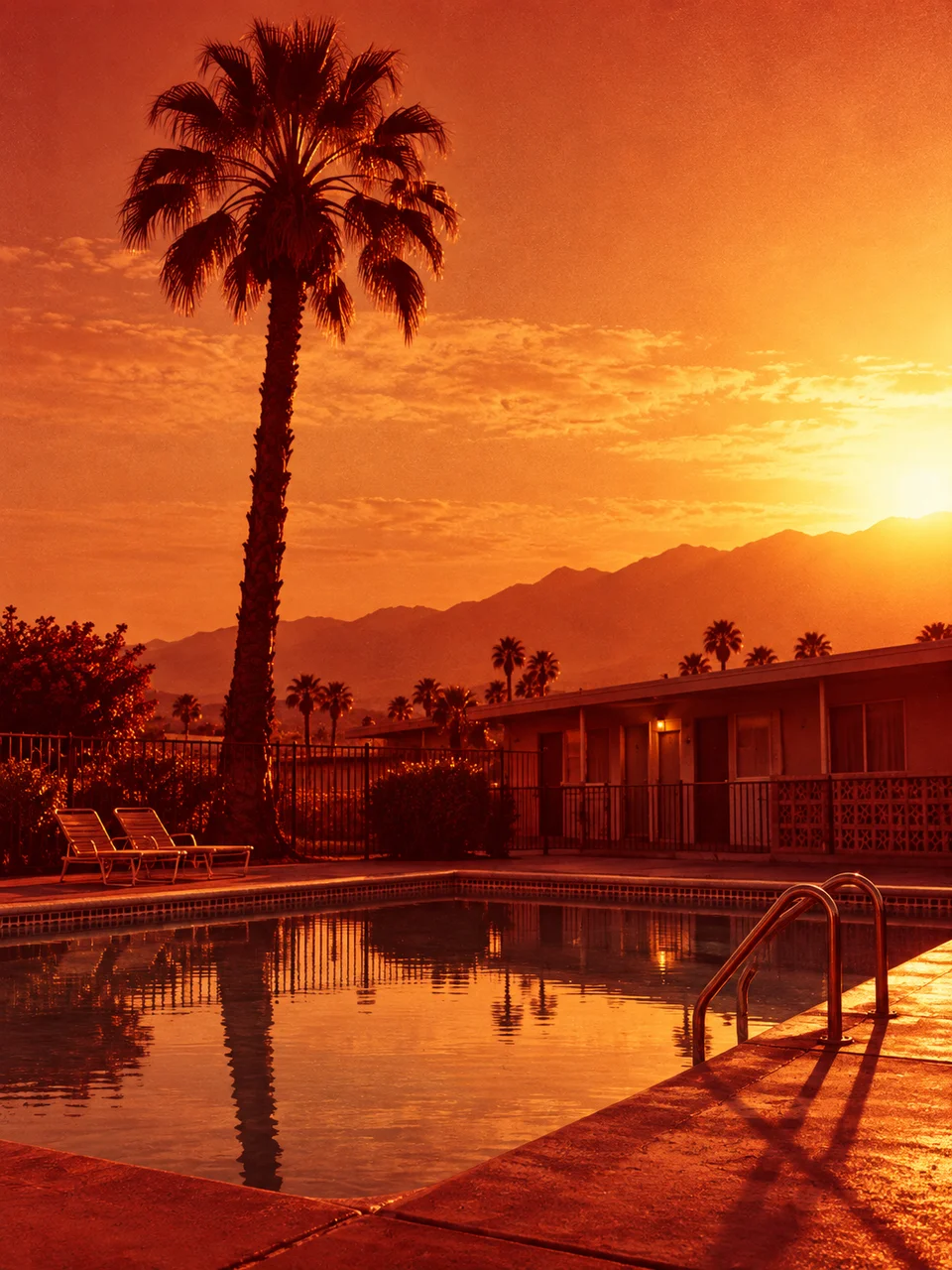
Light passes through the film base into copper warmth.
- From a description only
- Best shape: 3:4 · 4:5 · 1:1
Works on
- Seedream 5.0 Pro
- Qwen Image 3.0
- Nano Banana 2.1
- Seedream 5.0 Flash
About Redscale Memory
Redscale Memory takes its color logic from exposing color film through its base, a technique known for warm red and amber results. The style gives shadows a copper cast, lifts the middle tones toward amber, and leaves highlights pale cream. Grain and directional light prevent the restricted palette from becoming a flat wash. Strong outlines matter because blue, green, and red objects may no longer separate by their usual color differences.
Good subjects include a cyclist on a bridge, an empty bus shelter at sunset, a person leaning against a brick wall, or reeds beside a bright lake. Describe the outline first, then the light striking its edge or side. The image is built from your written description. Choose scenes with clear gaps between foreground and background; overlapping clusters of similarly dark objects can lose their structure once the colors converge toward warmth.
Begin with “a cyclist crossing a steel bridge with low sunlight from the right” or “an empty bus shelter beside a bright evening sky”. Another option is “reeds silhouetted against a lake with a small wooden jetty”. A pale sky opens the picture and provides cream highlights, while a brick backdrop keeps nearly the whole scene within copper tones. Side light is useful when you want warm faces or objects to retain volume.
Tips
- Separate the main silhouette from the background with sky, water, or a pale wall.
- Describe side light when several warm objects need distinct shapes and visible depth.
- Favor brick, dry grass, and weathered wood if you want materials that harmonize with copper.
- Avoid relying on a blue-versus-green contrast to explain which object matters.
- Leave small bright reflections in water or glass to break up a large amber area.
What the style adds
Your words go where it says “your subject”. Everything else is added for you.
your subject. Render a redscale photographic exposure with copper-red shadows, amber midtones and pale cream highlights. Keep luminous detail and actual grain rather than a flat orange overlay. Use a strong silhouette and side lighting so the restricted warm spectrum still separates subject and environment.
Models and price
- Seedream 5.0 Pro36 credits
- Qwen Image 3.030 credits
- Nano Banana 2.148 credits
- Seedream 5.0 Flash29 credits
One 1K image from a description. The button always shows the exact price before you spend anything.
How to use Redscale Memory
- Describe itWrite who or what should be in the picture. A small action and a clear place work best.
- Pick a shapeKeep the suggested ratio and model, or change them in the bar at the bottom.
- Paint itPress “Paint it”. The price is on the button before you spend anything.
Questions about Redscale Memory
Can I use Redscale Memory on my own photo?
Not yet. This style works from a description: write what you want to see and the style adds the look.
How much does one Redscale Memory image cost?
29 credits for one 1K image on Seedream 5.0 Flash. 2K costs more, and the button shows the exact price before you run it.
Can I keep a blue sky blue?
A faithful blue sky works against the redscale character. Expect it to move toward pale cream or warm tones. Describe a bright open sky if you need separation, rather than depending on its original blue color.
How is Redscale Memory different from Movie Still?
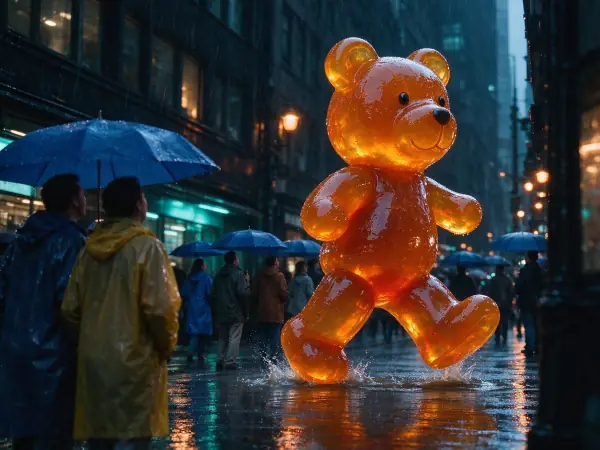
Redscale Memory commits to a narrow copper, amber, and cream spectrum inspired by a film-exposure technique. Movie Still can support a much wider range of cinematic palettes and is less dependent on warm tonal separation.
Does this suit detailed portraits?
It can, especially with side illumination and a simple backdrop. Skin color will be interpreted through the warm palette, so choose another photographic look when accurate complexion color is more important than the redscale atmosphere.
Similar styles
 Movie Still
 Silver Gelatin
 Selenium Split Tone
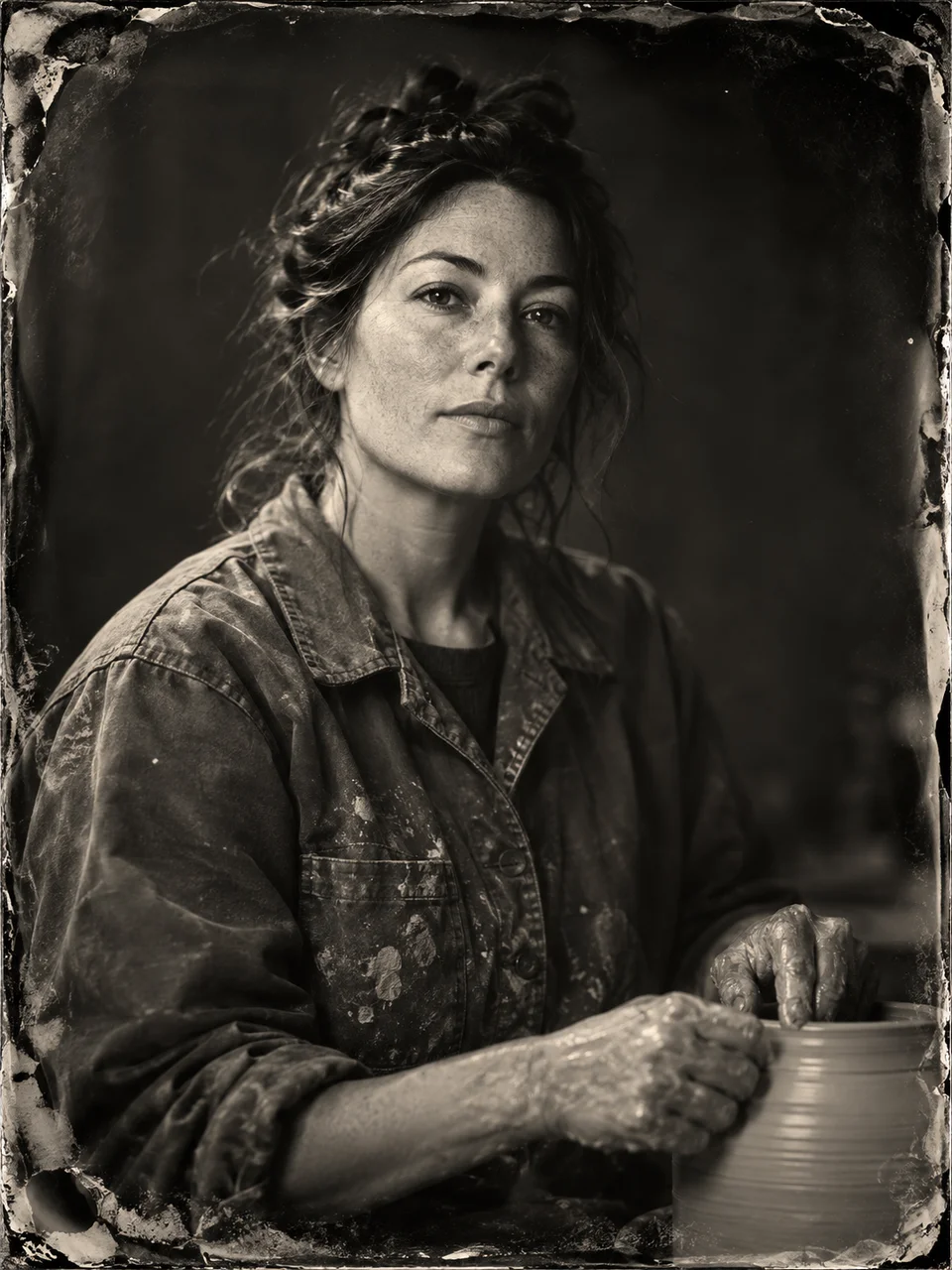 Wet Plate Portrait
Bring it to life
Effects that turn a still in this look into a short video.
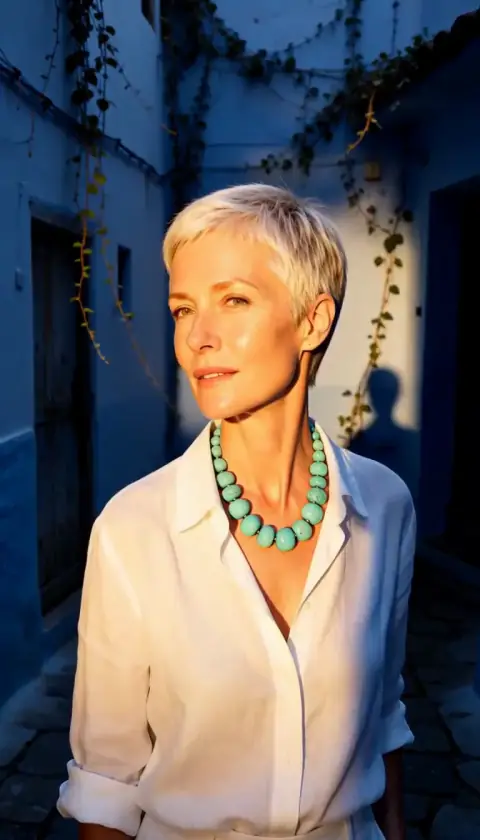 Golden Hour
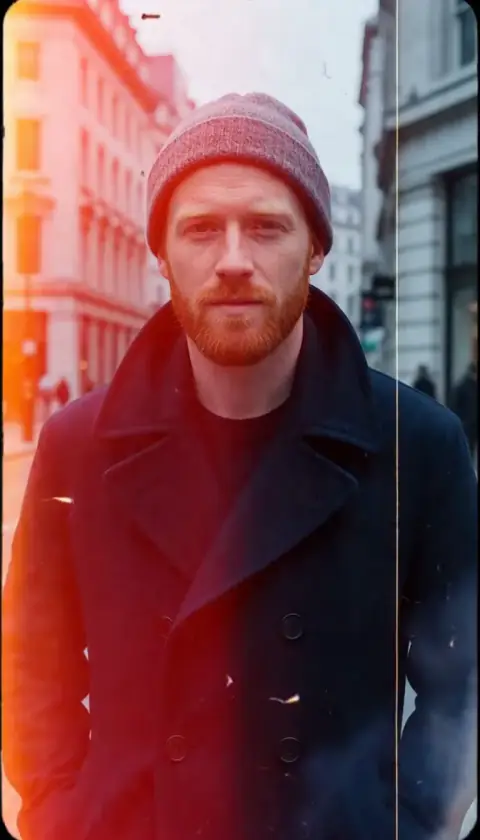 Film Burn