


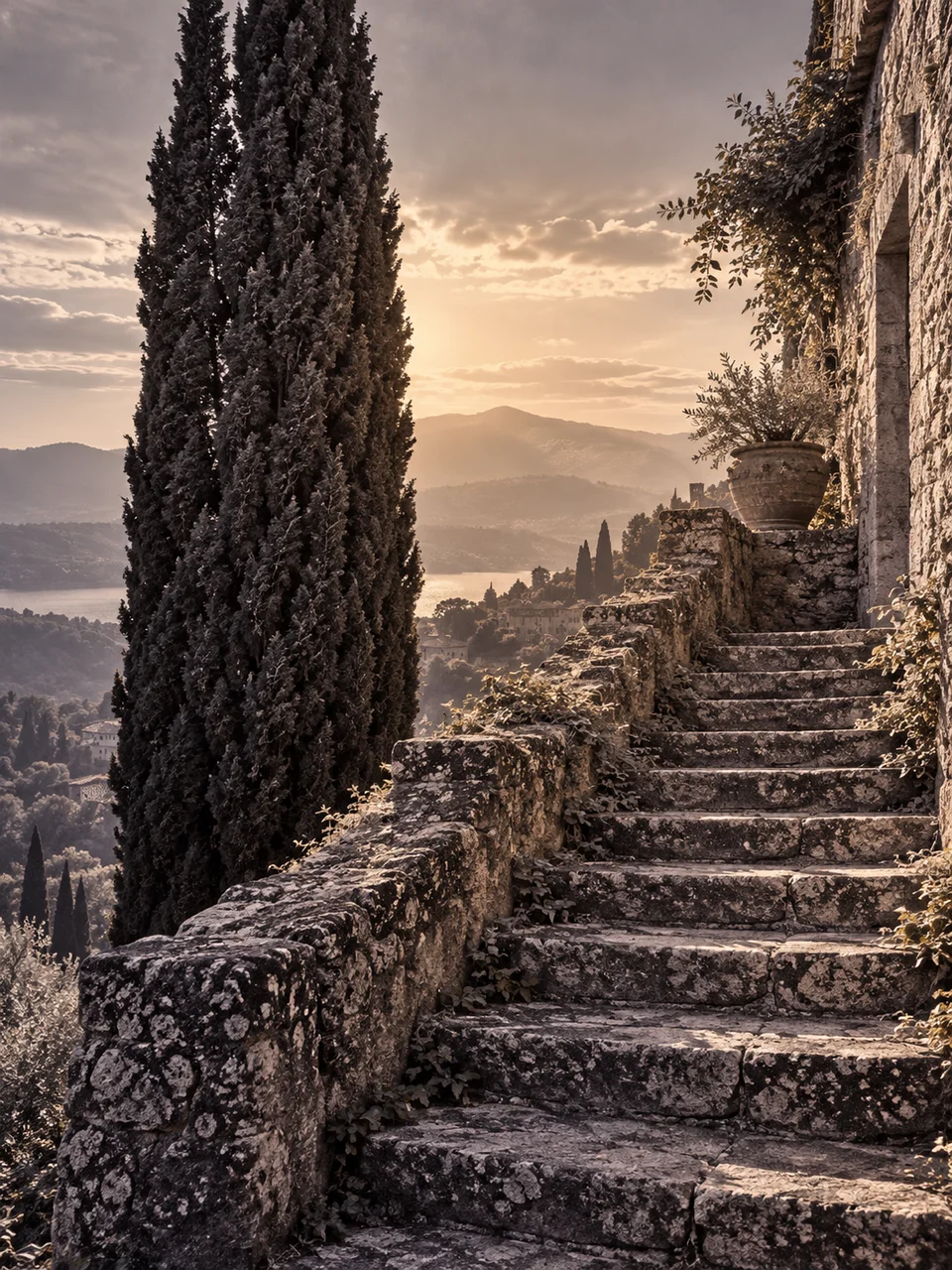
Toned Print AI Photo Generator: Selenium Split Tone
Cool shadows and warm highlights in a toned print.
- From a description only
- Best shape: 3:4 · 4:5 · 1:1
Works on
- Seedream 5.0 Pro
- Qwen Image 3.0
- Nano Banana 2.1
- Seedream 5.0 Flash
About Selenium Split Tone
Selenium Split Tone gives a monochrome photograph a restrained division of color across its tonal range. Dark areas lean toward cool plum, while lighter regions stay warm and nearly neutral. The reference is selenium-toned darkroom printing, whose appearance can vary with paper and treatment. This interpretation favors subtle transitions, fine grain, and matte paper. Silver-like density gives the shadows body, but the image retains a continuous photographic scale rather than separating into hard blocks of two colors.
Describe a subject in writing with both substantial shadows and open highlights. A stone staircase in window light, a person beside a pale wall, a winter river under bare trees, or a glass on a dark wooden table can reveal the tonal shift. Mention which surfaces should remain luminous and where darker masses sit. That structure gives the plum shadows room to appear while keeping the light areas clean and quietly warm.
Try “a stone staircase with cool deep shadows and soft window light on the upper steps” or “a person in a dark sweater beside a pale sunlit wall.” A landscape line is “a winter river beneath bare trees with luminous mist above the water.” Shadow coverage changes the color balance: broad dark areas reveal more plum tone, while a bright scene keeps the result closer to a warm neutral photographic print.
Tips
- Include one broad shadow mass where the cool plum tone can be visible.
- Keep highlights nearly neutral instead of asking for a strong yellow or orange wash.
- Use smooth tonal transitions, such as window light fading across stone, to connect the two regions.
- Favor matte surfaces when you want the subtle print color to stay easy to judge.
- Leave some fine texture in the midtones so the image retains photographic detail between dark and light.
What the style adds
Your words go where it says “your subject”. Everything else is added for you.
your subject. Render a carefully selenium-toned photographic print: cool plum shadows transition into warm neutral highlights while retaining a continuous tonal scale. Use subtle silver density, fine grain and a matte paper surface. Avoid sepia over the whole image or exaggerated duotone blocks.
Models and price
- Seedream 5.0 Pro36 credits
- Qwen Image 3.030 credits
- Nano Banana 2.148 credits
- Seedream 5.0 Flash29 credits
One 1K image from a description. The button always shows the exact price before you spend anything.
How to use Selenium Split Tone
- Describe itWrite who or what should be in the picture. A small action and a clear place work best.
- Pick a shapeKeep the suggested ratio and model, or change them in the bar at the bottom.
- Paint itPress “Paint it”. The price is on the button before you spend anything.
Questions about Selenium Split Tone
Can I use Selenium Split Tone on my own photo?
Not yet. This style works from a description: write what you want to see and the style adds the look.
How much does one Selenium Split Tone image cost?
29 credits for one 1K image on Seedream 5.0 Flash. 2K costs more, and the button shows the exact price before you run it.
Will the whole image turn purple?
The intended plum color is concentrated in darker tones, with highlights remaining warm and close to neutral. A continuous range between them keeps the result photographic rather than giving every surface the same tint.
How is it different from Silver Gelatin?
Silver Gelatin emphasizes neutral black-and-white print tones. Selenium Split Tone adds a subtle cool-to-warm relationship between shadows and highlights, while keeping the fine grain, density, and gentle tonal continuity associated with a photographic print.
Is it the same as sepia?
Sepia usually suggests a broadly brown-toned image. This look uses cooler plum in the shadows and warmer neutral highlights, so its color varies with brightness instead of applying one warm cast across the entire photograph.
Similar styles
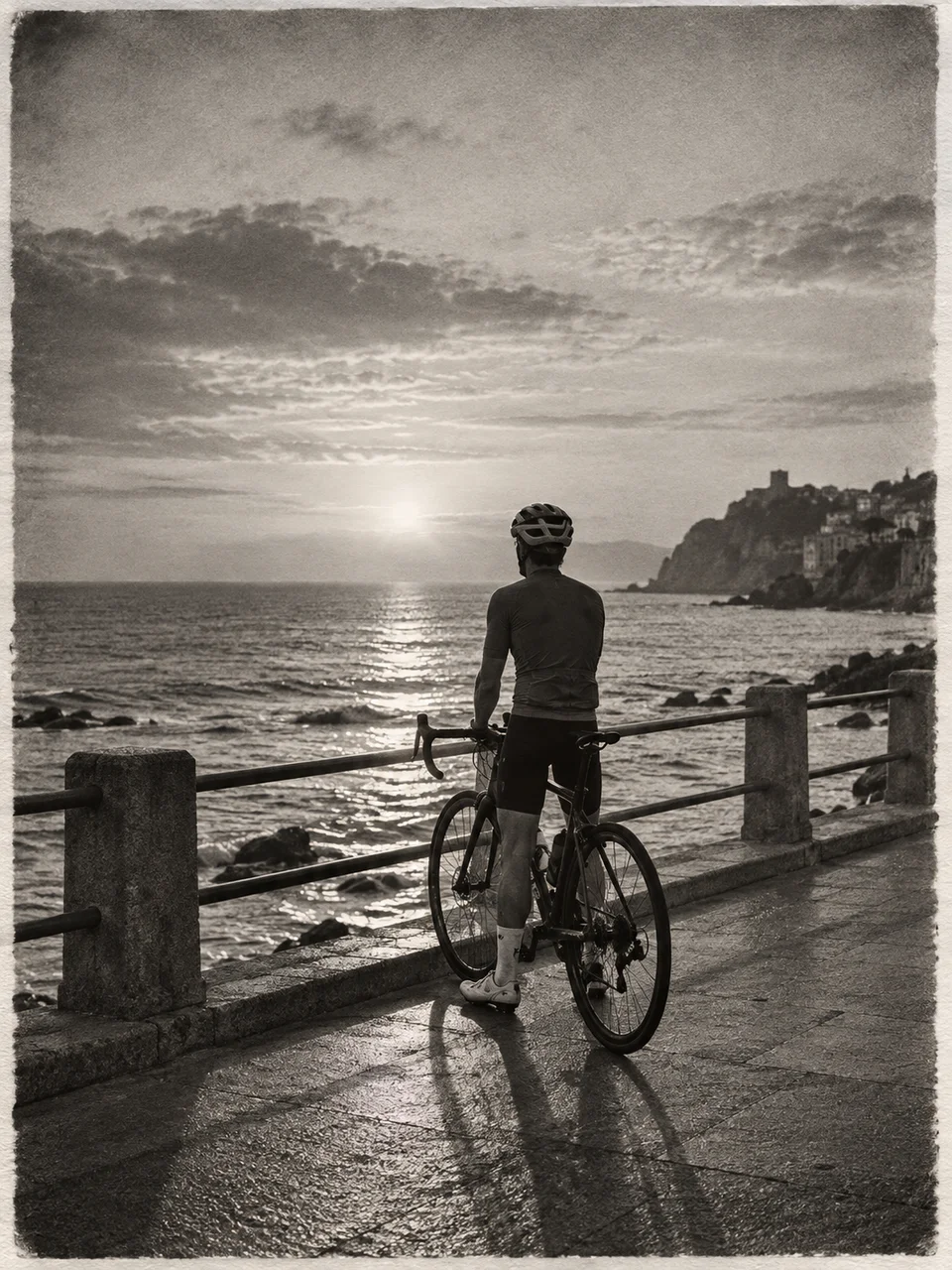 Silver Gelatin
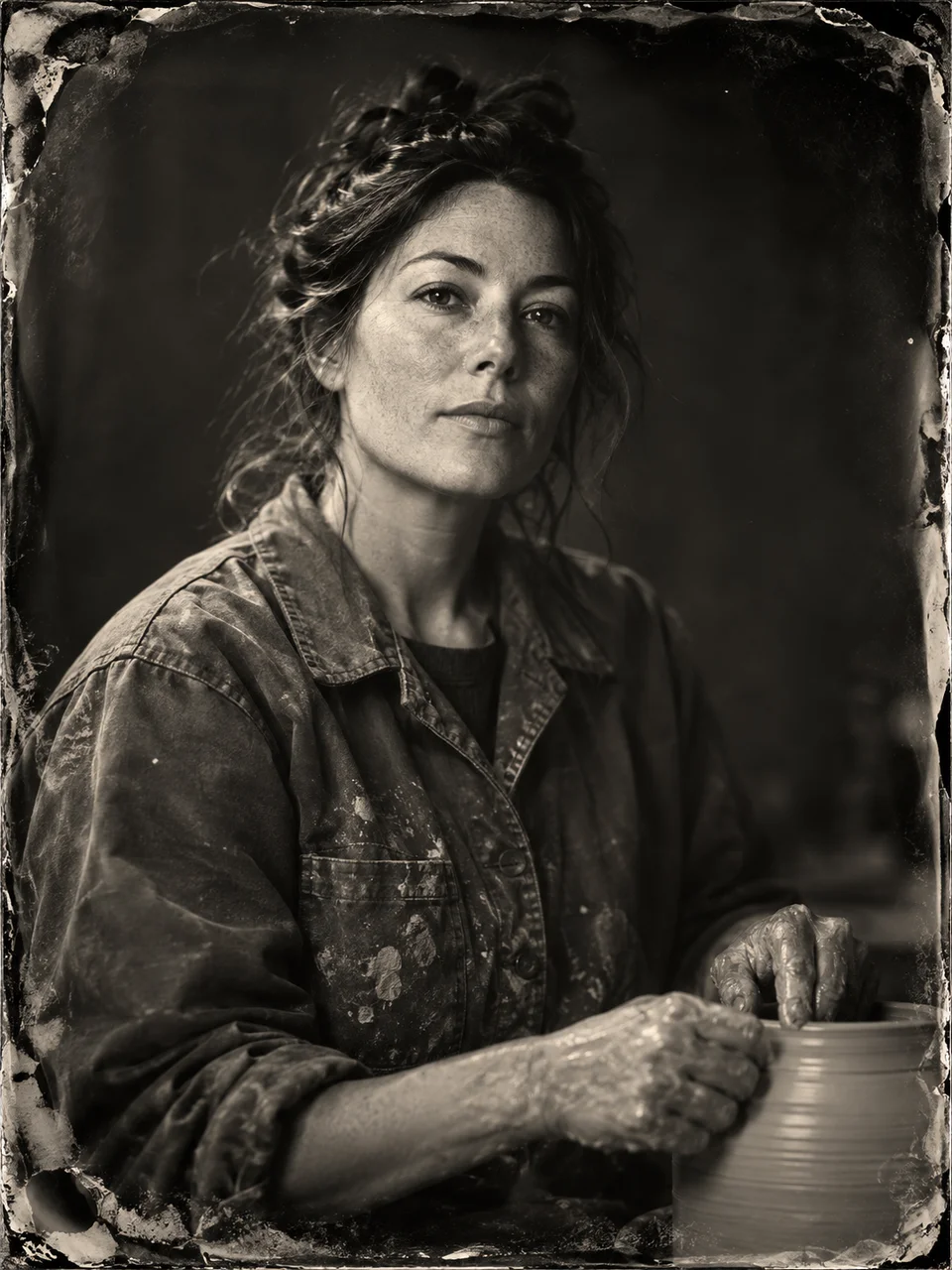 Wet Plate Portrait
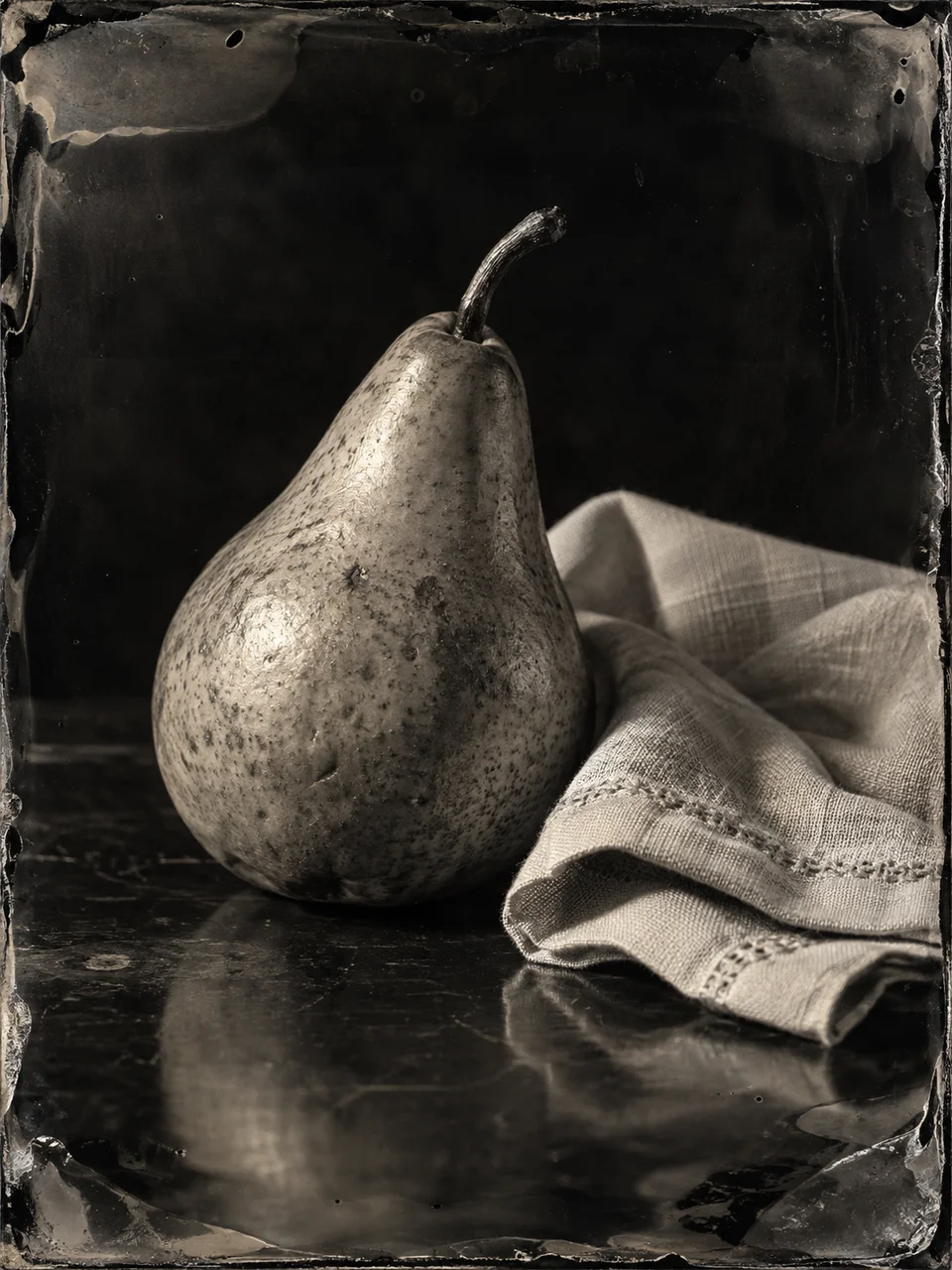 Ambrotype Glass
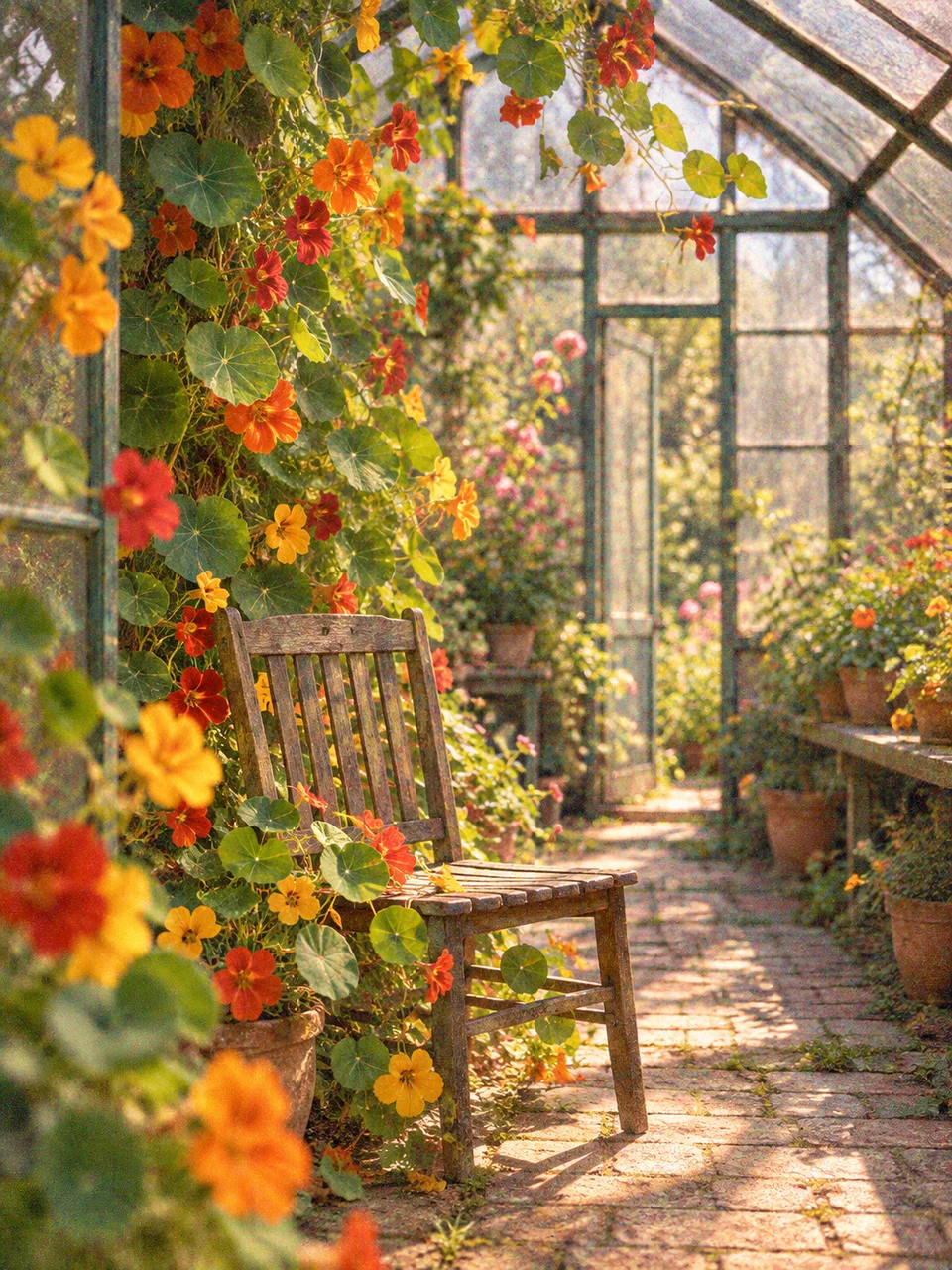 Autochrome Garden
Bring it to life
Effects that turn a still in this look into a short video.
 Slow Push-In
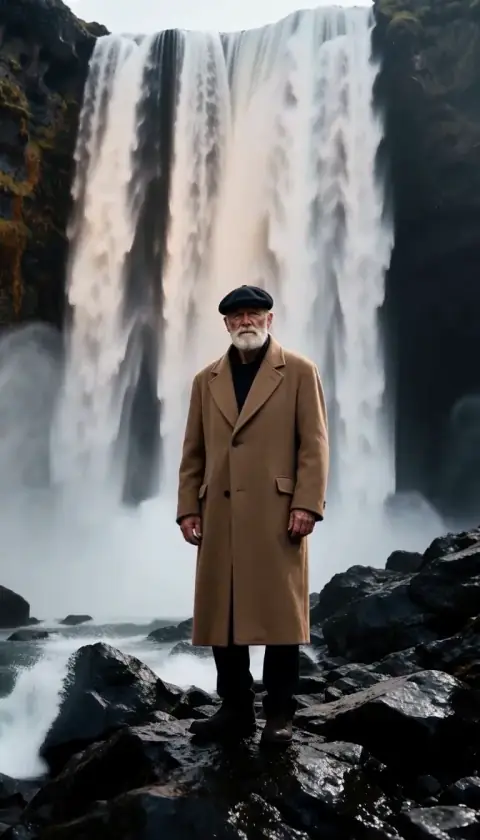 Cinemagraph