




Cinematic AI Image Generator: Movie Still
Widescreen frames with a teal-and-amber grade.
- Works on your own photo
- Best shape: 21:9 · 16:9
Works on
- Seedream 5.0 Pro
- Qwen Image 3.0
- Nano Banana 2.1
- Seedream 5.0 Flash
About Movie Still
Movie Still turns any subject into a frame from a film. The picture goes widescreen, the light comes from things that could be in the scene — a lamp, a neon sign, a car’s headlights — the grade splits into teal shadows and amber highlights, and bright points bloom with a soft halation you only see on film.
Write a moment rather than a portrait: a man waiting at a rainy bus stop, a woman reading a letter at a kitchen table at night, a cat watching snow from a windowsill, a lighthouse beam cutting through fog. The style supplies the lens, the light and the grade, so the image feels like it belongs to a story that started before it and continues after.
Subjects to paste as they are: “a man in a raincoat waiting at a bus stop under a flickering streetlight”, “a woman reading a letter at a kitchen table at night”, “a lighthouse beam cutting through heavy fog”. Every one of them suggests a story, and the style frames it like a film.
Finishes that work on top: Film grain for a more analog print, Soft glow for extra halation around lights, Golden hour for a warm exterior scene. For black and white, use Film Noir rather than the Black & white finish.
Tips
- Describe an action in progress, not a pose. Films are made of moments: waiting, turning, reaching, leaving.
- Name one light source in the scene — a desk lamp, a shop sign, a streetlight. The style is built on motivated light.
- Keep the ultrawide ratio for the full effect. Cropping to square loses most of the cinema.
- Rain, fog, steam and dust all catch motivated light beautifully; one of them in your subject adds instant depth.
What the style adds
Your words go where it says “your subject”. Everything else is added for you.
your subject, cinematic film still, widescreen anamorphic framing, motivated practical lighting, teal-and-amber grade, shallow depth of field, soft halation around highlights
Models and price
- Seedream 5.0 Pro36 credits
- Qwen Image 3.030 credits
- Nano Banana 2.148 credits
- Seedream 5.0 Flash29 credits
One 1K image from a description. The button always shows the exact price before you spend anything.
How to use Movie Still
- Describe itWrite who or what should be in the picture. A small action and a clear place work best. Or switch to “My photo” and drop in a picture you have the right to use.
- Pick a shapeKeep the suggested ratio and model, or change them in the bar at the bottom.
- Paint itPress “Paint it”. The price is on the button before you spend anything.
Questions about Movie Still
Can I use Movie Still on my own photo?
Yes. Switch to “My photo” at the bottom, drop in a picture you have the right to use, and the style redraws it while keeping the composition and pose.
How much does one Movie Still image cost?
29 credits for one 1K image on Seedream 5.0 Flash. 2K costs more, and the button shows the exact price before you run it.
Similar styles
 Romance Glow
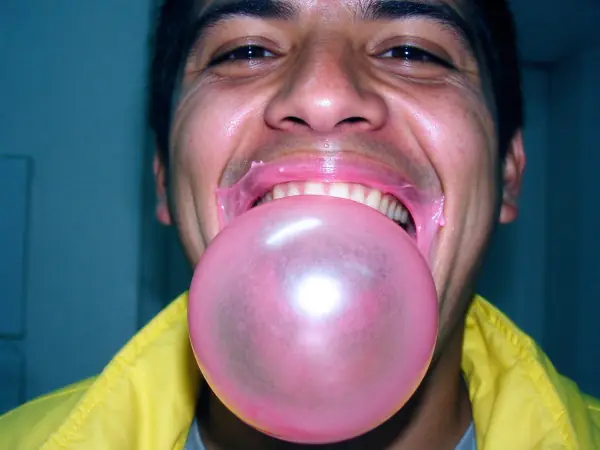 2000s Digicam
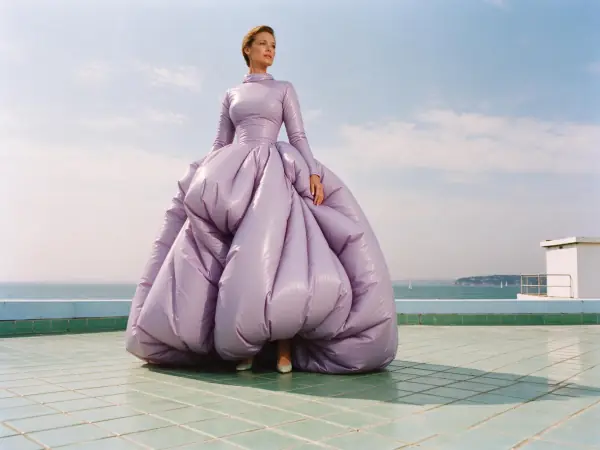 Riviera Film
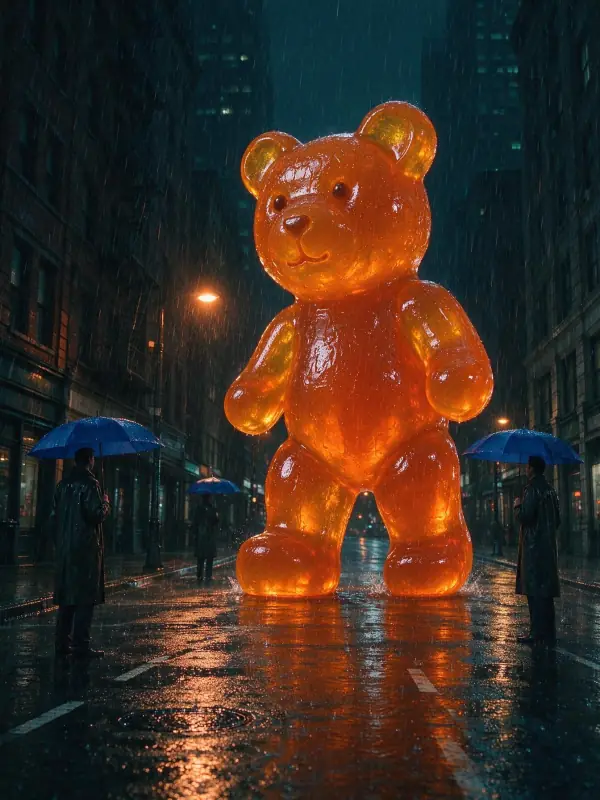 Sodium Night
Bring it to life
Effects that turn a still in this look into a short video.
 Slow Push-In
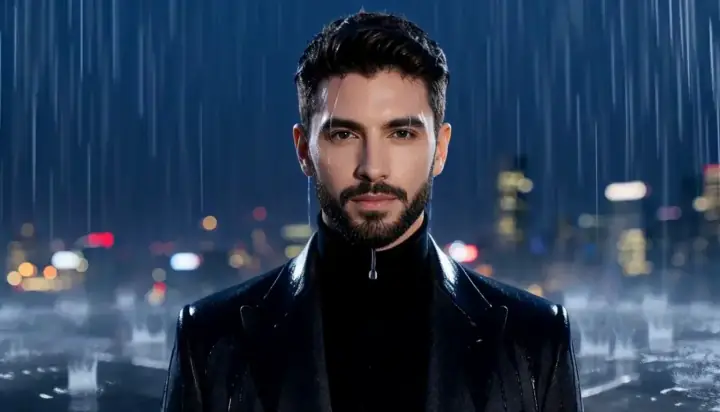 Rain Falls
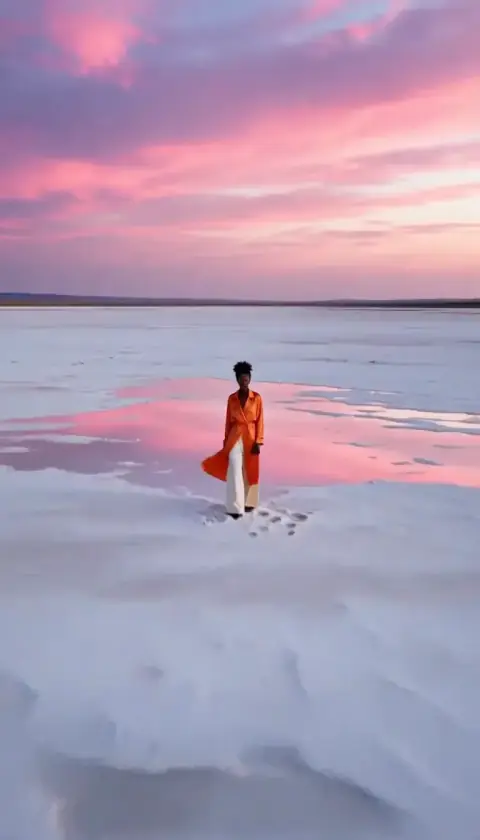 Big Reveal
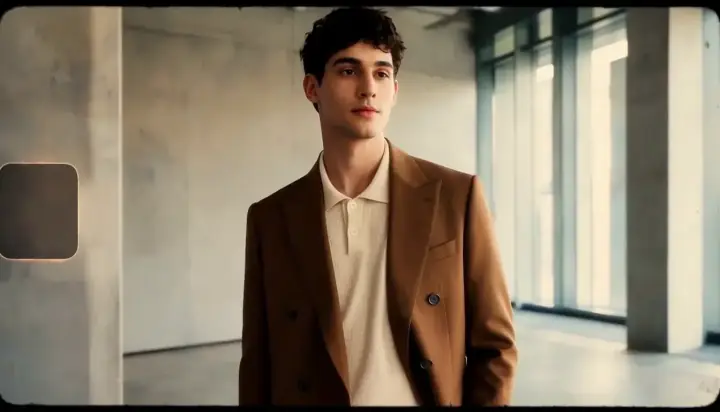 16mm Film