




Y2K Digital Camera AI Photo Generator: 2000s Digicam
Flash, noise and cool tones from an old compact camera.
- Works on your own photo
- Best shape: 4:3 · 3:4
Works on
- Seedream 5.0 Pro
- Qwen Image 3.0
- Nano Banana 2.1
- Seedream 5.0 Flash
About 2000s Digicam
2000s Digicam looks like a photo from a pocket digital camera around 2004. The colors lean cool and slightly blue, the small sensor clips bright areas into crunchy white, shadows block up quickly, and a fine layer of electronic noise sits over everything. A direct flash flattens faces and throws hard shadows onto the wall behind. It is imperfect in exactly the way that makes it feel honest, casual and a little nostalgic.
You write the subject; the style supplies the camera. It suits everyday moments more than posed ones: a woman reading by a window caught in a flash, a man adjusting his coat on a suburban street, a cat startled on a windowsill, a lighthouse on a family holiday. The less styled the scene, the more convincing the snapshot.
Use it for throwback posts, Y2K and indie music artwork, zines, lifestyle content that should feel real, and nostalgic brand campaigns. For warm chemical color with a white border, use Instant Film; for polished fashion flash, Flash Editorial; for 1990s anime nostalgia, 90s Anime.
Finishes that work on top: Golden hour for a warm late-afternoon snapshot, Soft glow for a dreamier flash glow, Black & white for a black-and-white digital print. Film grain is switched off here, because digital noise and film grain fight each other.
Tips
- Keep it unposed: laughing, mid-sentence, reaching for something. Snapshots are about moments, not poses.
- Everyday settings sell the era: kitchens, dorm-style rooms, parking lots, holiday beaches.
- For more flash, add “with direct on-camera flash in a dark room” to your subject.
- Want it warmer? Add “under warm indoor lamps” and the cool cast softens.
What the style adds
Your words go where it says “your subject”. Everything else is added for you.
your subject, early-2000s compact digital camera photo, cool color cast, crunchy clipped highlights, low dynamic range, small-sensor noise, direct flash, casual snapshot framing
Models and price
- Seedream 5.0 Pro36 credits
- Qwen Image 3.030 credits
- Nano Banana 2.148 credits
- Seedream 5.0 Flash29 credits
One 1K image from a description. The button always shows the exact price before you spend anything.
How to use 2000s Digicam
- Describe itWrite who or what should be in the picture. A small action and a clear place work best. Or switch to “My photo” and drop in a picture you have the right to use.
- Pick a shapeKeep the suggested ratio and model, or change them in the bar at the bottom.
- Paint itPress “Paint it”. The price is on the button before you spend anything.
Questions about 2000s Digicam
Can I use 2000s Digicam on my own photo?
Yes. Switch to “My photo” at the bottom, drop in a picture you have the right to use, and the style redraws it while keeping the composition and pose.
How much does one 2000s Digicam image cost?
29 credits for one 1K image on Seedream 5.0 Flash. 2K costs more, and the button shows the exact price before you run it.
Why do the highlights look blown out?
Small early sensors clip bright areas hard, turning them into flat, crunchy white. That imperfection is part of the early-2000s digital look.
How is it different from Instant Film?
Instant Film is chemical: soft, warm, faded colors with a white frame. 2000s Digicam is digital: a cool cast, harsh flash, clipped highlights and electronic noise.
Similar styles
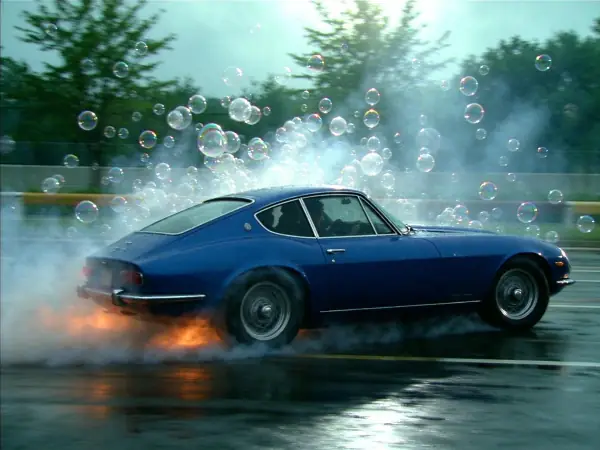 90s TV Drama
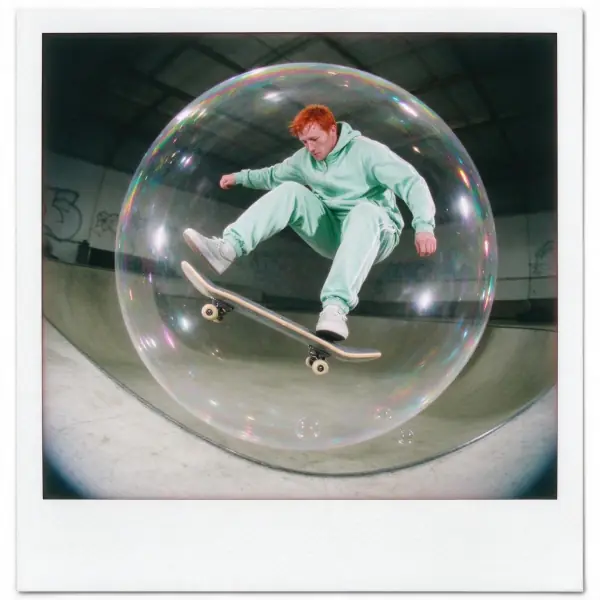 Instant Film
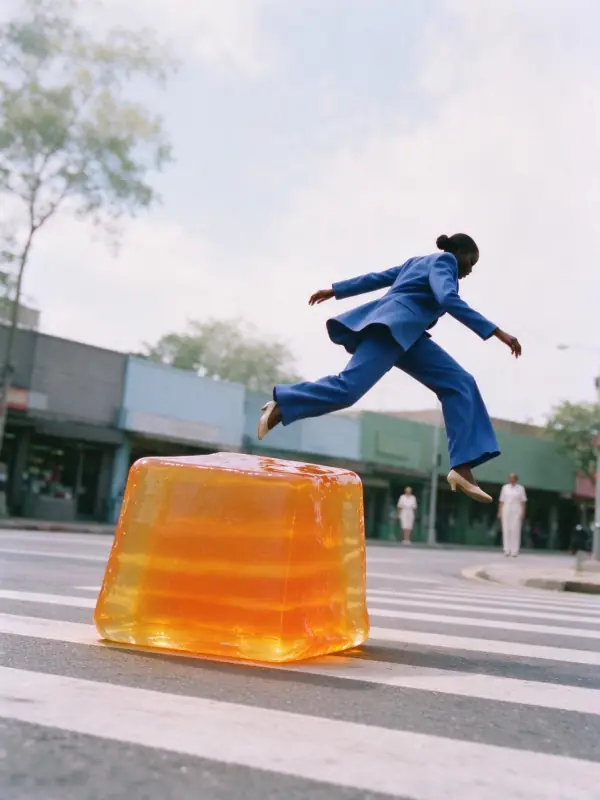 Airy Film
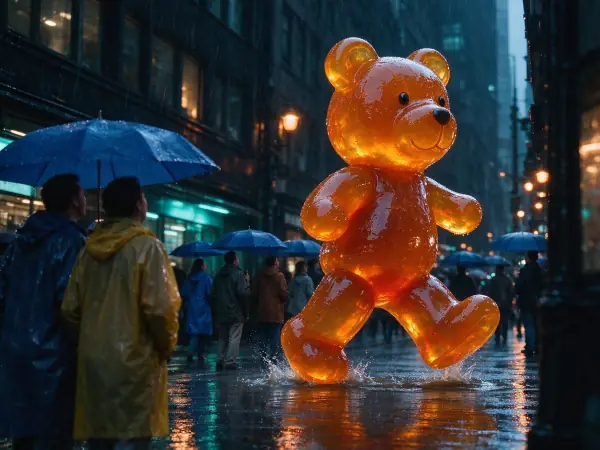 Movie Still
Bring it to life
Effects that turn a still in this look into a short video.
 16mm Film
 Slow Push-In