


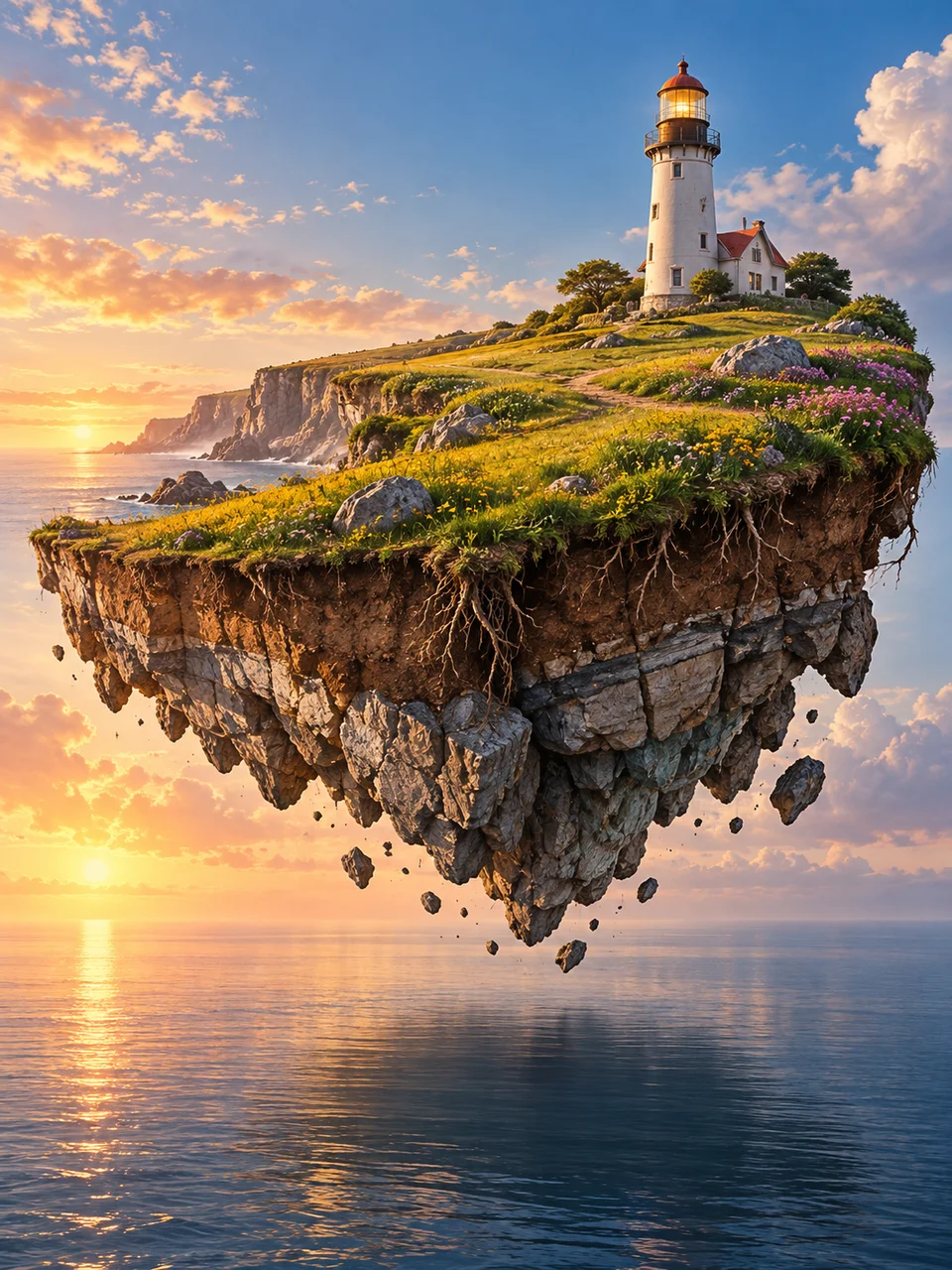
Floating Island AI Art Generator: Floating Horizon
A suspended terrain slice exposes roots and geology.
- From a description only
- Best shape: 3:4 · 4:5 · 1:1
Works on
- Seedream 5.0 Pro
- Qwen Image 3.0
- Nano Banana 2.1
- Seedream 5.0 Flash
About Floating Horizon
Floating Horizon lifts a single piece of landscape into the air and lets you see its underside. The top holds a recognizable place, while exposed soil strata, roots, and fractured rock explain its thickness. The look draws on surreal landscape illustration presented with photographic light and atmosphere. A soft shadow connects the suspended slice to quiet ground below. One focal landmark gives the viewer a destination and keeps the composition from becoming a collection of unrelated islands.
Describe your landscape in writing, including its top surface and exposed base. A meadow with one lighthouse, a pine ridge with a cabin, a small orchard around a stone well, or a grassy plateau carrying a chapel can all work. State how high the slice floats and what lies beneath it. A relatively simple top allows the hanging roots and rock layers to remain visible as part of the main idea.
Try “one floating meadow slice with a lighthouse and exposed soil above quiet sand” or “a suspended pine ridge carrying a small cabin over a misty valley.” Another option is “an orchard plateau with a stone well, roots visible beneath its fractured base.” Slice thickness changes the emphasis: a shallow section feels fragile and botanical, while a deep rocky underside makes the landscape feel monumental and gives the shadow a greater role.
Tips
- Use one complete land slice with a single landmark to keep the floating form readable.
- Describe soil, roots, and rock beneath the top surface so the underside has geological structure.
- Leave an atmospheric gap between the slice and the ground.
- Keep sunlight consistent on the landmark, cliff edges, and surface below.
- Include a soft ground shadow to suggest height without adding extra floating fragments.
What the style adds
Your words go where it says “your subject”. Everything else is added for you.
your subject. Suspend one complete landscape slice above quiet ground, exposing soil strata, roots and fractured rock beneath. Use coherent sunlight, atmospheric scale and a soft shadow below. Include one focal landmark; avoid multiple islands and game-interface aesthetics.
Models and price
- Seedream 5.0 Pro36 credits
- Qwen Image 3.030 credits
- Nano Banana 2.148 credits
- Seedream 5.0 Flash29 credits
One 1K image from a description. The button always shows the exact price before you spend anything.
How to use Floating Horizon
- Describe itWrite who or what should be in the picture. A small action and a clear place work best.
- Pick a shapeKeep the suggested ratio and model, or change them in the bar at the bottom.
- Paint itPress “Paint it”. The price is on the button before you spend anything.
Questions about Floating Horizon
Can I use Floating Horizon on my own photo?
Not yet. This style works from a description: write what you want to see and the style adds the look.
How much does one Floating Horizon image cost?
29 credits for one 1K image on Seedream 5.0 Flash. 2K costs more, and the button shows the exact price before you run it.
Can I include several islands?
This look is clearest with one complete suspended landscape. Multiple islands can split attention and obscure the focal landmark; start with a single slice and use its underside, shadow, and height to create depth.
How does it differ from Inverted Landscape?
Floating Horizon shows a landscape slice with its upper surface facing normally upward and its underside exposed. Inverted Landscape suspends a whole terrain upside down above another, with a clear atmospheric gap between the two.
Will a city work on top?
A small settlement can work, but one or two clear buildings usually preserve the landscape better. Dense towers can hide the topography and make the floating slice feel like a platform rather than a piece of terrain.
Similar styles
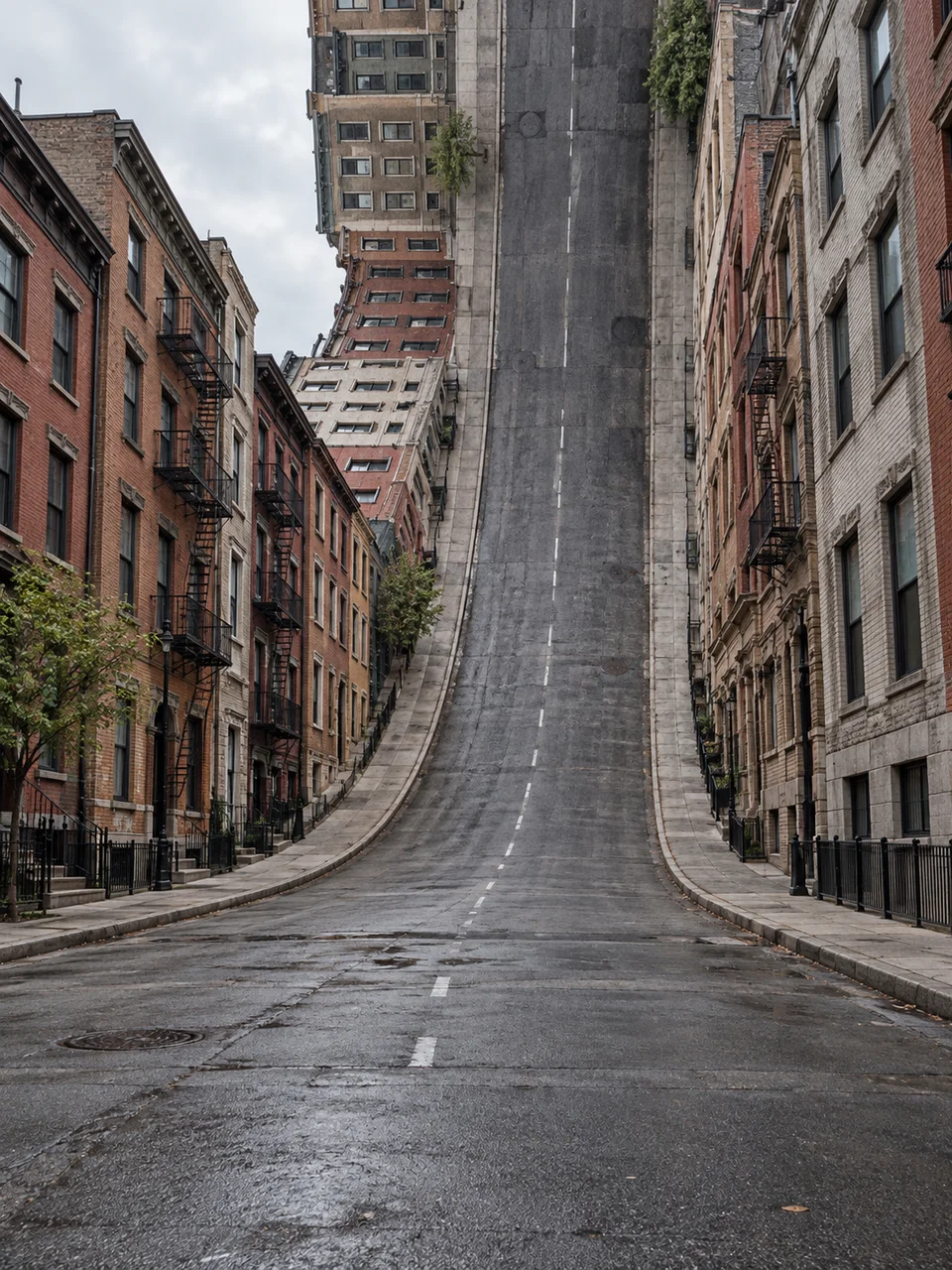 Folded City
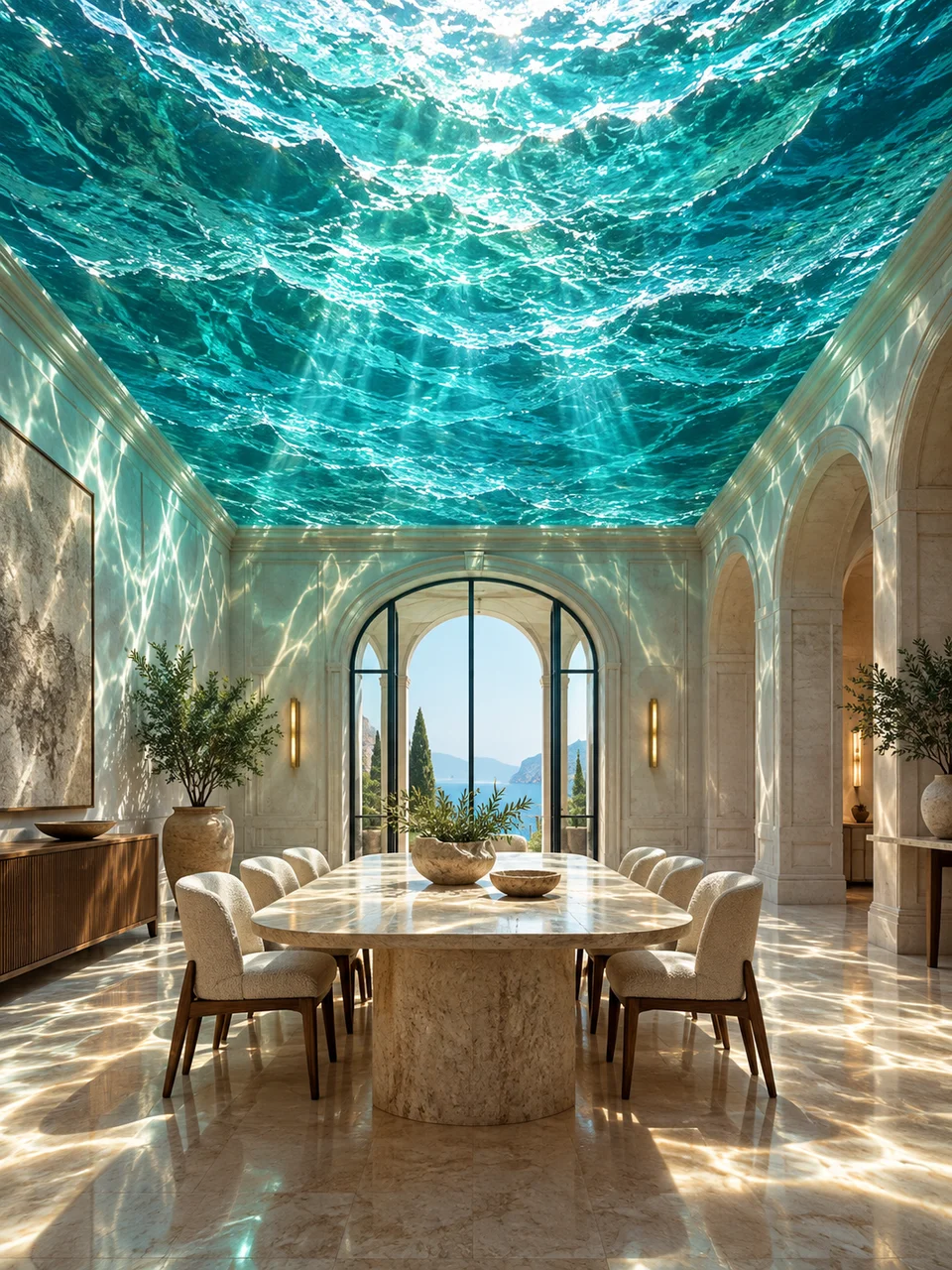 Ocean Ceiling
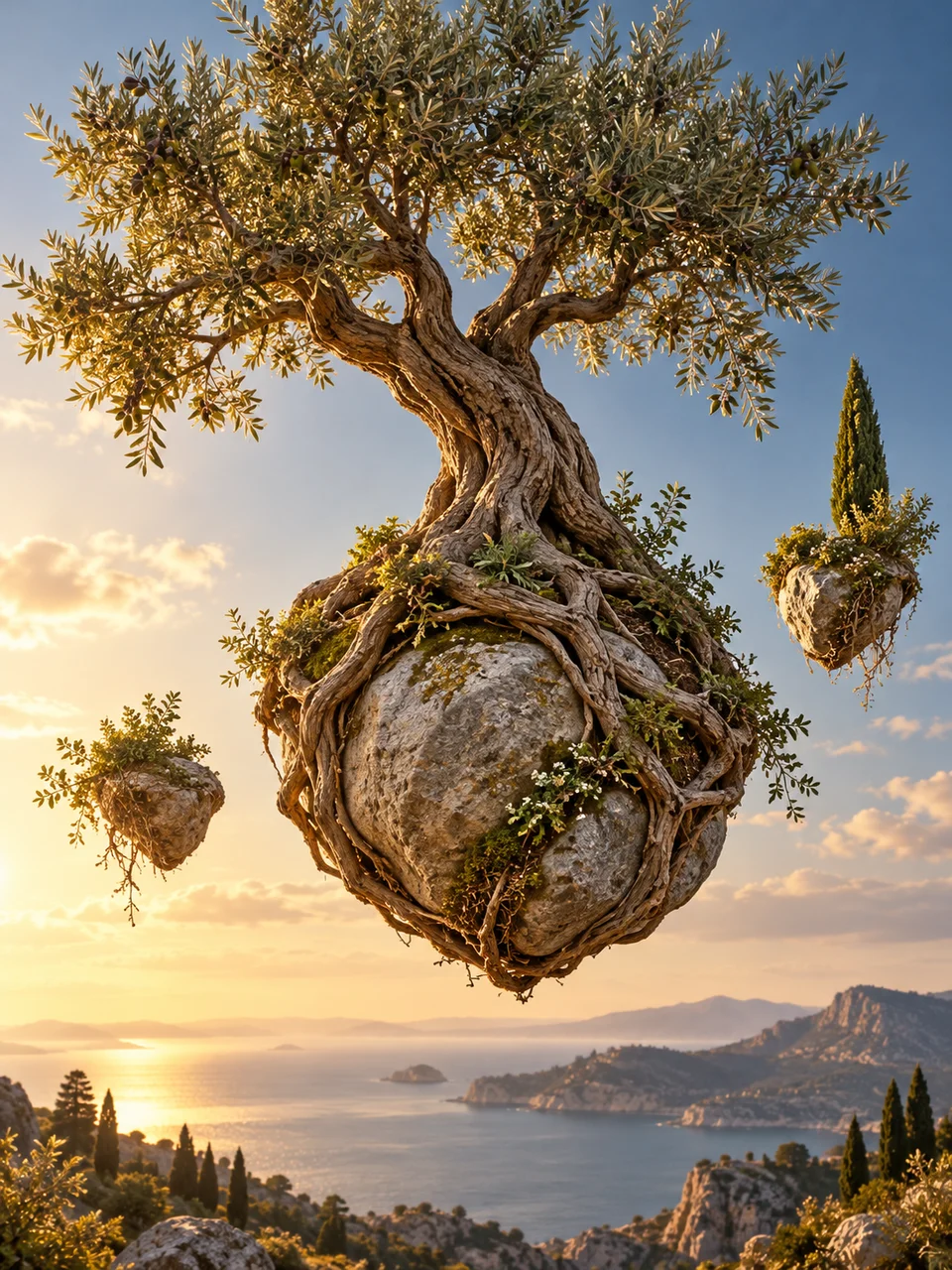 Gravity Garden
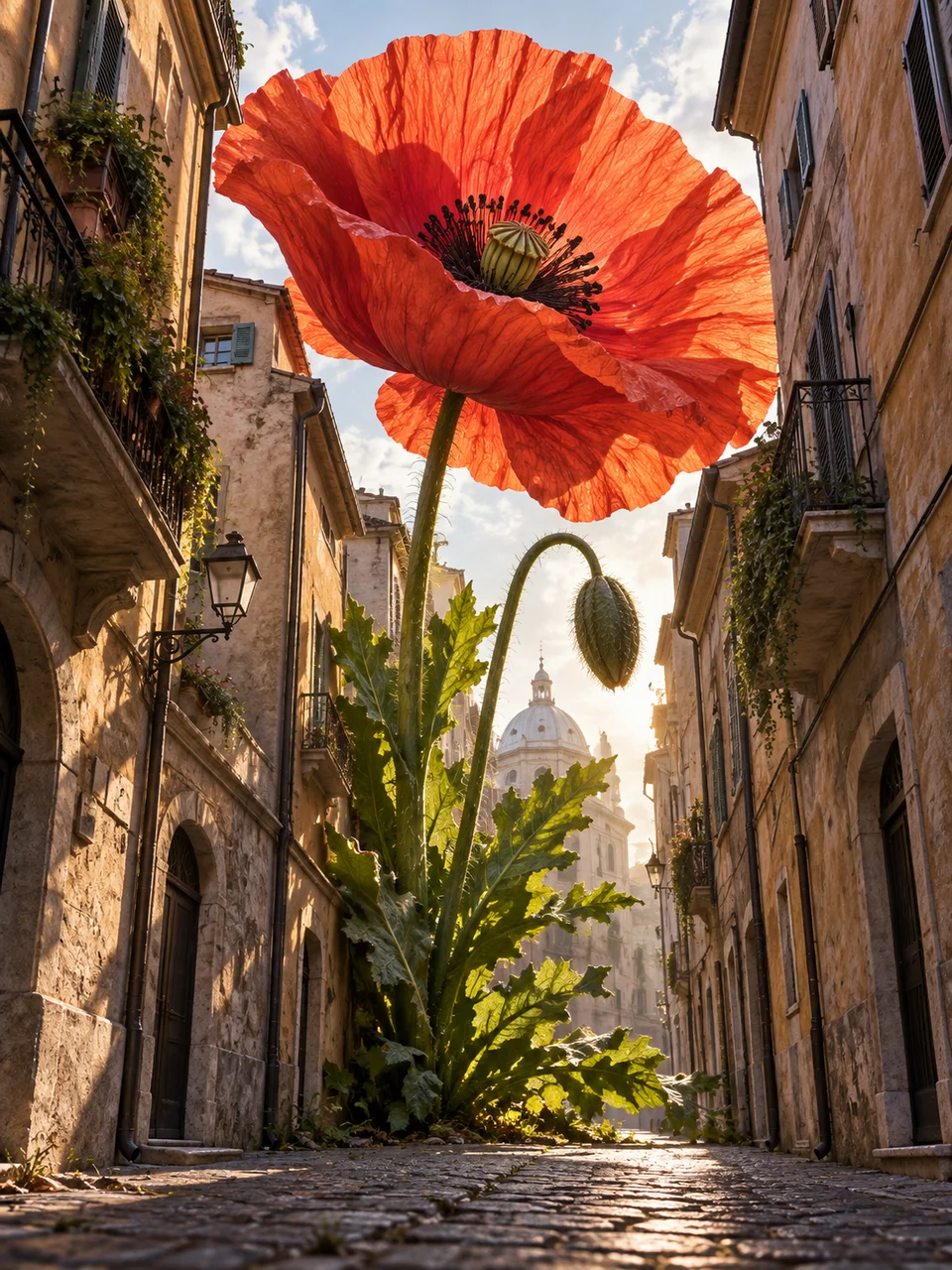 Giant Botanical
Bring it to life
Effects that turn a still in this look into a short video.
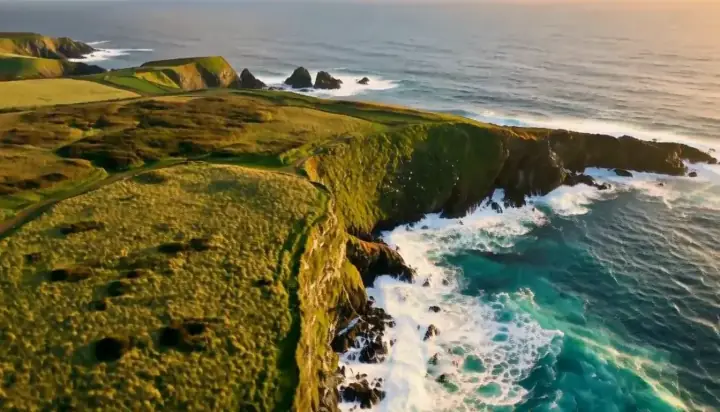 Drone Rise
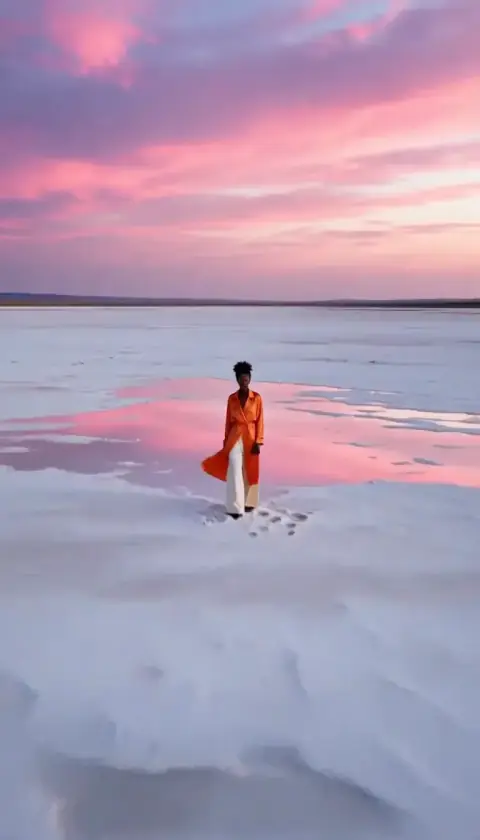 Big Reveal