


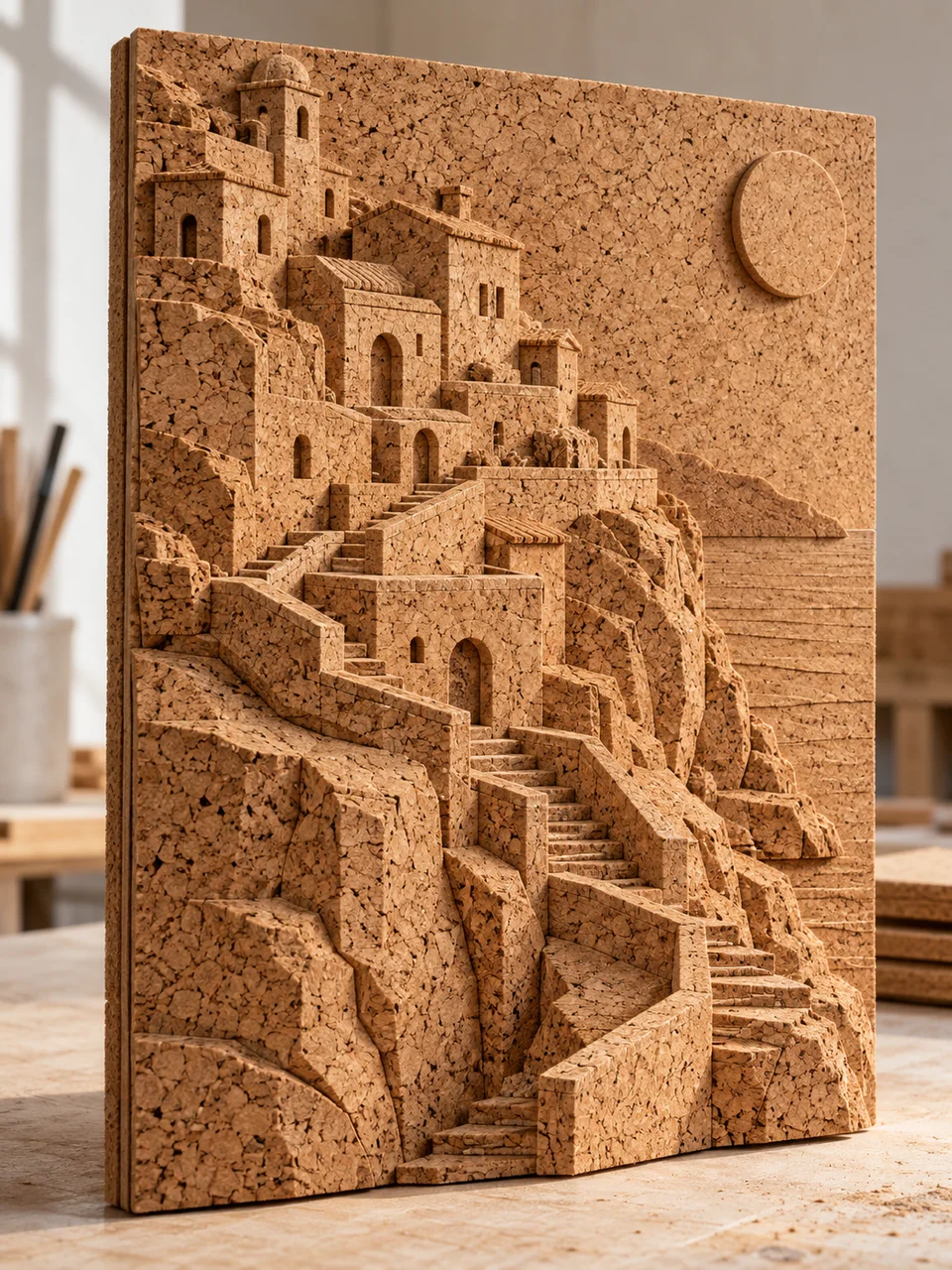
Cork Craft AI Art Generator: Cork Relief
Granular cork cut into architectural layers.
- From a description only
- Best shape: 3:4 · 4:5 · 1:1
Works on
- Seedream 5.0 Pro
- Qwen Image 3.0
- Nano Banana 2.1
- Seedream 5.0 Flash
About Cork Relief
Cork Relief turns the entire subject into a small constructed panel. Granular tan cork supplies every hill, roof, tree, and patch of sky, with laminated sheets and carved bevels creating depth. The visual language comes from model making and layered relief craft. A visible edge and pale workshop table establish the object as something handmade, while raking sunlight brings out the pores and irregular chips within each cut surface.
Work from a written description of a compact scene. A hillside village, an arched railway bridge, a terraced canyon, or a cluster of broad leaves can all be carved into readable cork layers. Name the main planes and the spaces cut between them. Trees should be cork silhouettes and water should be a recessed cork shape, so the picture feels consistently built from one material rather than assembled around a landscape photograph.
Try “a hillside village carved entirely from stacked tan cork sheets” or “an arched railway bridge crossing a recessed cork valley on a workshop panel.” A simpler option is “three broad leaves cut in relief with a visible beveled border.” Thicker sheets produce stronger architectural steps and deeper shadows. Thin layers keep the scene closer to a map, with texture and subtle contour changes doing more of the work.
Tips
- Say that every visible scene element is cork, including foliage and the sky area.
- Include the panel edge and a strip of worktable to establish the handmade object.
- Describe clean gaps under arches so the cut construction remains legible.
- Use stepped contours for terrain instead of requesting smooth photographic mountains.
- Let tan material carry the palette; sunlight and shadow can separate forms without extra colors.
What the style adds
Your words go where it says “your subject”. Everything else is added for you.
your subject. Photograph one handmade cork relief panel on a pale workshop table. Carve and laminate every shape from natural tan cork, exposing coarse granules, pores, beveled contours and sheet thickness. Use raking sunlight and a visible panel edge; no real stone, vegetation or photographic landscape inside the artwork.
Models and price
- Seedream 5.0 Pro36 credits
- Qwen Image 3.030 credits
- Nano Banana 2.148 credits
- Seedream 5.0 Flash29 credits
One 1K image from a description. The button always shows the exact price before you spend anything.
How to use Cork Relief
- Describe itWrite who or what should be in the picture. A small action and a clear place work best.
- Pick a shapeKeep the suggested ratio and model, or change them in the bar at the bottom.
- Paint itPress “Paint it”. The price is on the button before you spend anything.
Questions about Cork Relief
Can I use Cork Relief on my own photo?
Not yet. This style works from a description: write what you want to see and the style adds the look.
How much does one Cork Relief image cost?
29 credits for one 1K image on Seedream 5.0 Flash. 2K costs more, and the button shows the exact price before you run it.
Why is everything tan?
The material itself supplies the color. Variation comes from cork granules, cut faces, and the shadows between layers. Adding vivid painted surfaces can hide the texture that gives this style its distinctive character.
What is different about Paper Pulp Relief?
Cork Relief has coarse pores, firm cut edges, and obvious laminated thickness. Paper Pulp Relief favors softer pressed contours and exposed cellulose fibers, usually with a paler chalk, sage, and clay palette.
Can I make a realistic mountain scene?
You can describe recognizable terrain, but it will be interpreted as a cork model. Broad ridgelines and a few elevation steps work well; distant photographic foliage and fine rock textures are less suited to the material treatment.
Similar styles
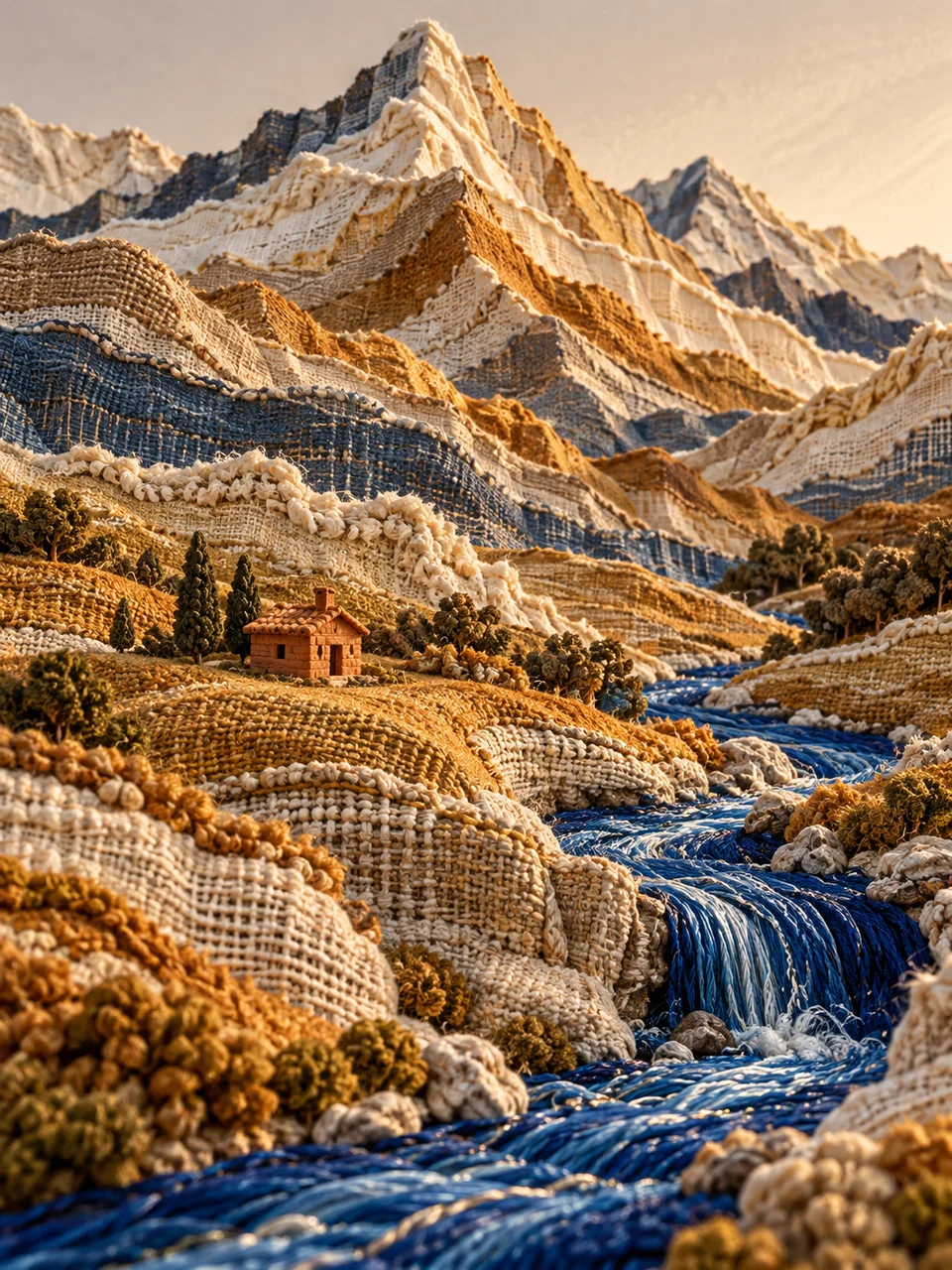 Woven Topography
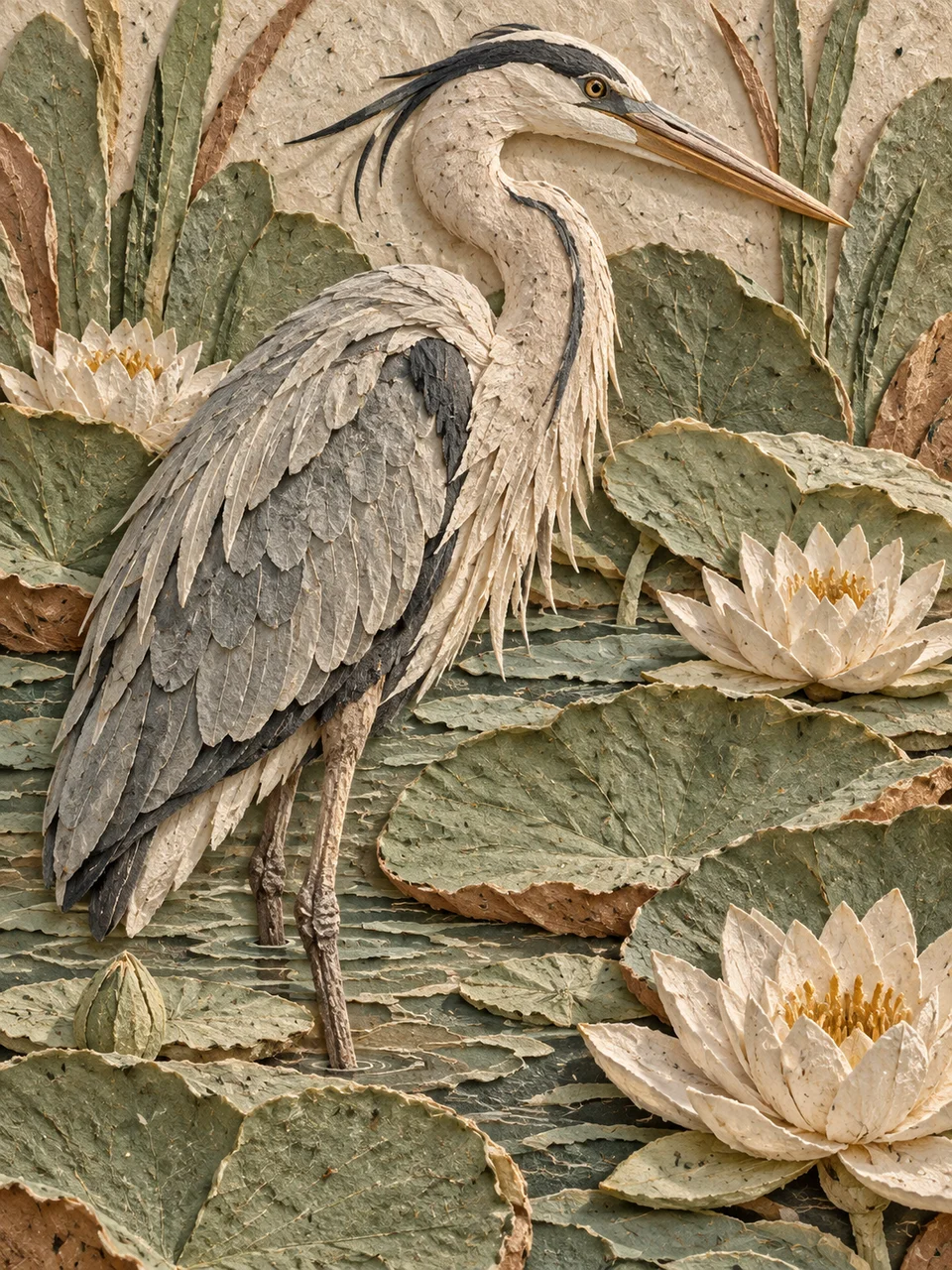 Paper Pulp Relief
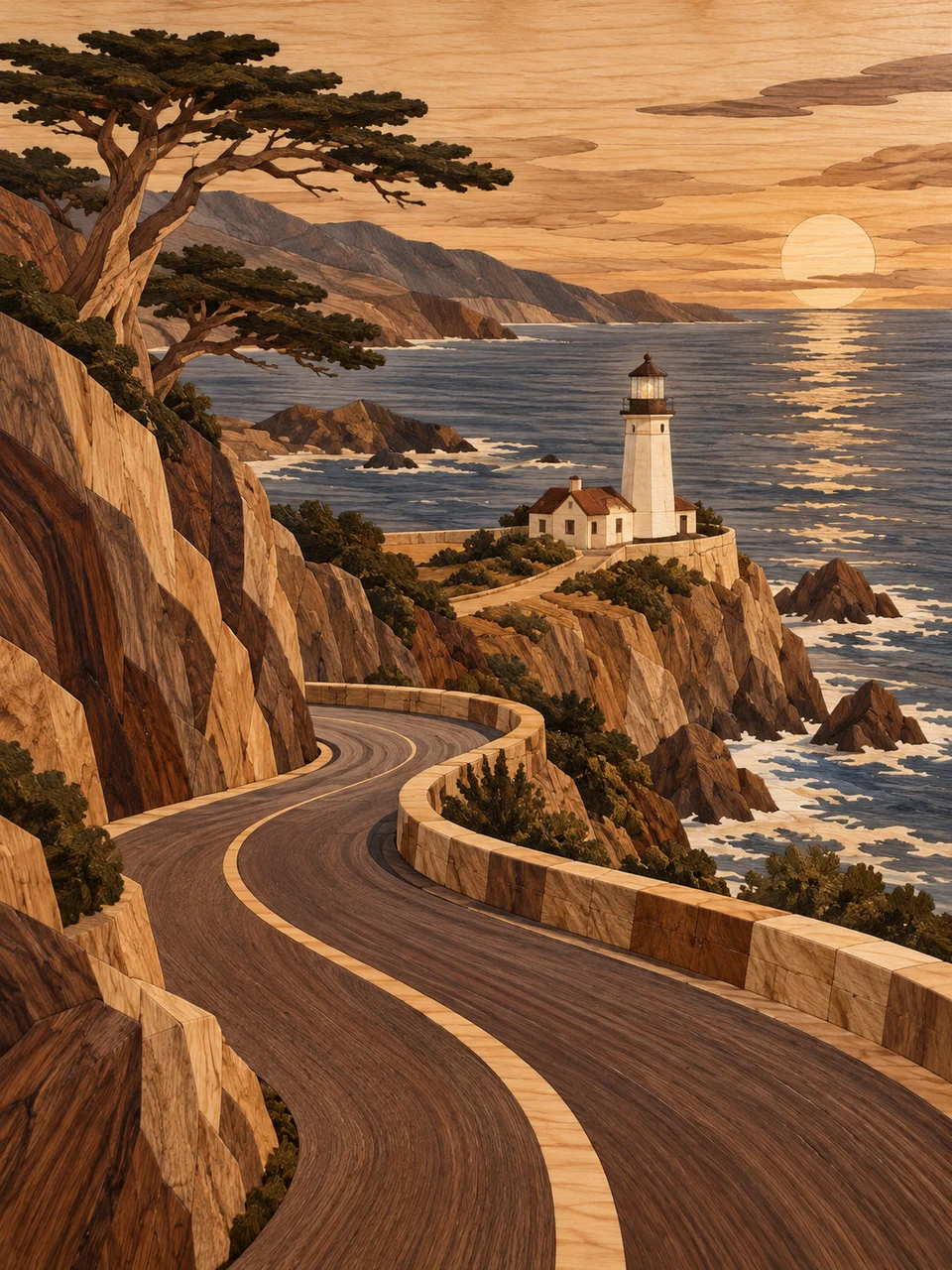 Wood Marquetry
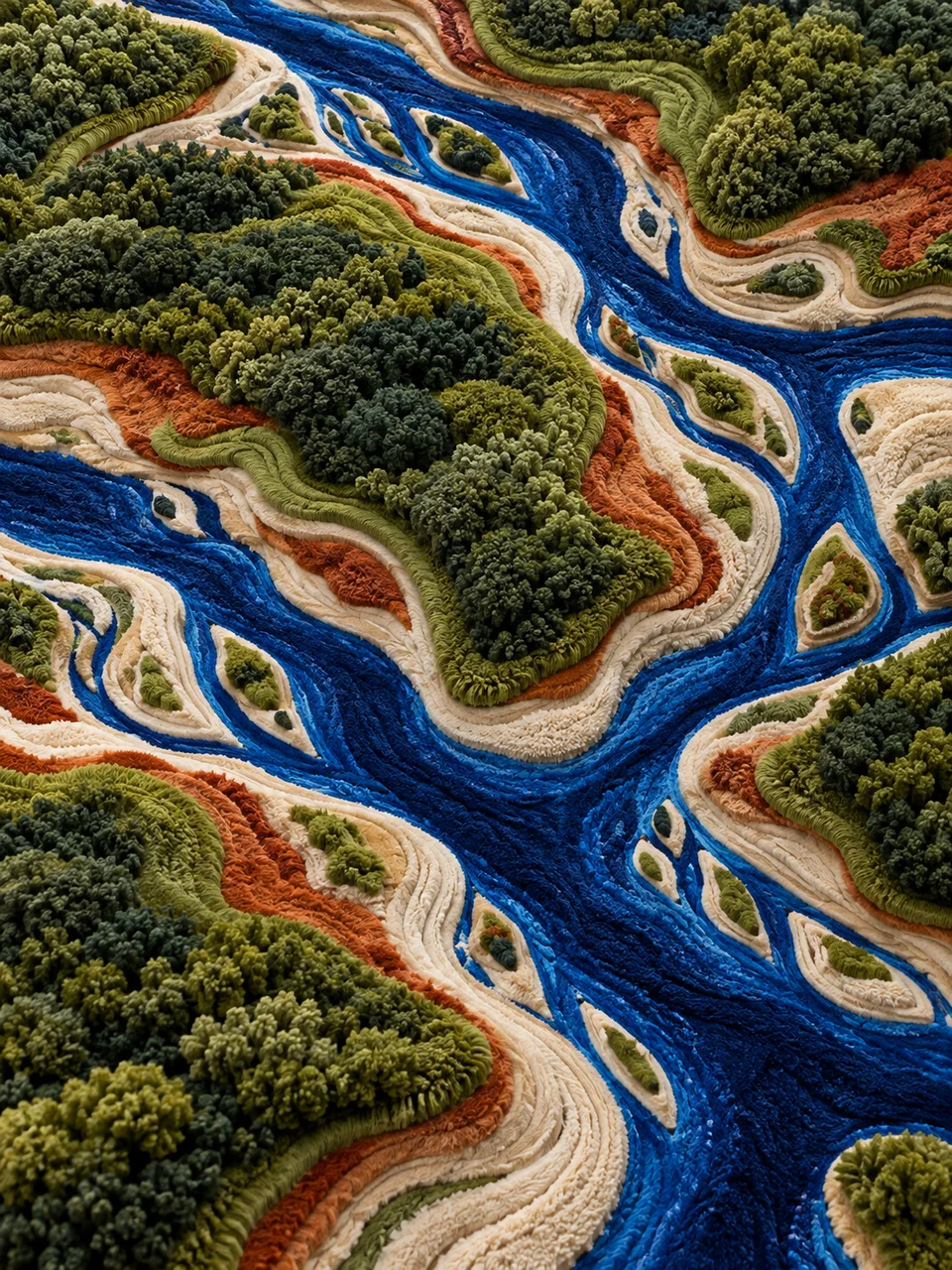 Sculpted Tufting
Bring it to life
Effects that turn a still in this look into a short video.
 Slider Parallax
 Big Reveal