


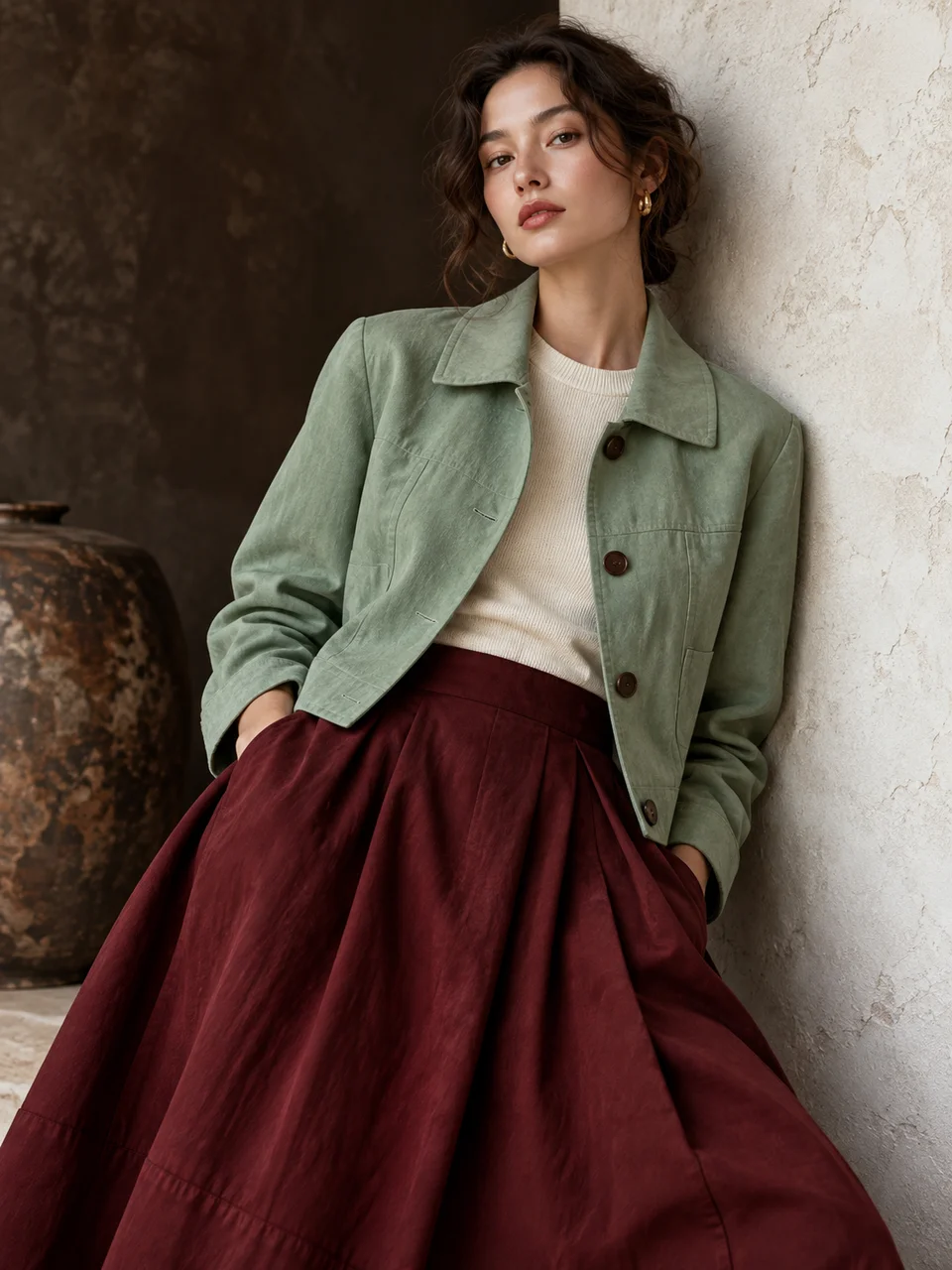
Glaze Color AI Photo Generator: Ceramic Palette
Glaze-inspired color against matte, tactile clothing.
- From a description only
- Best shape: 3:4 · 4:5 · 1:1
Works on
- Seedream 5.0 Pro
- Qwen Image 3.0
- Nano Banana 2.1
- Seedream 5.0 Flash
About Ceramic Palette
Ceramic Palette borrows color relationships from pottery glazes and places them in a fashion photograph. Celadon offers a quiet green, oxblood supplies a deep red, chalk opens the image, and dark umber gives it weight. Matte textiles keep these colors tactile rather than glossy. Soft gallery-like lighting lets seams and natural skin remain visible. The reference is a palette study, so clothing stays cloth and the surroundings do not need to look dipped in glaze.
A celadon jacket over chalk trousers, an oxblood wool coat beside an umber wall, a chalk shirt with a dark skirt, or two layered garments in related green tones can establish the idea. Write the clothing and its color placement in a written description. Choose one dominant block and one smaller counterweight. A simple pose and modest background let the viewer see how the hues balance instead of searching through a crowded pattern.
Try “a person in a celadon matte jacket and chalk trousers in a quiet gallery” or “an oxblood wool coat against a dark umber wall”. A closer view could be “a chalk cotton shirt with a celadon collar detail and natural skin”. Increasing the pale chalk area makes the image feel lighter; expanding umber gives it a denser, quieter foundation. Use oxblood sparingly when you want a focal accent rather than an overwhelmingly red portrait.
Tips
- Assign colors to named garments so the palette forms intentional blocks.
- Choose matte wool or cotton to keep glaze-inspired hues from becoming shiny surfaces.
- Use chalk as a breathing area between two darker colors.
- Keep skin naturally lit instead of tinting the face to match a garment.
- Limit patterns so seam construction and the balance of celadon, oxblood, and umber stay readable.
What the style adds
Your words go where it says “your subject”. Everything else is added for you.
your subject. Use a fashion palette drawn from ceramic glazes: celadon, oxblood, chalk and dark umber, balanced in a few deliberate blocks. Keep clothing matte and tactile with clear seam construction. Soft gallery lighting and natural skin anchor the color study without painted skin or digitally recolored surroundings.
Models and price
- Seedream 5.0 Pro36 credits
- Qwen Image 3.030 credits
- Nano Banana 2.148 credits
- Seedream 5.0 Flash29 credits
One 1K image from a description. The button always shows the exact price before you spend anything.
How to use Ceramic Palette
- Describe itWrite who or what should be in the picture. A small action and a clear place work best.
- Pick a shapeKeep the suggested ratio and model, or change them in the bar at the bottom.
- Paint itPress “Paint it”. The price is on the button before you spend anything.
Questions about Ceramic Palette
Can I use Ceramic Palette on my own photo?
Not yet. This style works from a description: write what you want to see and the style adds the look.
How much does one Ceramic Palette image cost?
29 credits for one 1K image on Seedream 5.0 Flash. 2K costs more, and the button shows the exact price before you run it.
Will the clothing look ceramic?
The ceramic reference is the color palette. Clothing should remain matte, flexible, and visibly constructed from textile. Name wool, cotton, or another fabric if you want to reinforce the difference between glaze color and garment material.
Can I use only two of the palette colors?
Yes. Two clear blocks can make a stronger image than using every hue equally. Celadon with chalk feels lighter, while oxblood with umber creates a denser composition with less tonal separation.
How does this differ from Sculptural Tailoring?
Sculptural Tailoring uses cut and shoulder structure to organize the picture. Ceramic Palette organizes it through glaze-inspired color blocks, keeping garment construction visible while making the relationship between celadon, red, chalk, and brown the main decision.
Similar styles
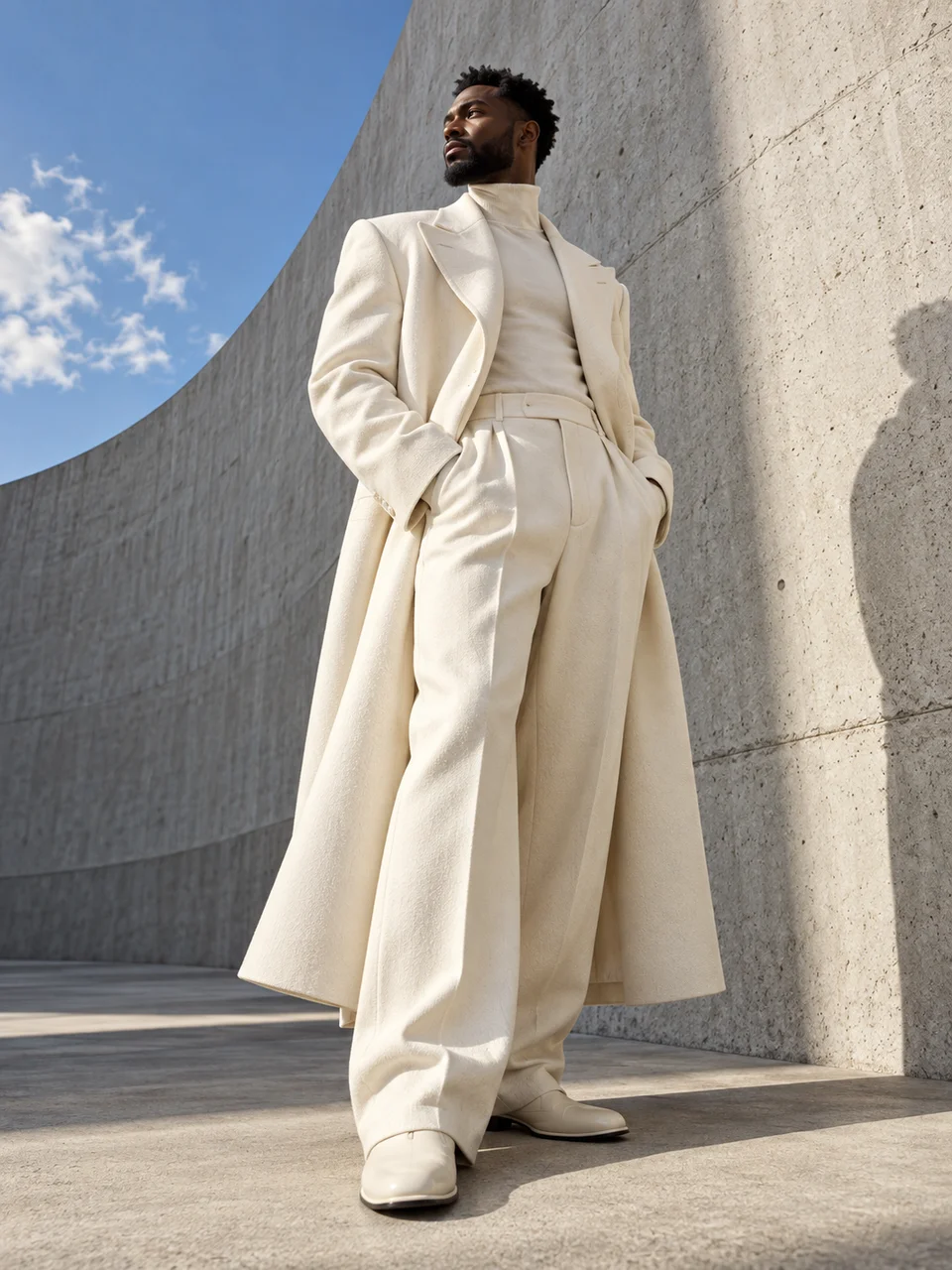 Sculptural Tailoring
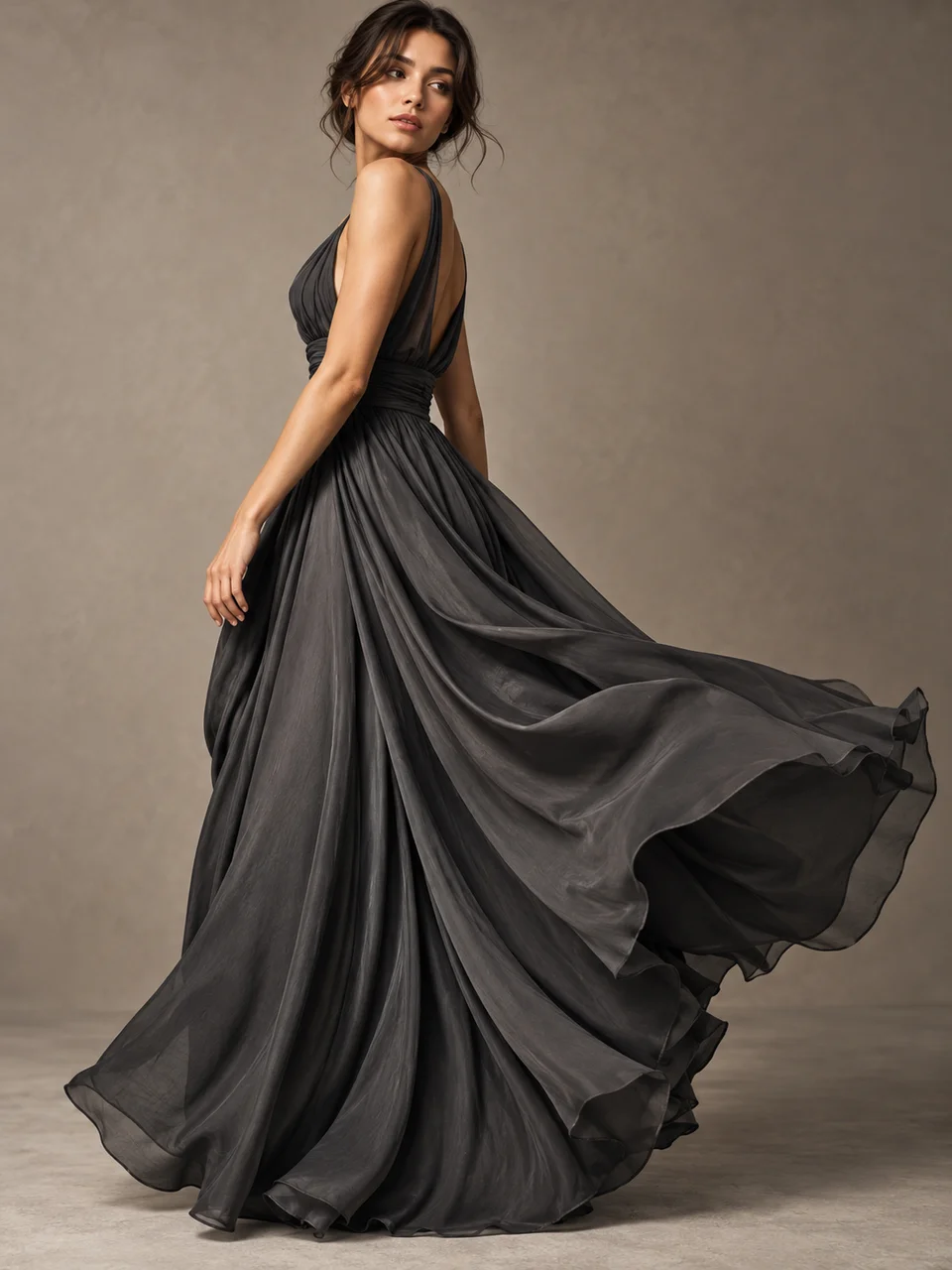 Fluid Draping
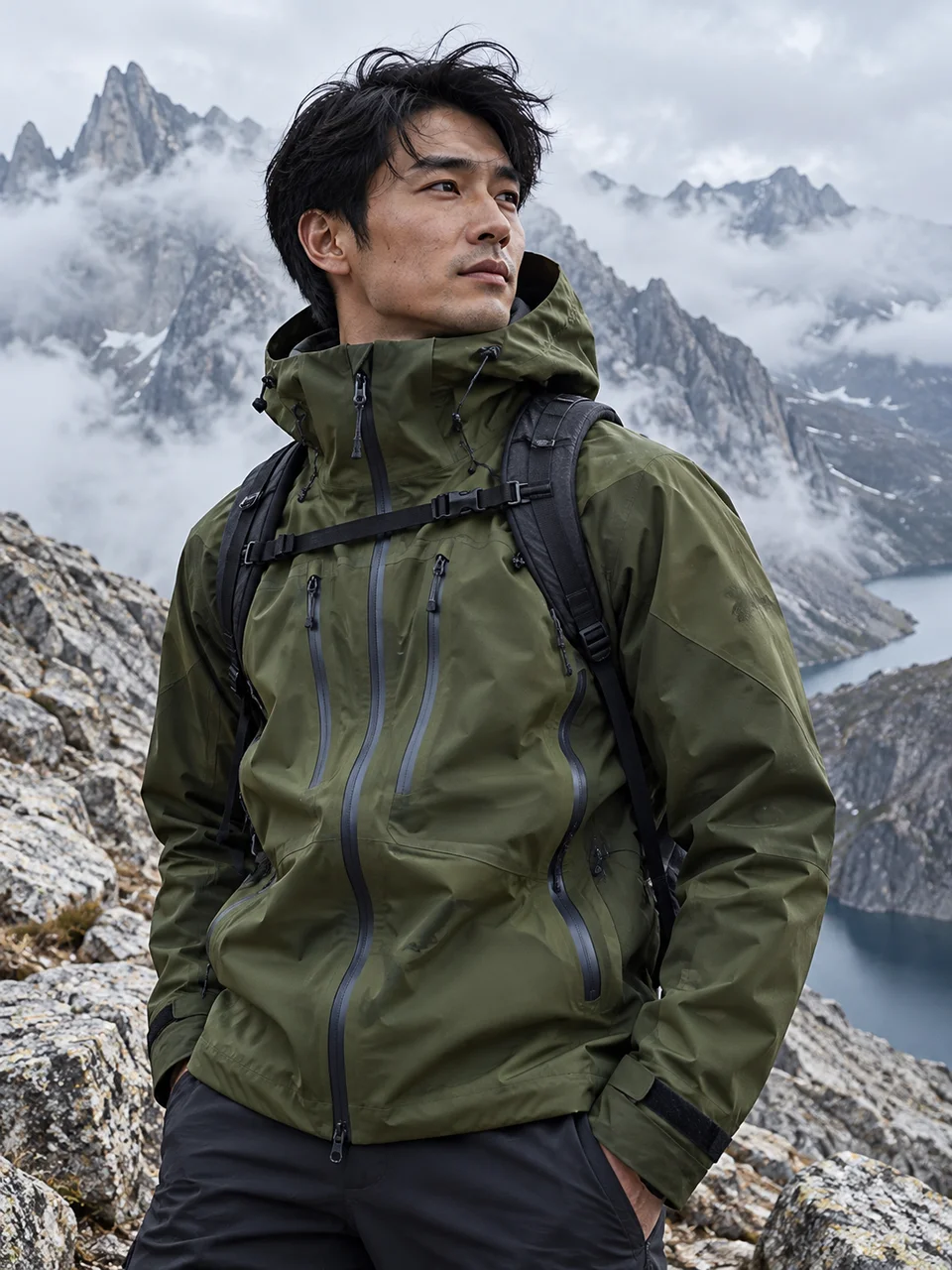 Technical Outerwear
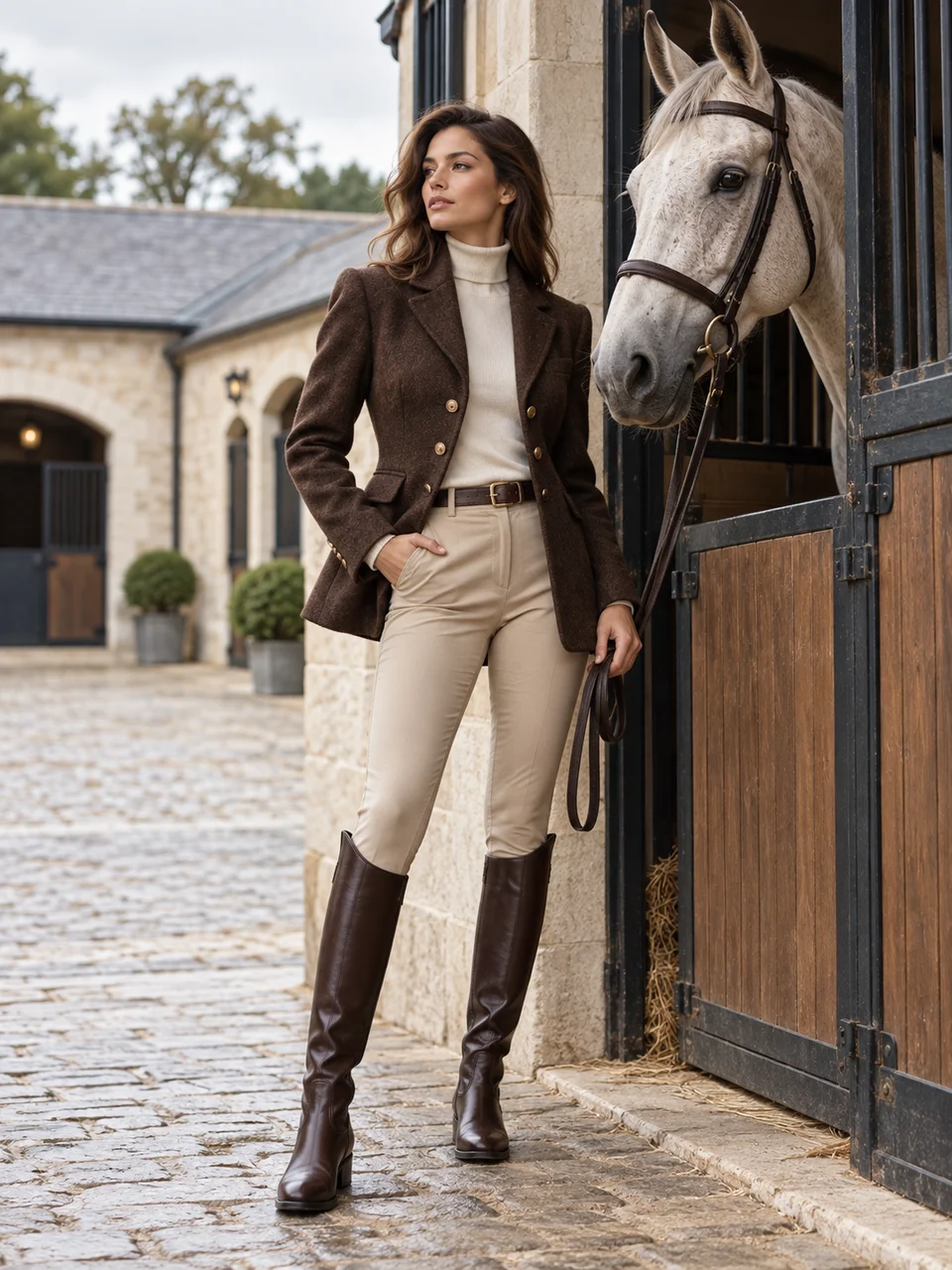 Modern Equestrian
Bring it to life
Effects that turn a still in this look into a short video.
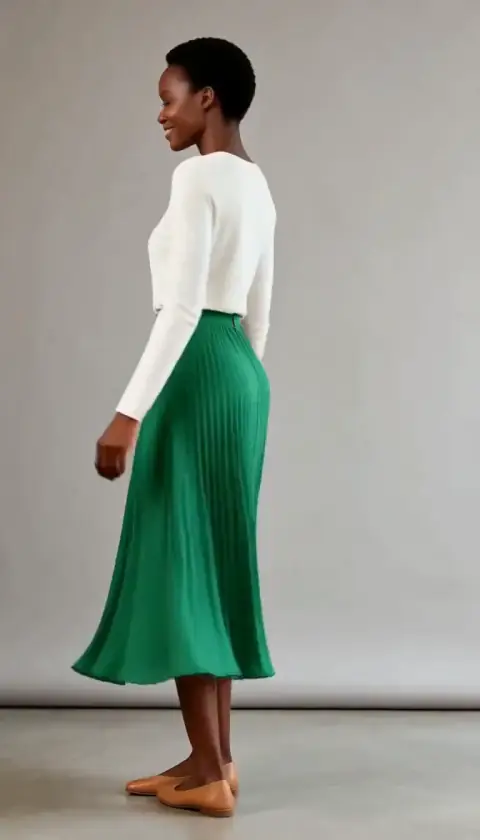 Outfit Check
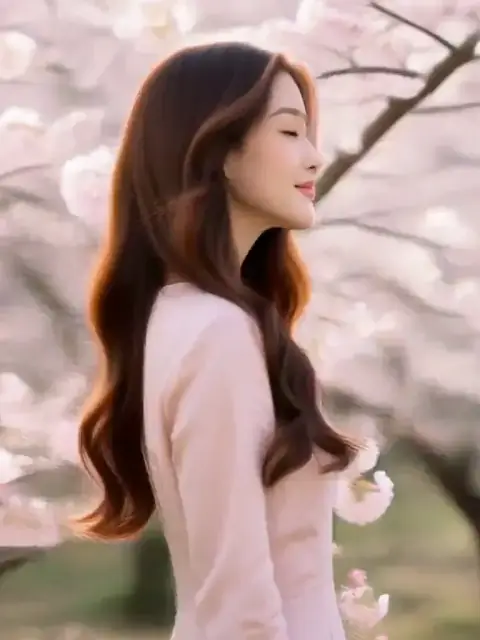 Glam Sweep