


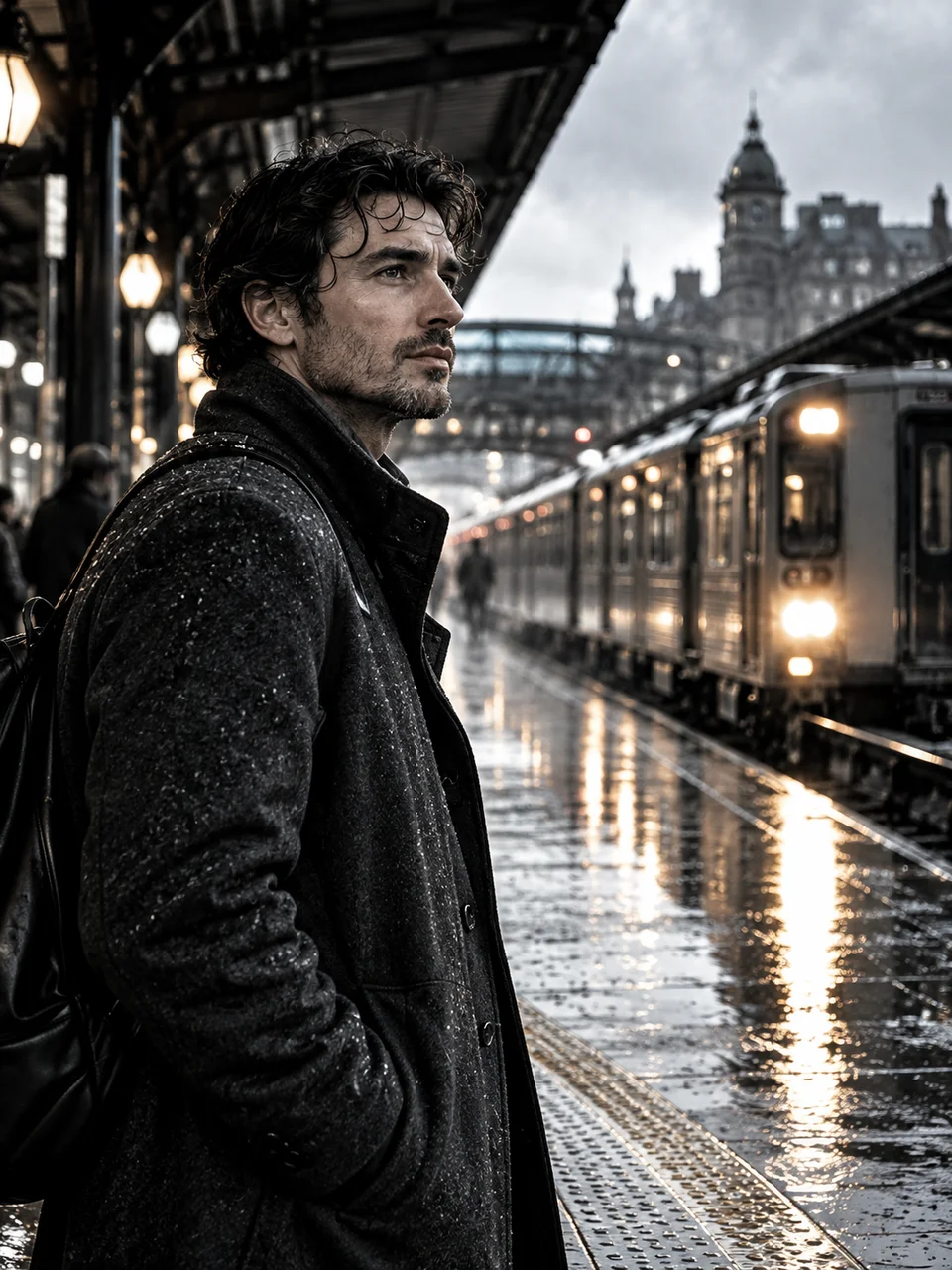
Silver Retention AI Photo Generator: Bleach Bypass
Retained silver adds hard blacks to muted color.
- From a description only
- Best shape: 3:4 · 4:5 · 1:1
Works on
- Seedream 5.0 Pro
- Qwen Image 3.0
- Nano Banana 2.1
- Seedream 5.0 Flash
About Bleach Bypass
Bleach Bypass comes from film processing that retains silver alongside the color image. Its visual signature combines lower color saturation with heavier blacks and harder contrast. Here, the highlights stay luminous and the middle tones keep enough color separation to distinguish skin, concrete, and cloth. Light should seem to come from a window, streetlamp, or other believable source. The mood is severe without relying on extra dirt or featureless black corners.
Consider a commuter waiting under a station canopy, a mechanic beside a workshop door, a concrete stairwell with one overhead lamp, or a cyclist sheltering from rain. Describe the main light and one material that should carry detail. This page creates the scene from a written description. Subjects with pale and dark surfaces together give the treatment more room than an evenly lit scene made entirely of similar gray tones.
Paste “a commuter in a gray coat beneath a station lamp on a wet evening” or “a mechanic resting beside an open workshop door in hard daylight”. For architecture, try “an empty concrete stairwell with one bright ceiling fixture”. Wet pavement adds small bright reflections against the dense shadows. Dry concrete produces a flatter, more restrained scene, while a single red object can remain a muted point of attention among the neutral tones.
Tips
- Identify the practical light source so bright highlights have a visible reason to exist.
- Pair a dark coat with a pale wall to retain separation despite reduced color saturation.
- Ask for readable shadow texture on important objects, especially black hair or dark machinery.
- Use one subdued color accent rather than several bright competing hues.
- Choose rain beads, brushed metal, or rough concrete when you want contrast to reveal material.
What the style adds
Your words go where it says “your subject”. Everything else is added for you.
your subject. Use a restrained bleach-bypass motion-picture grade with retained-silver density, desaturated skin, hard luminous highlights and deep neutral blacks. Preserve color separation in the midtones and practical light motivation. Avoid crushed featureless shadows, teal-orange presets or exaggerated gritty texture.
Models and price
- Seedream 5.0 Pro36 credits
- Qwen Image 3.030 credits
- Nano Banana 2.148 credits
- Seedream 5.0 Flash29 credits
One 1K image from a description. The button always shows the exact price before you spend anything.
How to use Bleach Bypass
- Describe itWrite who or what should be in the picture. A small action and a clear place work best.
- Pick a shapeKeep the suggested ratio and model, or change them in the bar at the bottom.
- Paint itPress “Paint it”. The price is on the button before you spend anything.
Questions about Bleach Bypass
Can I use Bleach Bypass on my own photo?
Not yet. This style works from a description: write what you want to see and the style adds the look.
How much does one Bleach Bypass image cost?
29 credits for one 1K image on Seedream 5.0 Flash. 2K costs more, and the button shows the exact price before you run it.
Is Bleach Bypass completely black and white?
No. Color remains, particularly in the middle tones, but it is restrained by the dense silver-like contrast. Mention an important garment or object color if you want it to remain distinguishable within the subdued palette.
How does it differ from Movie Still?
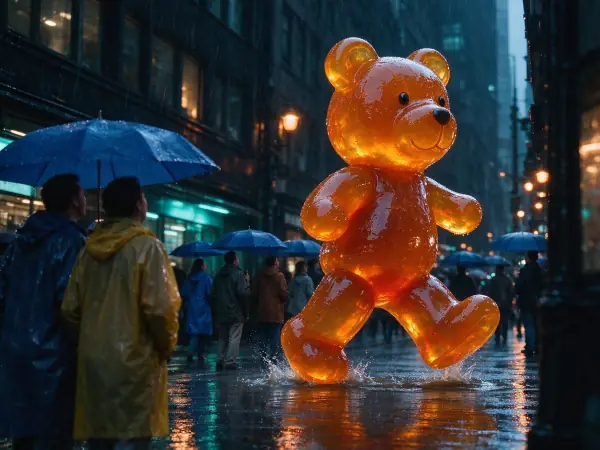
Movie Still offers a broader cinematic scene treatment. Bleach Bypass centers on the specific relationship between muted color, retained-silver density, hard highlights, and deep neutral blacks, giving otherwise ordinary settings a more austere appearance.
Why are the shadows so strong?
Dense shadows are part of the silver-retention reference. To keep a face readable, describe light reaching that face or a pale nearby wall reflecting illumination. A scene lit only from behind will naturally conceal more facial detail.
Similar styles
 Movie Still
 Silver Gelatin
 Selenium Split Tone
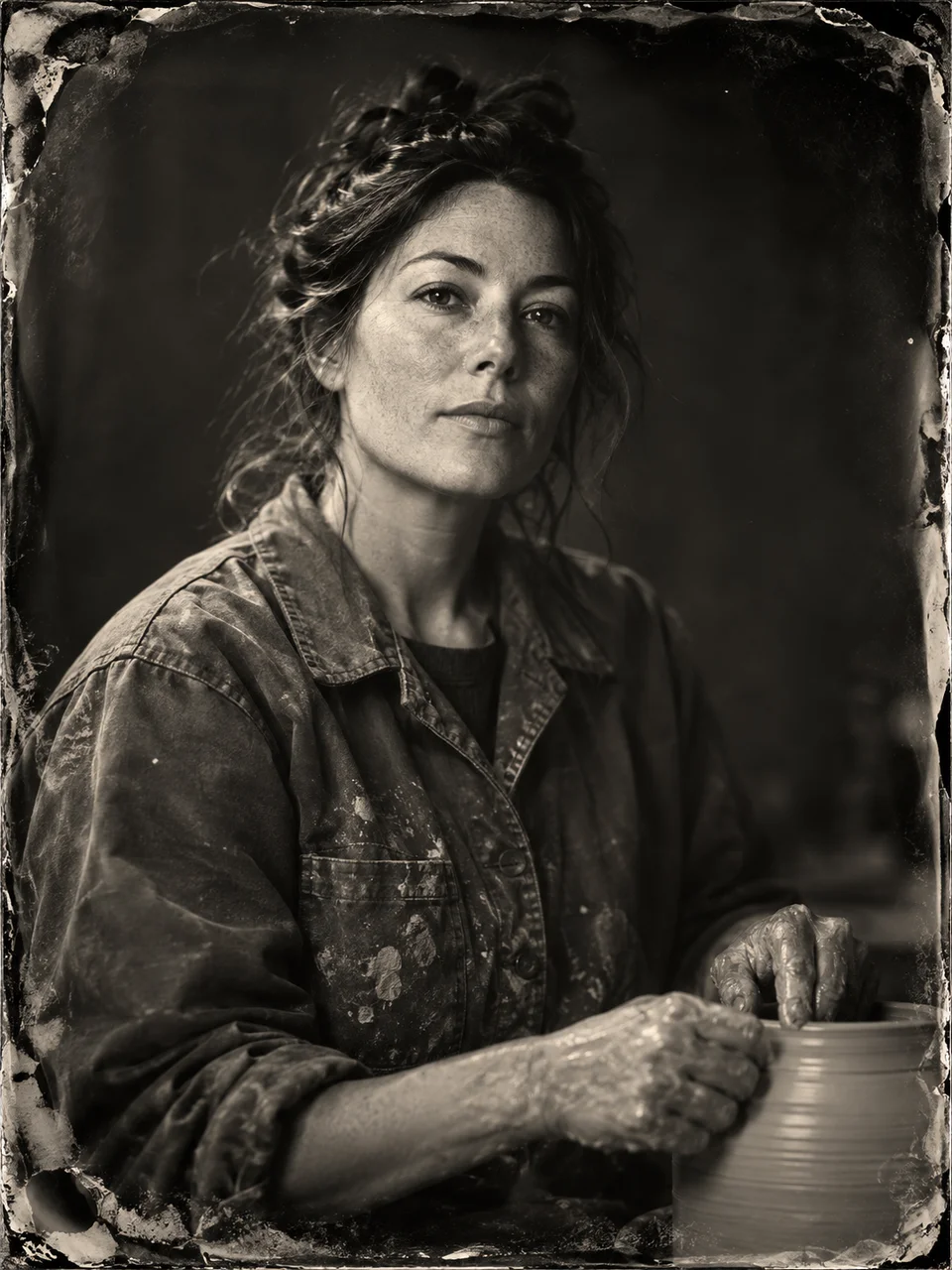 Wet Plate Portrait
Bring it to life
Effects that turn a still in this look into a short video.
 Rain Falls
 Slider Parallax